

Seagate External Hard Drives in External Hard Drives
















About Seagate External Hard Drives in External Hard Drives - Walmart.com
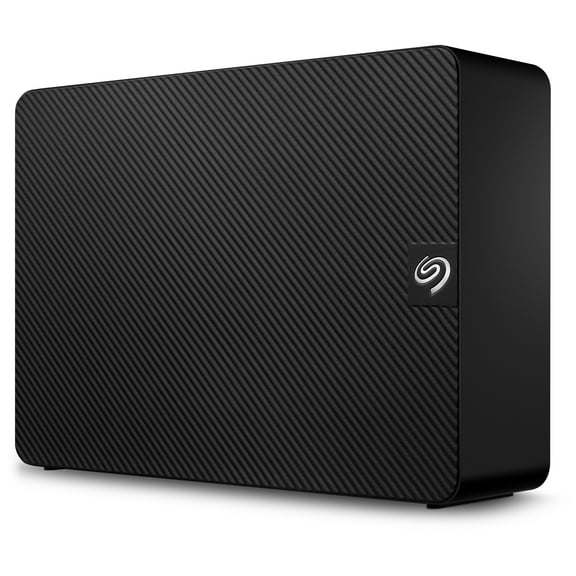
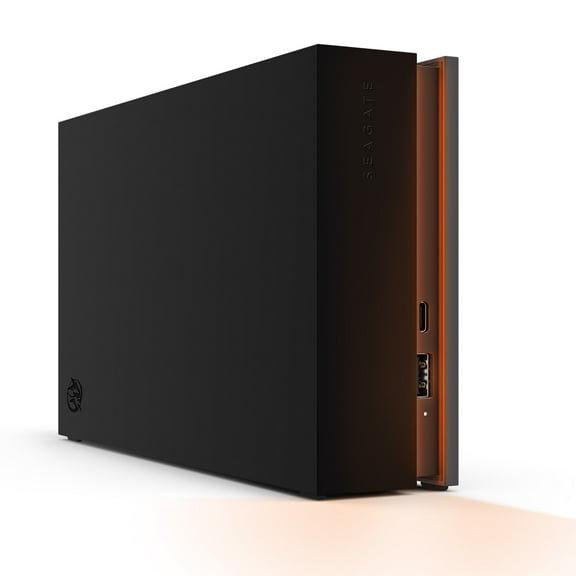
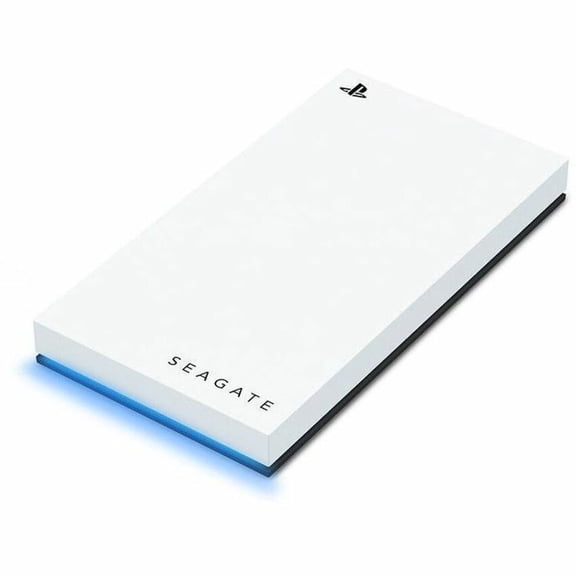
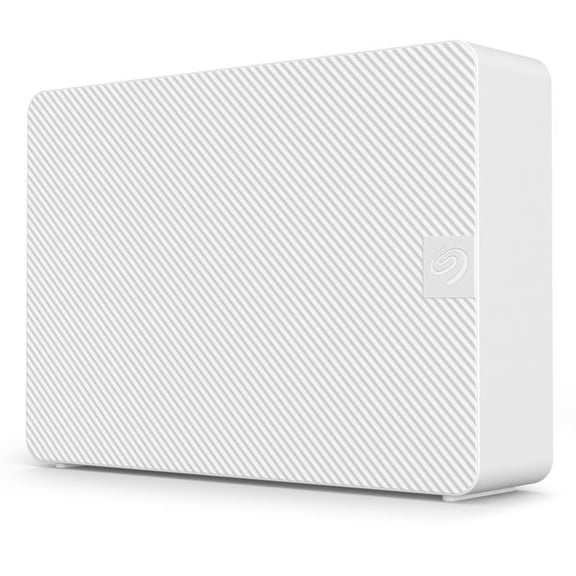
A seagate external hard drive gives simple storage for backups, game libraries, and large media files. Walmart’s Seagate selection includes portable and desktop models, so you can match size and capacity.
Choose a pocket-ready drive for travel, or pick a desktop unit for a steady home setup. Many options are designed for quick setup, so moving files feels straightforward.
Storage needs add up quickly with photos, video, creative projects, and schoolwork. An external drive helps keep your main device uncluttered while keeping important files together.
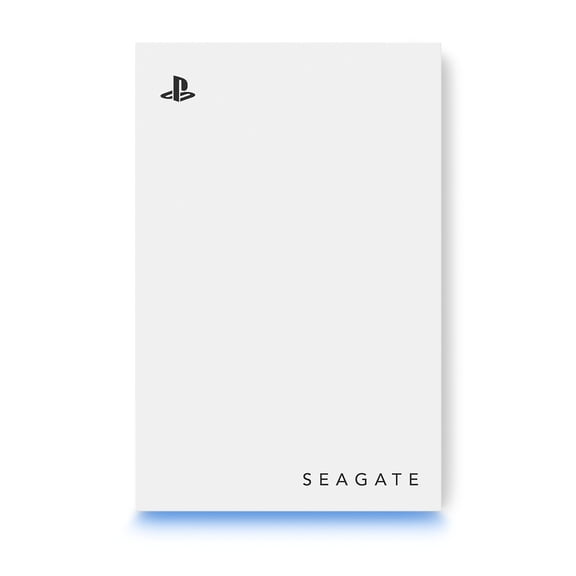
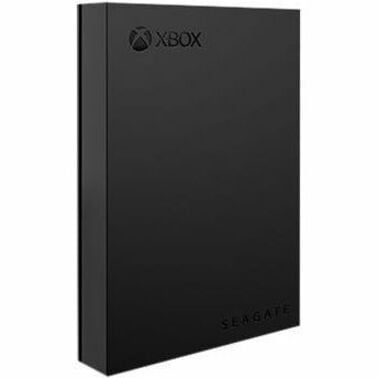
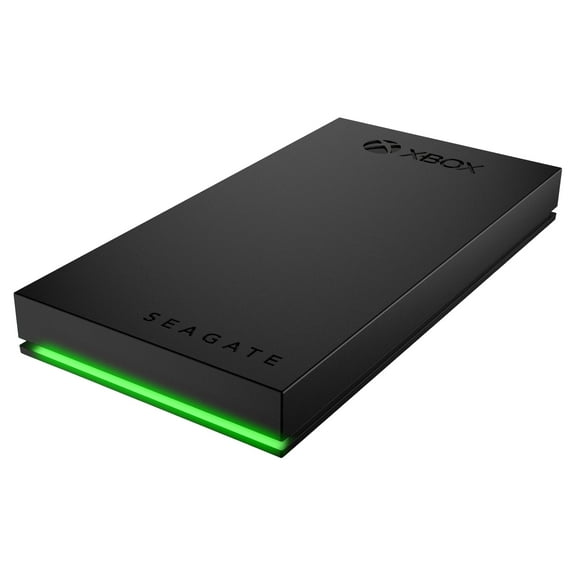
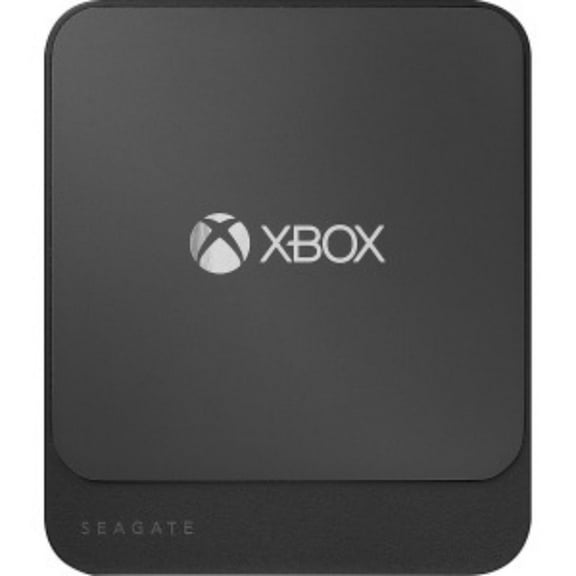
Seagate’s lineup also makes it easier to expand a console library without opening any hardware. With multiple capacities and form factors, it’s simple to choose what fits your routine.
Why a Seagate drive supports everyday storage
External storage is effective when it fits how you actually use your devices. A seagate external hard drive can move between computers, plug into a console, or stay connected at a desk.
It’s a practical way to store large folders when internal space starts feeling tight. It also helps keep projects organized across work and personal devices.
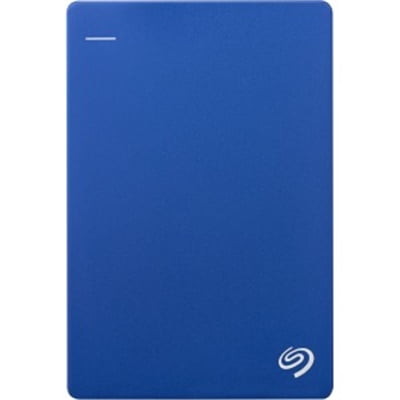
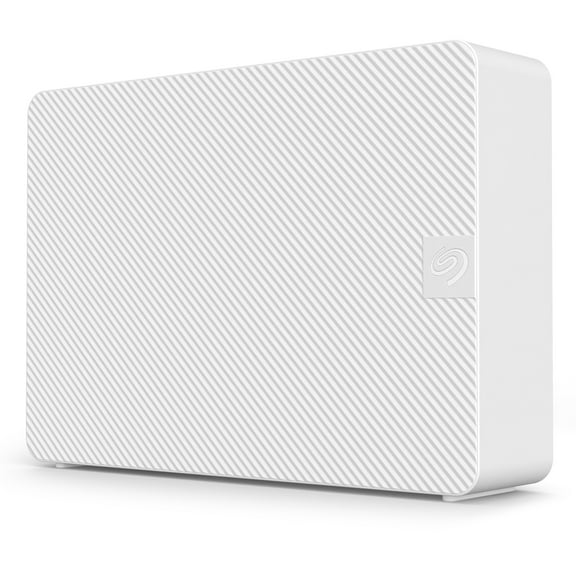
Portable models are built for mobility and quick connections. Desktop models focus on high capacity and steady performance at home.
Picking the right style helps you avoid carrying more gear than you need. It also helps you set up a reliable place for your files.
- Free up room on your laptop by moving photo and video libraries to external storage.
- Keep a second copy of important folders, so your primary device stays focused on daily tasks.
- Expand a console’s storage for larger game installs and downloadable content.
- Move large project files between workstations without relying on slow uploads.
- Keep a dedicated drive for school or creative work to stay organized by purpose.
When you choose capacity and connection types carefully, daily file handling feels smoother. It’s easier to archive older files while keeping current work accessible.
You can also set up separate folders for different devices and users. That structure helps when multiple people share a computer.
Seagate external hard drive features to compare
Start with the drive type, because it changes how you’ll use it. Portable drives typically pull power through the USB connection.
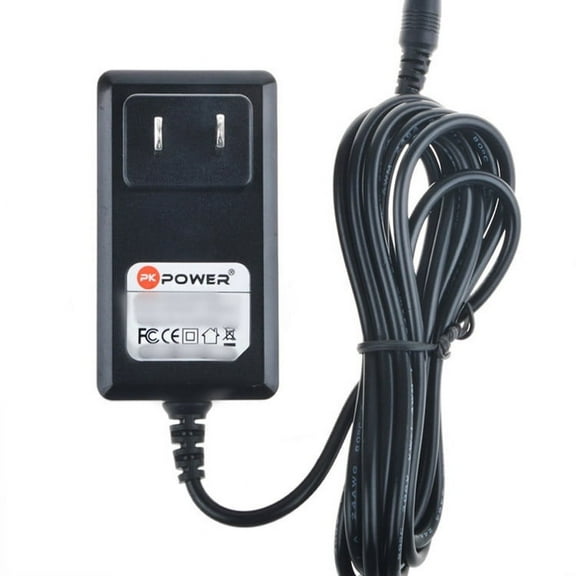
Desktop drives usually use a separate power adapter for stable operation at a workstation. That difference matters if you plan to travel with your drive.
Capacity is the next decision, and it should match your file size habits. A Seagate one TB hard drive works well for documents, photos, and smaller game libraries.
Seagate two TB capacity gives more breathing room for mixed use. Seagate five TB is useful for larger media collections and long-term archives.
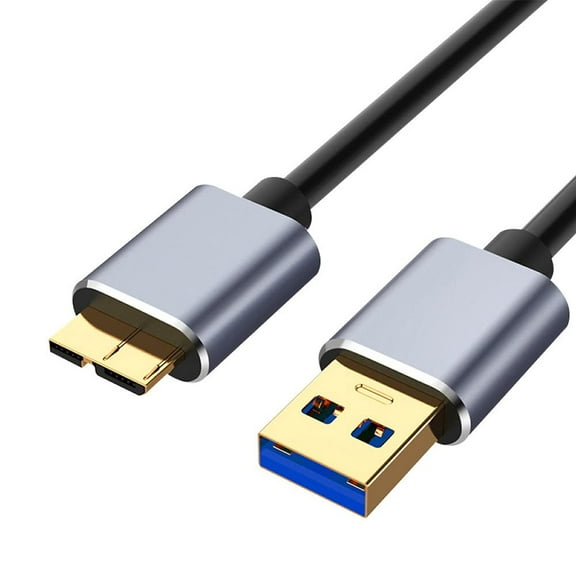
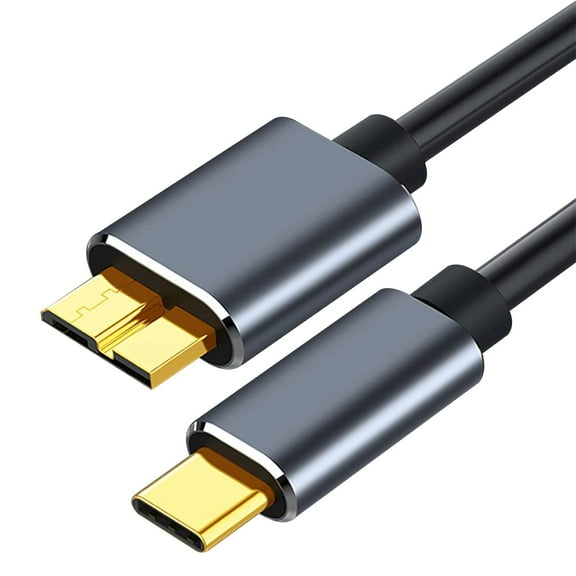
Connection type affects speed and convenience. Many models use USB connections that work with common laptops and desktops.
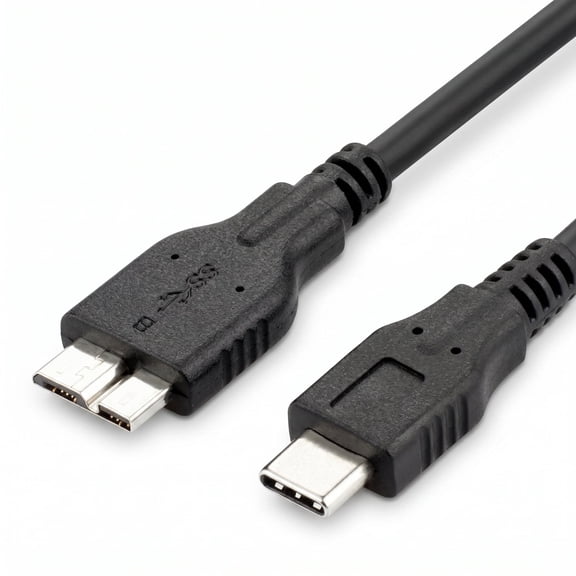
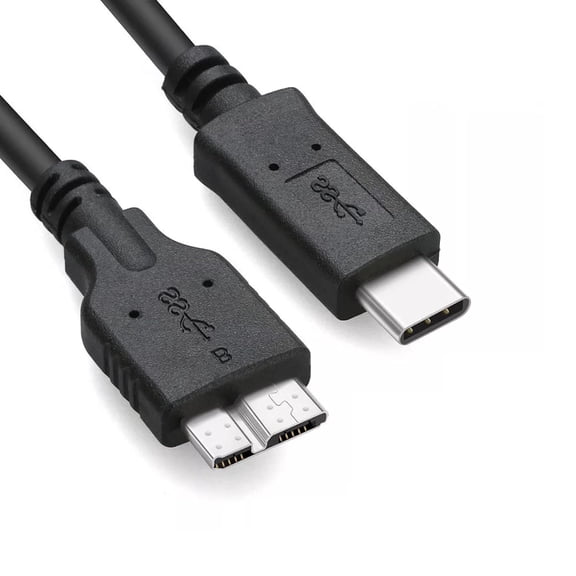
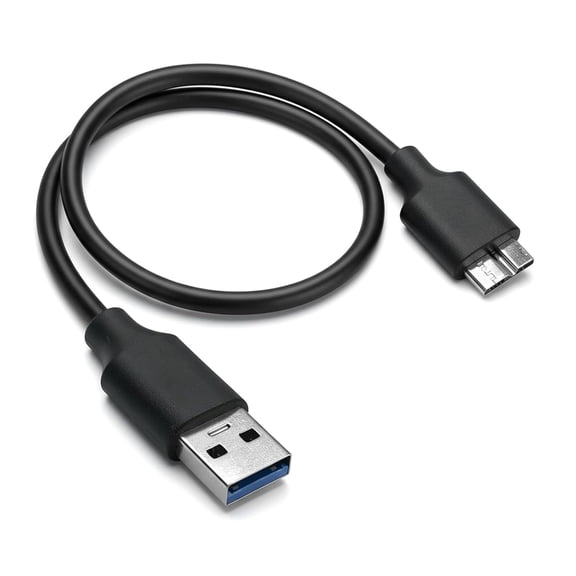
Some drives include compatible cables for quick setup. Check your device ports so you don’t end up needing extra adapters.
Form factor also impacts where the drive fits. Slim portable units slide into a backpack pocket or desk drawer.
Desktop enclosures sit securely on a shelf or beside a monitor. If you like a tidy setup, consider cable length and placement.
Compatibility details help avoid setup surprises. Some drives are formatted for specific systems, while others support reformatting options.
If you switch between platforms, look for clear notes on Mac and PC use. Console users should also look for guidance on supported storage use.
Portable vs desktop Seagate drives
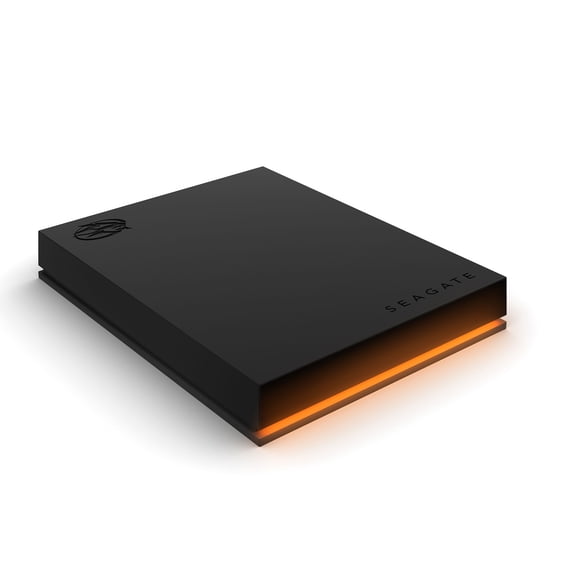
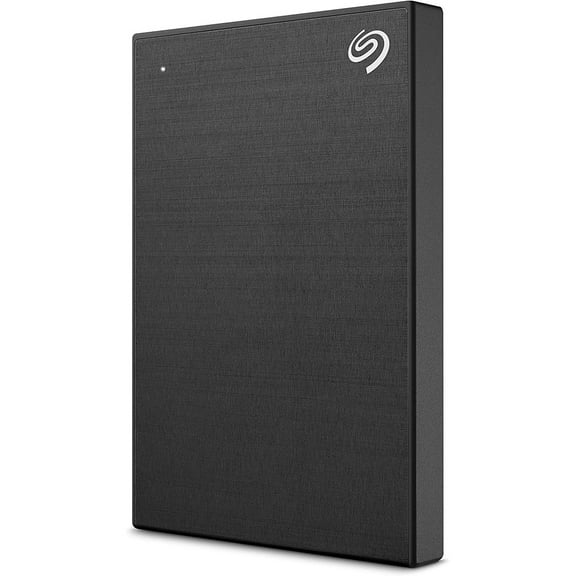
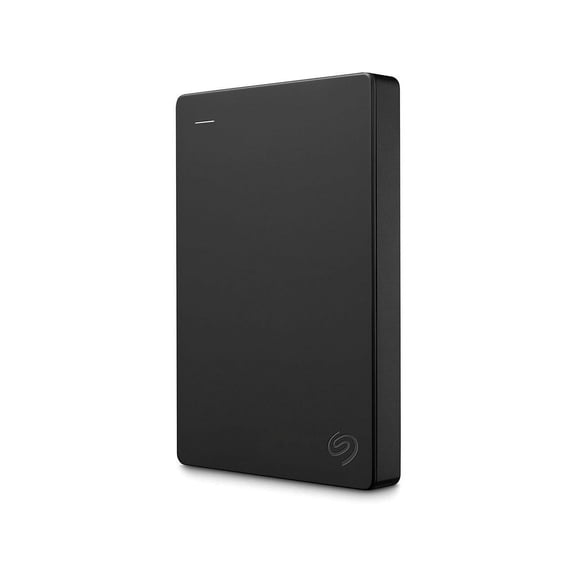
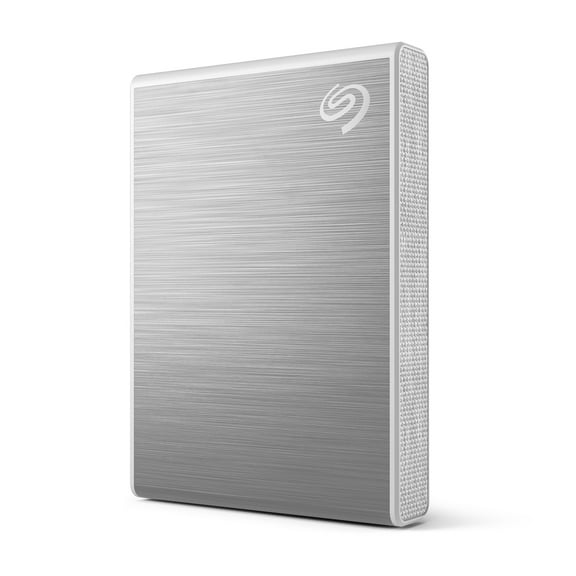
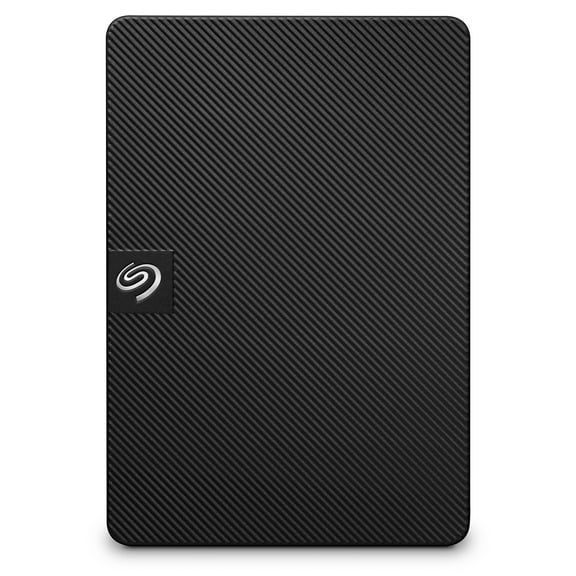
A Seagate portable hard drive is designed for grab-and-go storage. It’s a good choice for students, commuters, and creators who move between locations.
Portable drives are easy to pack and quick to connect. They’re also convenient for sharing files between trusted devices.
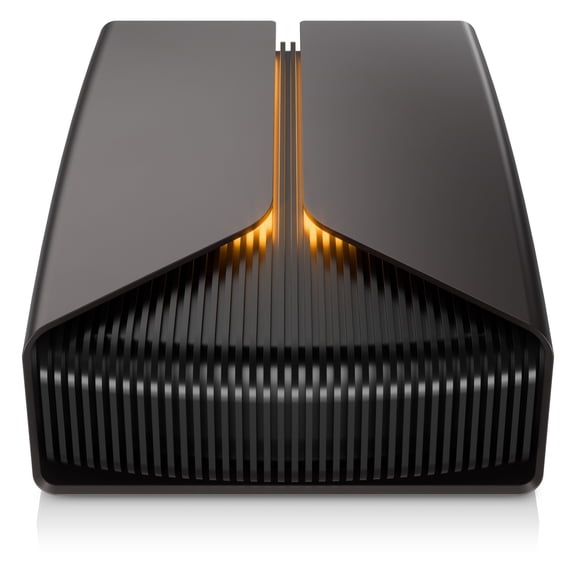
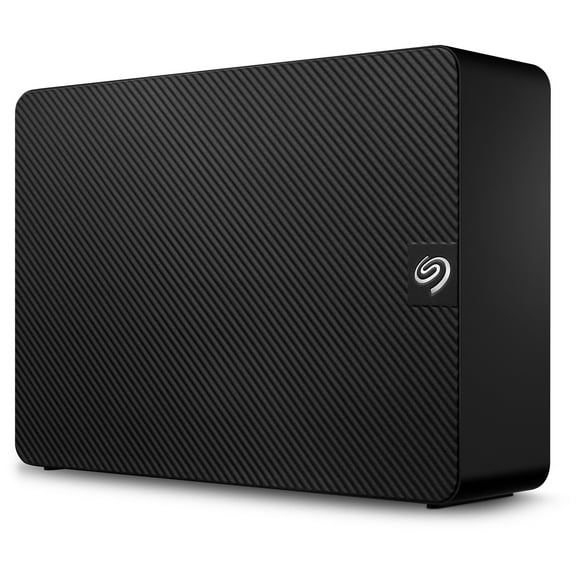
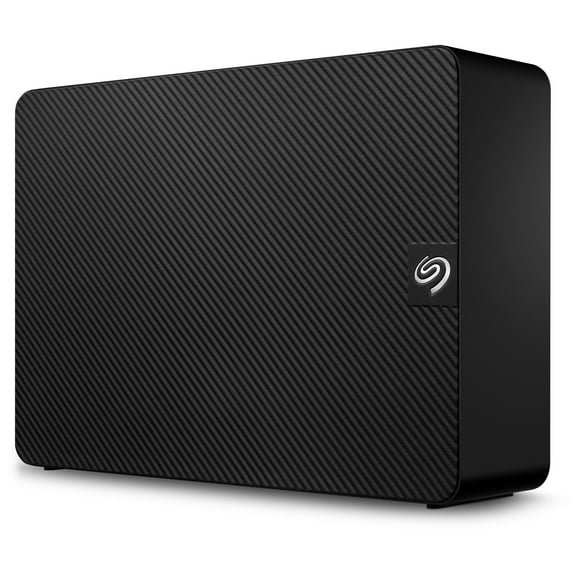
Desktop drives suit a fixed workspace where capacity matters more than portability. They’re useful for home offices, family computers, and content collections that stay in one place.
A desktop setup can keep a drive connected for ongoing file organization. That’s helpful when you regularly add new photos or videos.
Think about your daily pattern before choosing. If you travel with a laptop, portability often wins.
If you want a central backup spot at home, desktop models make sense. Some households even use both, with different folders for different jobs.
How to choose the right capacity for your files
Storage planning is easier when you match capacity to the type of content you keep. Photos and documents can fit comfortably at lower capacities for many users.
Video, game installs, and creative assets can grow quickly over time. Planning ahead reduces the need to reorganize later.
Seagate one TB hard drive options are a strong fit for basic backups and light media collections. Seagate two TB works well for families sharing a computer and storing years of photos.
Seagate five TB is a practical pick for large libraries and long-term archiving. It also works well when you keep multiple device backups in one place.
Consider how you’ll structure your folders. Some people prefer one drive per device, which simplifies organization.
Others use one drive for media and another for projects. A clear plan helps you avoid mixing everything together.
Real-world ways to use a Seagate external HDD
A Seagate external HDD fits daily routines across work, school, and entertainment. It’s useful when a laptop’s internal drive fills up with class projects.
It also supports creators who keep raw footage and exported files separate. That separation can make editing workflows easier to manage.
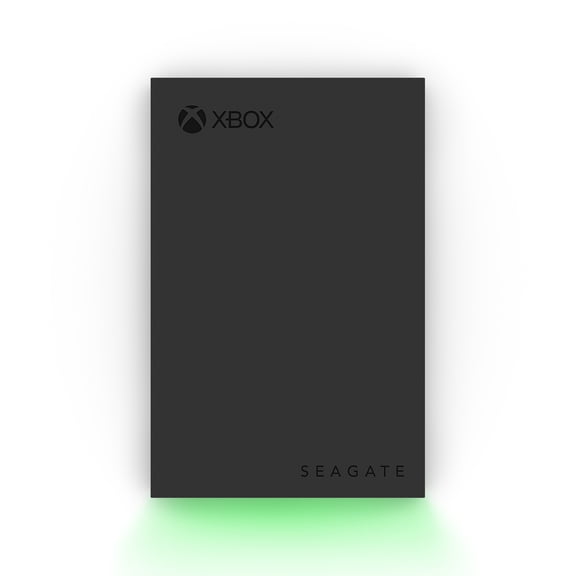
For console players, extra storage helps when games get larger with updates. An external drive can hold more installs so you can keep favorites available.
It’s also a smart place for screenshots and captured clips. Keeping those files off the console helps with organization.
Home users often create a shared archive for photos and videos. A single external drive can hold yearly folders and event albums.
That makes it easy to find a specific trip or holiday. It also keeps shared memories off multiple devices.
Remote work setups can benefit from a dedicated project drive. Keep active client folders and completed work in separate directories.
Move large deliverables without relying on cloud transfers. That approach also keeps your main computer drive less cluttered.
Related storage options for your setup
Sometimes a different storage format fits a specific task better. Flash drives work well for quick file handoffs and small documents.
Internal hard drives are useful when you’re upgrading a desktop tower or certain laptops. Having both types available helps you match storage to the job.
Use external drives for flexible expansion and easy movement. Use internal upgrades when you want storage inside the system.
Keep a small flash drive for simple transfers. This mix covers most households and workstations.
Get confident storage that fits your routine
Choosing the right seagate external hard drive comes down to where you’ll use it and how much you’ll store. Match portable designs to travel and daily carry.
Match desktop capacity to a steady backup spot at home. With the right fit, your files stay organized and easy to access.