






Memory Cards in Camera Accessories







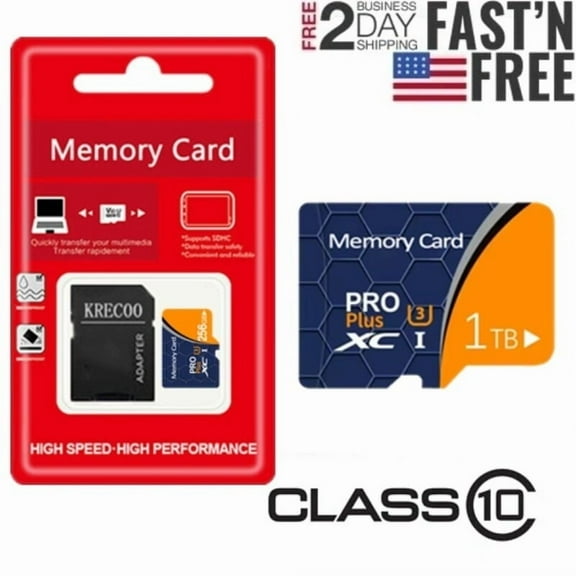
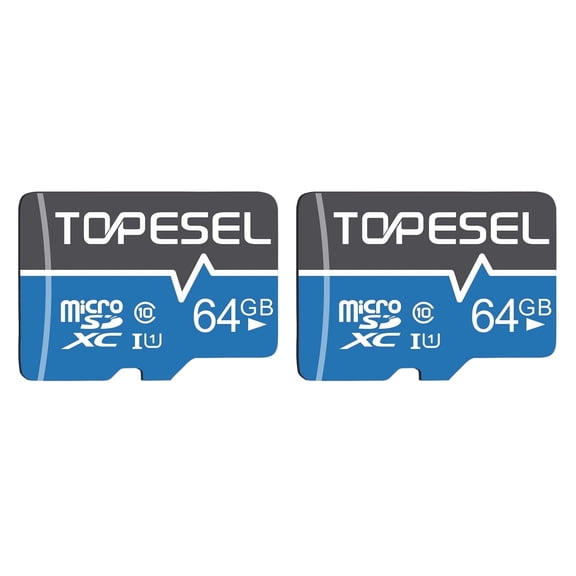
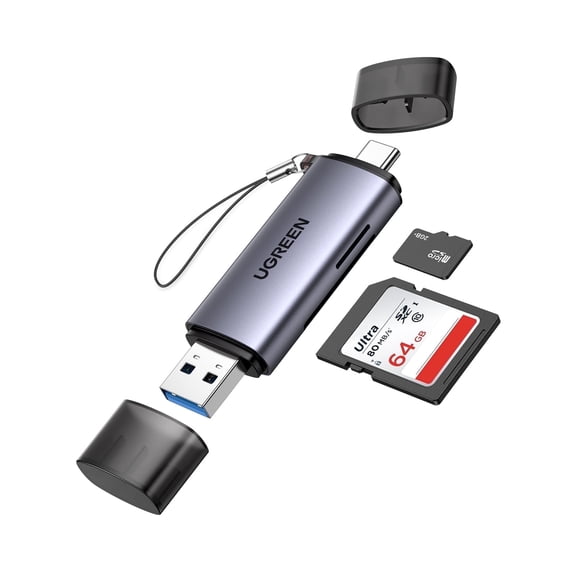


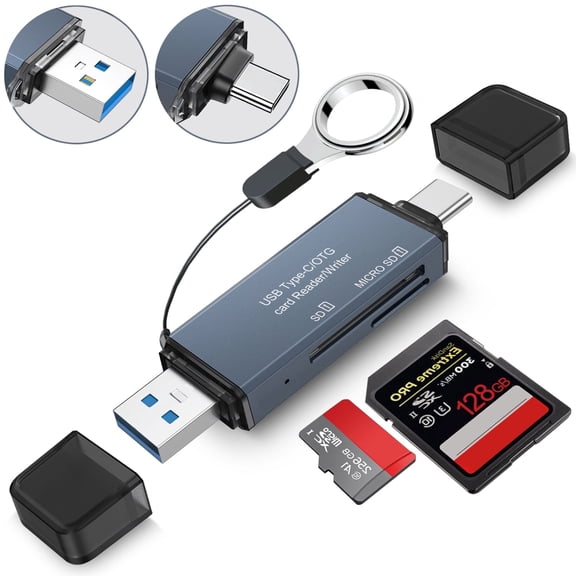




About Memory Cards in Camera Accessories - Walmart.com
Memory cards help you capture more photos, record longer video, and expand storage across your cameras, gaming devices, and mobile gear. You can compare formats, capacities, and speed ratings here, so your next card fits your device and your shooting style.
How to choose memory cards by format
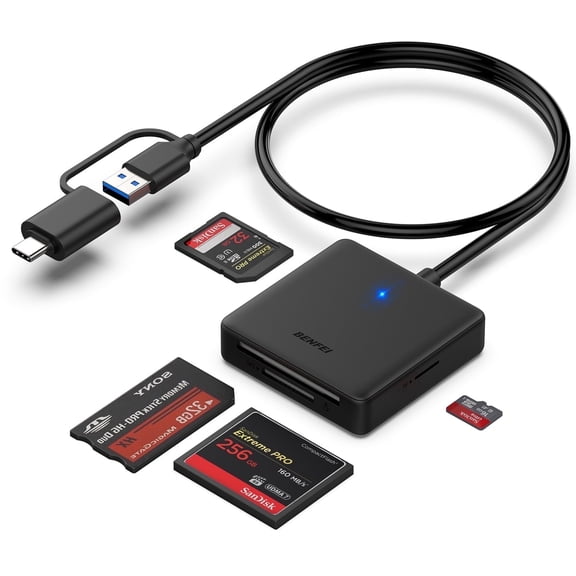
You should start with card format, because your device accepts specific shapes and standards. You may need micro sd cards for compact devices, sd cards for many cameras, or CFexpress for advanced photo and video workflows.
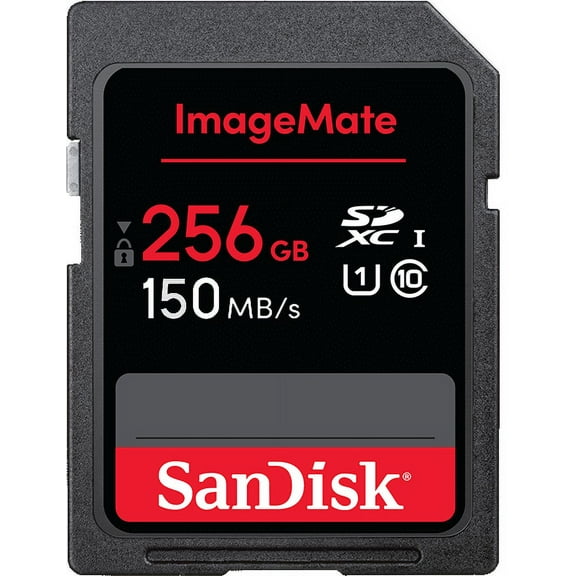
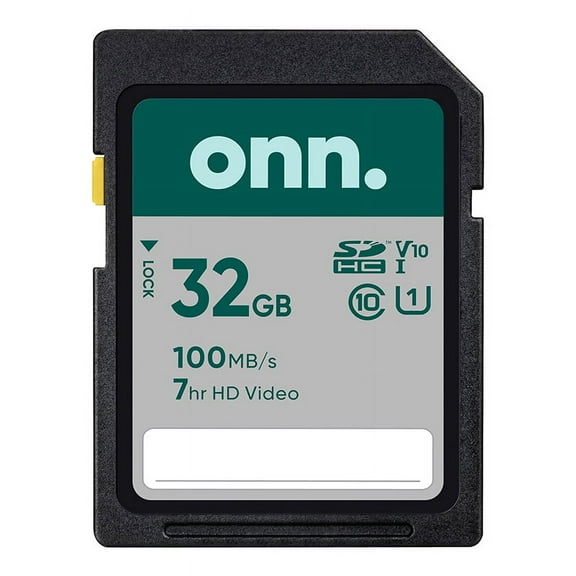
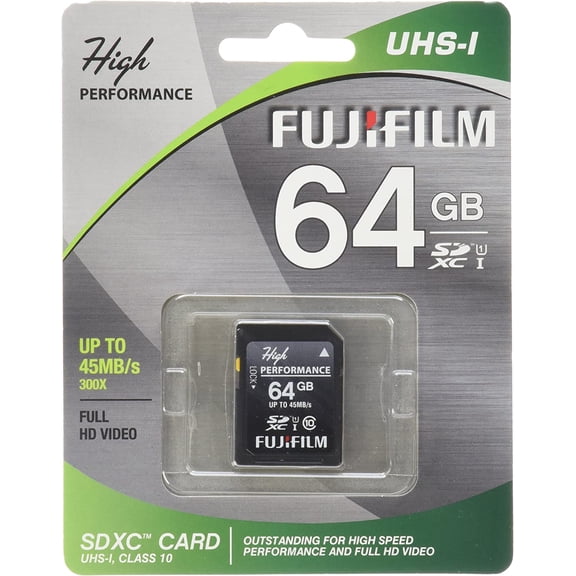
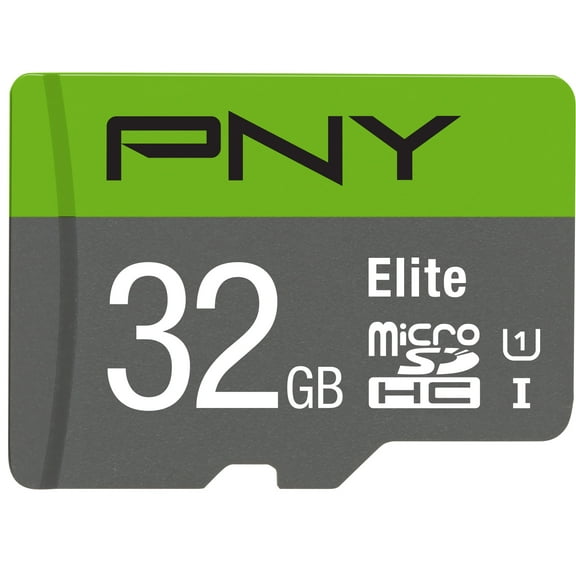
When you compare SDHC and SDXC, you’re really comparing capacity ranges and device support. You should check your manual, because older devices may not read newer, larger card formats.
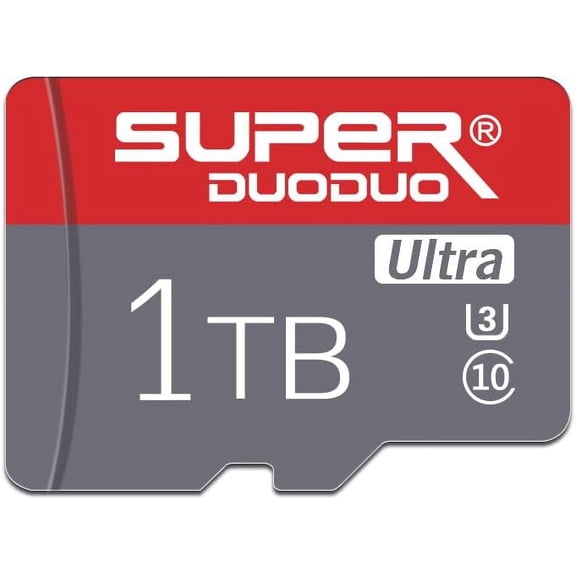
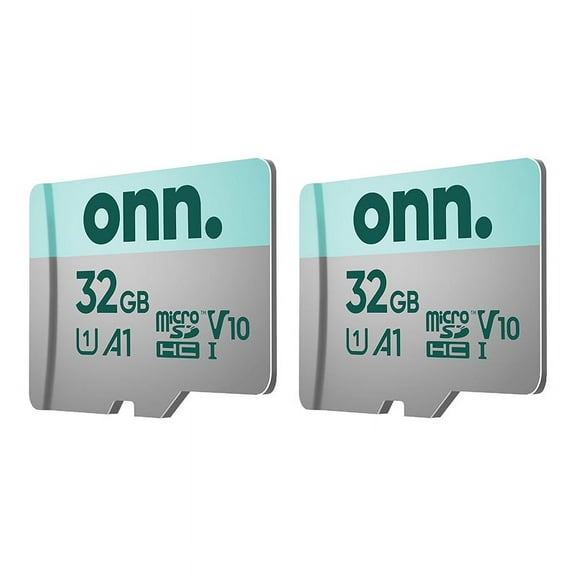
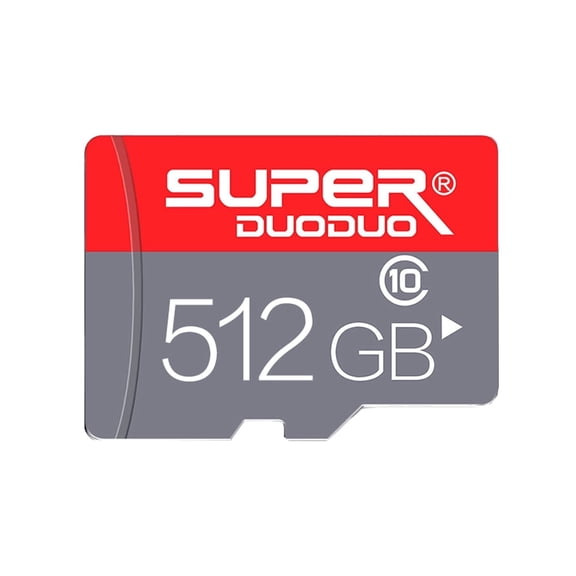
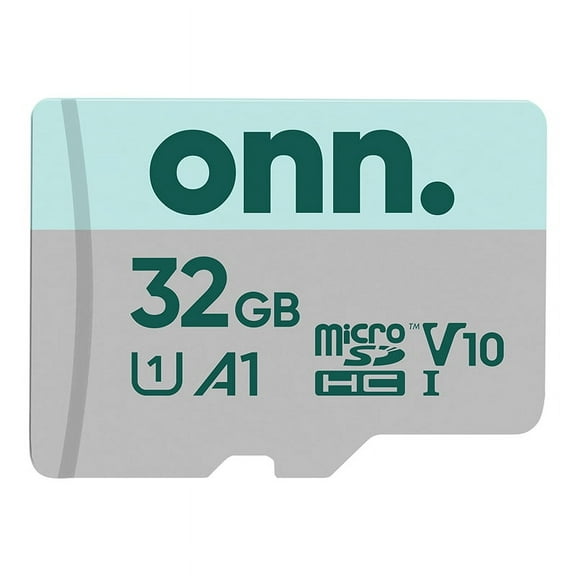
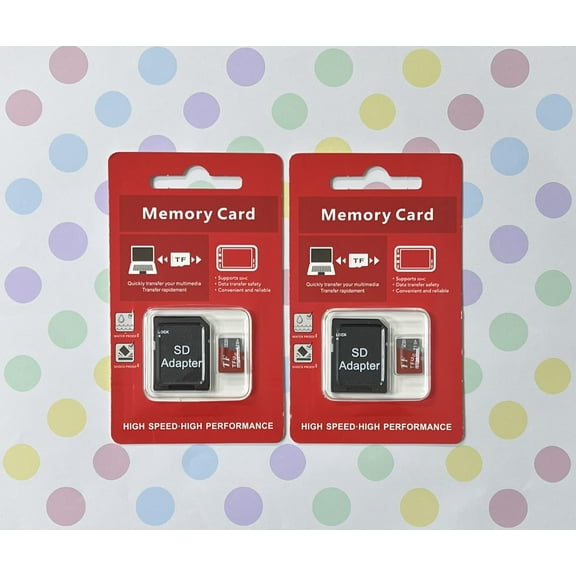
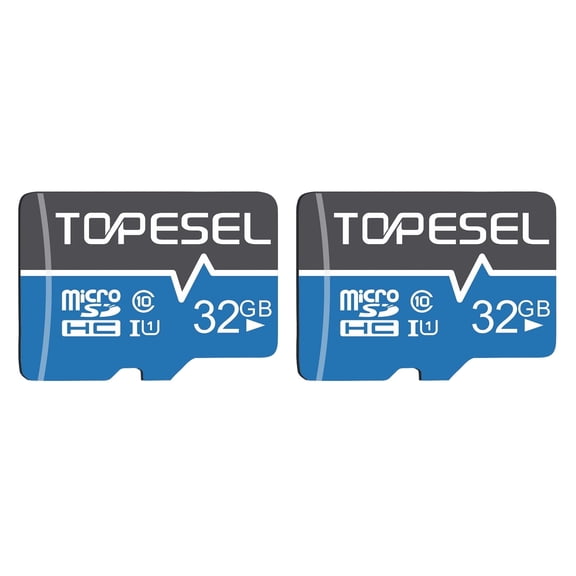
MicroSD cards often fit your phones, action cameras, handheld gaming systems, and some dash cams. You can also use them in larger slots with an adapter, if your device supports that setup.
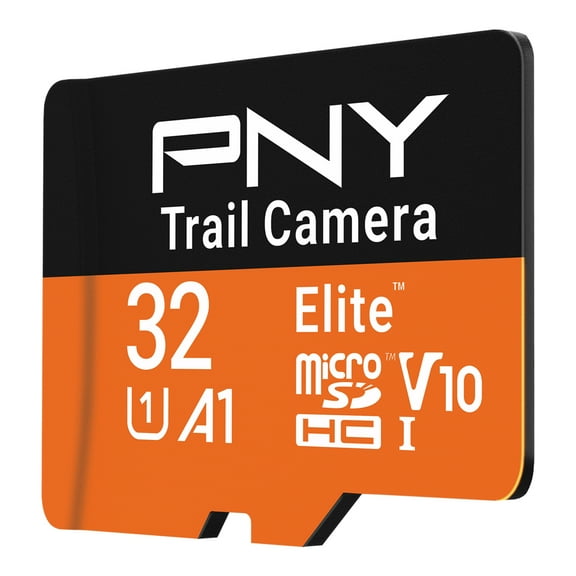
- You can choose MicroSD for your compact devices like Nintendo Switch, GoPro cameras, and many dash cams.
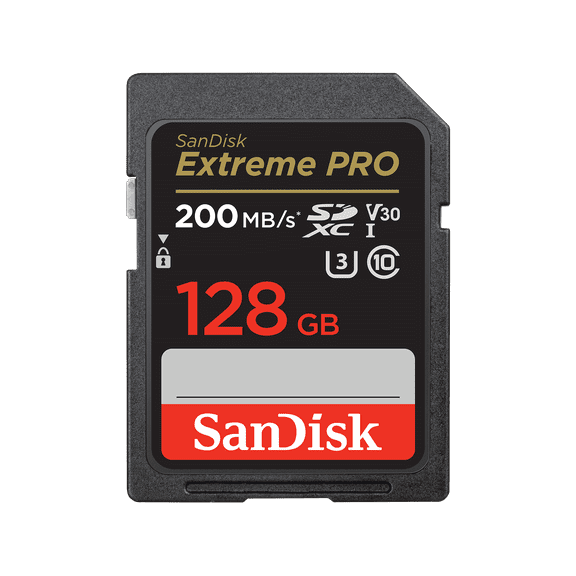
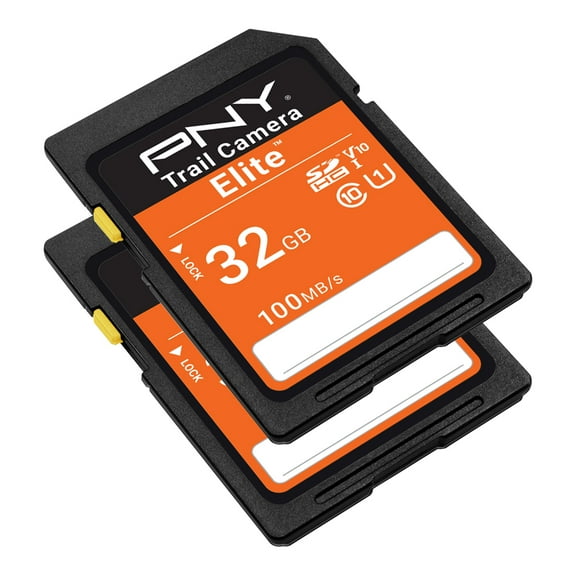
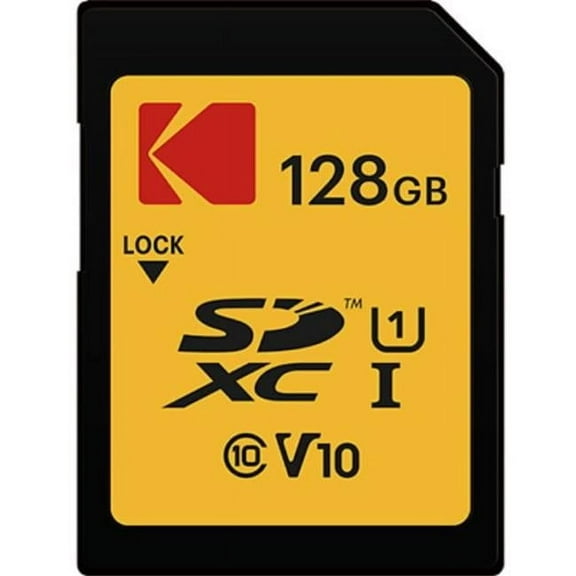
- You can choose SDHC or SDXC when your camera uses a full-size SD slot.
- You can choose CFexpress when your camera needs very fast burst shooting and high-resolution video recording.
- You should confirm Type A or Type B support before you choose a CFexpress card.
Choosing the right capacity for your memory cards
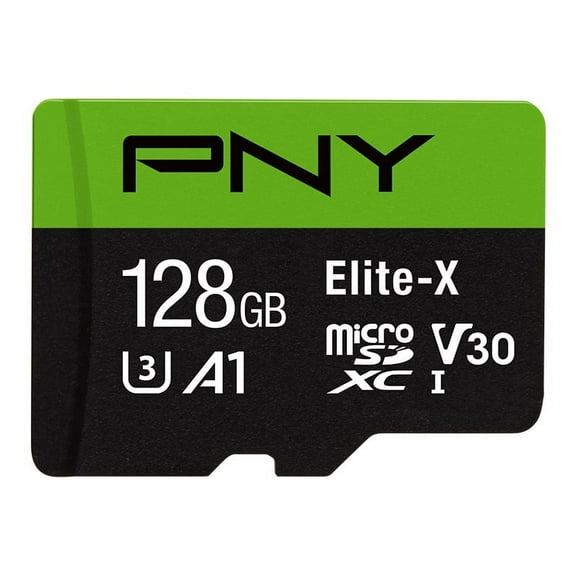
You should match storage space to how often you shoot and how large your files become. You may find 64GB works for everyday photos, while 128GB or 256GB gives you more room for trips.
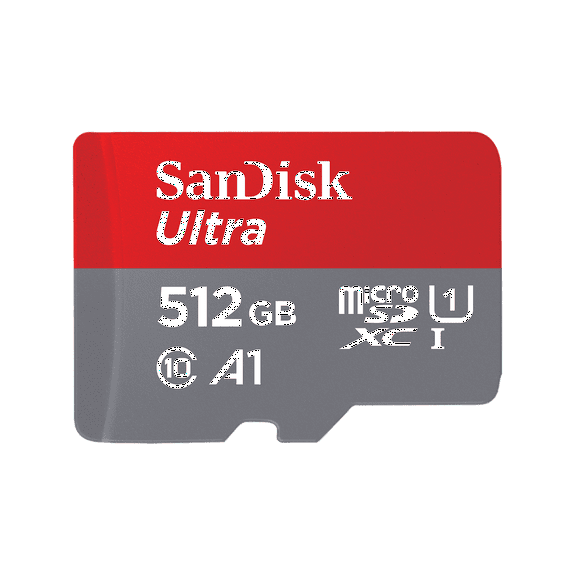
If you record long clips, you may want 256GB, 512GB, or 1TB cards. You can keep shooting longer without swapping cards, which helps during travel, events, and outdoor sessions.
Casual photography usually creates smaller storage demands than continuous 4K video or rapid burst shooting. You should consider how often you transfer files, because frequent backups can reduce the capacity you need.
For your gaming and portable devices, extra capacity lets you keep more downloads, screenshots, and updates in one place. You can avoid constant file juggling when your library grows over time.
What to look for in high speed memory cards
You should compare speed class next, because write speed affects how smoothly your device records data. High speed memory cards can help you capture bursts faster and support steady video recording.
Class 10 works for many everyday tasks, while UHS-I supports faster transfers on compatible devices. You should look at UHS-II when your camera supports extra contacts and you want quicker offloads.
Video ratings matter when you record detailed footage, especially at higher resolutions and frame rates. You can look for V30 when you shoot 4K, while V90 suits demanding professional-style capture.
You may also see U3 on camera memory cards, which points to stronger sustained write performance. You should treat these markings as buying clues, because they tell you how the card handles continuous recording.
Checking device compatibility before you buy
You should always confirm compatibility before you choose flash memory cards for your setup. Your Nintendo Switch, GoPro, DSLR camera, or dash cam may require a certain format, speed tier, or capacity limit.
For your DSLR use, you’ll want card support that matches your camera’s slot and shooting mode. You can benefit from faster cards when you shoot RAW images, long bursts, or high-resolution video.
For your dash cams and action cameras, you may want cards built for repeated recording cycles and steady capture. You should also check whether your device recommends a minimum speed class for smooth footage.
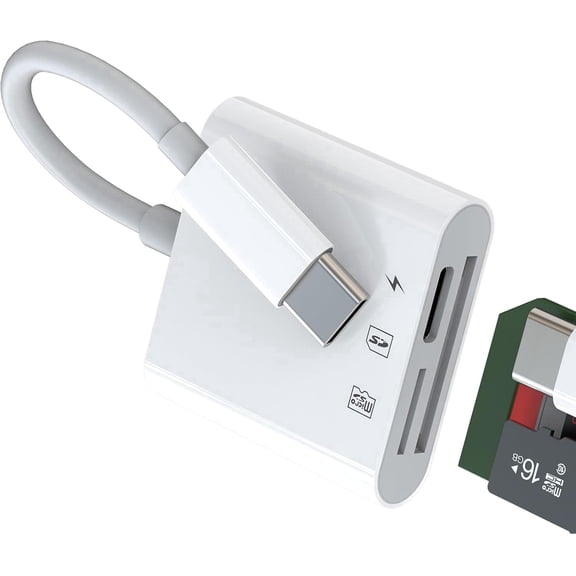
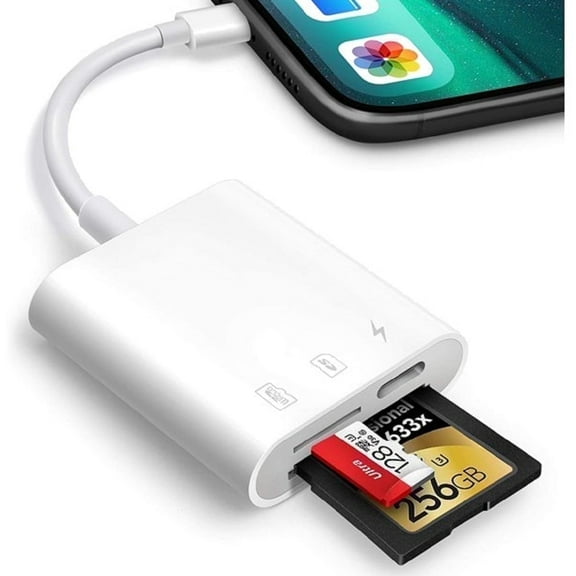
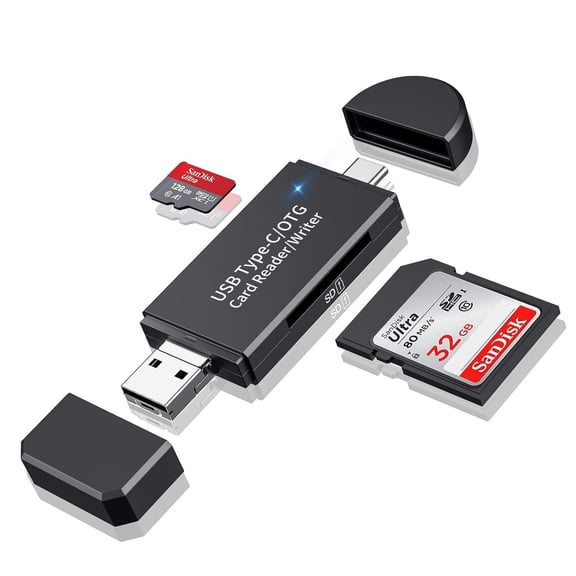
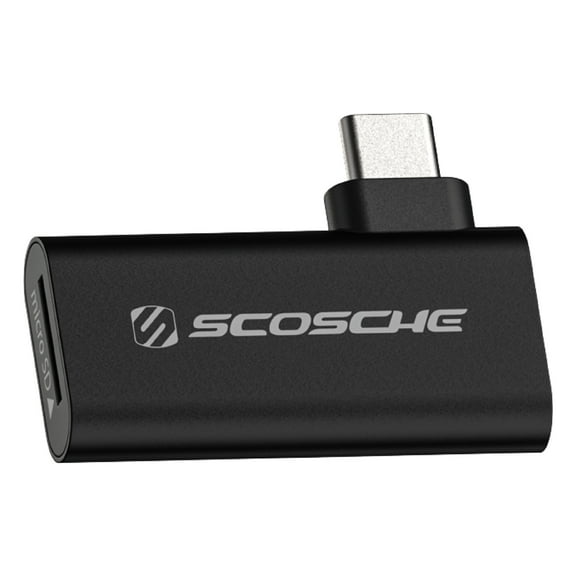
If you use adapters, you should verify that your device accepts them without limiting performance. You can avoid setup issues by matching the native slot to the card whenever possible.
Understanding durability features for everyday carry
You may carry camera memory cards through travel, commuting, and changing weather, so durability details matter. You should look for cards that are waterproof, shockproof, or temperature-proof when you need more resilient storage.
These features help you choose cards for outdoor shoots, road trips, and gear bags that move often. You can focus on format and speed first, then compare durability claims that fit your routine.
You should also consider how often you swap cards in the field, because frequent handling increases wear. You can simplify your workflow by choosing the right capacity and reducing unnecessary card changes.
Matching memory cards to real use cases
You might choose micro sd cards with 128GB or 256GB capacity for a Nintendo Switch or GoPro. You can keep more games, clips, and updates available without filling storage too quickly.
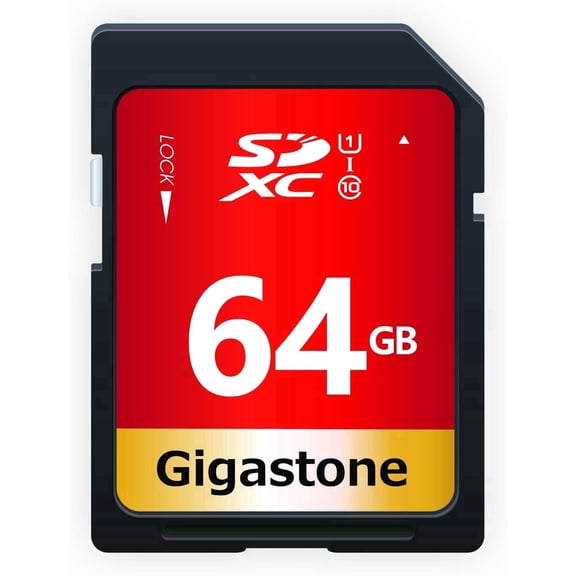
You may prefer sd cards with UHS-I or UHS-II support for mirrorless and DSLR cameras. You can move large photo files faster and support consistent performance during burst shooting sessions.
If you record 4K video, you should compare V30, V60, and V90 markings before you choose. You can reduce interruptions by selecting a card that matches your camera’s recording demands.
For advanced photo and video work, you may need CFexpress with the correct type for your camera. You should confirm Type A or Type B support, because the wrong card may not fit or perform correctly.
When you compare memory cards this way, you can narrow options with less guesswork and fewer compatibility issues. You can choose storage that fits your device, your file sizes, and your everyday shooting plans.