

Refurbished Tablets










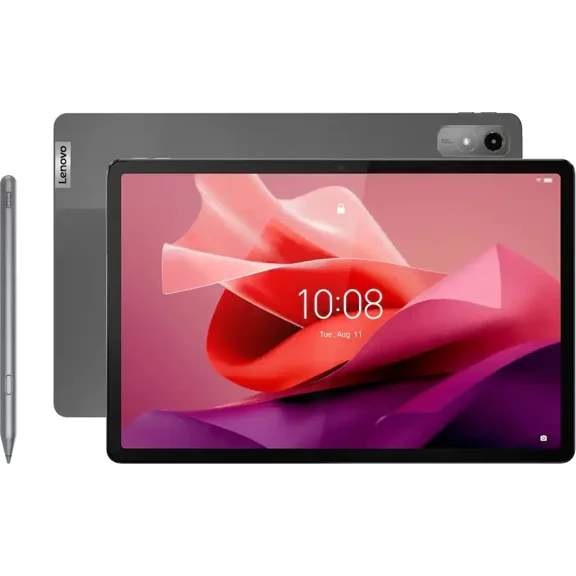


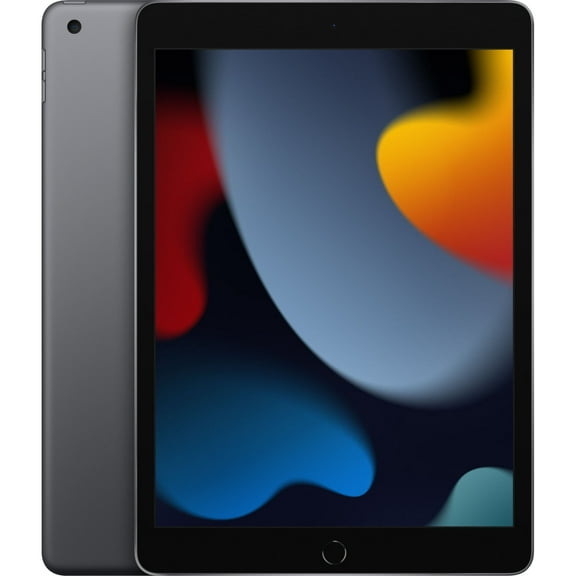
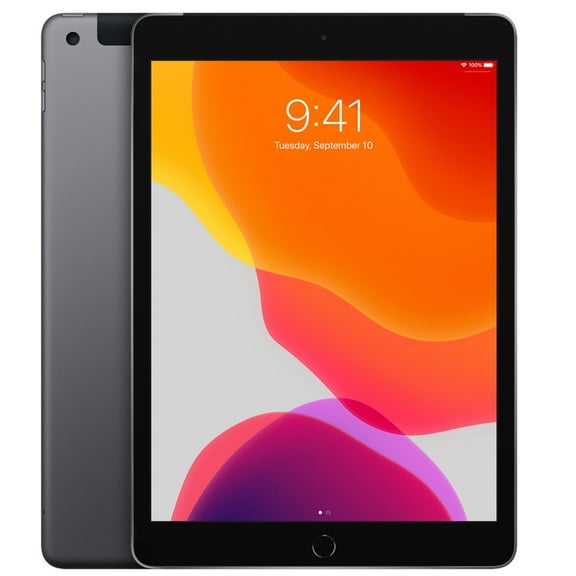
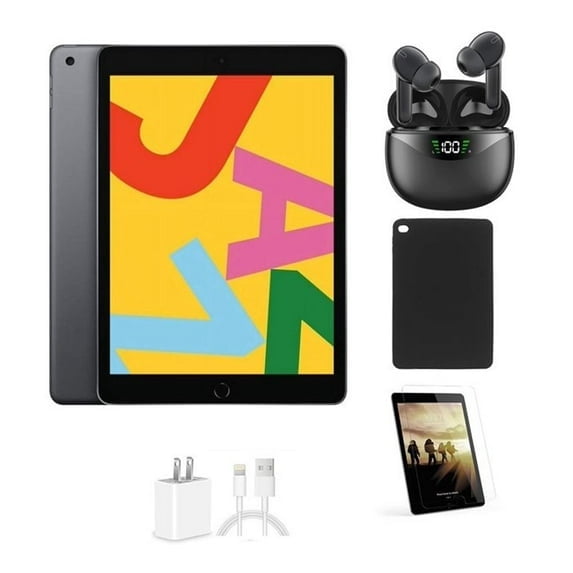








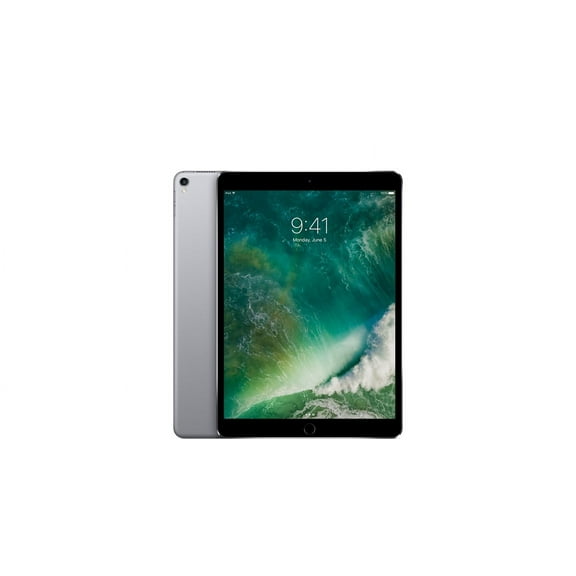


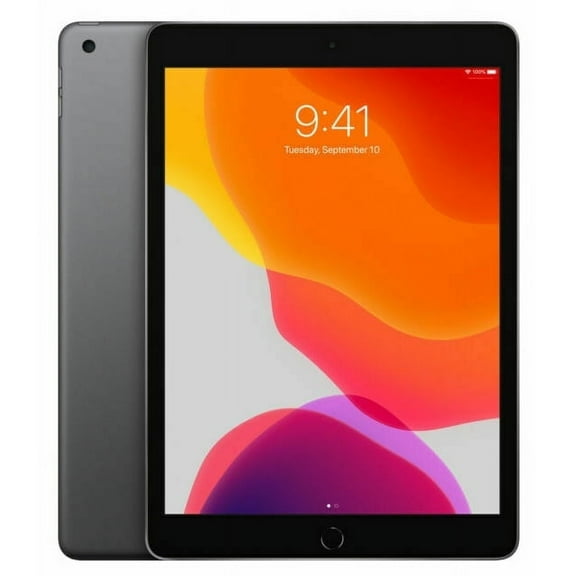





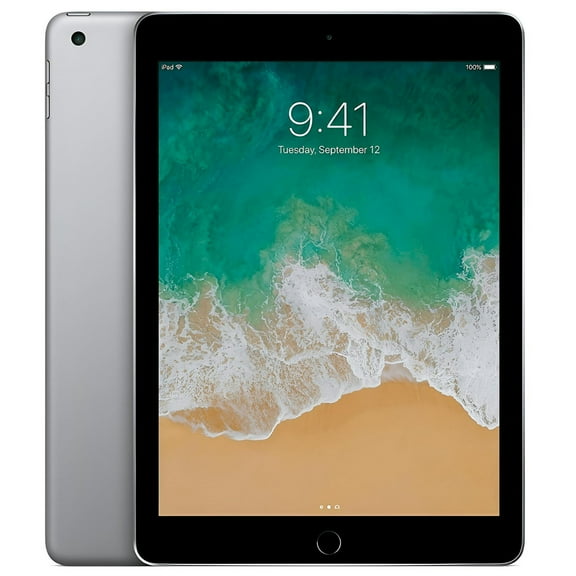







About Refurbished Tablets - Walmart.com
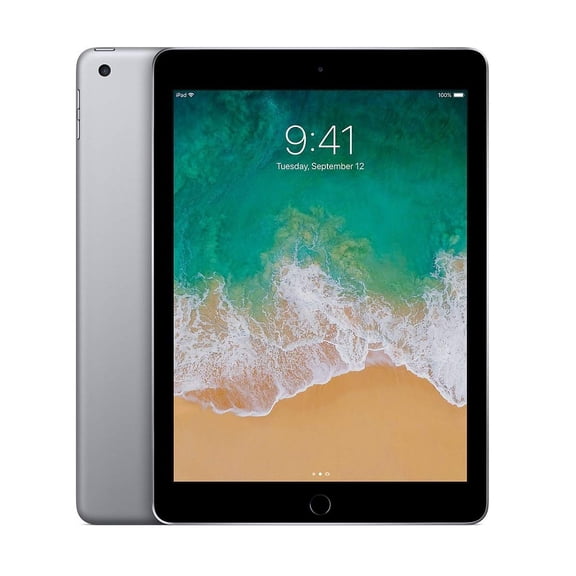
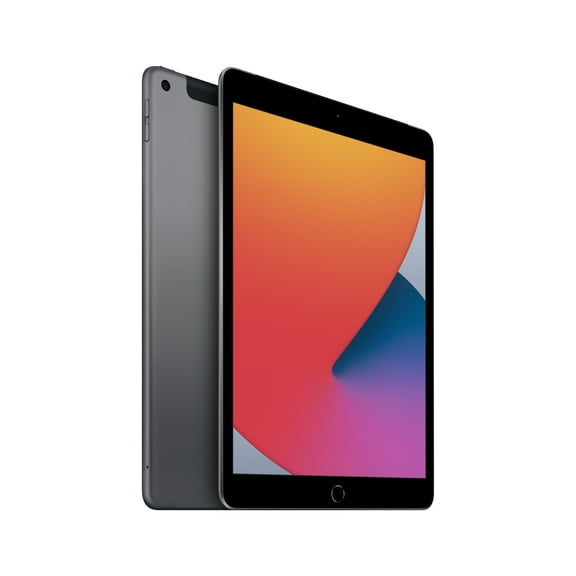
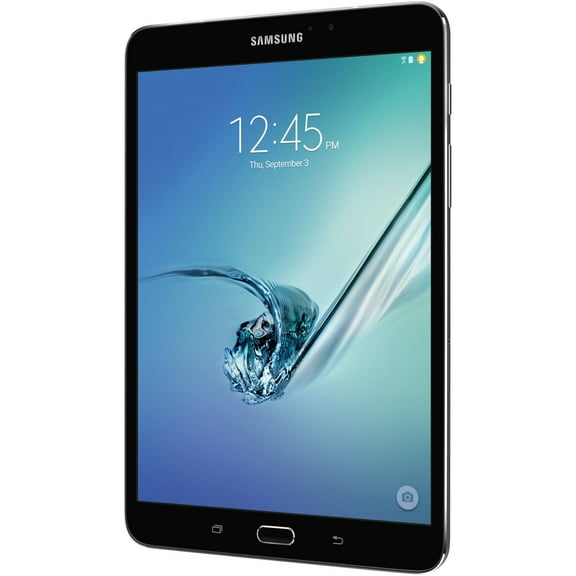
Refurbished tablets make it easier to upgrade your screen, speed, and storage without paying full-device pricing. Walmart Restored adds trust with professional inspection, testing, and grading details shown on eligible listings. You’ll also see clear information on included accessories, warranty coverage, and return options. That helps you choose confidently when you want a tablet for streaming, school, or work travel.
Why refurbished tablets feel like a smarter upgrade
Walmart Restored devices are evaluated for function, then cleaned and prepared for resale. That process helps reduce surprises, especially with touch response, charging, and speakers. You get a clear condition grade, so you can match expectations to your budget.
Many shoppers compare used tablets and refurbished options side by side. Refurbished models usually include documented testing and a structured grading standard. That’s useful when you’re prioritizing reliability for everyday use.
Benefits you’ll notice right away
Refurbished tablets can deliver the everyday performance you want for less upfront spend. You can step into a newer generation chip, sharper display, or more storage. That upgrade can make apps load faster and multitasking feel smoother.
Battery and charging confidence matter on pre-owned devices. Listings often clarify charging behavior and included power accessories. You’ll also find warranty details that help you plan beyond day one.
- Get more screen size for streaming, reading, and video calls.
- Run school and work apps with fewer slowdowns during multitasking.
- Choose a condition grade that matches how picky you are about cosmetics.
- Rely on clearer warranty and return info for added peace of mind.
Buying used tablets for kids can feel risky without the right details. Walmart Restored listings help you check essentials before you commit. That includes storage capacity, connectivity, and model generation cues.
Key features to compare before you choose
Start with the operating system and app compatibility you need. Refurbished Android tablets are great if you want Google apps and flexible file handling. iPad models often shine for creative apps and long-term software support.
Storage affects how long your tablet stays comfortable to use. Thirty-two gigabytes can work for streaming and light downloads. One hundred twenty-eight gigabytes or more fits games, offline video, and large school files.
Look closely at display size and resolution for your routine. Eight inches travels easily and fits smaller hands. Ten to twelve inches feels better for split-screen notes, drawings, and spreadsheets.
Connectivity choices change where you can use your device. Wi-Fi is great for home and campus networks. Cellular-capable models help when you need data away from a hotspot.
Ports and accessory support can change daily convenience. USB-C often simplifies charging across newer devices. Some models support keyboards, styluses, or trackpads for laptop-like workflows.
Shop used tablets with confidence using the right checks
When you compare used tablets, focus on what impacts daily satisfaction. Check the condition grade and read what cosmetic wear may look like. Confirm the exact model number when accessories or cases matter.
Battery questions come up often on pre-owned electronics. Look for listing notes about battery performance and testing steps. Keep an eye on return windows if battery life is a key concern.
Charging cables and adapters aren’t always standard across brands. Product pages typically state what’s included in the box. If it’s not listed, plan for a compatible charger you already own.
Warranty terms vary by item and seller, so read that section carefully. Many Walmart Restored products include a warranty, depending on the listing. That clarity can matter more than a small spec difference.
Use cases that match how you actually live
For students, a tablet refurbished for notes and reading can replace heavy books. Pair it with a keyboard for essays and research tabs. A larger screen also helps with online classes and slide decks.
For families, a shared tablet can cover streaming, games, and homework time. Create child profiles and set time limits for easier handoffs. Durable cases help when it moves room to room.
For commuters, a compact model fits a small bag and starts fast. Download playlists and shows for flights and train rides. Add a cellular plan if Wi-Fi access is unpredictable.
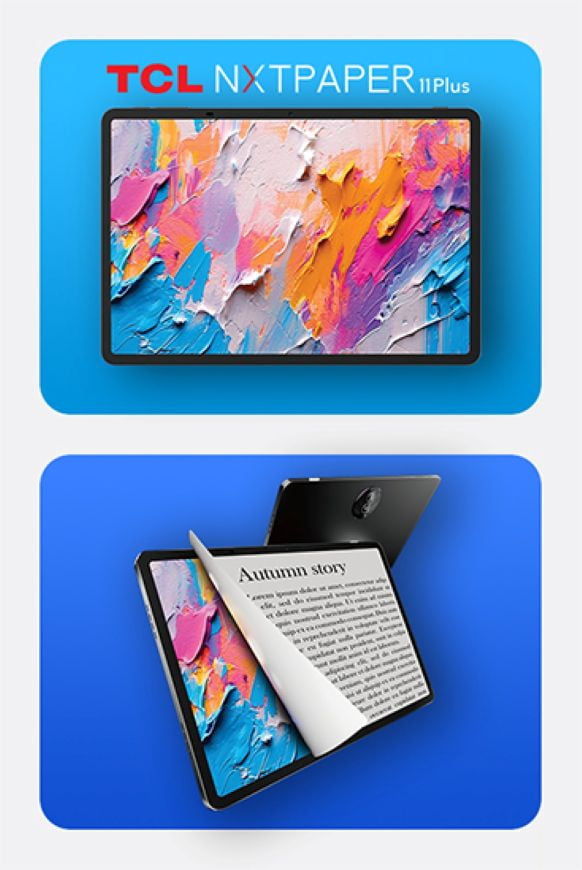
For creators, look for stylus support and strong color performance. A laminated display can feel more natural for sketching and handwriting. More storage helps when projects and layers get large.
For smart home control, a tablet can become a dedicated dashboard. Mount it in a kitchen or entryway for quick access. Choose Wi-Fi stability and a bright screen for visibility.
FAQ about refurbished tablets and used tablets
What’s the difference between refurbished and used tablets? Refurbished tablets are typically inspected and tested with a defined grading standard. Used tablets may have less standardized testing details, depending on the listing.
Will my tablet include a charger and cable? Included accessories vary by item. Check the “in the box” section on the product page before you order.
How do warranties work on Walmart Restored? Coverage depends on the specific listing. Review the warranty section for length, provider, and claim steps.
What should I check first for performance? Confirm the model generation, RAM, and storage. Then review connectivity, screen size, and any notes about battery expectations.
Get the right device, without the guessing
Refurbished tablets work well when you focus on condition grade, warranty details, and the exact specs you’ll use daily. Walmart Restored helps remove uncertainty with clear listing standards and testing information. That means fewer surprises and more confidence once your tablet arrives.