



Refurbished iPad in Refurbished Tablets








































About Refurbished iPad in Refurbished Tablets - Walmart.com
A refurbished iPad gives you a practical way to compare Apple tablet models, storage, and condition in one place. You can narrow your options by screen experience, connectivity, and restored grading before you choose.
If you want a tablet for notes, streaming, drawing, or travel, you can compare key tradeoffs quickly here. You can also look for Walmart Restored options that make model and condition details easy to review.
How to choose a refurbished iPad by model lineup
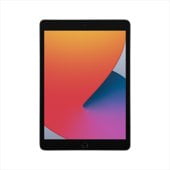
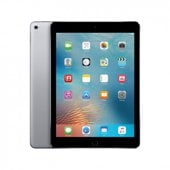
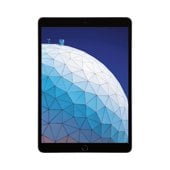
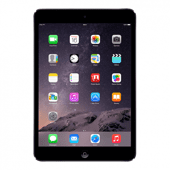
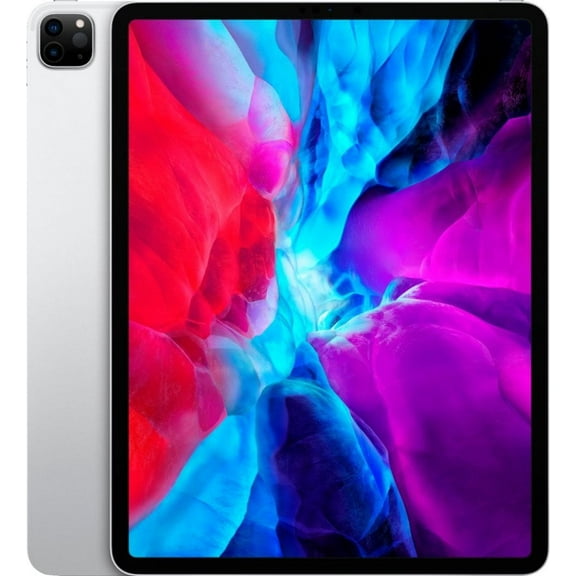
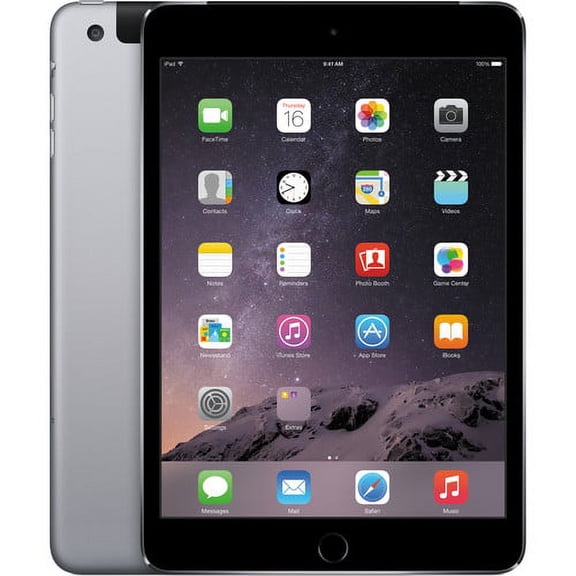
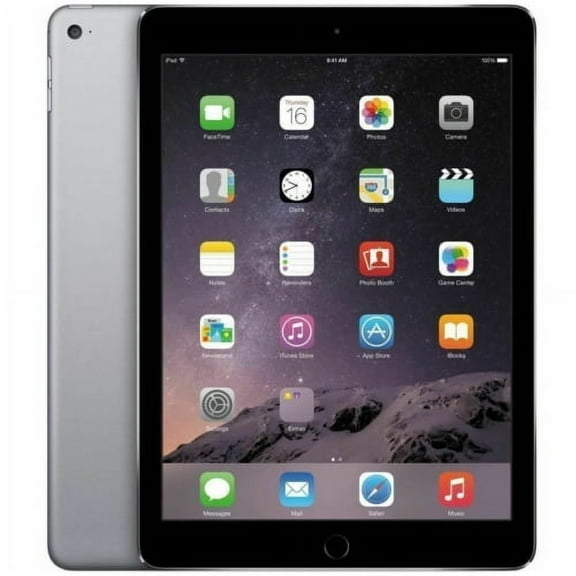
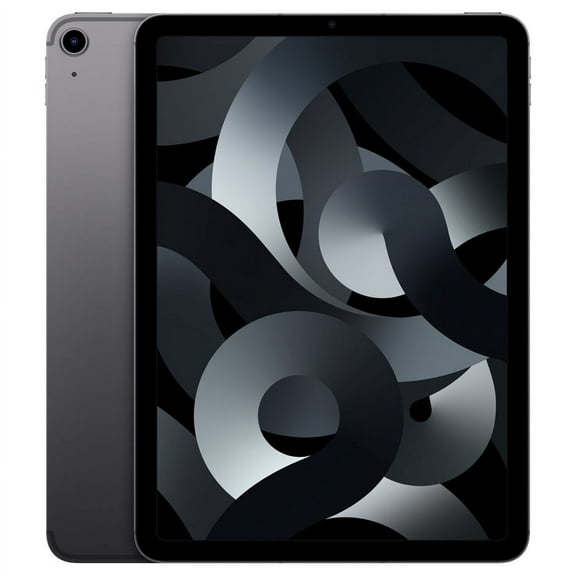
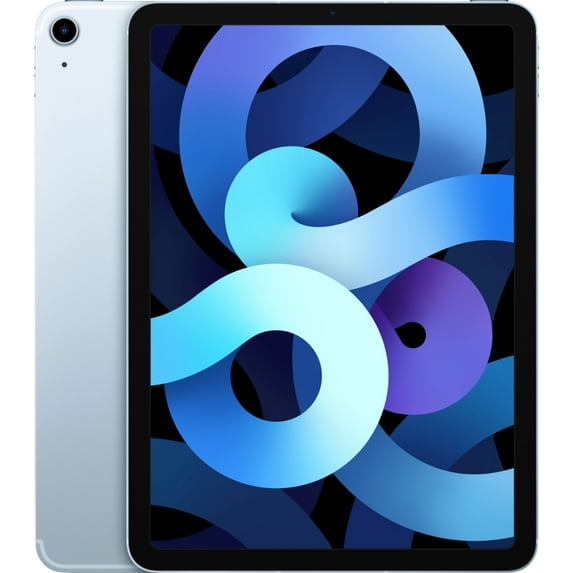
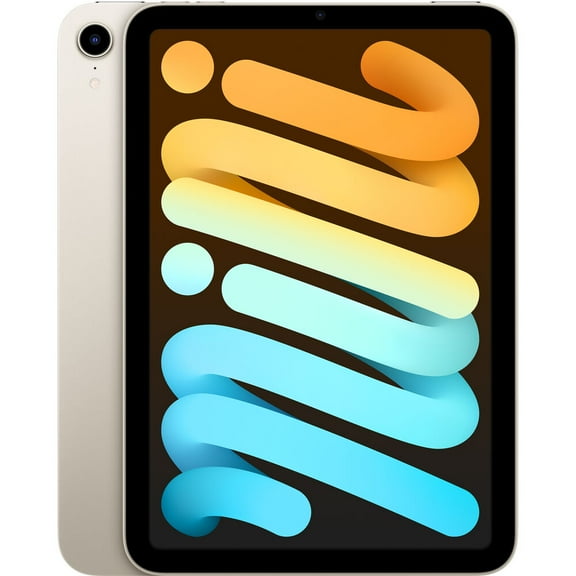
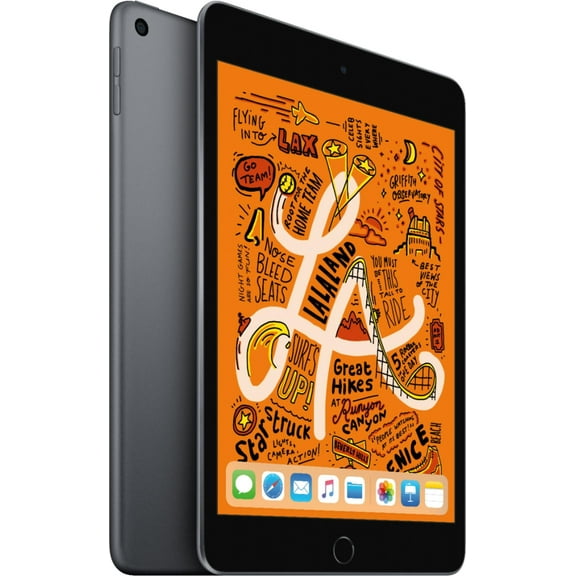
You should start with the model lineup because each iPad family fits a different routine. You can compare iPad Pro, iPad Air, iPad Mini, and standard iPad choices by size, speed, and portability.
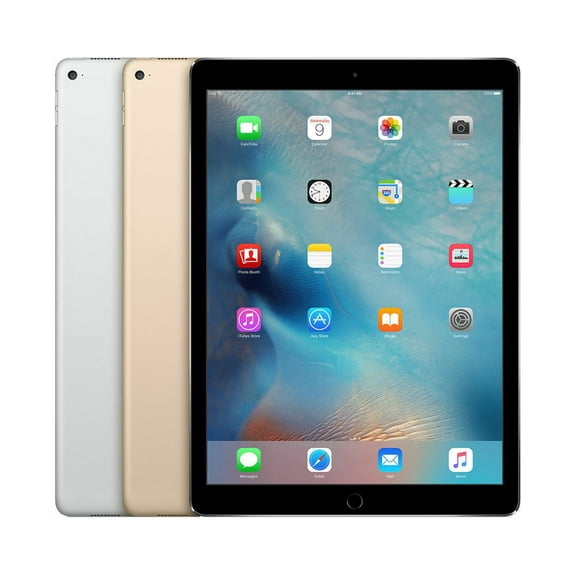
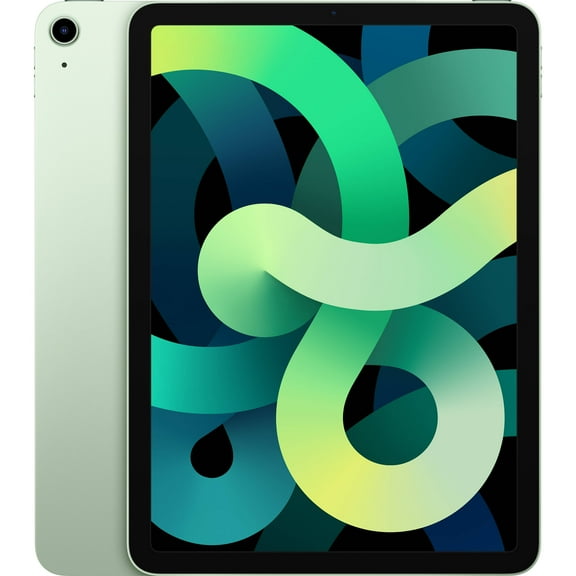
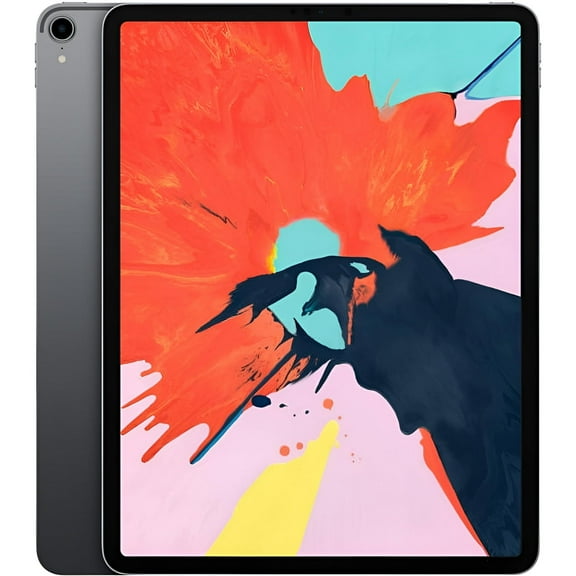
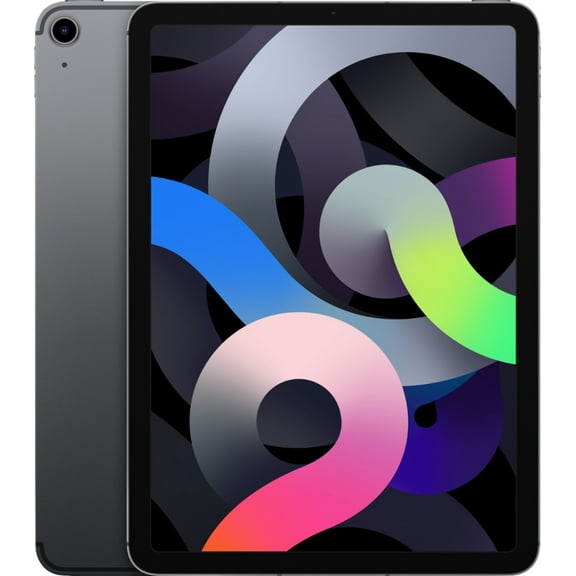
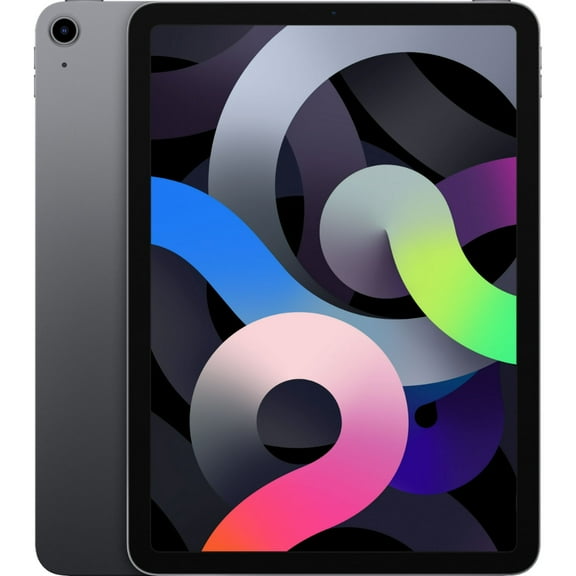
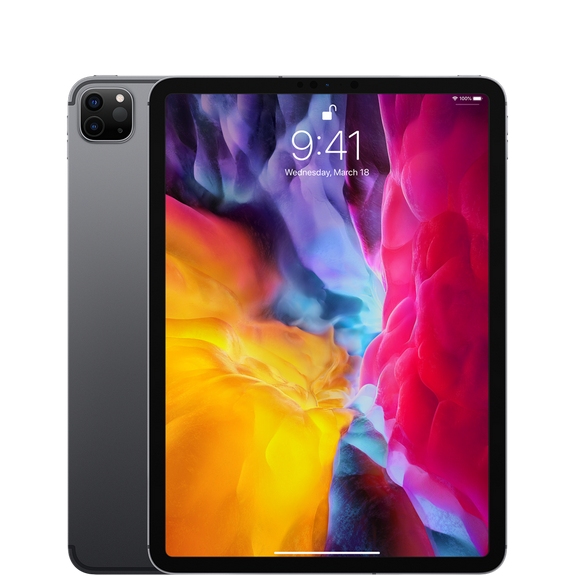
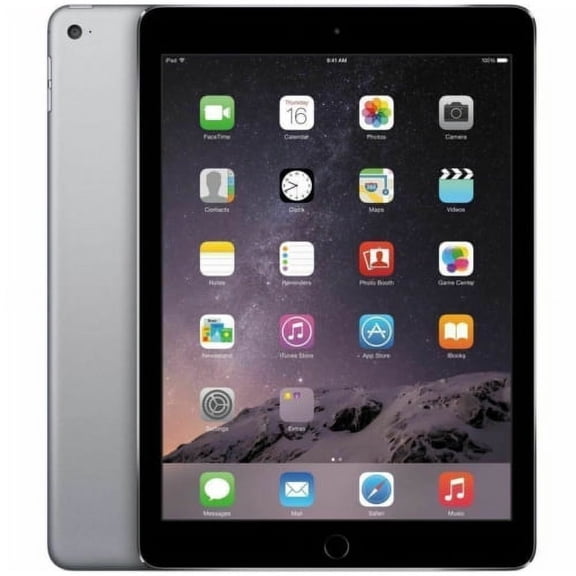
If you create art or edit large files, you may prefer a refurbished iPad Pro for a larger display and strong performance. If you want everyday balance, you may choose a refurbished iPad Air for work, school, and streaming.
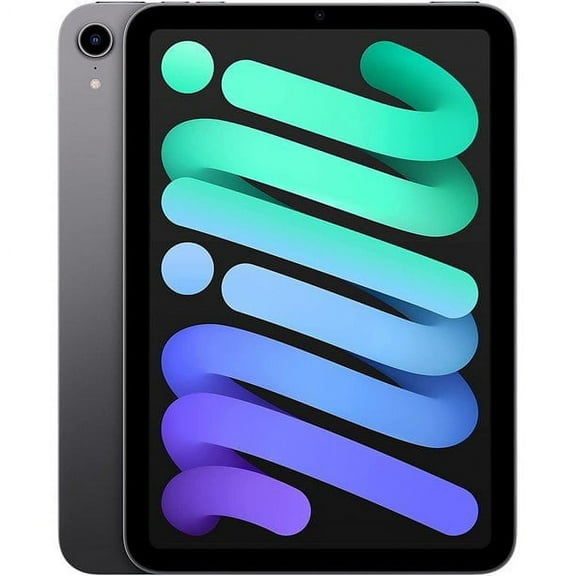
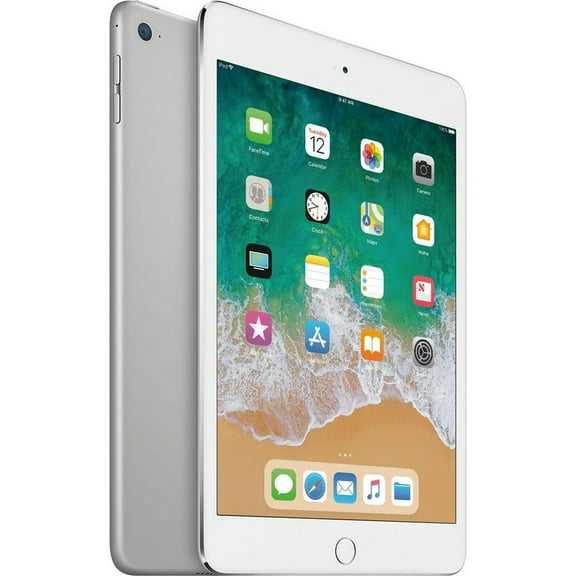
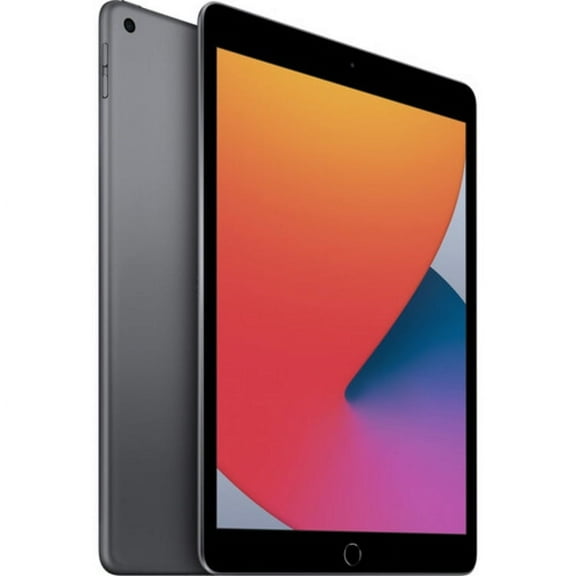
When you want something compact, you can look at a refurbished iPad Mini for reading, travel, and one-hand use. If you want familiar basics, you can choose a standard iPad for browsing, notes, and family apps.
- You can use iPad Pro models for drawing, multitasking, and keyboard-based workflows.
- You can pick iPad Air models when you want lightweight carry and strong everyday performance.
- You can choose iPad Mini models when your bag space and hand comfort matter.
- You can select standard iPad models when you want simple setup for home or school tasks.
What to look for in restored iPad condition grades
You should compare condition grades early because cosmetic wear and battery health affect your daily routine. You can look for Excellent, Very Good, Good, and Restored labels to understand what to expect.
If you want a clean exterior, you may look for Excellent or Very Good grades with less visible wear. If you care more about function than appearance, you may consider Good grade options.
You should also check battery health details because that number helps you judge daily runtime. When a listing includes battery health percentage, you can compare how closely it aligns with your charging habits.
A restored iPad can also give you confidence when you review warranty and return details before purchase. You can use those details as a clear safety net if you want support after delivery.
Choosing storage and connectivity for your routine
You should match storage capacity to the way you use apps, photos, downloads, and creative files. You can compare 64GB, 128GB, 256GB, and 512GB options based on how much you keep offline.
If you mostly stream and use lightweight apps, you may find 64GB or 128GB fits your routine. If you keep large games, videos, or design files, you may need 256GB or 512GB.
You should also compare Wi-Fi Only and Wi-Fi + Cellular models before you decide. If you work on the go, your cellular option can keep you connected beyond home or campus networks.
When you use your tablet mostly indoors, your Wi-Fi Only model may feel simple and easy to manage. If you commute often, your Wi-Fi + Cellular model can support flexible use in more places.
How refurbished iPad models fit school, work, and travel
You can narrow your choice efficiently when you match each model to a real use case. If you need a refurbished iPad for school, you should focus on note-taking, storage, and keyboard compatibility.
For classwork and research, you may want an iPad Air or standard iPad with enough room for documents and apps. For reading between classes, you may prefer an iPad Mini that fits smaller bags.
If you sketch, design, or edit media, you may compare larger screens and higher storage tiers first. In that case, you may lean toward iPad Pro models that support demanding creative routines.
For travel and entertainment, you can weigh screen size against portability and offline storage. A pre-owned iPad with cellular access may suit flights, commutes, and shared family use.
How to compare warranty support and buying details
You should read the listing details carefully because support terms can shape your comfort level. You can check warranty length, return options, included accessories, and charger information before you choose.
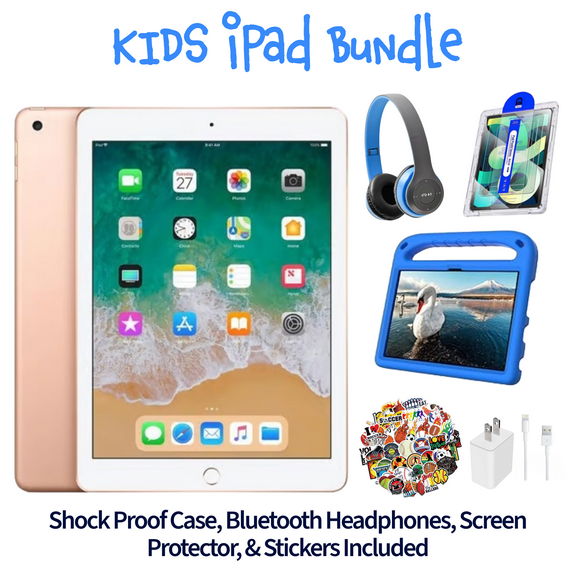
If you want fewer surprises, you should compare what comes in the box and how the device condition is described. You can use those details to judge whether a model fits your expectations.
You may also compare screen size, generation, and connector type when you already own cases or cables. If compatibility matters to you, those details can make setup seamless on day one.
With the right model, grade, storage, and connectivity, you can choose a refurbished Apple tablet that fits your routine clearly. You can feel more confident when your listing shows the condition, battery details, and support terms upfront.