

Receipt Printers & Receipt Machines



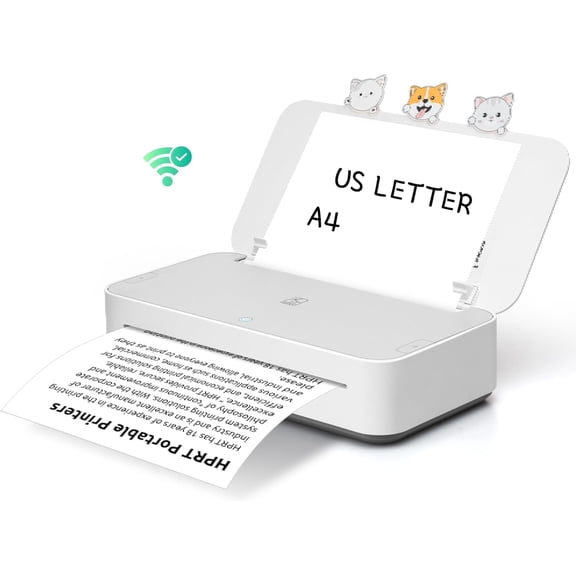


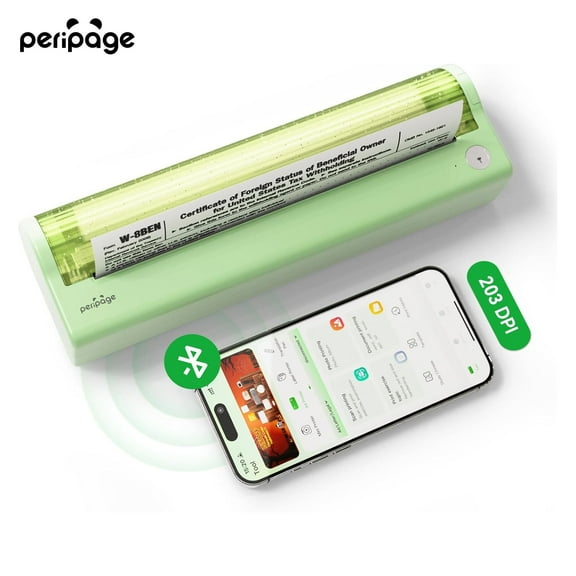
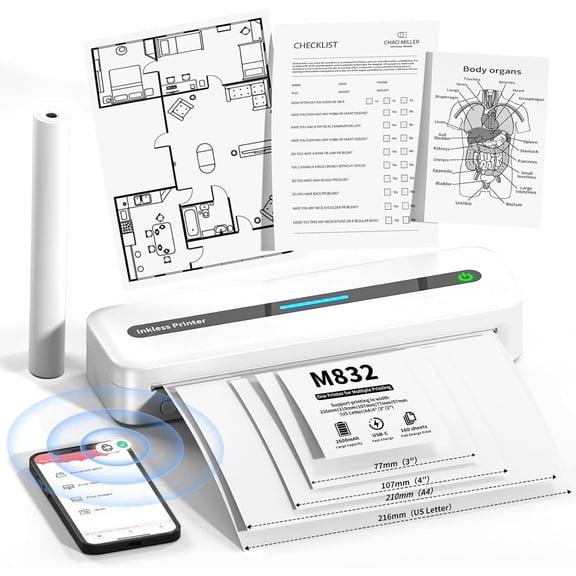


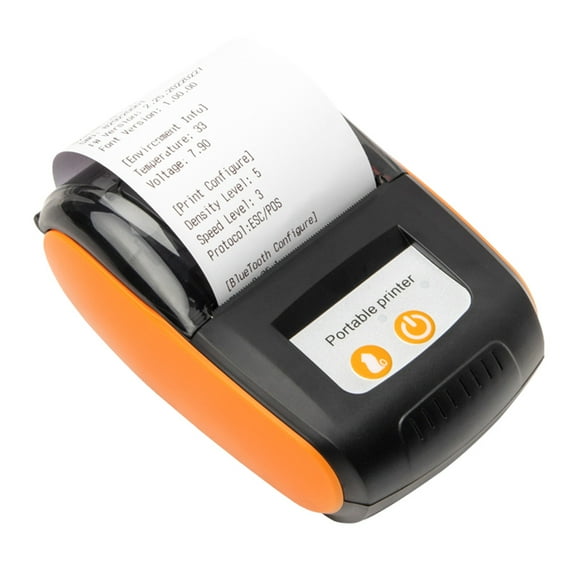


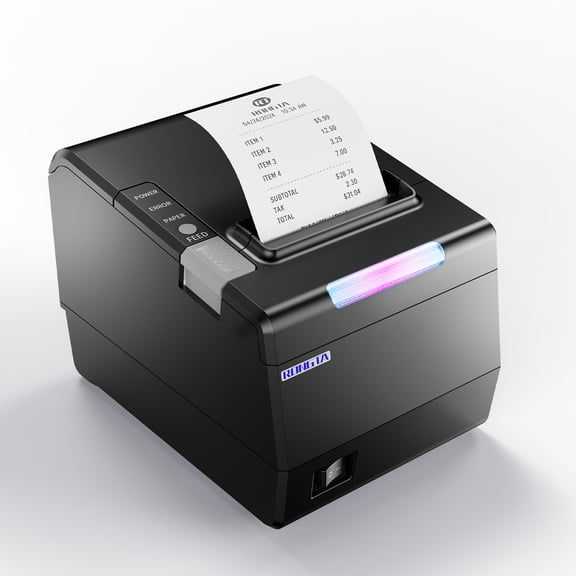


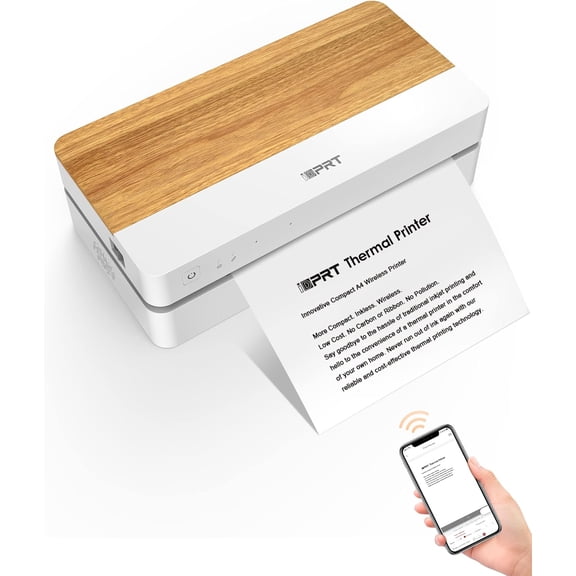
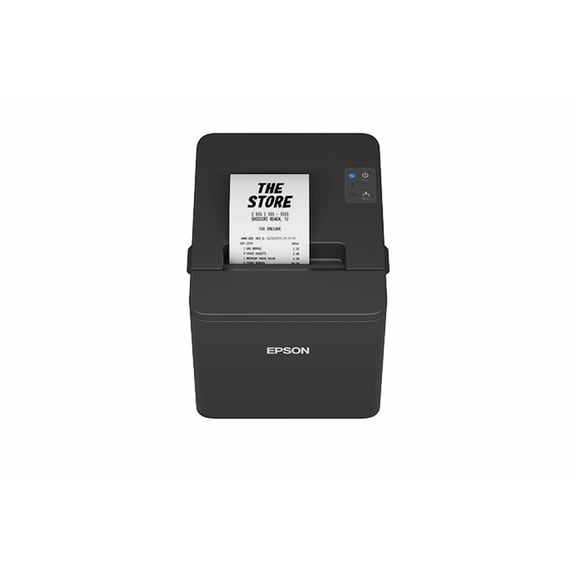
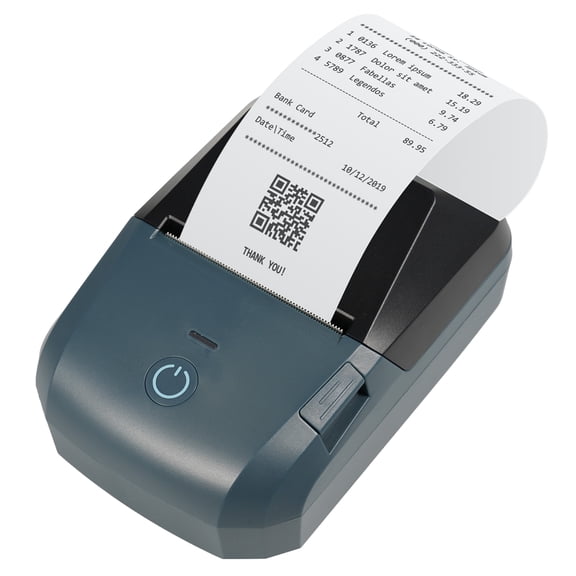
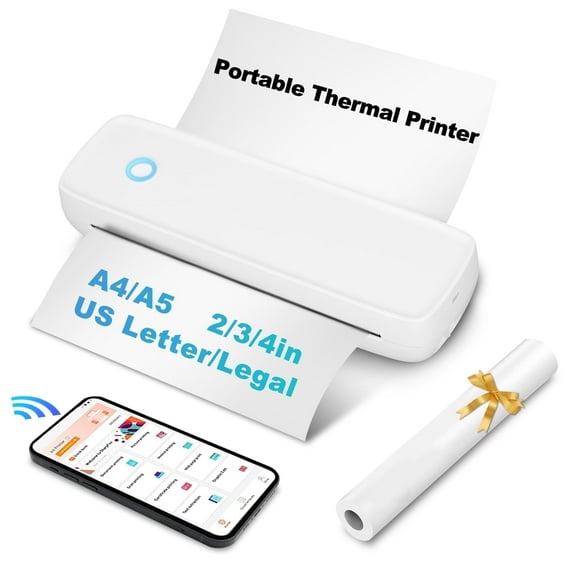
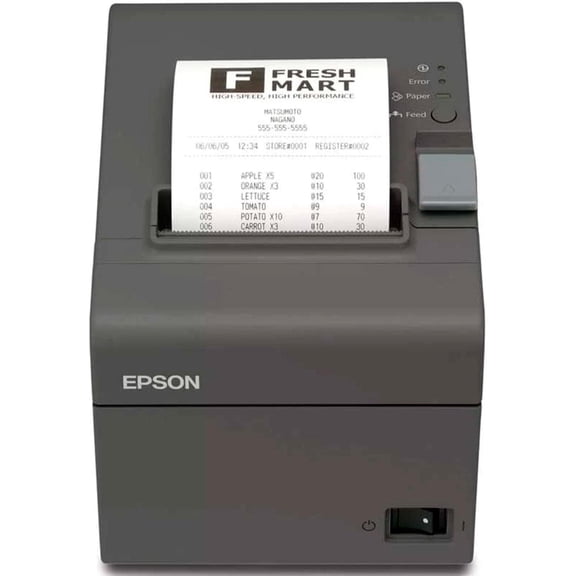
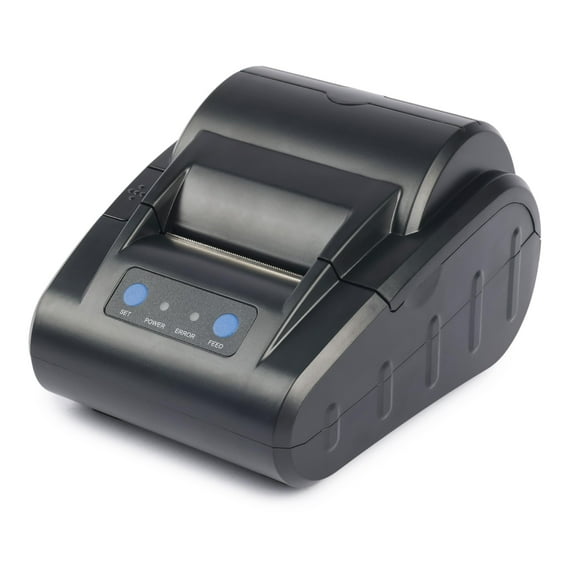

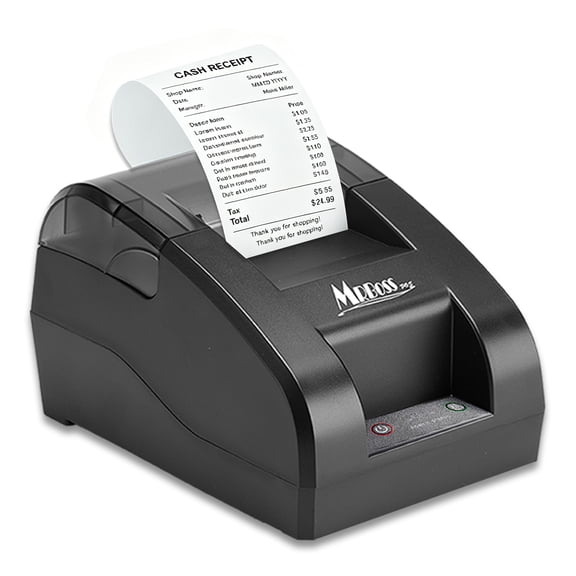









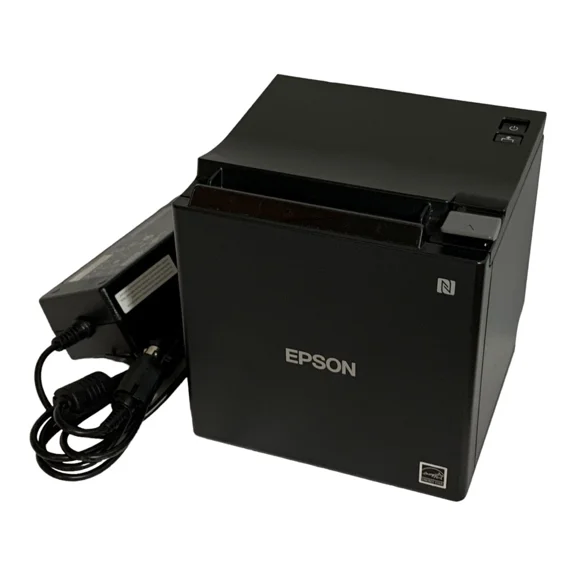
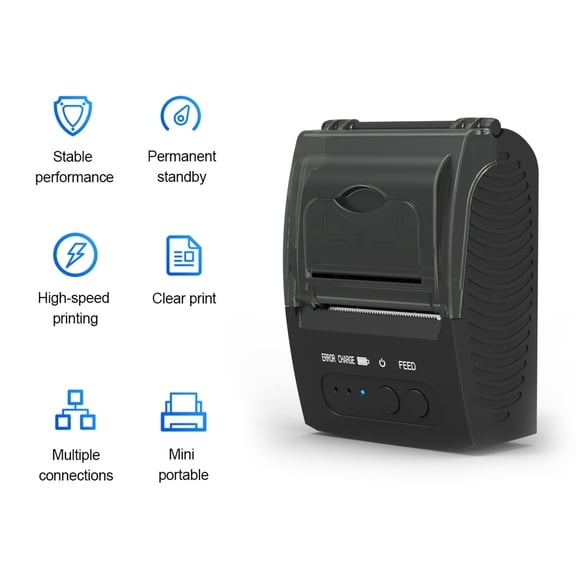
About Receipt Printers & Receipt Machines - Walmart.com
Your receipt machine setup can run smoother when you choose the right printer for your counter, checkout flow, and POS system. You can compare thermal and impact models, paper widths, and connection types that fit daily transactions.
If you run a busy checkout, you need clear receipts, quick printing, and simple setup. You can use this guide to compare category options that match retail, restaurant, and small business needs.
How to choose a receipt machine for your business
When you compare models, you should start with printing technology, paper width, and connectivity. You can narrow choices faster when you match those basics to your register, tablet, or POS software.
For many counters, you may prefer thermal printing because you won't need ink cartridges or ribbons. If you print multi-part slips, you may prefer impact or dot matrix options instead.
- You can keep checkout lines moving with fast print speeds and automatic cutters.
- You can reduce supply complexity by choosing thermal paper rolls that fit your printer width.
- You can connect more easily when you match USB, Bluetooth, WiFi, or Ethernet to your setup.
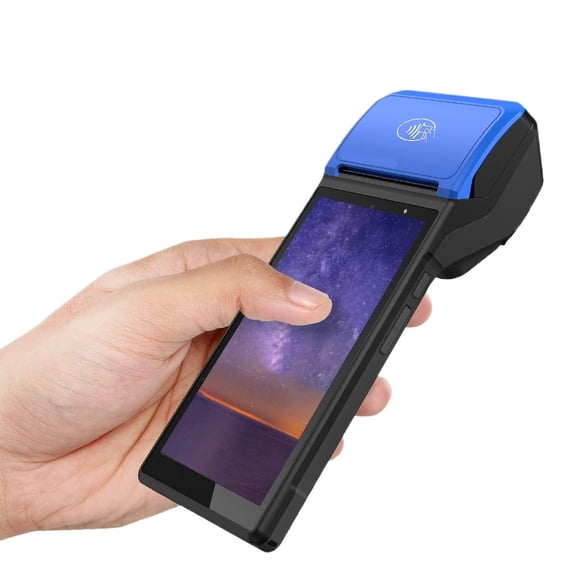
- You can support front counter, handheld, or back office workflows with the right form factor.
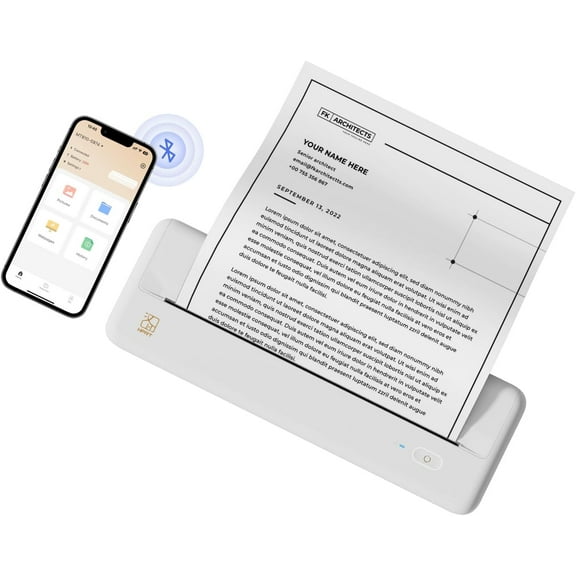
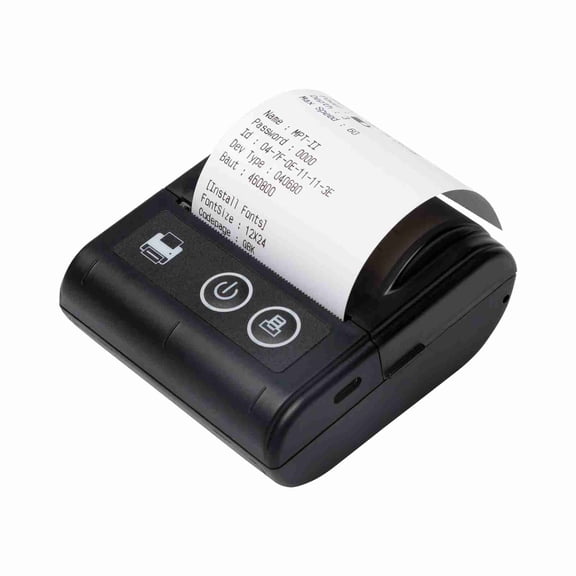
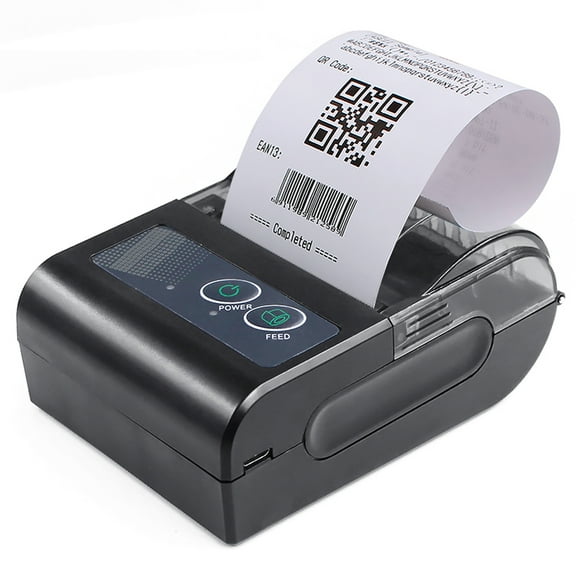
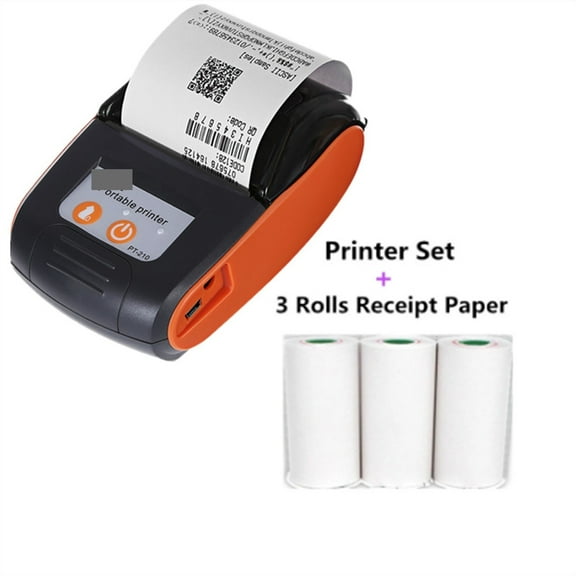
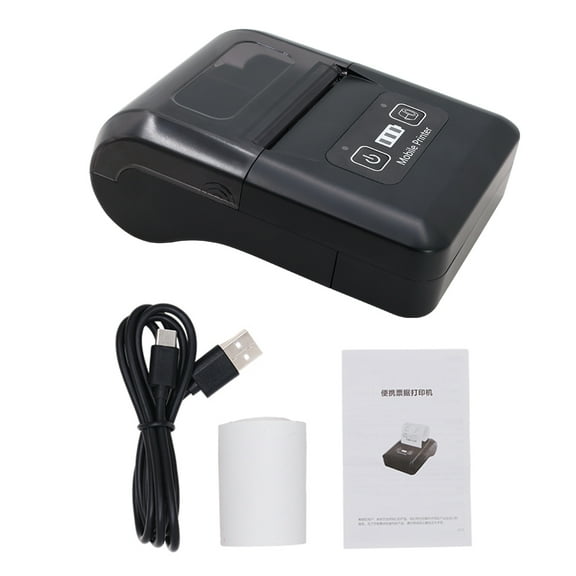
Small business shoppers often compare size and setup time before anything else. You can place compact models on crowded counters or pair wireless units with tablets.
If you need a small business receipt printer, you should also check your daily receipt volume. You can choose sturdier housings and cutters when your staff prints all day.
Choosing between thermal, dot matrix, and impact printing
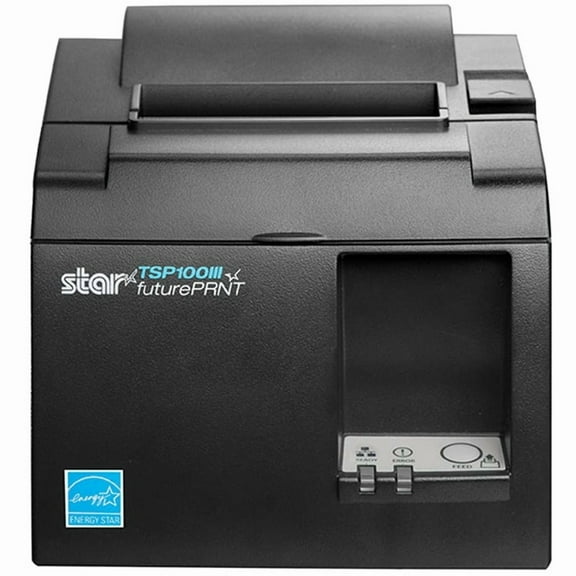
Thermal models work with heat-sensitive paper, so you won't manage ink during regular use. You can keep supplies simple when your checkout relies on standard thermal paper rolls.
Dot matrix and impact styles use ribbons and strike the paper during printing. You may choose them when your workflow needs duplicate slips or kitchen order copies.
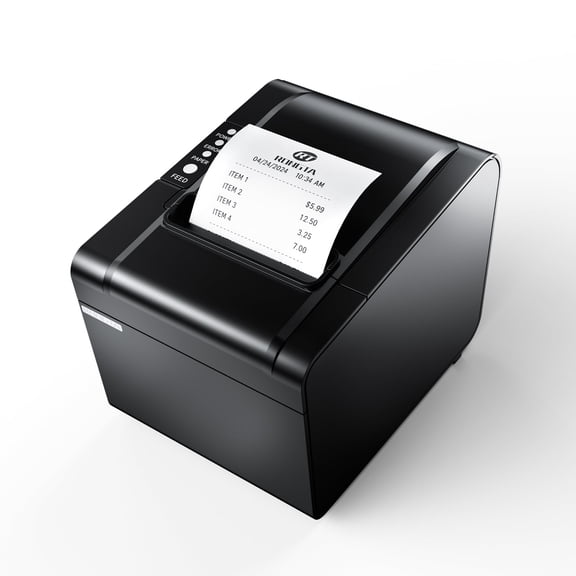
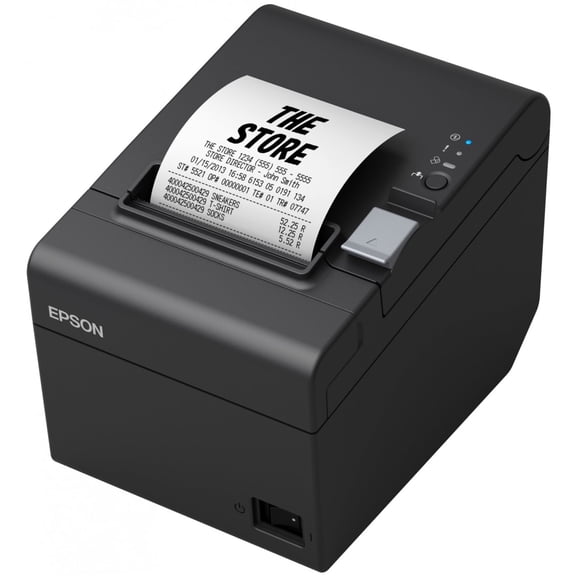
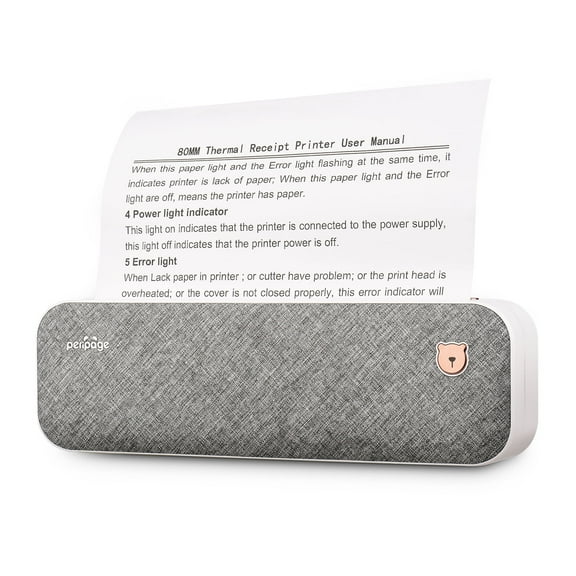
If you want an 80mm thermal receipt printer, you should check the paper width your POS already supports. You can also compare 58mm and 3-inch formats for different counters.
With 80mm paper, you usually get wider receipts and room for item details. With 58mm paper, you can fit smaller devices where counter space stays tight.
Choosing paper width and consumables
Paper width affects receipt readability, roll replacement frequency, and device compatibility. You should confirm whether your system expects 80mm, 58mm, or 3-inch media before ordering.
Thermal paper rolls work with thermal printers, while ribbon cartridges work with impact units. You can avoid setup frustration when you match consumables to the printing technology.
If you print long item lists, you may want wider paper for cleaner line spacing. If you use a mobile checkout cart, you may prefer a smaller roll size.
You should also check roll loading style and cutter support before you choose. You can speed up daily maintenance when paper drops in quickly and feeds cleanly.
Choosing connectivity and POS compatibility
Connection type shapes how your receipt printing machine fits into your checkout area. You should compare USB, Bluetooth, WiFi, and Ethernet based on distance, mobility, and device count.
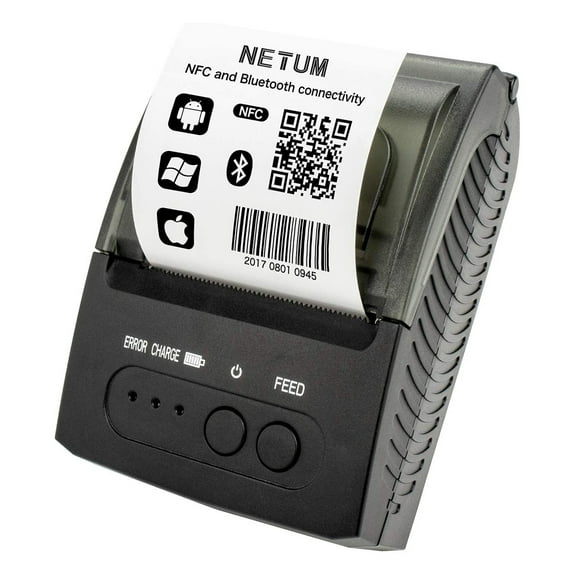
USB works well when your printer stays beside a fixed register or desktop POS. Bluetooth can suit tablet setups when you want fewer cables at the counter.
WiFi can help when you place the printer away from the main terminal. Ethernet can make sense when you want a stable wired network connection in a busy store.
You should also check POS compatibility before you finalize your choice. You can look for support details like ESC/POS commands and iOS or Android SDK compatibility.
If you use Square, Clover, Shopify, or similar systems, you should confirm supported interfaces first. You can avoid driver issues when the printer matches your hardware and software environment.
Choosing print speed and durability for daily use
Print speed is often listed in mm per second, which tells you how fast receipts come out. You can keep lines moving when speed matches your transaction volume.
Durability matters when your printer runs through lunch rushes, evening peaks, or full-day service. You should compare cutter design, housing construction, and duty expectations before deciding.
If you run a restaurant, you may want dependable output for front counter receipts and back station tickets. If you run retail, you may focus on clean logos, barcodes, and quick reprints.
Supermarket and high-volume checkout areas often need wider rolls and steady wired connections. Smaller shops may prefer compact wireless units that fit a narrow wrap stand.
Matching receipt printers to real use cases
For a cafe or quick-service counter, you may want thermal printing, 80mm paper, and Ethernet or USB. You can support fast order turnover and clear customer receipts.
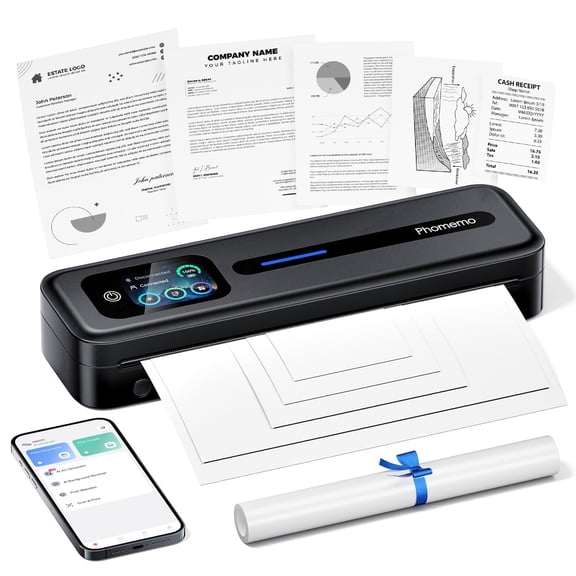
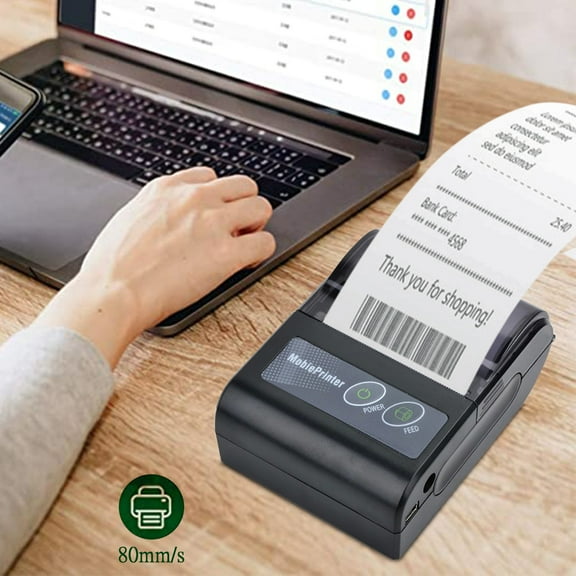
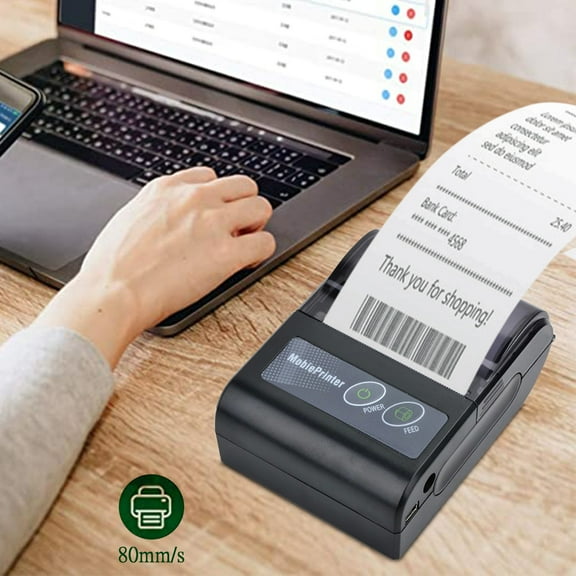
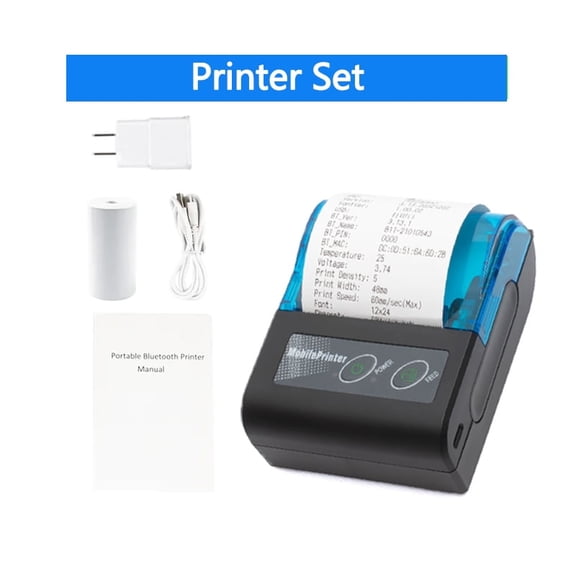
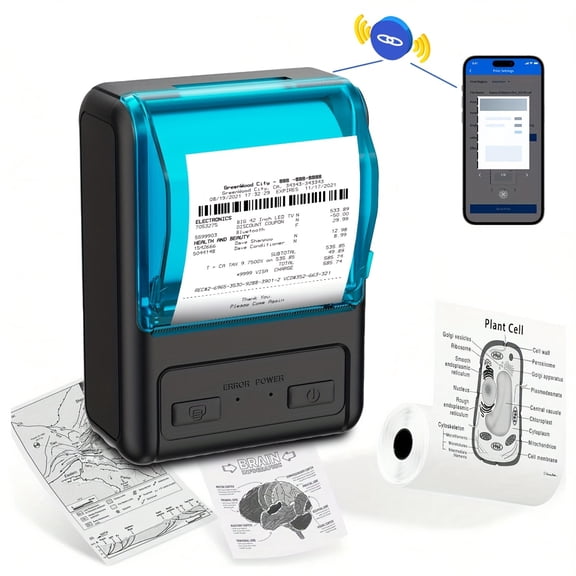
For a pop-up shop or mobile checkout, you may want Bluetooth or WiFi with a smaller footprint. You can pair the printer with a tablet and keep your counter flexible.
For supermarkets, you may look for stable connectivity, wider paper, and dependable cutters. You can handle frequent transactions with fewer interruptions during peak periods.
For offices that print simple payment confirmations, you may choose a bill printer with straightforward setup. You can focus on compatibility, paper size, and daily convenience instead of extra hardware.
When you compare these category options carefully, you can choose a setup that fits your POS, receipt volume, and counter space. You can finish with a receipt printer that supports smooth transactions and clear printed records.