

Ethernet Storage & Cloud External Hard Drives






About Ethernet Storage & Cloud External Hard Drives - Walmart.com
Ethernet cloud storage helps you keep photos, videos, and documents on your network with flexible access and no monthly fees. You can choose storage capacity, drive bays, and connectivity that fit your home, media, or small business setup.
How to choose ethernet cloud storage
When you compare ethernet cloud storage, you should start with how much space you need today and next year. You may store family photos on 2TB, while large video libraries often need 8TB or more.
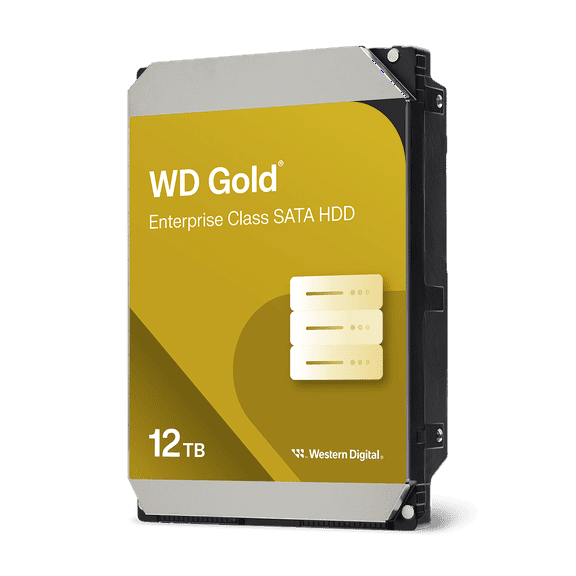
If you want room to grow, you should compare 12TB and 16TB options before your library expands. You can avoid early upgrades when your storage matches your shooting habits and backup routine.
You should also compare how your device connects to your network and other gear. Ethernet gives you stable wired access, while Wi-Fi adds placement flexibility and USB 3.0 passthrough supports direct file transfers.
- You can keep files in one place for home backup and shared access.
- You can stream movies, music, and photos across compatible devices on your network.
- You can access personal cloud storage remotely through supported apps and browser tools.
- You can choose a setup that matches simple backup needs or multi-user storage demands.
What to look for in personal cloud storage
Personal cloud storage lets you keep files on a device you control instead of relying only on a subscription service. You can access documents, photos, and media through your router at home or while traveling.
For everyday backup, you should consider whether you want a home cloud storage device with drives included or a diskless enclosure. You can start faster with pre-configured storage, or you can choose your own drives for more control.
Remote access matters if you want files available beyond one room. You should check whether your system offers a clear app experience, browser access, and simple user permissions.
If several people need storage, you should compare account management and folder sharing options carefully. You can keep work files separate from family photos while still using one networked device.
Choosing drive bays and nas network attached storage
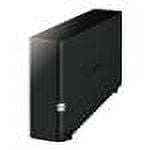
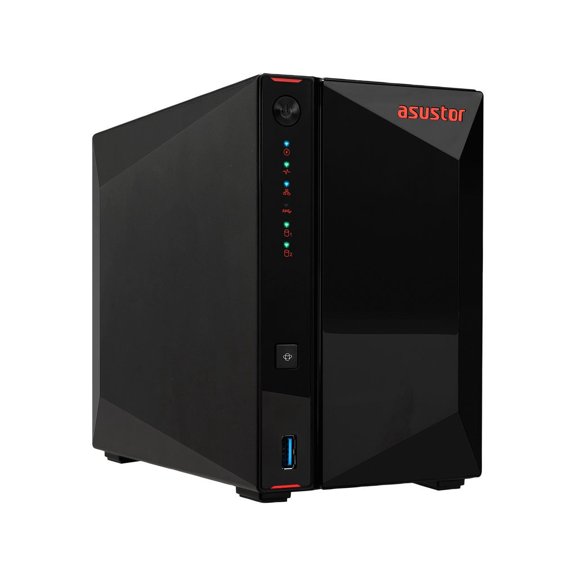
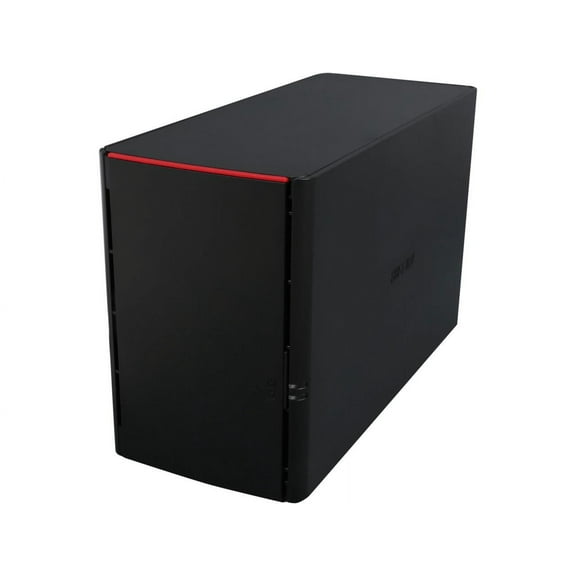
Nas network attached storage works like a dedicated file hub on your network, and you should choose the right bay count first. You can pick a 1-bay unit for simple storage, while 2-bay and 4-bay models add flexibility.
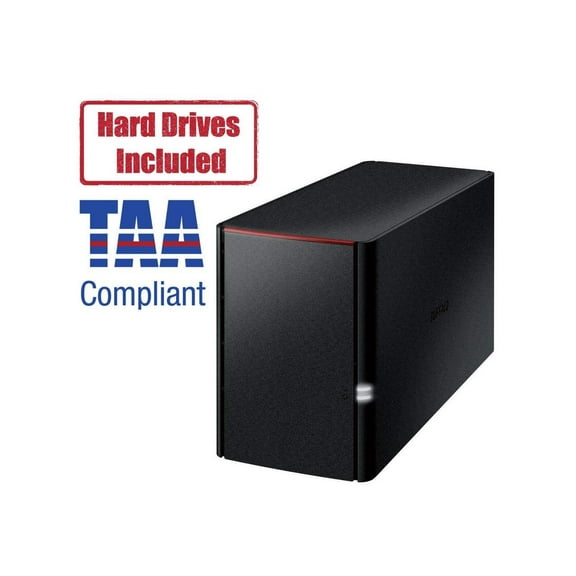
A 2-bay design can support RAID configurations that balance usable space and drive organization. You should compare RAID options in plain terms, because they affect available capacity and daily file management.
A 4-bay model gives you more room for expansion if your library keeps growing. You can add larger drives over time or build a setup for heavier media use.
If you already own compatible drives, a diskless enclosure gives you more control over your final setup. You should verify supported drive sizes and formats before choosing that route.
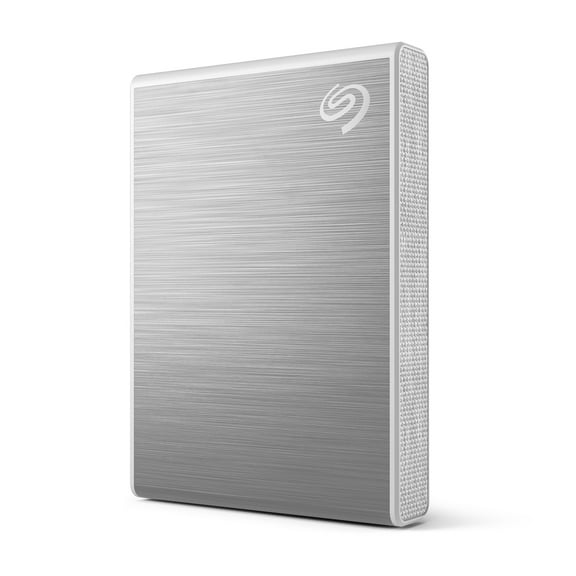
You may also compare an ethernet external hard drive style setup with fuller NAS features. You can get simple attached storage from some devices, while NAS systems usually add sharing, app access, and broader management tools.
Checking speed, streaming, and connectivity
You should look at Gigabit Ethernet support when you want smooth file transfers and reliable media playback. You can move large photo folders quickly over wired networking compared to wireless setups.
If you stream movies or large music libraries, you should compare read and write speed guidance in the product details. You can get steadier playback when your device and router support consistent network throughput.
Wi-Fi support can help when you want more placement options in your room or office. You should still consider Ethernet for the main connection if you care about stable streaming and backups.
USB 3.0 passthrough can make quick file imports easier from a computer or external drive. You can use that feature when you want to move content without relying only on network transfers.
Matching capacity and features to your use case
For home backup, you should estimate how many phones, laptops, and cameras you use each week. You can often start with 2TB or 4TB for documents and photos, then scale up for video-heavy households.
For media streaming, you should consider 8TB or larger if you keep high-resolution movies and music collections. You can pair that capacity with wired Ethernet for smoother playback across your home network.
If you need small business NAS storage, you should compare 2-bay and 4-bay systems with user management tools. You can organize shared folders, team files, and routine backups more clearly.
For a personal cloud setup, you should focus on remote access, app support, and easy permissions. You can reach files from outside your home while keeping your main storage on your own network.
You should measure your goals before choosing capacity, bays, and connectivity. You can land on a setup that fits your file library, supports your router, and keeps everyday access straightforward.
With the right ethernet cloud storage setup, you can keep your files close, organized, and ready across your connected devices. You can choose with more confidence when you compare capacity, bays, and network features in plain terms.