


Portable and Outdoor Projectors in Projectors & Screens






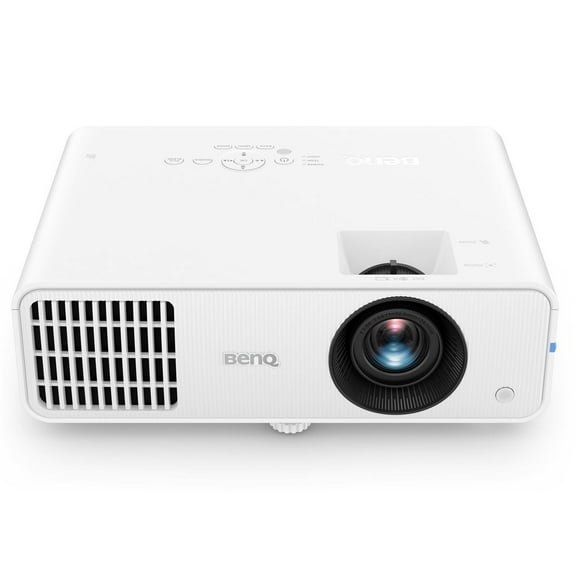
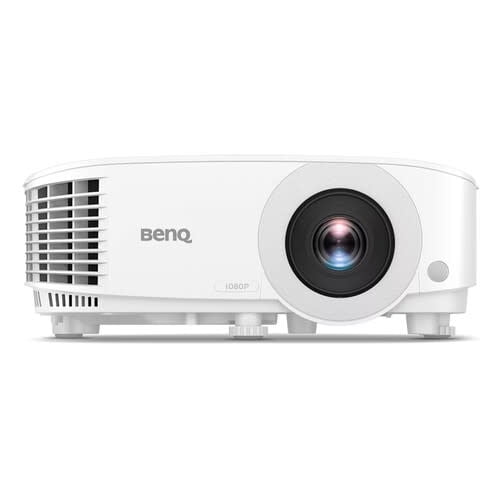


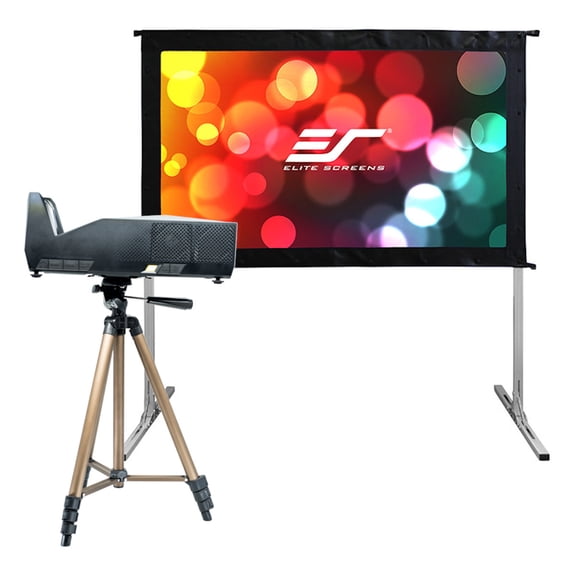
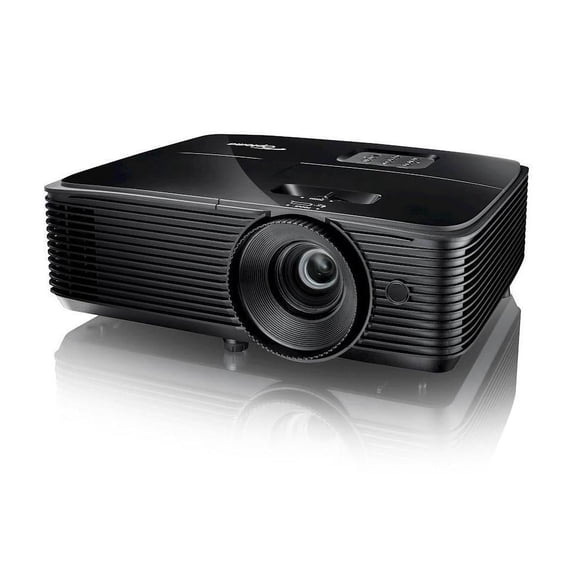






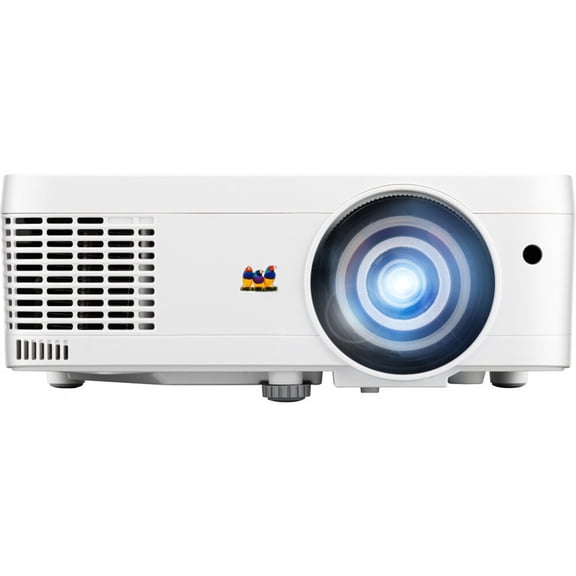


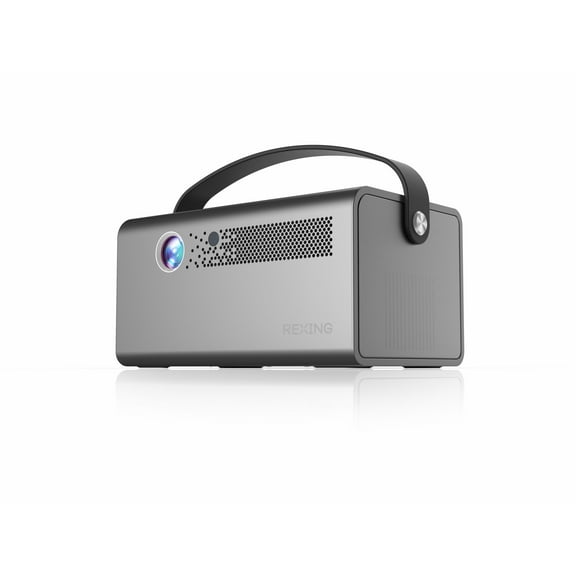


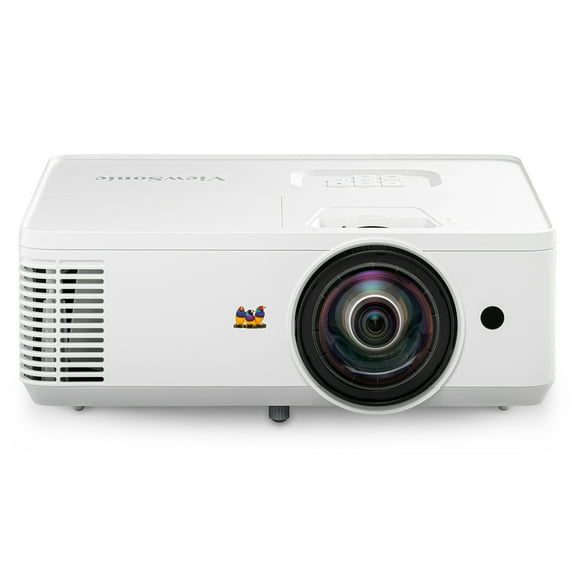
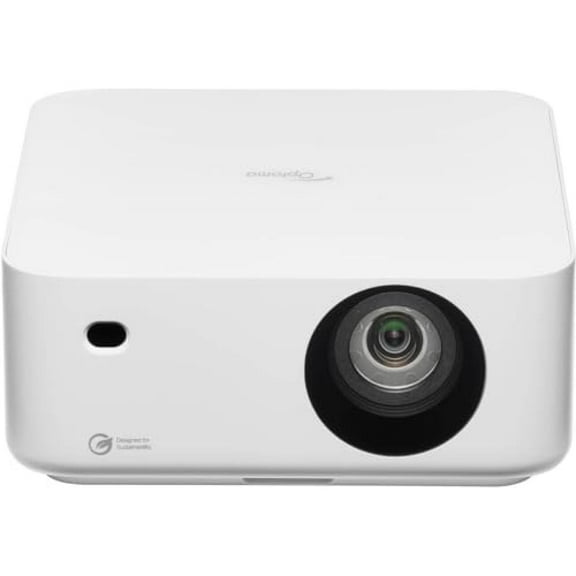

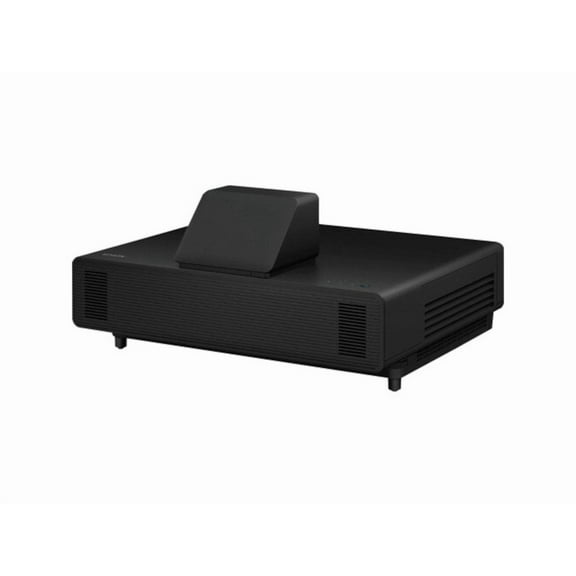
About Portable and Outdoor Projectors in Projectors & Screens - Walmart.com
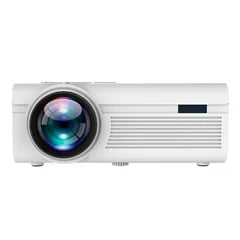
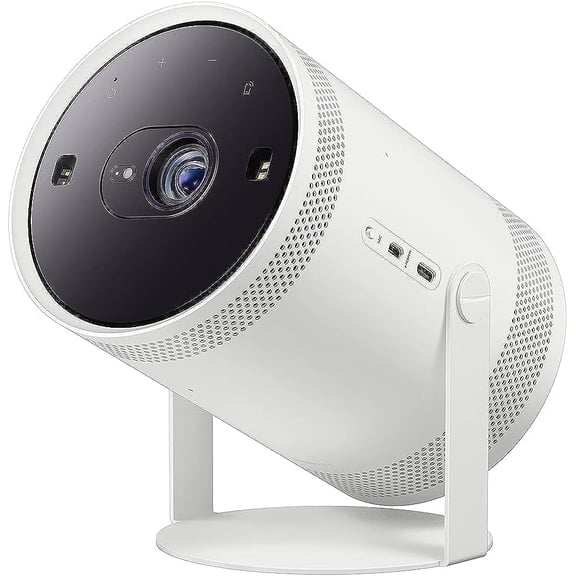
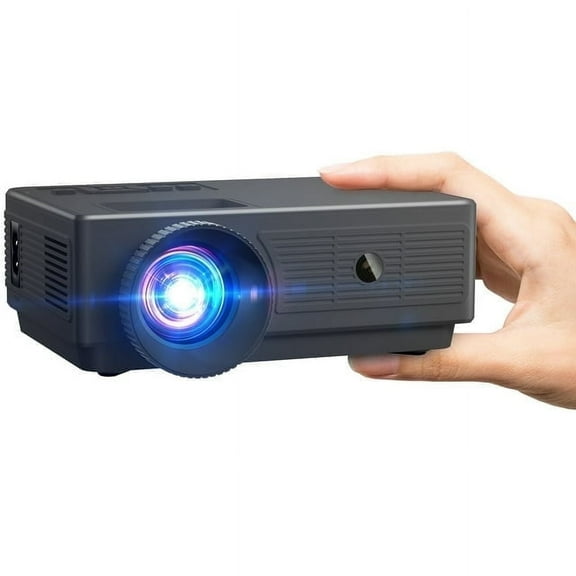
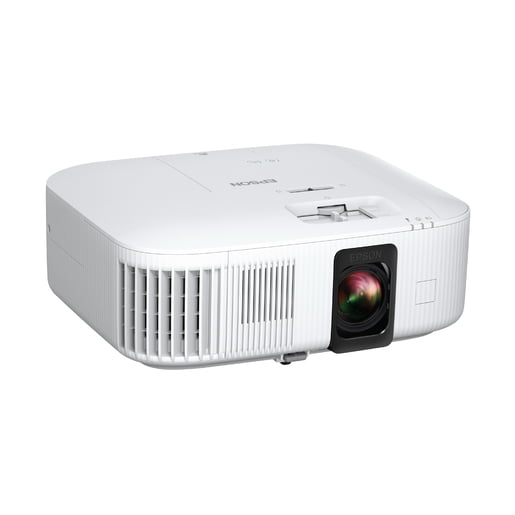
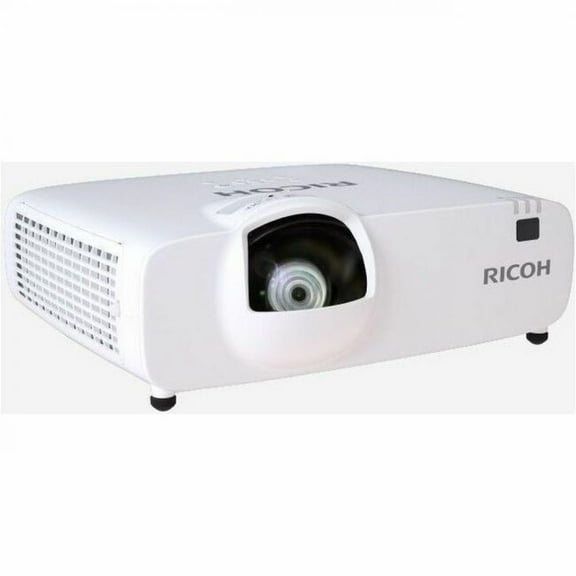
Portable projectors help you create flexible viewing in compact spaces and on the go. You can compare mini projectors, smart projectors, and outdoor projectors by brightness, resolution, power, and connectivity.
How to choose portable projectors for your space
When you compare portable projectors, you should start with where you'll use yours frequently. You may want a compact model for travel, a bedroom setup, or backyard movie nights.
Size matters, but your viewing environment matters just as much. You should check throw distance, image size, and setup style before you choose a model.
If you move your projector between rooms, you may prefer lightweight mini projectors or pocket projectors. If you keep yours in one spot, you may want additional brightness and extra ports.
Benefits you should expect from mini projectors
Mini projectors give you flexible entertainment without a large TV stand or permanent installation. You can set one on a table, pack it for travel, or use it in a dorm.
You can also get additional placement options when your room layout changes often. Your projector can work in apartments, guest rooms, offices, and outdoor setups with minimal clutter.
- You can create a large picture on a wall or screen without mounting a full television.
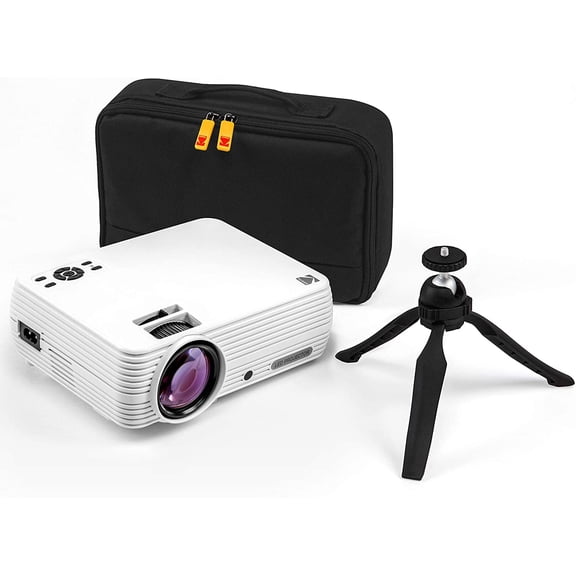
- You can carry compact pocket projectors in a bag for trips, presentations, or shared spaces.
- You can stream shows, connect game consoles, or mirror content from compatible devices.
- You can choose battery-powered options when your setup needs independence from outlets.
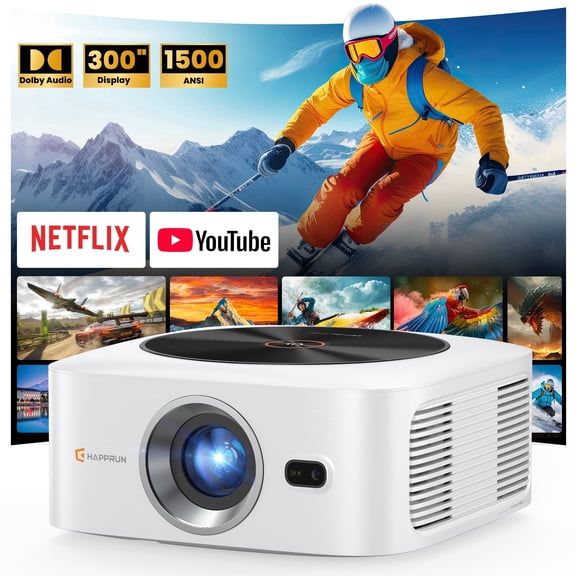
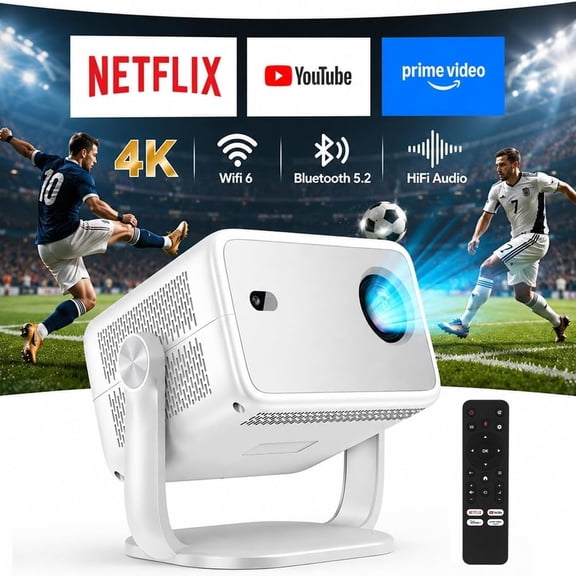
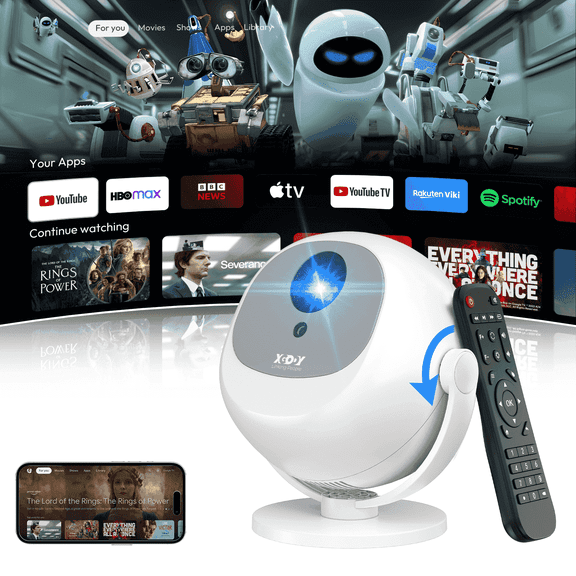
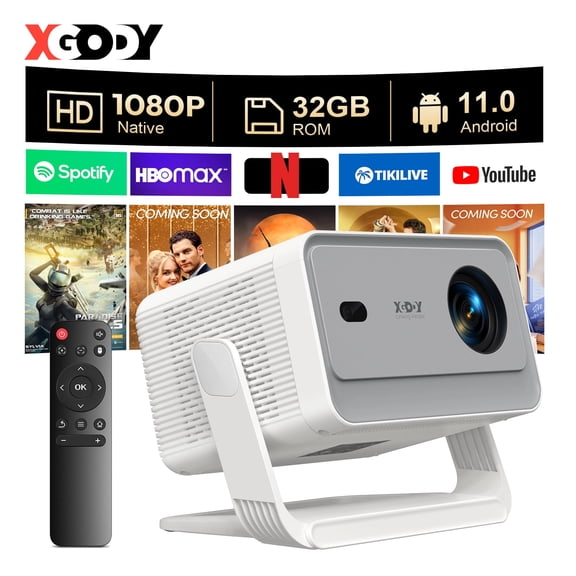
Smart projectors can simplify your setup when you want streaming apps built in. You may spend less time connecting extra devices and focus on getting your picture ready.
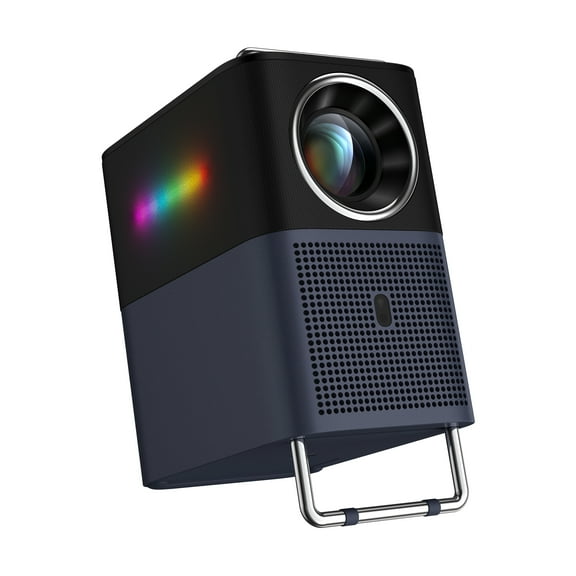
Outdoor projectors can also support movie nights, sports viewing, and casual gaming under the stars. You should match brightness and power options to your space for smooth use.
Choosing the right resolution for portable projectors
Resolution is one of the key decisions you'll make. You should compare native resolution first, because it tells you the projector's actual display detail.
A native 1080p portable projector can give you sharp text, clear menus, and highly defined images. Supported 1080p means your projector accepts that signal, but your display chip may show reduced detail.
If you want casual viewing in a smaller room, you may find 720p native works well. If you watch movies often, your eyes may prefer native 1080p for sharp detail.
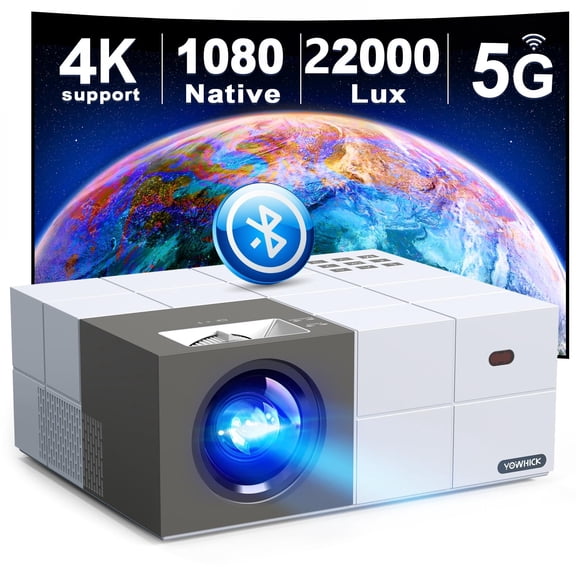
You may also see 4K support listed on some models. You should read that spec carefully, because support and native resolution are not the same thing.
Comparing brightness and lumens for outdoor projectors
Brightness affects how visible your picture looks in different lighting. You should use lumens as your guide, especially when you compare outdoor projectors.
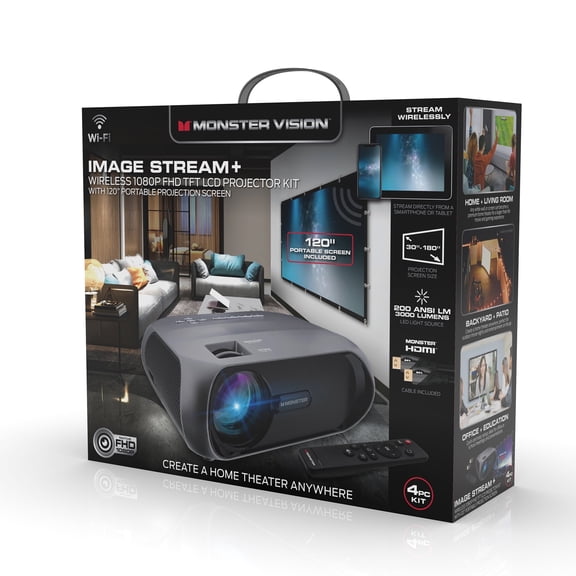
Under 1000 lumens can work for darker rooms and evening viewing. Between 1000 and 3000 lumens can suit many living rooms, bedrooms, and dim patios.
If you plan to watch earlier in the evening, you may want 3000+ lumens. You'll usually get a picture that stands up well against ambient light.
You should also consider screen size when you judge brightness. A larger image spreads light wider, so your projector may look dim at bigger sizes.
Checking power source and playback needs
Power source shapes where and how you use your projector. You can choose battery-powered models for flexible placement or AC plug-in models for extended sessions.
A battery powered portable projector can make camping, patios, and travel setups simple. You should check estimated playback hours so your movie or presentation fits your plan.
If you use your projector at home frequently, an AC plug-in model may make sense. You may not need to think as much about charging between uses.
You may also want to compare charging methods and included adapters. USB-C charging can add convenience when you already pack fewer cables.
Looking at Bluetooth, Wi-Fi, HDMI, and USB-C
Connectivity decides how easily your projector fits your devices. You should compare Bluetooth, Wi-Fi, HDMI, and USB-C based on what you already use.
Bluetooth projectors can pair with speakers or headphones for flexible sound placement. Wi-Fi can help you access streaming features or wireless casting on compatible models.
HDMI is useful when you connect game consoles, streaming sticks, or laptops. USB-C can be handy when your tablet, phone, or modern laptop uses one cable type.
If you want fewer accessories, you may look for smart projectors with built-in streaming platforms. You should still confirm app availability, mirroring support, and remote controls.
Matching use cases to your setup
For travel and shared spaces, you may prefer pocket projectors with compact designs and simple controls. You can pair compact size with battery power and USB-C for convenient packing.
For movie nights outside, you should focus on brightness, playback time, and speaker connections. A bright outdoor projector with Bluetooth can support a clean backyard setup.
For bedrooms or apartments, you may want native 1080p and quiet operation. You can use those features for late-night streaming, casual gaming, or wall projection.
If you plan to present slides or documents, you should prioritize native resolution and HDMI support. You'll notice clear text and simple device switching during meetings.
When you compare these decision points together, you can narrow your options with confidence. The right mix helps you get a clear picture, simple setup, and smooth viewing anywhere.