

Oscilloscopes in Electrical Testing


















About Oscilloscopes in Electrical Testing
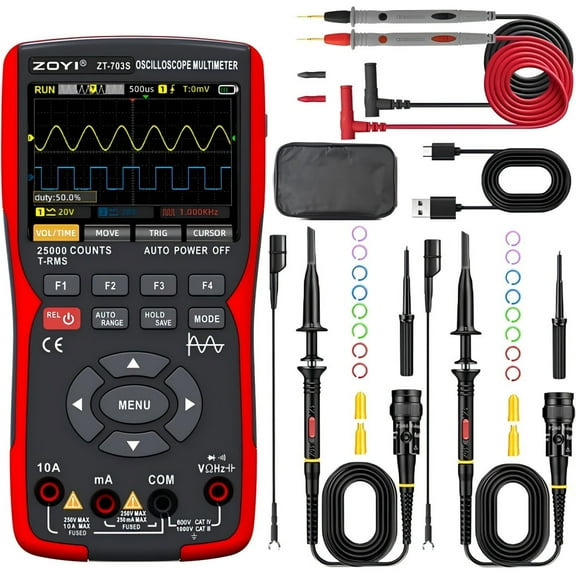
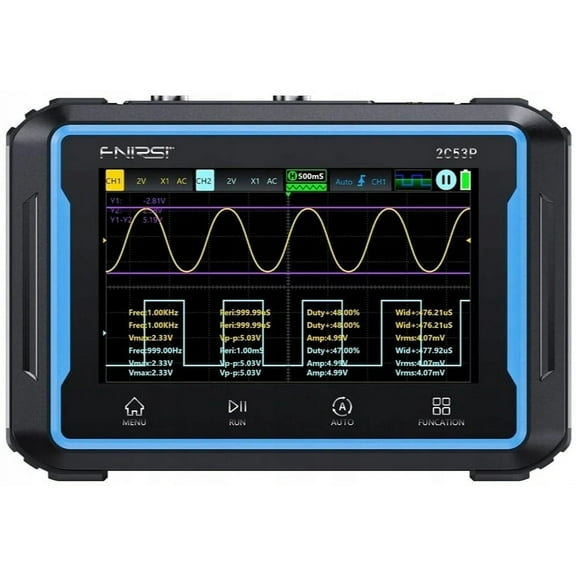
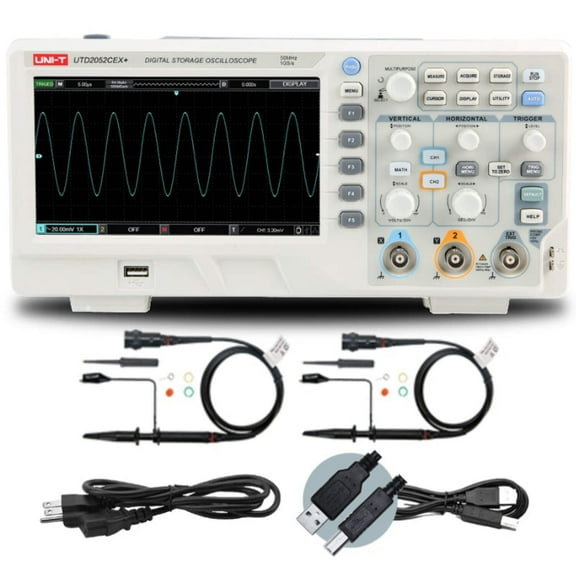
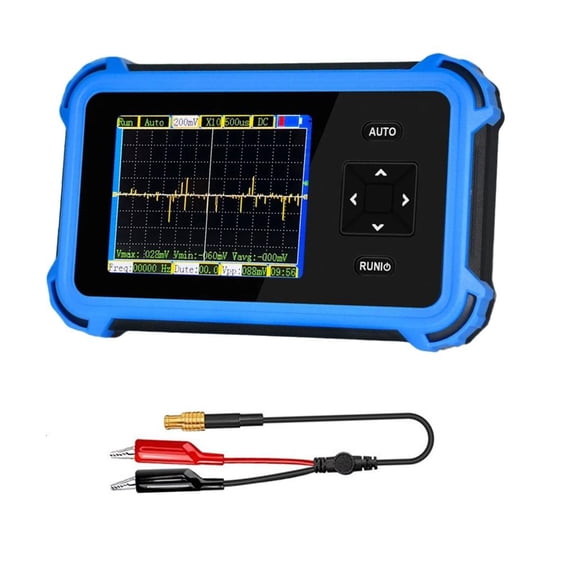
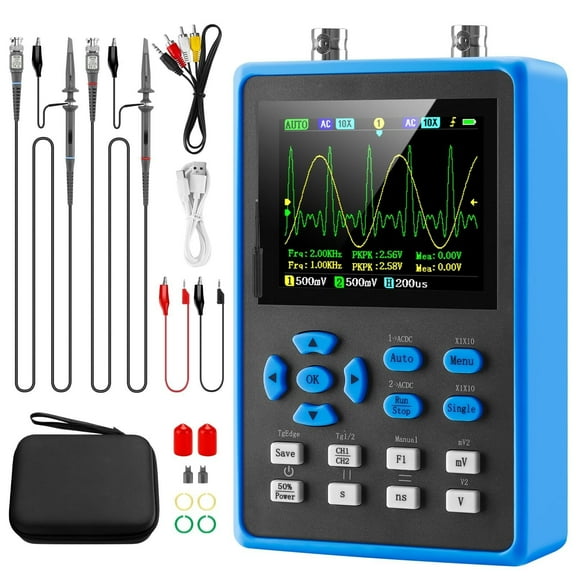
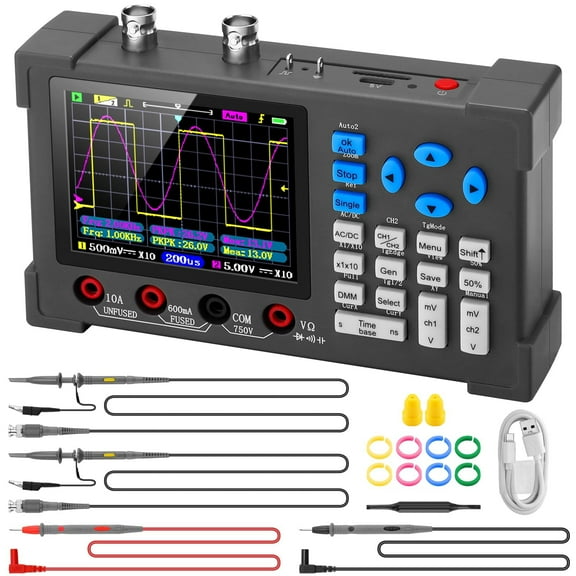
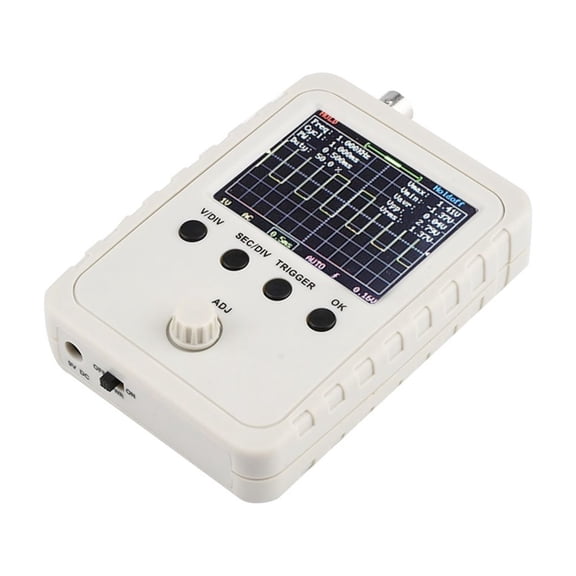
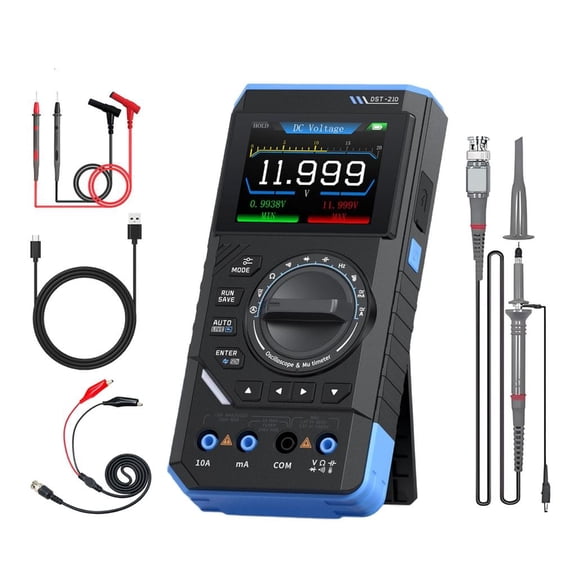
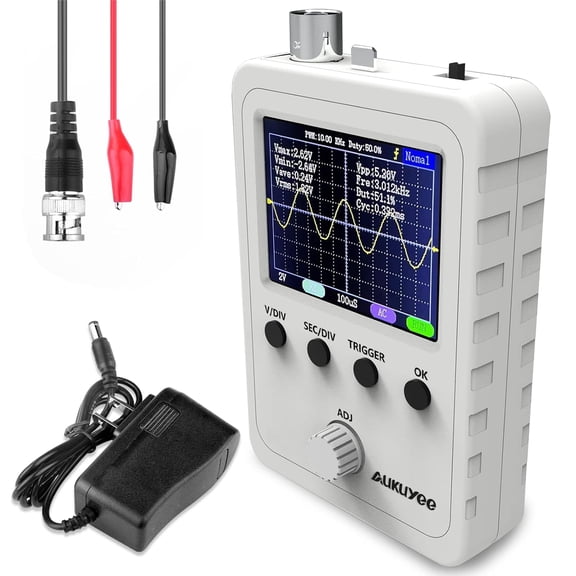
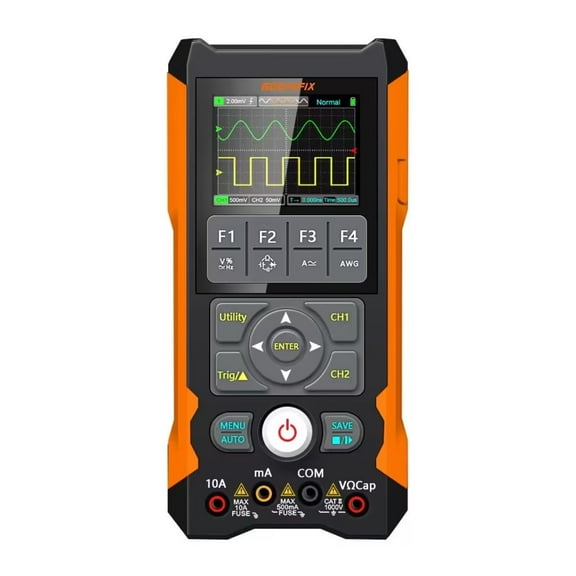
Oscilloscopes help you view waveform changes clearly while you compare bandwidth, channels, and form factors for your bench or field kit. You can use this category to compare digital oscilloscopes, handheld oscilloscopes, and portable oscilloscopes for circuit testing.
You likely need more than a product grid when your work depends on clean traces and clear signal timing. You can narrow your choice faster when you understand MHz ratings, channel count, sample rate, and oscilloscope probes.
How to choose oscilloscopes by bandwidth and channels
You should start with the signal frequency you expect to measure frequently. You’ll usually match bandwidth to your signal range, so 20 MHz fits basic learning tasks while 100 MHz or 200 MHz fits high-frequency electronics.
Bandwidth affects how much detail you can see on rising edges and repeating waveforms. You’ll notice that too little bandwidth can soften square waves and hide switching behavior that matters during testing.
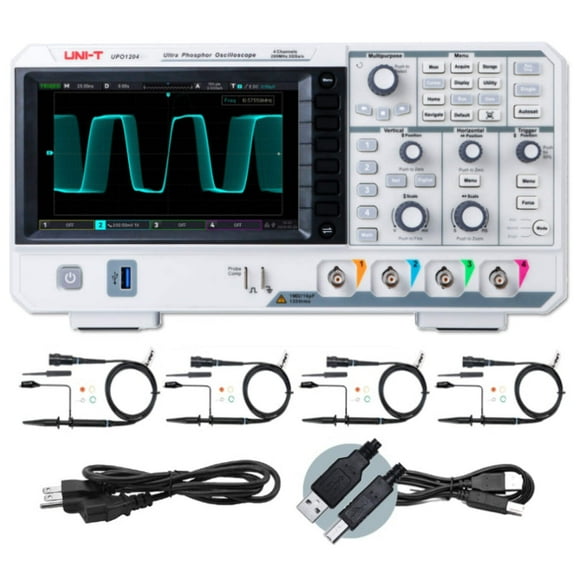
Channels matter when you need to compare more than one point at once. You can use 2-channel models for input and output checks, while 4-channel options help you compare clocks, control lines, and power rails together.
- You can choose lower bandwidth for basic troubleshooting and introductory electronics work.
- You can move to higher MHz ranges when your projects involve microcontrollers, switching supplies, or high-speed digital signals.
- You can pick 2-channel units for common bench tasks and 4-channel units for more complex timing comparisons.
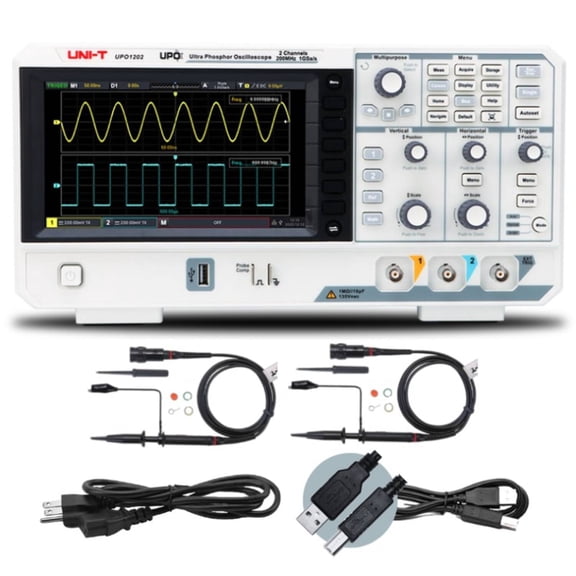
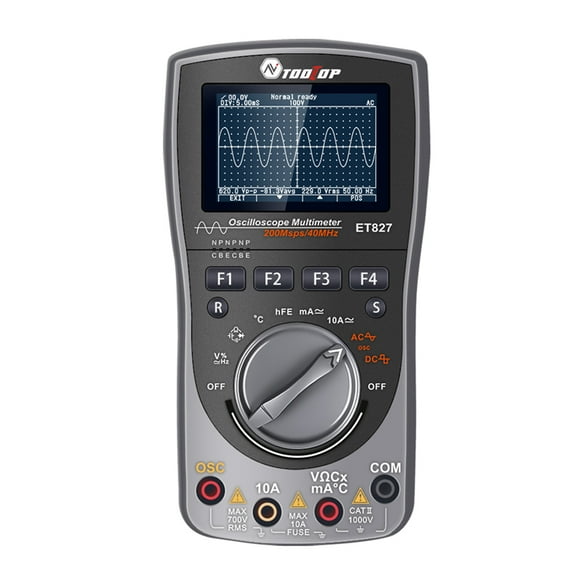
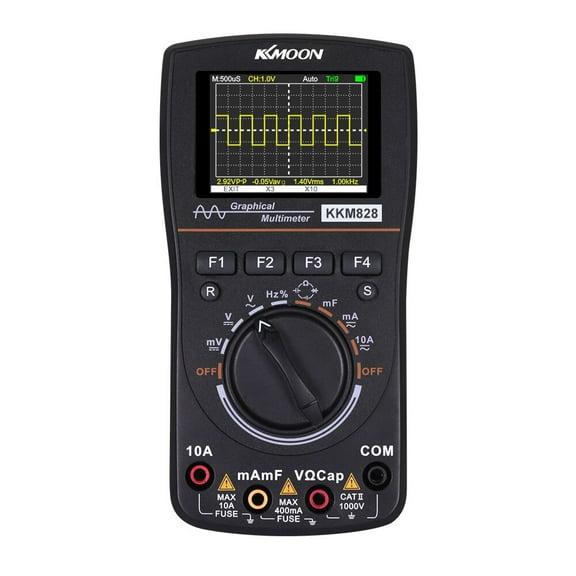
- You can compare benchtop, handheld, portable, and USB PC-based styles based on where you test.
You should also compare a 4 channel oscilloscope when your design has several related signals. You can follow trigger lines, sensor outputs, and clock activity together without switching probes between test points.
Choosing the right digital oscilloscopes
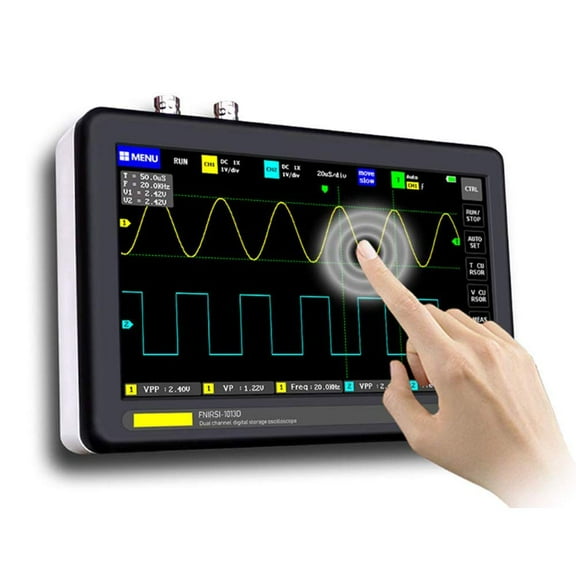
You’ll often see digital color displays, analog styles, and LCD screens across this category. You can use digital oscilloscopes to capture, pause, and review waveforms, which helps when signals change quickly.
Sample rate and memory depth deserve close attention when you compare models. You should look for enough GS/s and record length to capture brief events without losing detail between samples.
Display type shapes how easily you read traces during setup and review. You may prefer a digital color screen when you track multiple channels, while an LCD can suit compact tools and field-ready designs.
You can choose a digital storage oscilloscope when you want to keep traces visible for later review. You’ll find that stored waveforms make it easier to compare repeated tests during development or instruction.
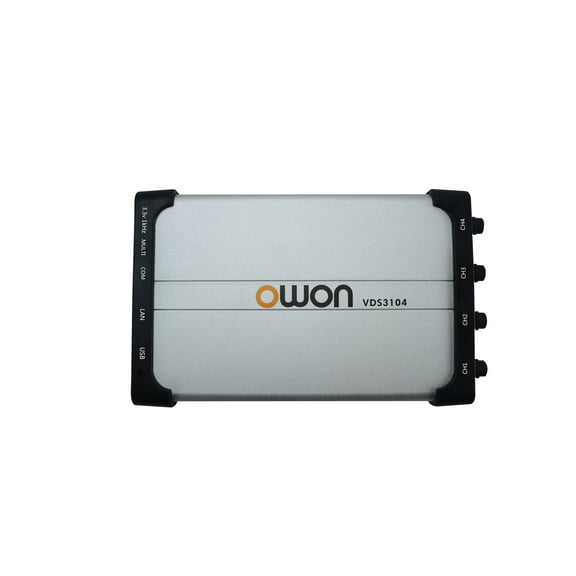
USB PC-based units can fit your workflow when you want a compact device on your bench. You can connect them to a computer for waveform viewing, storage, and screen space that supports longer test sessions.
Analog units still appeal when you want a direct view of continuous signal behavior. You may compare them with digital models if you need screen capture and event review during electronics work.
Comparing handheld oscilloscopes and portable formats
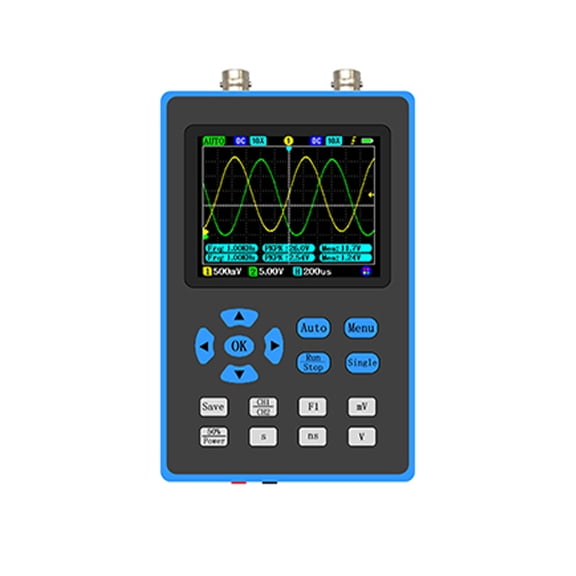
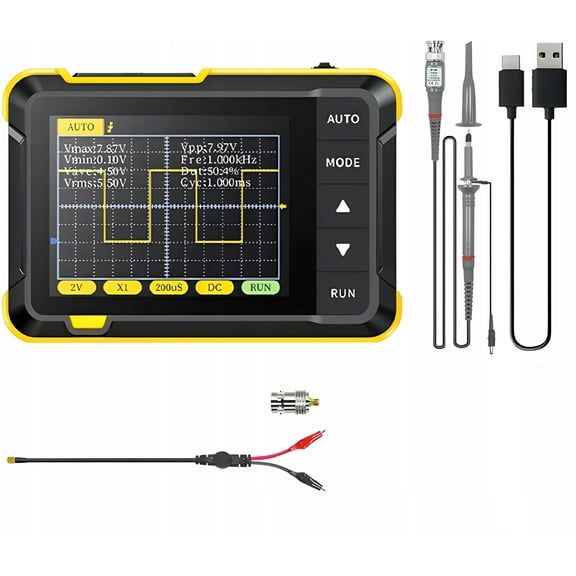
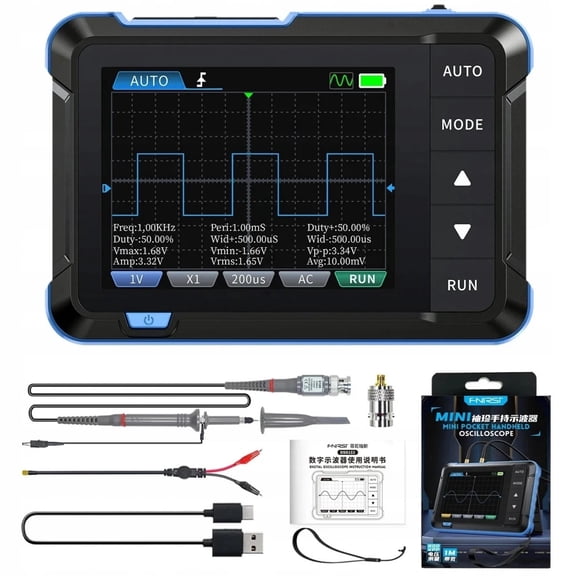
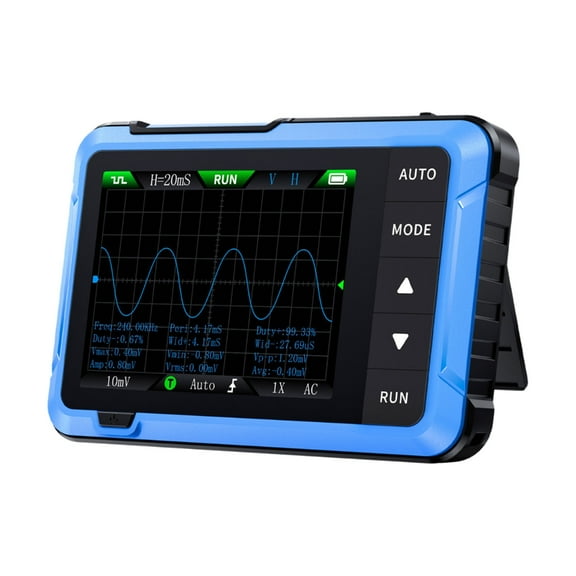
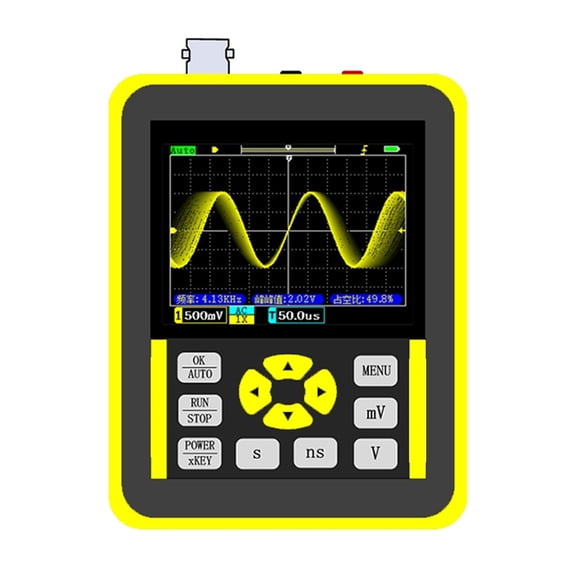
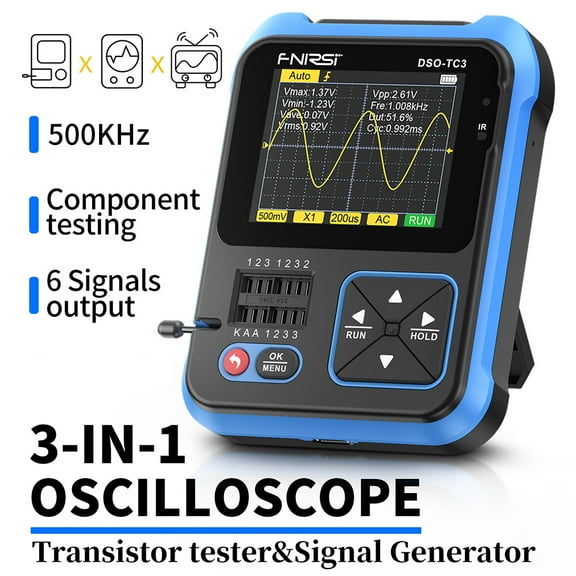
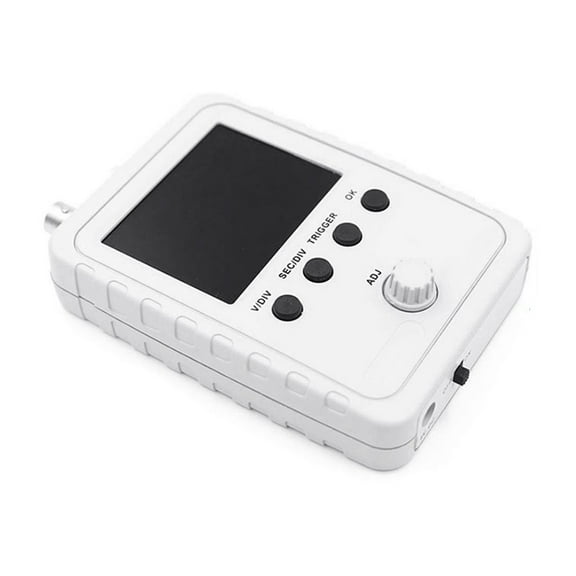
You should think about where you’ll test before you compare sizes and housings. Handheld oscilloscopes support field technicians who need a compact tool, while benchtop units fit stationary setups with knobs and spacious displays.
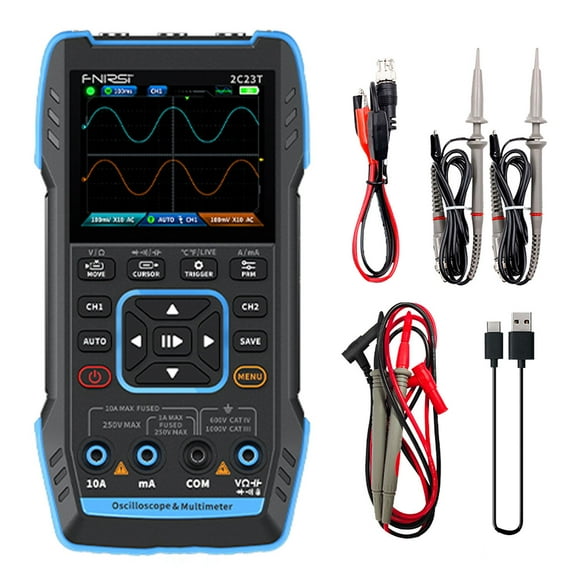
Portable oscilloscopes can work well when you move between classrooms, repair stations, and job sites. You’ll appreciate lighter formats when you carry test gear with leads, power adapters, and oscilloscope probes.
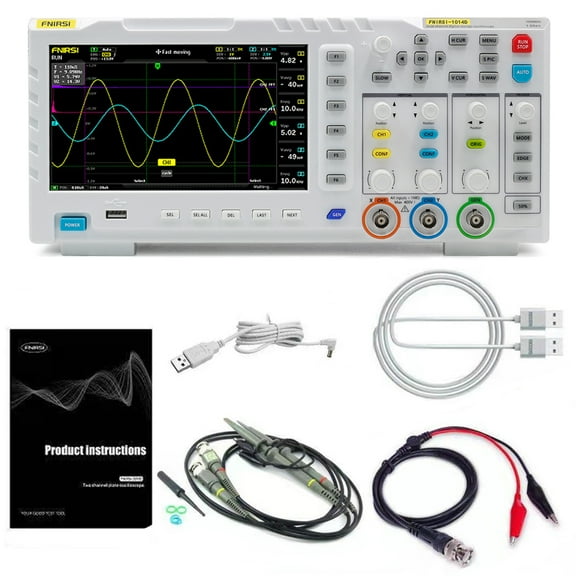
Benchtop models make sense when your setup stays in one place for repeated measurements. You can benefit from larger screens and front-panel controls when you spend long sessions checking timing, ripple, or pulse shape.
Handheld options can simplify quick checks in tighter spaces around equipment cabinets or service areas. You should compare battery operation, screen size, and channel count if mobility matters in your daily routine.
You may also compare portable oscilloscopes when you need flexibility without a permanent lab station. You can move them between training tables, service carts, and shared benches with less setup time.
What to look for in sample rate, memory depth, and oscilloscope probes
You’ll want sample performance to match the complexity of your projects. You should pair a suitable sample rate with the right bandwidth so your trace shows timing detail more clearly.
Memory depth, also called record length, affects how long you can capture a signal at useful resolution. You can review longer events more effectively when your scope stores more points before you zoom in.
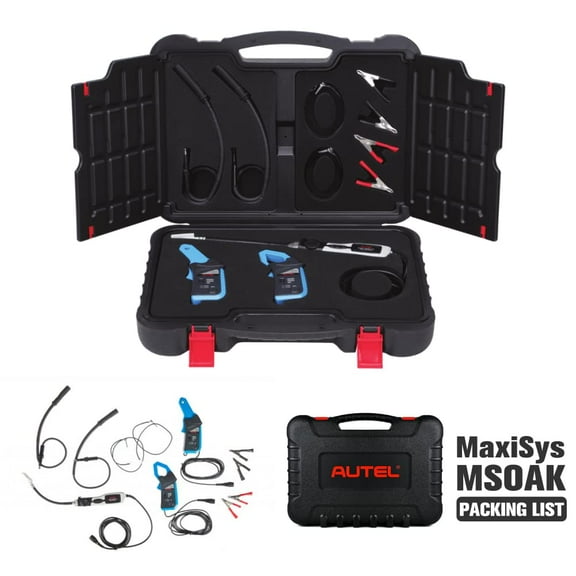
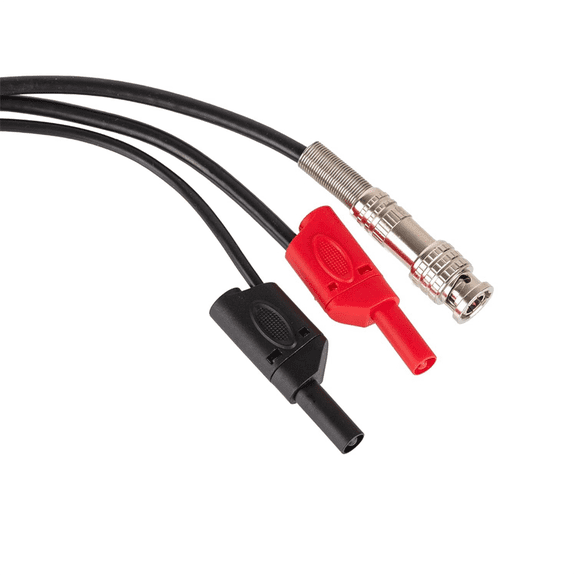
Oscilloscope probes also shape what you see on the screen during testing. You should check compatibility, attenuation options, and connector fit so your readings stay consistent with your scope inputs.
Probe choices matter when you switch between fine signal work and higher measurement ranges. You can keep your setup more efficient when your oscilloscope probes match your channels, accessories, and common test points.
You should compare included accessories with your typical workflow before you choose a model. You can avoid interruptions when your probe type, channel count, and connectors align with your regular bench tasks.
Matching oscilloscopes to real work
You can use benchtop units for electronics labs, maker tables, and product development stations. You’ll have space to compare clock signals, sensor outputs, and power behavior across repeated test cycles.
USB PC-based models fit desks where you want a compact footprint beside soldering tools and development boards. You can review saved traces on a larger monitor when you document prototypes or classroom projects.
Handheld oscilloscopes make sense when you move from system to system during service work. You can carry one tool for quick waveform checks on controls, wiring paths, and powered equipment connections.
Portable oscilloscopes also support training setups and shared tool carts. You’ll find them useful when your team needs flexible testing without dedicating a full bench to one station.
If you’re comparing 20 MHz, 50 MHz, 100 MHz, and 200 MHz ranges, you should match the scope to your signal environment. You can avoid guesswork when you align frequency range, channels, and sample performance with the circuits you test.
You can choose oscilloscopes with more confidence when you compare bandwidth, channels, form factor, and memory depth together. Your setup becomes easier to read, record, and troubleshoot when those core specs match your workflow.