




onn Tablets and Laptops Walmart Exclusive


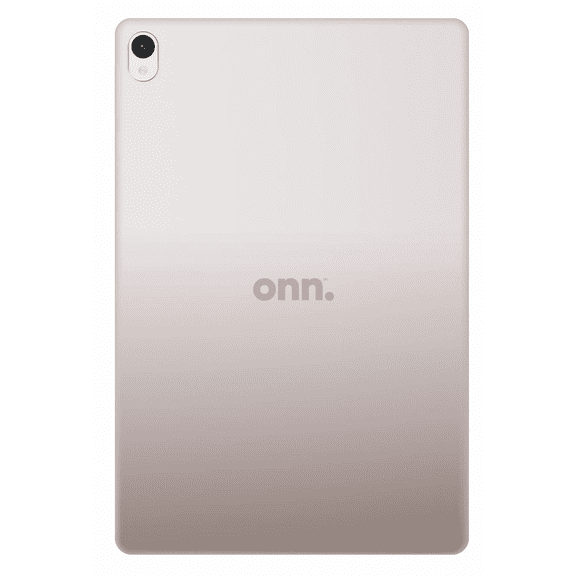
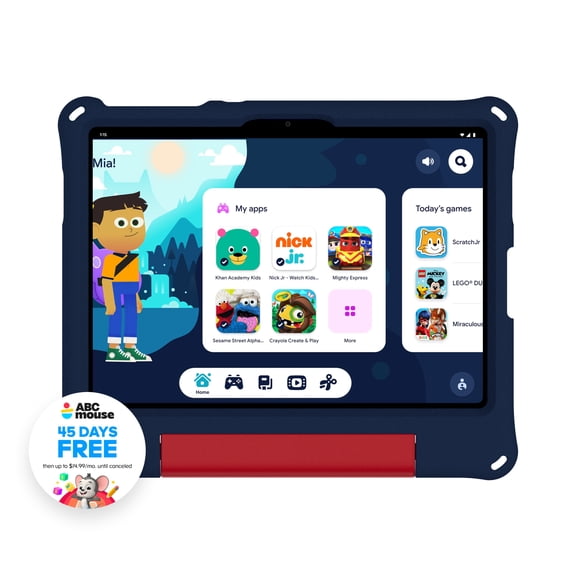


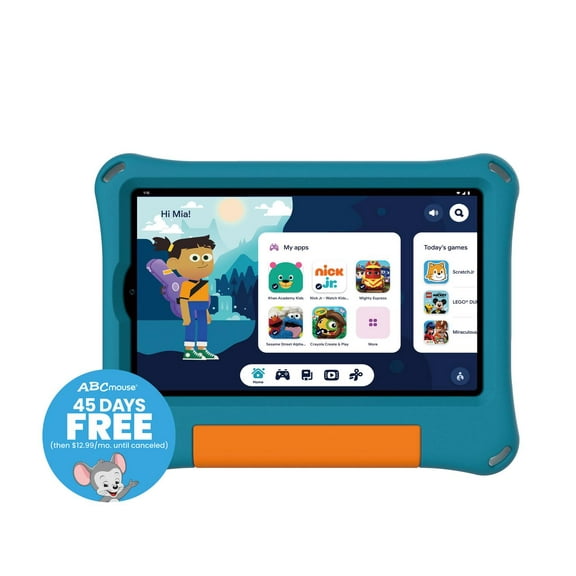


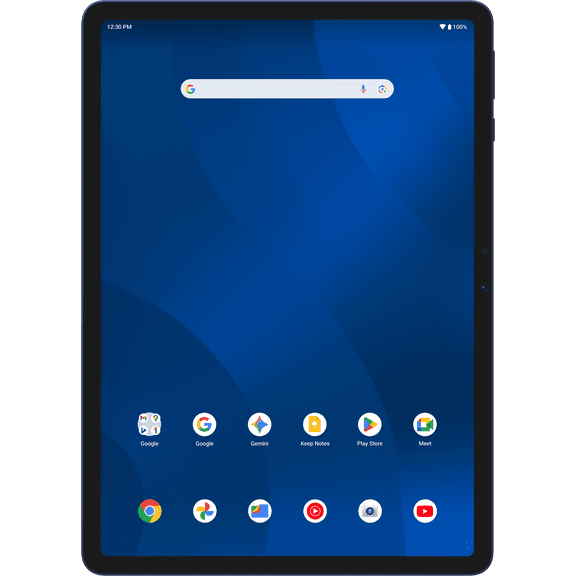


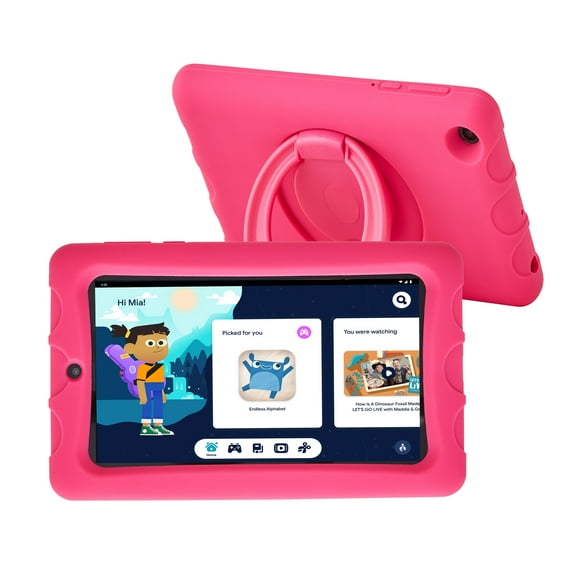


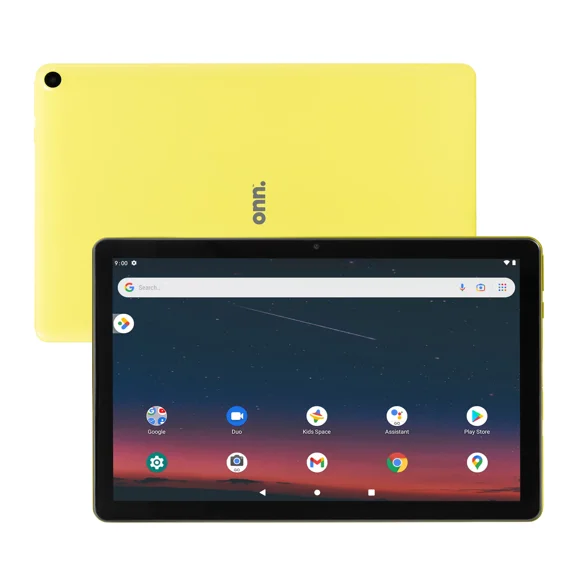


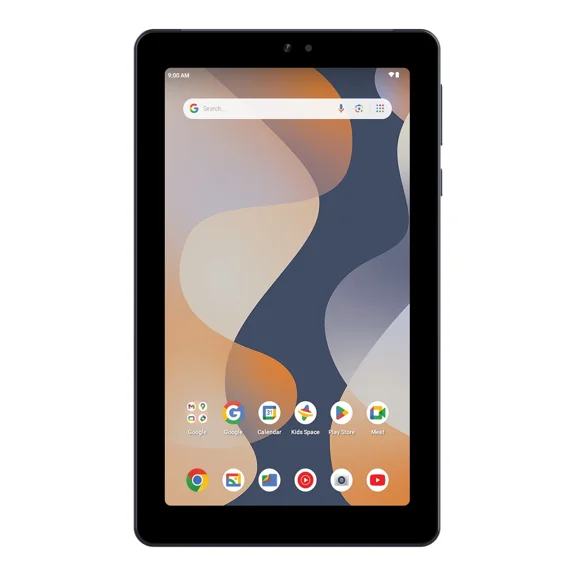


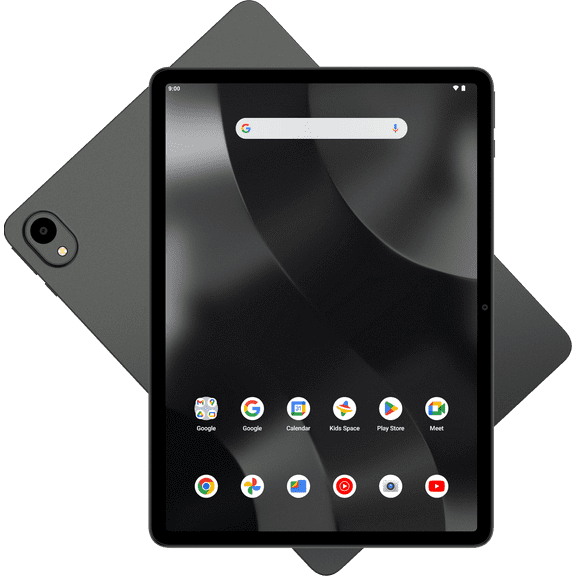


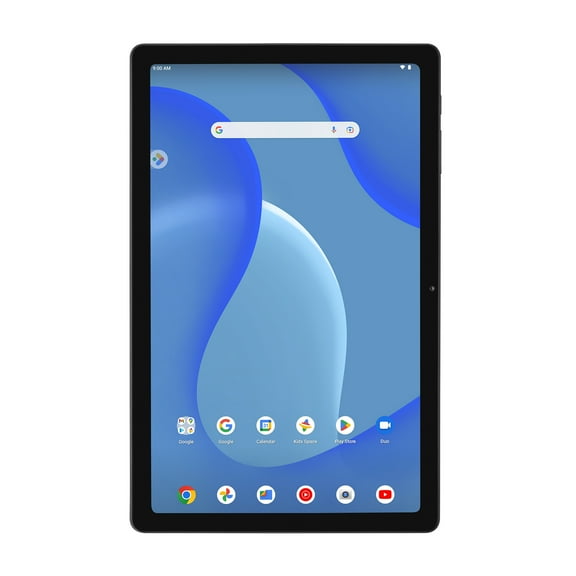


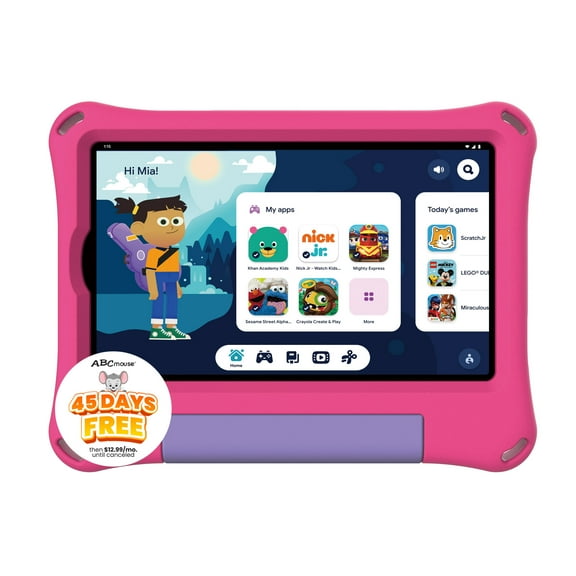
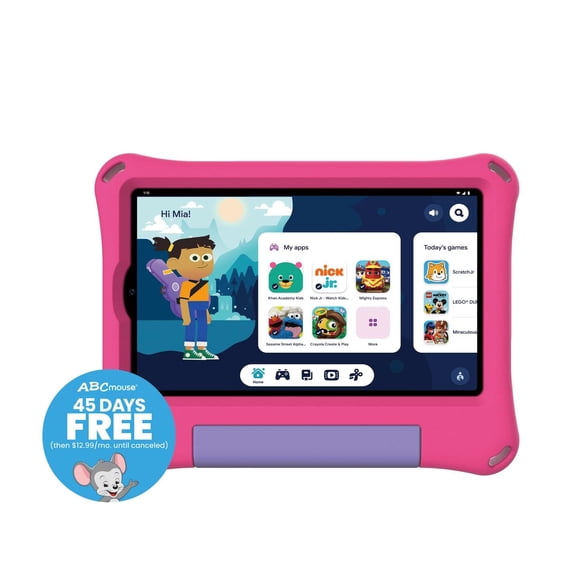
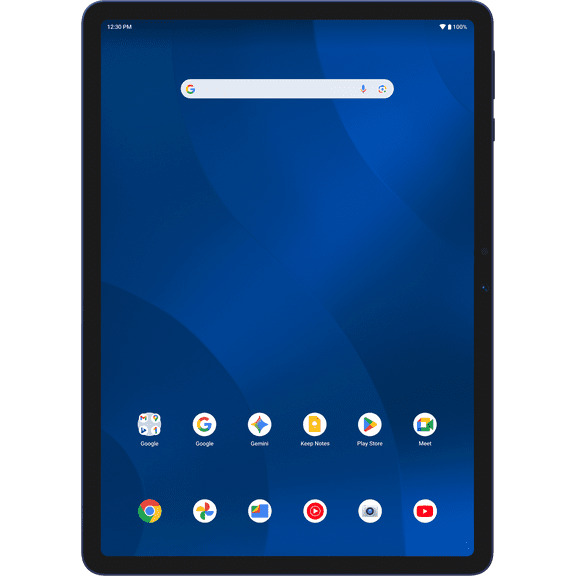
About onn Tablets and Laptops Walmart Exclusive - Walmart.com
You can compare streaming devices by resolution, form factor, connectivity, and voice control, so your TV setup matches your screen, network, and viewing habits. You’ll find category guidance here that helps you choose between streaming sticks, compact dongles, and set-top boxes for everyday watching.
How to choose streaming devices for your TV
Start with your TV’s inputs and display limits before you choose a streaming device for tv use. You’ll want to check HDMI access, power options, and whether your screen supports 1080p HD or 4K UHD.
If you’re upgrading an older screen, you can use a smart tv streaming device to access current apps and voice search. You’ll often get a faster home screen and simpler navigation than older built-in TV software.
You can also compare remotes before you decide, because your daily experience depends on quick controls. You’ll appreciate voice search, dedicated app buttons, and clear menus when you switch between shows and live content.
Key benefits of streaming media players
Streaming media players help you turn one screen into a flexible entertainment hub for movies, shows, sports, and music. You can move from app to app quickly, and your household can keep favorite services in one place.
When you choose the right model, you can match picture quality to your screen and internet plan. You’ll notice smoother menus, sharper details on supported content, and easier access to the platforms you already use.
- You can upgrade an older TV through an HDMI port without replacing your whole screen.
- You can pick a compact stick or dongle when your space behind the TV feels tight.
- You can choose a box with more ports when your setup includes wired internet or home audio gear.
- You can use voice search to find movies, launch apps, and control playback with fewer button presses.
Assistant support also matters when you already use connected devices around your home. You can look for Alexa, Google Assistant, Siri, or Roku Voice support to keep your commands consistent.
If you share a TV with family, you can benefit from simple remotes and familiar app layouts. You’ll spend less time navigating menus and more time getting straight to what you want to watch.
Choosing a 4K streaming device and display support
Resolution support should guide your shortlist, because your screen can only show what it supports. You should compare 1080p HD and 4K UHD first, then check whether your TV also supports HDR10+ or Dolby Vision.
A 4k streaming device makes sense when your television supports 4K content and your services offer it. You’ll get fuller detail on compatible screens, and your picture can look more refined during newer movies and series.
If your TV is still 1080p, you can keep your decision simple and focus on compatibility and interface speed. You won’t need advanced display formats if your screen can’t show those enhancements.
Look for plain details about supported formats instead of guessing from packaging language alone. You should confirm that your device, TV, and streaming service all align before you expect 4K UHD, HDR10+, or Dolby Vision playback.
Comparing streaming sticks, dongles, and boxes
Form factor changes how your setup looks and how much flexibility you get behind the screen. You can choose streaming sticks when you want a small footprint and direct HDMI connection with minimal clutter.
A dongle style can work well when you want a compact hdmi streaming player for a secondary room. You may like that smaller designs travel easily and fit neatly behind mounted TVs.
Set-top boxes give you more room for ports and wired connections in a larger entertainment center. You can consider that style when your setup includes Ethernet, external audio equipment, or a shelf below the television.
You should also measure clearance around your HDMI ports before you decide on size. You can avoid crowding near wall mounts, soundbars, and neighboring inputs when you check space first.
Checking connectivity and smart assistant compatibility
Your network setup affects everyday performance, so you should compare Wi-Fi and wired options carefully. You can look for dual-band Wi-Fi for common home setups, while Wi-Fi 6 can help newer networks feel more responsive.
An Ethernet port matters when you prefer a stable wired connection near your router or media cabinet. You can prioritize that feature if your streaming habits include frequent 4K viewing or busy household network traffic.
Voice support should fit the devices you already use at home. You can check whether a smart tv streaming device works with Alexa, Google Assistant, Siri, or Roku Voice before you commit.
That compatibility can make simple tasks easier across your routine. You can search for titles, open apps, pause playback, or control connected home gear with commands that feel familiar.
Matching your setup to everyday use
If you’re equipping a main living room, you can focus on 4K support, reliable networking, and easy remote navigation. You’ll likely want a device that handles long watch sessions, shared profiles, and quick app switching.
For a guest room or older TV, you can keep things simple with a compact streamer and straightforward setup. You may only need solid HD support, clear menus, and a remote that feels easy to learn.
If your home uses smart speakers or connected lighting, you should check assistant compatibility early in your search. You can create a smoother setup when your streaming device responds to the same voice system you already use.
When your router sits far from the TV, you can compare dual-band Wi-Fi, Wi-Fi 6, and Ethernet options closely. You’ll make a more confident choice when your connection method matches your room layout and network habits.
You can narrow your options faster when you compare display support, form factor, connectivity, and voice features together. You’ll end up with a streaming setup that fits your TV, works with your home network, and keeps everyday viewing simple.