

Audio Media Towers & Media Storage Towers | Walmart



























About Audio Media Towers & Media Storage Towers | Walmart - Walmart.com
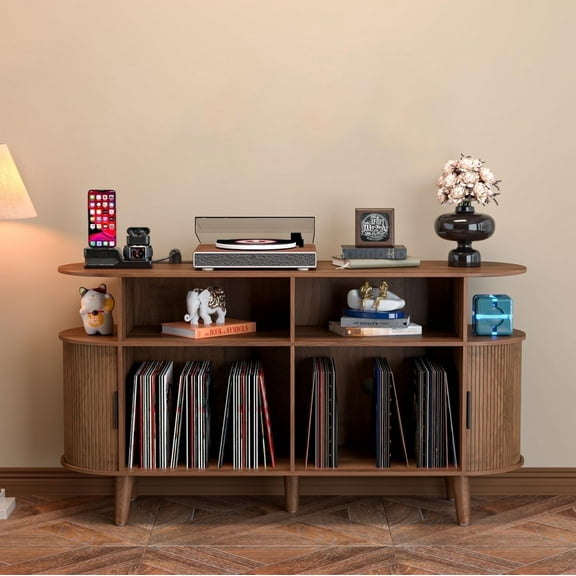
You can organize speakers, receivers, discs, and consoles with audio media towers that fit your room and support cleaner home theater setups. You'll also compare shelf depth, cable routing, and media capacity more easily when you start with the right tower style.
Choosing audio media towers for your space
When you compare materials, you should think about how your tower will look beside your TV stand or bookshelf. You'll often see wood, metal, glass, and wood composite options that shape both style and everyday use.
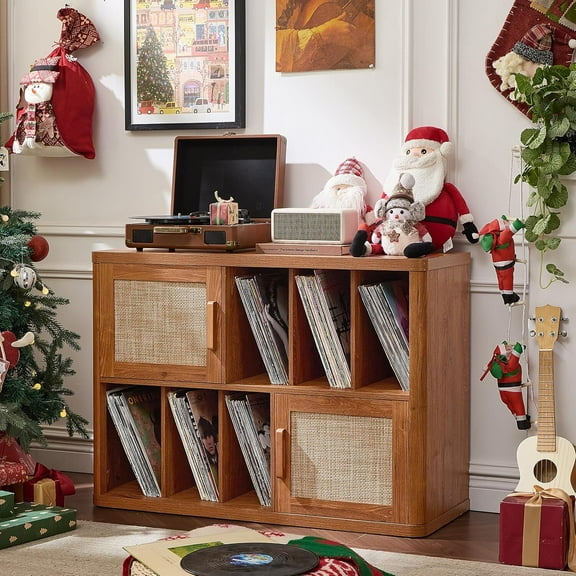
If you want a warmer look, you may prefer wood or wood composite finishes in a traditional cabinet design. If you want a lighter visual footprint, you might choose metal frames or glass-panel details.
You should also measure height, width, and depth before you choose a media tower cabinet. You'll want enough shelf depth for receivers, amplifiers, and game systems without crowding nearby furniture.
What to look for in media storage towers
You can use media storage towers to separate electronics from physical media and reduce clutter around your entertainment area. You'll gain clearer organization when shelves match your mix of components, CDs, DVDs, and Blu-rays.
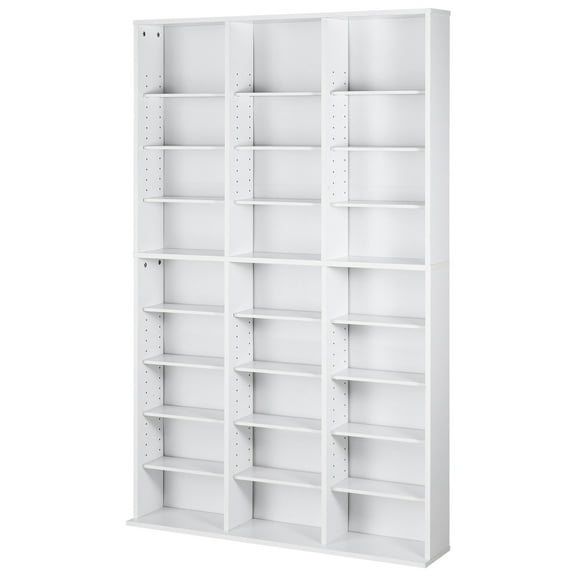
- You can adjust shelves to fit taller receivers, center speakers, or stacked game consoles.
- You can route wires through cable ports, which keeps cords more controlled behind your setup.
- You can compare disc capacity against floor space, so your storage fits smaller rooms.
- You can check ventilation spacing, which helps active components sit more comfortably during long sessions.
For tall layouts, you should check the weight rating per shelf and the total unit height. You'll want stable support for heavier stereo pieces and safer placement along the wall.
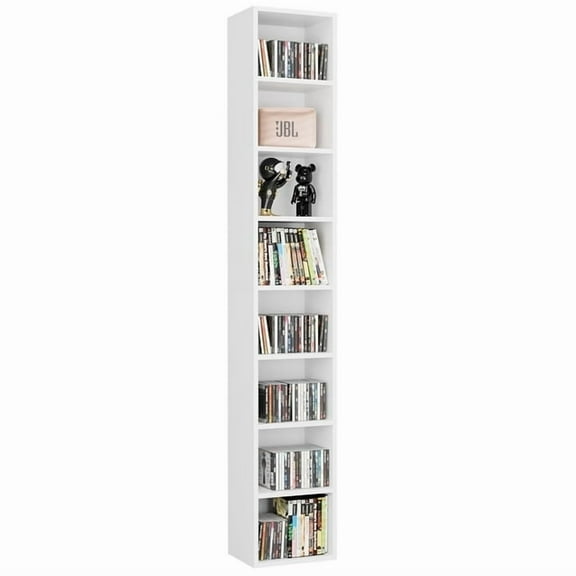
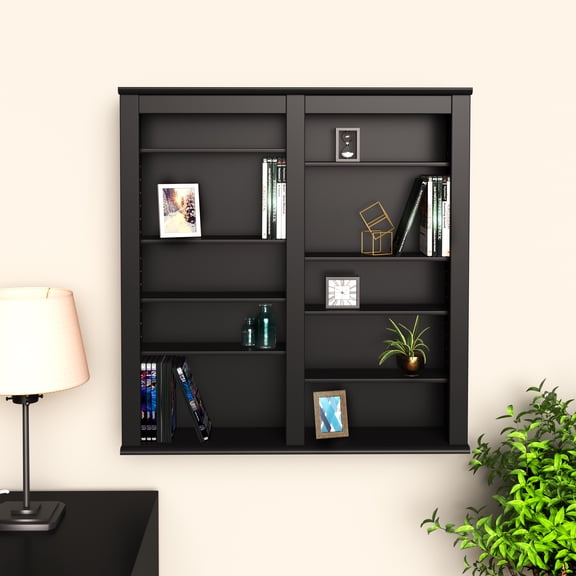
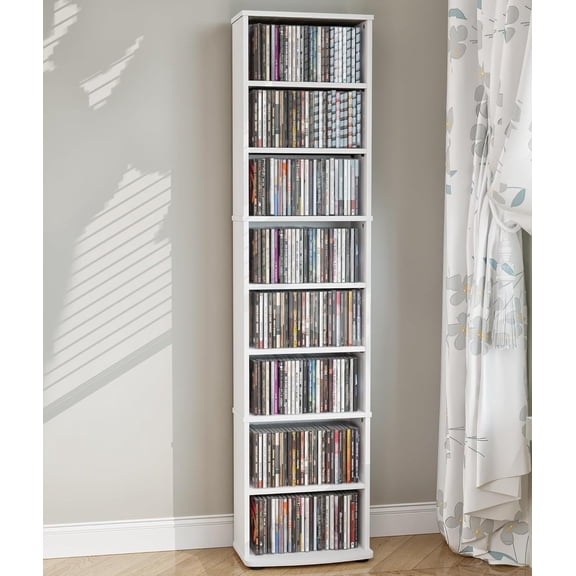
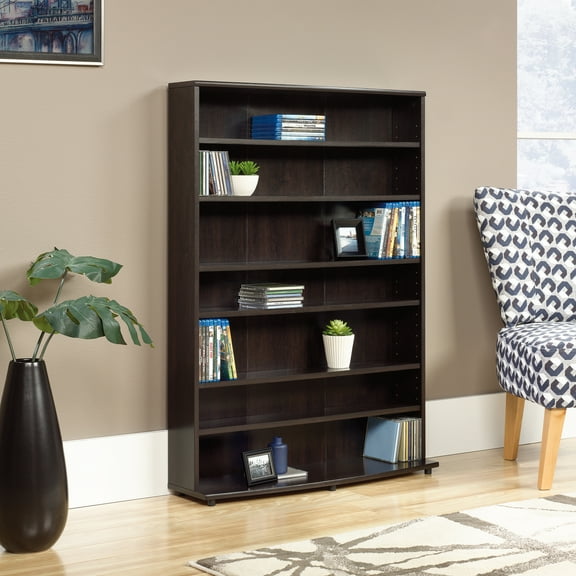
If you collect discs, you may focus on a cd dvd storage tower with narrow, closely spaced shelves. If you store larger gear, you may need wider openings and fewer dividers.
Comparing stereo cabinet materials and shelf details
When you choose a stereo cabinet, you should match the build to your equipment and room style. You'll usually find that wood composite works well for everyday storage, while metal can suit industrial spaces.
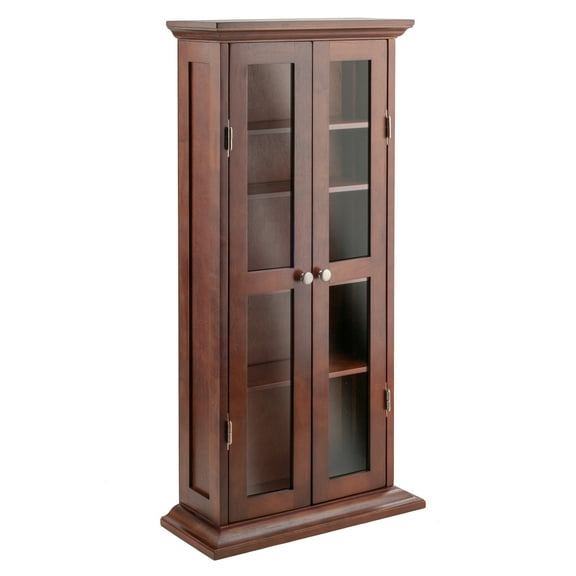
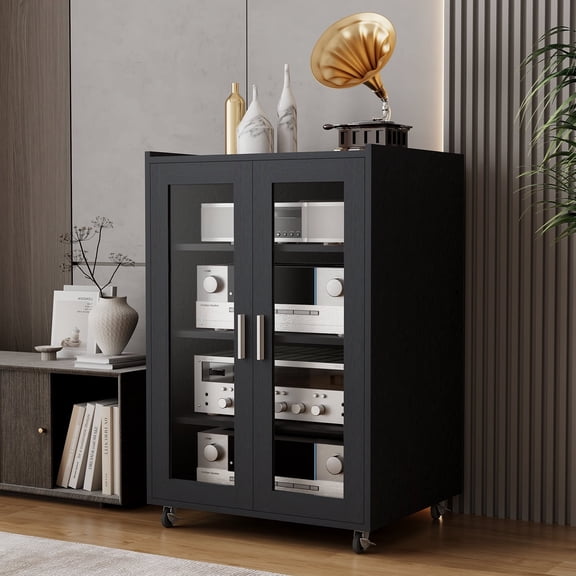
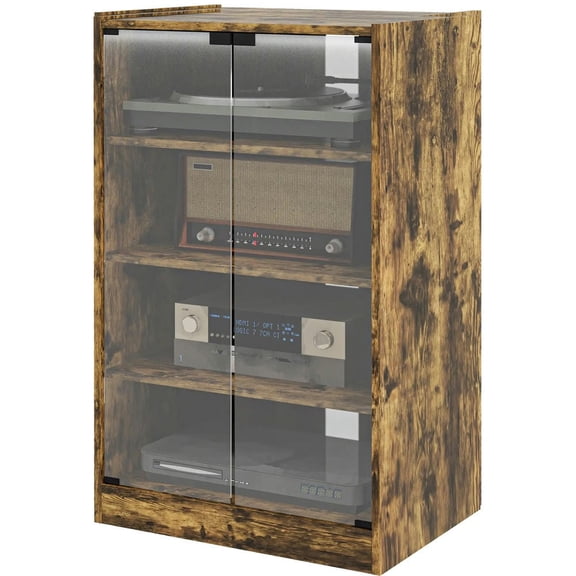
If glass doors are part of your plan, you should check how they affect access and visibility. You'll appreciate seeing components and media while keeping the tower looking more contained.
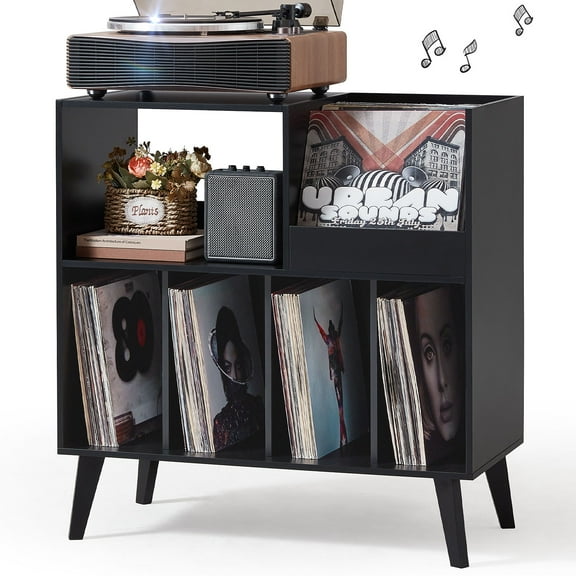
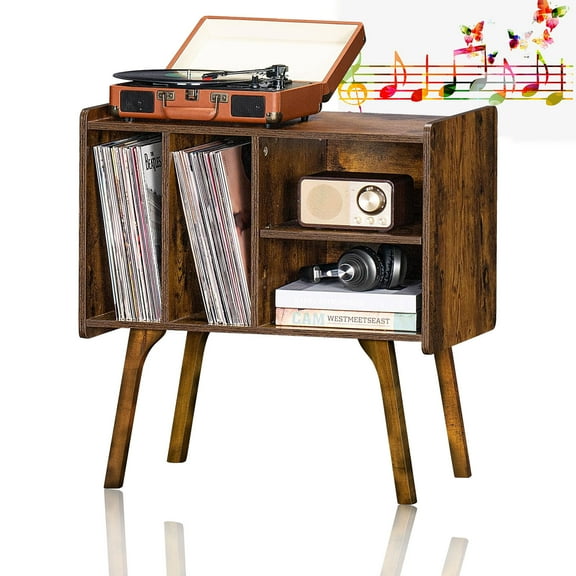
Shelf depth matters because you need enough room for receivers, turntables, and gaming hardware. You'll also want to compare back-panel openings, so plugs and cables fit without pressing against the wall.
Adjustable component shelving gives you more flexibility as your setup changes over time. You can move shelves for a taller center channel, a compact amplifier, or a row of Blu-ray cases.
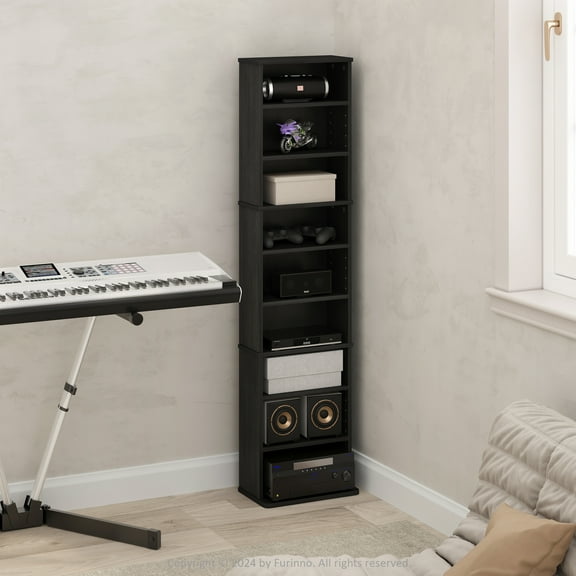
Ventilation is another key detail when you use a tower for active electronics. You'll want open sides, rear gaps, or spaced shelves that let equipment sit with more breathing room.
Matching component shelving to how you use it
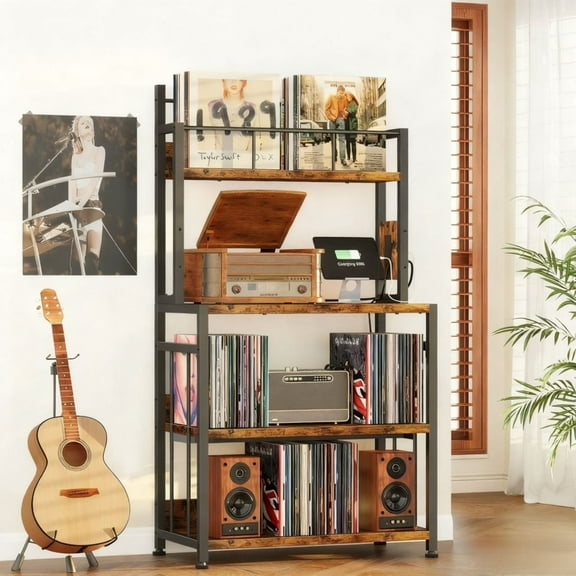
You may need a stereo component rack if you run a receiver, media player, and speaker accessories in one spot. You'll benefit from multi-tier layouts that separate gear and keep controls easier to reach.
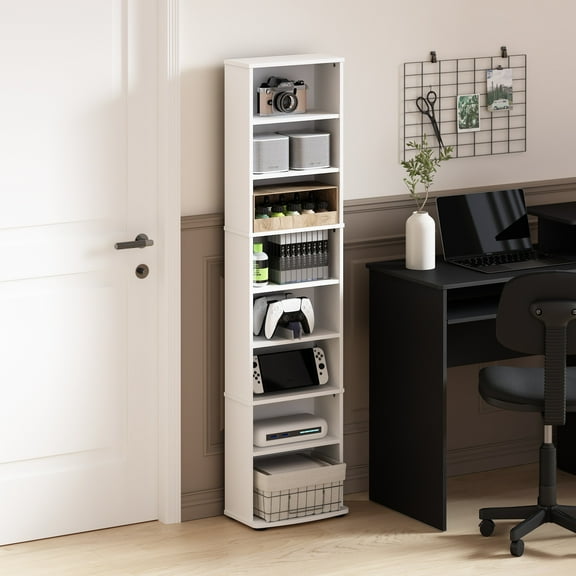
For gaming areas, you can use component shelving for consoles, controllers, headsets, and charging accessories. You'll want cable management cutouts and shelf spacing that fit modern console sizes.
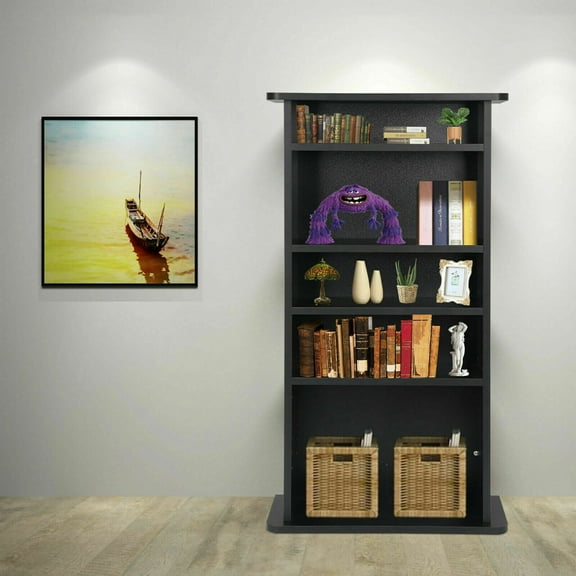
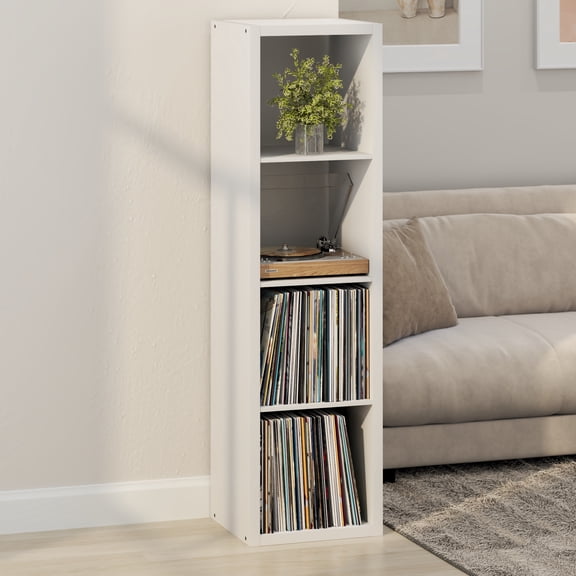
If your room mixes books, décor, and media, you might choose a bookcase tower approach. You can combine discs, small speakers, and display items while keeping your footprint narrow.
In smaller apartments, you should compare media capacity against the tower's footprint before you commit. You'll often find that vertical storage holds more CDs or DVDs without taking extra floor area.
For family rooms, you may prefer a media tower cabinet that coordinates with traditional furniture lines. You'll get a more integrated look when the finish works with your console table or TV stand.
If assembly is part of your decision, you should check whether shelves are fixed or adjustable. You'll also want to review anchoring options for tall units, especially when you place them on carpet.
How design style changes your setup
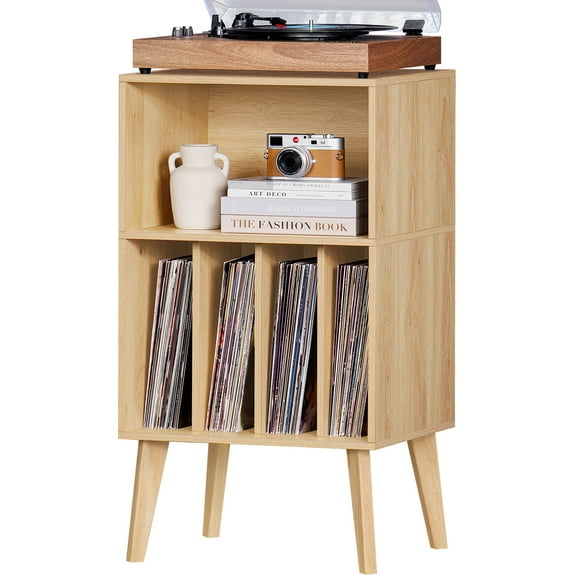
Modern styles often give you clean lines, open sides, and simple shelf layouts for electronics. You'll like this direction if your space favors minimal shapes and visible equipment.
Industrial looks usually pair metal framing with darker shelves and exposed structure. You'll find this style works well when your room includes black hardware, mixed materials, or loft-inspired furniture.
Traditional cabinet styles can offer enclosed sections, richer finishes, and a furniture-like presence. You'll appreciate that look when you want media storage to blend into a living room instead of standing out.
When you compare audio rack stand designs, you should think about access as much as appearance. You'll want enough open space to reach buttons, swap discs, and connect cables without awkward angles.
You can choose audio media towers more confidently when you compare material, capacity, ventilation, and stability together. You'll end up with storage that fits your equipment, supports your media collection, and keeps your setup orderly.