









All Apple MacBook in Apple MacBook




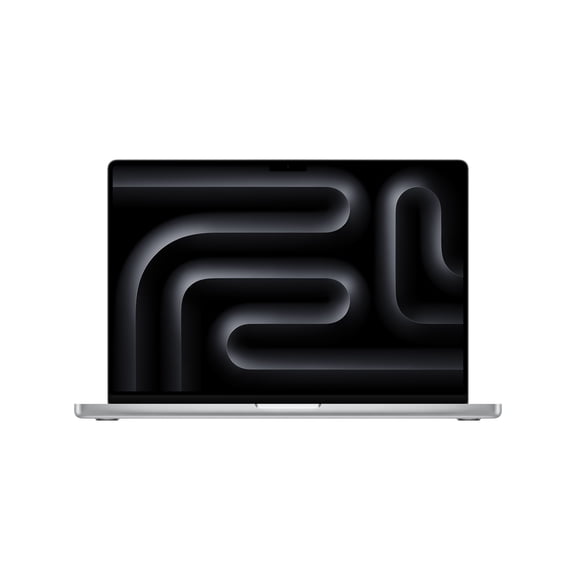


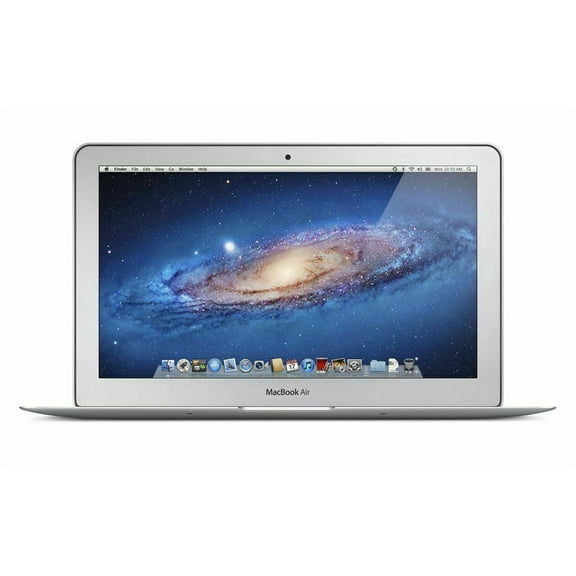


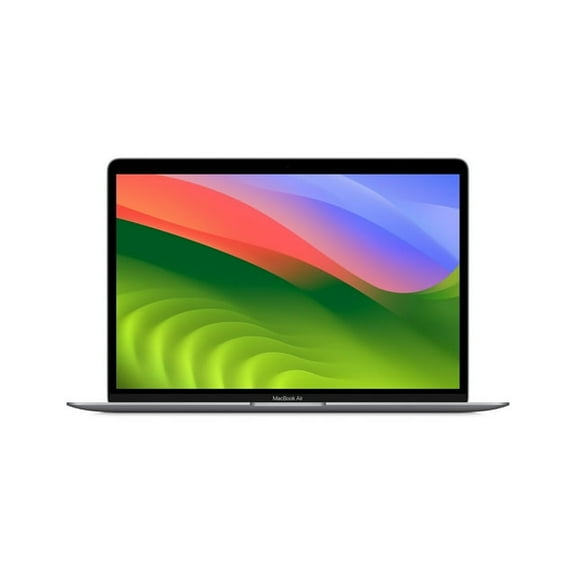



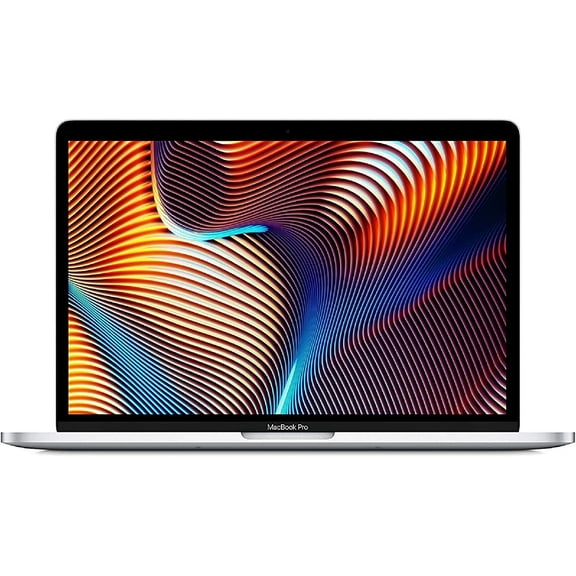


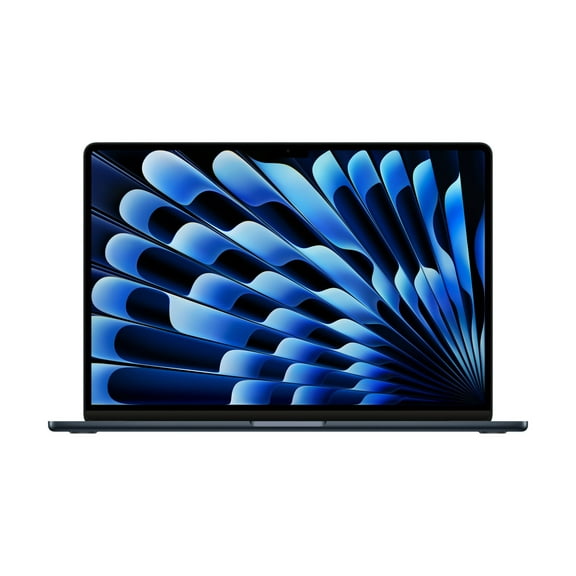
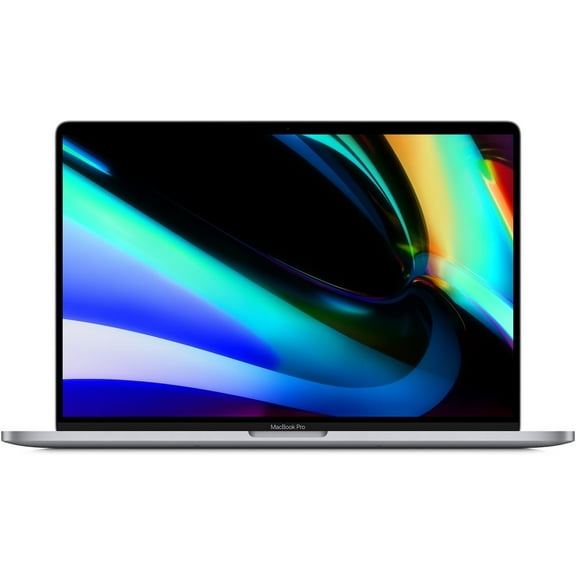
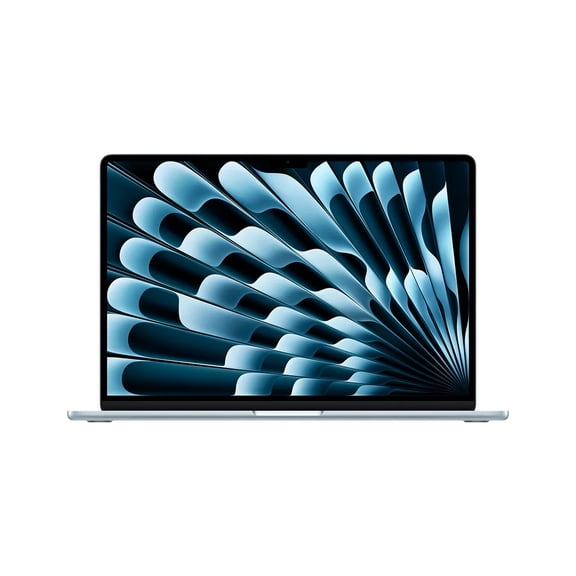



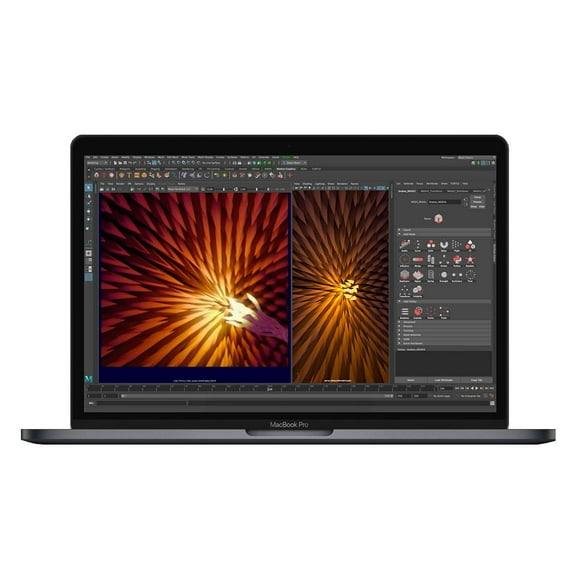


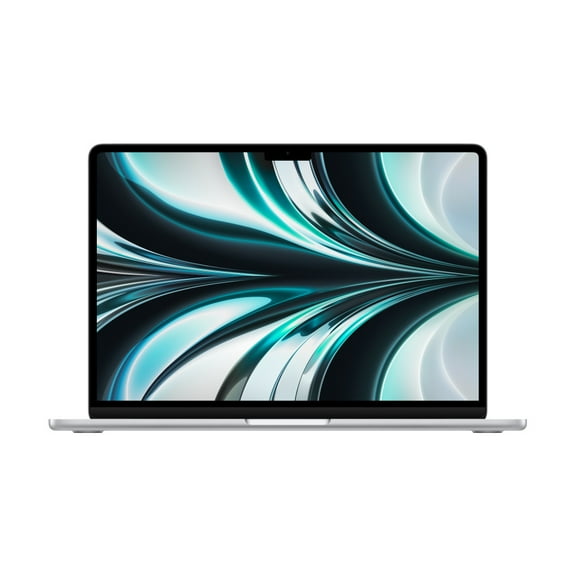
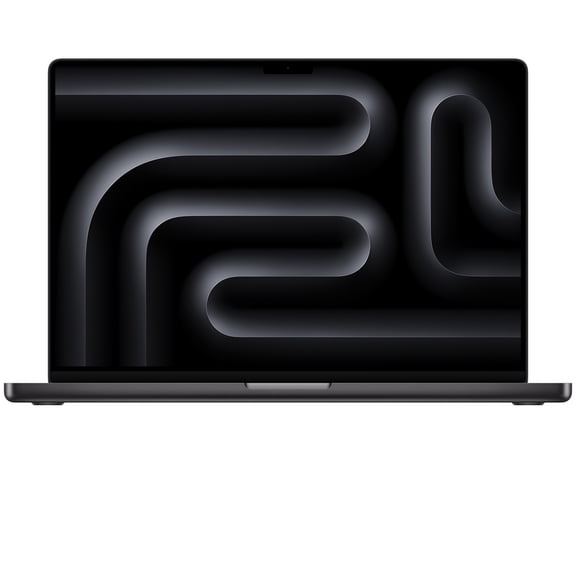
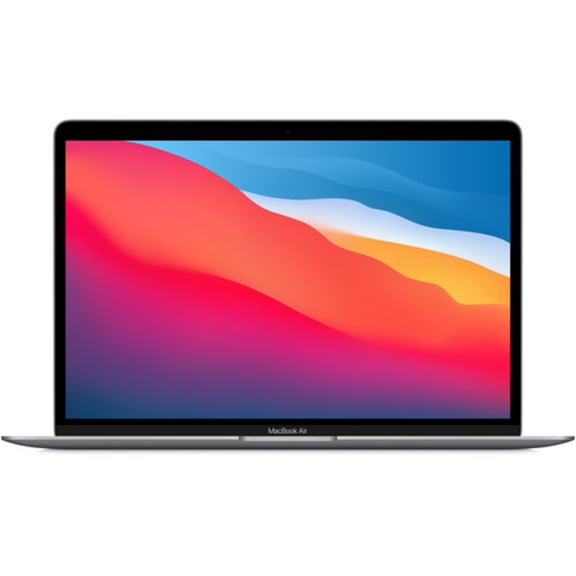



About All Apple MacBook in Apple MacBook - Walmart.com
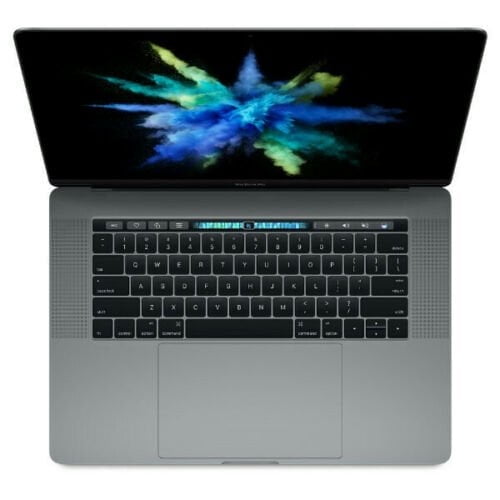
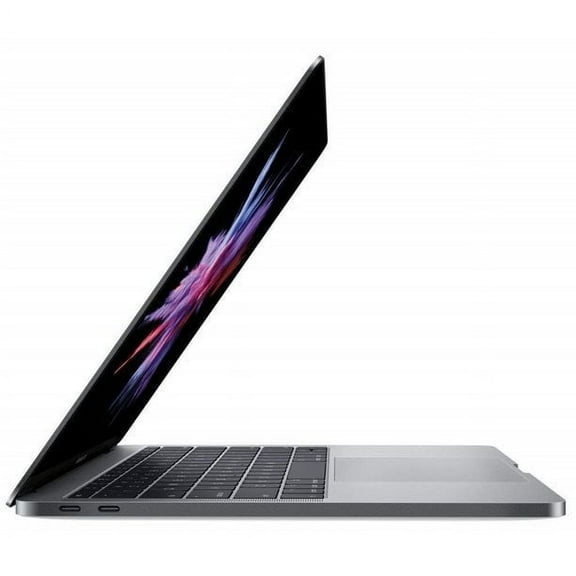
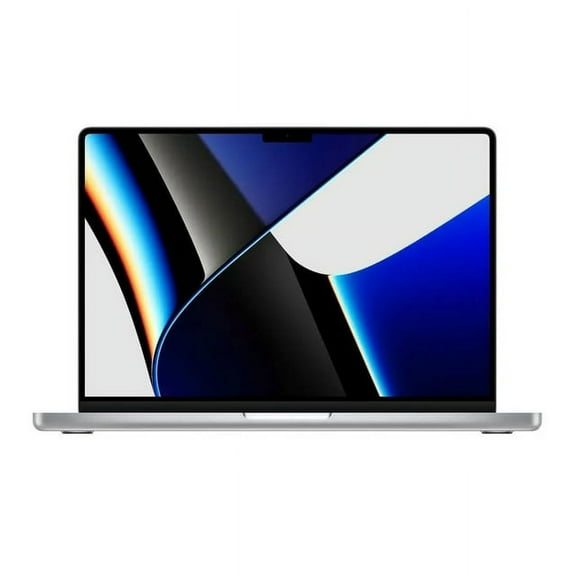
Your Apple MacBook search gets easier when you compare model line, processor, screen size, and condition together. You can review MacBook options directly and match daily tasks with the right setup for school, work, or creative projects.
How to choose the right Apple MacBook
Start with the model line because your routine often points you toward a lighter MacBook Air or a stronger MacBook Pro. That first choice shapes how you carry your laptop, how you multitask, and how much screen room you prefer.
Next, compare processor type, unified memory, and screen size as one package instead of separate specs. You can choose more clearly when your laptop matches your apps, desk space, and travel habits.
Choosing between MacBook Air and MacBook Pro
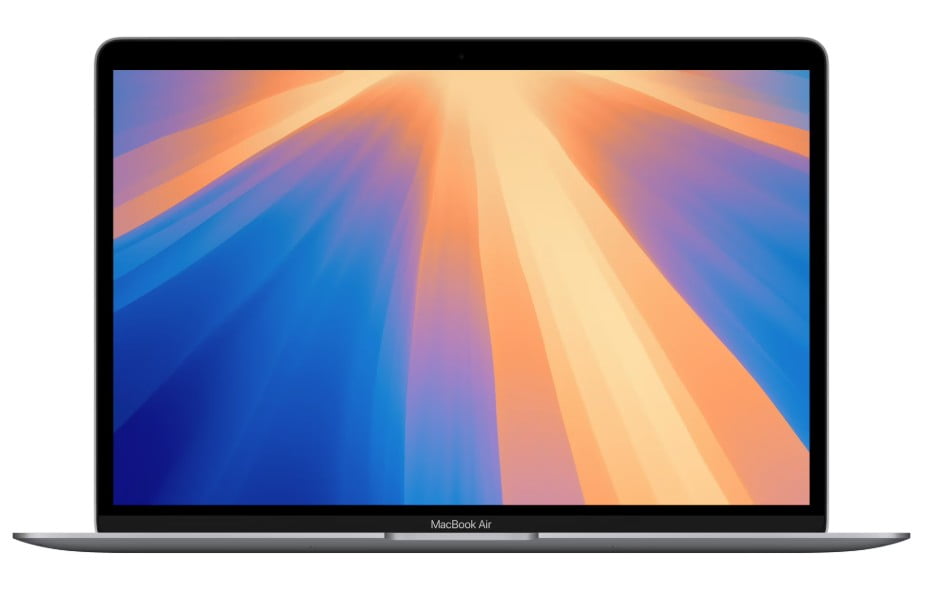
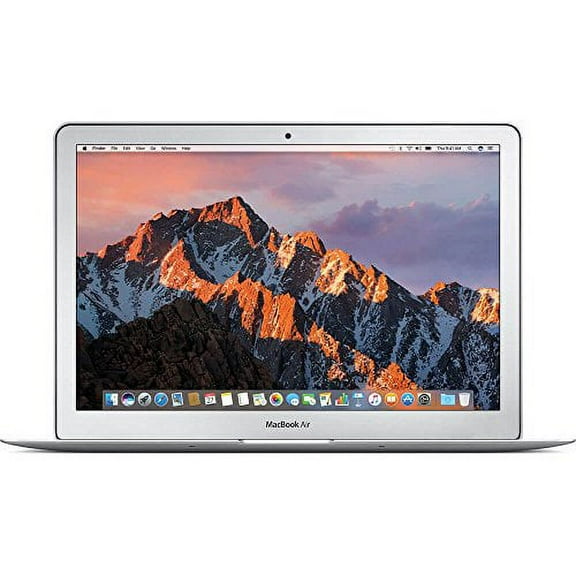
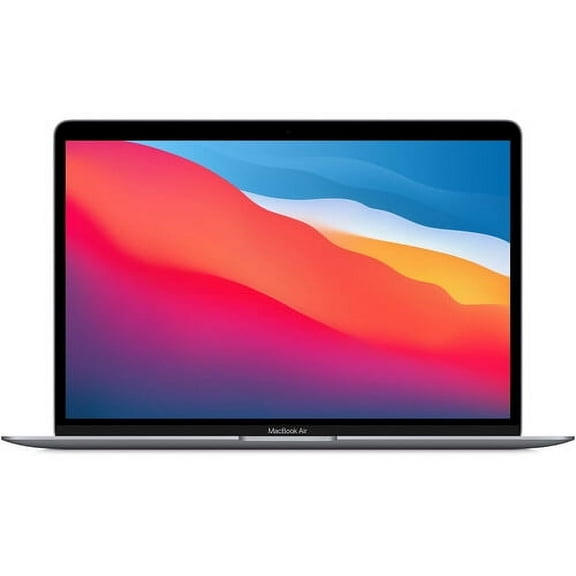
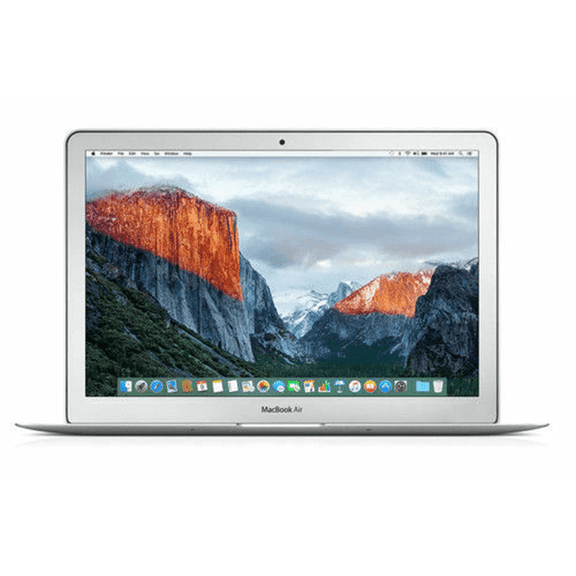
If you carry your laptop often, you may prefer a MacBook Air for its slim profile and easy portability. It can fit classroom use, commuting, and casual work sessions with less bulk in your bag.
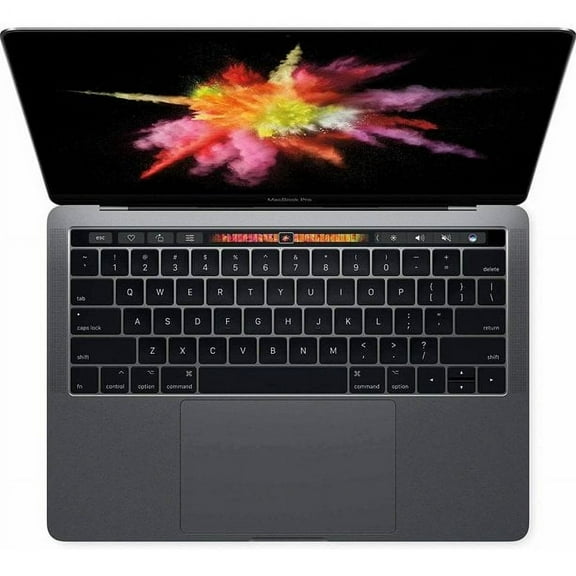
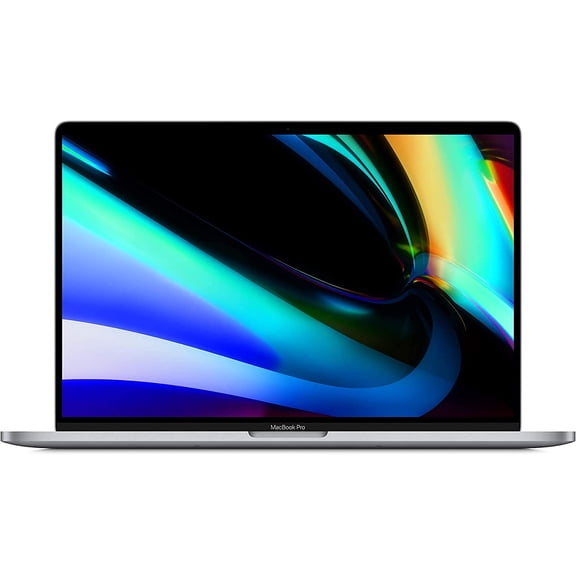
When your workflow includes video editing, large photo libraries, or coding projects, you may lean toward a MacBook Pro. That path can give you options built for longer sessions and larger displays for detailed tasks.
Consider how you use your laptop across a full week, not only during quick tasks. You can choose with more confidence when you compare meetings, note-taking, streaming, editing, and multitasking together.
Key benefits you should compare first
Your apple laptop choice affects how easily you move between classes, meetings, travel, and home workstations. You can notice differences in bag weight, desk setup, and how much content stays visible on screen.
- You can pick a MacBook Air when portability matters for email, documents, streaming, and everyday multitasking.
- You can choose a MacBook Pro when your projects include creative apps, larger files, or longer editing sessions.
- You can compare 13-inch, 14-inch, 15-inch, and 16-inch sizes based on viewing comfort and carry-friendly design.
- You can review new, restored, or refurbished MacBook options when condition matters along with model line.
Processor generations also shape your experience because M1, M2, and M3 models can suit different app loads. You can narrow your options faster when your chip choice lines up with the software you use most.
What to look for in processor, unified memory, and storage
Check processor type first if you run demanding software or keep many apps open at once. You may see M1 and M2 models for everyday productivity, while M3 options fit newer workflows and longer-term flexibility.
If you edit large files or use advanced creative tools, compare M3 Pro and M3 Max options carefully. You can use that added headroom for layered graphics, longer exports, and intensive professional apps.
Unified memory is a decision-critical spec because it affects how smoothly your system handles multitasking. You should compare RAM capacity with your usual browser tabs, design tools, messaging apps, and classwork needs.
Storage matters just as much when you keep photos, videos, apps, and documents on your laptop. You can avoid constant file juggling when you estimate how much local space your work and media require.
Choosing the right screen size for your routine
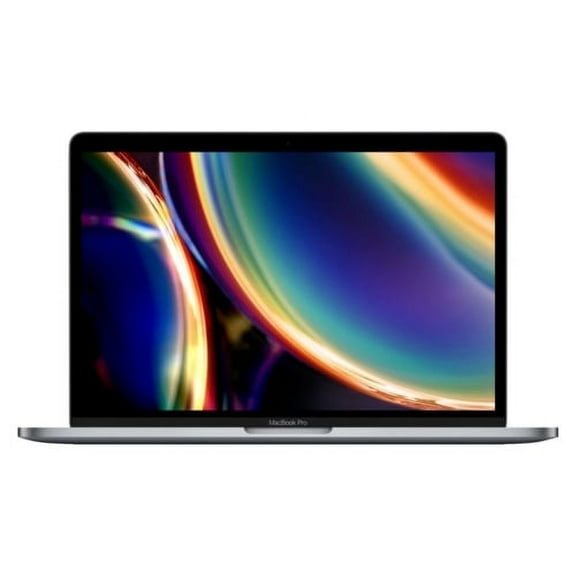
Screen size changes comfort and portability, so measure where and how you use your laptop most often. You may find a 13-inch model easier for tight desks, small bags, and frequent travel.
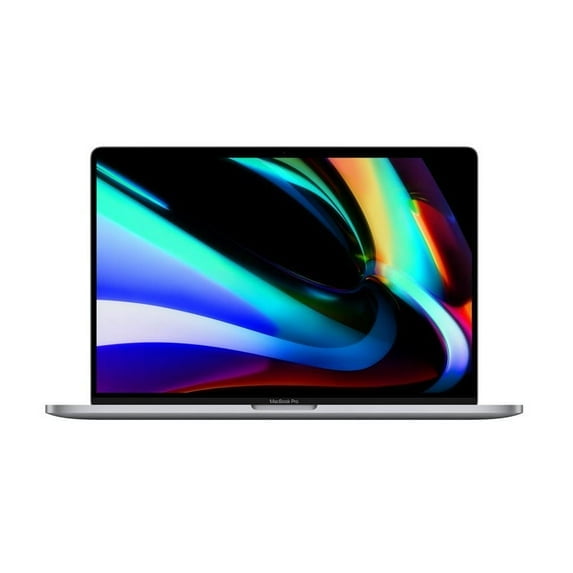
If you want more room for split-screen work, a 15-inch or 16-inch display may feel more comfortable. You can keep spreadsheets, editing panels, and side-by-side documents in view with less scrolling.
A 14-inch option can fit in the middle when you want a balance of workspace and mobility. You may appreciate that size if you move between office setups, classrooms, and shared tables.
New, restored, and refurbished MacBook options explained
Condition is another key decision because you may want a current generation model or a restored option with familiar features. You should read each listing closely for included accessories, cosmetic grading, and coverage details.
A new model may appeal to you if you want untouched condition and the current generation from the start. You can compare that route with restored choices when you weigh features, finish, and model year.
A refurbished MacBook can fit your needs when you want Apple laptop performance from an earlier generation. You should check processor generation, battery details in the listing, and seller program information before choosing.
How your use case points to the right model
If your day centers on writing, browsing, video calls, and streaming, you may not need a heavier setup. You can stay productive with an Air model, practical memory, and a compact screen.
For college work, remote tasks, and travel, portability may matter as much as processing power. You should compare 13-inch and 15-inch options if you move between classes, flights, and coffee shop tables.
If you create music, edit photos, manage large spreadsheets, or build code projects, your needs can change quickly. You can compare MacBook Pro models, added unified memory, and larger displays for those workflows.
When you want familiar Apple design with a different condition tier, compare restored listings with care. You can make a smarter choice when you review model year, chip generation, screen size, and included essentials together.
Your Apple MacBook decision gets simpler when you match model line, processor, screen size, and condition to your routine. You can choose a setup that supports how you study, create, and work each day.