

Electronic Deadbolts in Electronic Door Locks





























About Electronic Deadbolts in Electronic Door Locks - Walmart.com
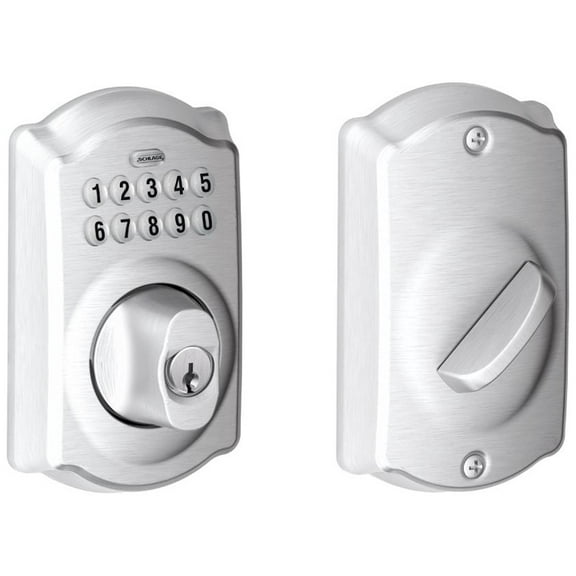
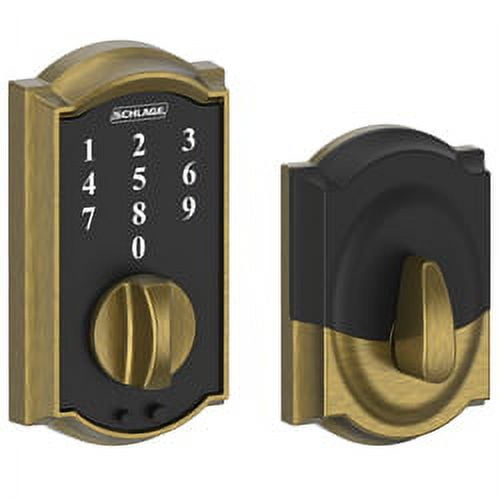
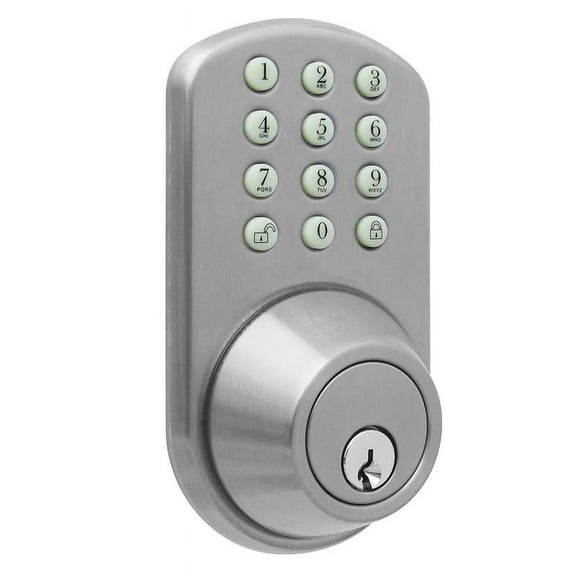
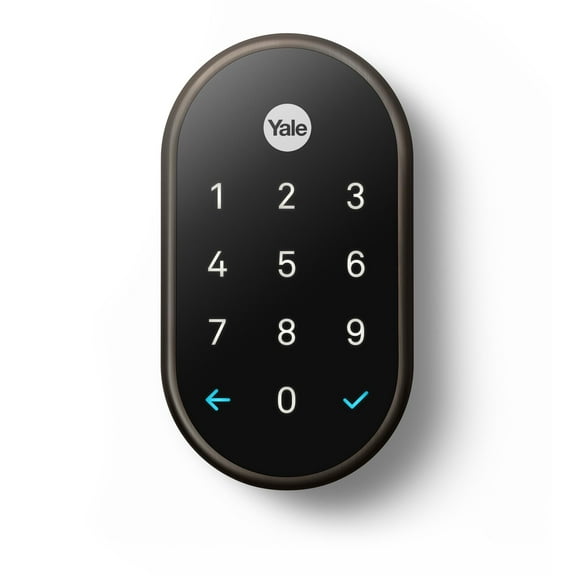
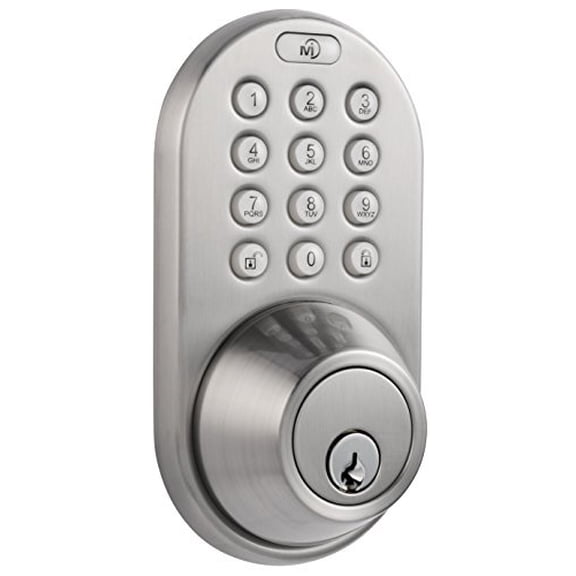
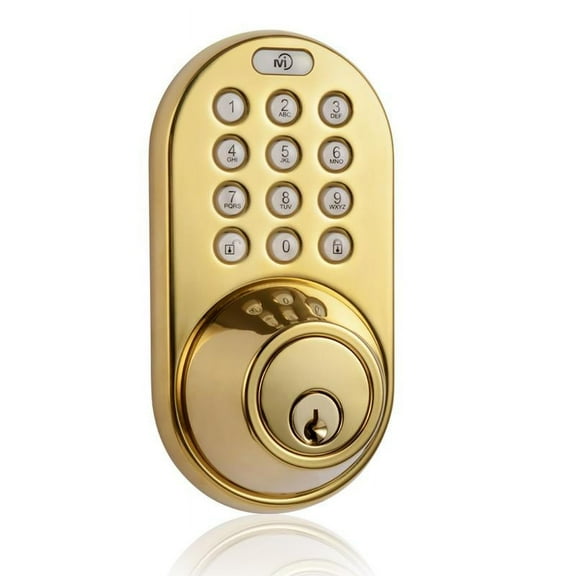
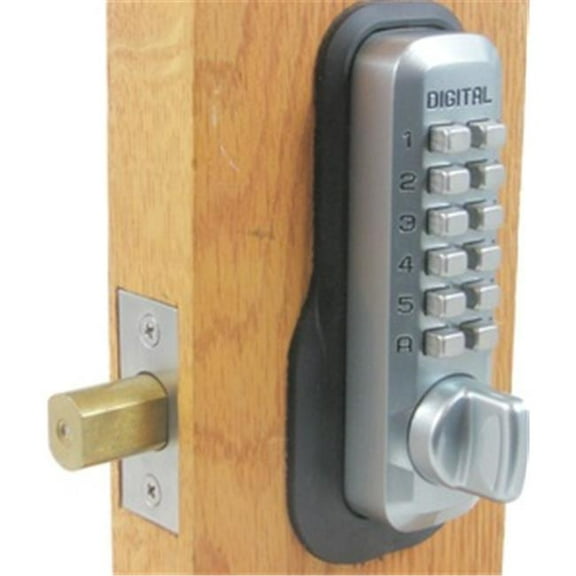
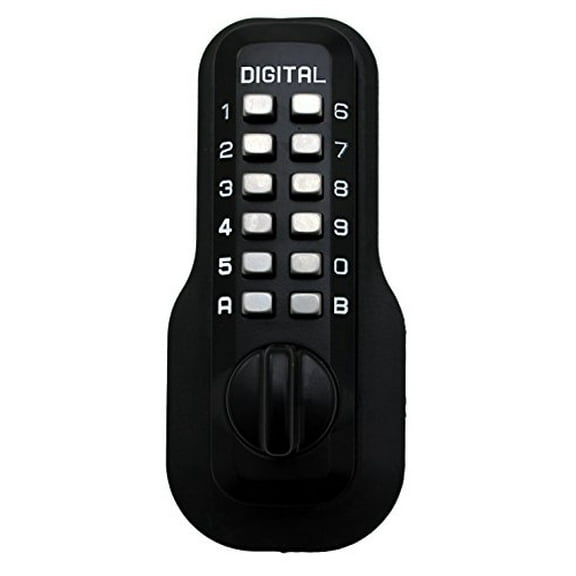
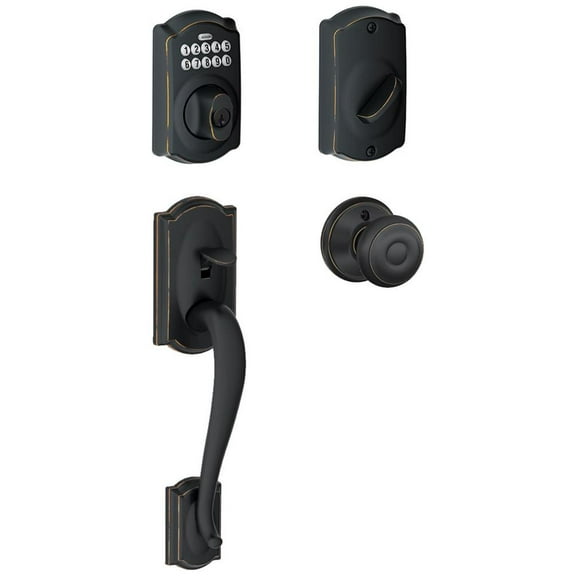
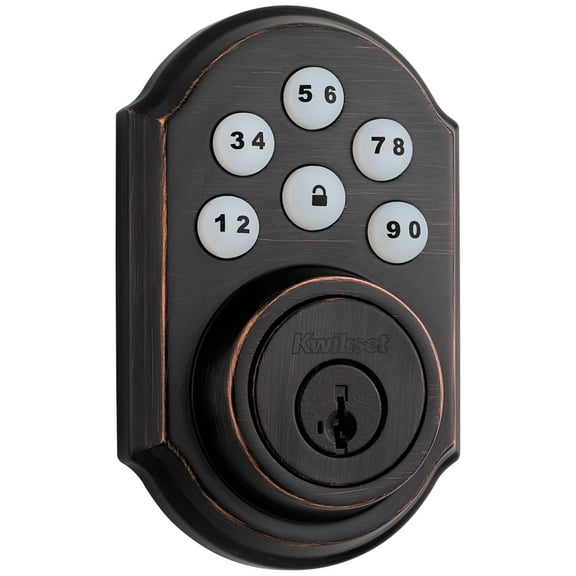
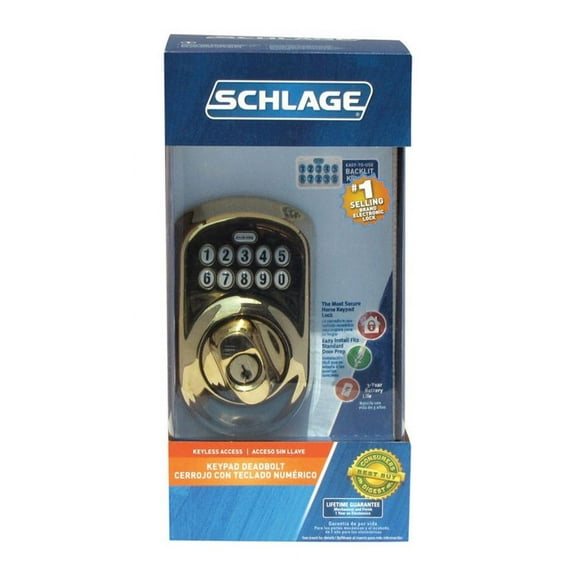
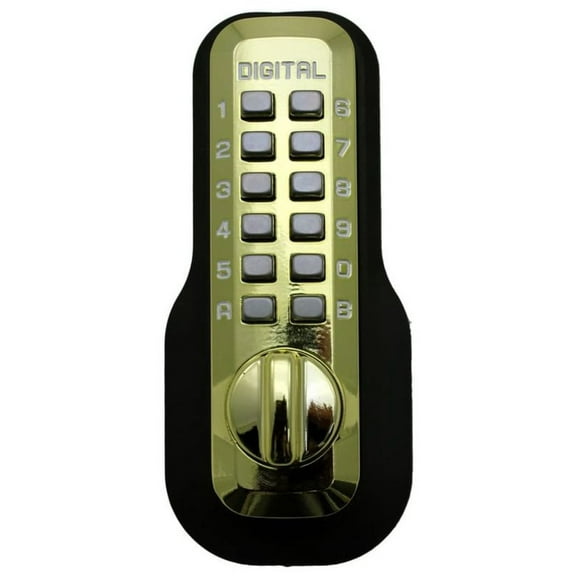
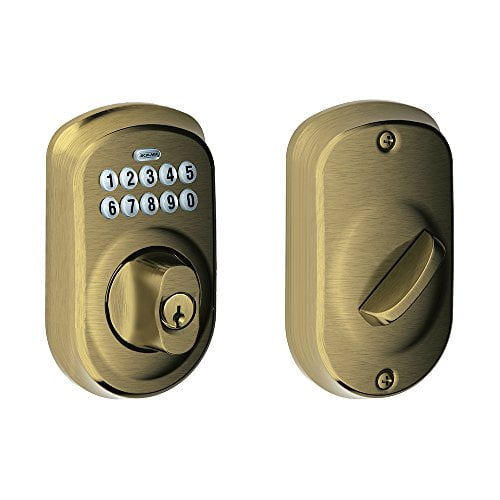
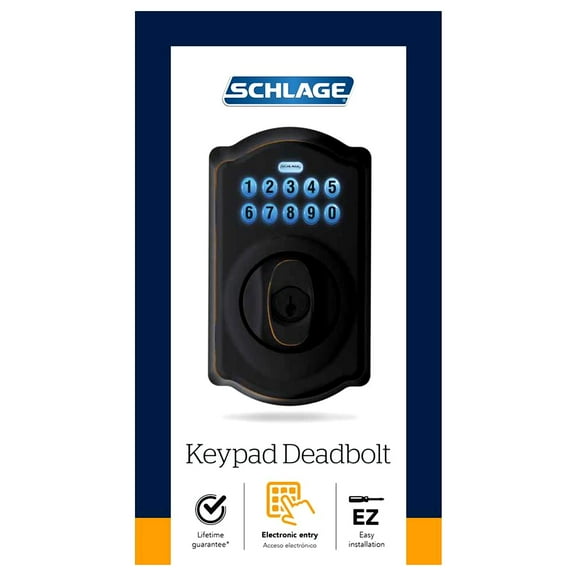
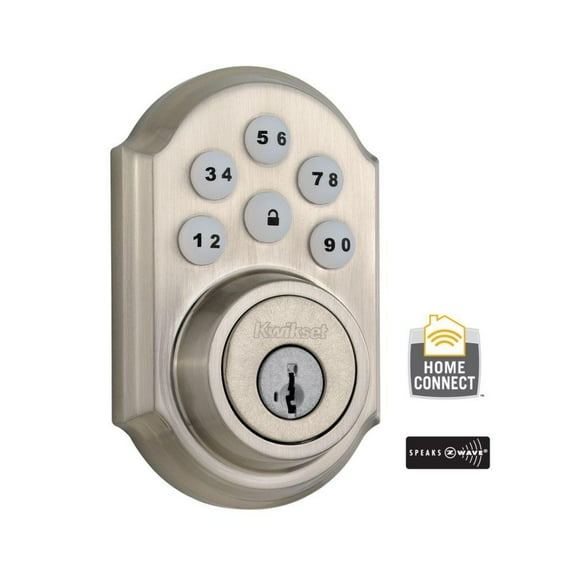
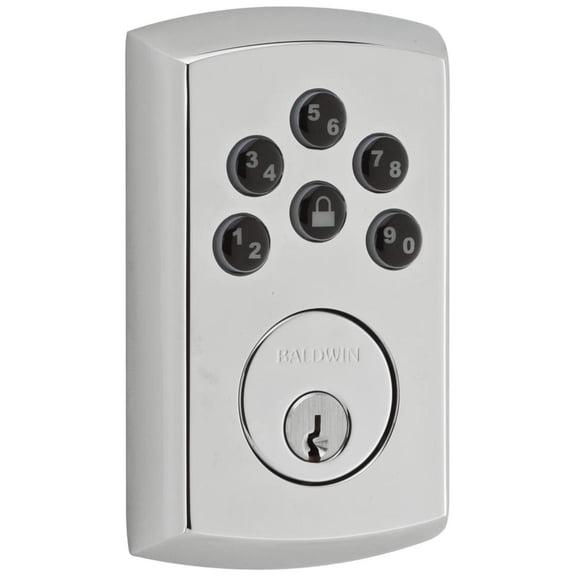
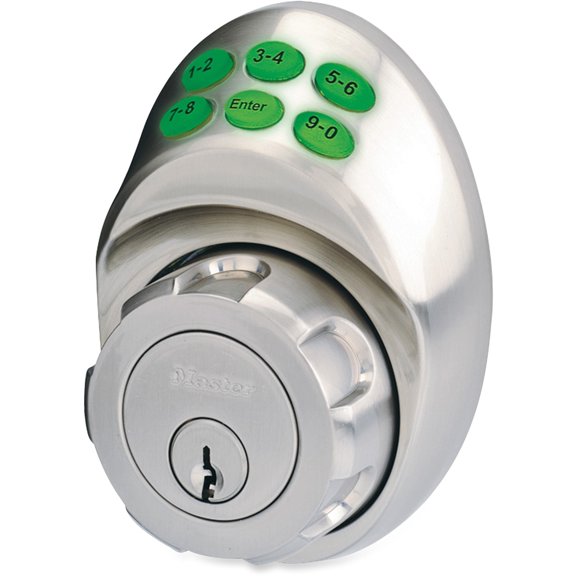
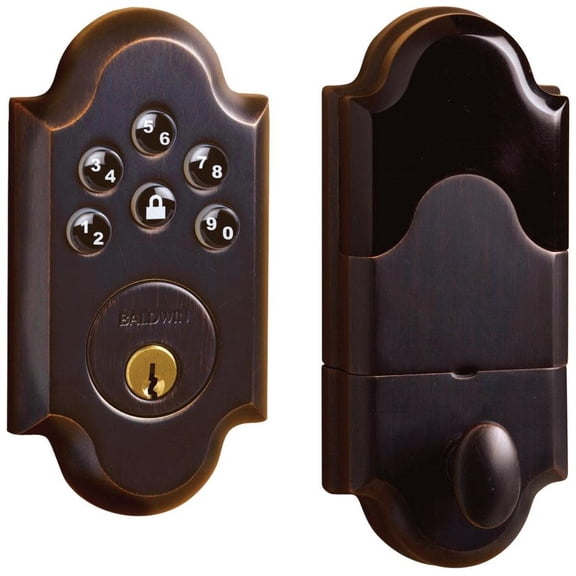
A keypad digital deadbolt helps you enter faster and manage access without hiding spare keys. You can compare entry methods, fit details, and smart features that match your door and routine.
Choosing the right keypad digital deadbolt
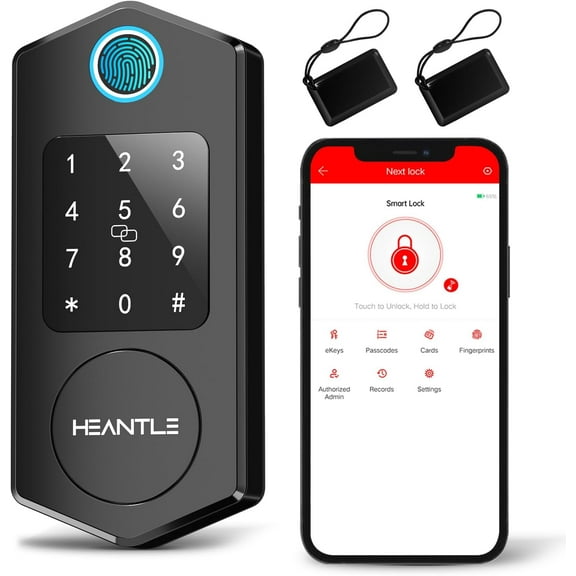
When you shop this category, you’ll notice different ways to unlock your door. You can choose keypad entry, fingerprint access, mobile app control, or a traditional key backup.
A keypad gives you familiar button entry for daily use and shared access. A fingerprint option can speed up entry when you carry bags, while a key backup supports routine flexibility.
Mobile app access lets you check lock status and manage codes from your phone. If you want simple operation, you may prefer a deadbolt lock with keypad controls only.
- You can create a keyless routine for front doors, side doors, and garage entry doors.
- You can share temporary codes with guests, helpers, or service visits without passing out keys.
- You can compare keypad, fingerprint, app, and backup key options based on how your household enters.
- You can choose a programmable deadbolt when your schedule changes often.
How to compare a digital deadbolt door lock
Before you choose a digital deadbolt door lock, you should measure your door carefully. You’ll want to check door thickness, backset measurement, and bore hole diameter for a smoother fit.
Those numbers matter because hardware needs to align with your existing door prep. If you replace an older lock, you can often narrow choices faster with those measurements.
You should also compare interior thumb turns, exterior keypad layouts, and handle compatibility. If you want a keypad door lock with deadbolt coordination, you can match finish and style across your entry.
Power setup matters in daily use, so you should check battery type and expected runtime. You’ll also want low-battery alerts, because they help you plan replacement before your routine gets interrupted.
Code capacity is another important decision point for shared homes. If several people need entry, you should look for a coded deadbolt that supports multiple unique codes.
Some households need guest access only once in a while, while others need regular code changes. In those cases, you may prefer a programmable deadbolt with easier user management.
Keyless entry door lock deadbolt features to look for
If you want connected control, you should compare smart home compatibility before you buy. You may see Z-Wave, Zigbee, or Wi-Fi, and each option fits different home setups.
Z-Wave and Zigbee often work with broader automation systems and separate hubs. Wi-Fi may suit you if you want direct app access without adding extra equipment.
You should also look at keypad visibility, button spacing, and screen style. If you unlock your door at night, you may prefer illuminated numbers or a backlit touch surface.
A deadbolt digital lock can include auto-lock timing, one-touch locking, and status indicators. Those features help you confirm your door is secured when your hands are full.
Weather exposure is worth checking if your entry faces rain, sun, or changing temperatures. You’ll want finish durability and exterior construction that fits frequent outdoor use.
If you’re replacing a standard lock, you can compare installation type and included hardware. A digital door lock deadbolt with clear mounting parts can make setup more straightforward.
Matching entry methods to your routine
You can match a code deadbolt to everyday family traffic, especially when people leave at different times. If your household forgets keys often, a keyless digital deadbolt can simplify coming and going.
For rental spaces or guest rooms, you may want temporary access that changes without rekeying. A keyless entry door lock deadbolt can help you update permissions as visitors change.
If you use a smart home platform already, you should check protocol compatibility first. That step helps you avoid choosing a digital bolt lock that won’t connect with your existing system.
You may also want app notifications, remote locking, or scheduled access windows. Those options can suit busy households, package entry plans, or recurring visitor schedules.
For a main front door, you might prioritize a larger keypad and a traditional key backup. For a side entrance, you may focus more on quick code entry and compact interior design.
If several users need separate credentials, you should compare how each deadbolt stores codes or fingerprints. That detail can matter when you track who enters and when access changes.
A deadbolt lock keyless setup can also work well for doors between a garage and home. You can step inside quickly without juggling keys, while still keeping a familiar deadbolt format.
What to check before you install
You should confirm your door’s thickness and backset before you choose any model. You’ll also want to verify bore hole diameter, because that measurement affects lock compatibility.
Once you confirm fit, you can compare battery access, code programming steps, and smart setup flow. That preparation helps you choose a keypad digital deadbolt that fits your door and your daily habits.
With the right measurements and entry method, you can get keyless convenience that feels natural every day. You’ll also gain access control that suits family use, guest entry, and connected home routines.
Popular in Electronic Deadbolts in Electronic Door Locks - Walmart.com
- Schlage Electronics Door Security
- Electronic Keypad Door Handles
- Electronic Door Handle And Deadbolt
- Yale Real Living Smart Door Locks
- Yale Electronic Deadbolt
- Yale Cylinder Smart Home Access
- Schlage Electronics Smart Door Locks
- Deadbolts Remote Door Hardware Locks
- Yale Smart Lock
- Yale Assure Lock Sl
- Schlage Smart Door Locks