

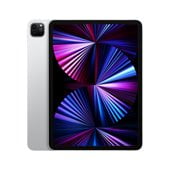
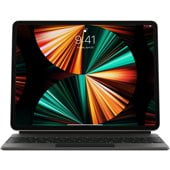
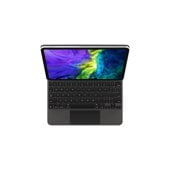




iPad Keyboards in iPad Accessories














































About iPad Keyboards in iPad Accessories - Walmart.com
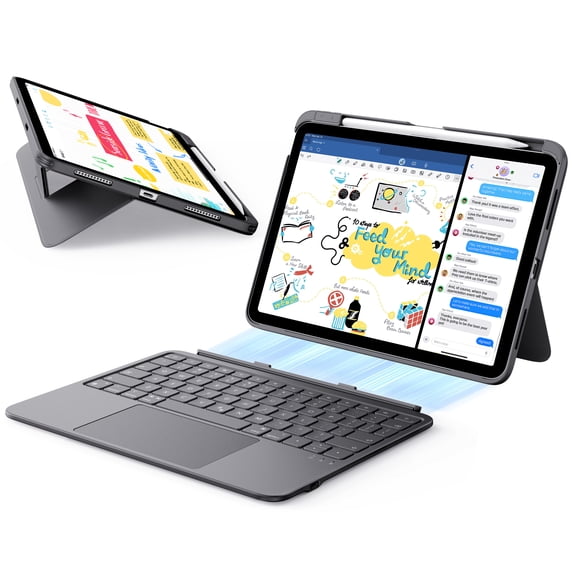
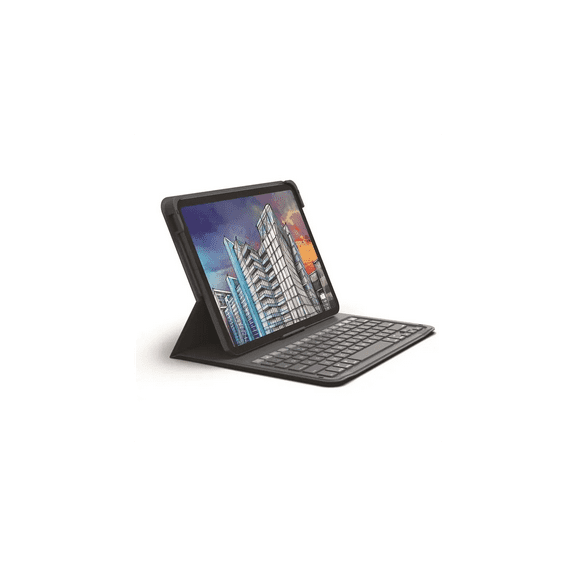
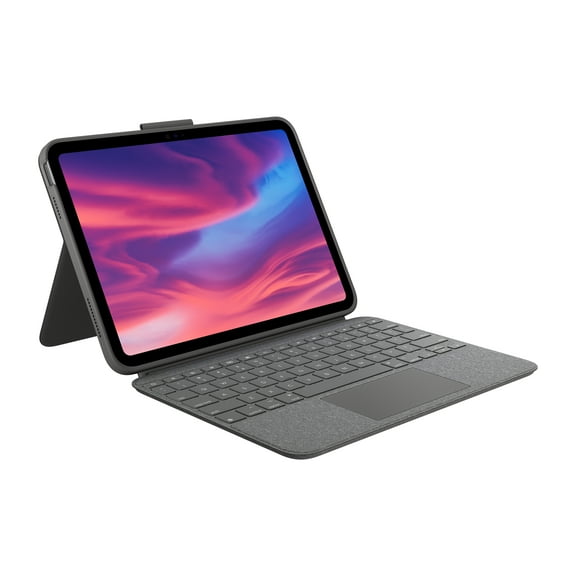
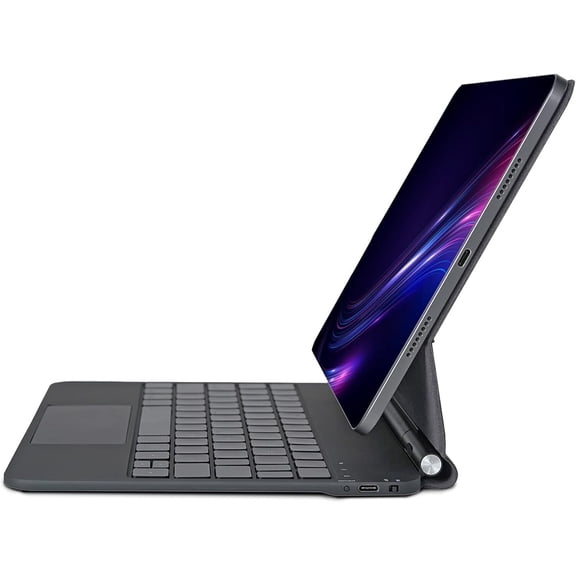
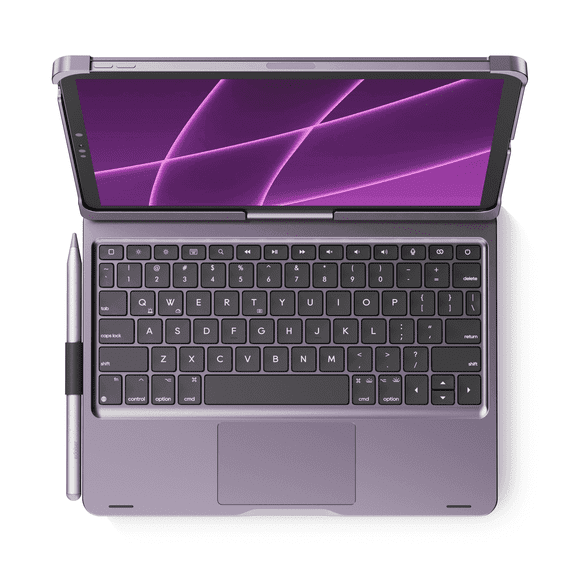
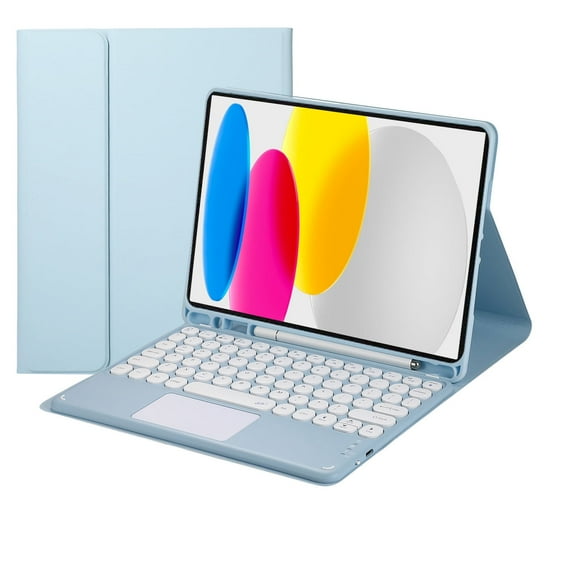
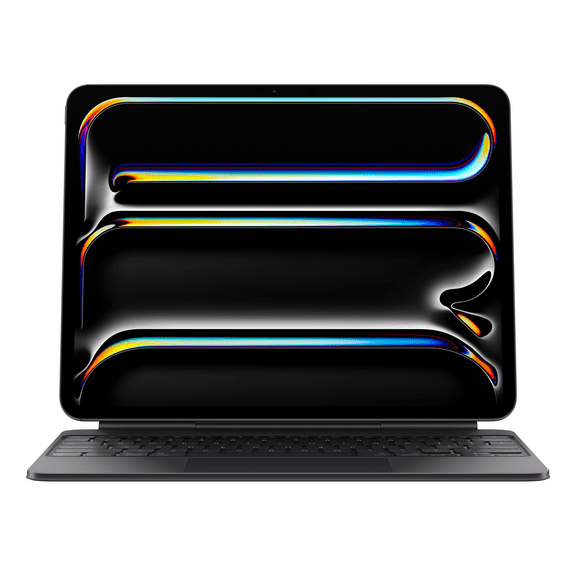
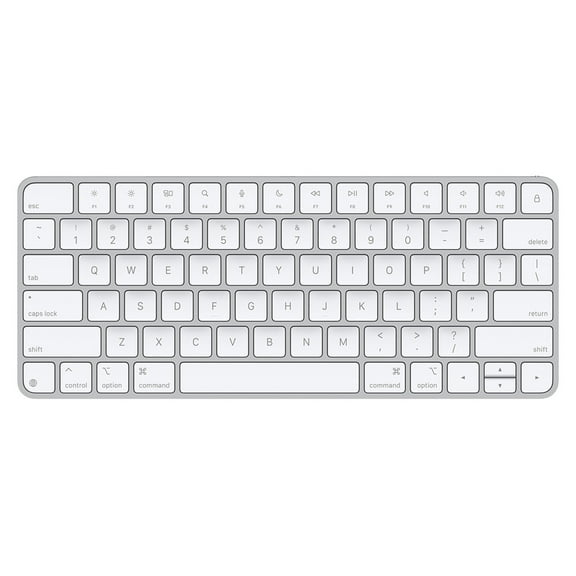
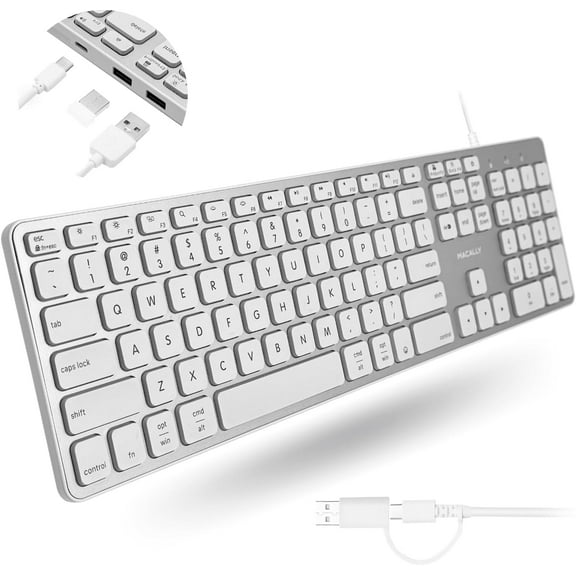
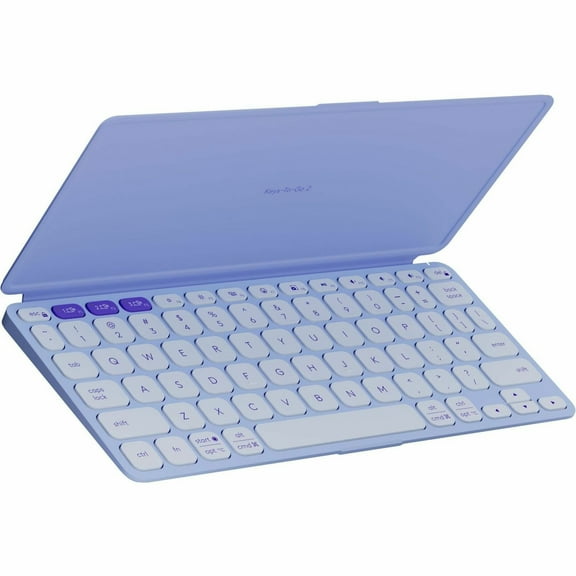
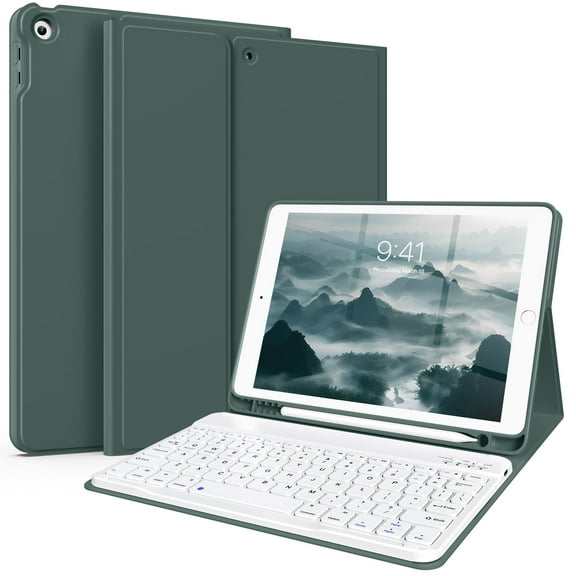
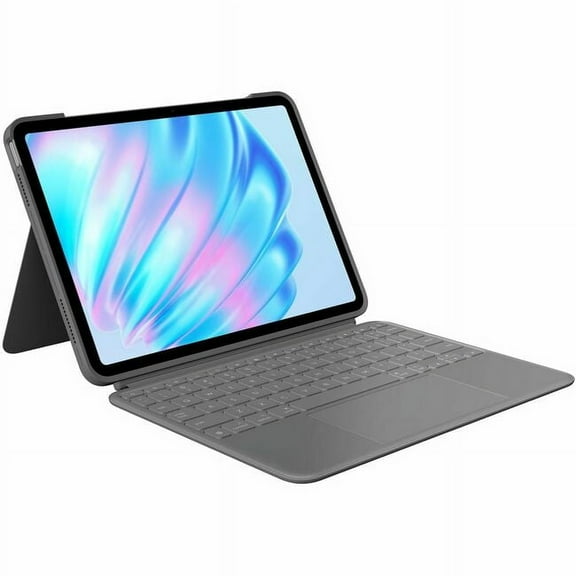
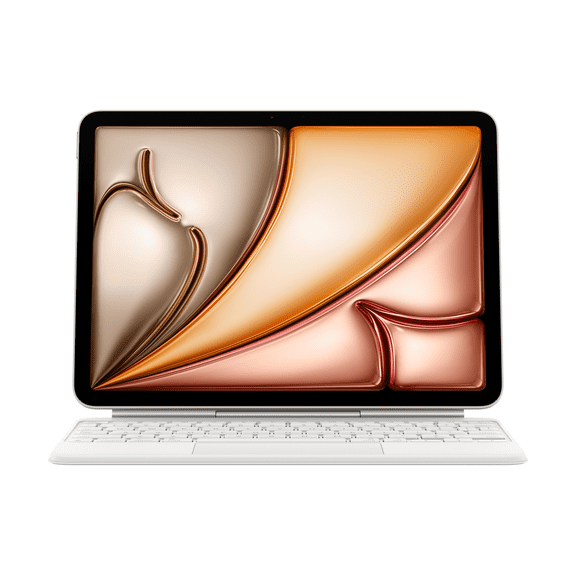
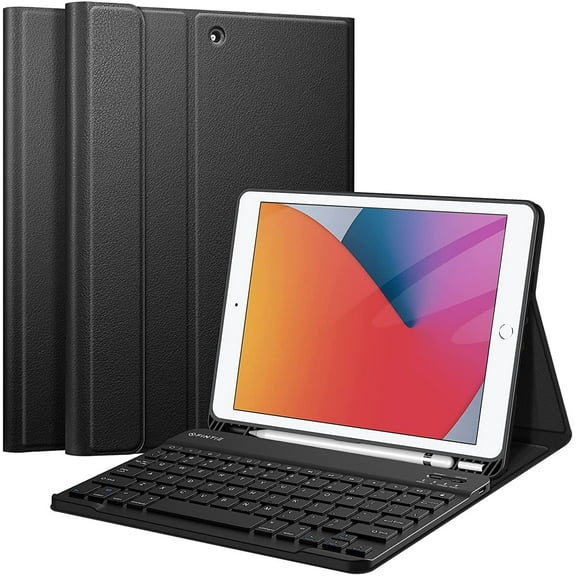
A keyboard to connect to iPad makes typing, emailing, and note-taking feel efficient on touchscreens built for work and play. This category includes detachable keyboards, folio styles, and integrated stand cases.
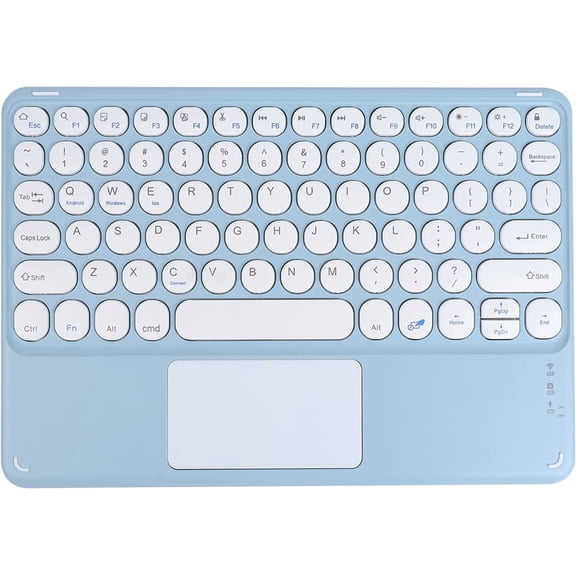
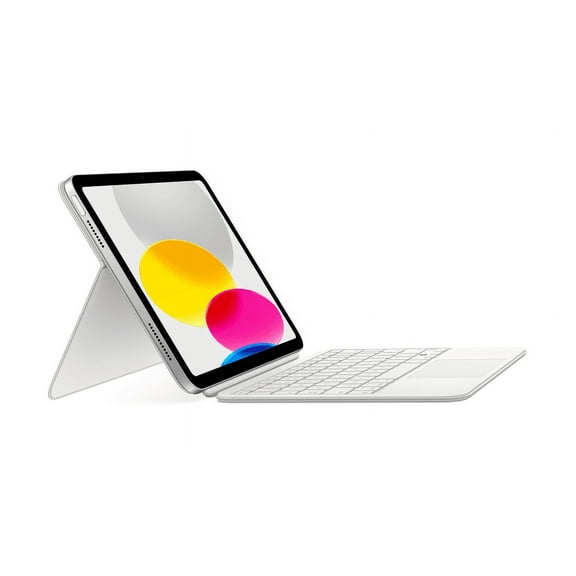
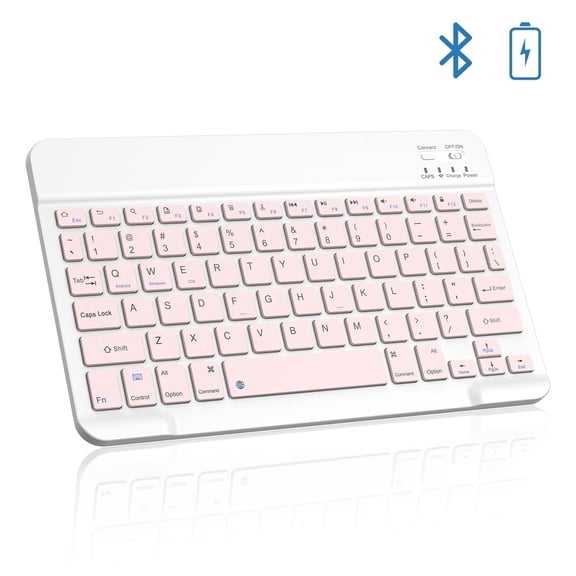
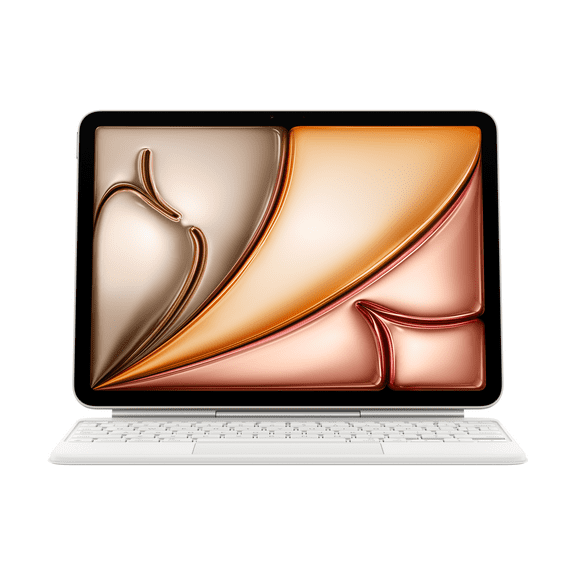
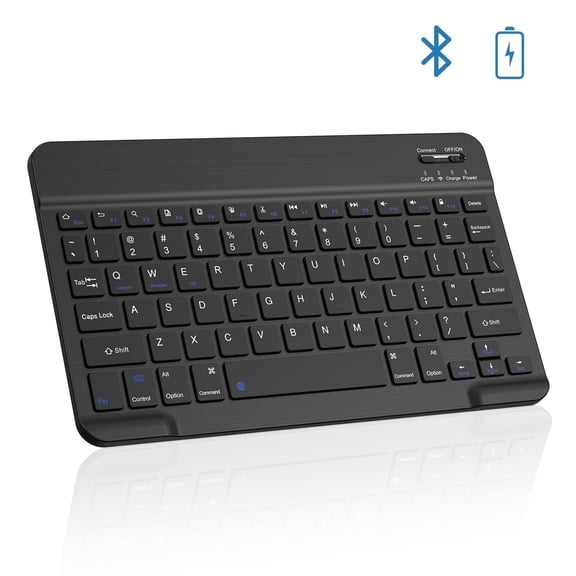
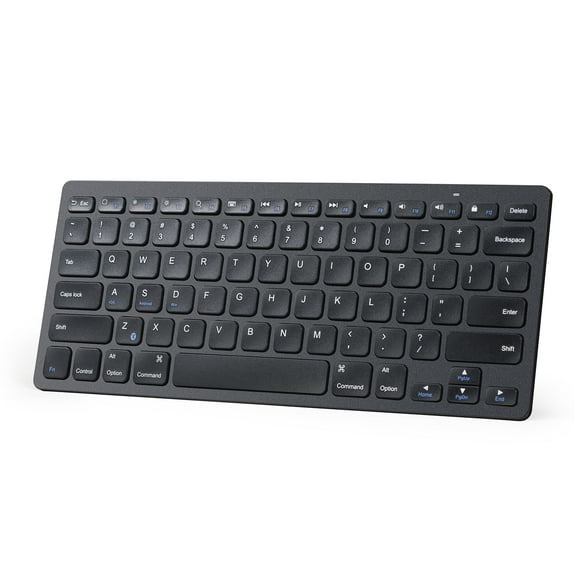
Many options pair through Bluetooth, while others use a smart connector design. You’ll also find model-specific fits for current tablets, including keyboards for iPad 11th Gen and select iPad Air versions.
Apple iPad keyboard options and everyday benefits
The right keyboard changes how you use an iPad during long writing sessions and daily tasks. It gives you tactile keys, steadier screen angles, and easier navigation across apps, documents, and messages.
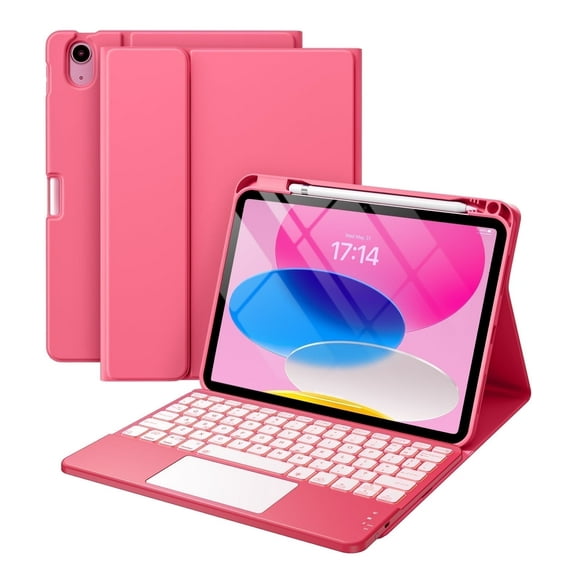
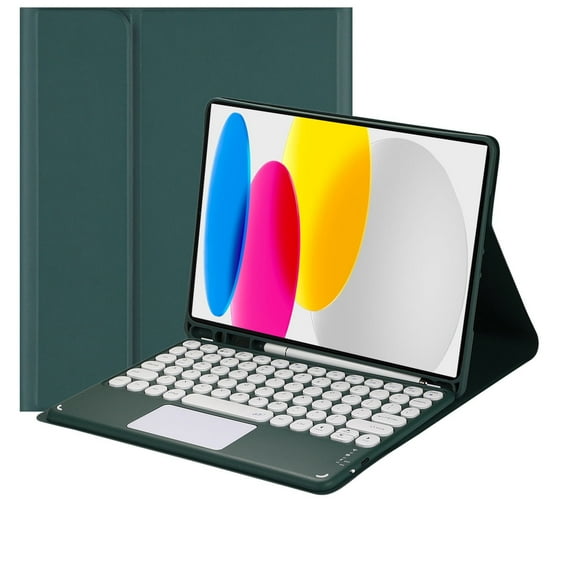
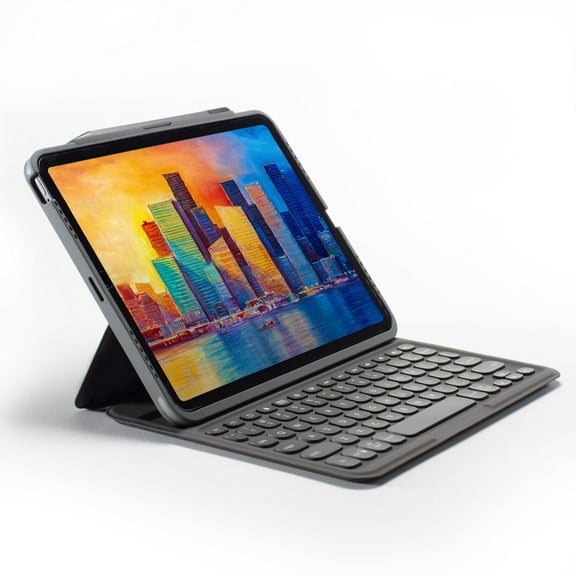
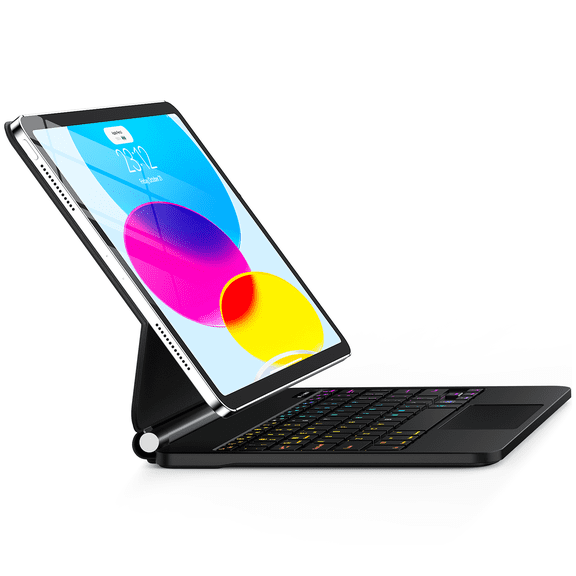
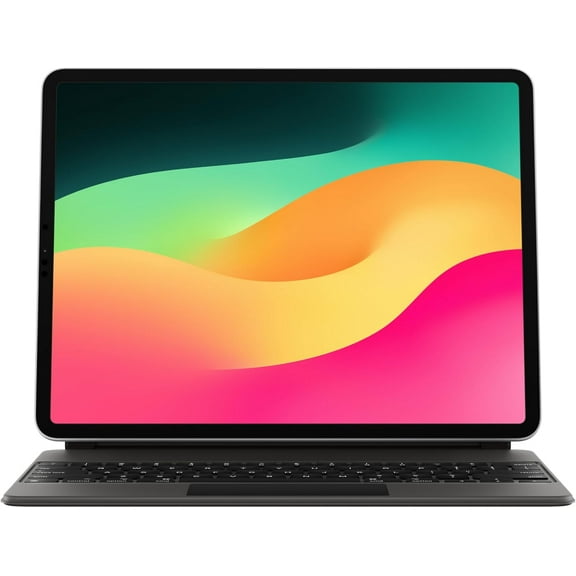
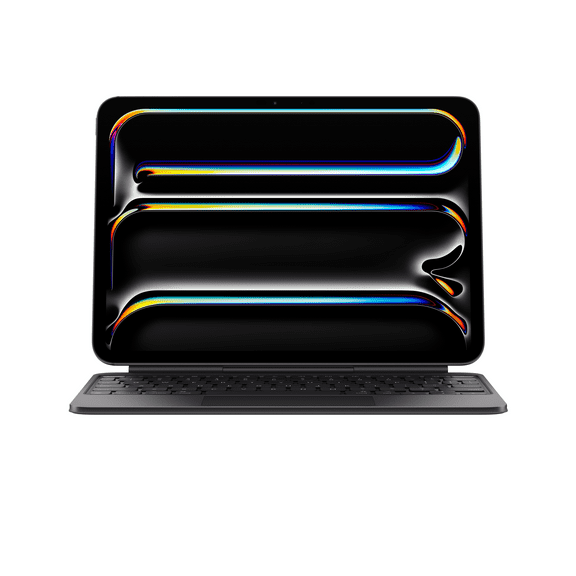
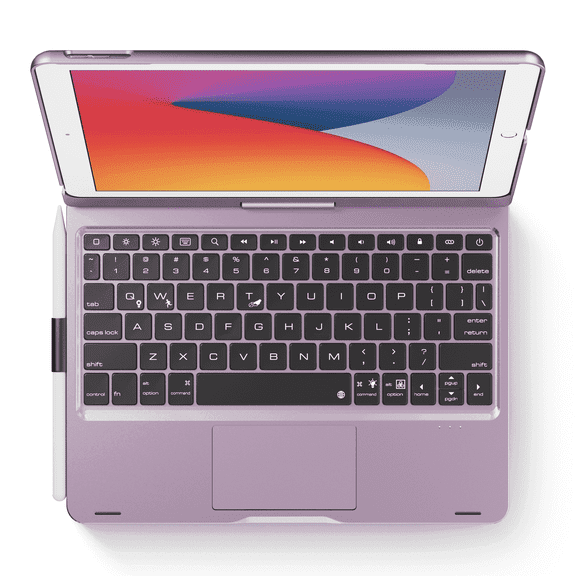
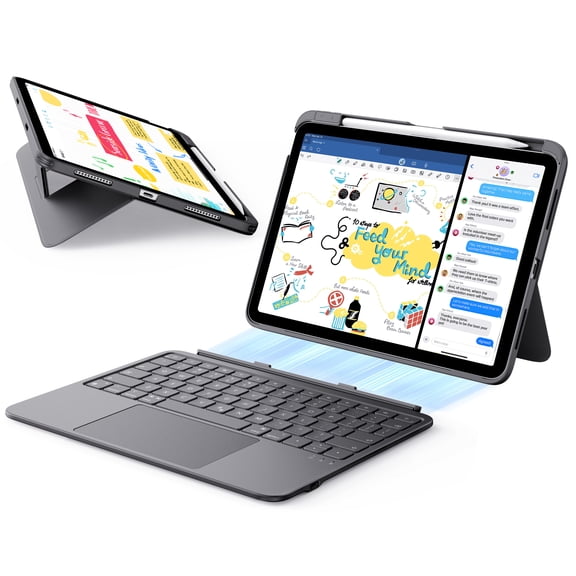
Some styles include a built-in trackpad, which adds cursor control without reaching for the screen. Others fold into a slim cover, so your tablet stays protected between uses.
- Type longer emails and notes with full key spacing and responsive layouts.
- Turn a tablet into a compact workstation for classes, travel, and remote tasks.
- Use adjustable viewing angles for streaming, presentations, and video calls.
- Choose keyboard cases that protect the front and back during daily carry.
- Pick Bluetooth or smart connector designs based on your setup preference.
If you’re comparing an apple iPad keyboard with third-party options, compatibility usually drives the decision. Key placement, charging style, and case fit can vary by generation and screen size.
Some shoppers want quick pickup options and in-store availability signals during comparison. This page supports that intent with easy model matching and clear connection details.
Features to compare in a keyboard to connect to iPad
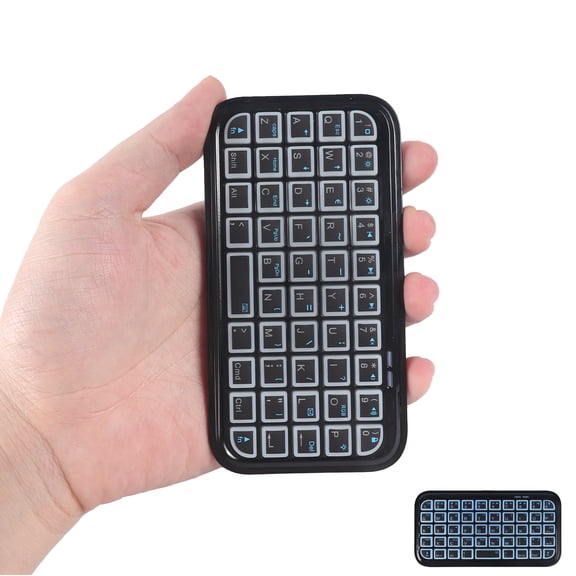
Connection style is one of the first details to check before you buy. Bluetooth models offer flexible pairing, while smart connector designs can attach quickly without separate charging.
Fit matters just as much. A case made for an 11-inch tablet may not align with camera cutouts, speakers, or magnet placement on another model.
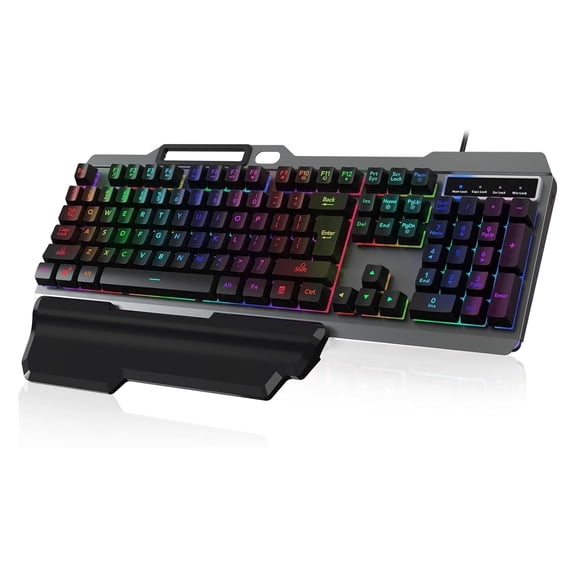
Look closely at keyboard layout, row spacing, and shortcut keys. Dedicated iPadOS shortcuts can make app switching, brightness changes, and media control feel more direct.
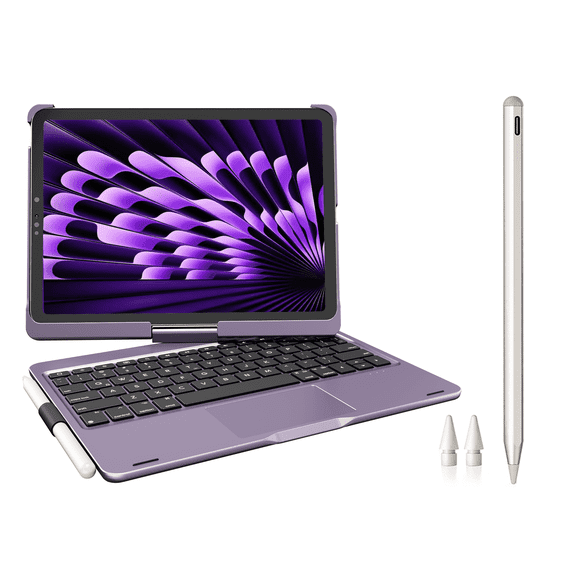
Trackpad support is another key feature for many shoppers. An apple trackpad case can help with scrolling, selecting text, and moving between windows during productivity tasks.
Stand design also affects everyday use. Some folio cases offer fixed positions, while others support several viewing angles for typing, reading, and watching content.
Battery setup varies across products too. Rechargeable keyboards reduce cable clutter, while connector-based models can draw power directly from the tablet design.
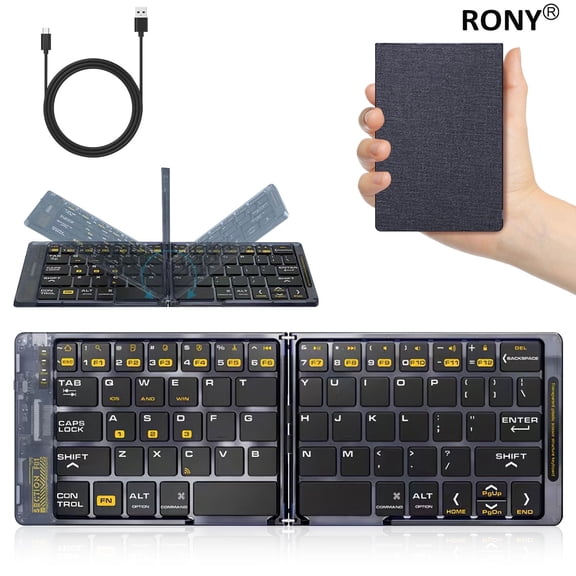
Material choices shape the feel and portability of the case. Slim covers pack easily in backpacks, and firmer shells can add structure for lap typing.
Keyboards for iPad 11th Gen and iPad Air use cases
Shoppers often need model-specific accessories because camera openings, button placement, and dimensions can differ across releases. That’s why keyboards for iPad 11th Gen deserve special attention during comparison.
For school use, a keyboard case helps when you’re writing papers, taking lecture notes, or working in shared spaces. A stable folio stand can also support easier viewing during research.
For travel, compact designs matter. A keyboard to connect to iPad fits neatly into a tote or backpack and creates a quick typing station in airports or cafés.
At home, these accessories help with family scheduling, recipe viewing, and message replies. Detachable styles let you remove the keyboard when you want a simpler tablet setup.
Creative users may prefer a rotating iPad case with keyboard design. That setup can shift between landscape and portrait viewing for presentations, sketch references, or reading.
If you use a current Air model, it also helps to compare products with ipad air 5 cases in mind. Generation-specific fit supports clean access to ports, speakers, and camera areas.
Some shoppers also search for ipad keyboard near me or ipad keyboard in store because timing and pickup matter. On Walmart.com, you can compare connection types, case formats, and compatible models in one place.
Connectivity guide for choosing the right fit
Start with your exact iPad model, screen size, and generation before checking anything else. That single step helps narrow keyboard cases, connector types, and cutout alignment.
Next, decide how you like to work. Bluetooth gives flexible placement, while connector-based designs suit users who want fast attachment and fewer charging steps.
Then compare how the case handles daily routines. If you type often, focus on key spacing and trackpad options. If you carry your device everywhere, focus on slim construction and secure closure.
A keyboard to connect to iPad should match the way you actually use your tablet each day. When compatibility, stand design, and connection style line up, typing feels smoother and your setup stays ready for work.