



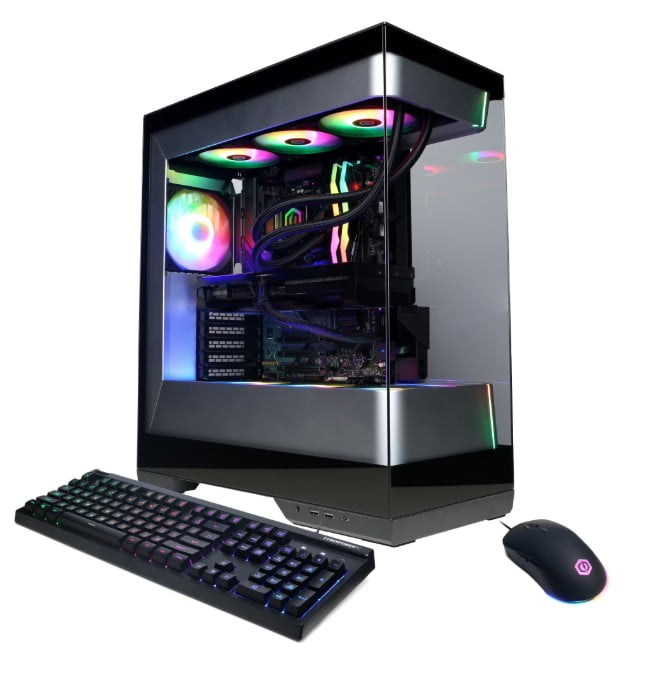
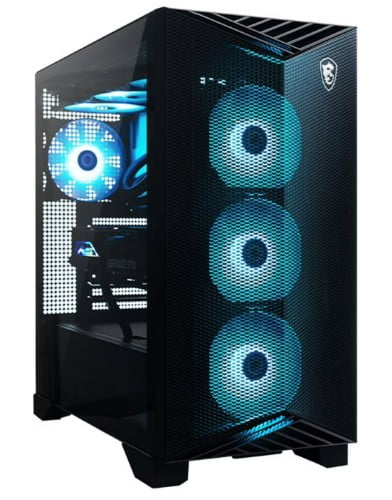


iBuyPower Gaming Desktops

















About iBuyPower Gaming Desktops - Walmart.com
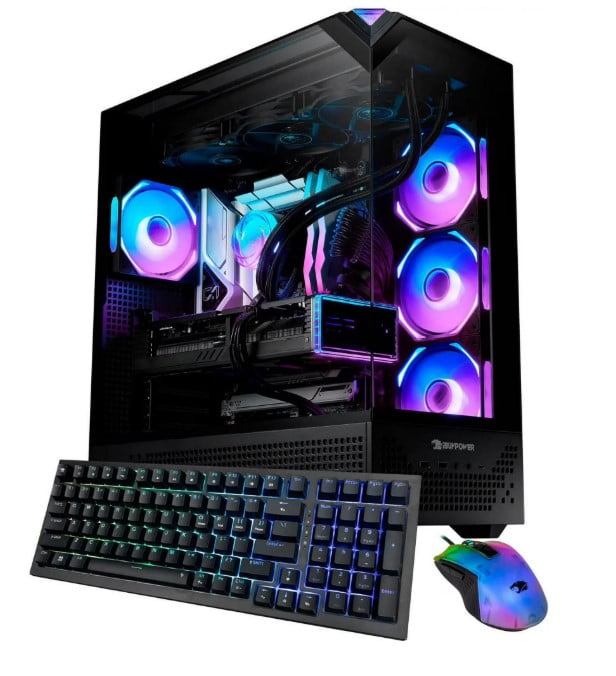
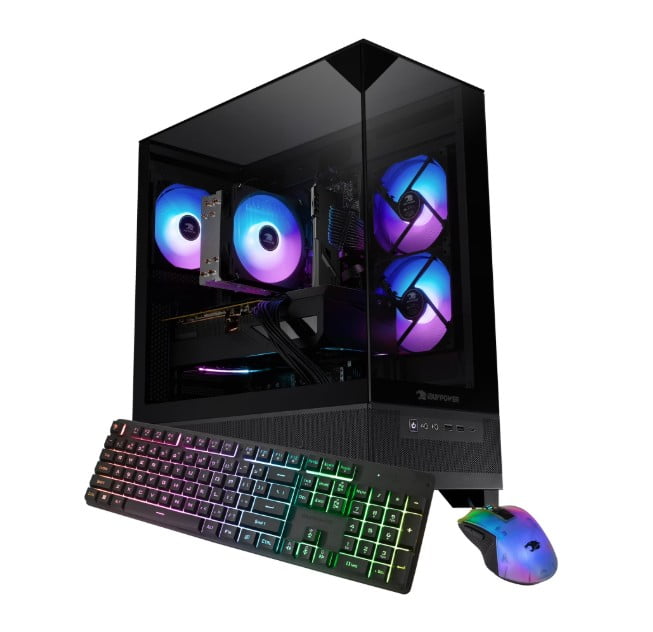
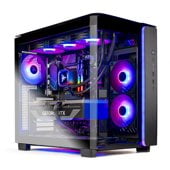
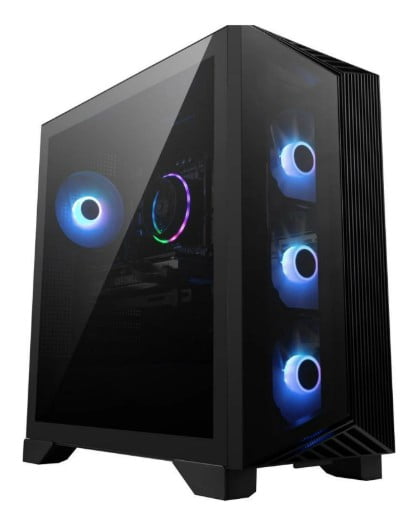
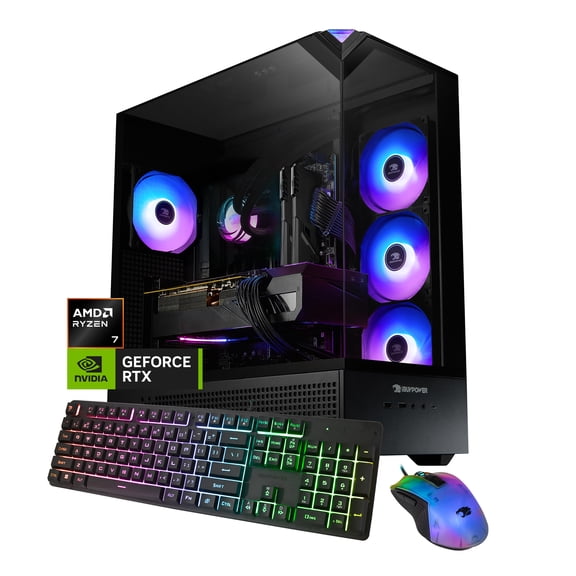
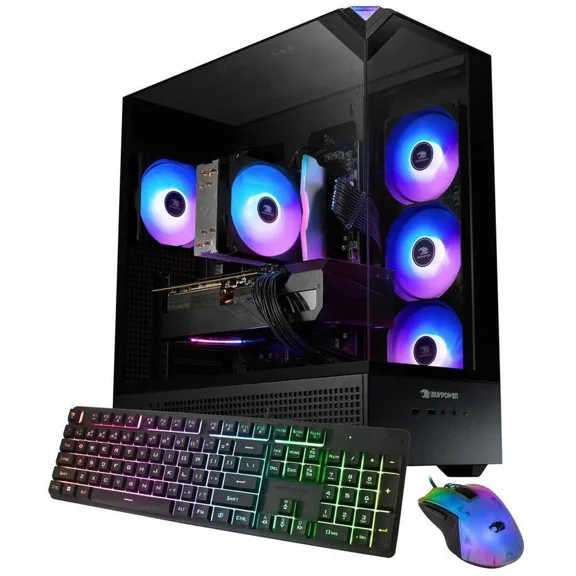
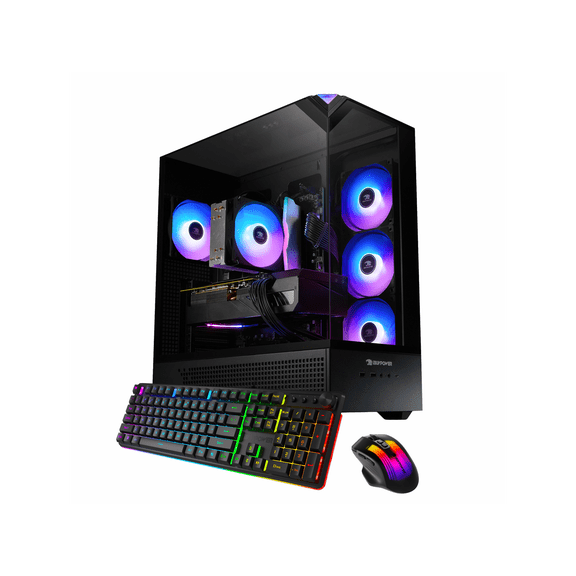
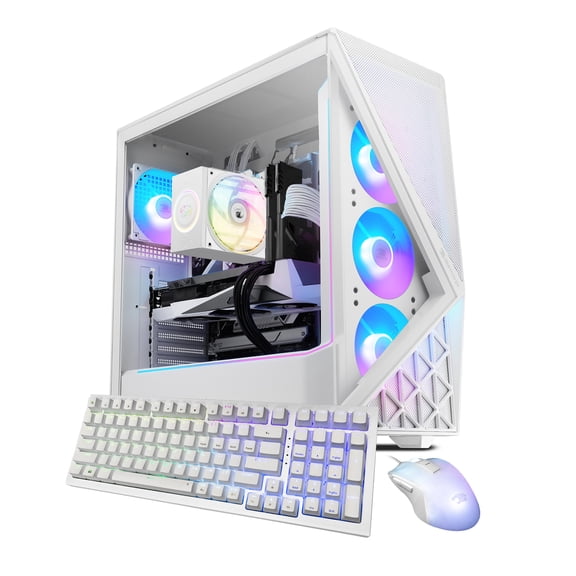
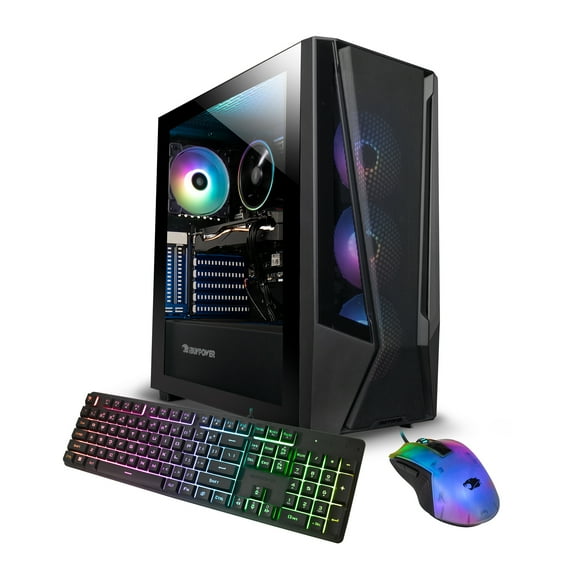
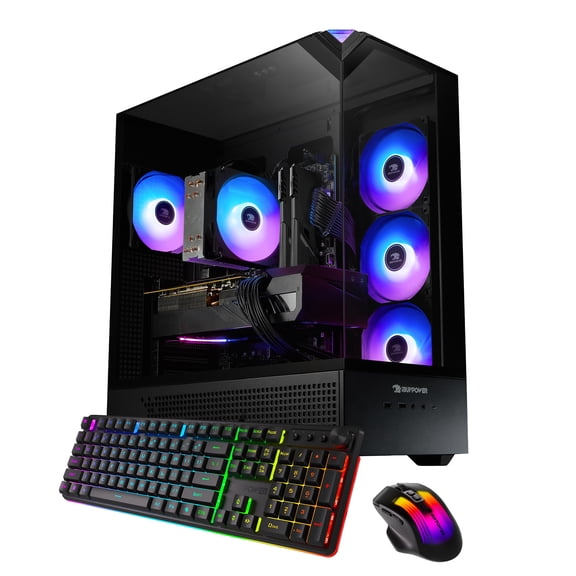
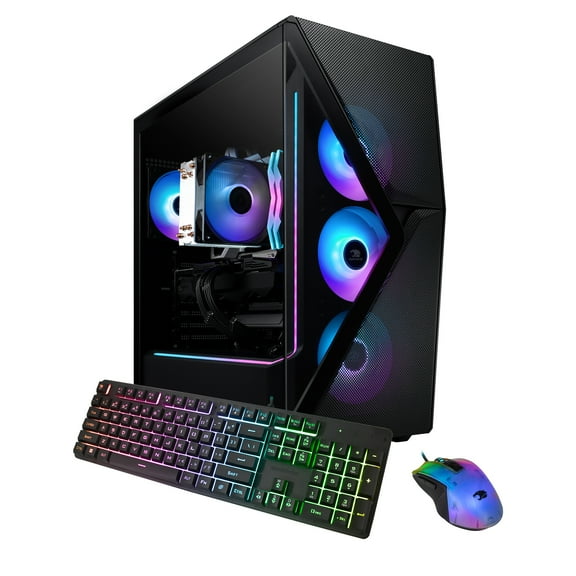
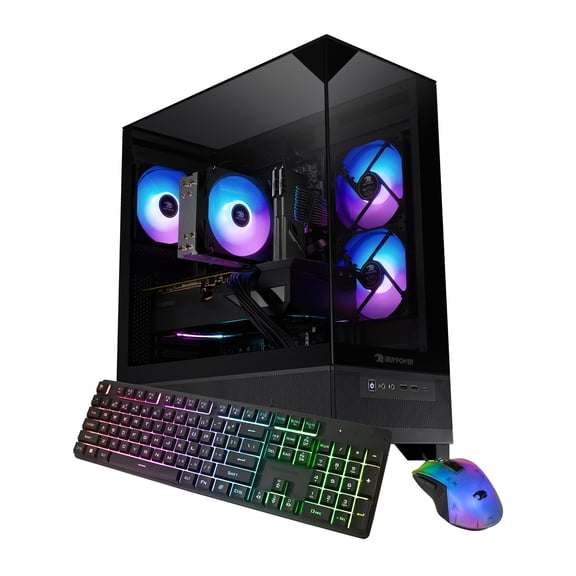
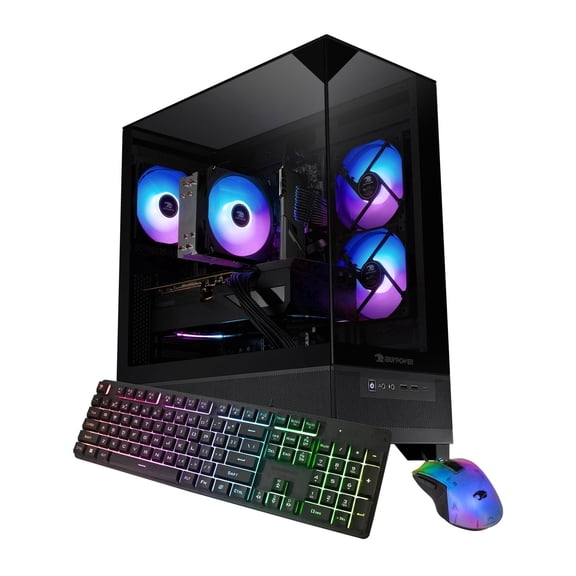
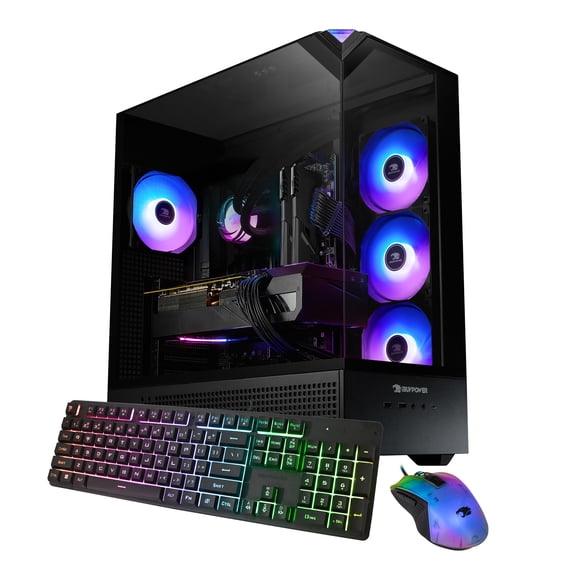
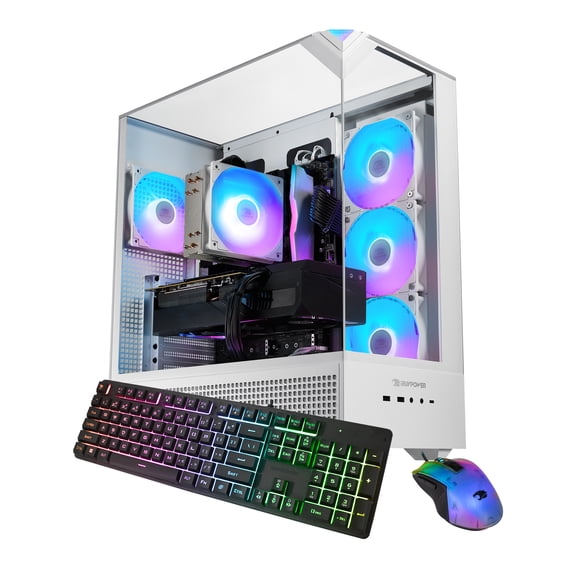
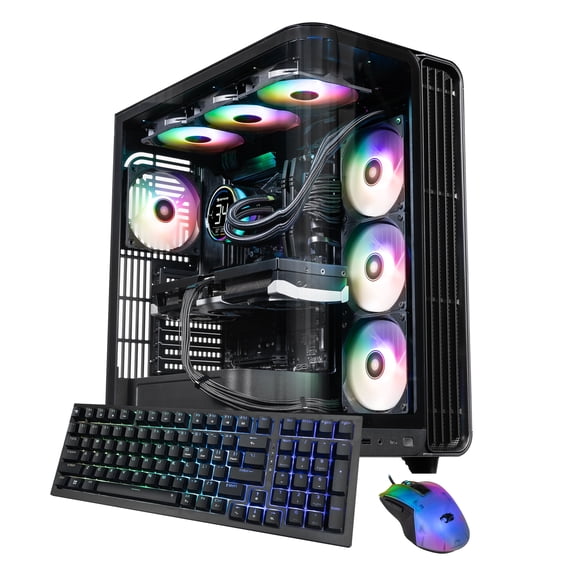
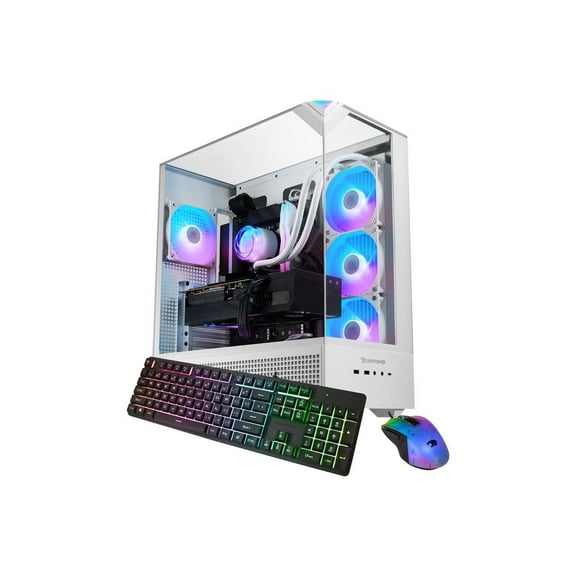
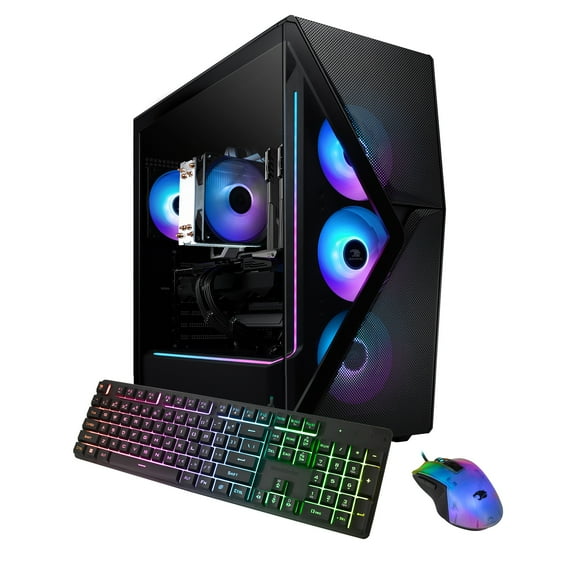
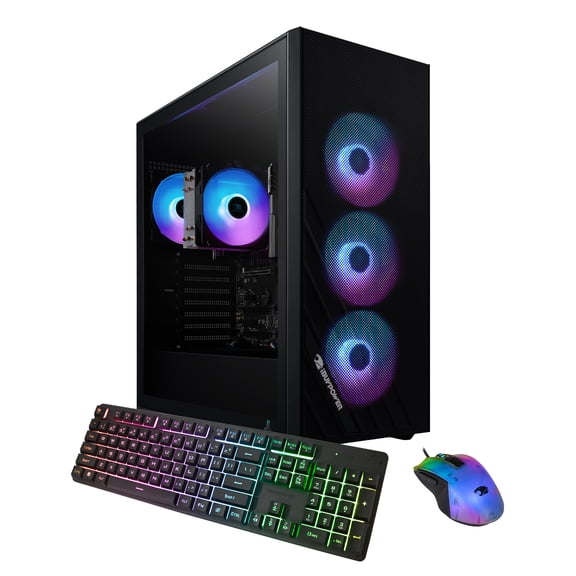
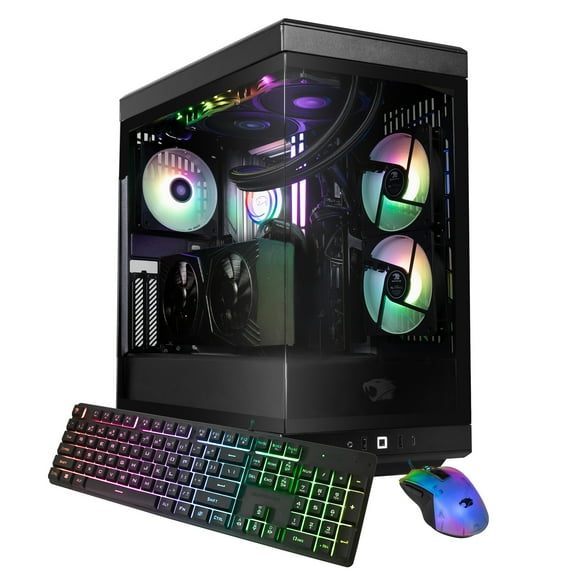
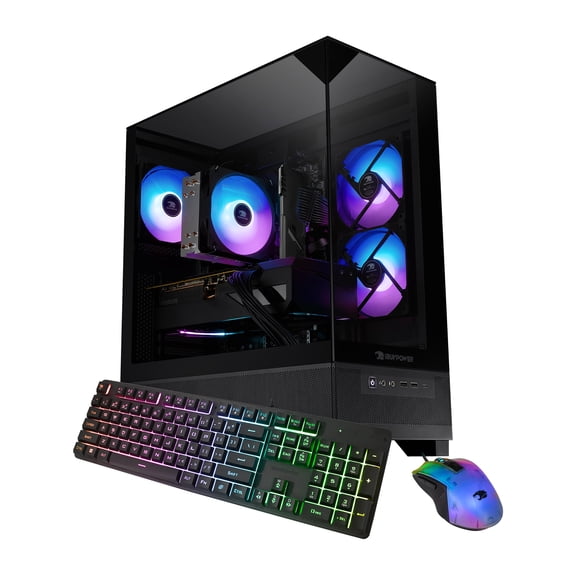
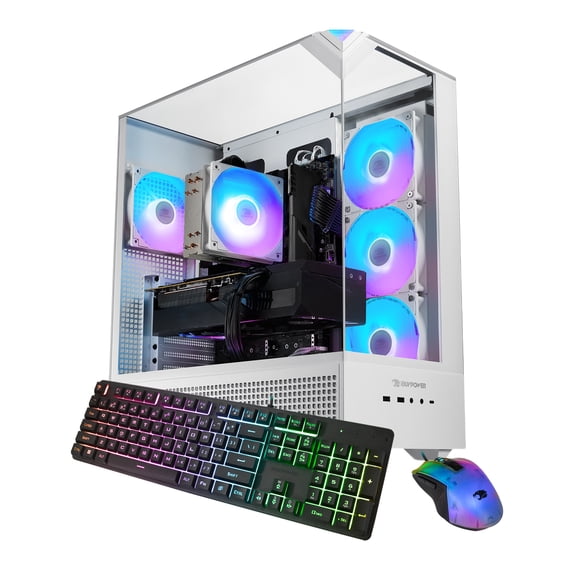
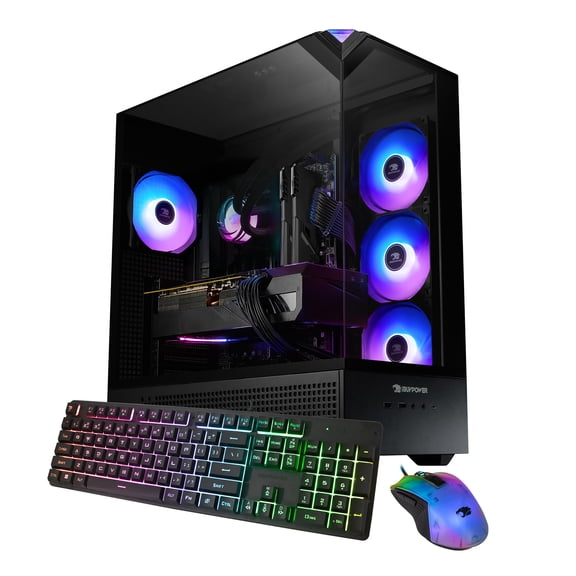
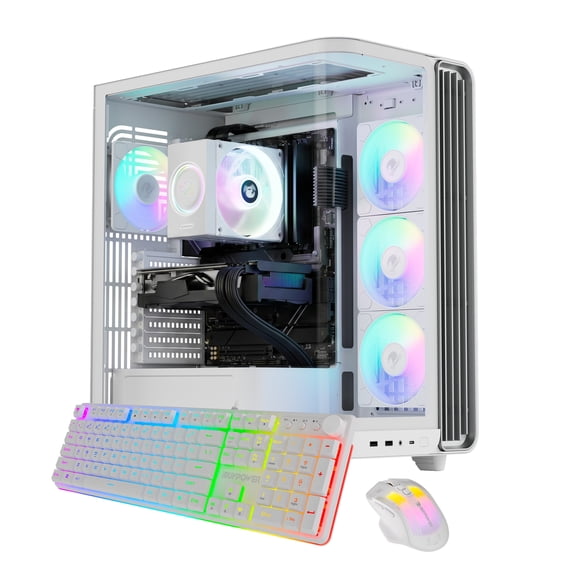
Choose an ibuypower desktop when you want smooth gameplay, fast load times, and a clean setup for streaming and schoolwork. These systems are built around gaming-first parts, so you can focus on frame rates and stability. On Walmart.com, it’s easy to compare specs, filter by components, and get a configuration that fits your space.
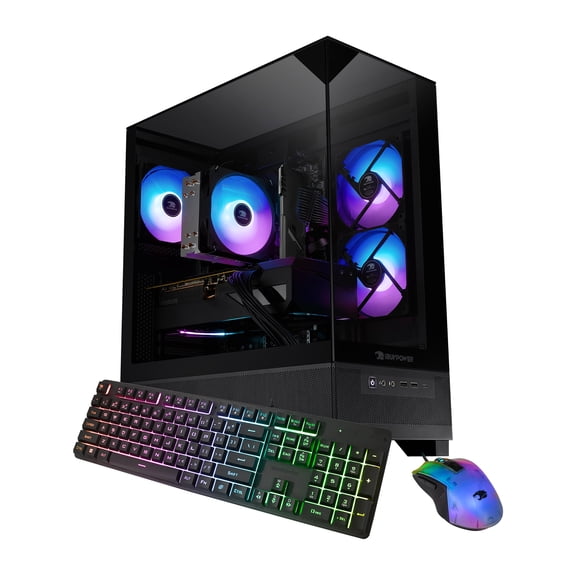
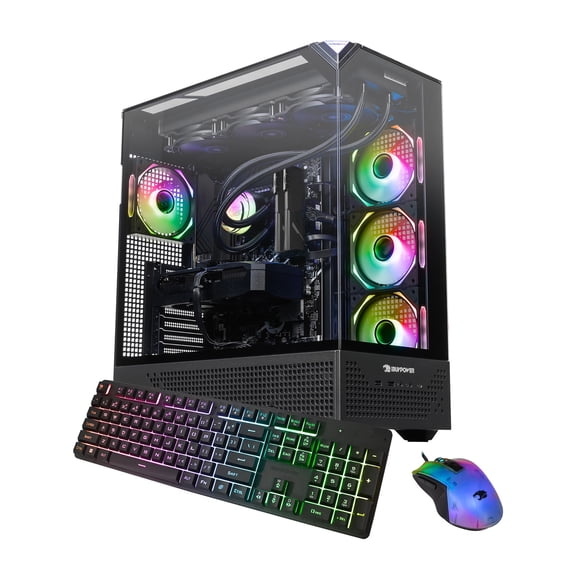
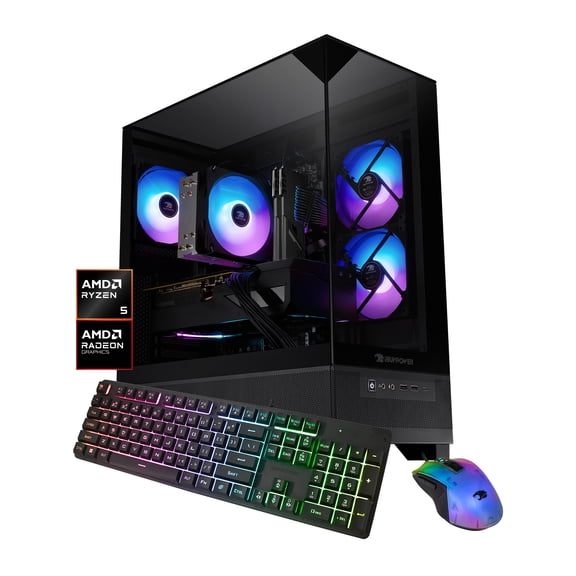
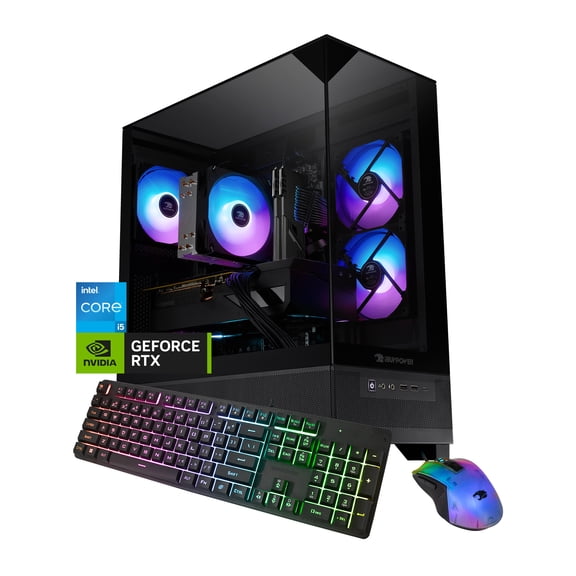
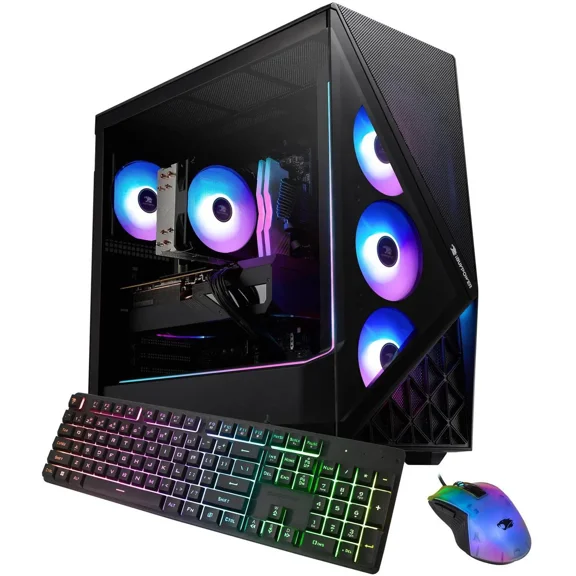
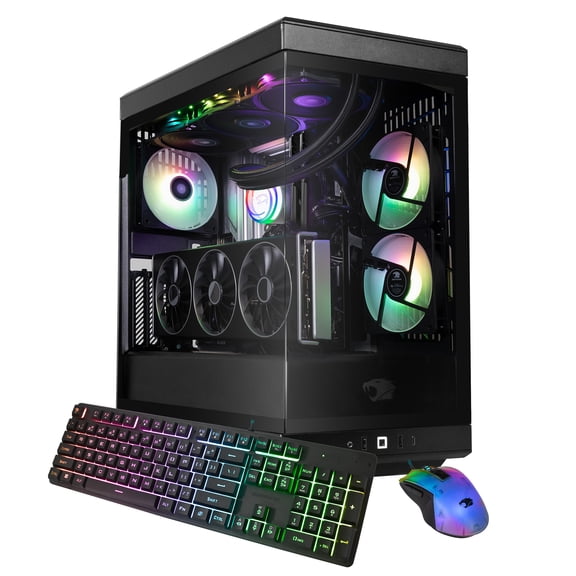
Many shoppers start with an ibuypower gaming pc because it’s a straightforward path to a complete tower that’s ready for modern titles. You’ll see options with current Intel or AMD processors and popular NVIDIA GeForce RTX graphics. That means you can match performance to the games you play and the monitor you use.
Why an ibuypower gaming pc fits a performance-first setup
An iBUYPOWER tower helps you avoid the guesswork of pairing parts, updating firmware, and checking clearances. You get a cohesive build where the CPU, GPU, memory, and cooling are selected to work together. That makes it easier to move from unboxing to playing with fewer setup steps.
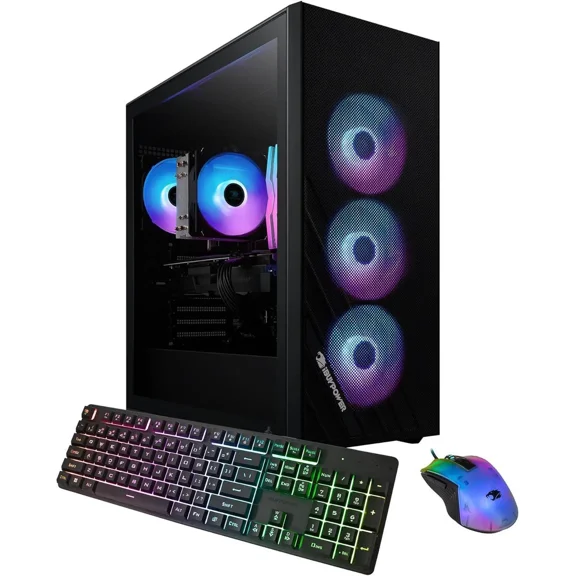
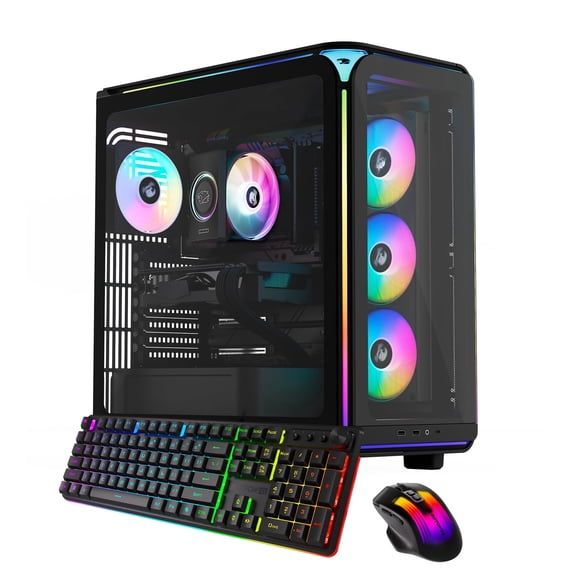
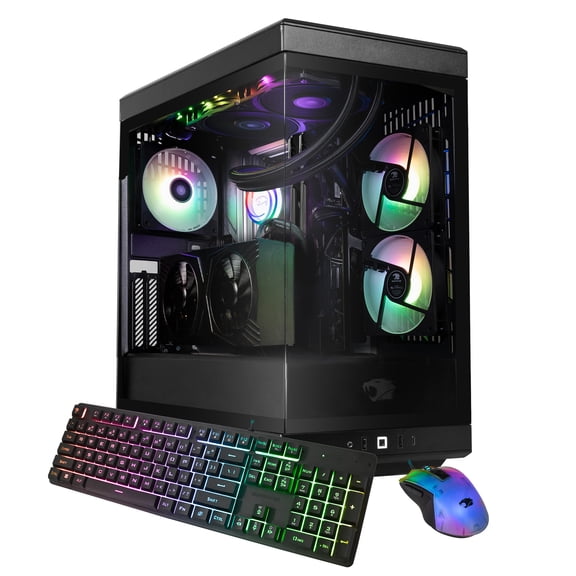
Strong airflow matters during long sessions, especially when graphics settings are high. Many builds use multiple case fans and clear intake paths to keep heat moving out. That stability supports consistent performance during extended gaming and streaming.
Upgradability is a major reason shoppers choose a desktop over a laptop. An ibuypower pc typically uses standard components, so future upgrades feel approachable. You can add storage, expand memory, or step up the GPU when your needs change.
- Enjoy smoother play in fast action games when your GPU and CPU are matched to your target resolution.
- Keep your desk cleaner with one tower powering gaming, voice chat, and content tools.
- Grow your setup over time with extra drive bays, RAM slots, and expansion options.
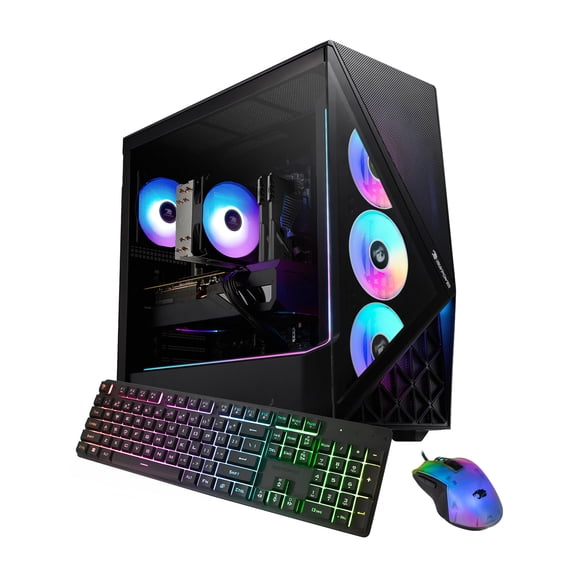
- Show your style with cases and lighting options that complement a gaming room.
Key specs to compare in ibuypower gaming desktops
Start with the graphics card, because it drives frame rates and visual detail. Look for NVIDIA GeForce RTX models if you want strong performance in popular esports and AAA games. Pair your GPU choice with your monitor resolution, like 1080p, 1440p, or 4K.
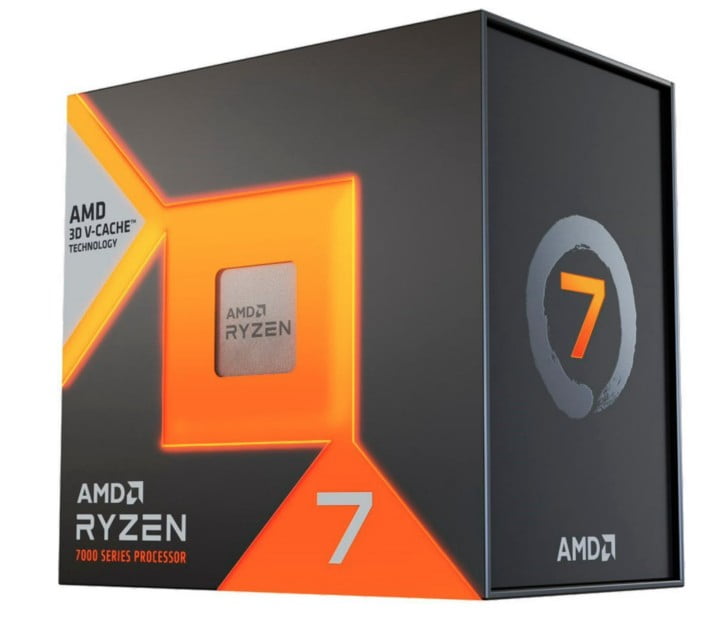
Next, compare processors, since they influence game performance and multitasking. Intel Core and AMD Ryzen options are common across iBUYPOWER builds. Higher core counts help when you stream, edit clips, or run multiple apps while gaming.
Memory affects responsiveness, especially with modern game installs and background apps. Many shoppers aim for 16GB of RAM as a comfortable baseline for gaming and chat tools. If you multitask heavily, 32GB can make switching apps feel smoother.
Storage choice changes how quickly you boot and how fast games load. Solid state drives improve launch times and reduce waiting between levels. Some systems add a secondary hard drive for a large library of captures and files.
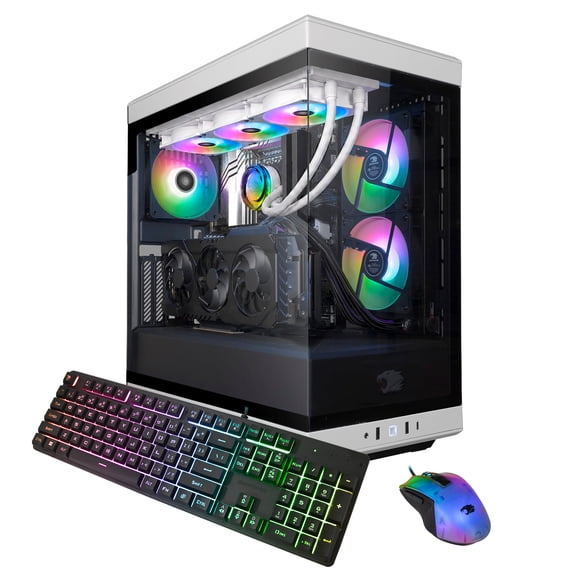
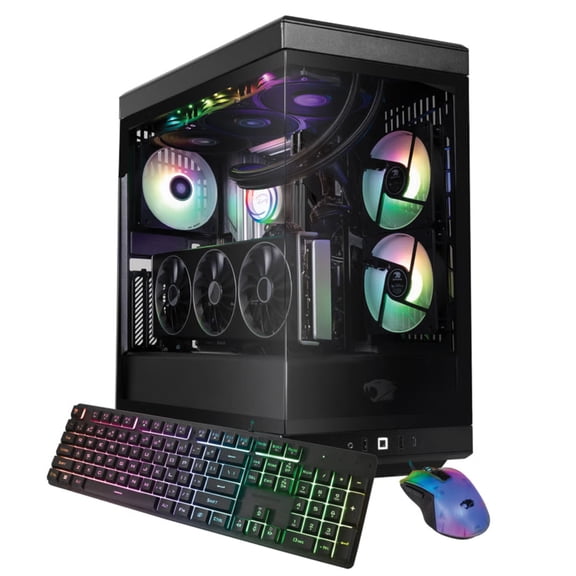
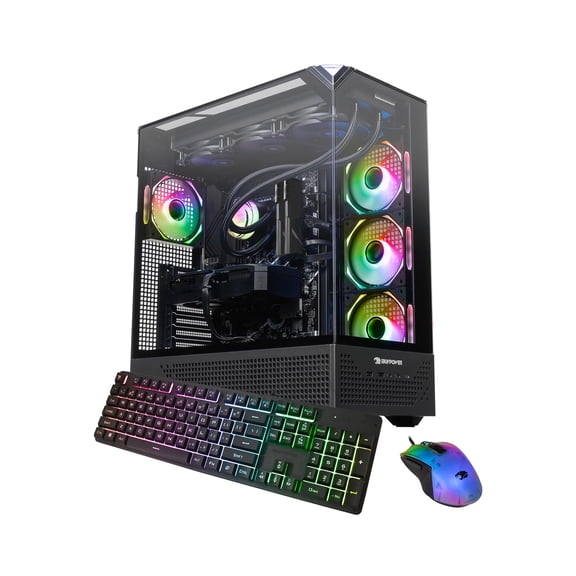
Cooling and case design are easy to overlook, yet they shape long-session comfort. Air coolers and liquid cooling options appear across configurations. Look for fan placement, radiator support, and dust filtering that fits your room setup.
Ports and connectivity decide how easily your accessories fit. Check for multiple USB ports, HDMI or DisplayPort outputs from the GPU, and front-panel connections. If you prefer wireless, confirm Wi-Fi and Bluetooth support in the listing.
How a gaming computer ibuypower supports real-world play styles
If you play competitive shooters, you’ll likely prioritize high frame rates and low input lag. Choose a GPU and CPU combo that pairs well with a high refresh monitor. A wired Ethernet port can also help keep connections steady during matches.
For open-world and story games, visuals often matter more than peak frames. Consider a stronger graphics card for higher settings and sharper textures at 1440p or 4K. Add extra SSD capacity if your library includes many large installs.
Streaming and content creation benefit from balanced components and plenty of storage. A capable CPU helps manage encoding while you keep gameplay smooth. Extra RAM and a larger drive can support recordings, edits, and uploads.
Schoolwork and productivity fit naturally into a desktop setup. A gaming desktop can also handle spreadsheets, browser tabs, and video calls without feeling slow. It’s a single system that can switch from homework to gaming in minutes.
Room size and desk layout can drive your case choice. Mid-tower designs fit many desks while still allowing airflow and upgrades. If you want less clutter, plan cable routing and place the tower where intake vents stay clear.
If you’ve searched for an ipower gaming pc, you’re not alone, and it’s often a reference to iBUYPOWER systems. Use the specs list to confirm the exact CPU and GPU model in each configuration. That makes comparisons clearer when model names look similar.
Finish your setup with the right add-ons
A desktop shines when your peripherals match your play style and display goals. Pair your tower with a gaming monitor that fits your resolution and refresh needs. Add a comfortable keyboard and mouse for consistent control in long sessions.
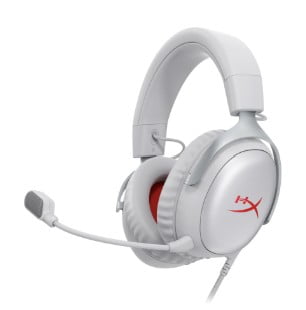
For a simple upgrade path, consider accessories that improve daily use immediately. A headset supports clear voice chat and focused audio cues in games. A surge protector and organized cable management can also make your space feel cleaner.
Choosing the right iBUYPOWER gaming desktop PC comes down to matching the GPU, CPU, and storage to how you play. When those parts align with your monitor and habits, every session feels smoother and more reliable.