

Computer Gaming Mouse Pads in Computer Gaming Peripherals and Accessories



































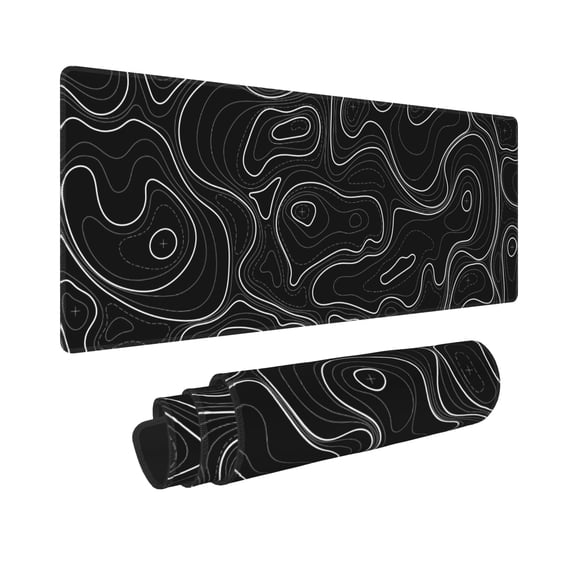
![Jahosin Large Gaming Mouse Pad with Stitched Edges,[35.4x15.7In] Extended Mouse Pad with Non-Slip Natural Rubber Base for Gamer/Desktop/Office/Home 90x40 BluedragonJ](https://i5.walmartimages.com/seo/Jahosin-Large-Gaming-Mouse-Pad-Stitched-Edges-35-4x15-7In-Extended-Mouse-Pad-Non-Slip-Natural-Rubber-Base-Gamer-Desktop-Office-Home-90x40-BluedragonJ_a9d59768-b966-4903-a9af-879ebc976525.26685ccec173f152903a1ce02ea9ada5.jpeg?odnHeight=576&odnWidth=576&odnBg=FFFFFF)
![Jahosin Large Gaming Mouse Pad with Stitched Edges,[35.4x15.7In] Extended Mouse Pad with Non-Slip Natural Rubber Base for Gamer/Desktop/Office/Home 90x40 BlackJ](https://i5.walmartimages.com/seo/Jahosin-Large-Gaming-Mouse-Pad-Stitched-Edges-35-4x15-7In-Extended-Mouse-Pad-Non-Slip-Natural-Rubber-Base-Gamer-Desktop-Office-Home-90x40-BlackJ_7753bd8b-99b9-4e35-8678-f6318a7c0bf4.d2e67c68cc3377eb6848209e69e5dc7f.jpeg?odnHeight=576&odnWidth=576&odnBg=FFFFFF)
![90x40 BlackJ, variant on Jahosin Large Gaming Mouse Pad with Stitched Edges,[35.4x15.7In] Extended Mouse Pad with Non-Slip Natural Rubber Base for Gamer/Desktop/Office/Home 90x40 BlackJ](https://i5.walmartimages.com/asr/7753bd8b-99b9-4e35-8678-f6318a7c0bf4.d2e67c68cc3377eb6848209e69e5dc7f.jpeg?odnBg=FFFFFF&odnHeight=30&odnWidth=30)
![90x40 BlionJ, variant on Jahosin Large Gaming Mouse Pad with Stitched Edges,[35.4x15.7In] Extended Mouse Pad with Non-Slip Natural Rubber Base for Gamer/Desktop/Office/Home 90x40 BlackJ](https://i5.walmartimages.com/asr/9da0d0c1-cfd1-4493-a977-d88ec22831a6.e2258ded08ee8ae8c4fb15d98f18c4a7.jpeg?odnBg=FFFFFF&odnHeight=30&odnWidth=30)
![90x40 BluedragonJ, variant on Jahosin Large Gaming Mouse Pad with Stitched Edges,[35.4x15.7In] Extended Mouse Pad with Non-Slip Natural Rubber Base for Gamer/Desktop/Office/Home 90x40 BlackJ](https://i5.walmartimages.com/asr/a9d59768-b966-4903-a9af-879ebc976525.26685ccec173f152903a1ce02ea9ada5.jpeg?odnBg=FFFFFF&odnHeight=30&odnWidth=30)
![90x40 BluespaceJ, variant on Jahosin Large Gaming Mouse Pad with Stitched Edges,[35.4x15.7In] Extended Mouse Pad with Non-Slip Natural Rubber Base for Gamer/Desktop/Office/Home 90x40 BlackJ](https://i5.walmartimages.com/asr/77121901-1128-4f1b-86bb-004dfe771c4b.e61f23f04bbc0d8c258ab1cd1530ece1.jpeg?odnBg=FFFFFF&odnHeight=30&odnWidth=30)




















About Computer Gaming Mouse Pads in Computer Gaming Peripherals and Accessories - Walmart.com
Your gaming mouse pad shapes how your mouse tracks, how your desk feels, and how comfortably you play through long sessions. You can compare sizes, surfaces, thicknesses, lighting options, and edge finishes to match your setup with fewer compromises.
How to choose a gaming mouse pad size
You should start with desk space, keyboard placement, and how widely you move your mouse during play. You may prefer a standard pad for tight desks, while XL, XXL, and extended styles cover wider movement paths.
If you play with low sensitivity, you’ll usually want more room for long, sweeping movements. If your desk also holds a full keyboard, you may prefer an extended layout that keeps both tools aligned.
You can use size as a fast filter when you want your setup to feel organized and consistent. You’ll notice an xxl mouse pad can create one continuous surface under your keyboard and mouse.
What to look for in mouse pad gaming surfaces
You should compare surface texture first because it changes how quickly your mouse glides and stops. You’ll often see cloth, hard plastic, silicone, and aluminium options across this category.
If you want more control, you may look for a cloth surface with higher friction and tighter weave density. You’ll get steadier stopping power for aiming, tracking, and precise cursor placement.
If you want faster glide, you may prefer hard plastic or aluminium surfaces with lower friction. You’ll feel quicker swipes and easier repositioning during fast-paced matches and rapid turns.
You can also consider silicone styles when you want a different feel under your hand and mouse. You’ll want to compare texture, firmness, and glide response before choosing a computer mouse pad.
- You can choose cloth when your priority is controlled movement and a softer desk feel.
- You can choose hard plastic when your priority is quick glide and fast directional changes.
- You can choose larger formats when your sensitivity settings require longer mouse travel.
- You can choose textured surfaces when your tracking style depends on steadier stopping points.
Choosing thickness, base grip, and edge finish
You should check thickness because it changes cushioning, desk feel, and how your wrist area rests. You’ll commonly find thin 2mm, standard 3mm, and heavy 5mm to 6mm constructions.
If you want a closer-to-desk feel, you may choose a thinner pad with less cushioning. If you want more softness over uneven surfaces, you may lean toward thicker options.
You should also look for a non-slip rubber base when you want steadier placement during intense movement. You’ll notice better stability when your pad stays planted instead of shifting across the desk.
Edge stitching matters when you want cleaner borders that resist lifting and fraying over time. You can also compare seamless edges if you prefer a flatter edge profile under your forearm.
How lighting and materials fit your setup
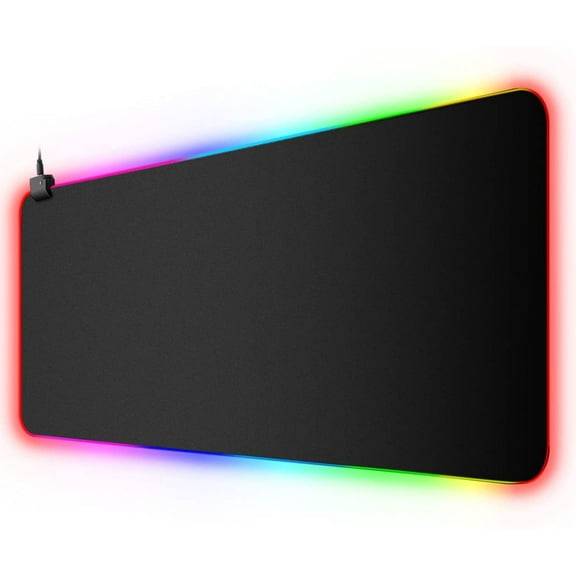
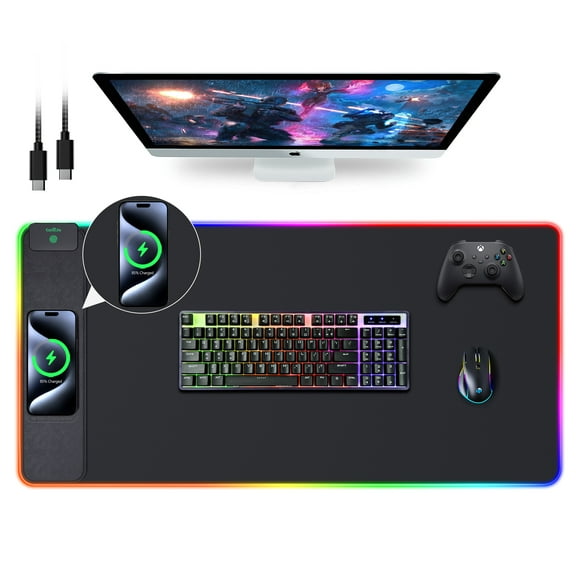
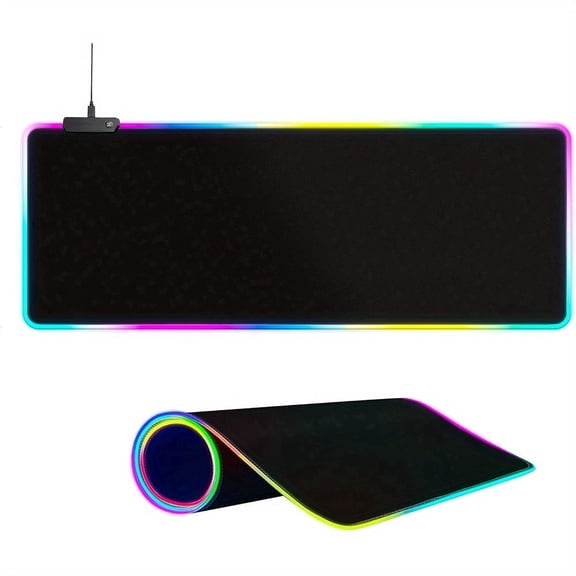
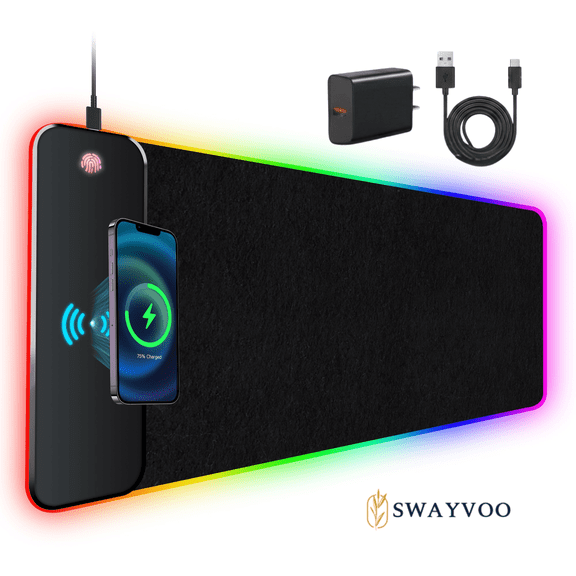
You can choose RGB LED models when you want your desk to coordinate with keyboards, mice, and other accessories. You may prefer non-RGB styles when your focus stays on a cleaner, simpler workspace.
Lighting can change cable routing, edge design, and how your pad fits into your desktop layout. You’ll want to check whether illuminated edges affect the total footprint on smaller desks.
Material also affects maintenance, feel, and daily wear across different routines. You can wipe many hard surfaces quickly, while many cloth options suit players who prefer a softer touch.
If your setup changes often, you may compare how each material handles transport and storage. You’ll also want to check whether your preferred surface matches your mouse feet and tracking style.
Use cases for standard, XL, and XXL mouse pad options
You may want a standard mouse pad when your desk is compact or your mouse movements stay tight. You’ll keep enough room for navigation without covering extra space you don’t use.
An XL or extended layout can make sense when your keyboard and mouse share one continuous base. You’ll get a cleaner desk line and more consistent hand placement across your setup.
You may prefer an XXL mouse pad when you play at lower sensitivity and need broad horizontal movement. You’ll have extra travel room for wide swipes without reaching the edge too quickly.
If you switch between gaming, schoolwork, and office tasks, you may want a surface that balances speed and control. You’ll benefit from a mouse pad that supports both quick flicks and steady cursor work.
You can also compare stitched edges and washable surfaces when your setup gets daily use. You’ll appreciate easier upkeep and a cleaner look when your pad needs regular wiping or light cleaning.
What a computer mouse pad should help you compare
You should focus on dimensions, friction level, base grip, edge style, thickness, and lighting before narrowing your options. You’ll make a clearer choice when each feature matches your desk, mouse settings, and play style.
A gaming mouse pad works hardest when it fits your movement range and keeps tracking consistent across every session. You’ll feel the difference in smoother swipes, steadier stops, and a setup that stays put.