

PC Gaming Monitors























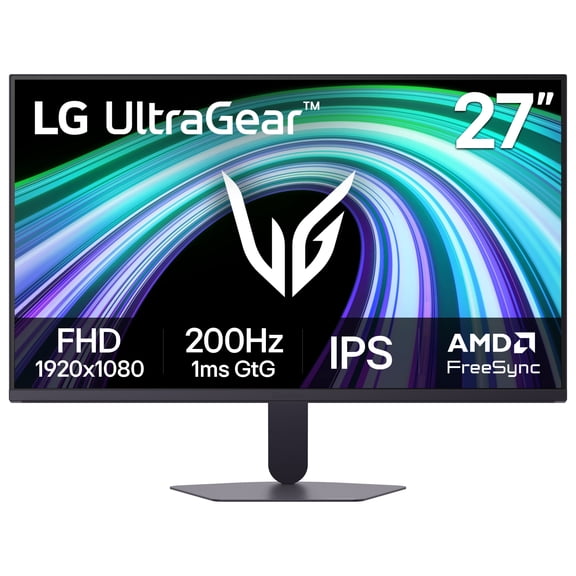
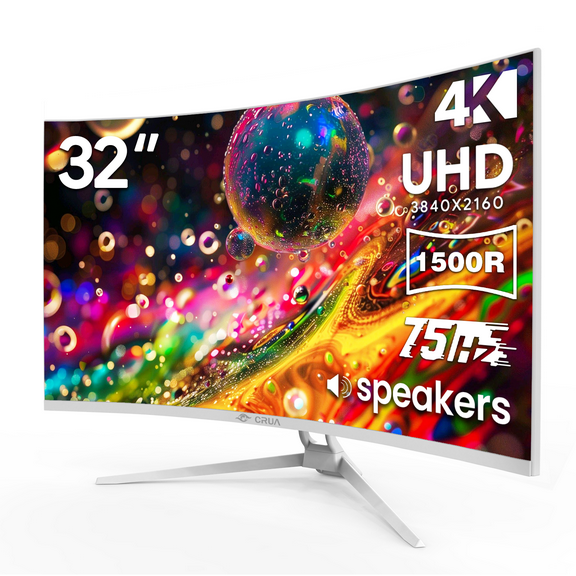

About PC Gaming Monitors - Walmart.com
PC gaming monitors help you match refresh rate, resolution, and screen shape to your setup. You can compare key specs faster, so your display fits your graphics card, desk, and play style.
If you play shooters, sims, or open-world titles, you can use this guide to narrow your options. When you compare core attributes first, you can choose a monitor that fits how you play.
How to choose pc gaming monitors
Refresh rate is often your first big decision because it changes how smooth motion looks during gameplay. When you compare pc gaming monitors by Hz first, you can narrow your choices faster.
Screen shape, resolution, panel type, and size all affect how your setup feels every day. When you line those specs up with your PC, you can avoid features your system may not fully use.
These decision points can help you compare screens with less guesswork. You can make faster choices when you know which specs matter first for your games.
- You can choose 144hz monitors for a strong balance of speed and broad game compatibility.
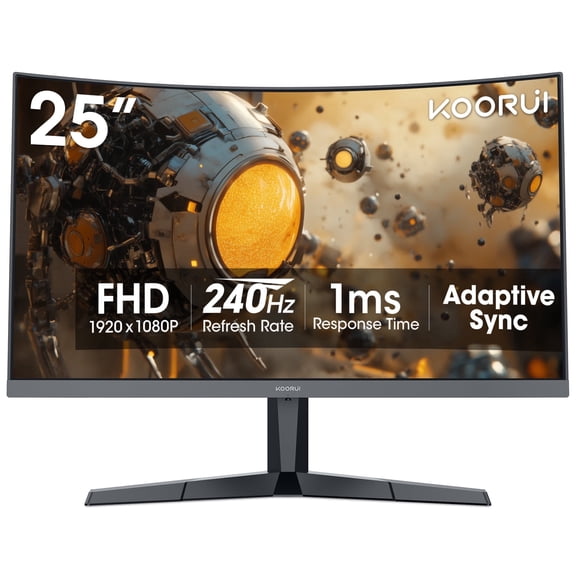
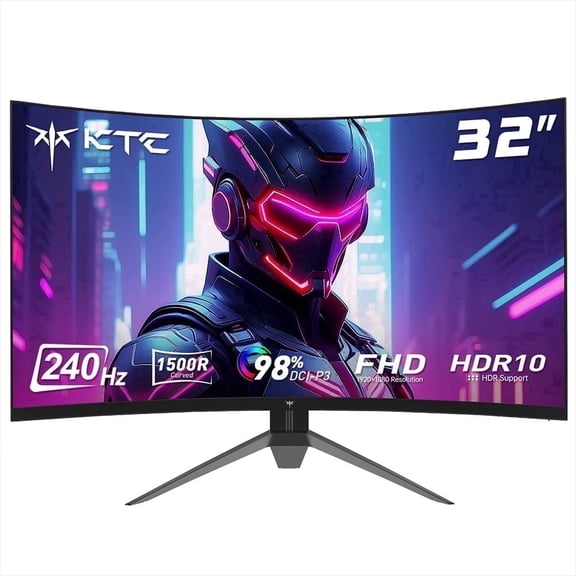
- You can move to 240Hz or 360Hz when your PC pushes very high frame rates.
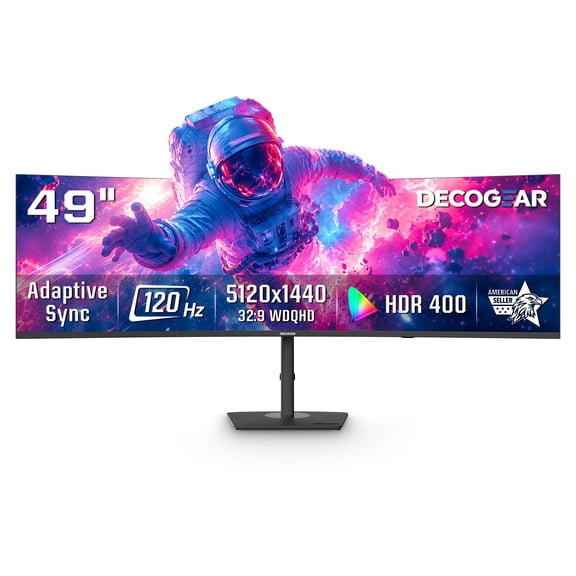
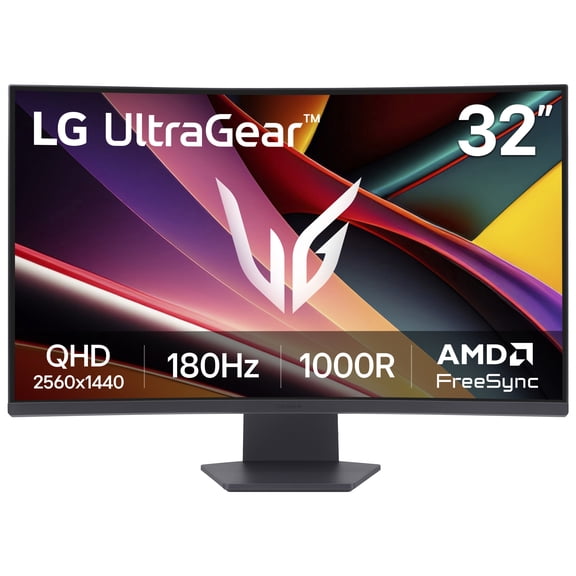
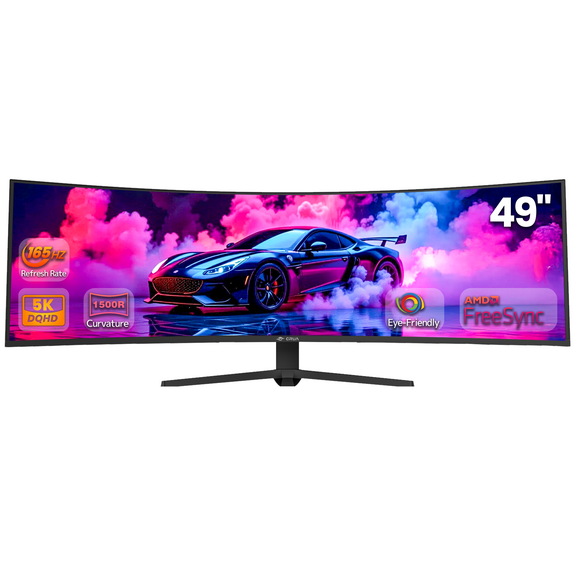
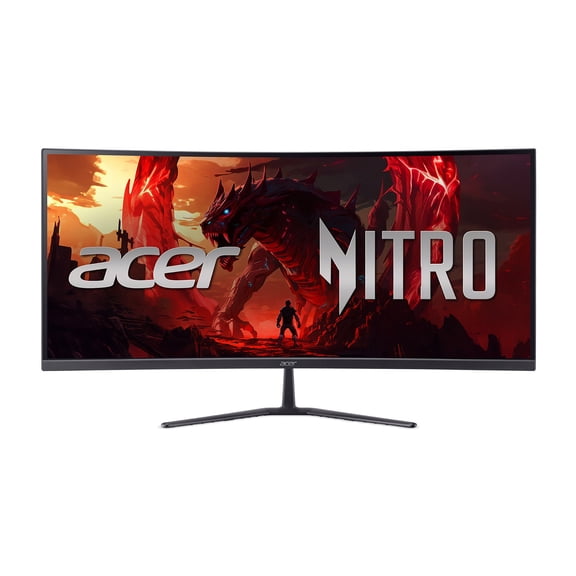
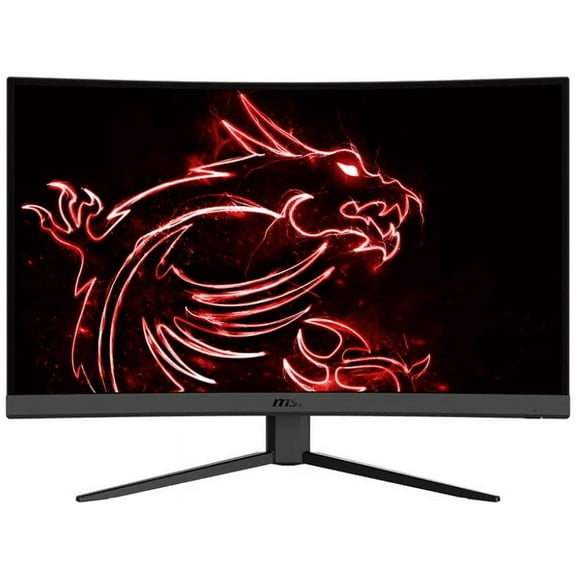
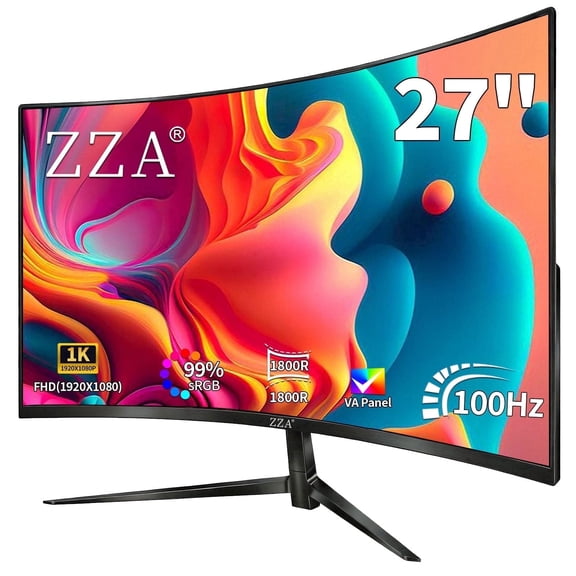
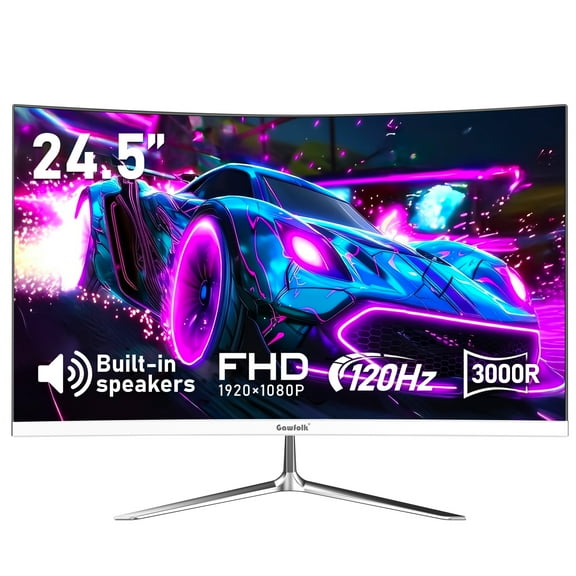
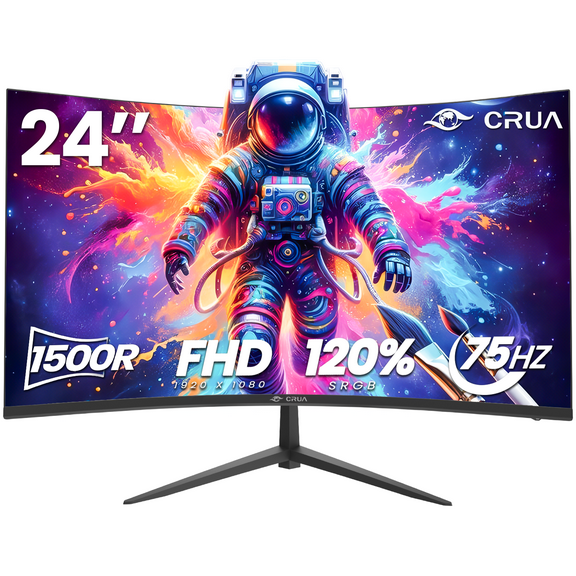
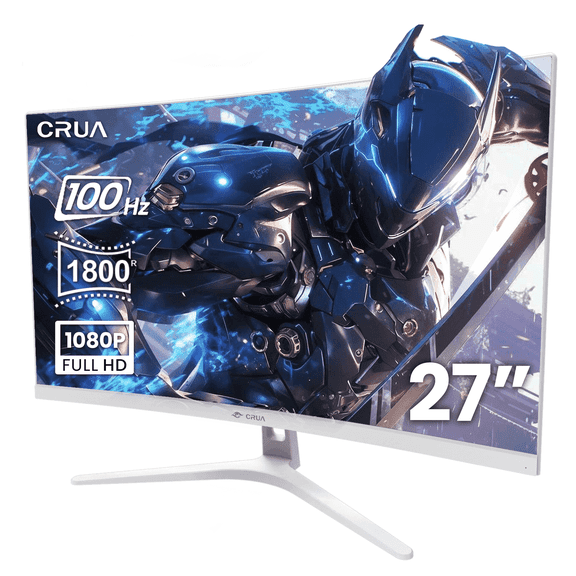
- You can pick curved gaming monitors when you want a wider field of view to feel more wrapped in.
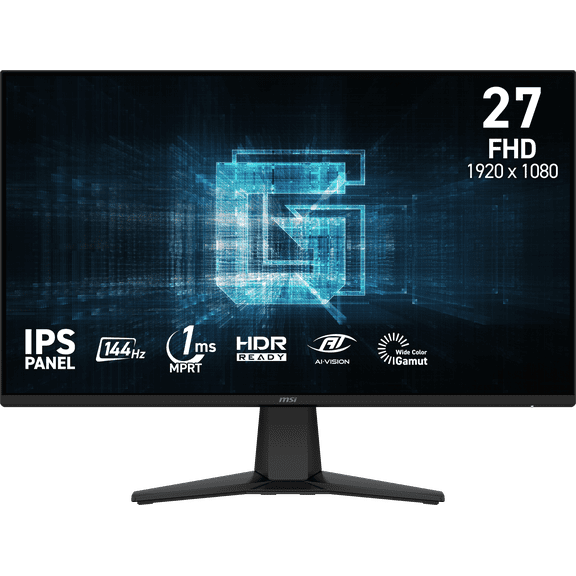
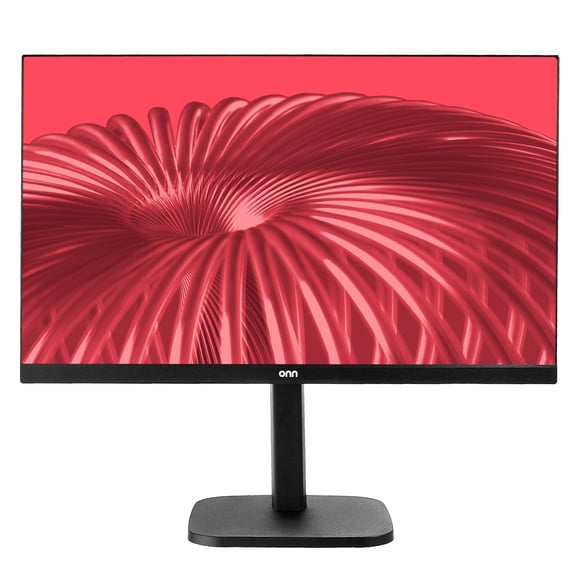
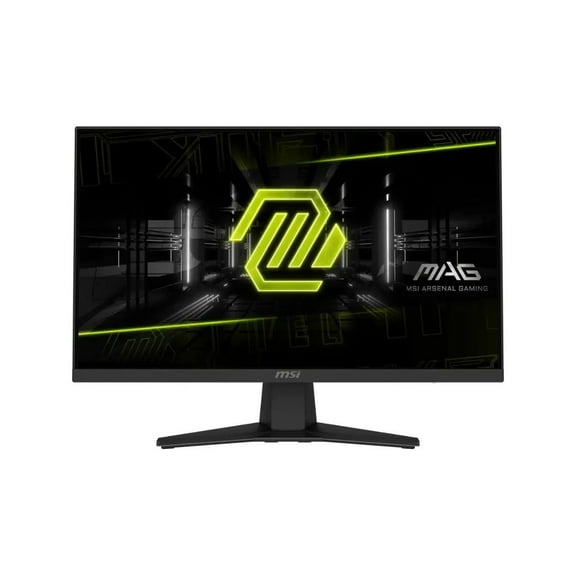
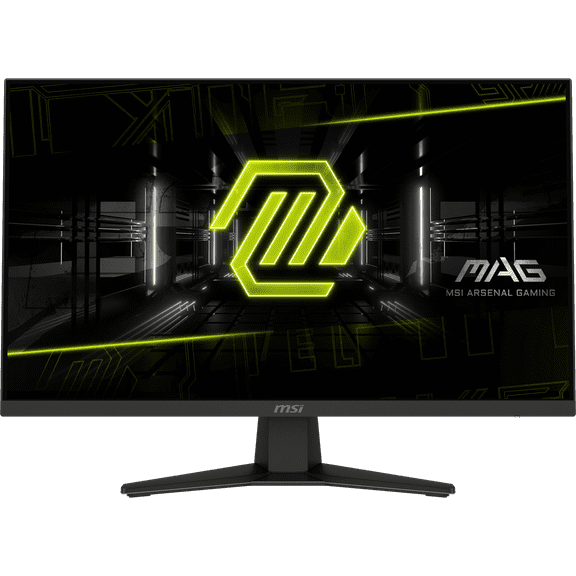
- You can choose flat screens when you want a familiar shape for mixed gaming and work tasks.
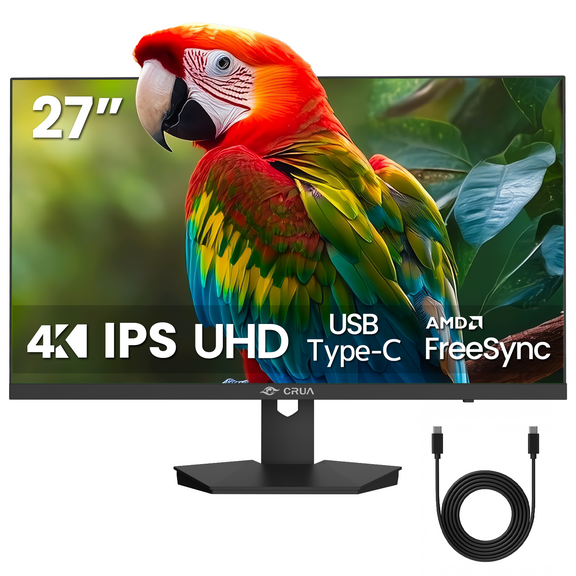
- You can compare 1080p, 1440p QHD, and 4K UHD based on your graphics card output.
- You can look at IPS, VA, OLED, and TN panels to match color, contrast, and speed preferences.
- You can measure 24 inch, 27 inch, 32 inch, and 34 inch ultrawide sizes against your desk space.
Choosing 144hz monitors and faster refresh rates
Refresh rate deserves your attention when you care about quick camera movement and smoother tracking. A 144Hz panel usually fits many players who want responsive motion without extreme hardware demands.
If your PC delivers higher frame rates, you can consider 240Hz or 360Hz for tighter visual updates. You may notice a distinct benefit in competitive games where split-second movement matters.
Response time in milliseconds also helps you compare displays with more confidence. Lower ms figures can help you see cleaner transitions during fast scenes.
If you play story-focused games or casual multiplayer, you may find 75Hz workable for lighter use. If you play ranked matches frequently, you’ll likely lean toward 144hz monitors or faster options.
Choosing curved gaming monitors or flat screens
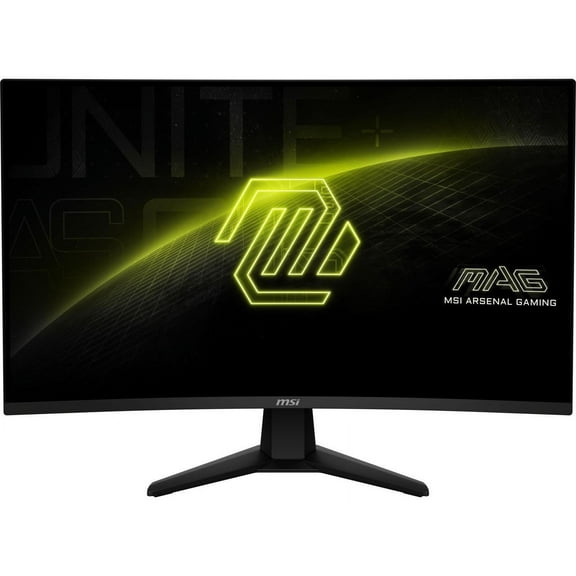
Screen shape changes how your games fill your field of view. Curved gaming monitors can pull the edges inward, so your screen feels more centered around you.
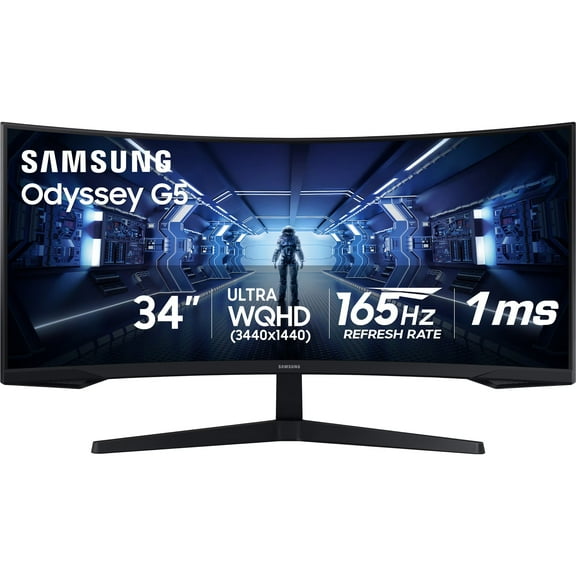
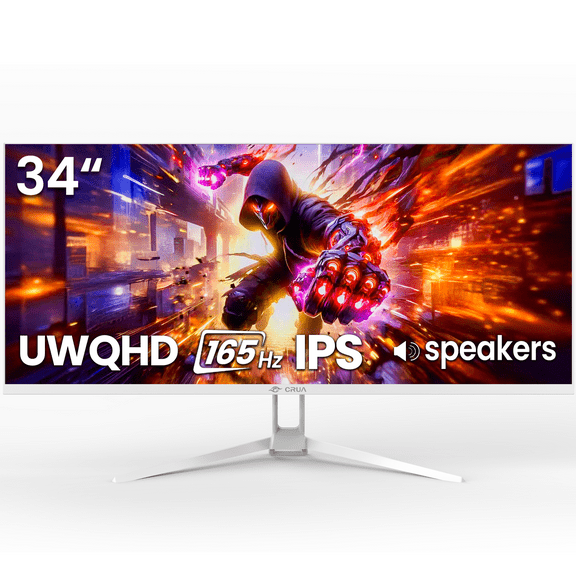
If you use a 32 inch screen or a 34 inch ultrawide, you may like that wrapped-in view. If you stream, edit documents, and game on one display, you may prefer a flat panel.
Your desk depth can guide this choice more than you might expect. A curved screen often feels more natural when you sit directly in front of it.
A flat screen can make shared viewing and side-by-side windows feel simpler in your setup. When you compare both shapes, you should picture where your keyboard, chair, and tower sit.
Choosing 4k gaming monitors and other resolutions
Resolution performs optimally when it matches the output your GPU can handle. A 1080p Full HD display can help you push higher frame rates with less graphics strain.
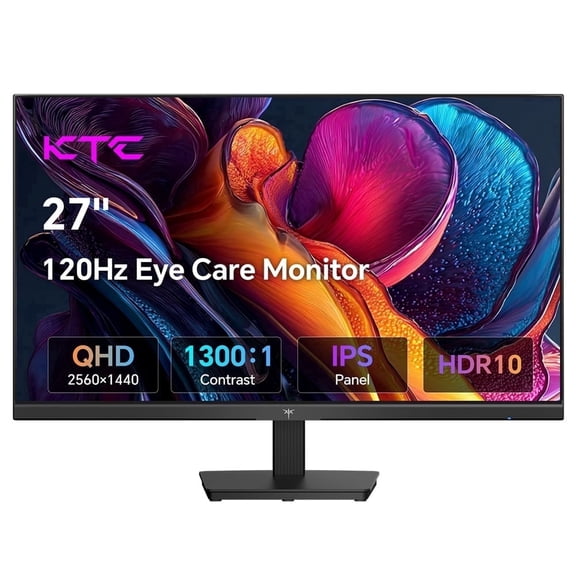
A 1440p QHD panel often gives you a strong middle ground for detail and speed. If you want 4k gaming monitors, you should check whether your graphics card can keep frame rates where you want them.
Your game library also shapes this decision because different titles ask more from your hardware. Fast esports games may feel great at 1080p or 1440p when you want very high refresh rates.
Large open-world games can look sharper at 4K, though you’ll need stronger hardware. When you balance GPU output with screen resolution, your setup can feel more consistent.
Choosing panel type and screen size
Panel type affects the picture traits you may notice first during daily use. IPS panels can give you broad viewing angles and vivid color, which helps if you stream or create content.
VA panels can deliver deeper contrast, which many players like for darker scenes. OLED gaming monitors can give you rich contrast and striking pixel-level lighting for visually dramatic play.
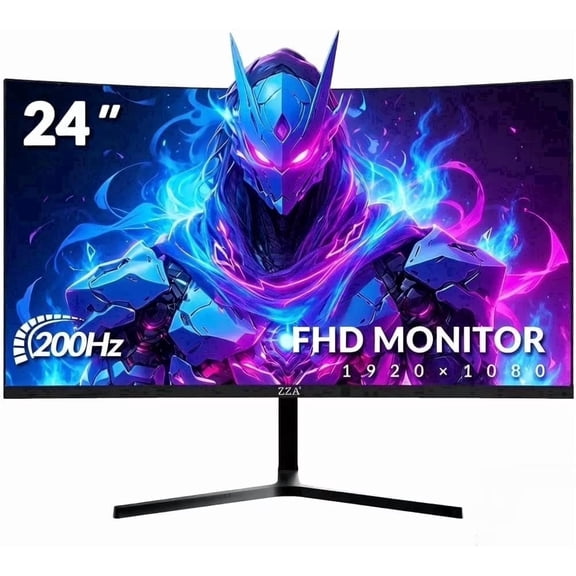
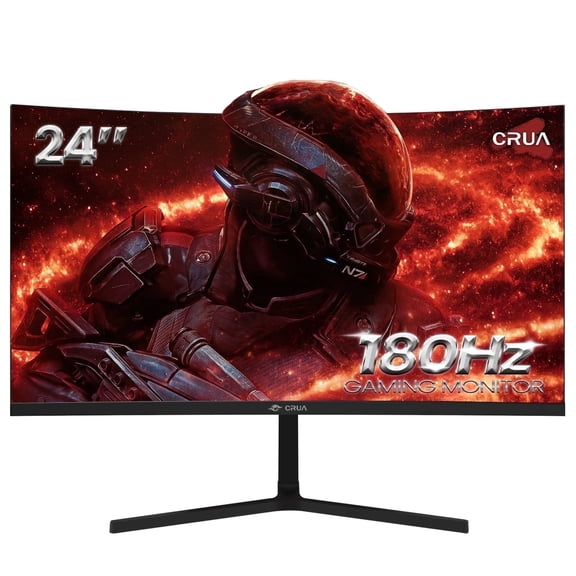
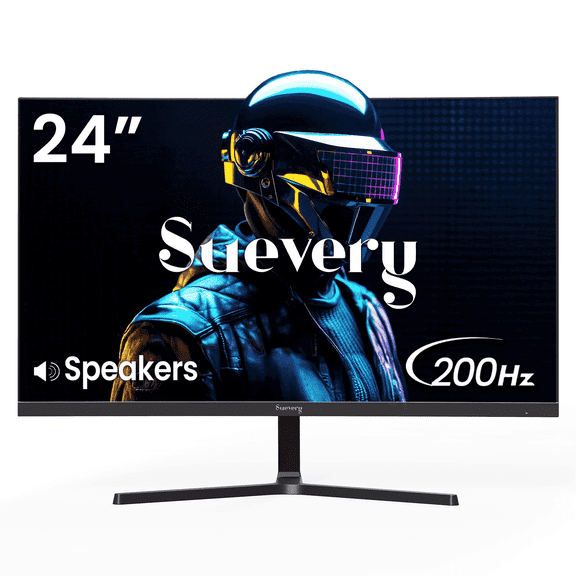
Screen size also changes how your monitor fits your seating distance and desk. A 24 inch screen can feel focused for compact desks and competitive play.
A 27 inch monitor often fits 1440p well for a balanced setup. If you want more workspace and wider game views, ultrawide gaming monitors in 34 inch sizes can feel expansive.
Using pc gaming monitors for different play styles
Your favorite genres can point you toward the right mix of size and speed. If you play shooters, you may prefer 24 inch or 27 inch displays with 144Hz or 240Hz support.
If you enjoy racing or flight games, curved gaming monitors and ultrawide formats can make side views feel more natural. If you play cinematic adventures, you may care more about 4K detail or OLED contrast.
Your connectivity needs also matter when you compare modern displays. HDMI 2.1 monitors can support current consoles and newer PCs with higher bandwidth connections.
If you switch between desktop gaming and console play, that feature can simplify your setup. When you compare inputs, stand adjustments, and screen size together, you can choose a display that fits your room.
You can feel more confident when your monitor specs match your hardware, favorite genres, and available space. With the right pc gaming monitors, your setup helps deliver smoother motion, clearer detail, and a more dialed-in feel.