

DIY Signal Generator Kits & DDS Generators - Walmart










About DIY Signal Generator Kits & DDS Generators - Walmart - Walmart.com
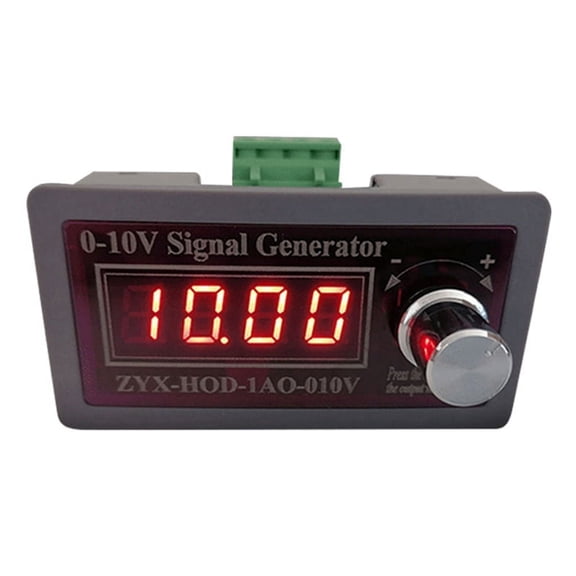
If you're comparing a diy signal generator kit, you likely want hands-on control over waveforms, frequency range, and assembly style. You can find category options built for bench testing, hobby circuits, and automotive signal work without guessing what each format means.
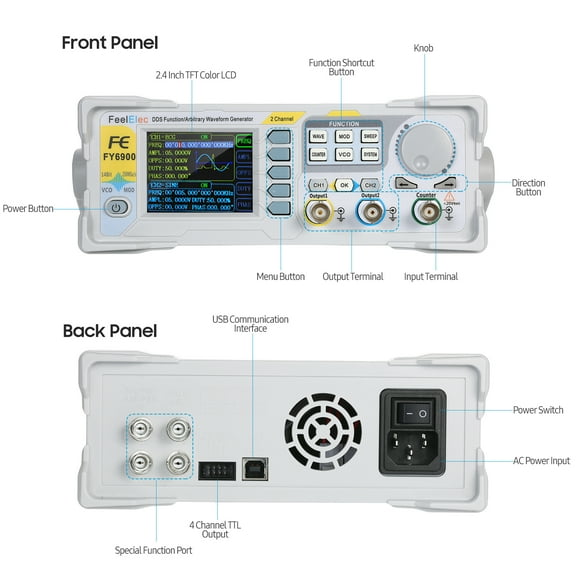
When you shop this category, you can compare DIY kits, handheld units, and benchtop designs in one place. You can also see key differences between DDS, analog, and PWM tools that matter during setup and signal tuning.
How to choose a diy signal generator kit
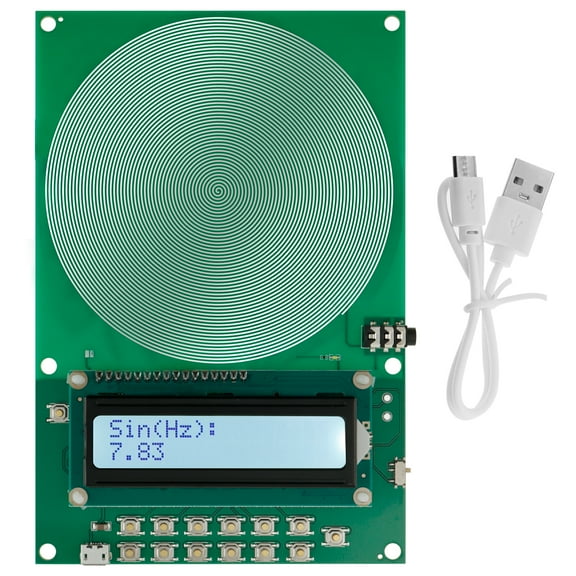
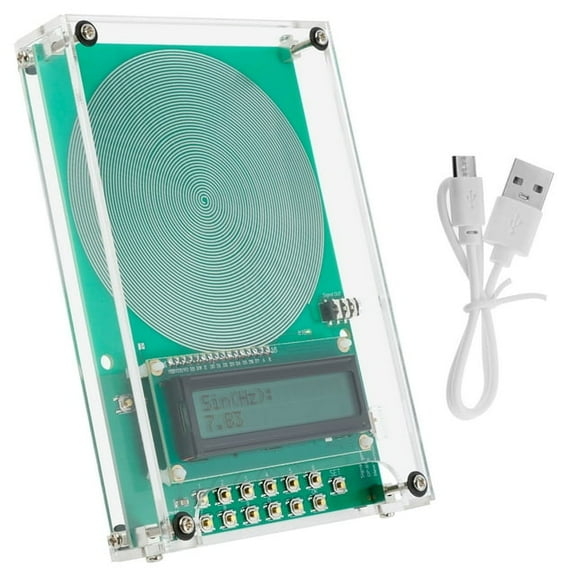
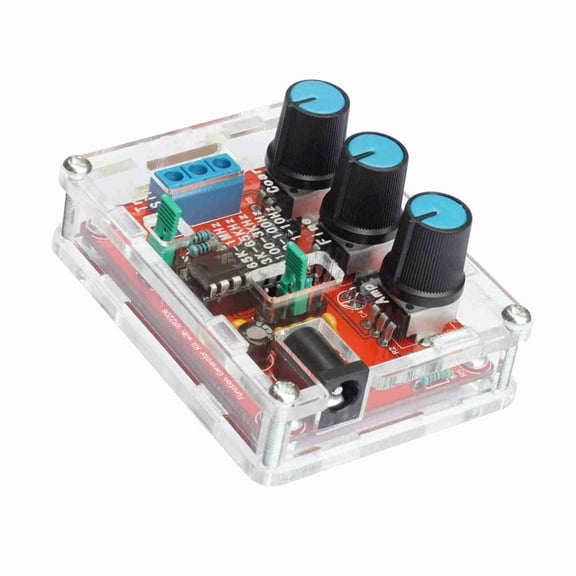
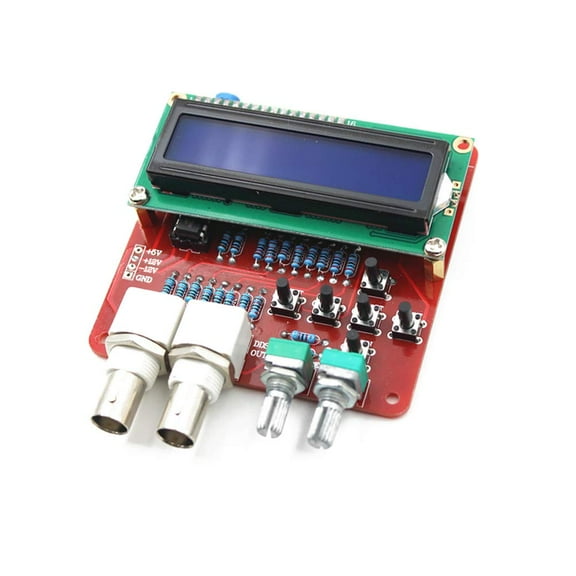
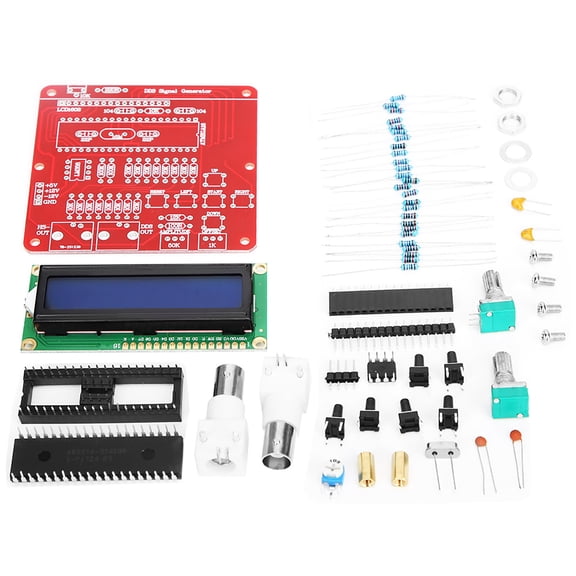
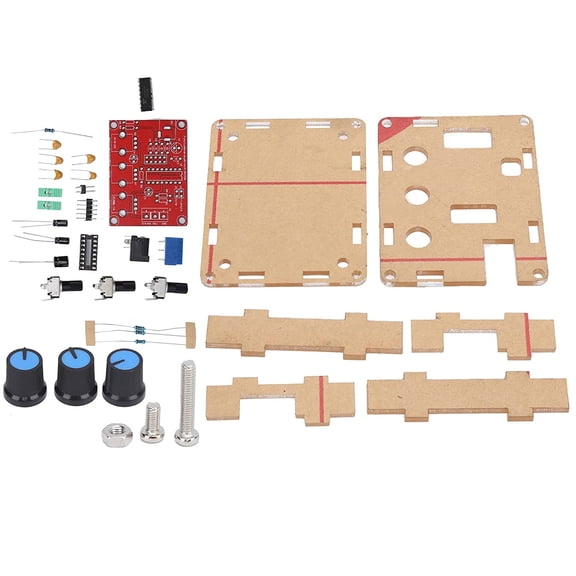
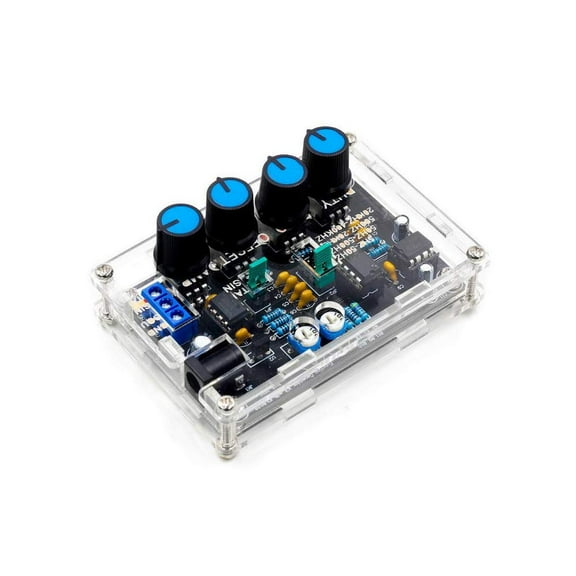
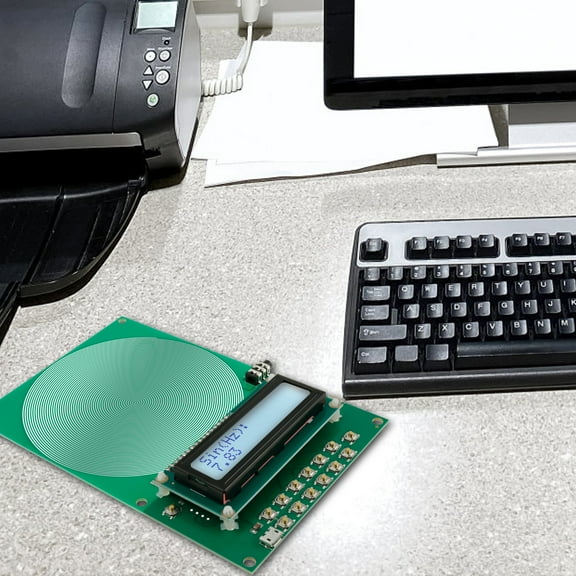
You should first decide whether your project calls for a kit or a ready-to-use unit. If you enjoy soldering and board assembly, your diy function generator kit can give you deep control over each connection.
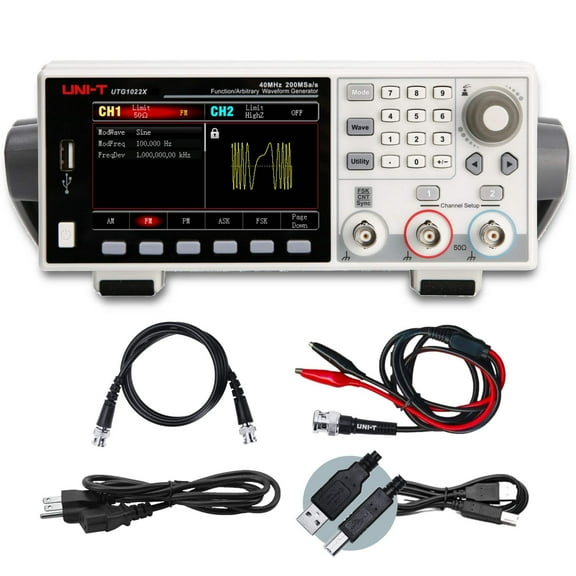
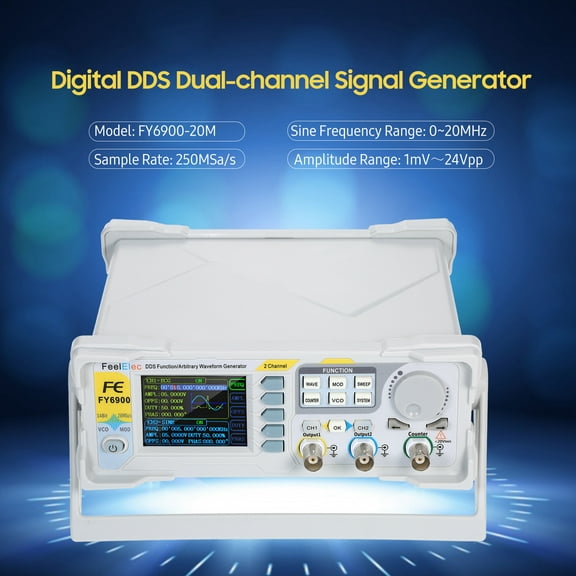
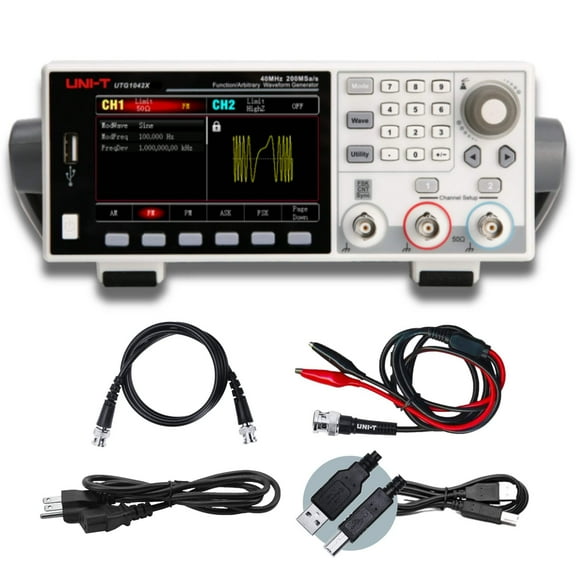
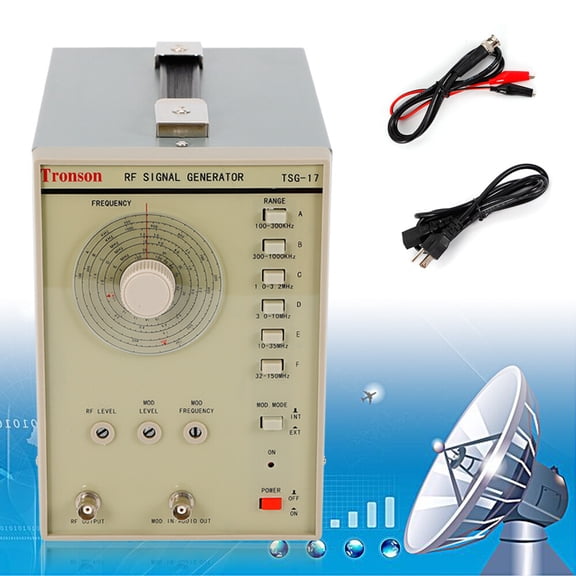
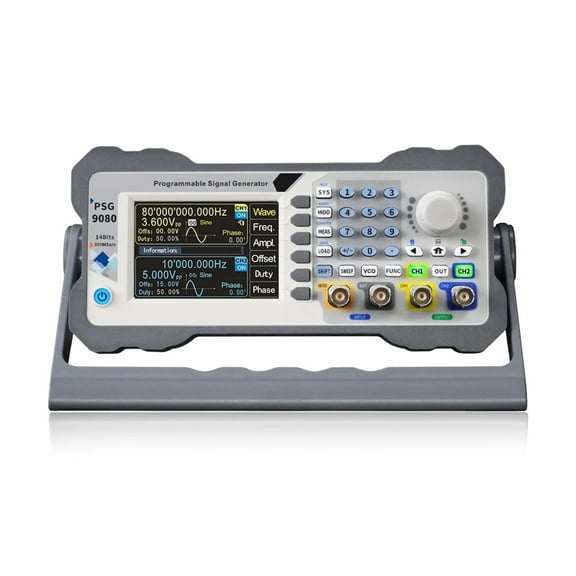
You may prefer a handheld frequency generator when you need portability around a vehicle, workbench, or field setup. You may prefer a benchtop function generator when your testing area stays fixed and your controls need quick access.
You should also compare waveform support before you choose. If your circuit work needs sine, square, and triangle output, your setup becomes flexible for audio checks and timing tests.
- You can match a DIY kit to learning, assembly practice, and custom electronics projects.
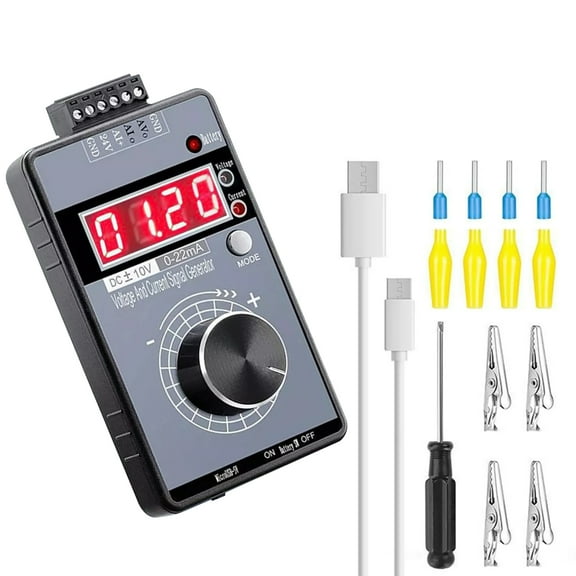
- You can choose handheld designs when your testing moves between stations or vehicles.
- You can use benchtop formats when your workspace needs stable controls and easier viewing.
- You can compare waveform types to fit timers, amplifiers, logic circuits, and low frequency wave testing.
You may also want to check whether your project needs one output channel or more. If your comparison work involves multiple signals, your workflow can feel simple with clear output options.
Comparing dds generator, analog, and pwm options
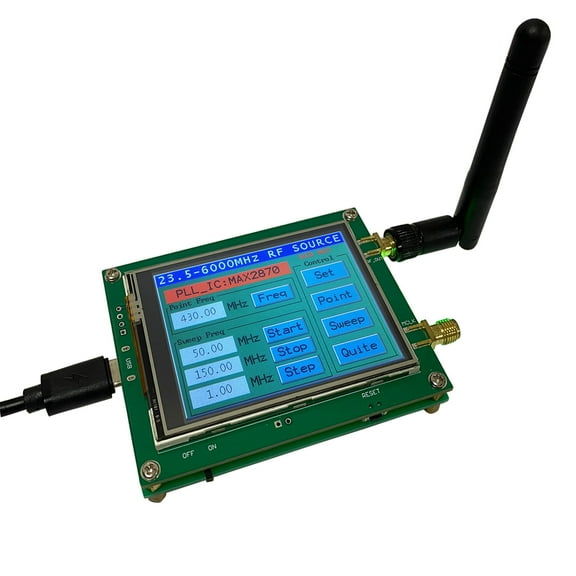
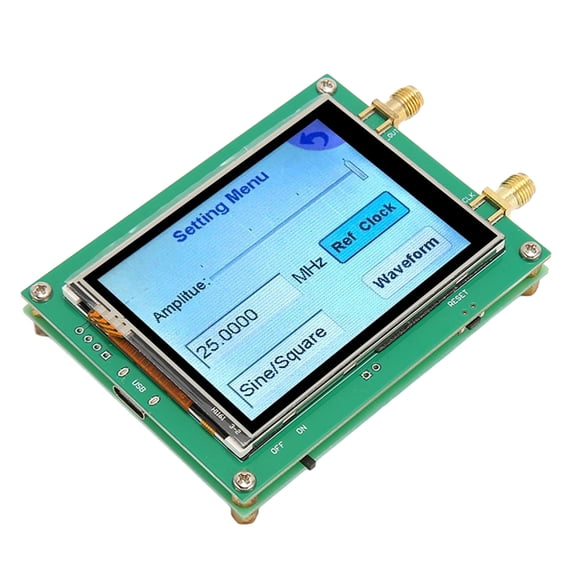
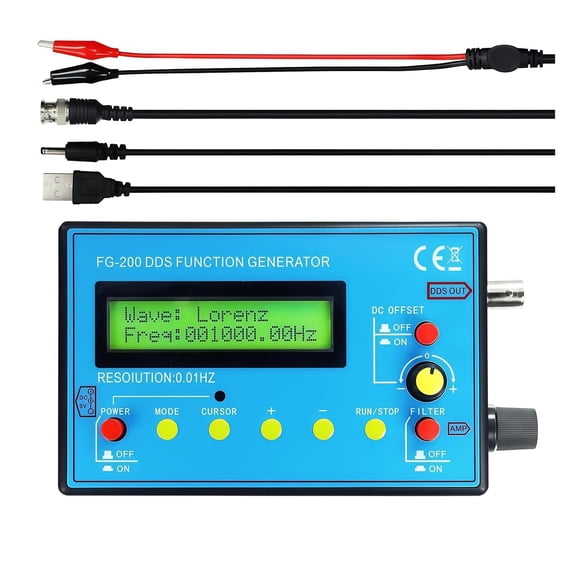
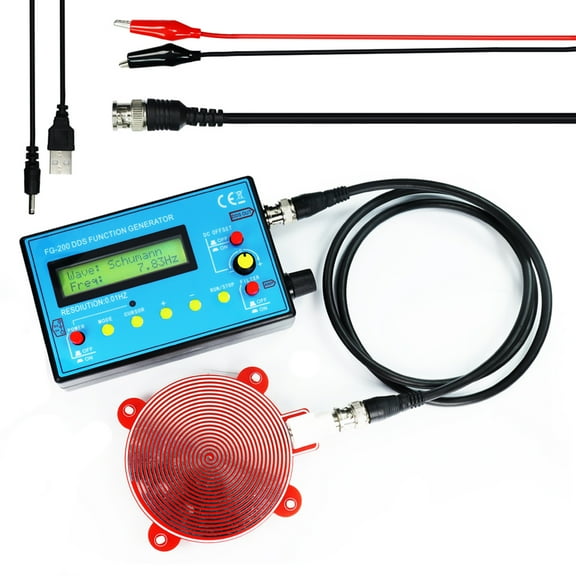
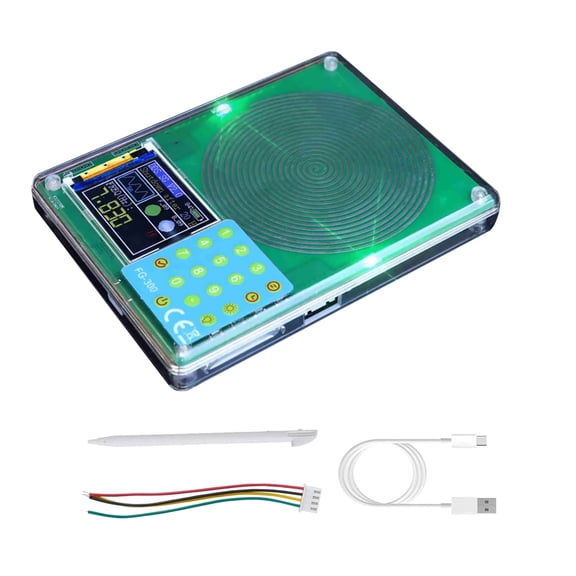
You should compare technology type early because it changes how your signal behaves during testing. A dds generator gives you digitally controlled output, so you can target exact frequencies with steady repeatability.
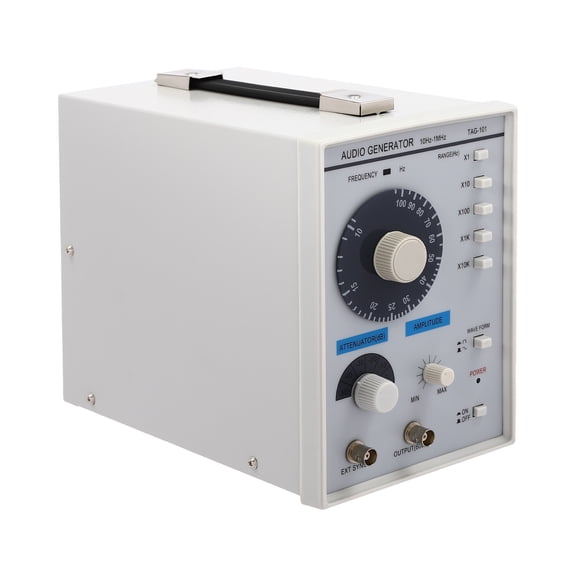
If you compare a dds signal generator with an analog frequency generator, you can notice different strengths. You may choose analog when your project prefers simple controls, while DDS can help you dial in stable settings.
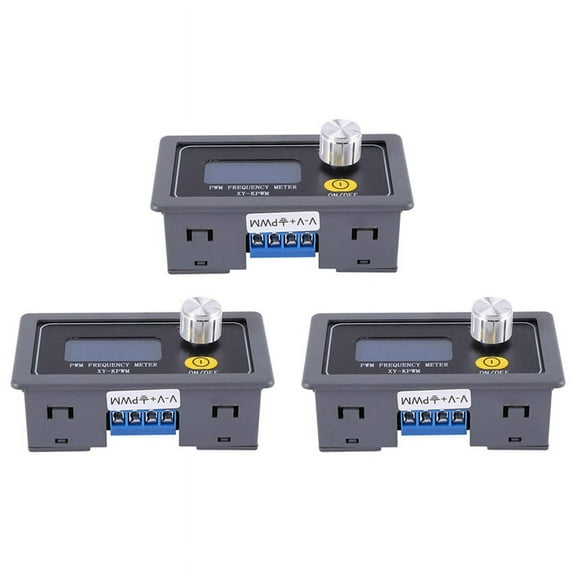
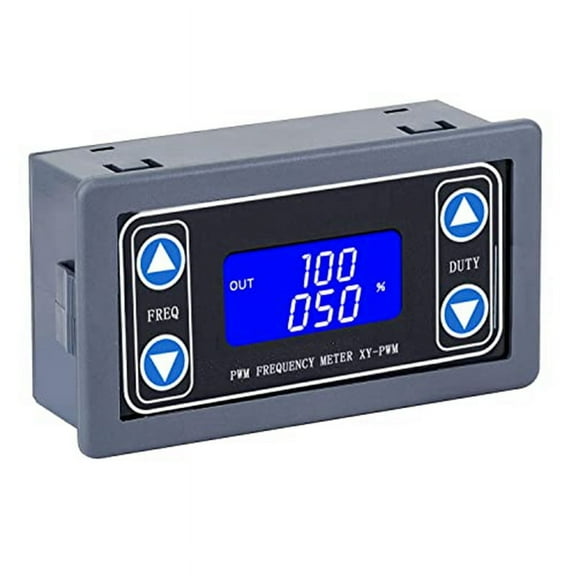
You can also look at PWM models when your work involves pulse width checks, timing signals, or controller projects. If you need a pwm frequency meter in the same workflow, your readings and adjustments can stay easy to track.
You should review signal stability alongside frequency coverage. If your testing depends on consistent output over time, DDS accuracy can reduce the drift you may notice in some analog designs.
You may also compare low frequency, audio frequency, and higher frequency capability before choosing a signal generator kit. If your circuit runs at audio or timing ranges, your needed output may be very different.
What to look for in frequency range and waveforms
You should measure your application first, then compare the frequency range each function generator supports. If you mainly test audio circuits, your focus may stay on lower and audio frequency output.
If your work includes clock signals or pulse testing, you should check square wave support. If your tuning involves filters or amplifier response, you may want sine and triangle wave options too.
You can use technical terms as simple decision points during comparison. Signal stability tells you how consistently your waveform stays put, while output channels tell you how many signals you can run.
You should also consider display style and controls when you compare a function generator kit. If your adjustments happen often, your controls should make frequency and waveform changes clear and fast.
Choosing by automotive signal generator use and form factor
You can narrow this category quickly when you match the tool to your project type. If you build hobby boards and learning circuits, your diy signal generator kit can support assembly practice and signal experimentation.
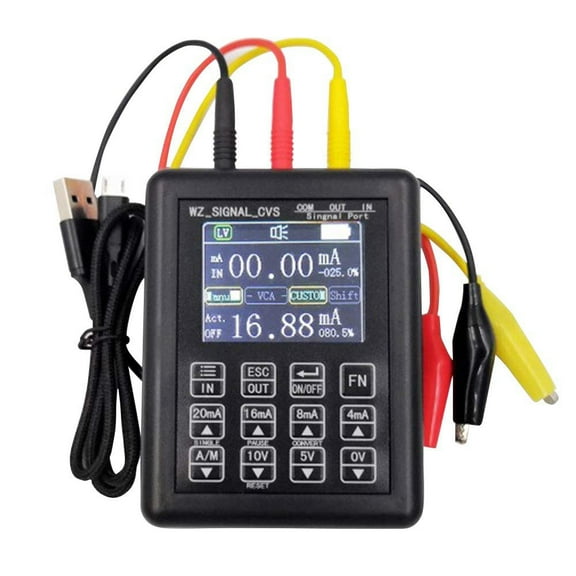
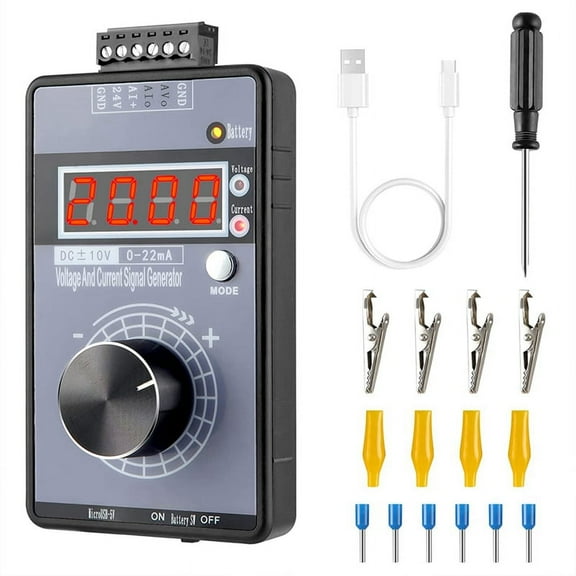
If you work on vehicles, your automotive signal generator should fit mobile testing and straightforward controls. You may use it to simulate signals during troubleshooting, connector checks, or sensor-related circuit verification.
You may want an electrical signal generator for breadboards, classroom setups, and small bench projects. If your work crosses several tasks, your function signal generator should cover common waveform types and practical frequency steps.
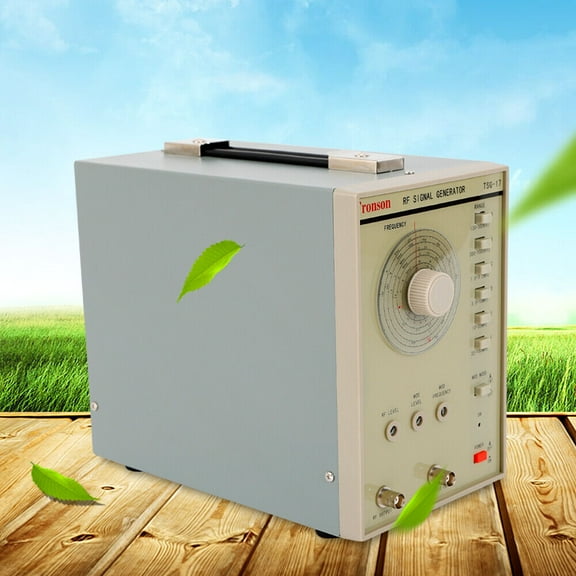
You should compare handheld and benchtop formats based on where you test most often. If your workbench stays organized around meters and power supplies, your benchtop layout may fit naturally.
You can choose a compact unit when your testing moves from room to room or out to a vehicle. If you need a kit, you should check assembly complexity, included boards, and whether your tools match the build.
How to match a function generator kit to real projects
You can use a function generator for audio experiments, timer circuits, and classroom electronics practice. If you need to observe circuit response, your waveform choice helps you compare behavior under different inputs.
You may use a function generator kit during DIY electronics builds when you want to learn each stage of the device. If you like component-level work, your kit format can make setup more instructive.
You can use DDS options when your measurements need repeatable frequency changes across test sessions. If you revisit the same circuits often, your saved settings and precise tuning can keep results consistent.
You may prefer analog styles when you want direct control for simple experiments and familiar knob-based adjustment. If your tasks stay basic, your analog interface can feel straightforward during quick checks.
You should choose the category by matching technology type, form factor, application, and frequency range together. When those four decisions line up, your setup can produce clean signals and smooth project testing.
You can shop this category with confidence when you know how DDS, analog, PWM, and kit formats fit your work. That clarity helps you pick a signal source that suits your circuits, workspace, and testing routine.