

Power Banks & Portable Chargers





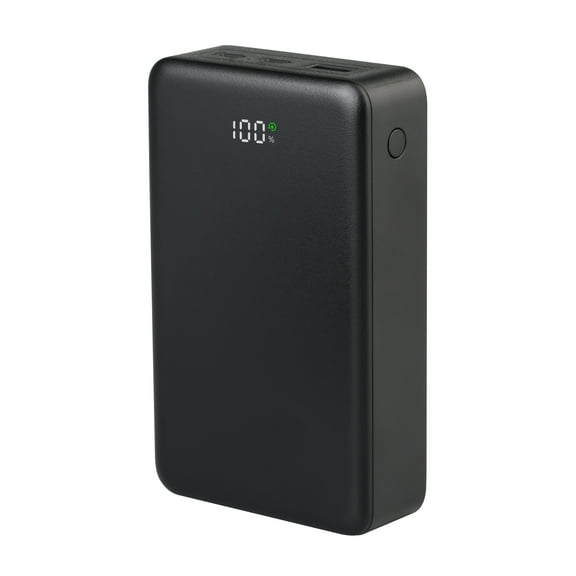
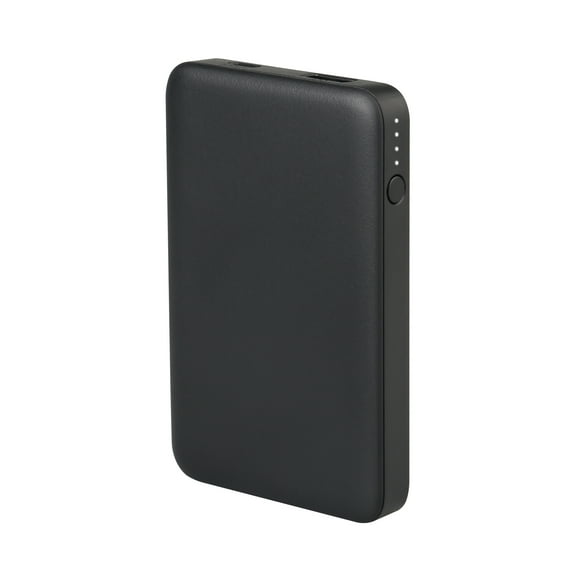

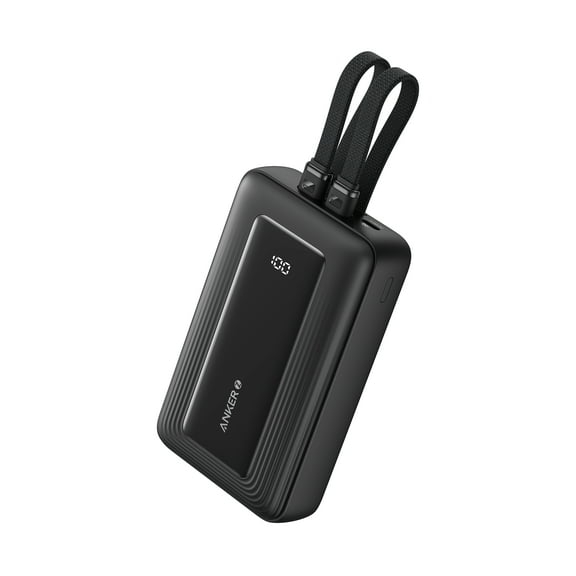


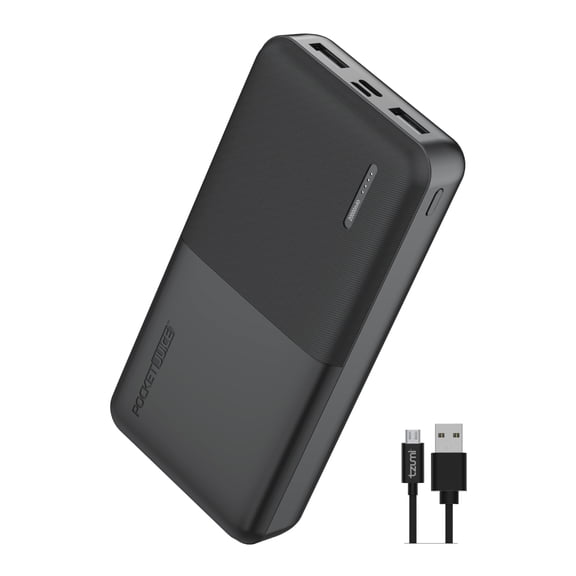
























About Power Banks & Portable Chargers - Walmart.com
Power banks help you keep your phone charged during commutes, travel, and long days away from outlets. You can compare capacity, ports, charging speed, and form factor to match how you use your devices.
When you shop this category, you can narrow options faster by focusing on the details that change everyday convenience. You'll also find portable chargers that fit pockets, backpacks, desk setups, and carry-on bags.
How to choose power banks by capacity
You should start with capacity because it affects how many phone charges you can expect between wall recharges. You'll usually see capacity listed in mAh, which helps you compare small, medium, and high-capacity options.
If you want a lighter pick, you may choose 10000mAh for daily backup power and easier carrying. If you need more runtime, you may consider 20000mAh or 30000mAh for trips, workdays, and shared charging.
When you compare larger sizes, you should think about phone-charge equivalents instead of the number alone. You may get roughly one to two charges from 10000mAh, while 20000mAh often supports several charges.
If you need extended use for travel or outdoor days, you may look at 50000mAh heavy-duty options. You'll want to check dimensions and weight, because larger capacity usually means a bulkier portable power bank.
What to look for in portable chargers and port types
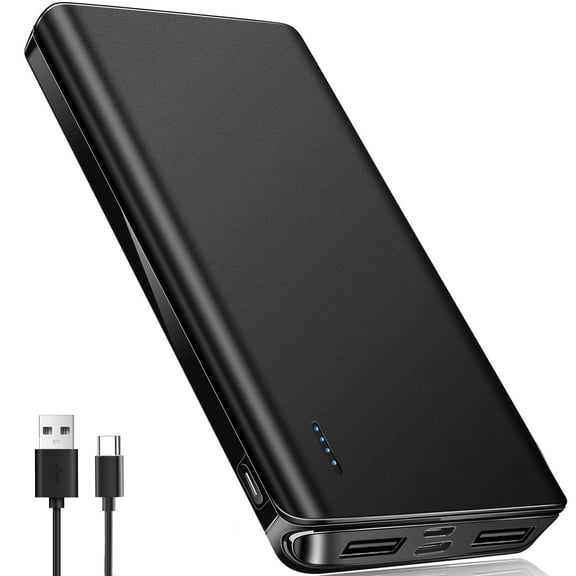
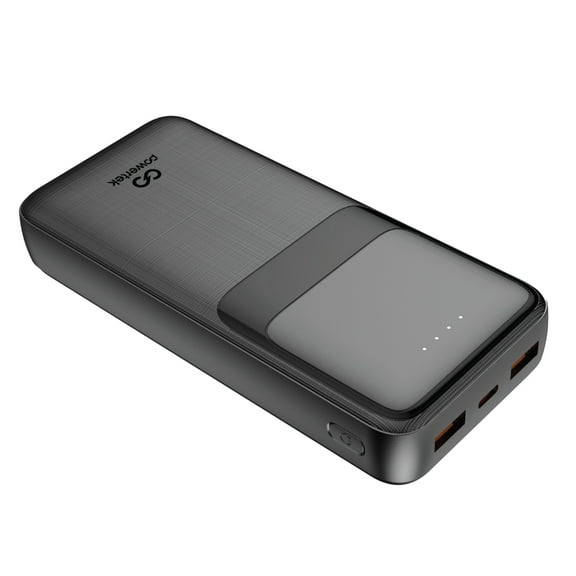
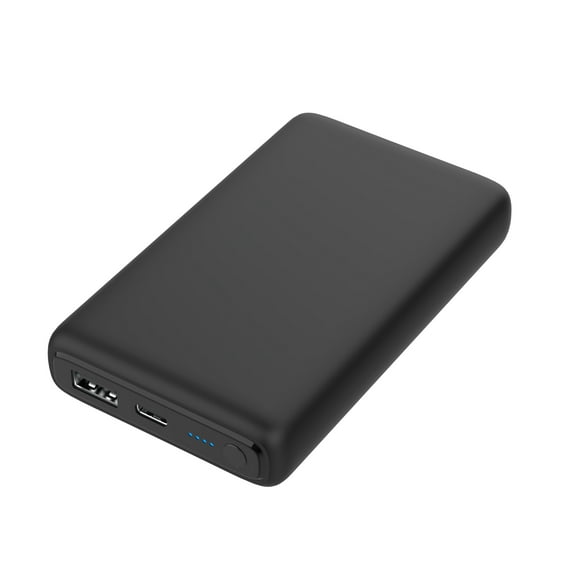
You should check port type next because it determines which cable works and how quickly your device connects. You'll commonly see USB-C, USB-A, Lightning, and Micro-USB across battery packs for phones.
If your newer phone or tablet uses USB-C, you may prefer a usb c power bank for simpler charging setups. You can often get easier cable sharing with newer accessories, laptops, and tablets when you choose USB-C.
When you still use older accessories, you may want USB-A output for broader cable compatibility. If you carry Apple accessories, you should also check whether the package includes Lightning input or cables.
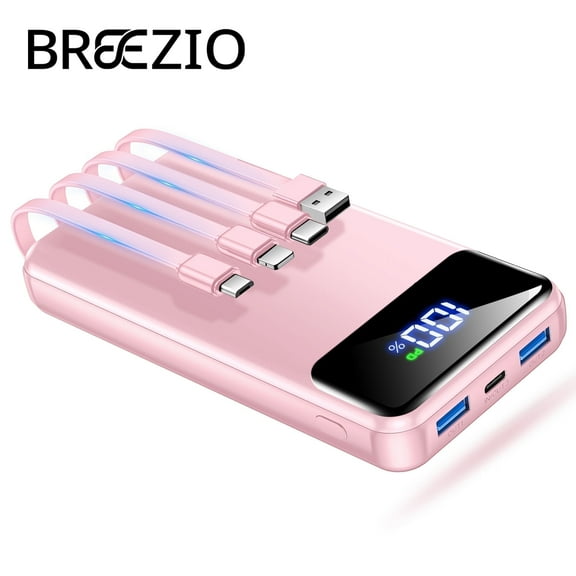
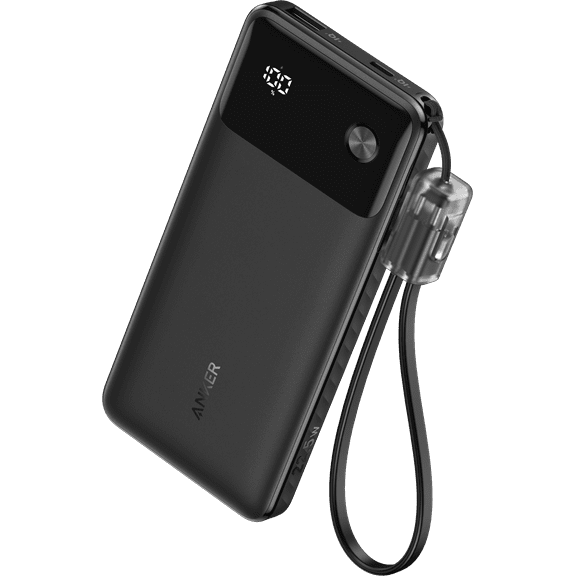
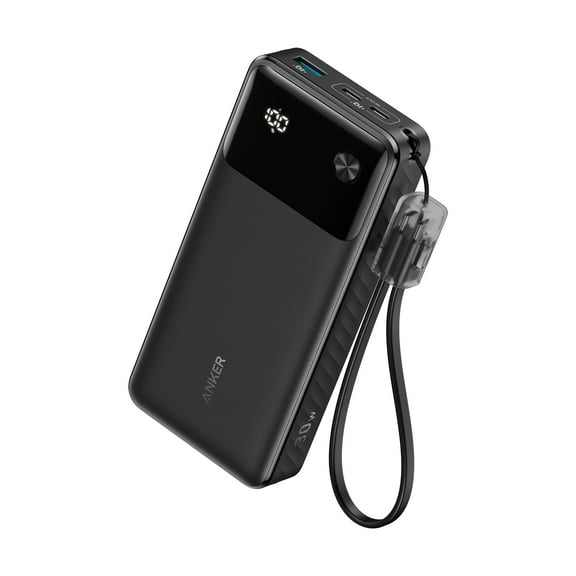
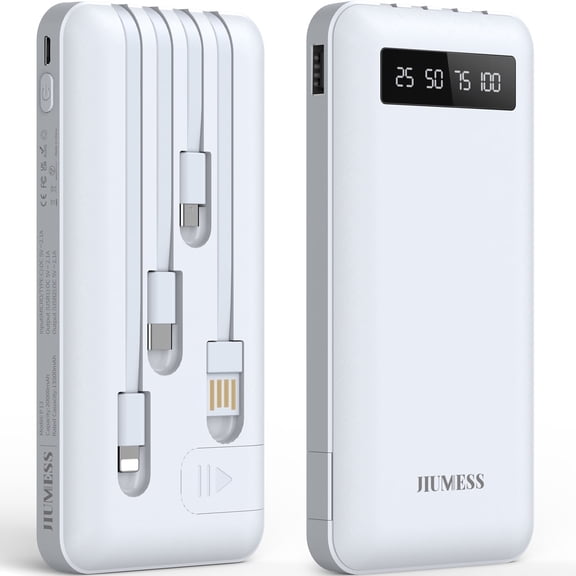
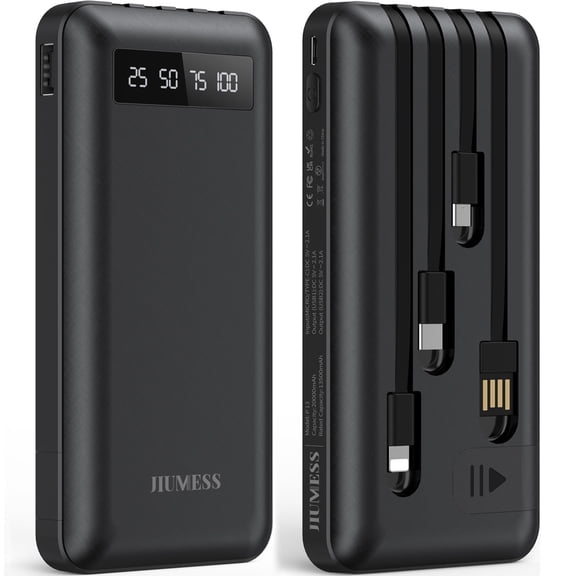
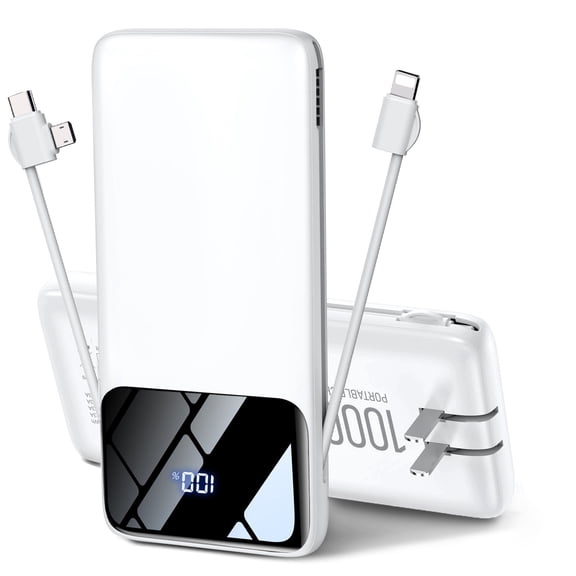
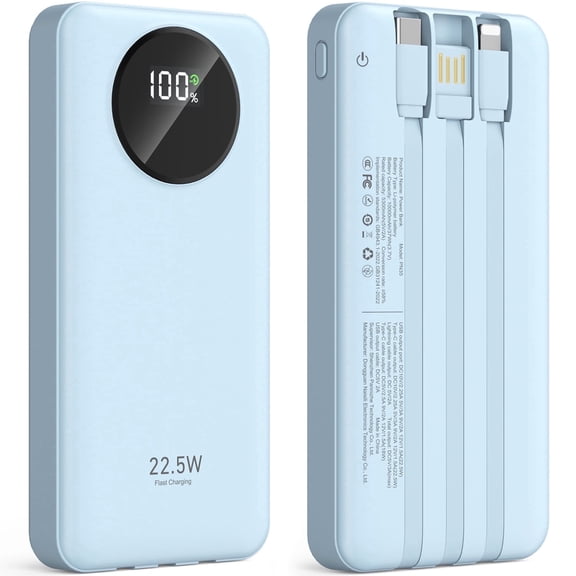
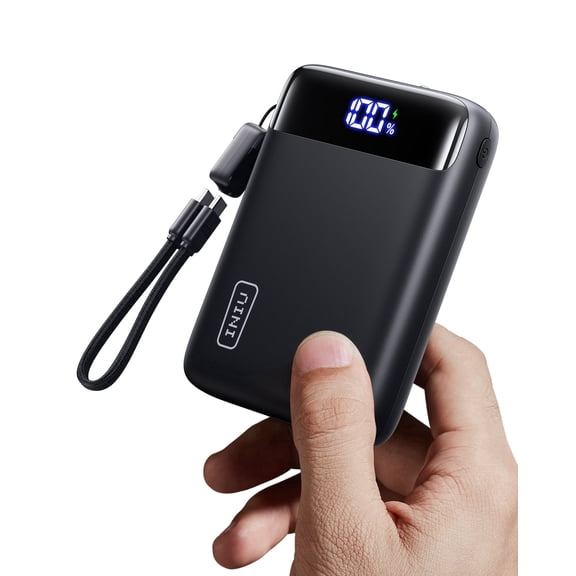
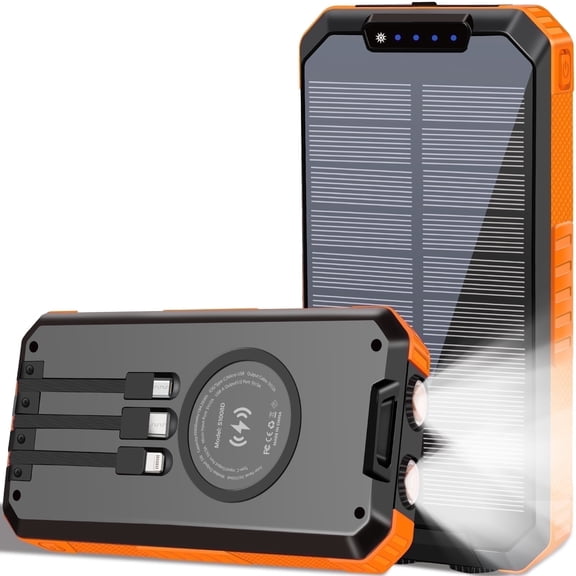
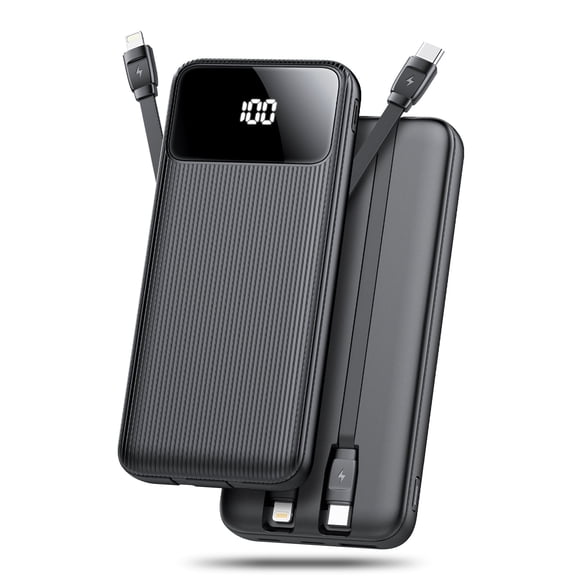
Built-in cable designs can reduce clutter when you travel, commute, or keep backup power in a work bag. You'll want to confirm whether you can use your own cable too, especially if you charge several devices.
- You can match USB-C ports with newer phones, tablets, and many earbuds.
- You can keep USB-A handy when your current cables still use standard USB plugs.
- You can choose built-in cables when you want fewer loose accessories in your bag.
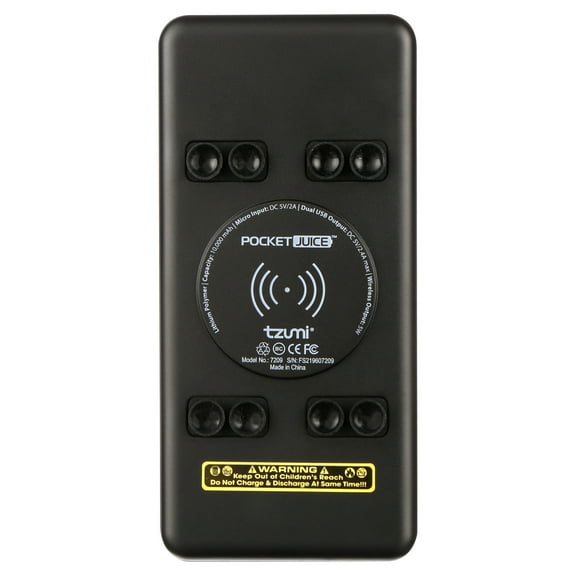
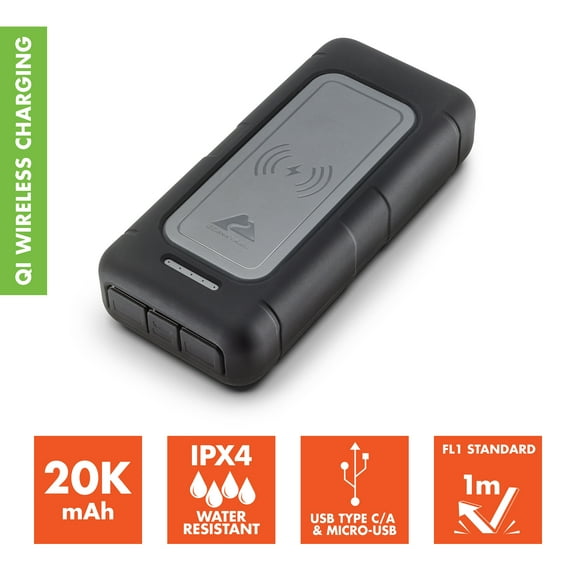
- You can compare wireless and MagSafe-style options for cable-free top-offs on compatible phones.
Choosing charging speed on a portable power bank
You should compare charging speed if you want shorter wait times during busy days. You'll often see Power Delivery, Quick Charge, or standard charging listed in the product details.
If your device supports PD, you may notice faster charging through USB-C connections and higher wattage output. You'll want to confirm your phone, cable, and charger all support the same standard.
Quick Charge can matter if your phone brand supports that protocol and you want faster top-offs. If you mainly need backup power overnight or at a desk, standard 5W or 10W can still fit.
When you compare fast charging portable charger options, you should look at both input and output ratings. You can recharge the bank itself faster when the correct port supports higher input wattage.
Comparing form factors for everyday carry and travel
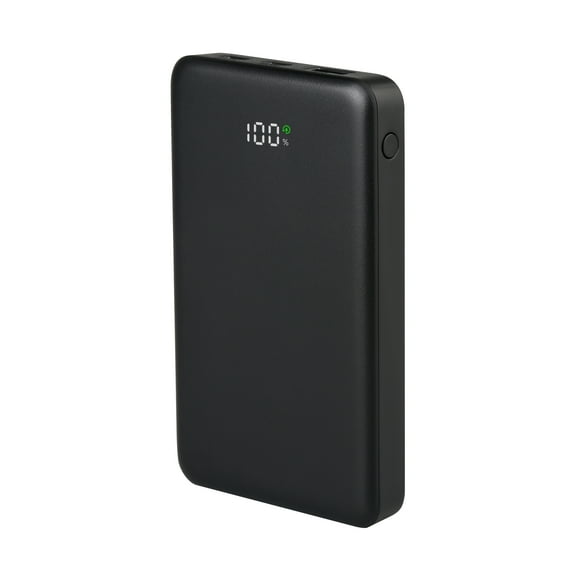
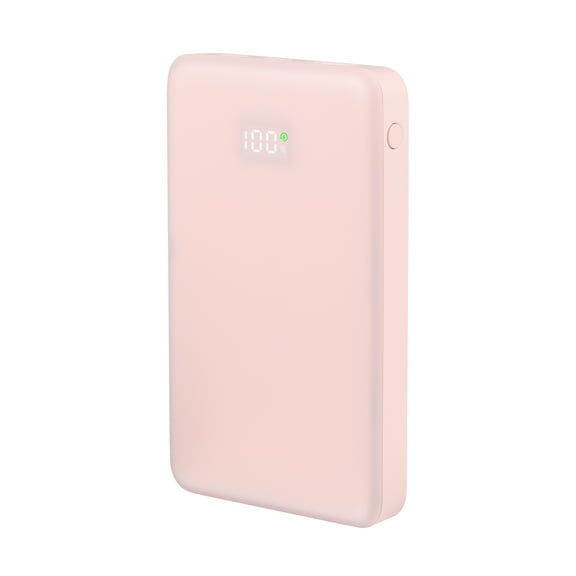
You should consider form factor because size and shape affect how often you actually carry it. You'll find ultra-slim designs for pockets, heavy-duty models for longer use, and wireless choices for compatible phones.
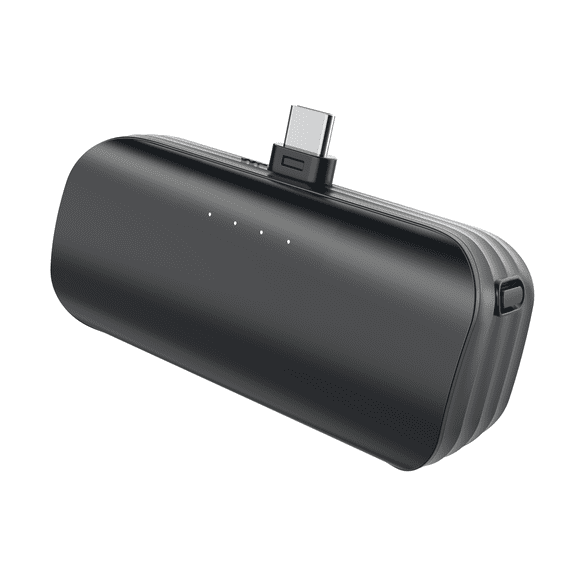
If you commute daily, you may prefer ultra-slim power banks that slip beside your phone and wallet. When you need longer runtime, you may trade slim size for a thicker battery pack.
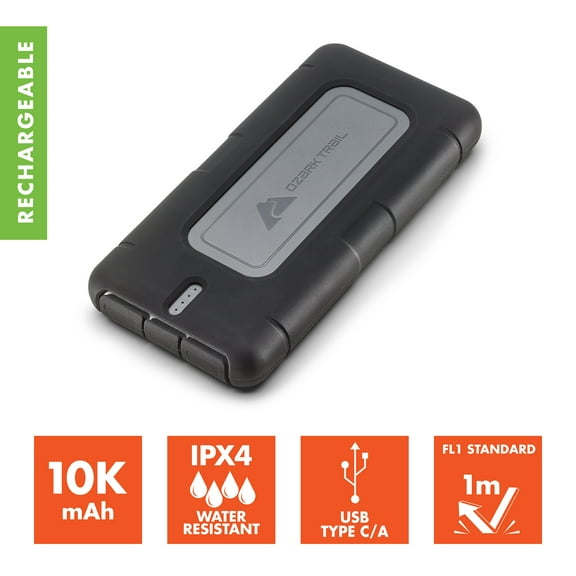
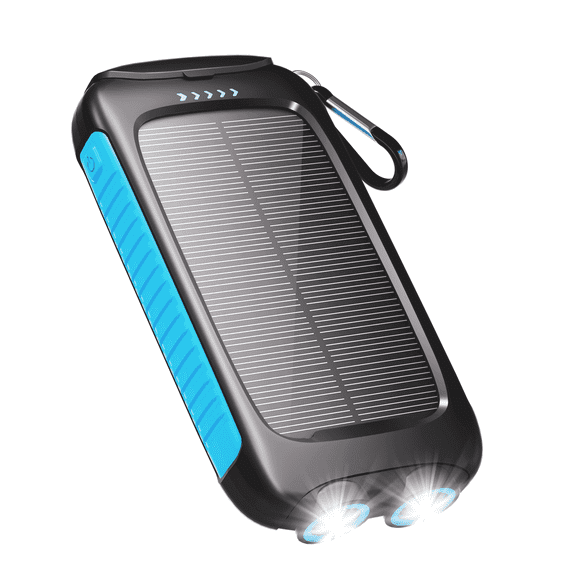
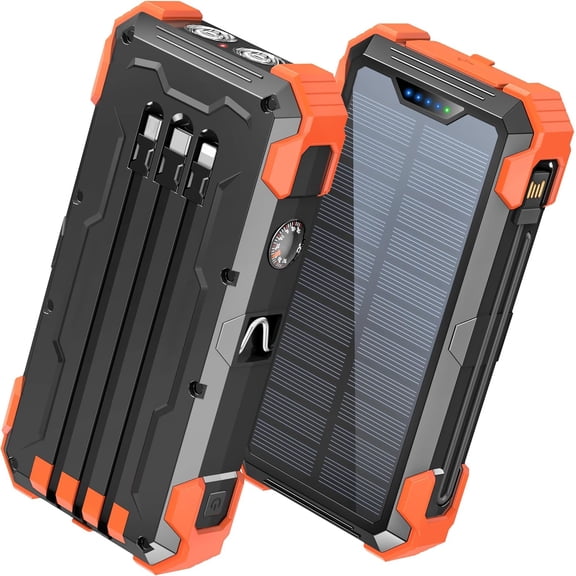
Heavy-duty designs can suit road trips, festivals, camping setups, or shared charging between multiple devices. You'll want to check whether extra capacity comes with added ports, handles, or built-in cables.
If you use magnetic charging, a magsafe portable charger can give you easier alignment on compatible phones. You'll still want to confirm magnetic compatibility, charging wattage, and whether wired charging is also available.
Using power banks for flights, work, and daily backup
You may use power banks differently depending on where you charge and how long you're away from outlets. You'll make a smarter pick when you match the battery size and features to your routine.
For flights, you should check watt-hours because airlines usually base rules on Wh rather than mAh alone. You'll typically want a power bank under 100Wh for carry-on travel, based on common FAA guidance.
At work or school, you may want a compact portable charger that fits a tote, laptop sleeve, or drawer. You'll appreciate USB-C input, faster recharge times, and enough capacity for a phone and earbuds.
For road trips or long event days, you may want battery packs for phones with multiple outputs. You can charge a phone, smartwatch, or earbuds without rotating one cable at a time.
If you use your phone for navigation, video, gaming, or mobile hotspots, you may need higher capacity and faster output. This can provide more convenience when your charger matches your device's charging standard and cable setup.
When you choose the right mix of mAh, ports, speed, and size, your backup power feels easier to manage. You can find a power solution that fits your devices, your bag, and your schedule.