

Ergonomic Keyboards for Students & Office | Walmart



























About Ergonomic Keyboards for Students & Office | Walmart - Walmart.com
Ergonomic keyboards help you create a more comfortable computer setup for work, gaming, and daily typing. You can compare split layouts, wireless options, and wrist support details that fit your desk routine.
How to choose ergonomic keyboards by layout
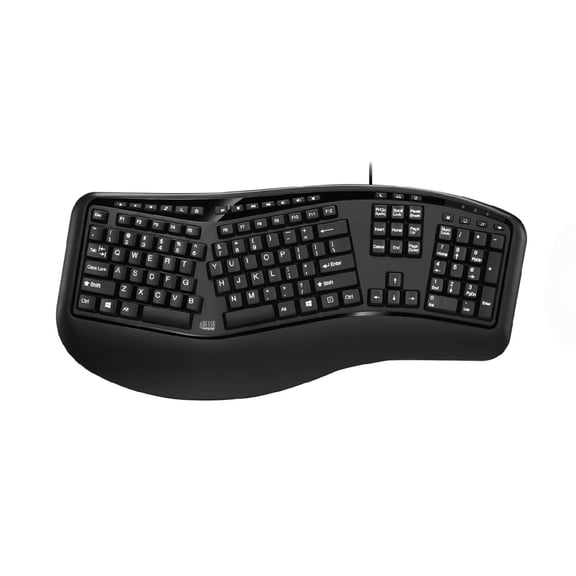
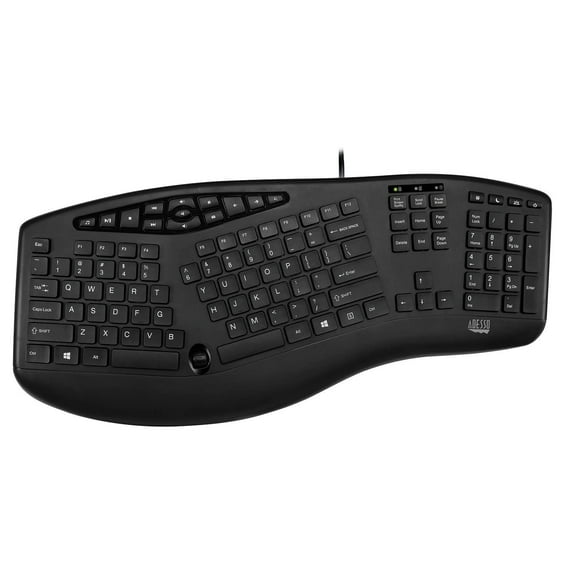
When you compare ergonomic keyboards, you should start with layout because it shapes how your hands sit during long sessions. You can choose split, wave, angled, or one-piece designs based on your typing habits.
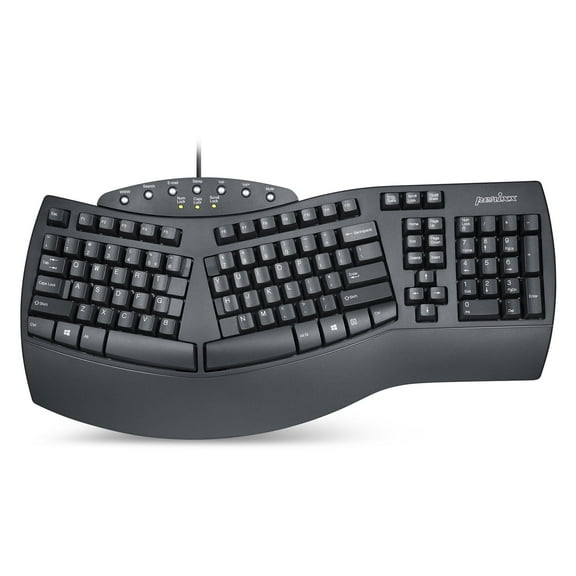
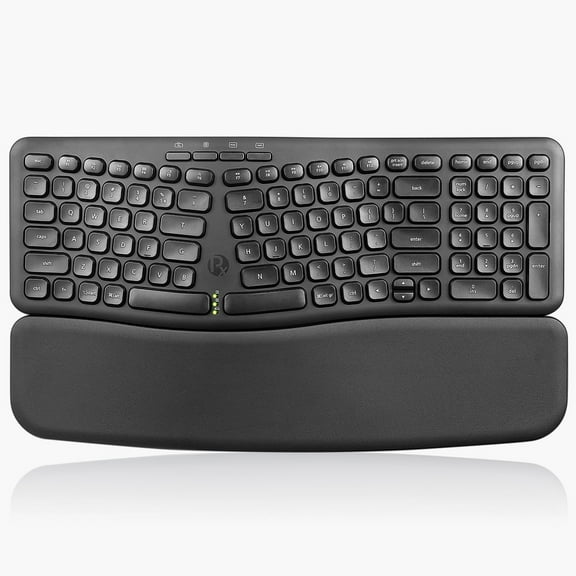
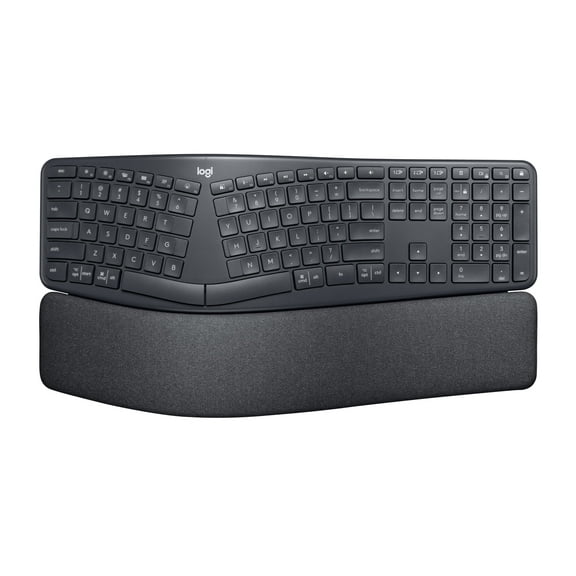
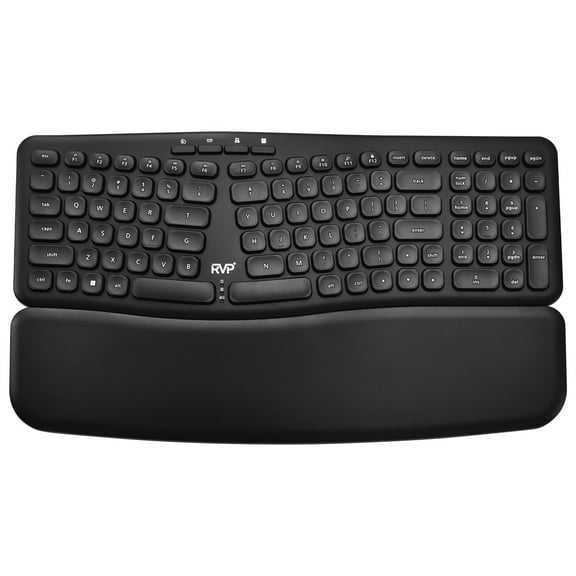
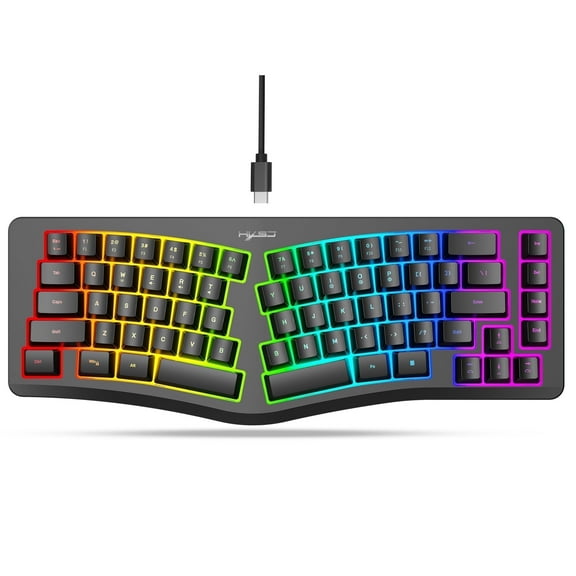
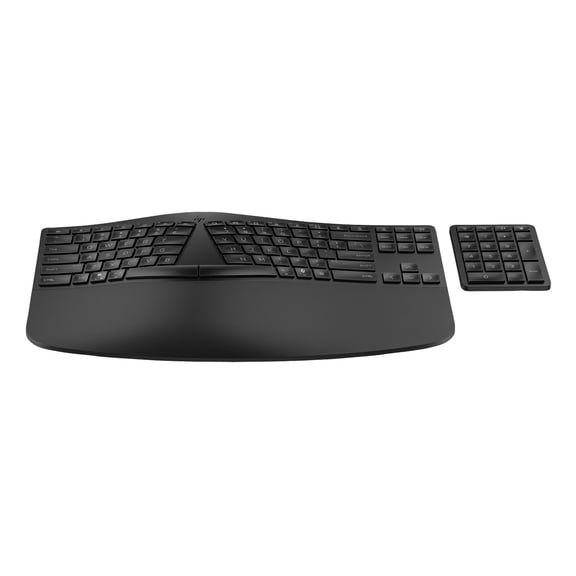
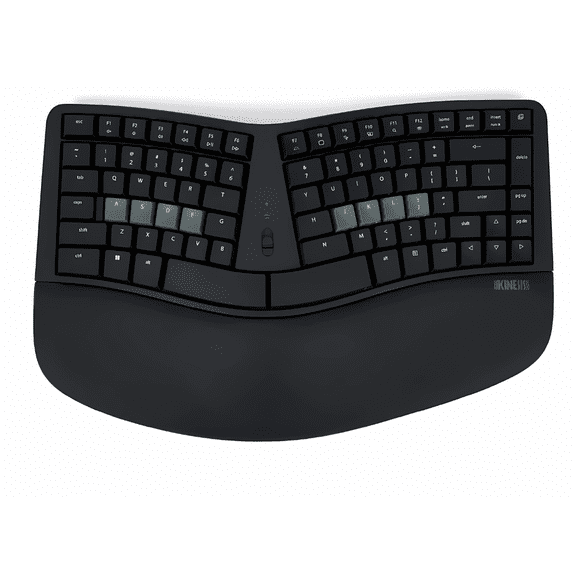
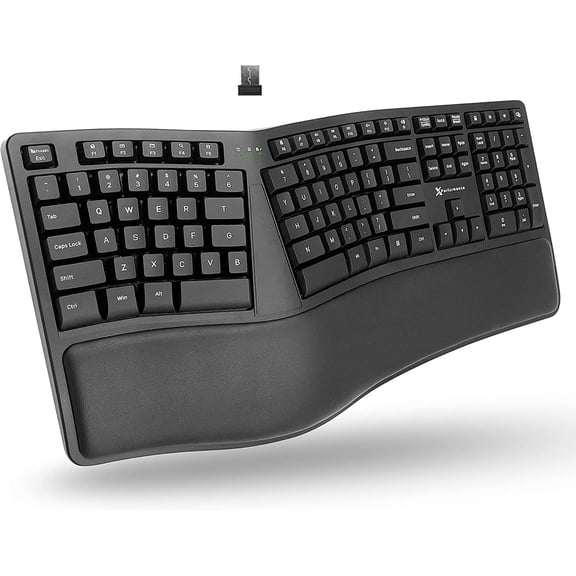
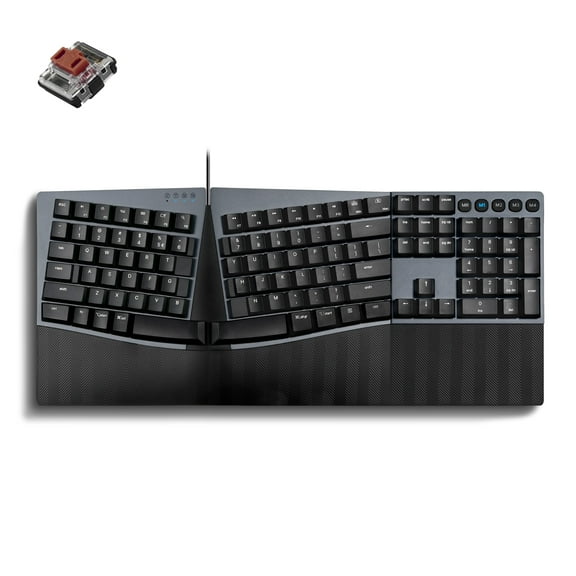
If you want a split ergonomic keyboard, you’ll notice separated key zones that guide your hands into a more natural position. You can also consider an angled layout when you want gentler hand rotation across the home row.
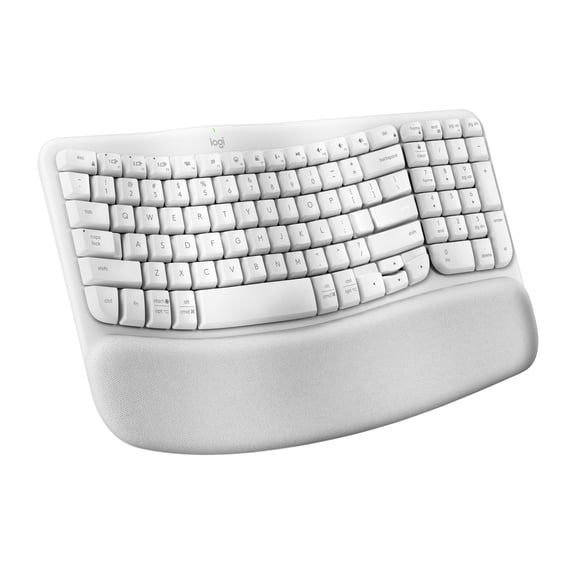
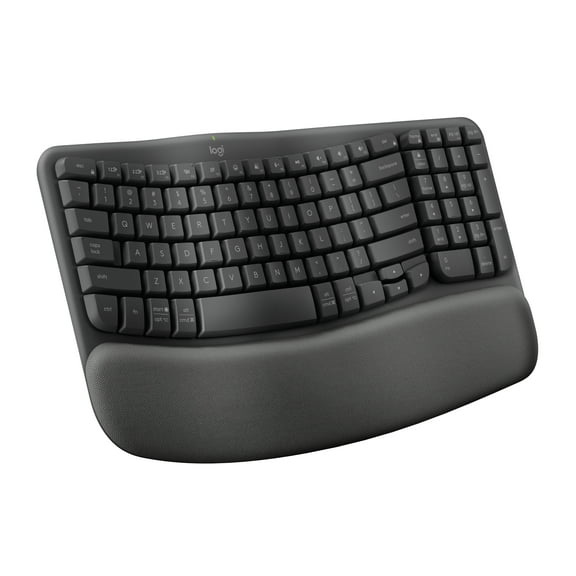
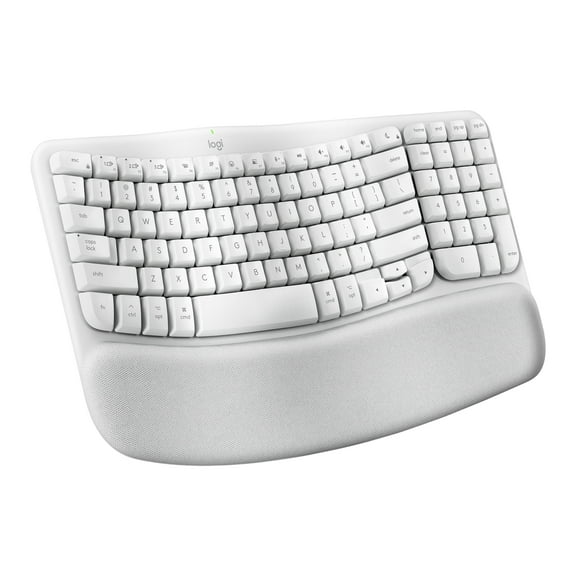
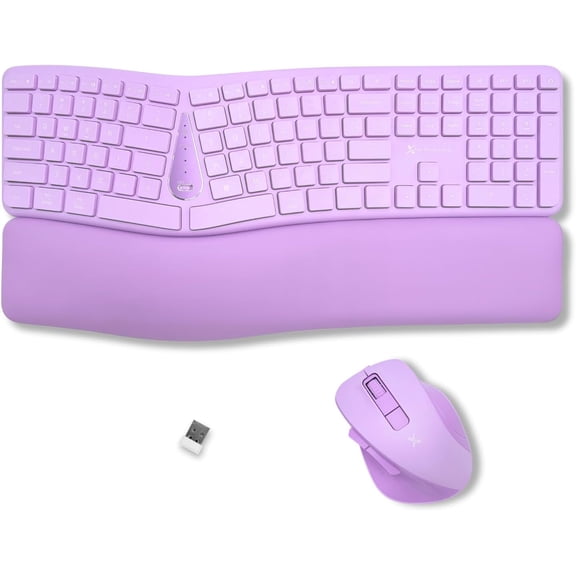
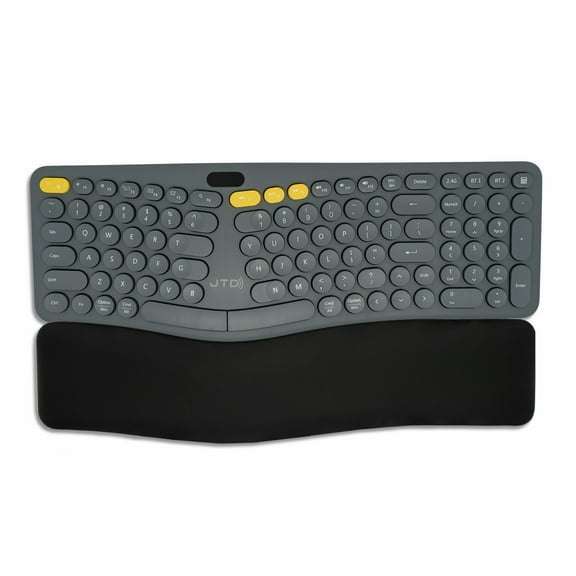
A wave design gives you curved key placement that follows the reach of your fingers across common typing zones. If you prefer familiar spacing, you may choose a one-piece model with a softer ergonomic contour.
As you compare designs, you should check whether the shape supports neutral wrist alignment during email, spreadsheets, and reports. You’ll often find that layout choice matters as much as switch feel or connectivity.
What benefits you get from an ergonomic keyboard setup
You can improve your daily desk experience when your keyboard supports a natural hand position and a steadier typing posture. You’ll also notice cleaner movement between keys when the layout matches your reach.
- You can keep your hands aligned more naturally with split, wave, or angled key zones.
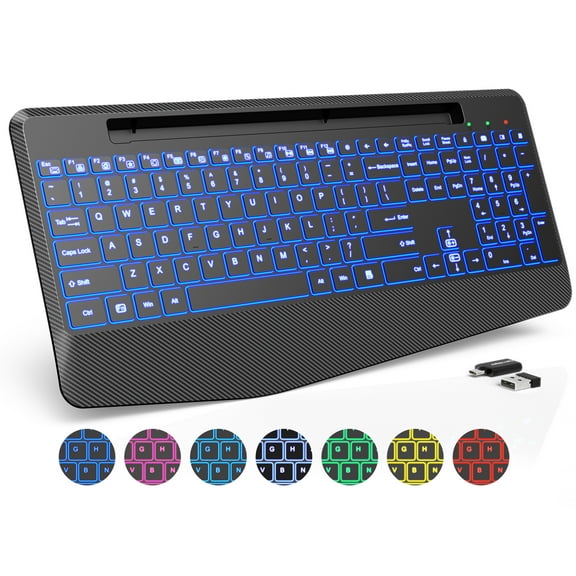
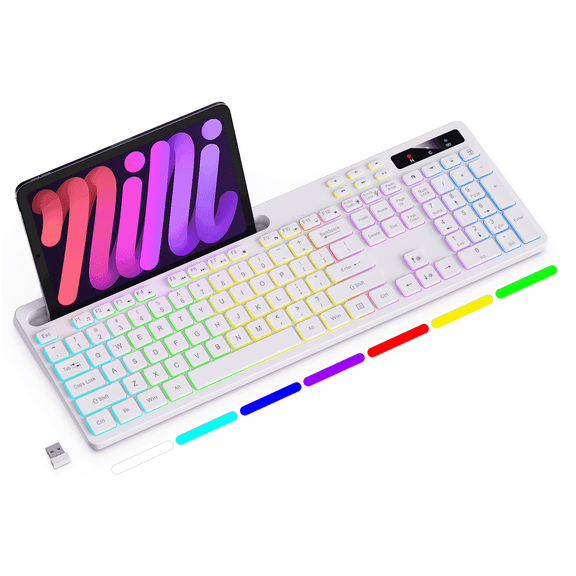
- You can reduce desk clutter by choosing a wireless ergonomic keyboard for flexible placement.
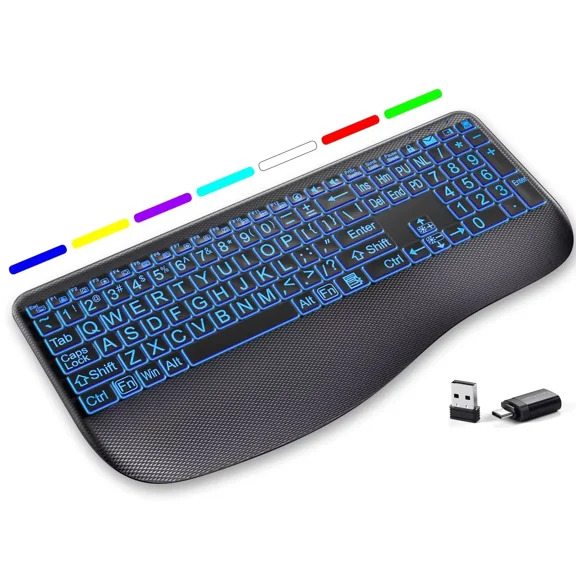
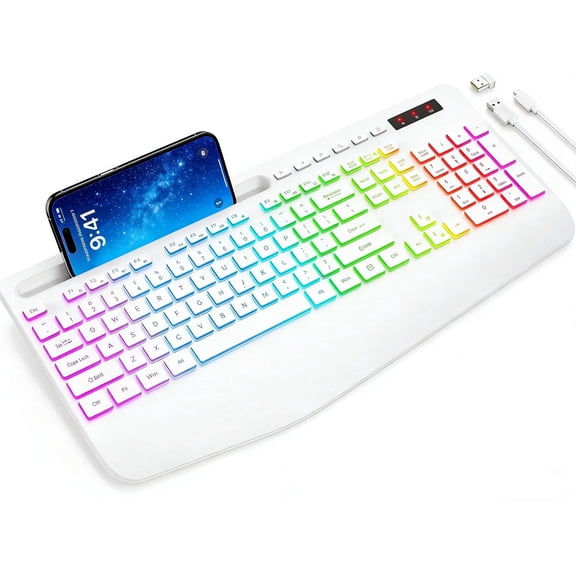
- You can type with added comfort when your wrist rest keyboard includes cushioned palm support.
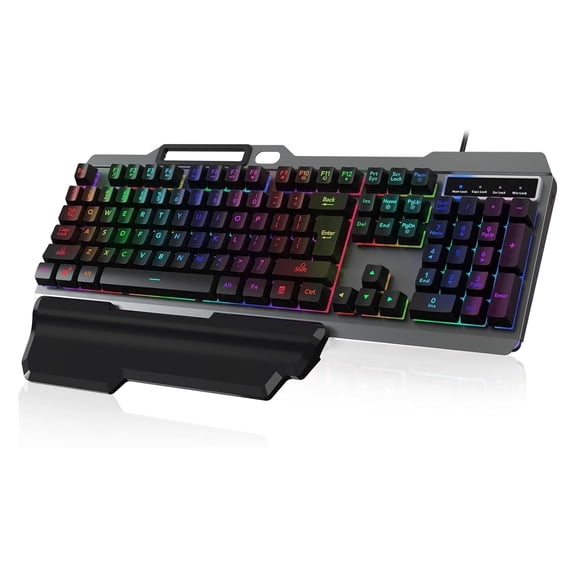
- You can match key feel to your space with quiet membrane keys or tactile mechanical switches.
During long workdays, you may appreciate adjustable tilt because it lets you fine-tune keyboard angle for your desk height. You can also compare integrated supports that keep your palms positioned consistently.
If you move between a laptop stand, monitor riser, and notebook, you’ll want a keyboard that fits that workflow. You can often create a cleaner, more usable setup with the right shape and connection type.
Choosing connectivity for a wireless ergonomic keyboard
You should compare connectivity next because it affects desk organization, device pairing, and how freely you position your keyboard. You can choose wireless, Bluetooth, or wired USB based on your setup.
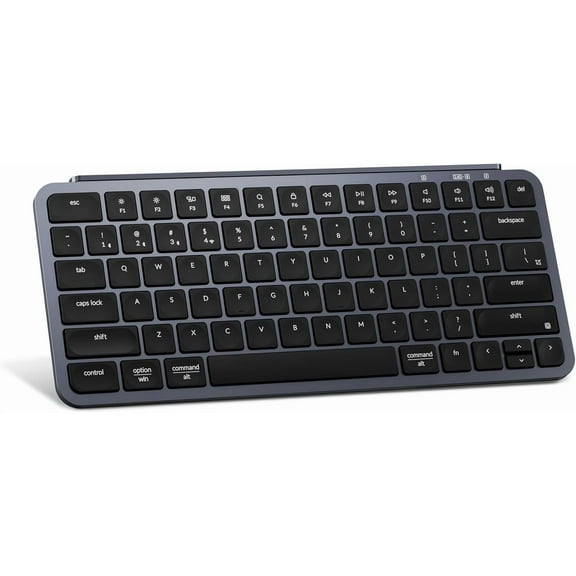
If you want a wireless ergonomic keyboard, you’ll get more placement flexibility across standing desks, shared workspaces, and compact home offices. You should check battery life expectations and charging style before you decide.
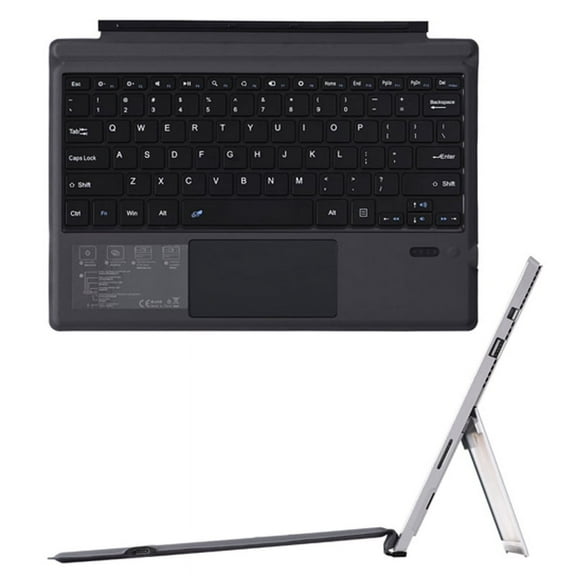
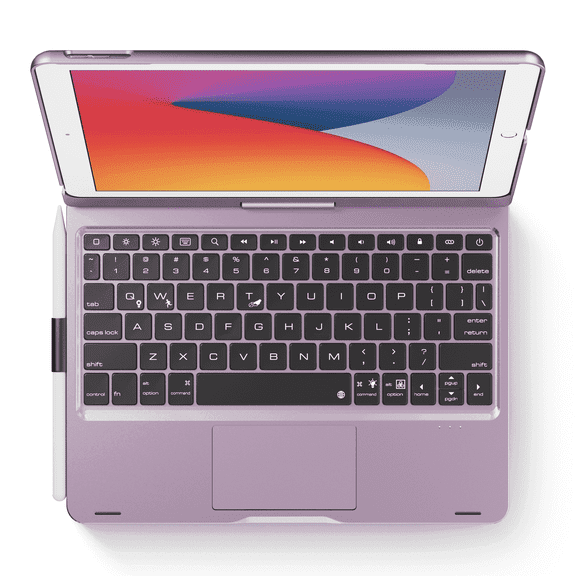
Bluetooth works well when you want to pair your keyboard with tablets, laptops, or multiple compatible devices. Wired USB can make sense when you want a direct connection and simple plug-in use.
As you compare options, you should measure cable reach, receiver storage, and port availability on your desk. You’ll make a smarter choice when connectivity matches how you actually work every day.
Comparing switch feel on an ergonomic mechanical keyboard
You should also compare switch type because key feel changes how your keyboard responds during typing, editing, and shortcuts. You can choose mechanical, membrane, or scissor switch designs for different preferences.
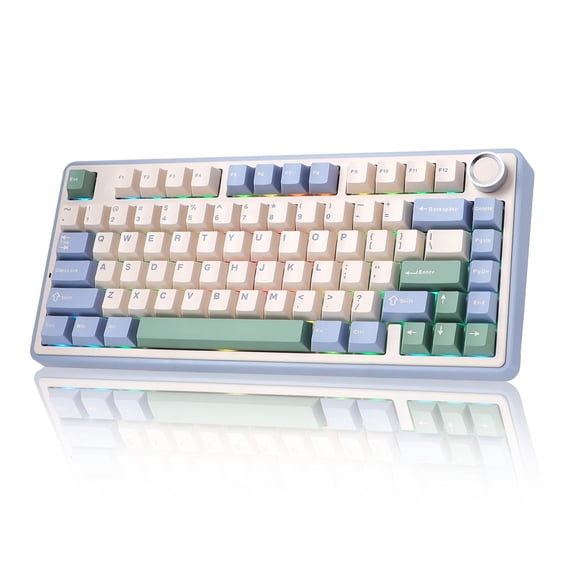
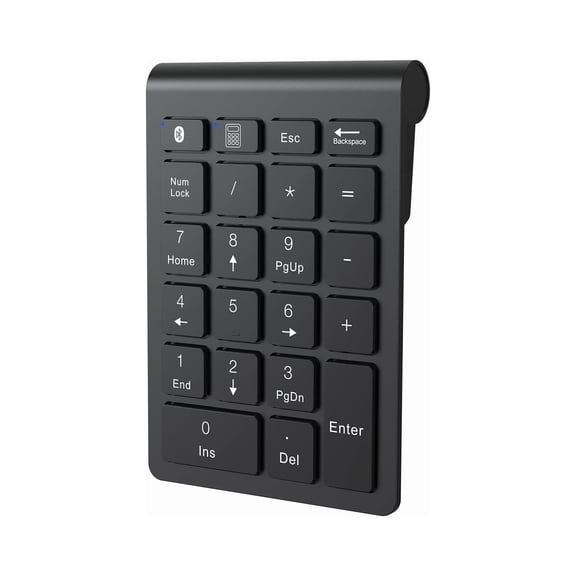
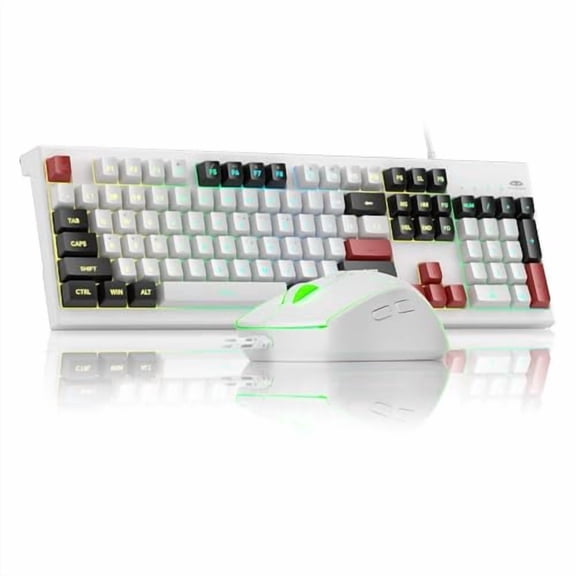
If you want an ergonomic mechanical keyboard, you may like more distinct tactile feedback under each keypress. You should consider that feel when you spend hours drafting documents or entering numbers.
Membrane keys usually give you a softer, quieter press that suits shared rooms and lighter typing sounds. Scissor switches can give you a lower profile feel that works well in tighter desk setups.
When you compare switch styles, you should think about your typing speed, preferred sound level, and key travel. You’ll find that switch feel can shape your comfort as much as the keyboard layout.
What to look for in wrist support and tilt features
You should check support features carefully because palm cushioning and tilt settings can change how your keyboard fits your posture. You can compare integrated wrist rests, adjustable tilt, and cushioned palm support.
A wrist rest keyboard can help you maintain a steadier hand position across longer typing sessions at home or at work. You should look for support that lines up naturally with your desk height and chair position.
Adjustable tilt gives you more control when you want to raise or lower your typing angle for comfort. Cushioned palm support can feel more consistent when you rest between bursts of typing and shortcuts.
If you’re researching an ergonomic keyboard for carpal tunnel, you’ll want to compare shape, wrist support, and key feel together. You can use those details to choose a more comfortable computer keyboard for repeated daily use.
Matching ergonomic keyboards to how you work
You can narrow your options faster when you match category features to your actual routine instead of comparing every model equally. You should think about where you type, how long you type, and which devices you use.
For office tasks, you may prefer a one-piece or wave layout with membrane keys and a built-in palm rest. You can keep your setup straightforward while getting a familiar typing experience.
For a flexible desk, you might choose a wireless ergonomic keyboard with Bluetooth and adjustable tilt. You can move it easily between a standing desk, docking station, and meeting area.
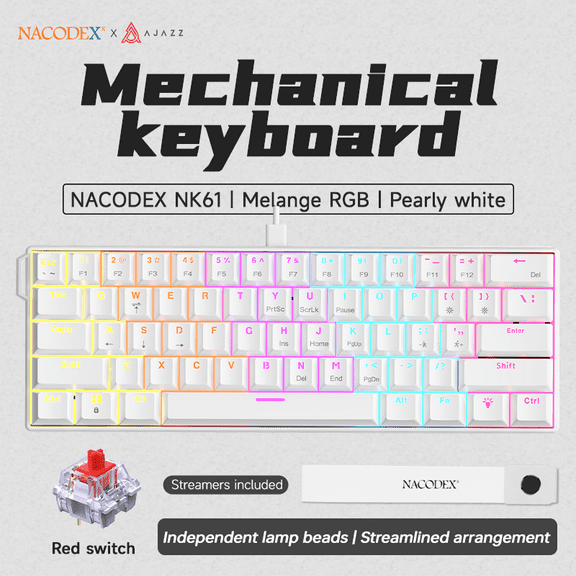
For focused typing, coding, or gaming-adjacent use, you may prefer an ergonomic mechanical keyboard with a split layout. You can get a more defined key response while keeping your hands positioned more naturally.
When you compare ergonomic keyboards with these decision points in mind, you can choose with more clarity and less guesswork. You’ll end up with a keyboard that fits your workspace, your typing style, and your daily comfort.