

Temperature Data Loggers in Stock





![BSIDE Portable USB Humidity and Temperature Data Logger, Digital RH TEMP Recorder Thermometer Hygrometer for PC, 16384 Data Points, PDF Export, -40 to 158F[cite: 1]](https://i5.walmartimages.com/seo/BSIDE-Portable-USB-Humidity-Temperature-Data-Logger-Digital-RH-TEMP-Recorder-Thermometer-Hygrometer-PC-16384-Data-Points-PDF-Export-40-158F-cite-1_91e6ea3e-0547-48e7-9a12-191ab302caa3.c9fd795f23ed42c061ed66bf60900077.jpeg?odnHeight=576&odnWidth=576&odnBg=FFFFFF)


![M Buder Mini USB Humidity Temperature Data Logger RH TEMP Datalogger Recorder Humiture Recording Meter with Heat Index and Dew Point Test[cite: 1]](https://i5.walmartimages.com/seo/M-Buder-Mini-USB-Humidity-Temperature-Data-Logger-RH-TEMP-Datalogger-Recorder-Humiture-Recording-Meter-with-Heat-Index-and-Dew-Point-Test-cite-1_cac2db20-8b90-4aa3-b20c-01a9c6933f54.1dfc9d961022e763dde18b835e1996b7.jpeg?odnHeight=576&odnWidth=576&odnBg=FFFFFF)
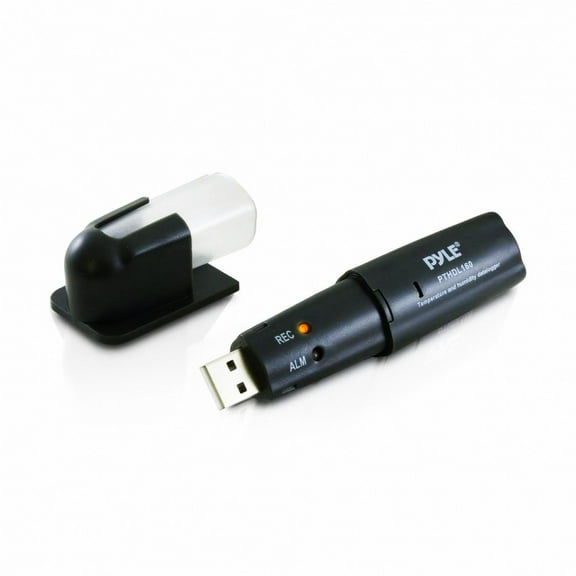
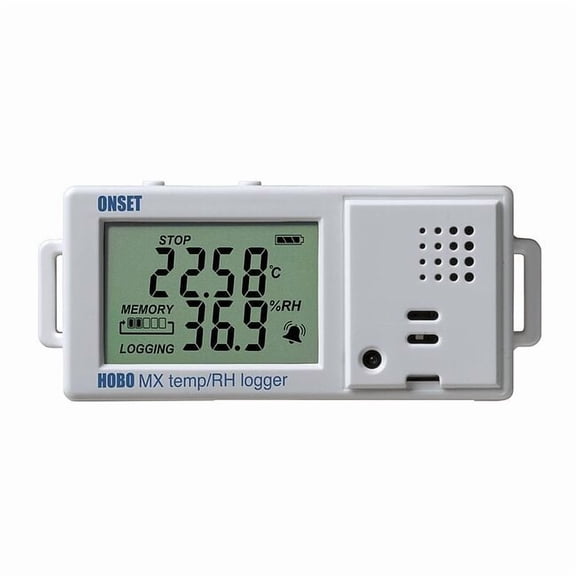
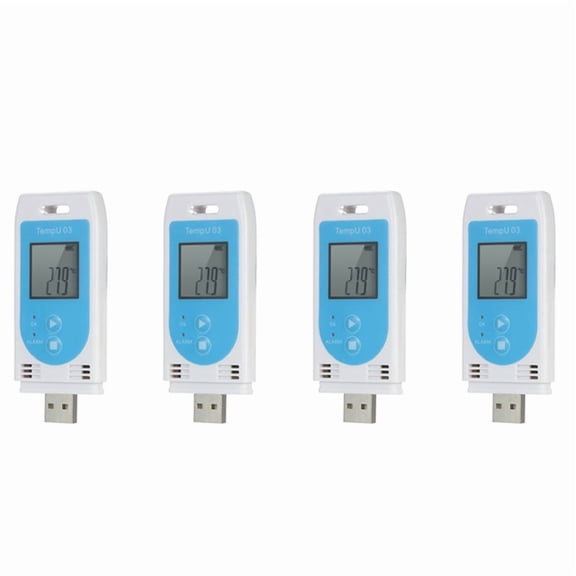
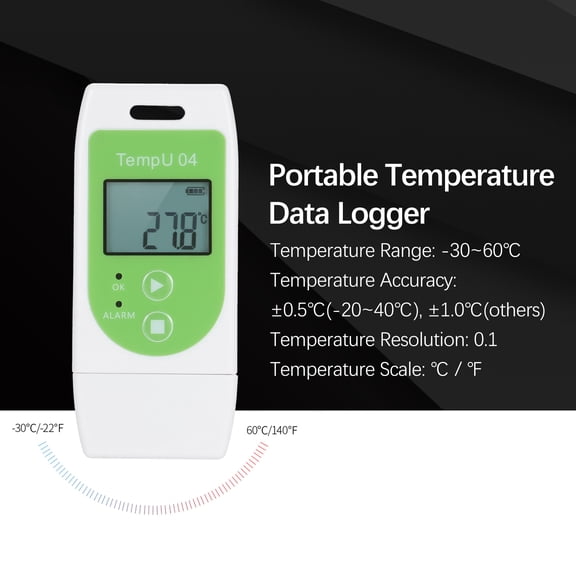


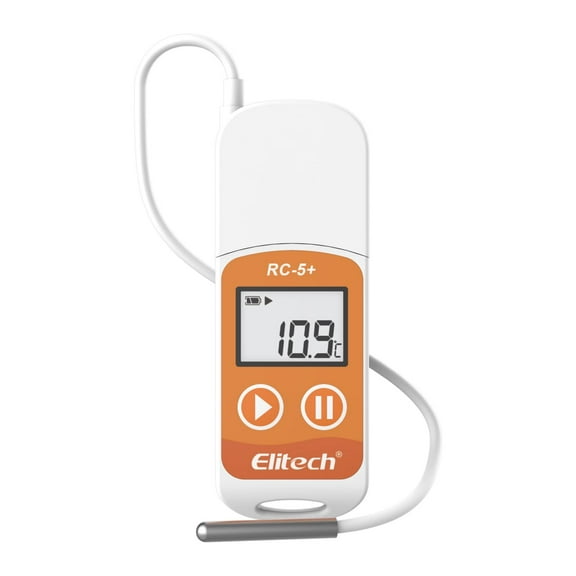
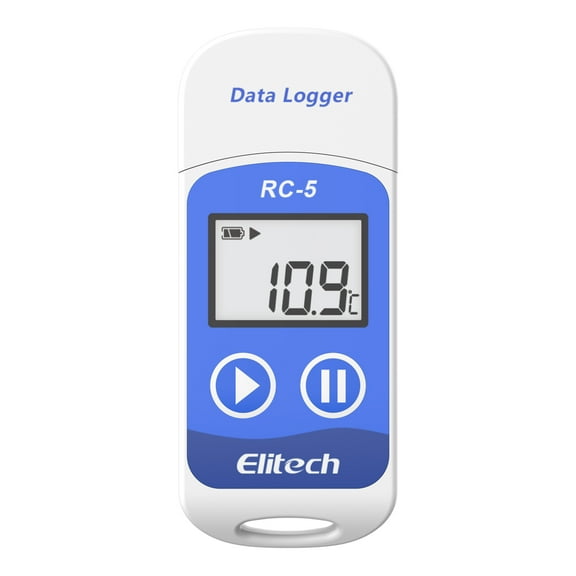
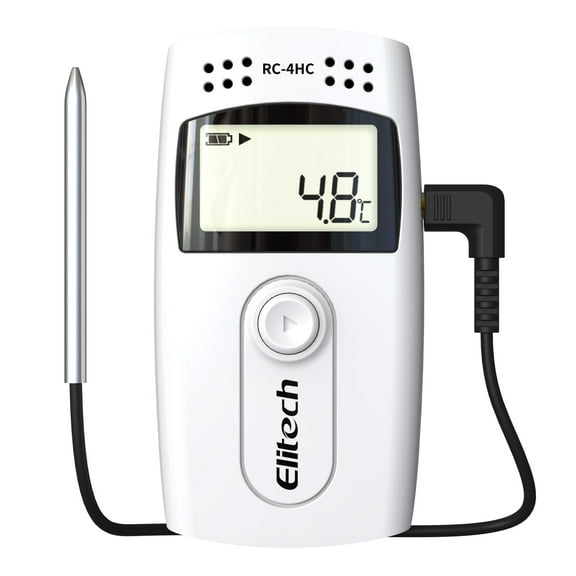

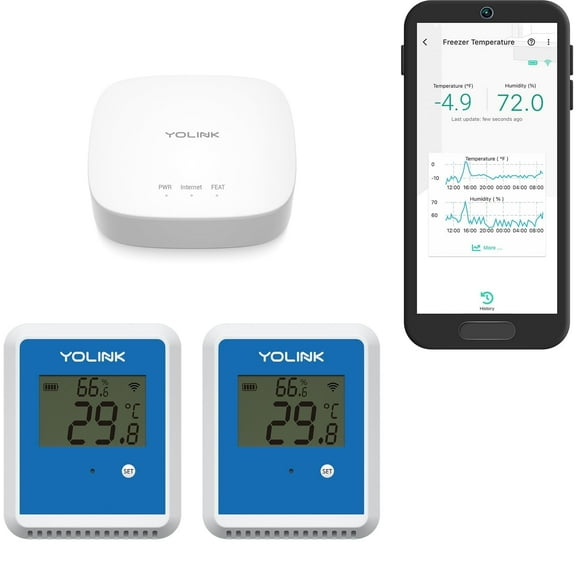


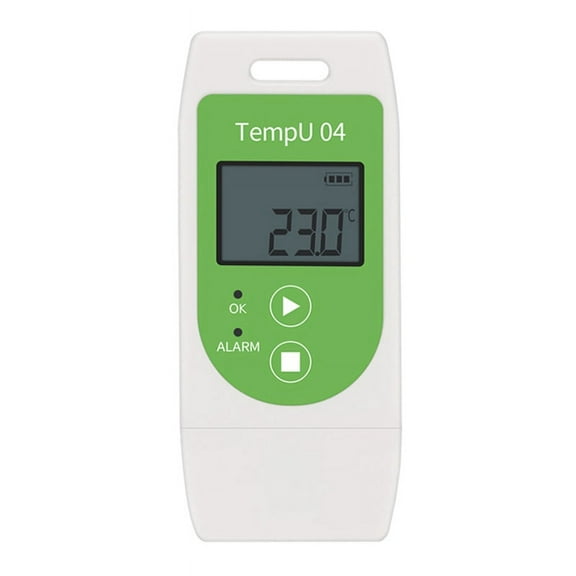


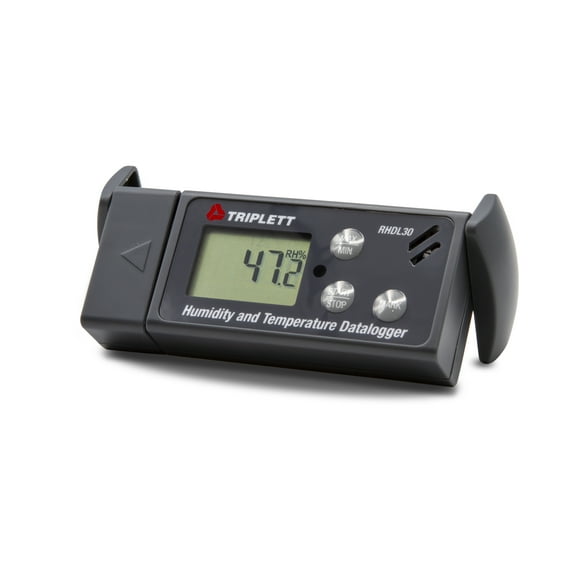
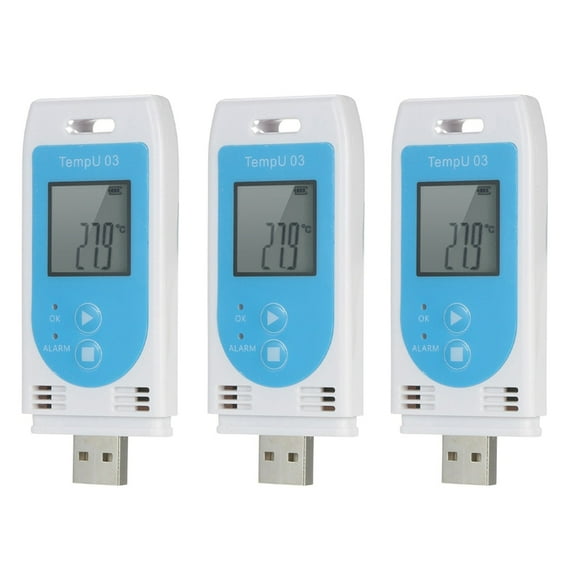
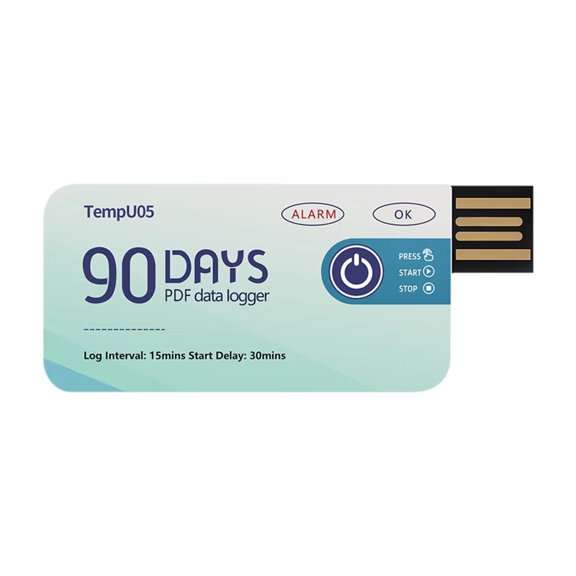



About Temperature Data Loggers in Stock - Walmart.com
Data loggers help you capture temperature, humidity, pressure, and voltage readings over time with less manual checking. You can compare connectivity, power options, and application needs to choose equipment that fits your workflow.
If you monitor storage areas, test systems, or document conditions, you need clear records you can review later. You can use this category to narrow choices quickly for cold chain, laboratory, HVAC, and industrial tasks.
How to choose data loggers by measurement parameter
You should start with the parameter you need to track because that decision shapes the rest of your selection. You can focus on temperature, humidity, pressure, or voltage based on the environment you monitor.
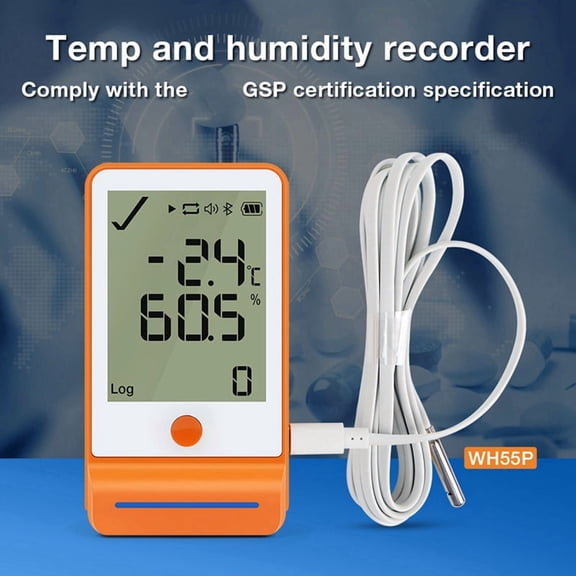
When you need product storage records or room trends, a temperature data logger gives you time-stamped readings you can review quickly. If you track moisture levels too, you may prefer a humidity data logger for added environmental context.
You can also compare pressure and voltage models when you monitor equipment performance or process changes. If you measure multiple conditions, you should check whether your logger records one channel or several channels.
- You can track readings automatically instead of writing values by hand.
- You can review trends over hours, days, or weeks with stored time stamps.
- You can document changing conditions for inspections, logs, and routine checks.
- You can match the measurement type to your exact workspace or equipment.
Choosing temperature data logger and humidity data logger options
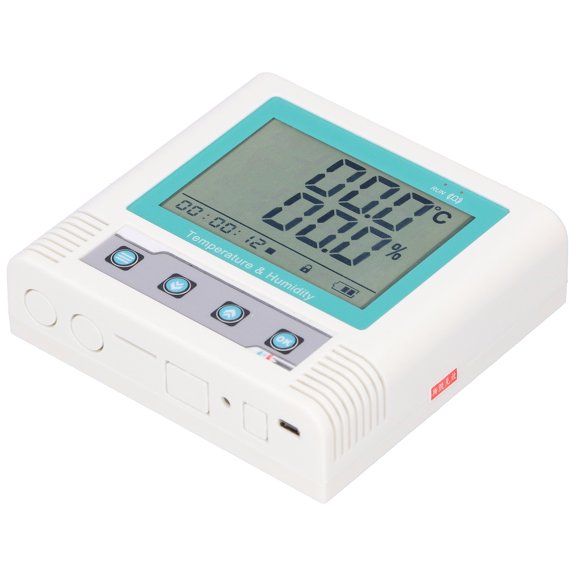
You should compare range, sample interval, and display style before you choose a monitoring setup. You can use those details to match a logger to freezers, storage rooms, ducts, or work areas.
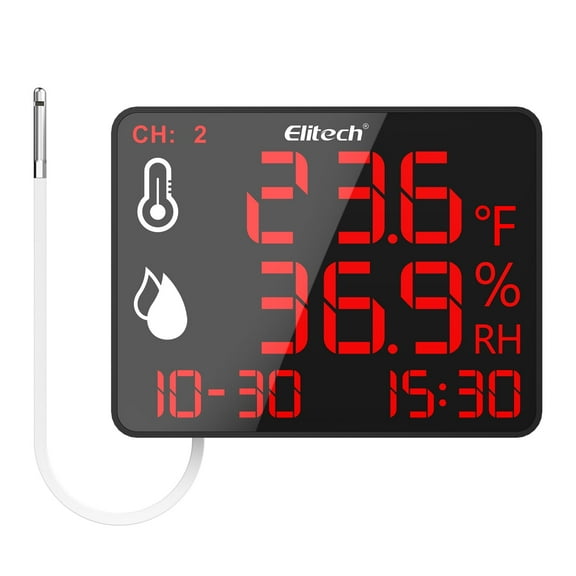
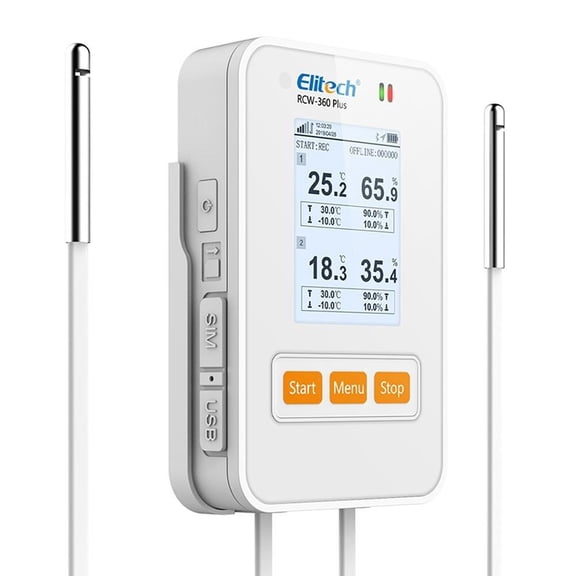
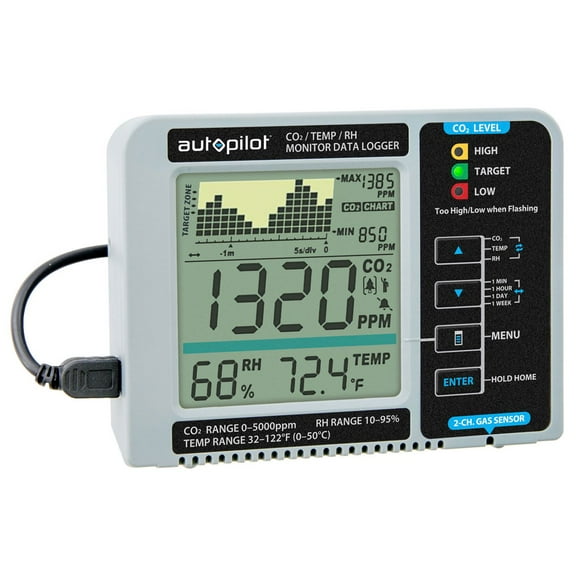
If you need quick trend visibility, you may want a screen that shows current readings at a glance. When you review long-term records, you should look for memory capacity that supports your planned logging period.
You can also check probe style and housing design for your placement needs. If your logger sits in a cooler, lab shelf, or mechanical room, you need a shape that fits the space.
How to compare usb data logger and wireless connectivity
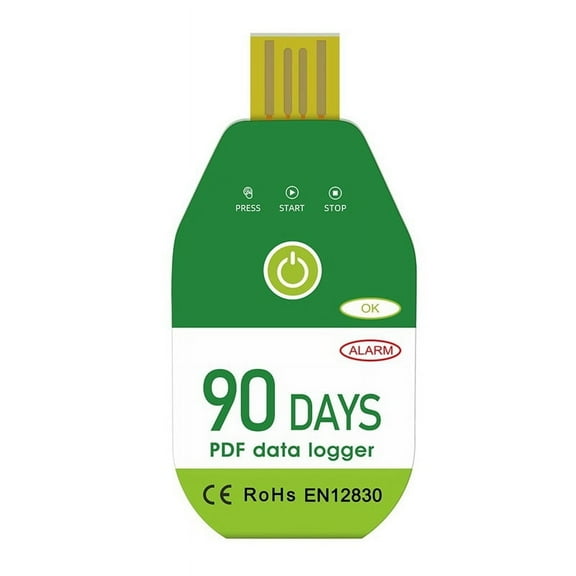
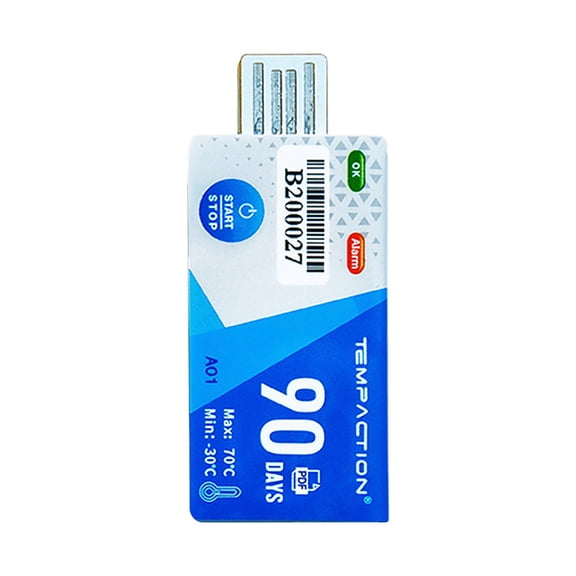
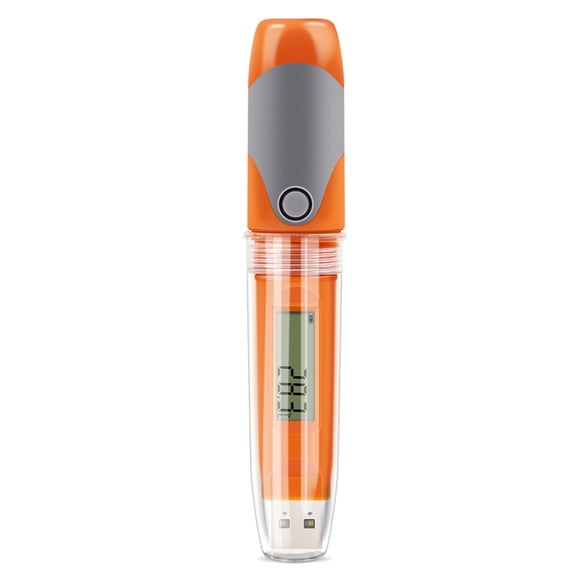
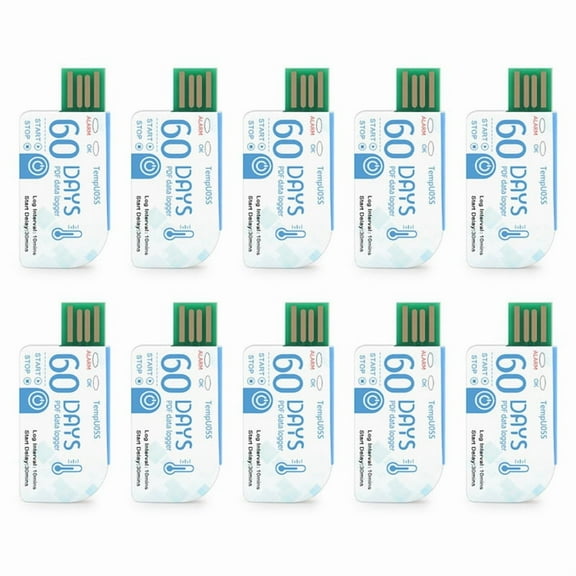
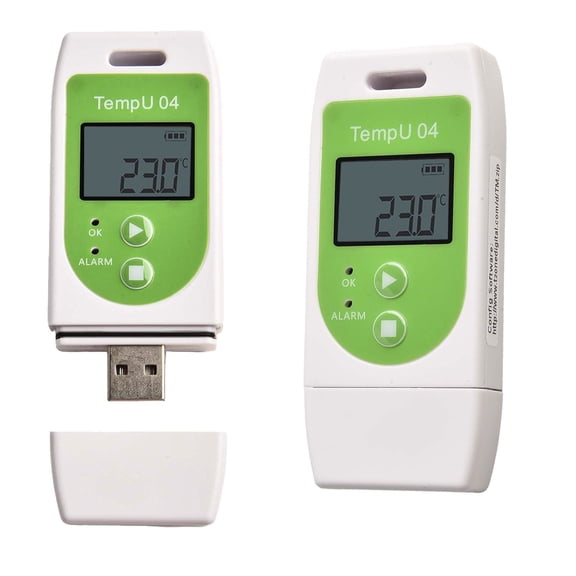
You should choose connectivity based on how you plan to collect and share readings. A usb data logger works well when you want direct plug-in transfer to a computer.
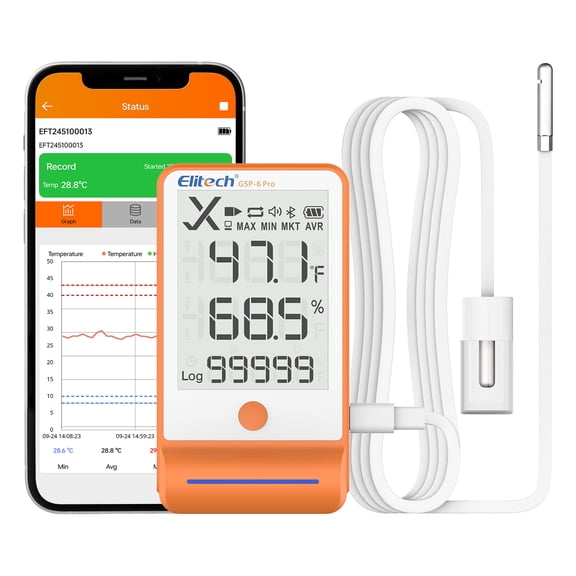
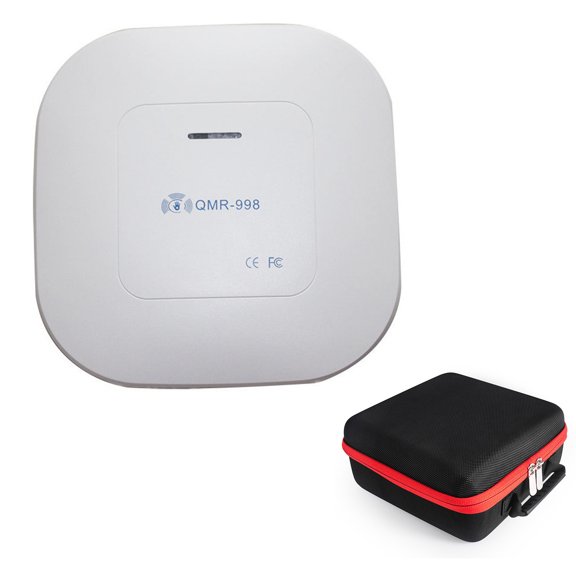
If you prefer minimal cables during routine checks, you may consider Bluetooth models for nearby wireless retrieval. When you need remote visibility, you can compare Wi-Fi or cellular options that send updates without direct connection.
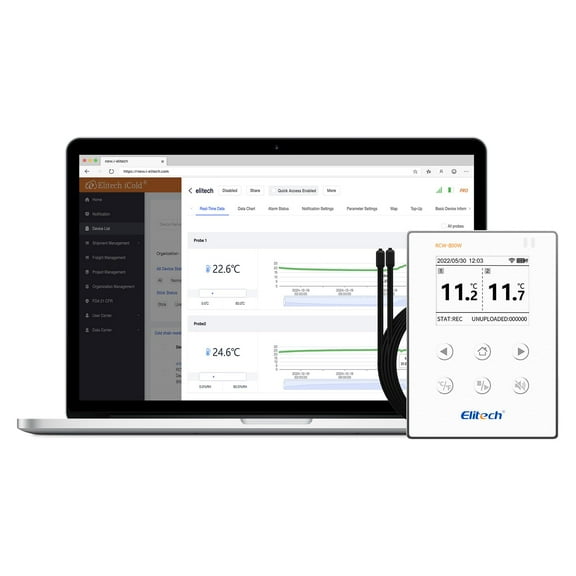
You should also check whether software setup matches your team’s process and devices. If you download files often, you may want simple export steps and clear chart views.
For occasional reviews, you might prefer straightforward onboard storage and manual retrieval. For active monitoring across several areas, you may need wireless syncing that keeps records organized in one place.
What to look for in portable data logger power and placement
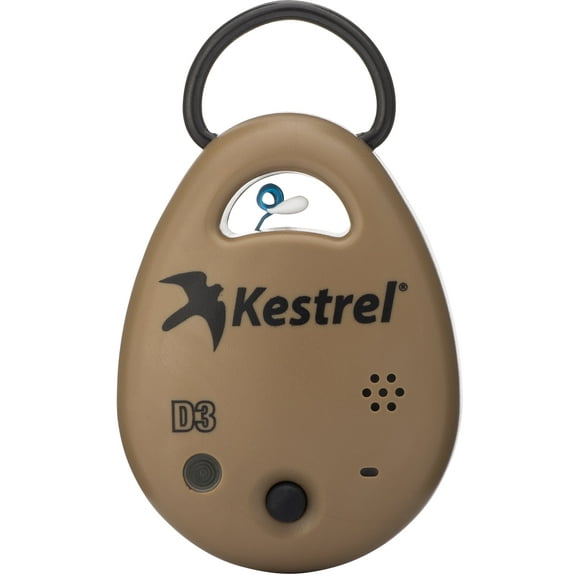
You should match the power source to how long and where you plan to run the unit. A portable data logger often suits mobile checks, temporary studies, and locations without nearby outlets.
Battery powered models can work well when you place loggers in transit containers, coolers, or hard-to-reach spots. USB powered or AC adapter units may fit desks, benches, or fixed monitoring points.
You should check expected run time, battery replacement details, and mounting style before you decide. If you move equipment often, you may want compact housings that travel easily between test points.
You can also compare enclosure style for indoor, outdoor, or rugged work areas. When placement matters, you should measure available space and confirm the logger fits your intended location.
Matching data loggers to cold chain, laboratory, HVAC, and industrial use
You can narrow your choices quickly when you shop by application instead of specs alone. Data loggers for cold chain work often support transport checks, storage verification, and receiving documentation.
In laboratory settings, you may need clear historical records for refrigerators, incubators, or controlled rooms. For HVAC work, you can use logging tools to follow temperature or humidity shifts across service intervals.
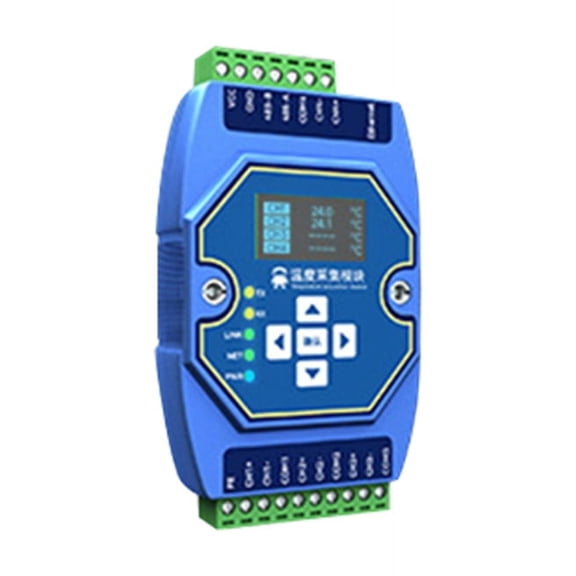
Industrial users may look for voltage or pressure models that help track equipment behavior during tests or routine operation. If you manage several locations, you should compare memory, connectivity, and power together.
You can also think about who will read the data after collection. When teams share reports, you may want formats that simplify exporting, reviewing, and storing records for later reference.
Common data logger questions to consider
You may wonder how long a logger stores data before download, and that depends on memory and sample frequency. If you log frequently, you should expect storage to fill sooner.
You might also ask whether retrieval is simple, and the answer depends on the connection style you choose. If you want direct access, you can use USB, while wireless options support remote checks.
You should also consider software compatibility before placing a large order for a team or facility. When your system matches your process, you can keep records organized and simple to review.
With the right combination of parameter, connectivity, power, and application fit, you can document changing conditions with less guesswork. You can get clear records that support consistent monitoring across your workspace.