

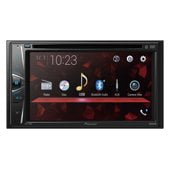
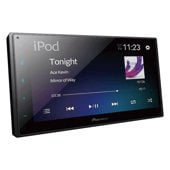
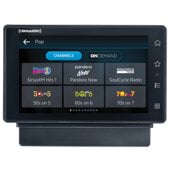
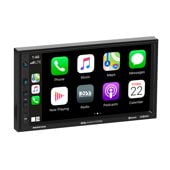
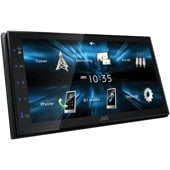
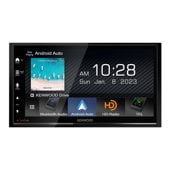
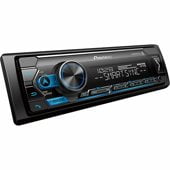
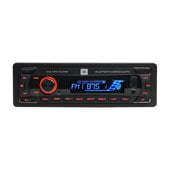
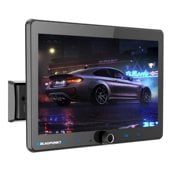
Car Stereos
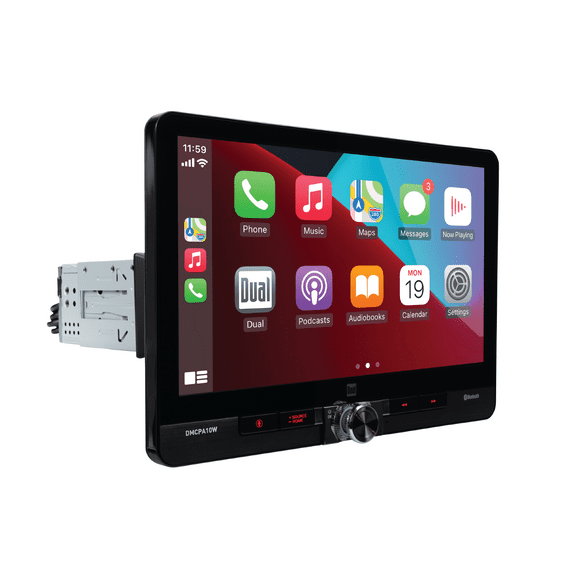

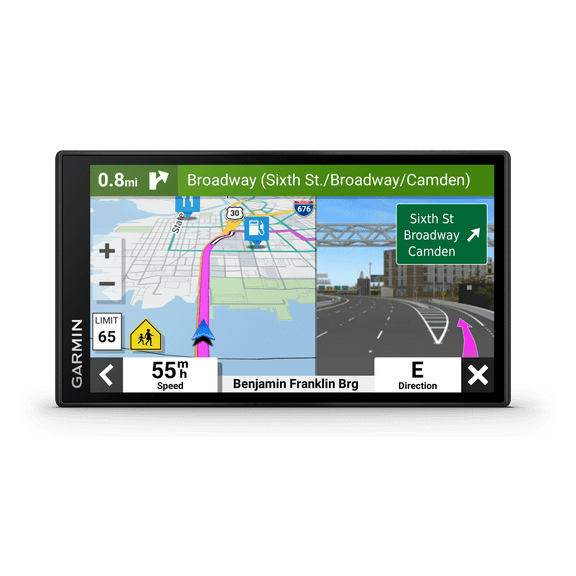
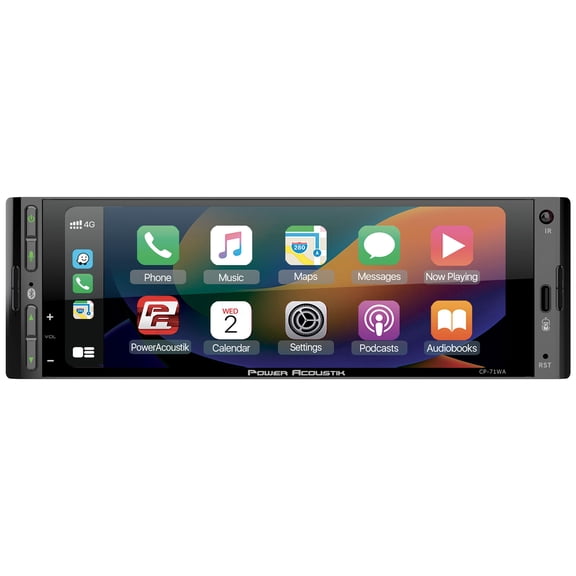











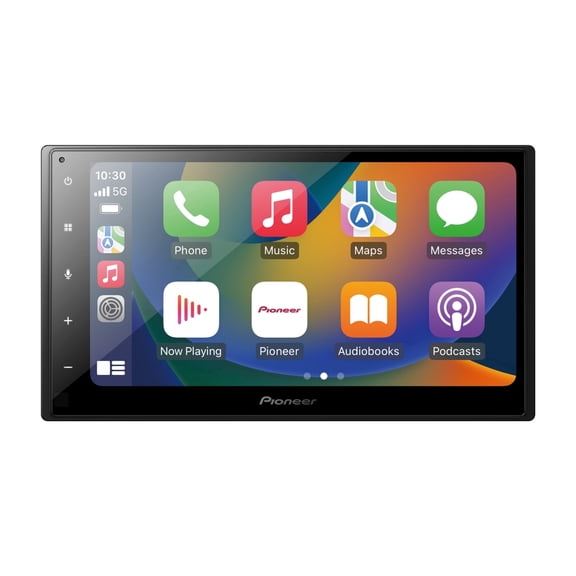
About Car Stereos - Walmart.com
You can upgrade your drive with car electronics that match your vehicle, your routine, and your setup preferences. You’ll find options for sound, navigation, recording, and connectivity that fit daily commutes and long road trips.
When you compare this category, you should focus on fitment, wiring, and the features you’ll use every time you drive. You can narrow your choice faster when you know whether you need DIN sizing, battery power, or wireless phone pairing.
How to choose car electronics for your vehicle
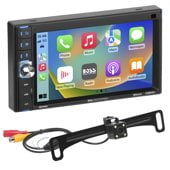
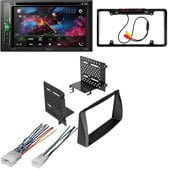
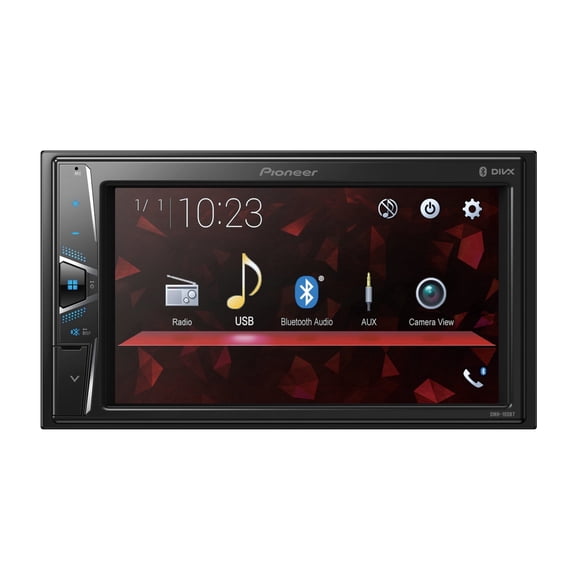
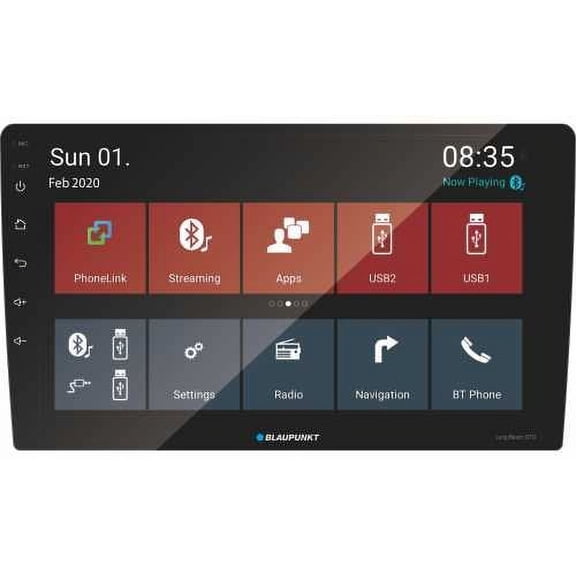
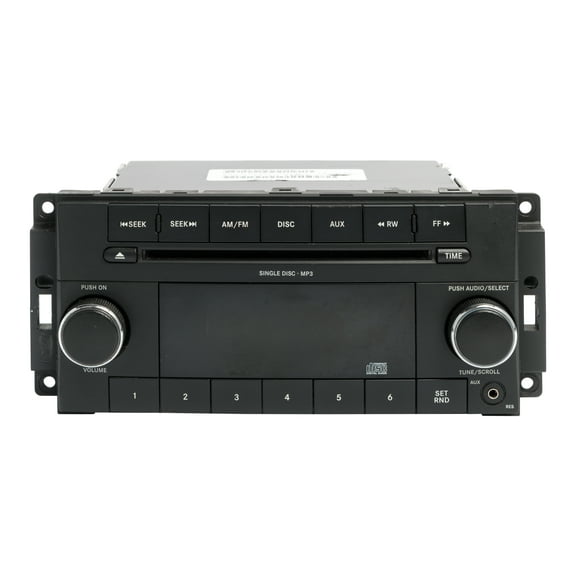
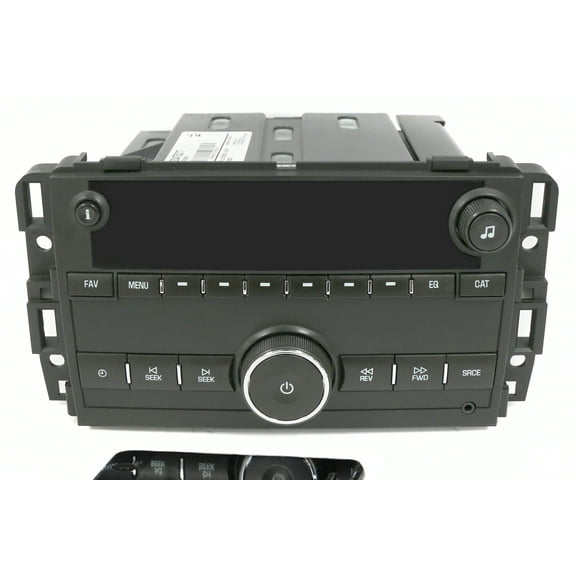
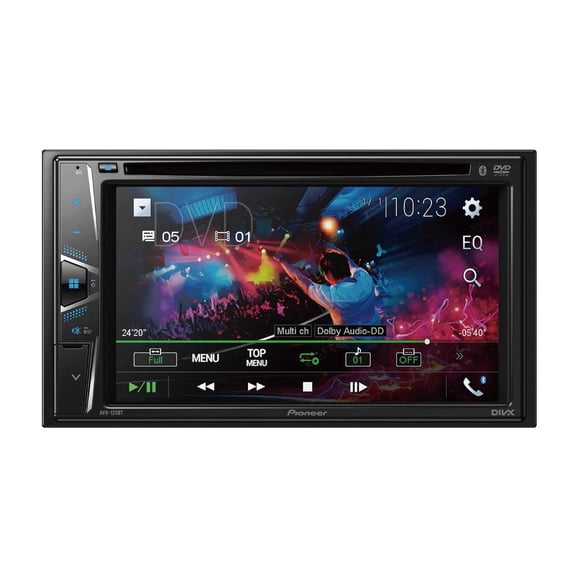
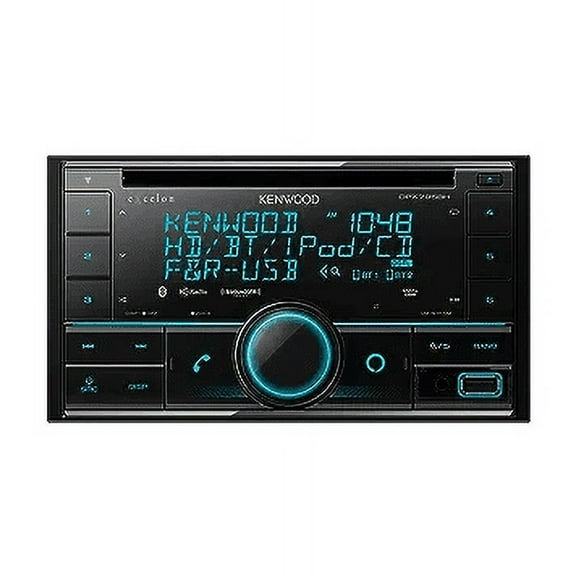
You should start with compatibility, because your dashboard space and wiring determine what will fit. You’ll want to check DIN size, wiring harness compatibility, and voltage requirements before you pick a device.
If you drive more than one vehicle, you may prefer universal fit options that move easily between cars. If your dashboard has a dedicated opening, you may want vehicle-specific designs for a cleaner installation.
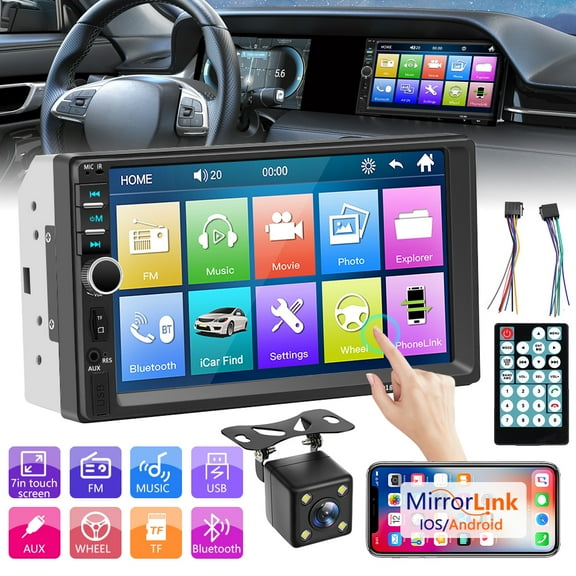
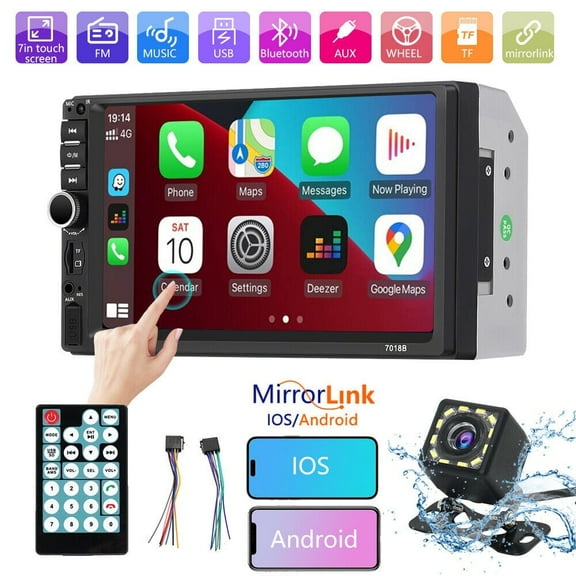
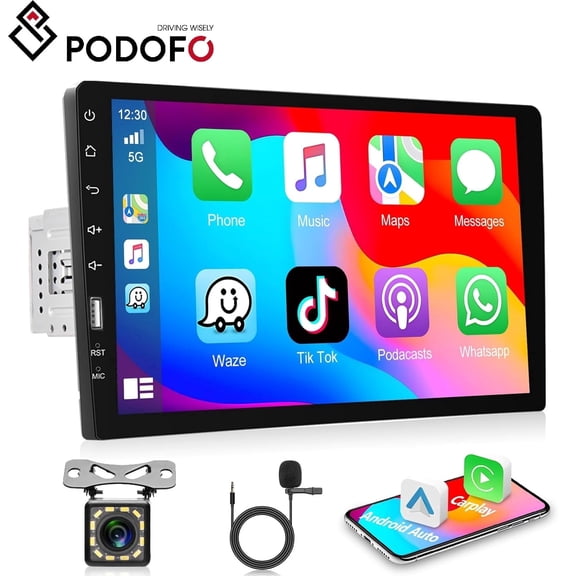
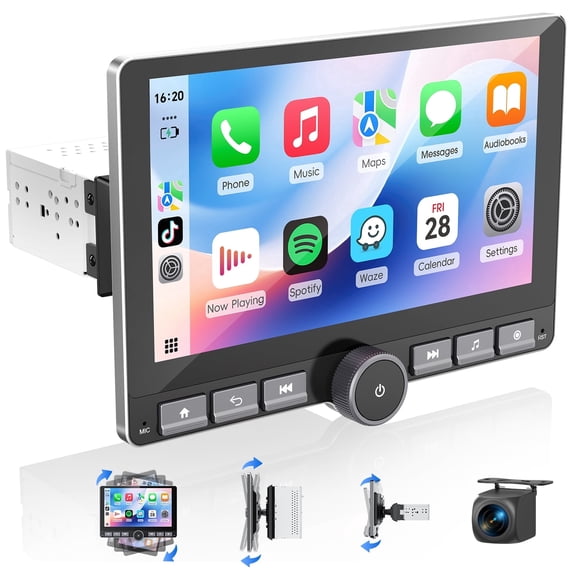
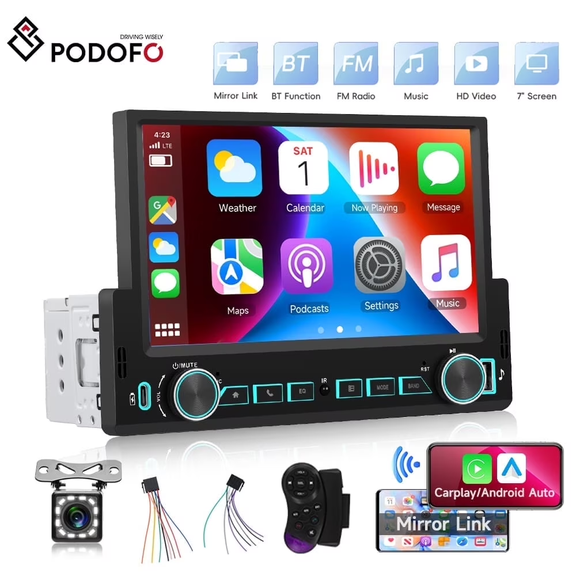
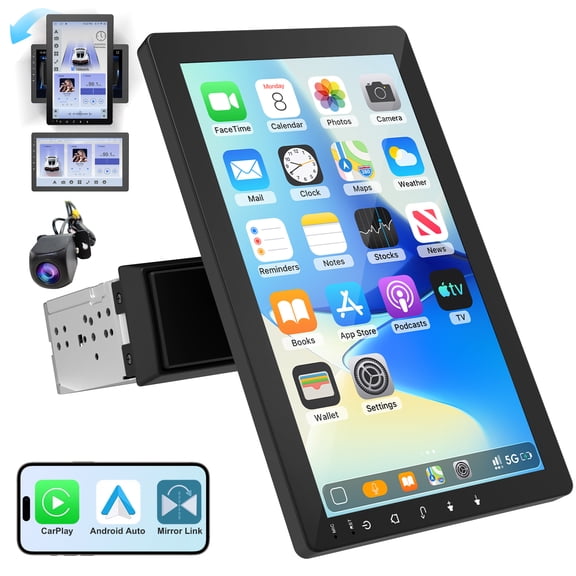
You should also check whether your device works with iOS and Android compatible features. You’ll get a smoother setup when your phone, screen, and controls work together from the start.
Choosing connectivity and audio features
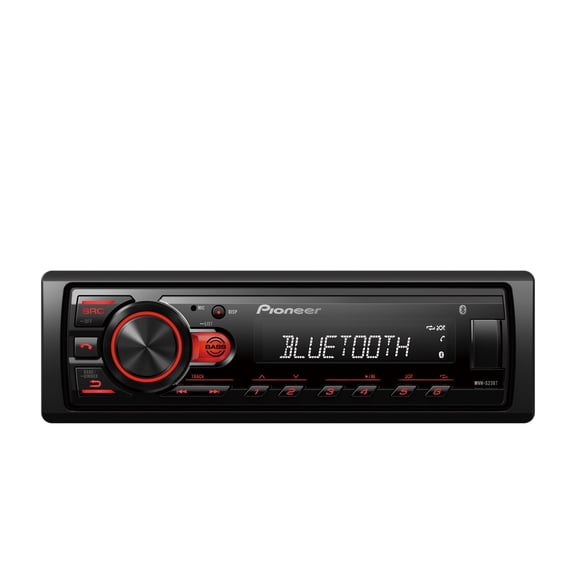
You can compare connectivity by thinking about how you stream music, take calls, and control maps. You’ll usually see Bluetooth, Wi-Fi, auxiliary, and FM transmitter options across this category.
- You can use Bluetooth for hands-free calling and wireless music streaming.
- You may want Wi-Fi when you need app access, file transfers, or quick video review.
- You can choose an auxiliary connection for a direct wired link to your stereo.
- You might prefer an FM transmitter when your vehicle lacks built-in wireless audio support.
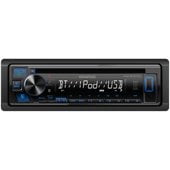
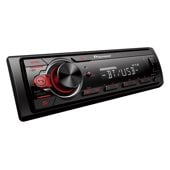
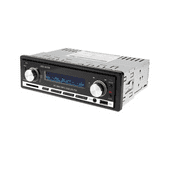
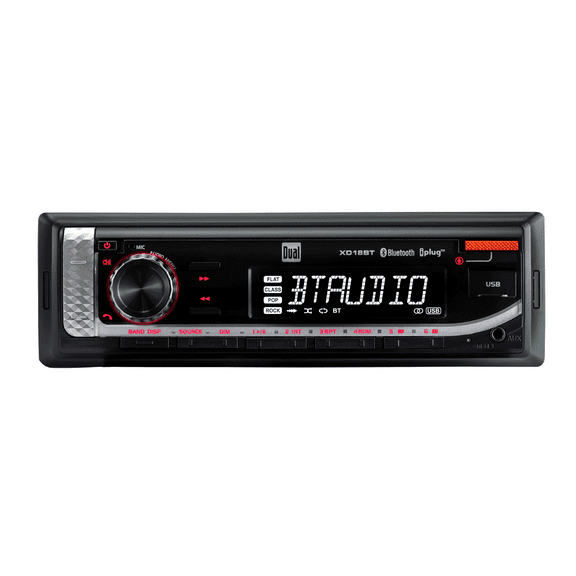
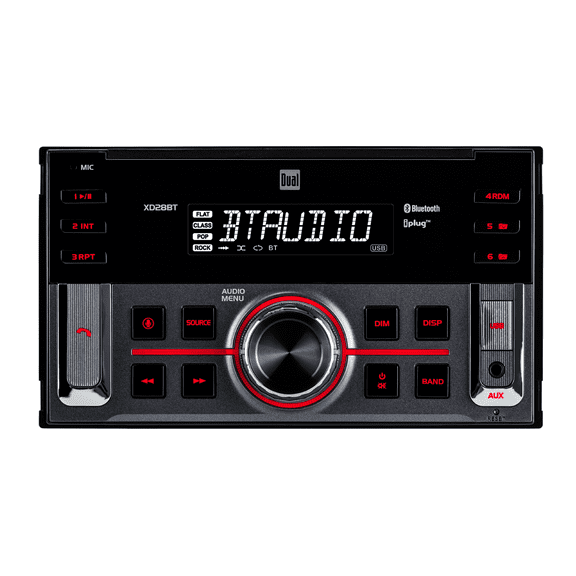
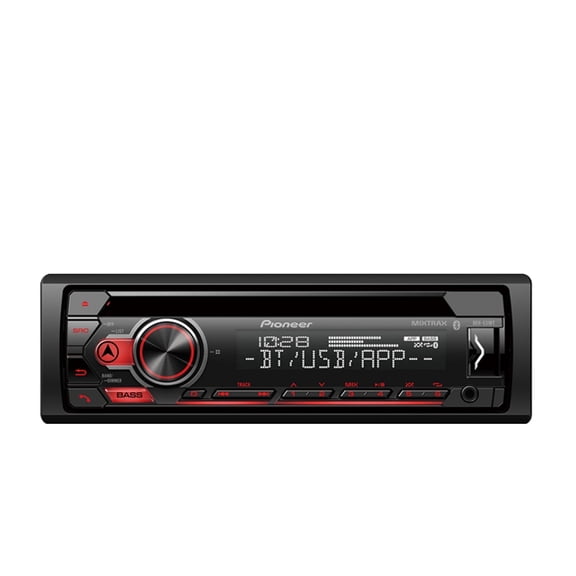
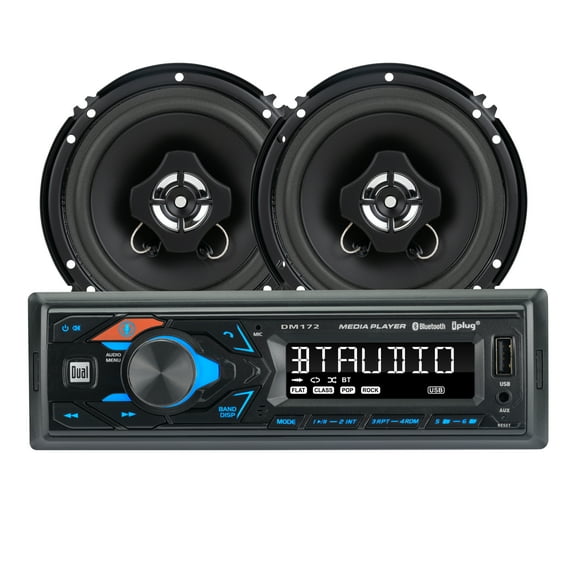
When you shop car audio systems, you should compare built-in amplifier support, pre-amp outputs, and Bluetooth streaming. You’ll want these details if you plan to connect speakers, subwoofers, or an external amp.
If you like a simpler install, you may prefer units with built-in amplification and easy menu controls. If you plan a larger setup, you should look for pre-amp outputs and wiring flexibility.
Comparing dash cameras and power source options
You can choose dash cameras based on how you want to power and place them. You’ll typically see 12V hardwired, battery powered, and USB rechargeable designs.
If you want a clean, always-connected setup, you may choose a 12V hardwired model with direct vehicle power. If you want easier removal, you may prefer battery powered or USB rechargeable options.
You should also think about installation complexity before you decide. You can often set up plug-and-play models yourself, while hardwired systems may suit a more involved installation plan.
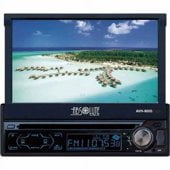
When you compare display types, you’ll see touchscreen, LCD, OLED, and no display choices. You can pick a bright screen for quick viewing or a no-display design for a smaller footprint.
Using car audio systems, dash cameras, and car GPS navigation
You can use car audio systems to refresh an older cabin with wireless streaming and clearer control access. You’ll notice these upgrades matter when you spend long hours commuting or driving with passengers.
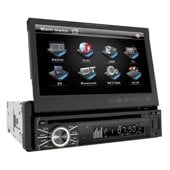
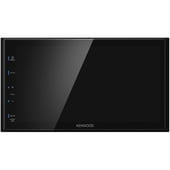
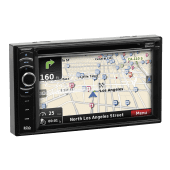
If you rely on route guidance, you may want car GPS navigation with a touchscreen or LCD display. You can follow maps more easily when your screen size and layout match your dashboard position.
You can use dash cameras for everyday driving, parking coverage, and trip recording. You’ll want to compare power source, screen style, and mounting approach based on how often you drive.
For older stereos, you can add car bluetooth adapters without replacing the entire head unit. You’ll get easier phone pairing, music streaming, and hands-free convenience with less installation work.
You may also compare radar detectors, backup cameras, and smart car accessories for a more connected drive. You can build a setup that supports visibility, alerts, and in-car control without guessing on compatibility.
If you’re planning a full refresh, you should match wiring needs across each device before you install anything. You’ll avoid extra adapters when your voltage, harness, and connection types align from the start.
What to look for before you install
You should measure your dashboard opening and check your vehicle manual before ordering. You’ll make a more confident choice when you confirm DIN size, outlet access, and mounting space.
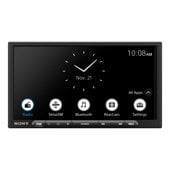
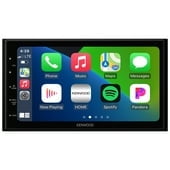
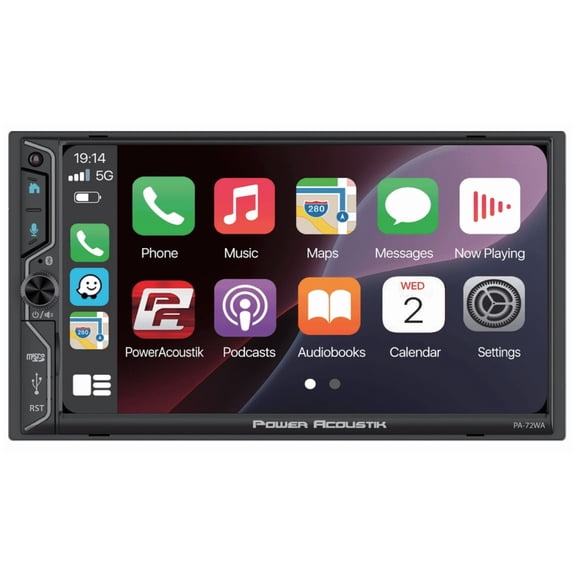
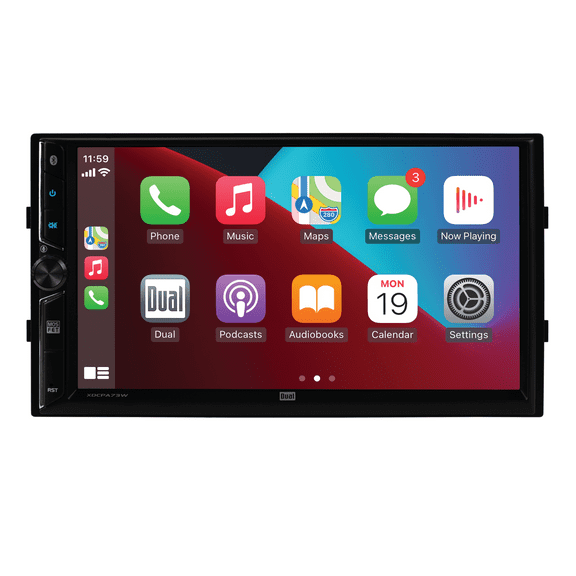
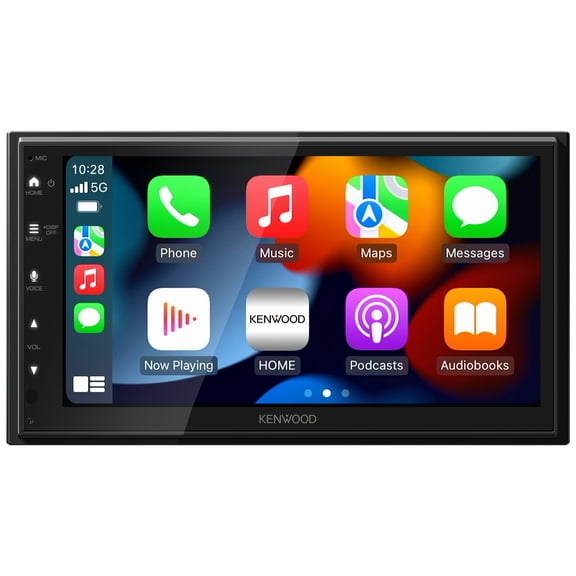
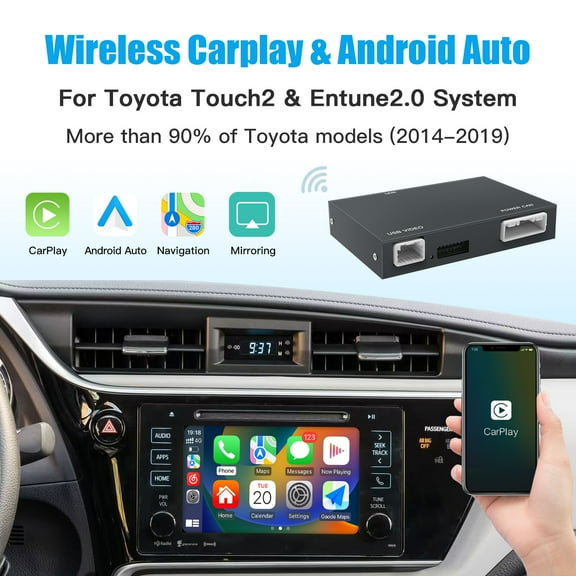
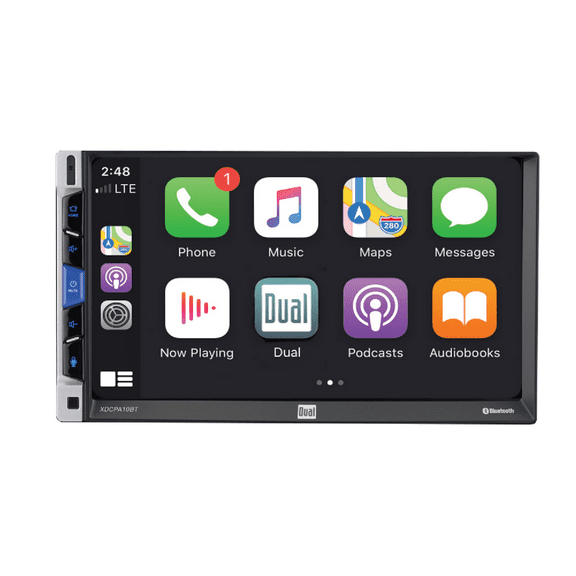
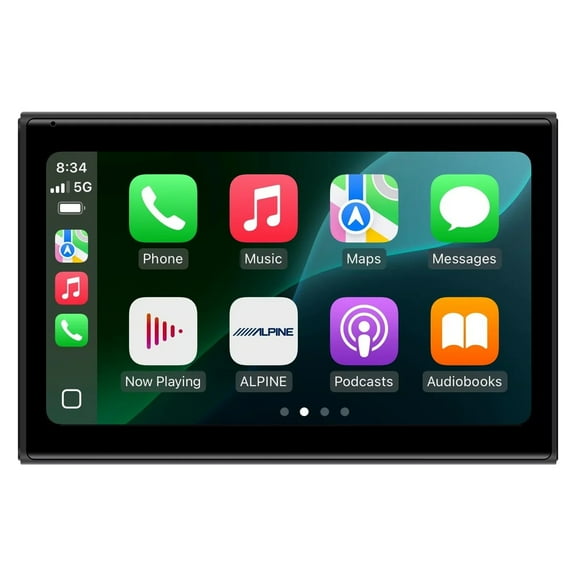
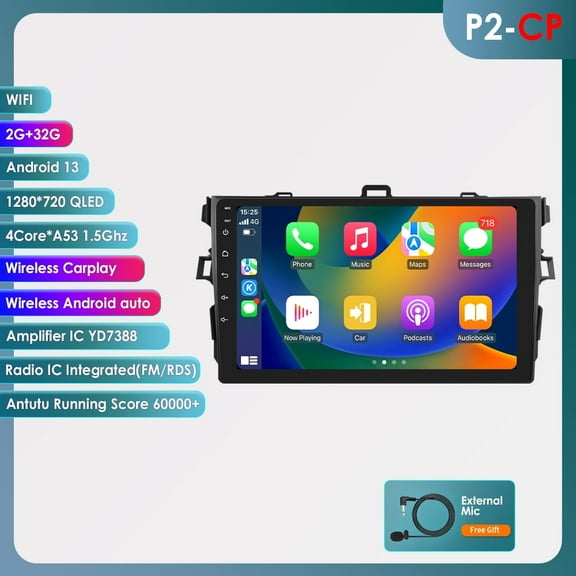
For phone-friendly features, you should compare Bluetooth, Apple CarPlay, and Android Auto support in plain terms. You’ll want simple calling, messaging access, and map control that feels familiar on the road.
You can also decide whether you want a DIY setup or a more advanced wiring project. You’ll usually find plug-in accessories easier to install, while integrated head units need more planning.
You can choose car electronics with more confidence when you match fitment, connectivity, and power to your vehicle. You’ll end up with a setup that feels cleaner, works smoothly, and supports every drive.