

Tablet Keyboards in Tablet Accessories













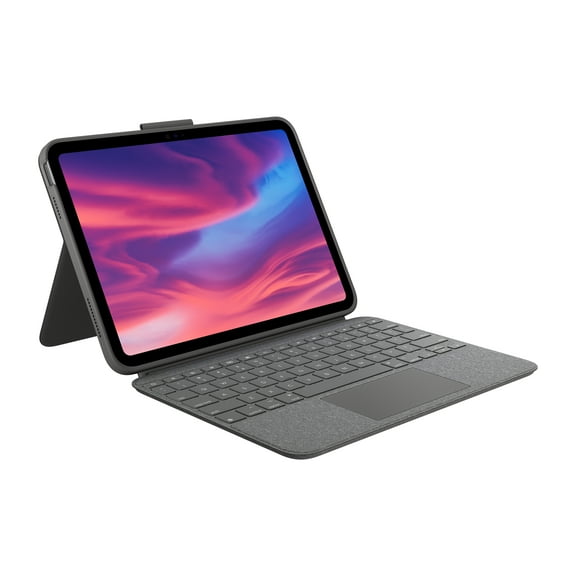


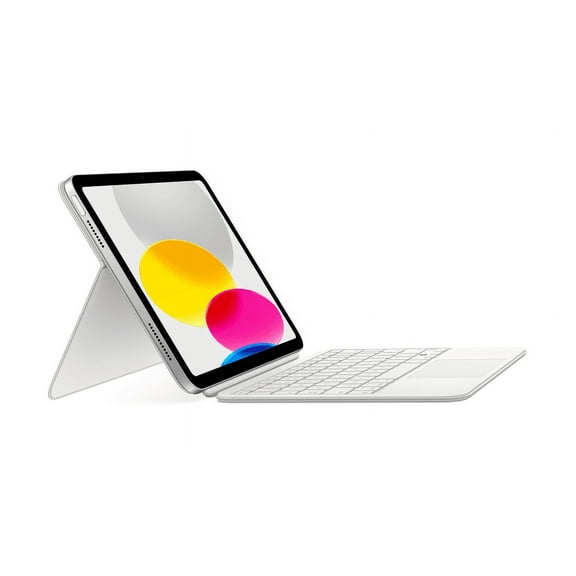
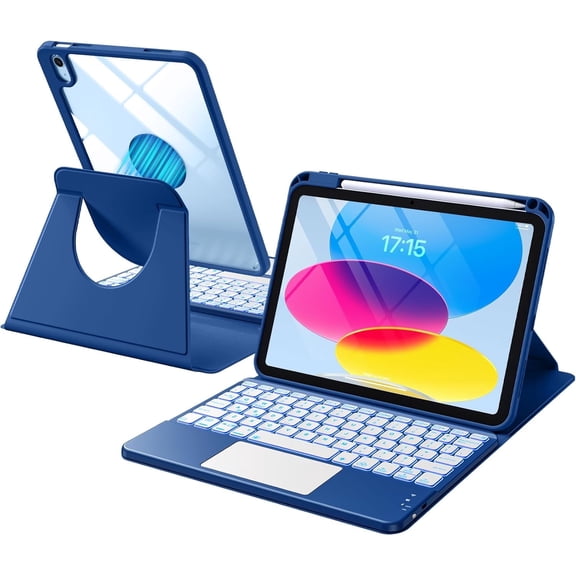


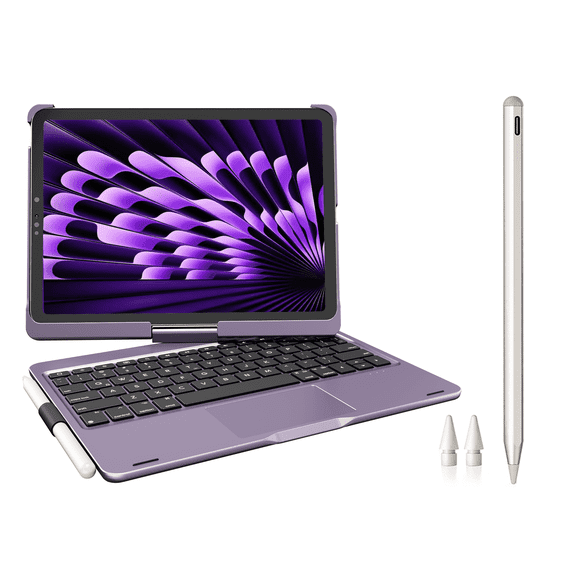

























About Tablet Keyboards in Tablet Accessories - Walmart.com
Tablet keyboards help you turn your screen into a more practical work and study setup. You can compare connection types, form factors, and compatibility details to match how you type every day.
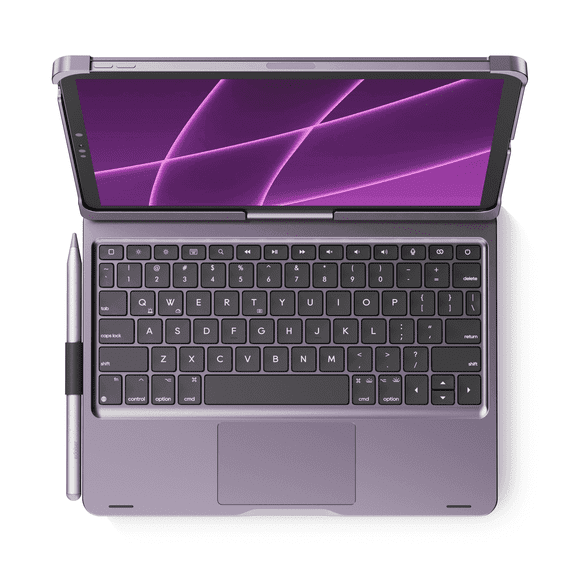
If you write emails, take class notes, or edit documents on a tablet, you need a keyboard that fits your routine. You can choose options made for travel, desk use, or a tablet keyboard case that adds coverage.
How to choose tablet keyboards
When you compare tablet keyboards, you should start with compatibility before anything else. You need to check your operating system, screen size, and case fit for smooth everyday use.
A universal tablet keyboard can give you more flexibility across different devices and households. You can also narrow your choice by deciding whether you want a case, standalone model, or foldable design.
- You can type longer messages with more comfort than you get from an on-screen keyboard.
- You can carry a portable tablet keyboard more easily when you commute, travel, or move between classes.
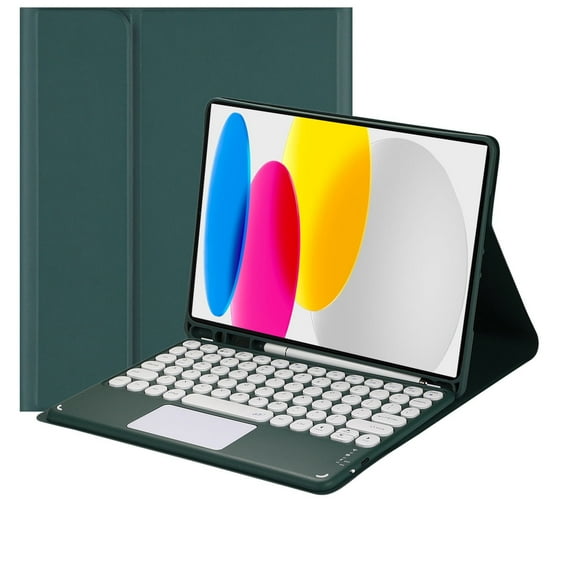
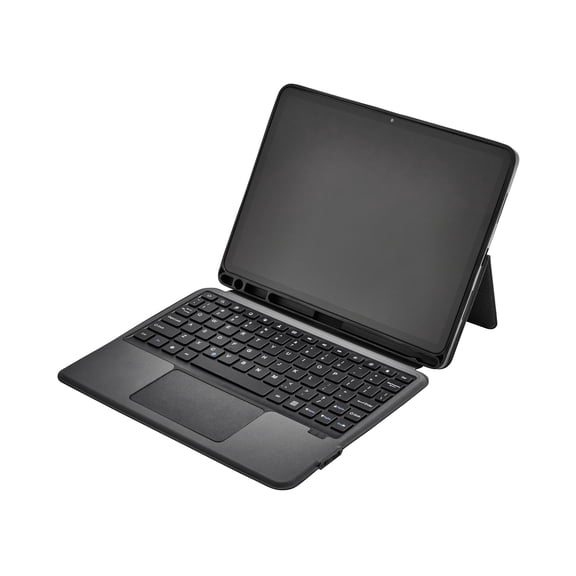
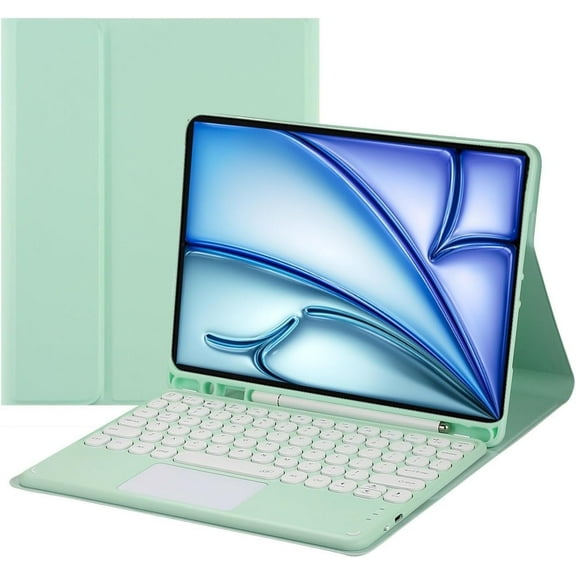
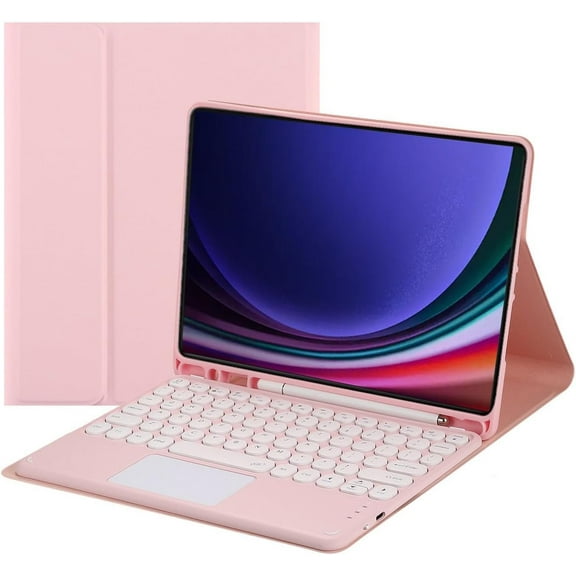
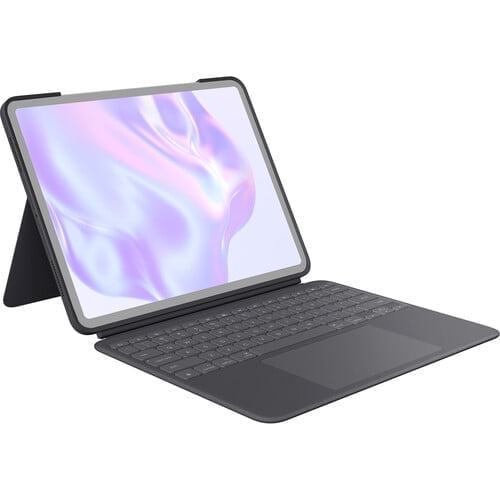
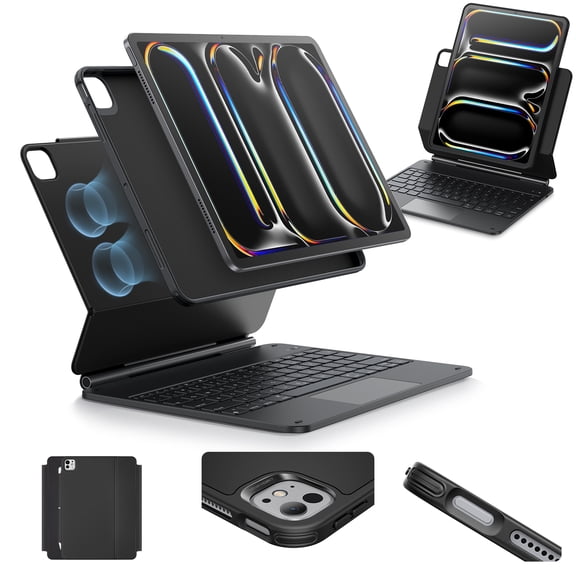
- You can protect your device with a tablet keyboard case that combines typing support and front coverage.
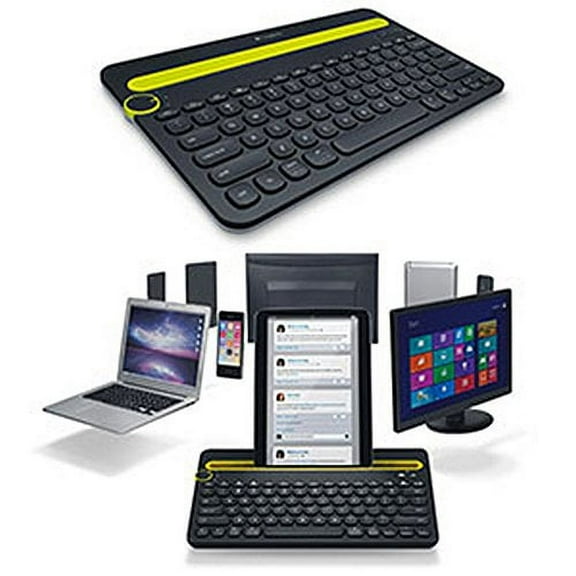
- You can switch between tablets, phones, and laptops with select multi-device pairing options.
For back to school tablet keyboard shopping, you may want a lighter model that slips into a backpack. You may also prefer quiet keys for libraries, study halls, and shared spaces.
Choosing a wireless tablet keyboard or wired connection
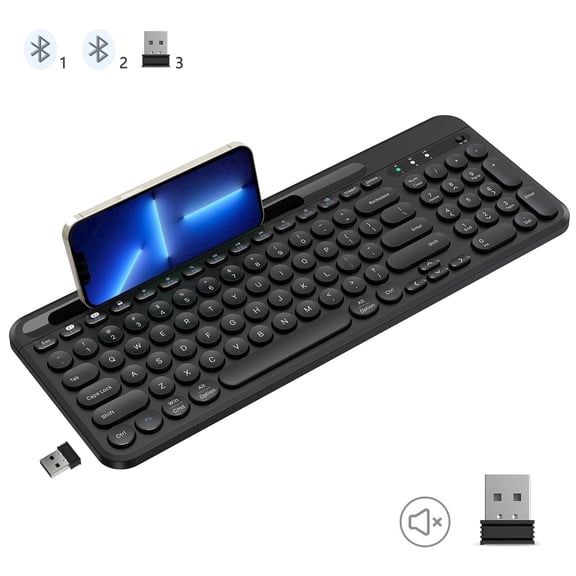
You should compare Bluetooth, wireless 2.4GHz, and wired USB-C options based on how you work. You can get cleaner cable-free setups with wireless choices or direct plug-in simplicity with wired models.
A wireless tablet keyboard usually gives you freedom to position your tablet at a comfortable viewing angle. You can place your screen on a stand and keep the keyboard where your hands feel natural.
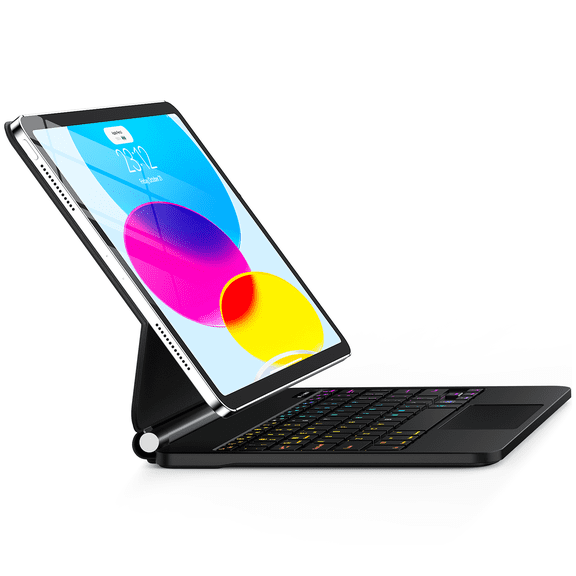
When you choose a bluetooth keyboard for tablet use, you should check pairing steps and supported systems. You can pair many models quickly, then move between compatible devices with fewer interruptions.
If you prefer fewer charging tasks, you can compare rechargeable battery models with AAA or AA battery designs. You should also look at active-use estimates, because longer runtimes can fit busy school or work weeks.
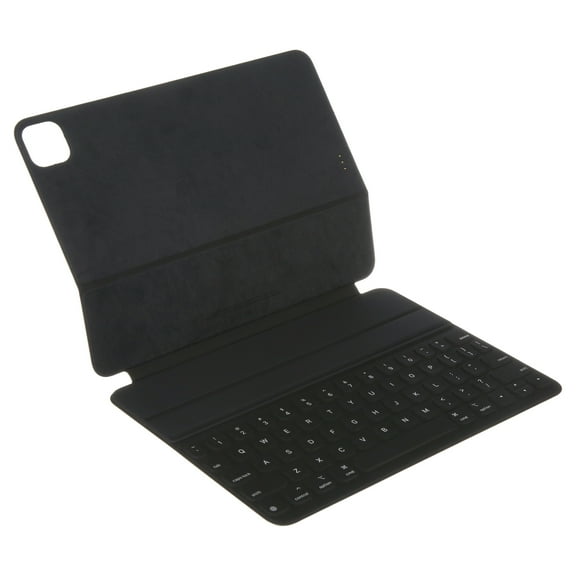
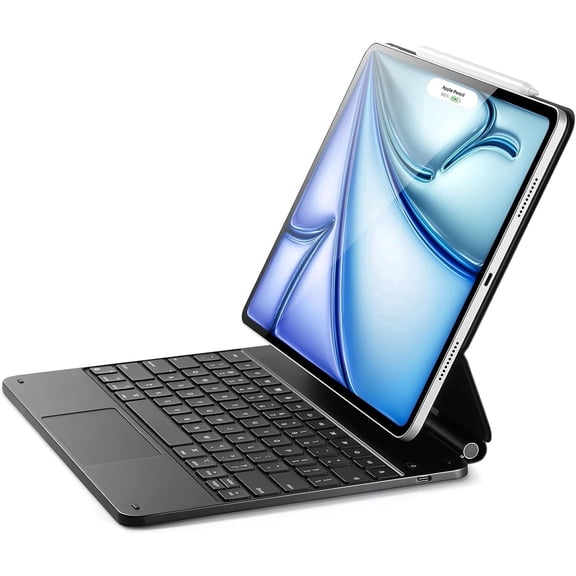
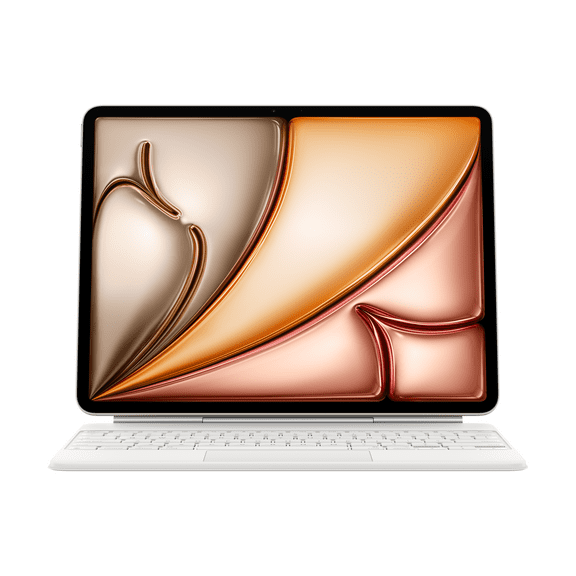
Some tablet setups support a smart connector, which can simplify attachment and power transfer. You should confirm connector support first, because this feature depends on specific tablet designs.
Picking the right tablet keyboard case or form factor
You should think about where you type most before choosing a keyboard case, standalone keyboard, or foldable keyboard. You can gain very different benefits from each form factor during daily use.
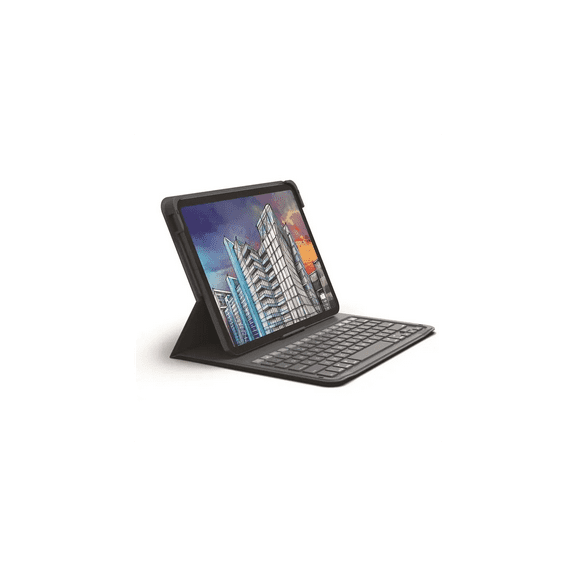
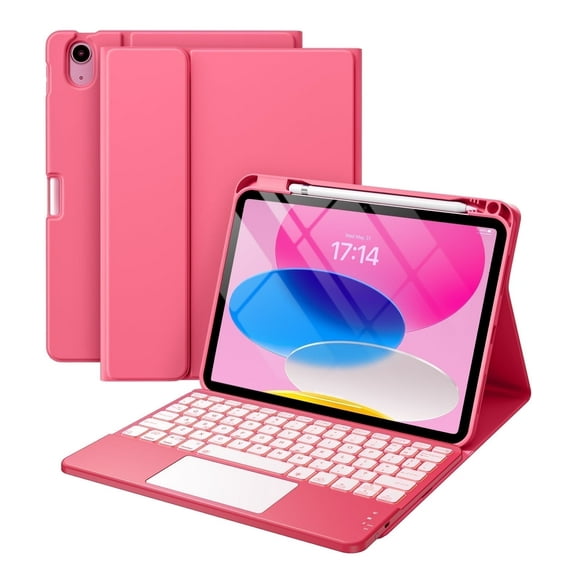
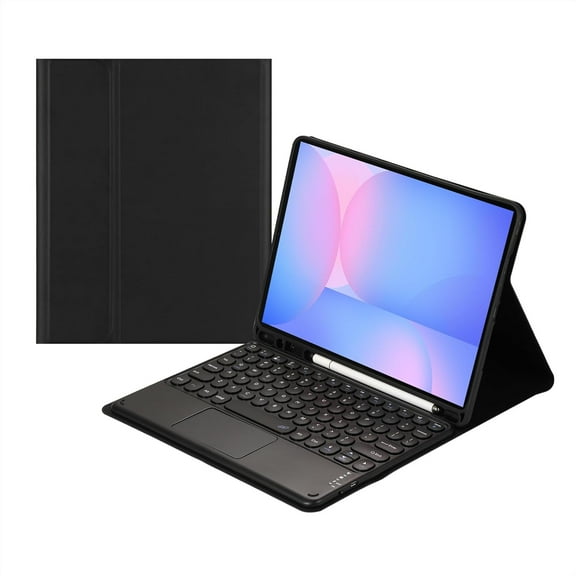
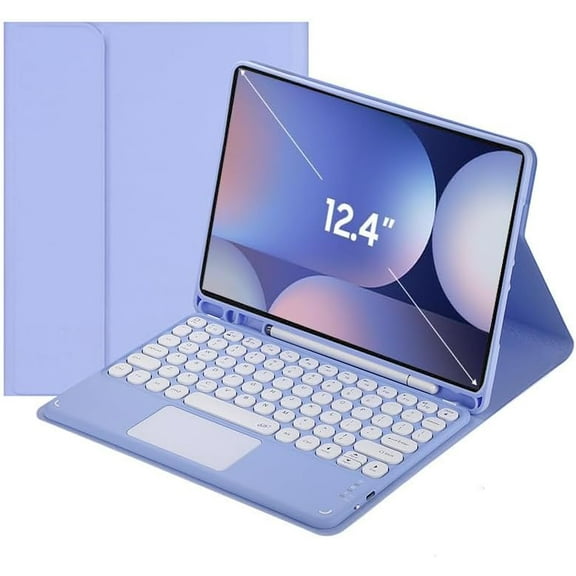
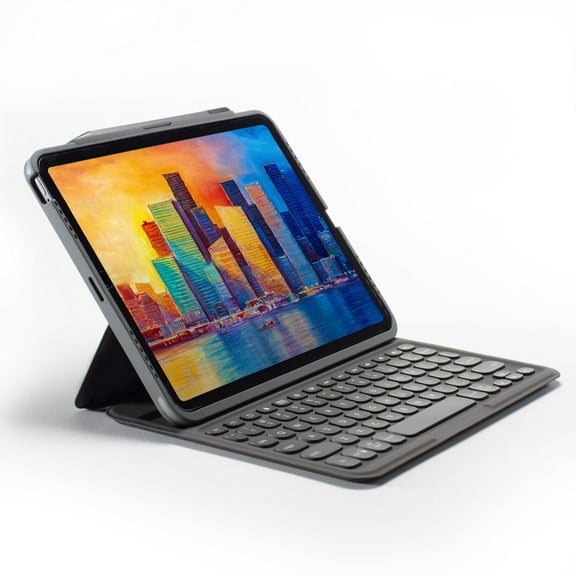
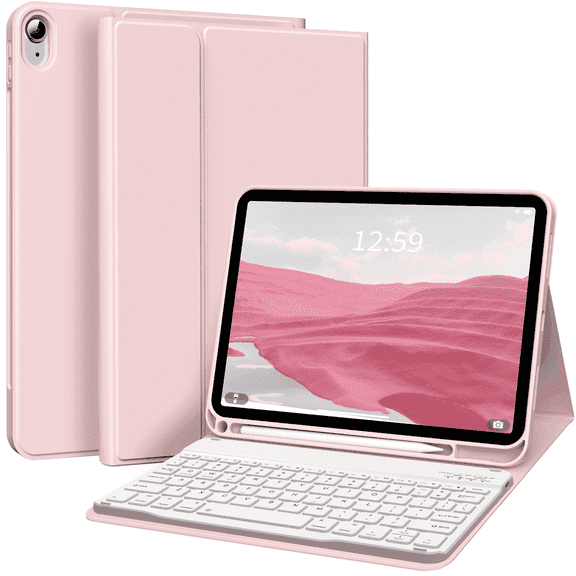
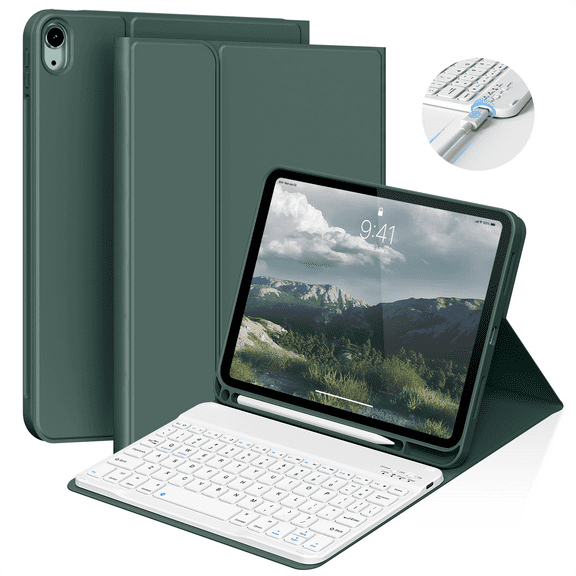
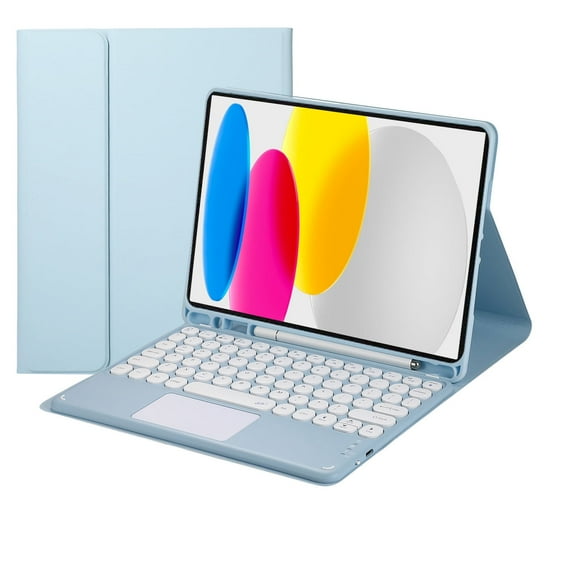
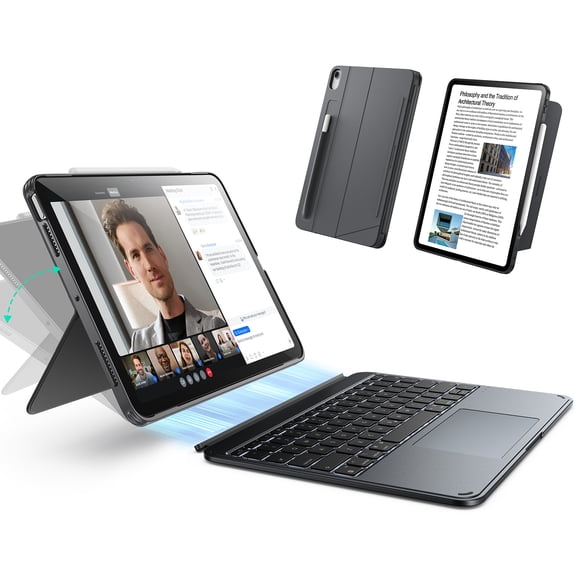
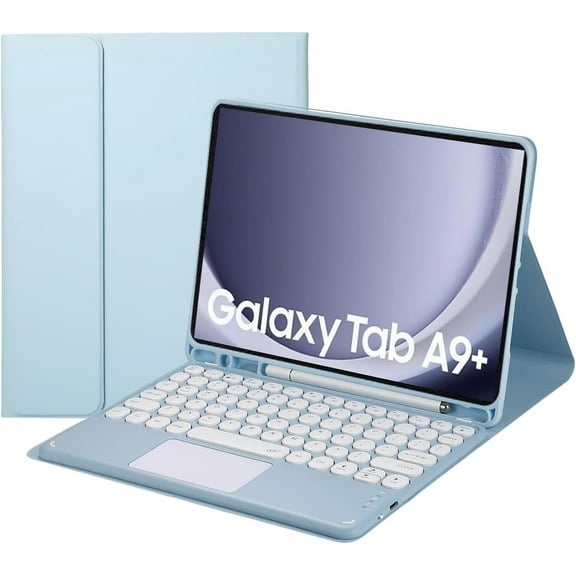
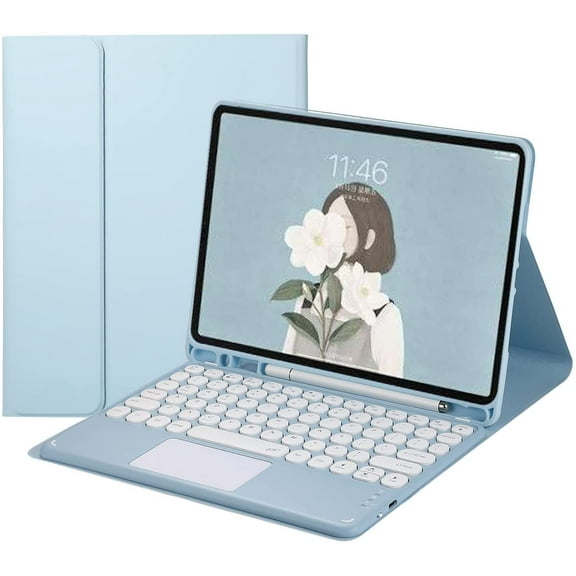
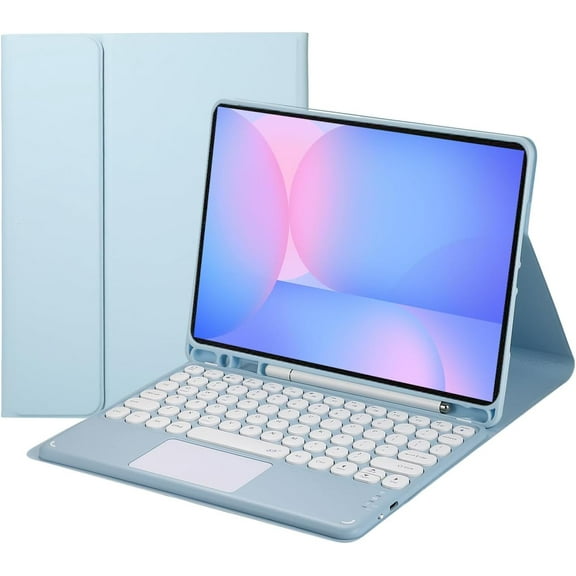
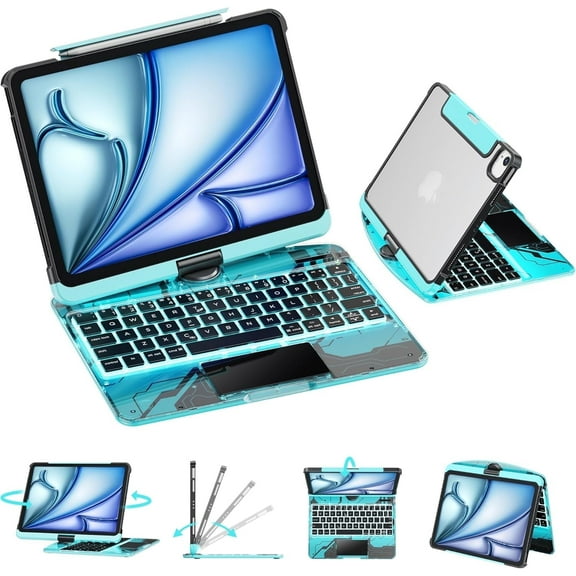
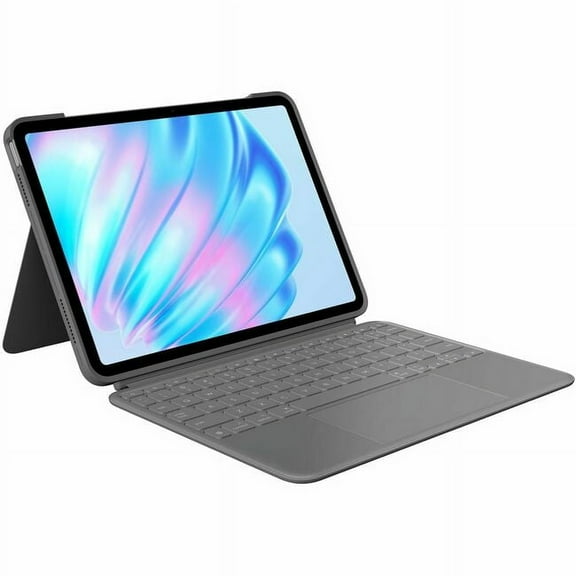
A tablet keyboard case can make sense when you want typing support and front-and-back coverage together. You can prop your tablet upright for video calls, note-taking, and streaming without carrying extra pieces.
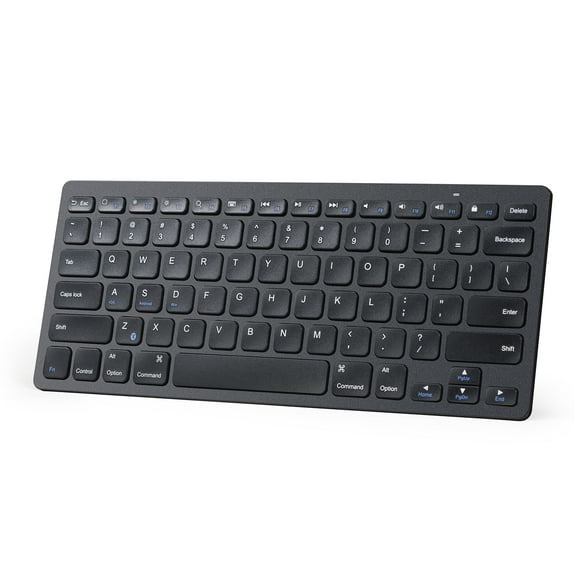
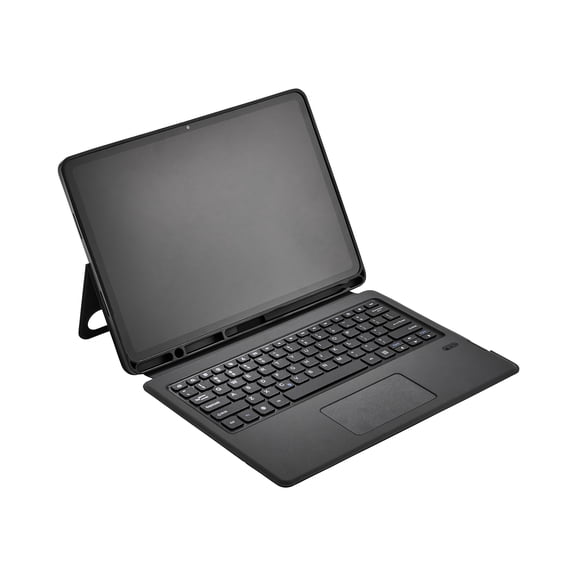
A standalone keyboard may work well when you already use a tablet stand or protective case. You can place the keyboard farther from the screen, which may help you create a more desktop-like setup.
A foldable keyboard often fits compact bags, small totes, and travel pouches with less bulk. You can keep a portable tablet keyboard close by for flights, coffee shops, and quick work sessions.
Checking compatibility, power, and typing feel
You should always confirm support for iPadOS, Android, or Windows before you decide. You also need to check physical dimensions when your choice includes a fitted case shell.
If you share devices at home or work, a universal tablet keyboard can offer more flexibility. You can use one keyboard across different platforms when the model supports those systems.
Typing feel matters when you spend hours answering messages or drafting documents. You can compare membrane, scissor switch, and mechanical keys based on sound, travel, and response.
Membrane keys may suit you if you want a softer, quieter touch during everyday typing. Scissor switch keys can feel crisp and familiar, while mechanical keys may feel more defined under your fingers.
You should also consider weight, hinge design, and material choices when portability matters. You can balance easy carrying with the sturdiness you want for commuting, campus use, or hybrid work.
Ways you can use a bluetooth keyboard for tablet setups
You can use these keyboards for class notes, spreadsheet edits, remote meetings, and everyday browsing. You can also create a more efficient setup for journaling, presentations, and message-heavy work.
For school use, you may want a slim keyboard case that fits desks and lecture halls. For travel, you may prefer a foldable option that packs flat and sets up quickly.
If you work across apps all day, you should look for stable pairing and comfortable key spacing. You can stay productive during long sessions when your keyboard matches your typing style and device.
At home, you can turn a tablet into a casual workstation for recipes, family schedules, and video chats. On the go, you can keep typing without relying on a touchscreen alone.
With the right match, you can get easier typing, cleaner portability, and device-specific fit in one setup. You can feel more prepared for work, class, and travel with a keyboard designed around your tablet habits.