



PC Gaming Keyboards in PC Gaming Peripherals & Accessories





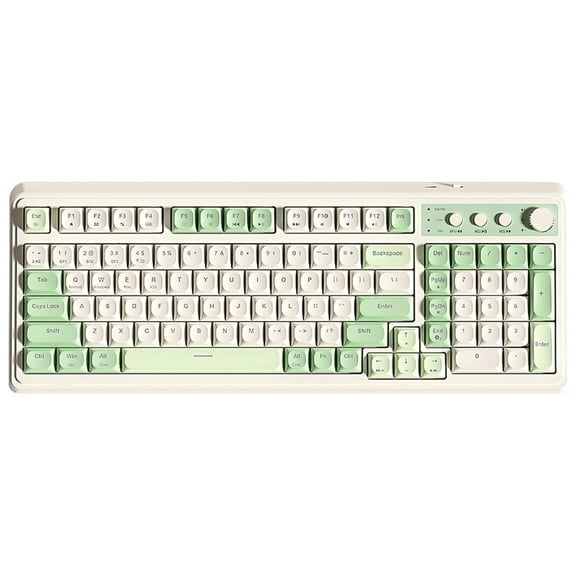


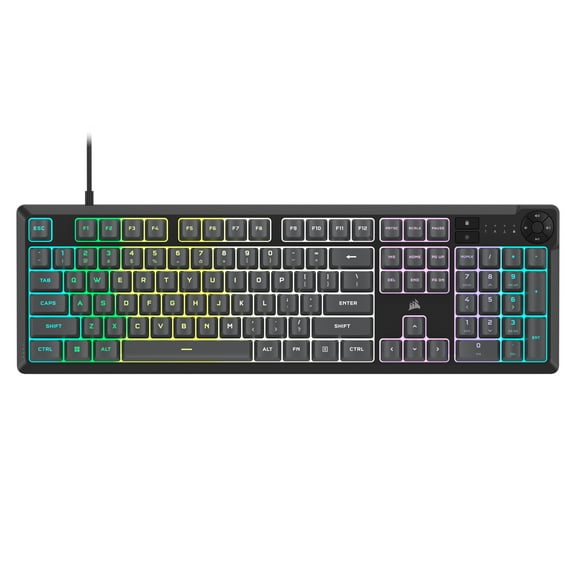

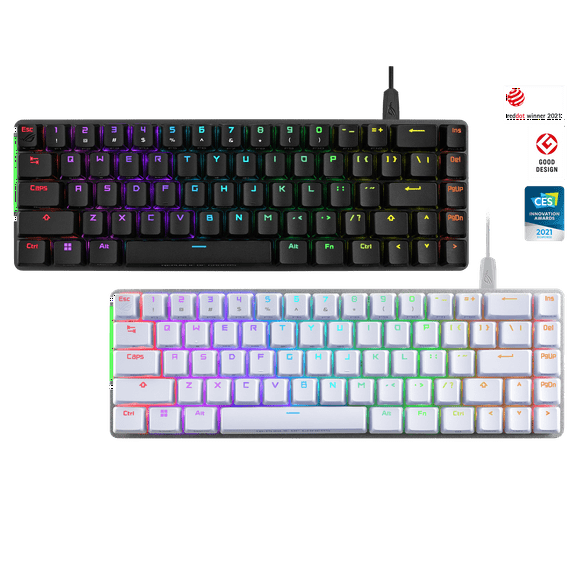
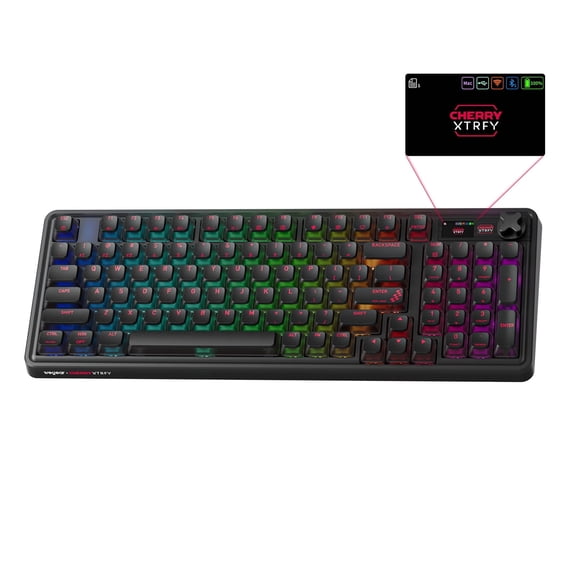
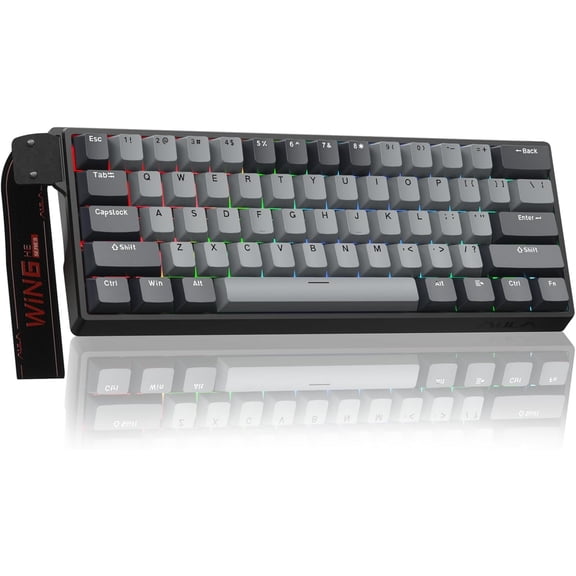


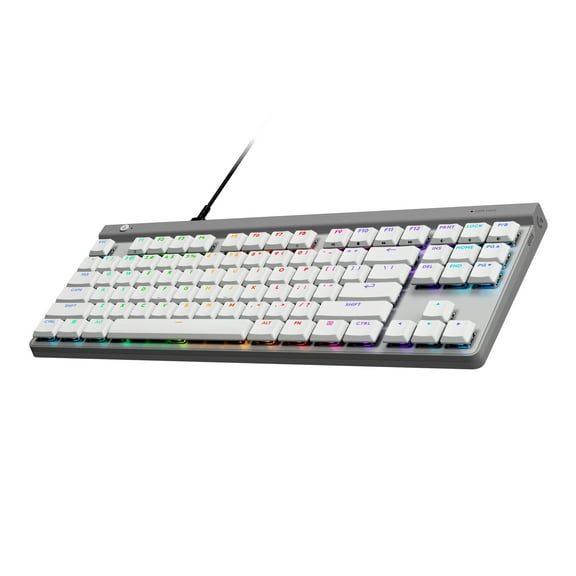
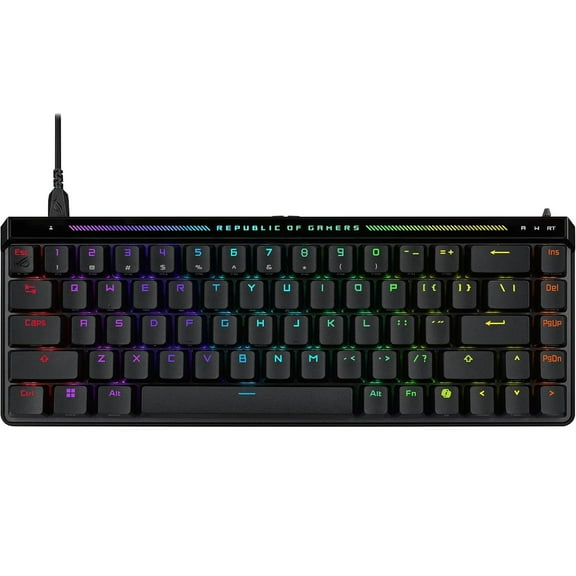
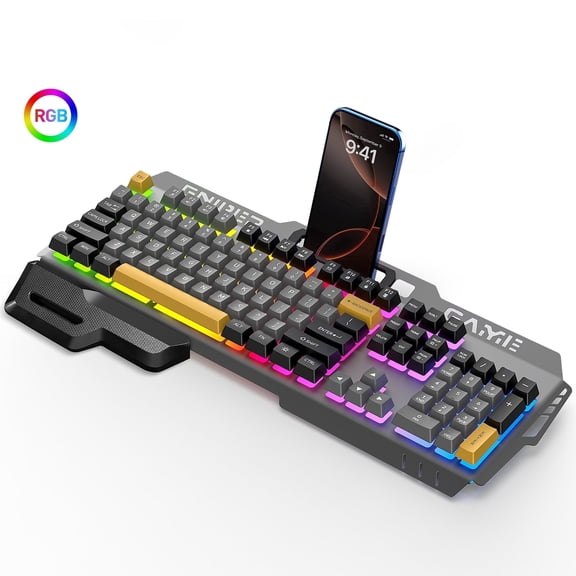




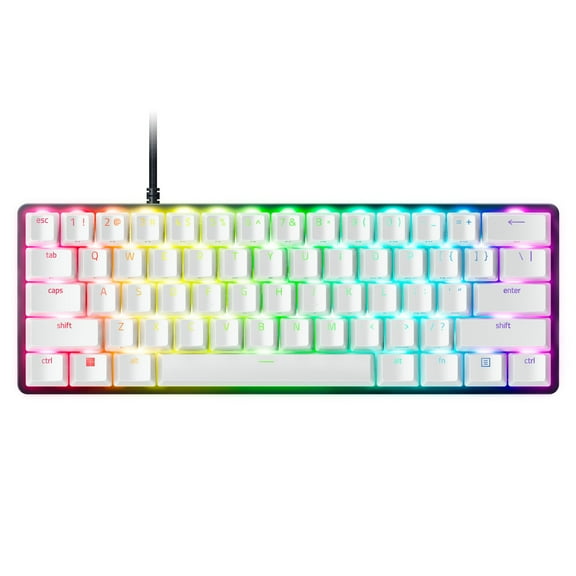


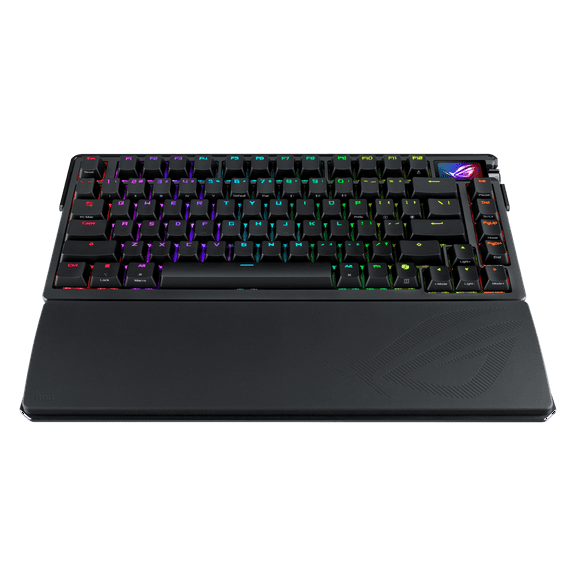
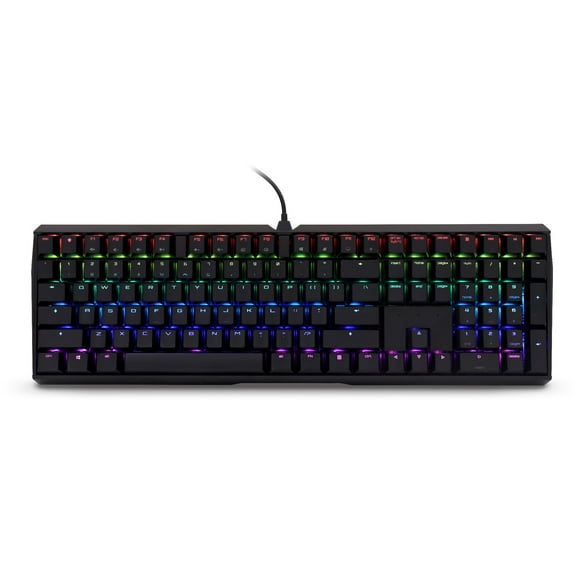
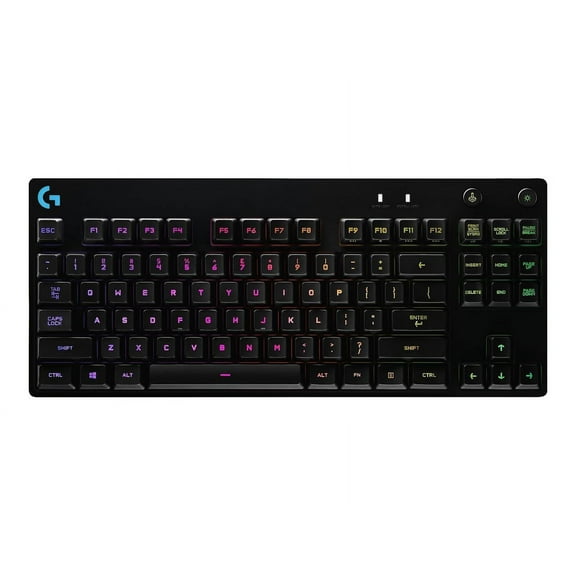
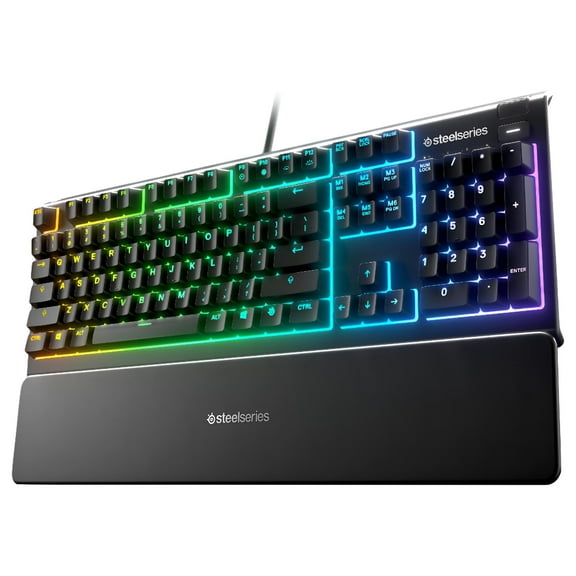
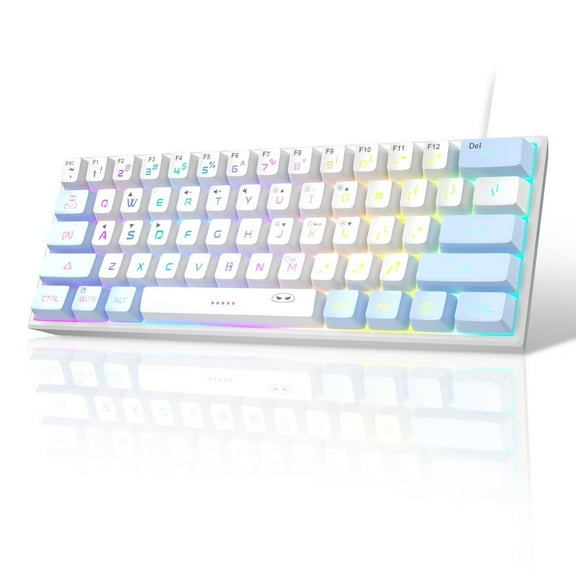


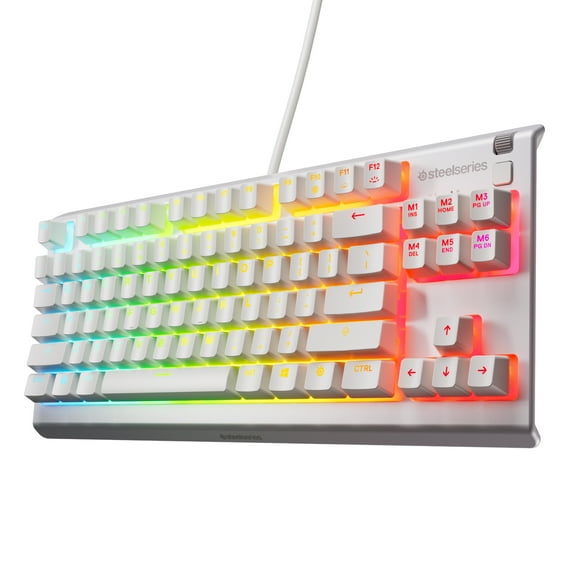
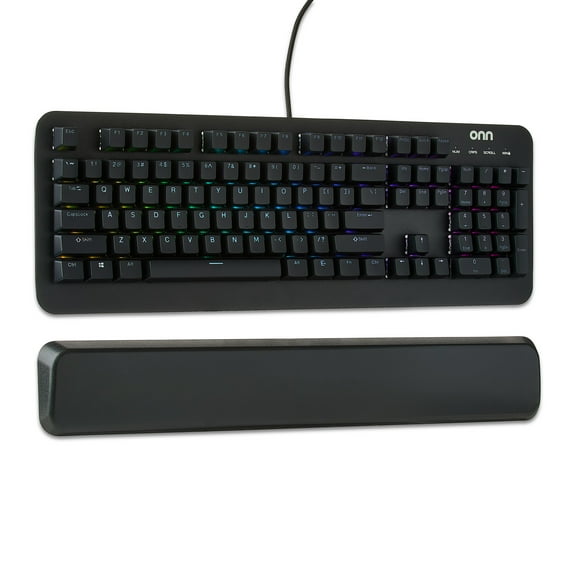
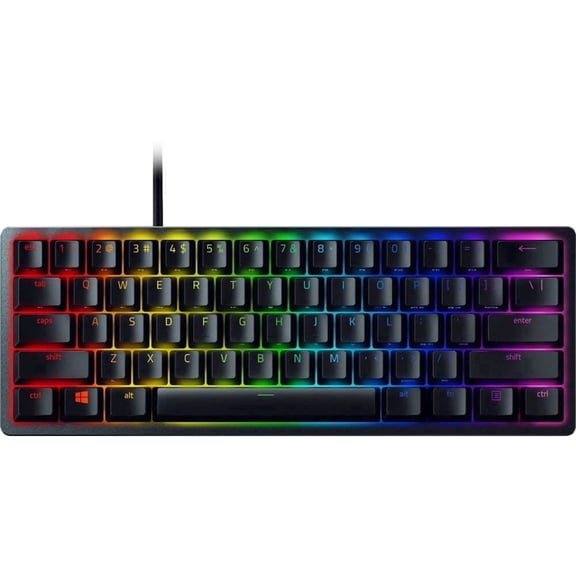
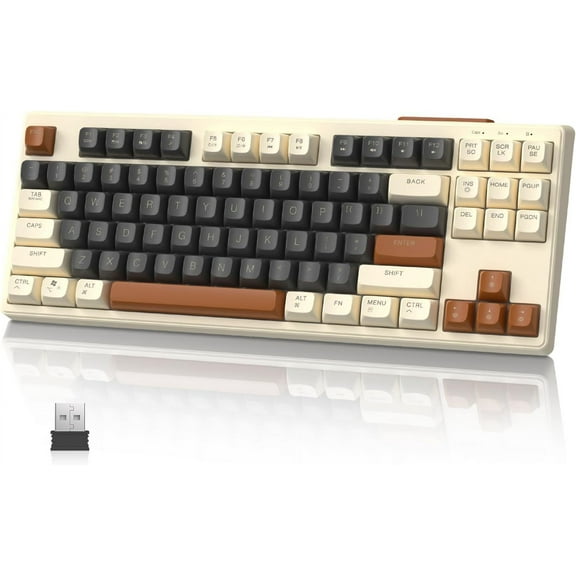


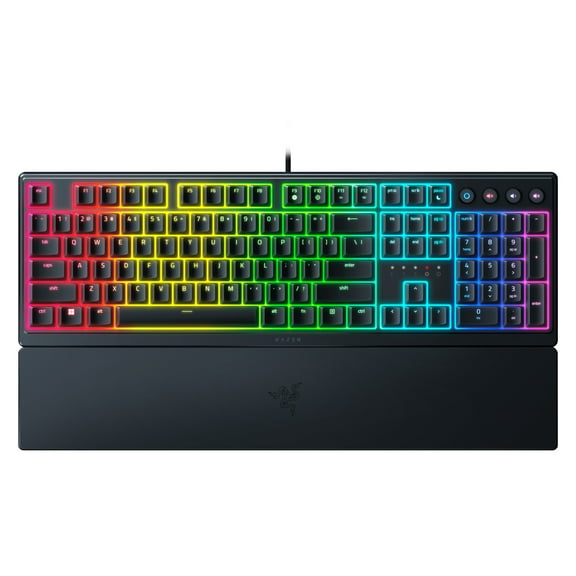
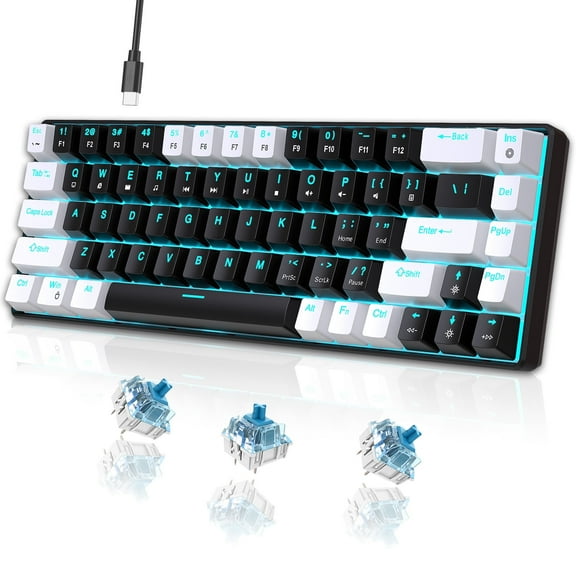


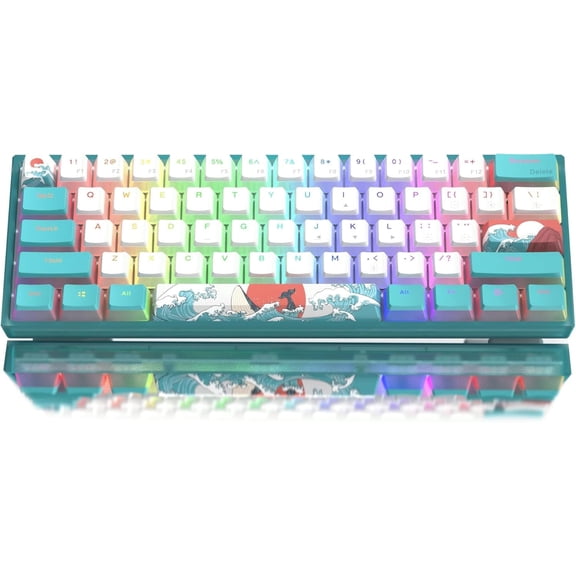


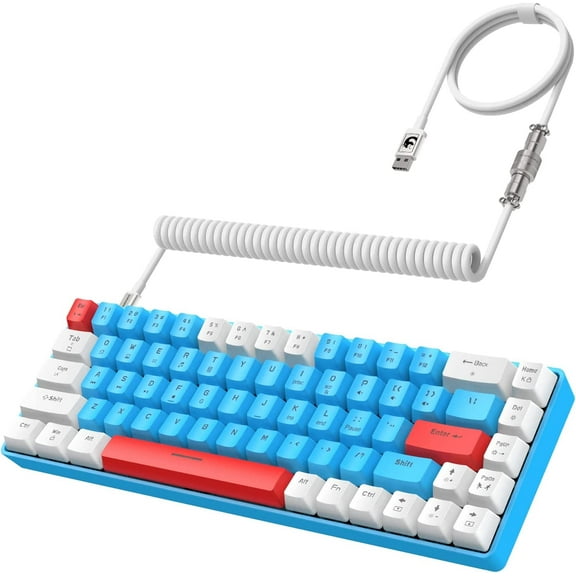


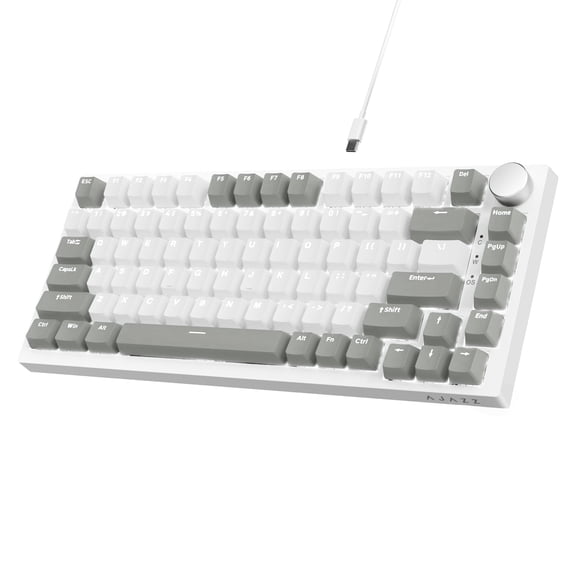


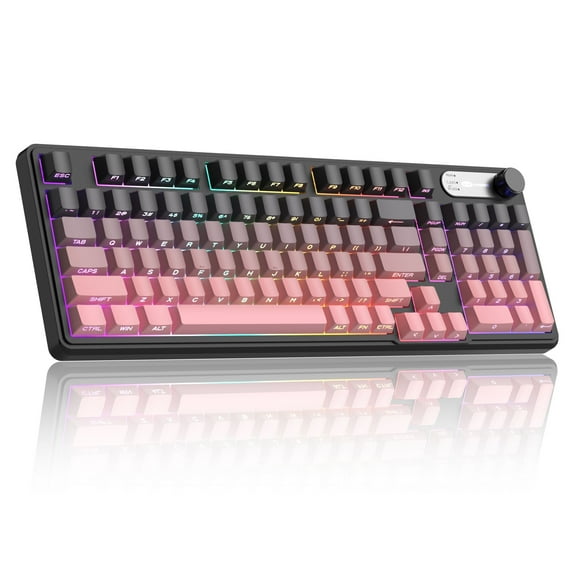
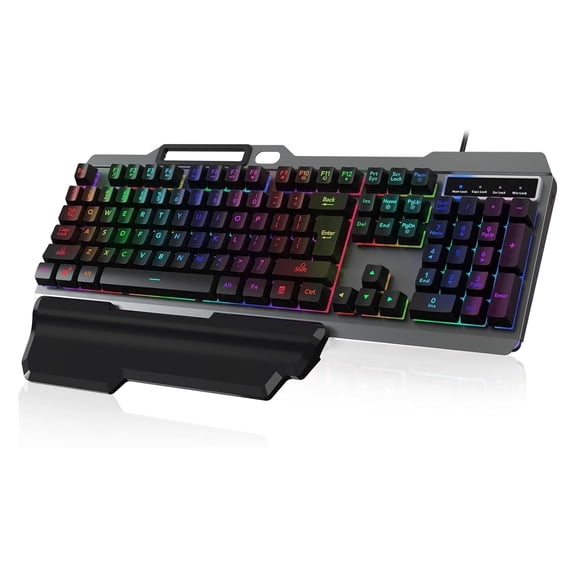


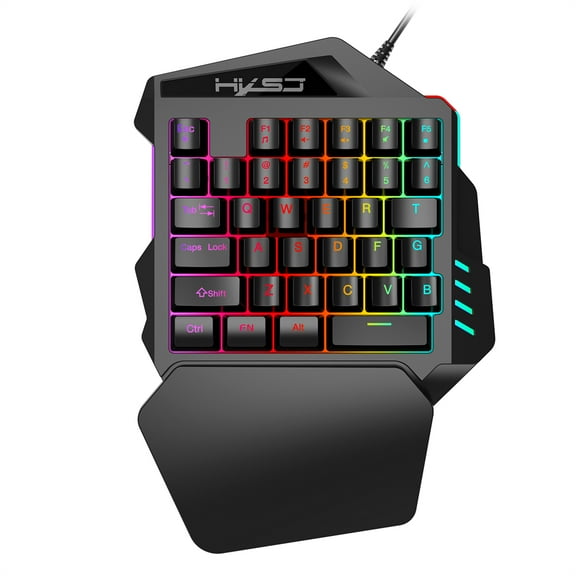


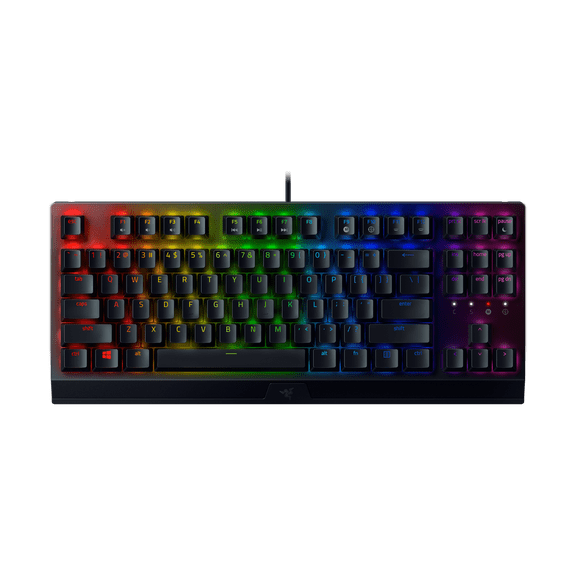
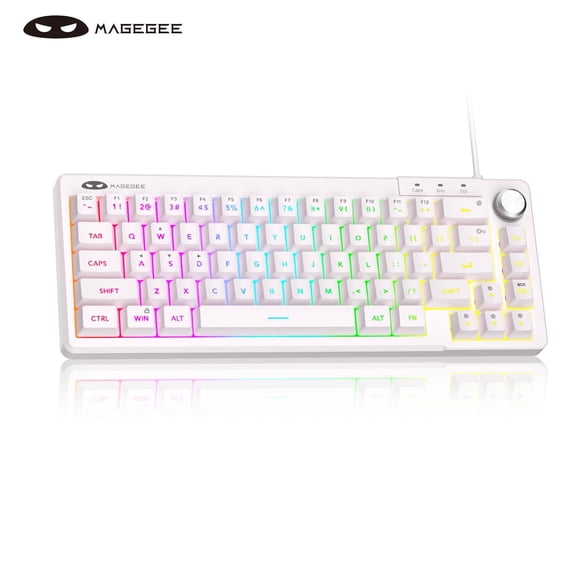


About PC Gaming Keyboards in PC Gaming Peripherals & Accessories - Walmart.com
A gaming keyboard upgrades your PC setup with crisp control, reliable inputs, and a confident feel in every match.
At Walmart, you’ll find layouts, switches, and lighting options built for fast reactions and steady performance.
Why a gaming keyboard changes how you play
A dedicated board helps you stay consistent during long sessions with sturdy keys and stable housings.
Many models support anti-ghosting and N-key rollover, so combos register cleanly during intense moments.
- Responsive key feel supports accurate movement, clean ability casts, and reliable timing in competitive play.
- Durable keycaps and switch designs handle frequent presses during raids, ranked queues, and practice drills.
- Programmable keys help streamline actions, so complex rotations feel organized and repeatable.
- Backlit zones improve visibility in low light, keeping key positions clear during late-night sessions.
Features that matter for PC gaming keyboards
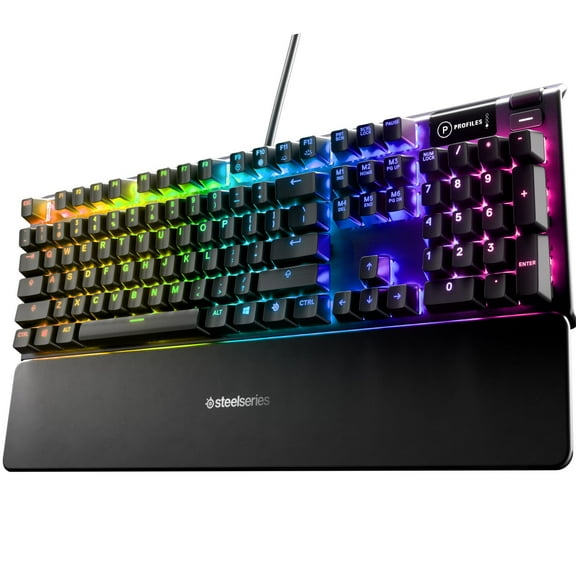
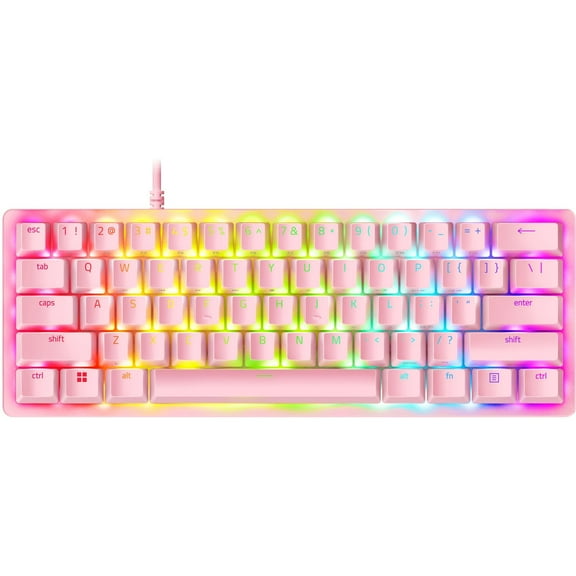
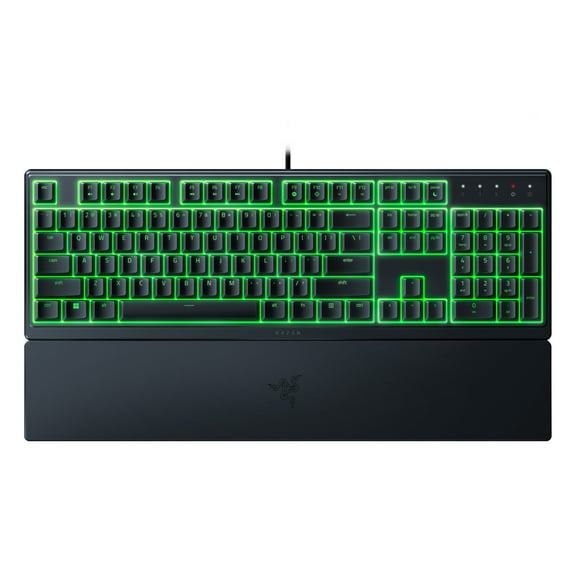
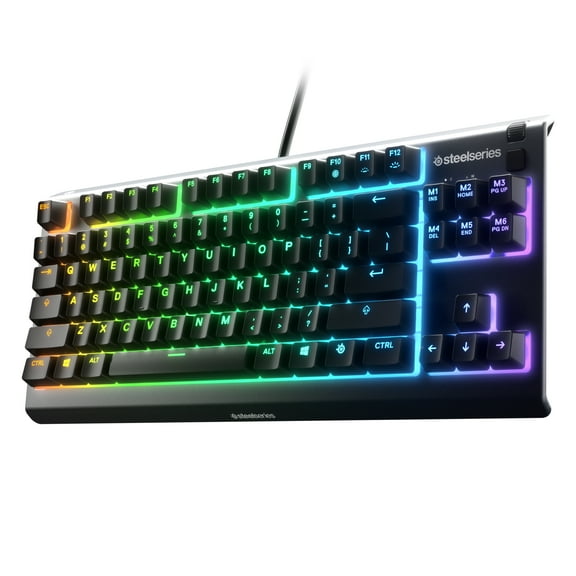
Start with your preferred size, including full-size, tenkeyless, and compact layouts for desk space planning.
Check keycap material, stabilizers, and case weight, since these details affect sound and key wobble.
A mechanical gaming keyboard often uses hot-swappable or soldered switches, depending on the model’s build.
Look for software support for macros, profiles, and per-key lighting to match your games and setup style.
Wired connections keep inputs steady, while select wireless models focus on stable links and tidy cable routing.
If you use a headset and mic, dedicated media keys can keep volume changes quick and interruption-free.
Choosing the right switch
Switch type shapes sound, force, and feedback, and it can change how confident each press feels.
Linear switches feel smooth and quiet-leaning, making repeated strafes and rapid inputs feel controlled.
Clicky switches add a sharp sound with a clear actuation point, which some players like for typing too.
Tactile switches add a noticeable bump without the loud click, supporting feedback during mixed work and play.
Consider actuation force, travel, and noise level, especially if you share a room or stream regularly.
Use cases for every setup
For FPS games, consistent movement keys and dependable rollover support clean strafes and fast weapon swaps.
In MMOs and MOBAs, macros and onboard profiles help manage rotations, pings, and quick inventory actions.
For creators, a solid board supports long typing sessions, while lighting and profiles separate work from play.
On smaller desks, compact layouts free mouse space, which can help maintain a steady aim posture.
If you travel to LAN events, a tenkeyless or compact option packs easily and protects your wrist position.
How to compare gaming keyboard brands
Gaming keyboard brands vary in software, switch options, and warranty coverage, so compare what you’ll actually use.
Some focus on aluminum frames and minimal flex, while others prioritize lightweight builds and bright RGB control.
Check accessory ecosystems like replacement keycaps, wrist rests, and cable options for long-term customization.
Reading layout notes helps, since bottom-row sizing can affect keycap compatibility for future swaps.
Confidence for your next match
With the right gaming keyboard, your inputs feel consistent, your keybinds stay organized, and your setup feels dialed in.
That steadiness helps you focus on reads, timing, and teamwork instead of second-guessing every press.