

3D Printers in 3D Printing





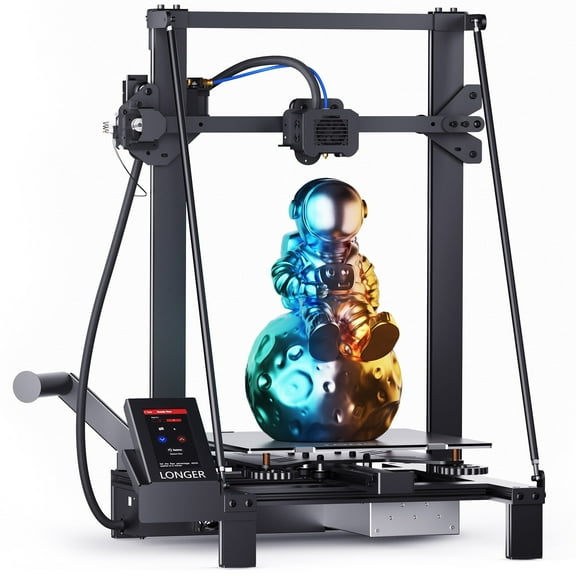
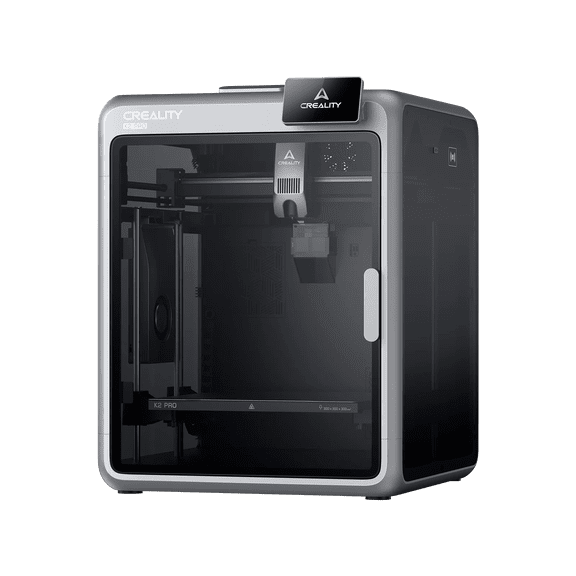
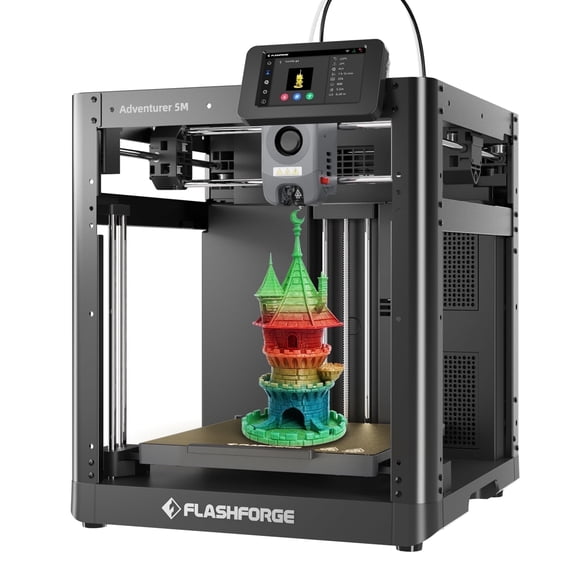
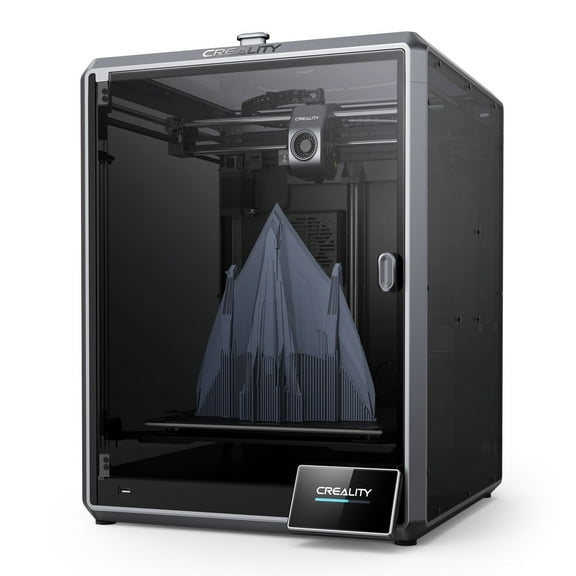





About 3D Printers in 3D Printing - Walmart.com
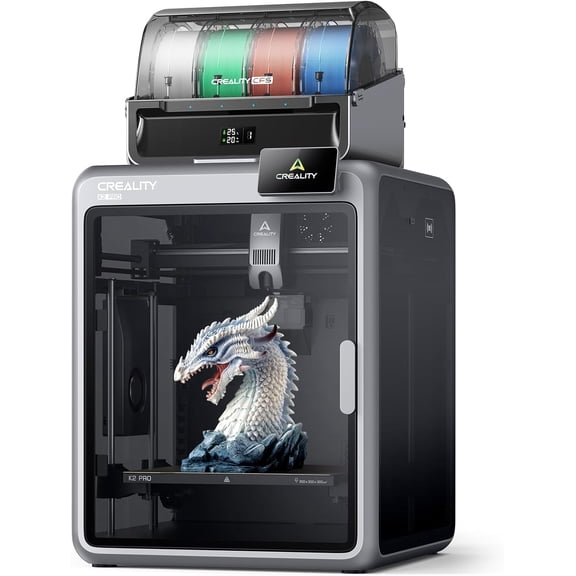
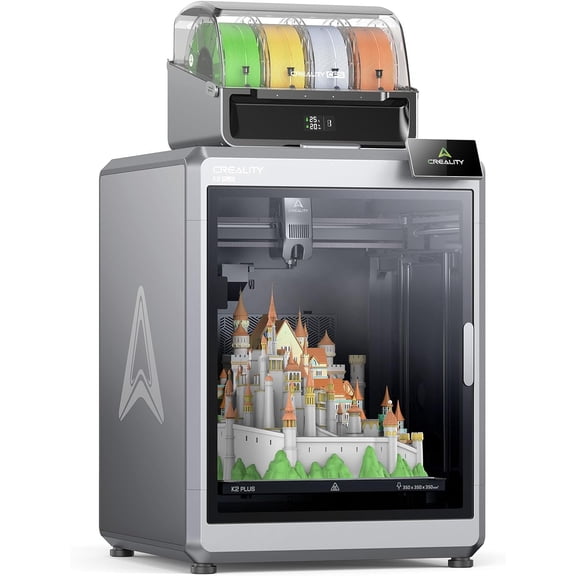
How much is a 3d printer depends on build size, print method, and setup features. This page helps you compare machine types, price tiers, and pickup options fast. Entry models often focus on compact frames and simple controls.
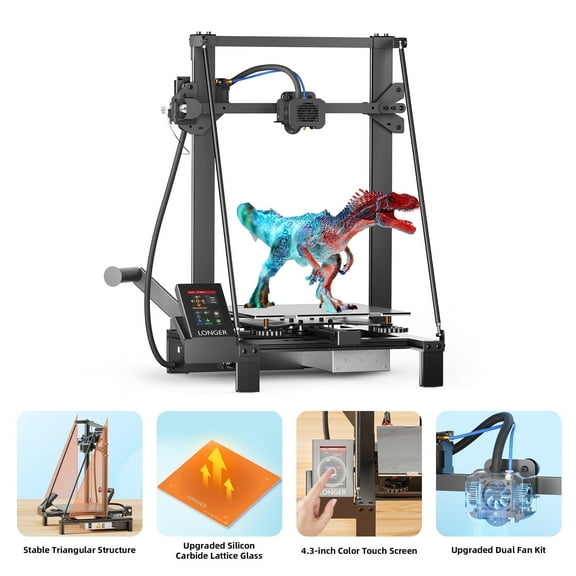
Larger units add heated beds, wider build volumes, and stronger motion systems. That makes this category different from many standard office tools. Print size, material support, and calibration features directly shape what you can make.
How much is a 3d printer?
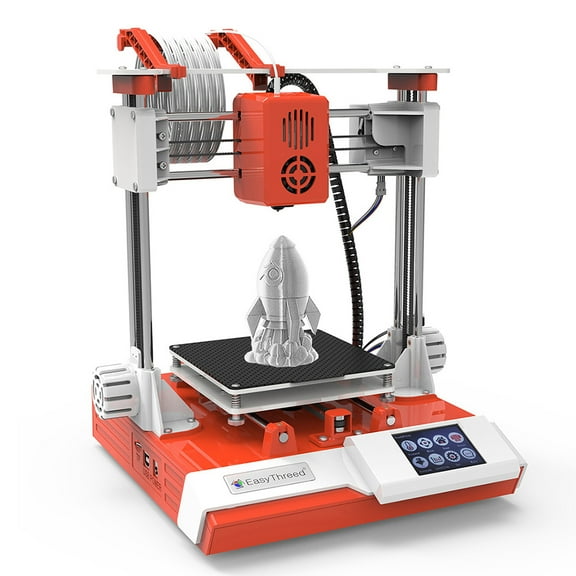
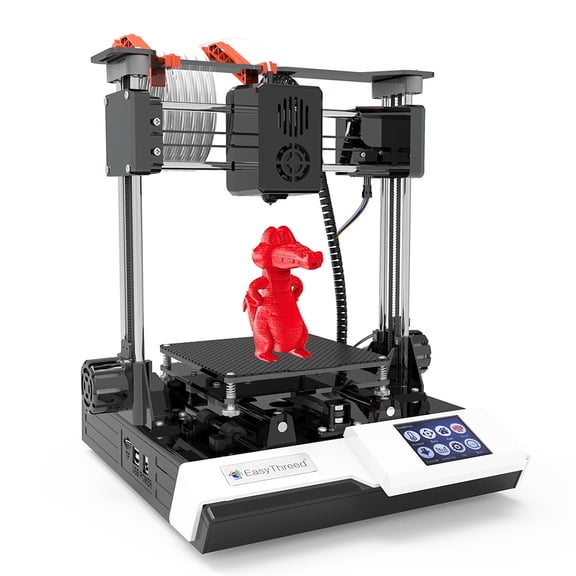
3d printer cost usually rises with build volume, nozzle precision, and automatic calibration tools. A small desktop unit differs from a larger machine built for longer prints. Some shoppers want a 3d printer under $50 for basic experimenting.
Others need enclosed frames, touchscreen controls, and higher-temperature materials support. That difference matters because print goals change the right 3d printer price range. Simple hobby projects need less than multipart prototypes or classroom models.
Filament handling also affects convenience during long jobs. Auto-leveling, resume printing, and direct drive systems reduce setup friction. Those details matter when prints run for many hours.
- Compact printers fit smaller workspaces and starter projects.
- Larger build areas handle helmets, brackets, and multi-part models with fewer sections.
- Auto-leveling features simplify first-layer setup and routine use.
- Pickup and in-store availability help when you need a machine quickly.
Key features that shape 3d printer cost
Build volume is one of the major price drivers in this category. A machine with more print space can handle taller parts and wider models. That matters for cosplay pieces, storage bins, and product mockups.
Layer resolution affects output detail on miniatures, display pieces, and prototype surfaces. Finer settings can produce smoother results. Print times often increase when you choose smaller layer heights.
Frame design also shapes consistency. Metal frames and enclosed chambers support steadier printing during longer jobs. Bed type matters too for adhesion and part removal.
Heated beds support common filaments like PLA, PETG, and ABS-style materials. Removable build plates can make part release and cleanup simpler. These are important checks for repeat printing sessions.
Connectivity changes how you work with the printer each day. Some units use USB, SD cards, Wi-Fi, or app-based controls. Screen size and menu layout also affect daily operation.
Quiet stepper drivers, filament runout sensors, and print recovery features are worth comparing. These details often explain why models sit in different cost tiers. They also affect how smoothly long prints fit into your routine.
Where different 3d printers fit into real projects
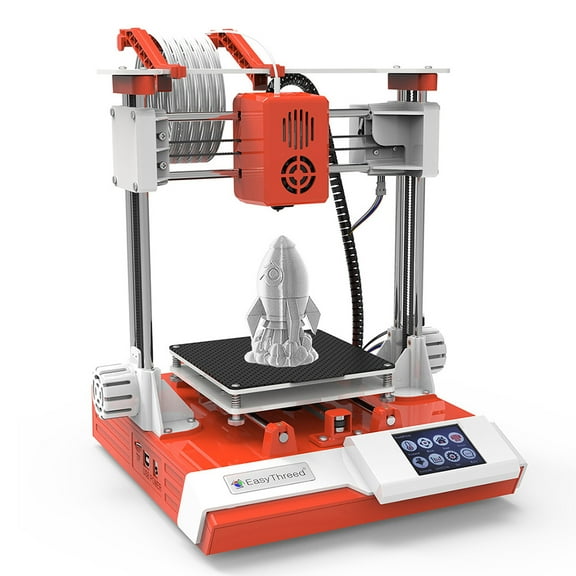
Desktop hobby printers work well for figurines, organizers, replacement clips, and personalized gifts. They suit users who want to learn slicing software and basic filament settings. Their smaller footprint works nicely on desks and worktables.
Classroom and maker space shoppers often look for simple interfaces and repeatable setup. Fast assembly and guided controls help groups start printing sooner. Clear menus also help when several users share one machine.
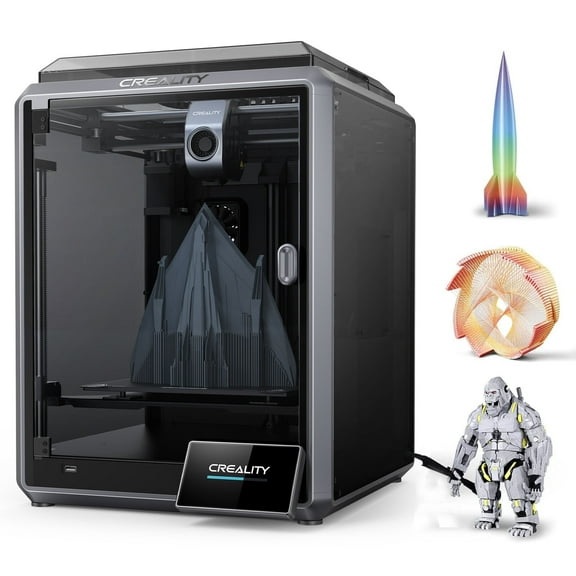
For prototyping, a larger machine can produce enclosures, brackets, jigs, and concept models. A wider bed reduces the need to split parts into separate pieces. That can shorten assembly after printing.
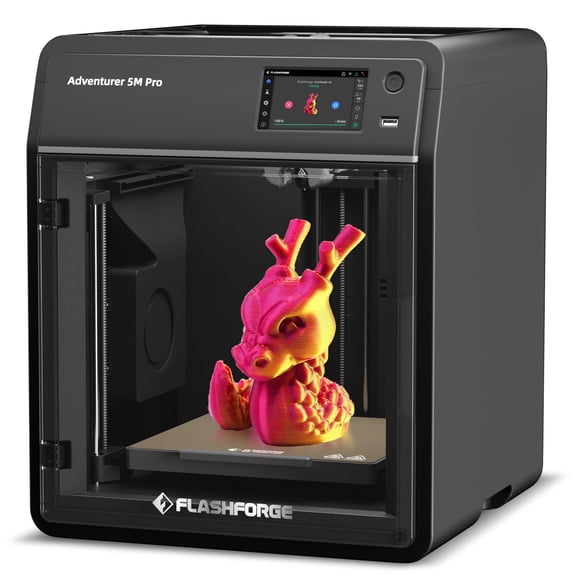
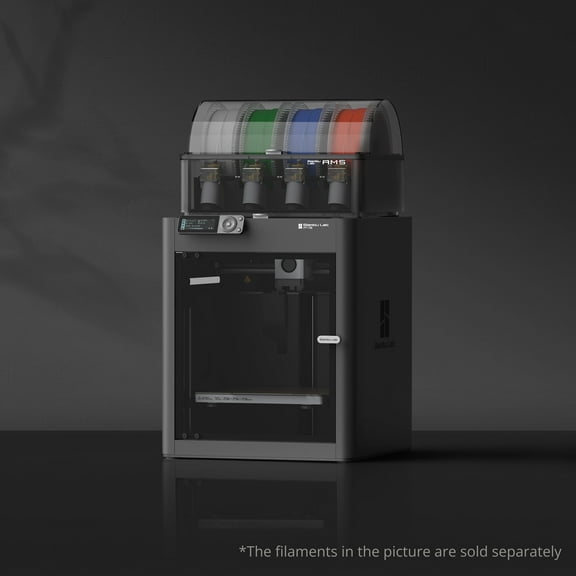
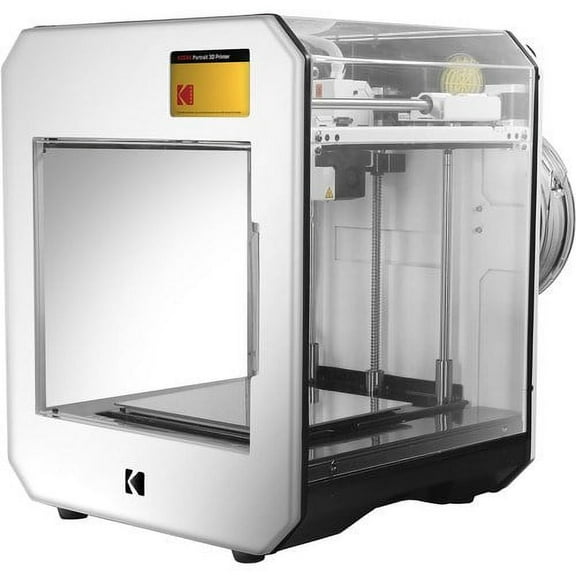
Enclosed printers suit spaces that want organized cable management and a contained build area. Multiple material profiles can also support more project variety. This matters when projects move from decorative pieces to functional parts.
Availability matters when timing is tight. If youu're checking for a 3d printer in store, review delivery and pickup options on Walmart.com. That helps support convenience without slowing down project planning.
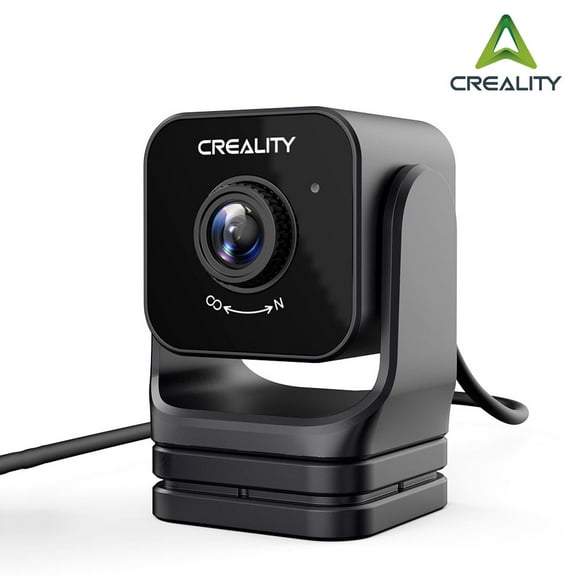
Accessories also shape the full setup. Filament, nozzles, scraper tools, and replacement plates keep your printer ready for regular use. Matching accessories to your machine supports steadier output from the start.
What to compare before choosing a model
Start with the objects you want to print most often. Small cosplay parts, tabletop terrain, and tool holders need different dimensions than full prototypes. Your typical project size should guide the first filter.
Next, check print technology and supported materials. FDM printers are common for filament-based projects. Resin printers focus on fine detail and smooth surfaces.
Then review setup expectations. Some machines arrive mostly assembled, while others need more calibration before the first print. That difference can shape your first weekend with the printer.
Print speed, nozzle temperature range, and slicer compatibility belong on your checklist. A beginner may want simple controls. An experienced user may care more about tuning flexibility and upgrade paths.
If local convenience matters, review pickup options and product availability before you decide. That approach supports shoppers searching for 3d printer pick up today. Looking at accessories at the same time can create a complete printing station.
Matching your machine to print size, materials, and workflow leads to fewer compromises. It also helps you move from setup to finished parts with less guesswork. Clear cost expectations make the decision feel more grounded.
Confidence comes from the right fit
A smart choice starts with clear project goals and a realistic feature checklist. When build volume, controls, and availability line up, your printer produces usable parts with less trial and error.