

Netgear

WiFi products

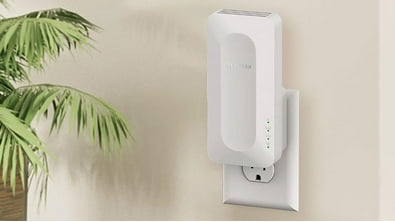



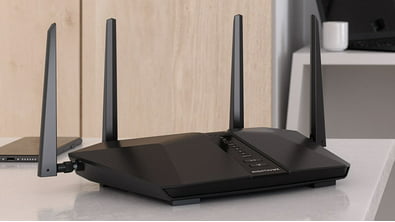
Routers vs. Mesh systems


About Netgear - Walmart.com
You can compare netgear devices at Walmart by device type, coverage needs, and port count before you choose your setup. This category helps you sort routers, switches, mesh systems, and modems by the buying details that shape daily network performance.
Instead of jumping between separate pages, you can use one guide to compare wired speed, Wi-Fi standards, and modem compatibility. That approach gives you clearer direction when your home office, gaming setup, or family streaming habits need specific networking support.
How to choose netgear devices by device type
Device type should guide your first decision because each option handles a different part of your network. You’ll want routers for Wi-Fi sharing, switches for extra wired ports, mesh systems for wider coverage, and modems for provider connection.
As you compare these categories, you can match your setup to your internet source and daily traffic. You can avoid overlap when you know a modem brings in service, while a router shares it across your devices.
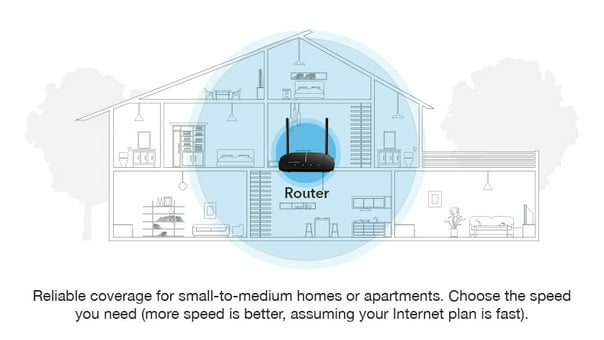
- You can choose routers when your apartment or smaller home needs a central Wi-Fi source.
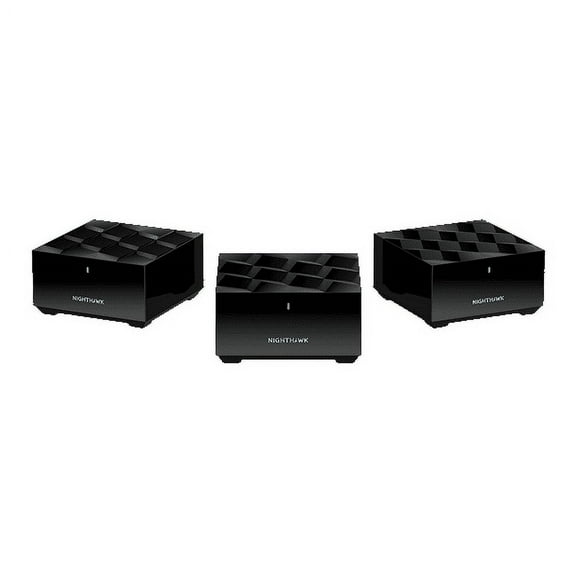
- You can choose mesh systems when your larger home needs coverage across several rooms or floors.
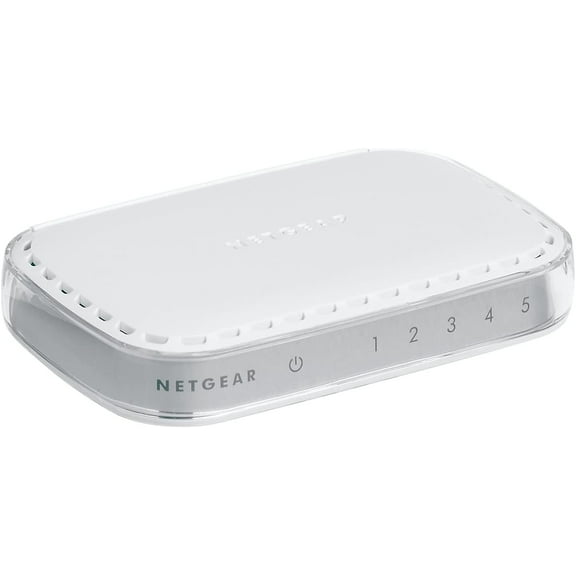
- You can choose switches when your desk, media area, or office needs more wired connections.
- You can choose modems when your internet plan requires a compatible cable connection standard.
For busy households, you should check how many devices your network needs to support at once. You’ll usually want stronger routing hardware when phones, TVs, consoles, and cameras stay connected throughout the day.
In work areas, you may prefer wired connections for desktops, printers, and network storage. You can use a switch to expand ports without changing your current router placement.
Choosing netgear switch gigabit options and port count
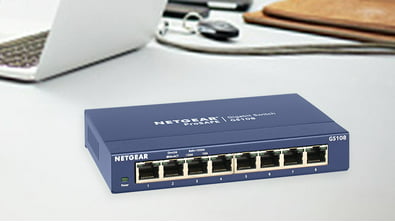
Port count and speed should be compared together because both shape how smoothly your wired devices communicate. You’ll see compact choices like a netgear 5 port switch, along with larger options for busier setups.
When your setup includes a desktop, gaming console, smart TV, and printer, you may need more than a basic switch. You should count current devices and leave open ports for future additions.
With a netgear switch gigabit model, you should look for gigabit speeds for fast file transfers and steady streaming. You’ll notice Fast Ethernet fits lighter tasks, while multi-gigabit supports newer hardware and heavier traffic.
Managed and unmanaged switch types also matter when you compare wired networking gear. You’ll usually choose unmanaged models for simple plug-in use, while managed options let you customize traffic and network behavior.
Choosing Wi-Fi standards and router performance
Wi-Fi standards matter because they shape speed, capacity, and device handling across your space. You’ll commonly compare Wi-Fi 5, Wi-Fi 6, Wi-Fi 6E, and Wi-Fi 7 as you narrow your options.
Even if your phones and laptops are older, you can still consider newer standards for longer-term flexibility. You may prefer that route when your household connects many devices at the same time.
Coverage area deserves just as much attention as speed when you choose a router or mesh system. You should measure your square footage and consider walls, floors, and room spacing before you decide.
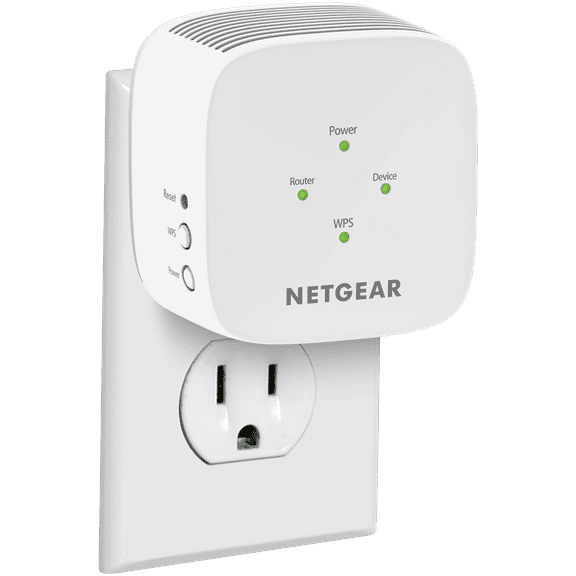
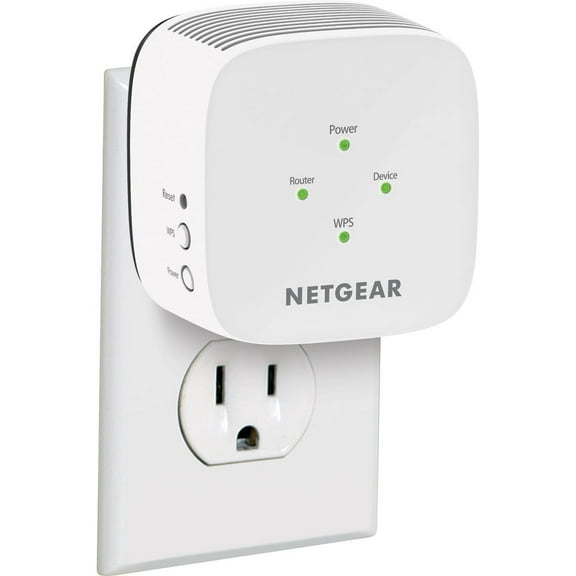
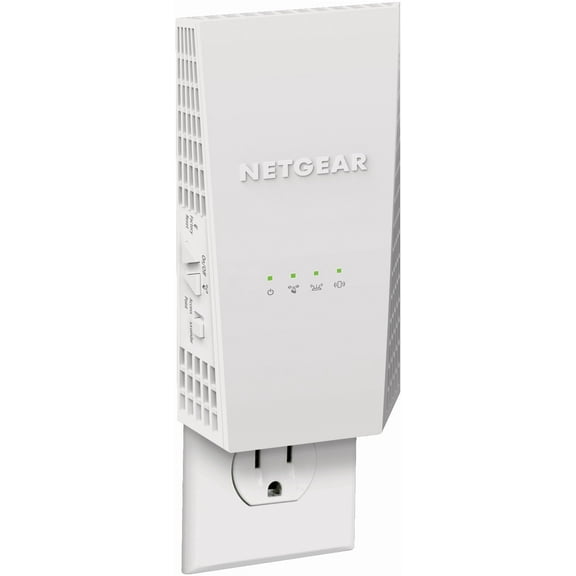
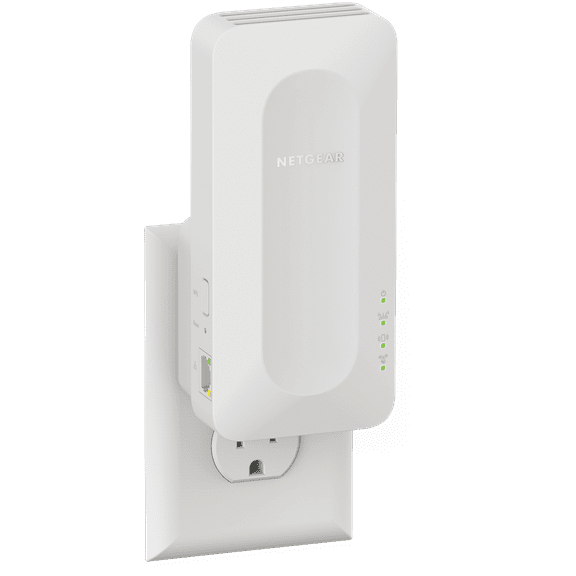
For a smaller home, you may prefer one router placed near the center of your layout. For wider coverage, you’ll likely choose a mesh system with nodes that extend signal into distant rooms.
During model comparisons tied to netgear nighthawk x6 ac3200 searches, you should focus on your performance needs. You’ll want enough bandwidth for streaming, gaming, video calls, and connected speakers across your network.
How to compare modem compatibility and wired versus wireless needs
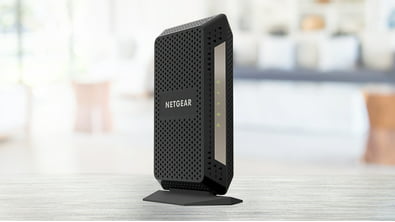
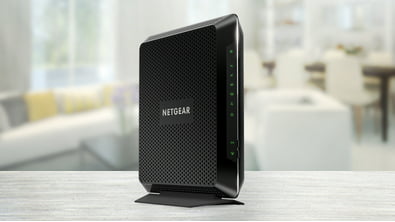
Modem compatibility should be checked before you finalize a purchase because not every modem fits every provider. You’ll want to confirm ISP requirements and compare DOCSIS standards with your internet plan.
For cable internet, you may review DOCSIS versions to understand connection support and speed potential. You can use that detail to match your modem choice to your provider’s service tier.
Wired and wireless needs should shape how you build your network across each room. You’ll often rely on Wi-Fi for phones and tablets, while wired connections support desktops, gaming systems, and workstations.
In a home office, you may pair a router with a switch to support several wired devices at once. You can create a cleaner setup when you match service input, local traffic, and room layout correctly.
If you search netgear us or netgear com before comparing products, you may still want one page for buying guidance. You’ll get a simpler path when you group routers, mesh systems, modems, and switches by practical decision points.
Matching netgear setups to your space and routine
A compact router can fit a smaller apartment where streaming and browsing happen in one main area. You’ll usually need fewer ports and less coverage when your layout stays simple.
For a larger home with upstairs bedrooms and downstairs living areas, you may prefer a mesh system. You can get broader signal reach when multiple nodes extend coverage beyond one central room.
When you manage a home office or small business corner, you can pair wireless coverage with a netgear switch gigabit setup. You’ll support desktops, printers, and shared devices without depending on Wi-Fi for every connection.
At an entertainment center, you may choose a netgear 5 port switch when several devices sit close together. You can connect a console, streaming box, smart TV, and sound system through one compact wired hub.
When your internet plan depends on a separate modem, compatibility should come first in your checklist. You’ll build a smoother setup when your modem, router, and switch match your provider and traffic needs.
With these buying points in mind, you can compare networking gear with more clarity across this category. You’ll end up with netgear equipment that fits your space, your connected devices, and your everyday internet routine.