



GolfBuddy in Golf Equipment




About GolfBuddy in Golf Equipment - Walmart.com
You can compare golfbuddy devices by how you play, how you track yardages, and how you prefer to carry your tech. You’ll find practical options for GPS guidance, laser targeting, and wearable distance help during each round.
If you want brand-specific golf tools, golfbuddy helps you narrow choices across voice units, watches, handheld GPS models, and laser devices. You can use this guide to compare measurement style, display type, power source, and course access before you choose.
How to choose golfbuddy by device type
You should start with device type because it shapes how you get distance information on the course. You can pick a handheld GPS, voice GPS, laser rangefinder, or GPS watch based on your routine.
If you like a quick glance in your hand, you may prefer a handheld GPS with hole details and green views. If you want hands-free updates, you may prefer a clip-on voice unit or a GPS watch.
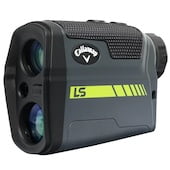
When you want point-and-shoot targeting, a golfbuddy rangefinder can help you lock onto the flag from your setup position. When you want a wider hole view, you may lean toward a GPS model instead.
- You can choose a handheld GPS if you want hole layouts and yardages in one screen.
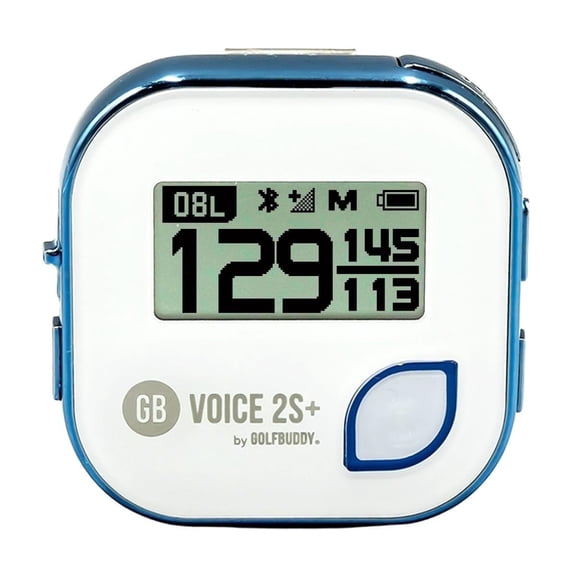
- You can choose a voice GPS if you want spoken distances without checking a display.
- You can choose a laser rangefinder if you want direct flag distance before each shot.
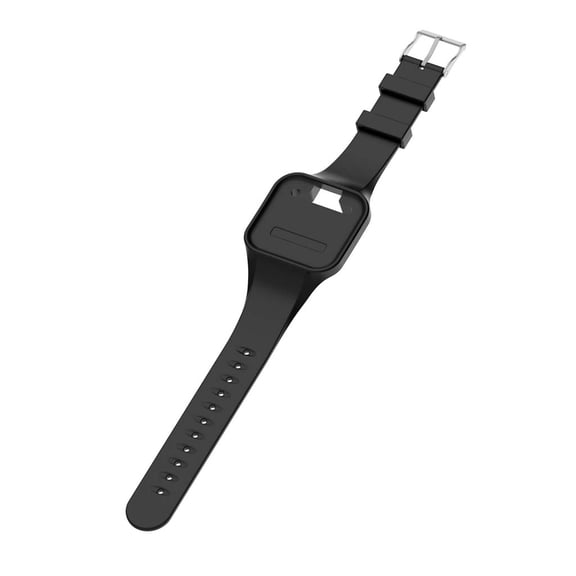
- You can choose a GPS watch if you want yardages on your wrist throughout the round.
Choosing between golfbuddy gps and golfbuddy rangefinder
You should compare GPS and laser technology by the kind of information you want before each swing. You’ll usually get a broader course picture from GPS and a targeted reading from laser.
If you use a golfbuddy gps device, you can view front, center, and back yardages with less aiming. If you use a golfbuddy rangefinder, you can point at a target for a direct distance readout.
You may also see slope compensation on select laser models, which helps you judge elevation changes in plain terms. You should check event rules if you want that feature for practice or tournament play.
Course coverage matters when you rely on GPS during travel or regular weekend rounds. You’ll want to check the preloaded course database and confirm whether your frequent courses are already included.
Subscription details also matter when you compare long-term convenience across devices. You may prefer models with zero subscription fees if you want straightforward access to course maps and updates.
What to look for in display type and controls
You should match the display style to how you read information in bright outdoor conditions. You can compare color touchscreens, mono LCD displays, and voice-only formats by speed and simplicity.
If you want map detail and touch controls, you may prefer a color touchscreen on a handheld or watch. If you want a simpler readout, you may prefer a mono LCD with clear yardage numbers.
When you’d rather hear distances than look down, you may choose a golfbuddy voice device with spoken updates. You can keep your routine moving without pulling out a phone or checking a larger screen.
Button layout and menu flow also affect how quickly you can move through holes and settings. You should look for controls that feel clear when you’re standing on the tee or fairway.
How to compare battery and power options
You should check the power source before you choose a device for frequent rounds or travel. You’ll commonly see rechargeable lithium-ion batteries on GPS devices and CR2 batteries on laser rangefinders.
If you want easy overnight charging, you may prefer a rechargeable GPS watch or handheld unit. If you want a replaceable option, you may prefer a laser model that uses a CR2 battery.
Battery life matters when you play multiple rounds, walk long courses, or forget to charge between outings. You should compare expected runtime so your device fits your weekly golf schedule.
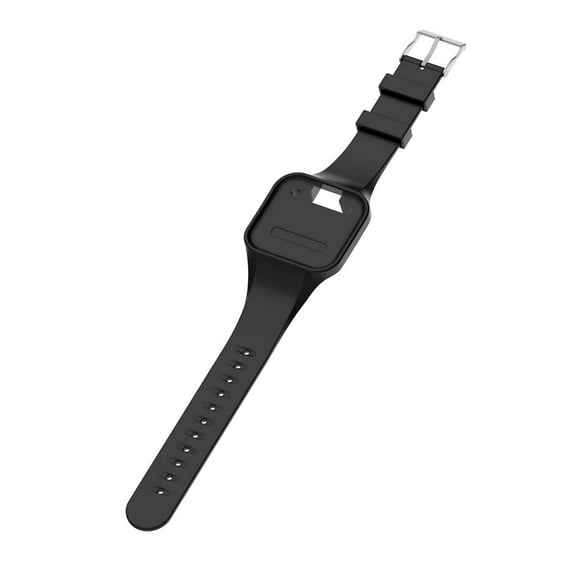
A golfbuddy watch can work well if you want all-day wear and quick access during every hole. A clip-on or pocket device can fit you if you want distance help without wearing anything on your wrist.
Matching golfbuddy devices to how you play
You should match your device to the moments that shape your round, not just the feature list. You can make a clearer choice when you picture your tee shot routine, approach setup, and walking pace.
If you play unfamiliar courses, you may want GPS mapping with preloaded courses and quick hole changes. If you focus on pin distance for approach shots, you may want laser measurement instead.
When you prefer light gear, a voice clip-on can give you yardages without filling your pocket. When you track distance often, a wrist-based golfbuddy watch can keep numbers within easy reach.
You may also compare whether you want touch navigation, spoken guidance, or a direct optical reading. You’ll make a smarter choice when your device matches your pace, sightline, and comfort during play.
With golfbuddy, you can compare GPS, laser, voice, and watch formats using real course needs instead of guesswork. You’ll feel more confident when your distance tool fits your playing style and your preferred on-course routine.