





Golf Simulators in Golf Tech(13)
Garmin Approach R10 Portable Golf Launch Monitor & Golf Simulator with 10-Hour Battery $509.99
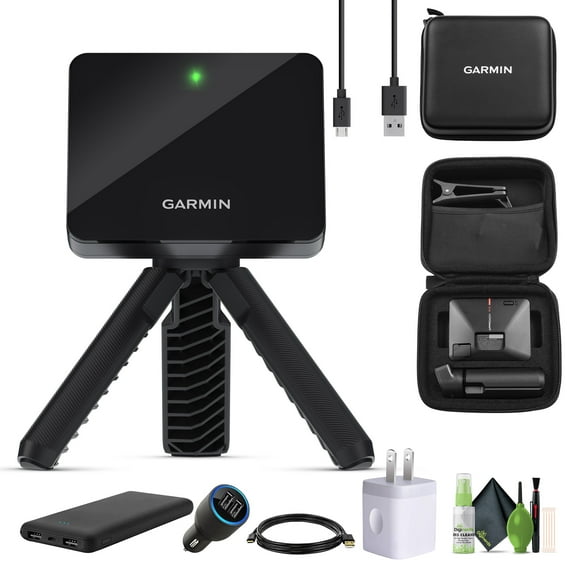
Garmin Approach R10 Portable Golf Launch Monitor & Golf Simulator with 10-Hour Battery
Voice Caddie Swing Caddie SC300i Portable Golf Launch Monitor $399.99
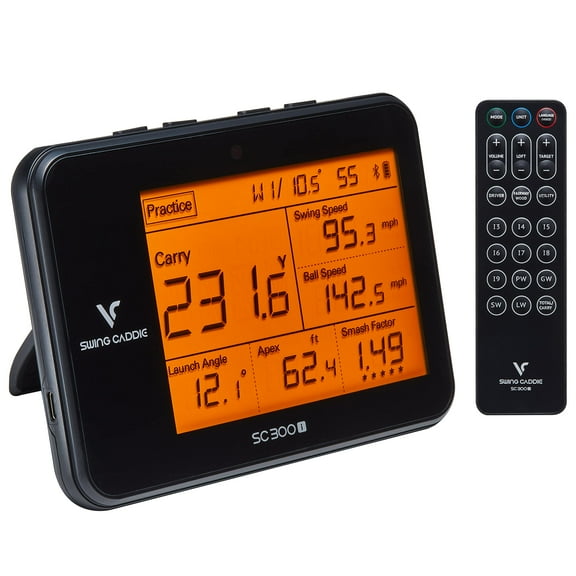
Voice Caddie Swing Caddie SC300i Portable Golf Launch Monitor
Garmin Approach R10, Portable Golf Launch Monitor, Take Your Game Home, Indoors or to a Driving Range, up to 10 Hours Battery Life $454.00 Was $599.99

Garmin Approach R10, Portable Golf Launch Monitor, Take Your Game Home, Indoors or to a Driving Range, up to 10 Hours Battery Life

Garmin Approach R10 Portable Golf Launch Monitor & Golf Simulator with 10-Hour Battery $509.99
Garmin Approach R10 Portable Golf Launch Monitor & Golf Simulator with 10-Hour Battery
MYMOON HOME GimmeVR VR Golf Club Attachment Handle, for Controller Oculus Quest 2, Black $14.99
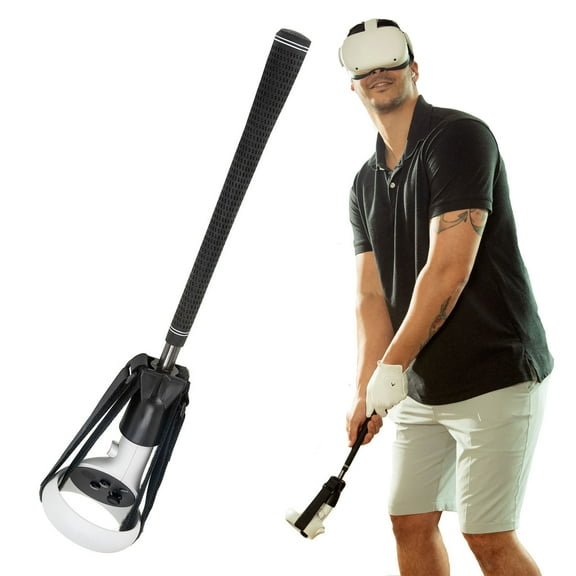
MYMOON HOME GimmeVR VR Golf Club Attachment Handle, for Controller Oculus Quest 2, Black
Arccos Golf Caddie Smart Sensors (3rd Generation) $89.00 Was $179.99

Arccos Golf Caddie Smart Sensors (3rd Generation)
Garmin Approach CT10 Starter Kit, Automatic Club Tracking System, 3 Sensors, White $79.99 $26.66/ea
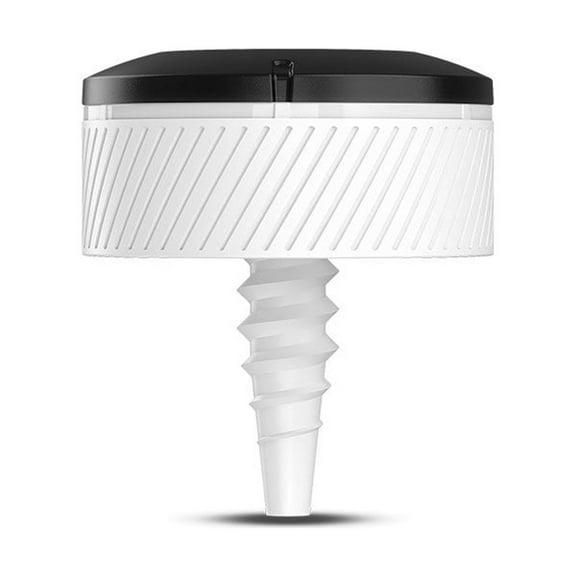
Garmin Approach CT10 Starter Kit, Automatic Club Tracking System, 3 Sensors, White
PRGR Black Pocket Golf Launch Monitor HS-130A (2021 Model) $229.99
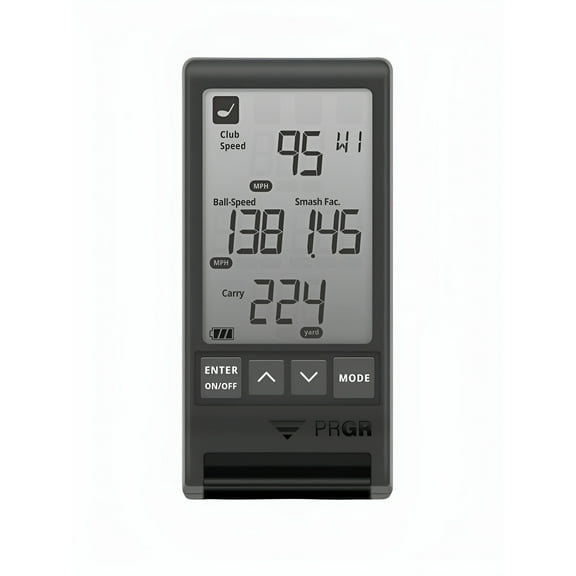
PRGR Black Pocket Golf Launch Monitor HS-130A (2021 Model)
Garmin Approach R10, Portable Golf Launch Monitor, Take Your Game Home, Indoors or to The Driving Range, Up to 10 Hours Battery Life with 6Ave Travel & Cleaning Kit $504.99
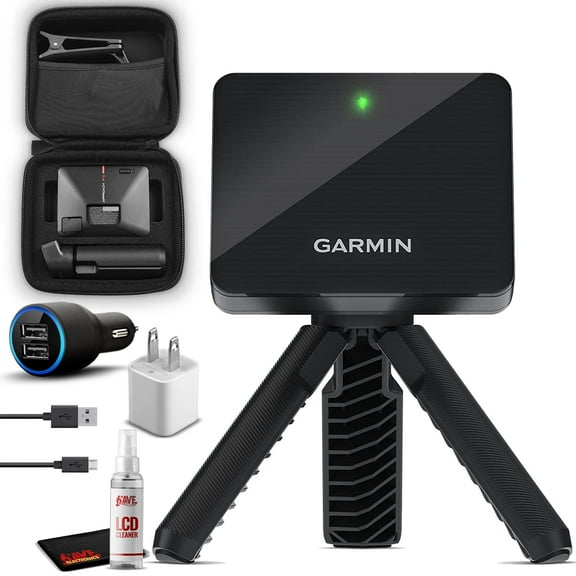
Garmin Approach R10, Portable Golf Launch Monitor, Take Your Game Home, Indoors or to The Driving Range, Up to 10 Hours Battery Life with 6Ave Travel & Cleaning Kit
Full Swing Kit Golf Launch Monitor $4,999.00

Full Swing Kit Golf Launch Monitor
Voice Caddie Swing Caddie SC300i Portable Golf Launch Monitor $399.99
Voice Caddie Swing Caddie SC300i Portable Golf Launch Monitor
Garmin Approach G80, All-in-One Premium GPS Golf Handheld with Integrated Launch Monitor, 3.5" Touchscreen, Black/White $499.99
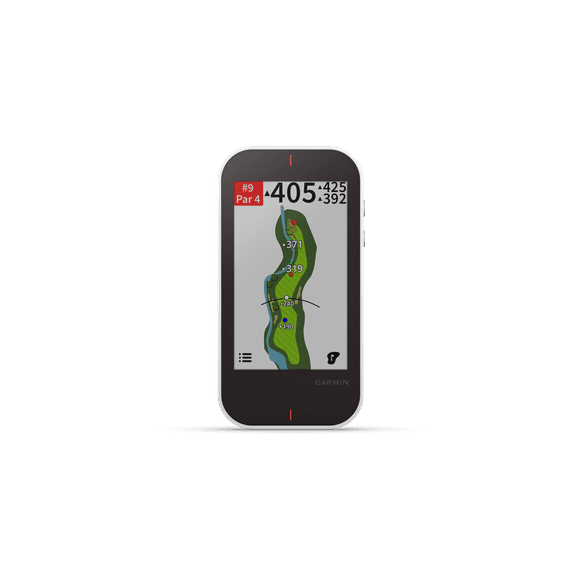
Garmin Approach G80, All-in-One Premium GPS Golf Handheld with Integrated Launch Monitor, 3.5" Touchscreen, Black/White
Popular in Golf Simulators in Golf Tech - Walmart.com
FAQ
What room size do I need for a home golf simulator setup?
Setting up a golf simulator at home requires enough space to swing comfortably and accommodate the equipment. Generally, a room with at least 10 feet wide, 12 feet long, and 9 feet high is recommended. This allows for a full golf swing and proper ball flight tracking. Higher ceilings help avoid interference with your backswing. Also, consider extra space for the simulator screen, projector, and seating if desired. Measuring your available area before purchasing can help ensure the simulator fits well and provides an enjoyable experience.
How accurate are golf simulators in measuring shot distance?
Golf simulators use advanced sensors and cameras to estimate shot distance, club speed, and ball trajectory. While many models offer highly reliable distance measurements, accuracy can vary based on factors like calibration, lighting, and sensor quality. Portable launch monitors may have slight variations compared to professional-grade systems. Regular calibration and using the simulator in recommended conditions can help improve precision. Keep in mind that simulators provide useful data for practice and improvement, but results might not exactly match outdoor play.
What should I look for when choosing a golf simulator for home use?
Choosing the right golf simulator involves considering several factors to match your needs and space. Key points include:
- Space requirements: Ensure your room can accommodate the simulator dimensions and ceiling height.
- Accuracy and features: Look for launch monitors that track key data like ball speed, spin, and shot shape.
- Compatibility: Check if the simulator works with your devices and popular golf software.
- Portability: Decide if you want a fixed setup or a portable option for use indoors and at driving ranges.
- Budget: Balance features with cost to find the best value for your practice goals.
Can I use a golf simulator outside or only indoors?
Many golf simulators are designed primarily for indoor use to control lighting and environmental factors that affect sensor accuracy. However, some portable launch monitors are built to be used outdoors, such as at driving ranges or in your backyard. When using a simulator outside, consider weather conditions, sunlight interference, and stable surfaces for setup. Always check the product specifications to confirm if outdoor use is supported and follow any guidelines to protect the device and maintain accurate readings.
How do I maintain and clean my golf simulator equipment?
Proper maintenance helps keep your golf simulator functioning well and extends its lifespan. Here are some tips:
- Clean sensors and cameras: Use a soft, dry microfiber cloth to gently wipe lenses and sensors to avoid dust buildup.
- Screen care: If your simulator has a projection screen, clean it with a mild cleaner and soft cloth to prevent damage.
- Keep the area tidy: Remove debris and golf balls from the hitting area regularly.
- Store accessories properly: Keep cables and components organized and protected when not in use.
Following these steps can help maintain accuracy and performance over time.