

Desktop PC Towers with Monitor in Shop Desktops By Type(7)
Restored Dell Optiplex Desktop Computer 3.4 GHz Core i3 Tower PC, 4GB, 160GB HDD, Windows 10 Home x64, 20" Monitor , USB Mouse & Keyboard (Refurbished) $149.73
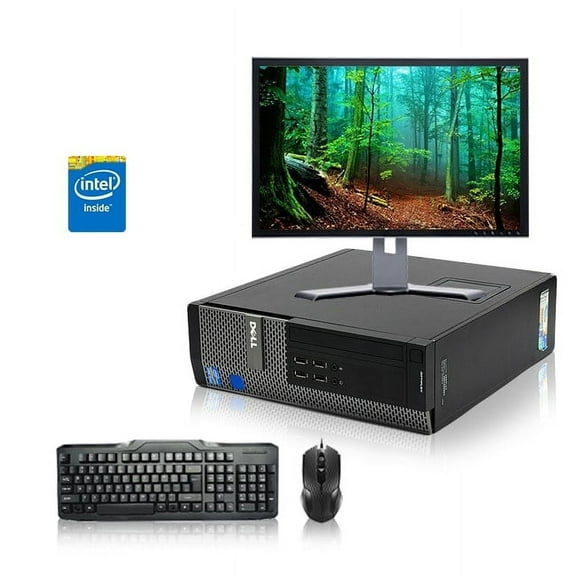
Restored Dell Optiplex Desktop Computer 3.4 GHz Core i3 Tower PC, 4GB, 160GB HDD, Windows 10 Home x64, 20" Monitor , USB Mouse & Keyboard (Refurbished)
Restored Dell OptiPlex PC Computer, Intel Core i3, 8GB RAM, 500GB HD, DVD-RW, Windows 10 Home Premium, Black (Refurbished) $139.00

Restored Dell OptiPlex PC Computer, Intel Core i3, 8GB RAM, 500GB HD, DVD-RW, Windows 10 Home Premium, Black (Refurbished)
HP Slim 270-p013wb Desktop and 21.5" Monitor Bundle, Intel Pentium G4560T, 4GB Memory, 1TB HDD, Windows 10

HP Slim 270-p013wb Desktop and 21.5" Monitor Bundle, Intel Pentium G4560T, 4GB Memory, 1TB HDD, Windows 10
Restored HP Chromebook 11" G series Intel 2.16GHz Processor 4GB Memory 16GB SSD Webcam Wi-fi HDMI Laptop Computer (Refurbished) $58.00

Restored HP Chromebook 11" G series Intel 2.16GHz Processor 4GB Memory 16GB SSD Webcam Wi-fi HDMI Laptop Computer (Refurbished)
Pre-Owned Windows 7 Professional - Used Dell 780 Desktop PC with Intel Core 2 Duo Processor 2.93GHz, 4GB Memory, 160GB Hard Drive (Monitor Not Included) $120.00
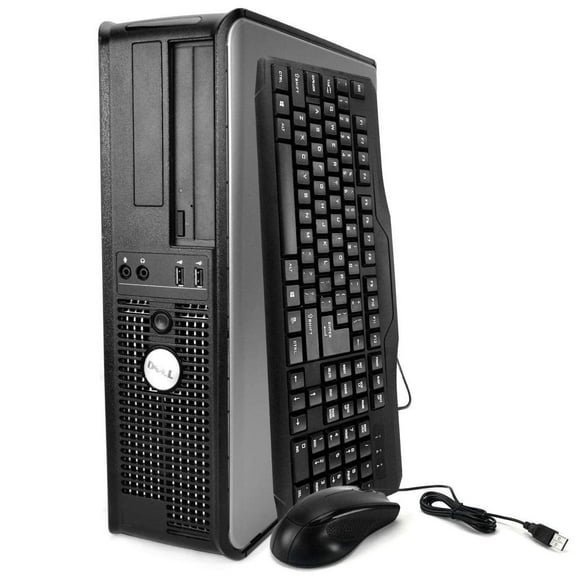
Pre-Owned Windows 7 Professional - Used Dell 780 Desktop PC with Intel Core 2 Duo Processor 2.93GHz, 4GB Memory, 160GB Hard Drive (Monitor Not Included)
Restored Dell Optiplex Desktop Computer 3.0 GHz Core i5 Tower PC, 4GB, 250GB HDD, Windows 10 Home x64, 20" Dual Monitor, USB Mouse & Keyboard (Refurbished) $194.95
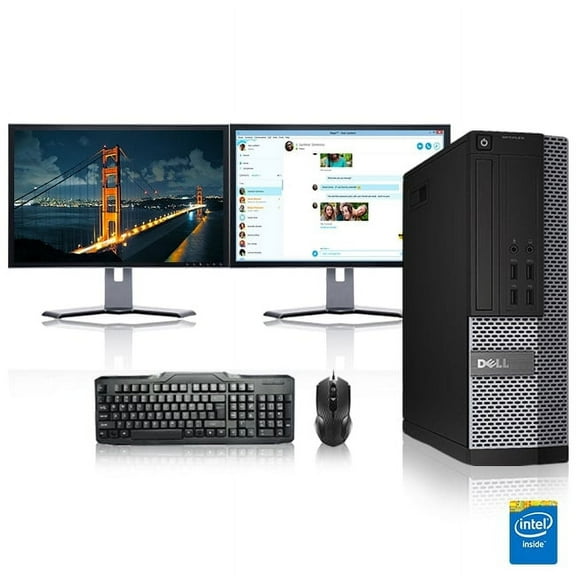
Restored Dell Optiplex Desktop Computer 3.0 GHz Core i5 Tower PC, 4GB, 250GB HDD, Windows 10 Home x64, 20" Dual Monitor, USB Mouse & Keyboard (Refurbished)
Restored Dell Optiplex Desktop Computer 3.1 GHz Core i3 Tower PC, 4GB, 250GB HDD, Windows 10 Home x64, 19" Monitor, USB Mouse & Keyboard (Refurbished) $160.33
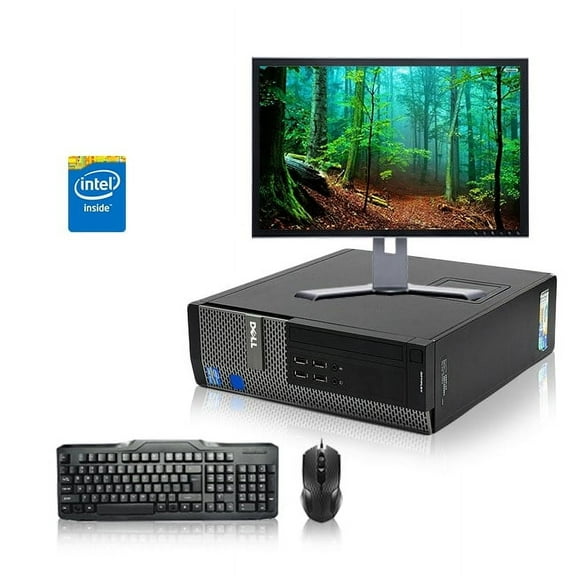
Restored Dell Optiplex Desktop Computer 3.1 GHz Core i3 Tower PC, 4GB, 250GB HDD, Windows 10 Home x64, 19" Monitor, USB Mouse & Keyboard (Refurbished)
Popular in Desktop PC Towers with Monitor in Shop Desktops By Type - Walmart.com
FAQ
How do I connect a desktop tower to a monitor?
Connecting a desktop tower to a monitor usually involves a few simple steps:
- Check the ports: Look at the back of your tower and monitor to identify compatible connection ports like HDMI, DisplayPort, VGA, or DVI.
- Choose the right cable: Use a cable that matches the ports on both devices.
- Connect the cable: Plug one end into the tower and the other into the monitor securely.
- Power on: Turn on both the tower and the monitor.
- Adjust display settings: Use your computer's display settings to configure resolution and multiple monitor setups if needed.
These steps can help you get your desktop and monitor working together smoothly.
What should I consider when choosing a desktop tower with a monitor?
When picking a desktop tower with a monitor, consider these key points:
- Performance needs: Think about the processor speed, RAM, and storage based on your tasks like gaming, work, or casual use.
- Monitor size and resolution: Choose a monitor size and resolution that suits your workspace and viewing preferences.
- Ports and connectivity: Ensure the tower and monitor have the necessary ports for your peripherals and accessories.
- Operating system: Confirm the desktop comes with an OS that meets your software requirements.
- Space and design: Consider the size of the tower and monitor to fit your desk comfortably.
These factors can guide you to a setup that fits your needs and space.
How long can I expect a desktop tower to last with regular use?
The lifespan of a desktop tower varies depending on usage and maintenance but generally ranges from 4 to 7 years. Factors influencing longevity include:
- Quality of components: Higher-quality parts tend to last longer.
- Usage intensity: Heavy tasks like gaming or video editing may wear components faster.
- Maintenance: Regular cleaning and software updates can extend life.
- Upgradability: Towers that allow easy upgrades can stay relevant longer.
Proper care and choosing a system that fits your needs can help maximize your desktop tower's useful life.
Can I use any monitor with a desktop PC tower?
Most desktop PC towers are compatible with a wide range of monitors, but compatibility depends on the available connection ports. Here's what to keep in mind:
- Matching ports: Ensure the monitor and tower share at least one common port type such as HDMI, DisplayPort, VGA, or DVI.
- Adapters: If ports don't match, adapters or converter cables can sometimes bridge the gap.
- Resolution support: Check that the monitor's resolution is supported by the tower's graphics capabilities.
- Refresh rate and features: Consider if the monitor's refresh rate and other features meet your needs.
Checking these details can help you pick a monitor that works well with your desktop tower.
What can I do with an old desktop tower I no longer use?
There are several options for repurposing or responsibly disposing of an old desktop tower:
- Upgrade and reuse: Consider upgrading components like RAM or storage to extend its life for basic tasks.
- Donate: Many schools, nonprofits, or community centers accept used computers for educational purposes.
- Recycle: Use certified e-waste recycling programs to dispose of it safely and environmentally responsibly.
- Parts salvage: Some components like hard drives or power supplies can be reused or sold separately.
Choosing one of these options can help you get value from your old desktop while minimizing waste.