

Laptops: Shop Notebooks & Portable Computers | Walmart





















About Laptops: Shop Notebooks & Portable Computers | Walmart - Walmart.com
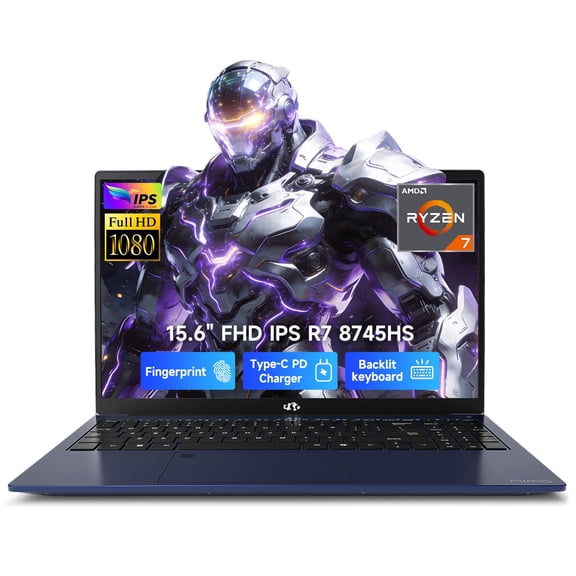
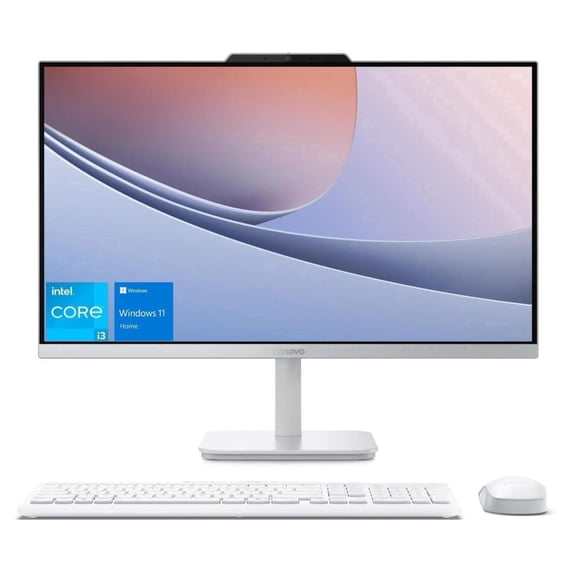
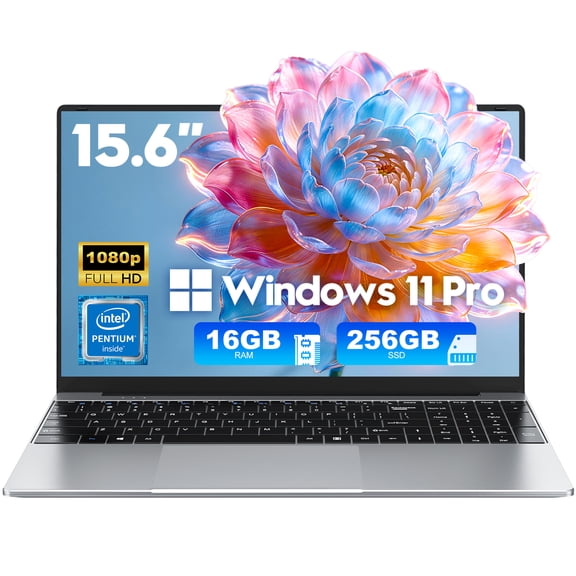
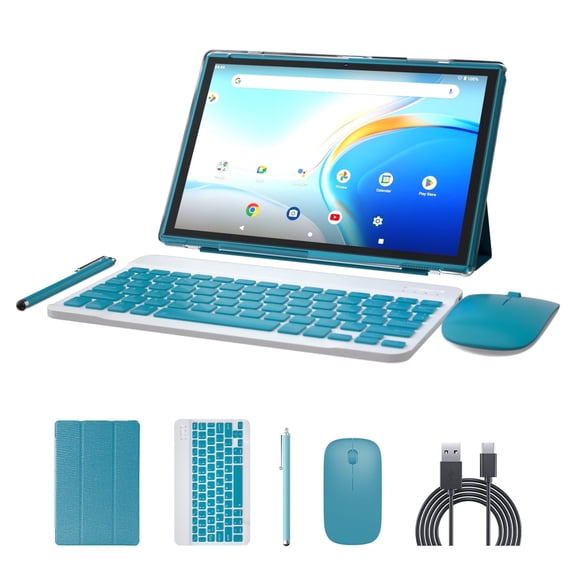
You can compare computers laptops tablets in one place when you need the right screen size, operating system, and power level. You’ll find options for school, work, gaming, and everyday browsing, with clear paths to laptops, desktops, tablets, and two-in-one devices.
If you’re replacing an older device, this category helps you narrow choices fast. You can compare portable designs, large displays, touchscreen formats, and keyboard setups without jumping between unrelated pages.
How to choose computers laptops tablets
You should start with device type because it shapes how you’ll use your screen every day. You may want laptops and computers for heavy tasks, or tablet computers for light, flexible use.
When you compare laptops, you get a balance of portability and processing power. When you compare desktop computers, you usually get large displays, easy desk setups, and additional room for accessories.
You can also consider two-in-one devices if you want a keyboard and touch control in one machine. You’ll notice that these designs fit note-taking, streaming, and travel-friendly use.
- You can carry laptops and tablets easily between classes, meetings, and rooms.
- You can use desktop computers when you want a fixed setup with a large monitor.
- You can choose two-in-one devices when your routine mixes typing, tapping, and sketching.
- You can match device size and power to schoolwork, gaming sessions, or daily browsing.
Choosing the right operating system and core specs
You should compare operating systems early because your apps, files, and phone connections often depend on that choice. You may prefer Windows for broad software support, ChromeOS for simple web-based tasks, or macOS for Apple workflows.
If you use mobile apps often, you may look at Android or iOS tablet computers. You’ll want to check whether your cloud storage, messaging, and accessories already fit one ecosystem.
You should also compare processor type because it affects speed during everyday tasks and heavy workloads. You may see Intel Core, AMD Ryzen, Apple M-Series, or Intel Celeron, each aimed at different performance needs.
For memory, you should think of RAM as your multitasking space. If you keep many tabs and apps open, you’ll want more RAM for smooth switching.
For storage, you should think of SSD capacity as space for files, photos, apps, and downloads. You’ll usually notice that SSD storage also helps devices start quickly and open programs quickly.
You can use these feature checks as a simple buying guide before you compare brands. You should measure screen size, battery expectations, keyboard preference, and touchscreen needs alongside internal specs.
Matching device type to your daily routine
You should match your device to your main routine before you compare specific details. If you travel often, you’ll likely want lightweight personal computers or touchscreen laptops that fit backpacks and carry-ons.
For classwork, you may focus on back to school laptops with long battery life and simple file access. You’ll also want a comfortable keyboard if you type essays, notes, or discussion posts often.
If your day stays at one desk, you may prefer desktop computers or all in one computers. You’ll get a setup that supports large screens, external keyboards, and a workspace that stays ready.
When you stream, browse, email, and video chat, you may not need advanced graphics power. You can often focus on display size, storage, and battery life instead of gaming hardware.
For gaming or creative tasks, you should compare processor families, RAM, and storage closely. You’ll want enough power for large files, fast loading, and smooth movement on screen.
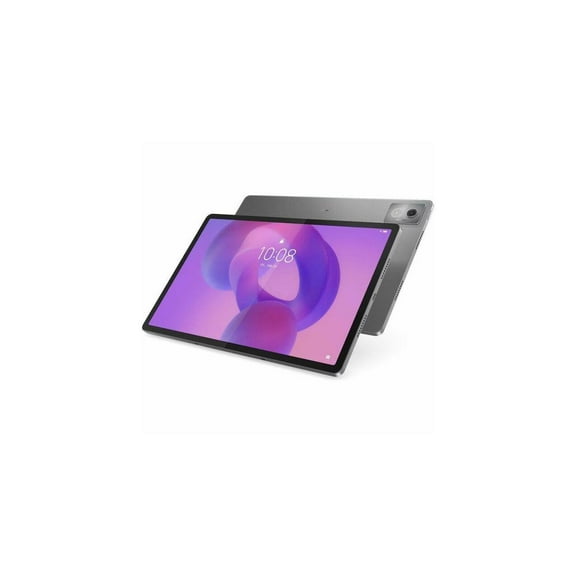
You can also compare tablet computers when you want quick access, touch input, and easy portability. You may use them for reading, drawing, casual streaming, or keeping entertainment handy around the house.
What to look for in laptops and computers
You should look beyond product names and check how each setup fits your space and habits. You may want touchscreen laptops for tapping and swiping, or traditional clamshell models for focused typing.
If you share a device with family, you’ll want straightforward storage needs and simple sign-in options. You should also check ports, webcam placement, and wireless connections for your daily setup.
You can compare all in one computers if you want minimal separate components on your desk. You’ll get a streamlined footprint that works well in kitchens, dorms, and home offices.
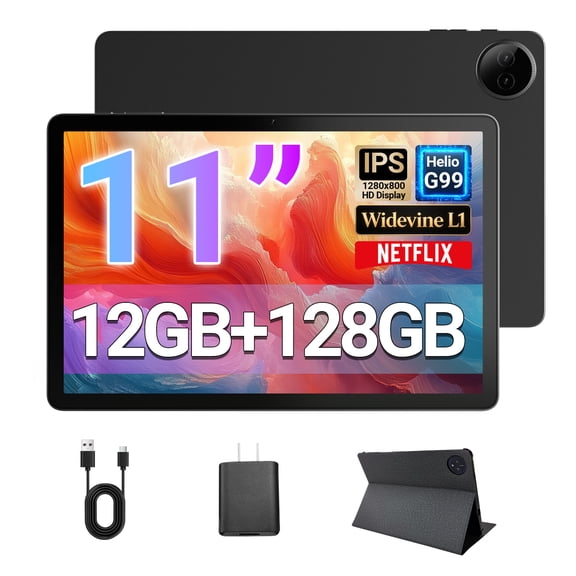
When you choose tablets, you should check screen size, accessory support, and app compatibility first. You’ll want to know whether you plan to use a stylus, attach a keyboard, or keep things touch-only.
You should also compare battery expectations based on where you’ll use your device most. If you move from room to room or commute often, you’ll appreciate minimal charging interruptions.
With a clear view of device type, operating system, processor, and use case, you can choose with less guesswork. You’ll end up with a computer, laptop, or tablet that fits your routine from the first sign-in.
Popular in Laptops: Shop Notebooks & Portable Computers | Walmart - Walmart.com
- Laptop Use Computer Tablet
- Laptop Linux Computer Tablet
- Laptop Tablets
- Winbook Tablet
- Laptops Delca Electronics Computers Tablets
- Winbook Windows Tablet
- Laptops 1366x768 Computers Tablets
- Intel All Windows Tablets
- Netbooks Tablets
- Quad Core PC Tablets
- Visual Land Laptop Computers
- Laptops 1600x900 Computers Tablets