

Photo Books in Photo Center




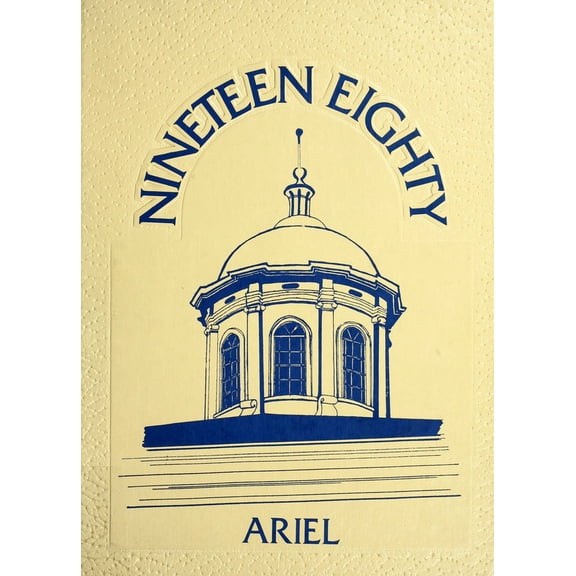
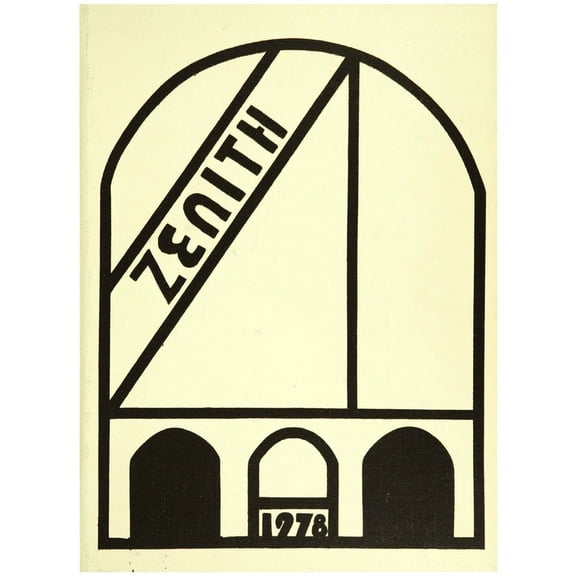
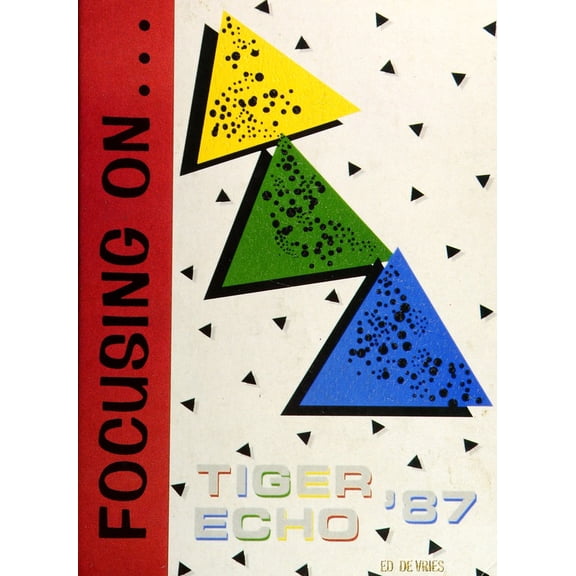

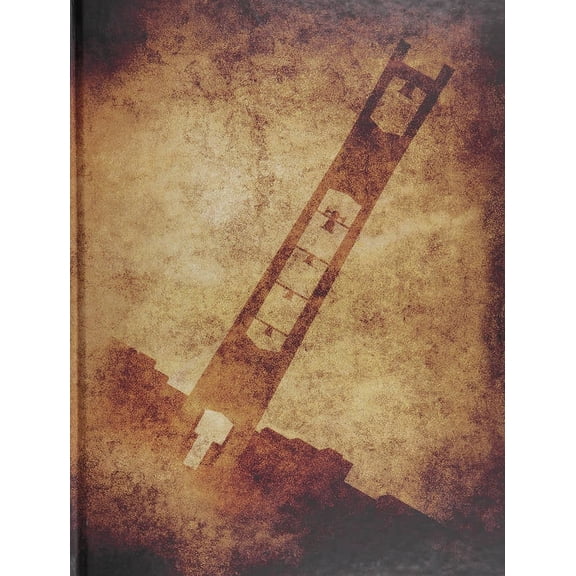








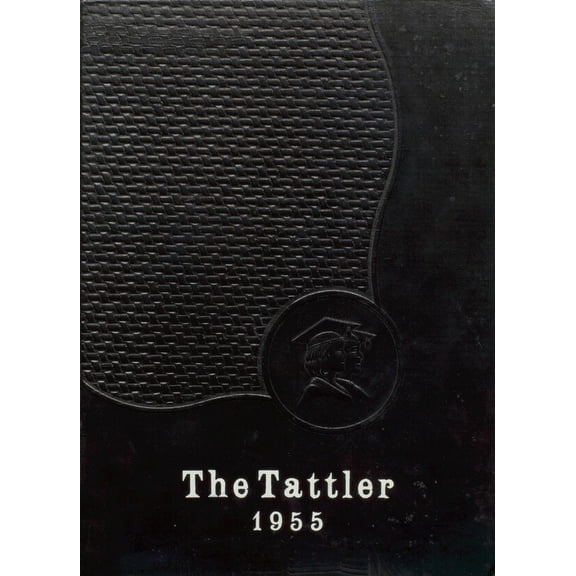
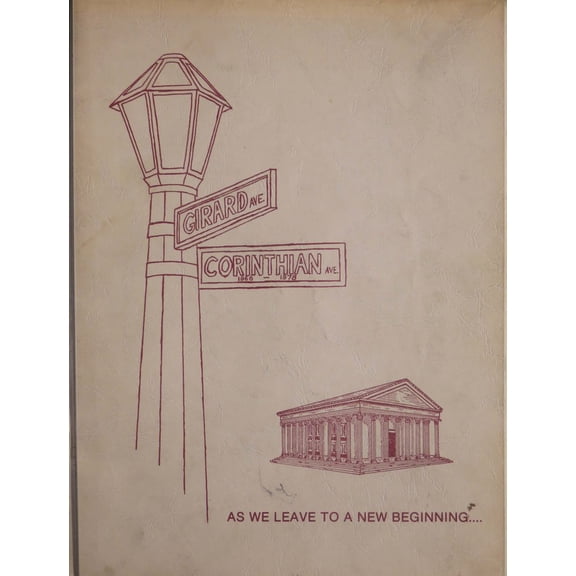
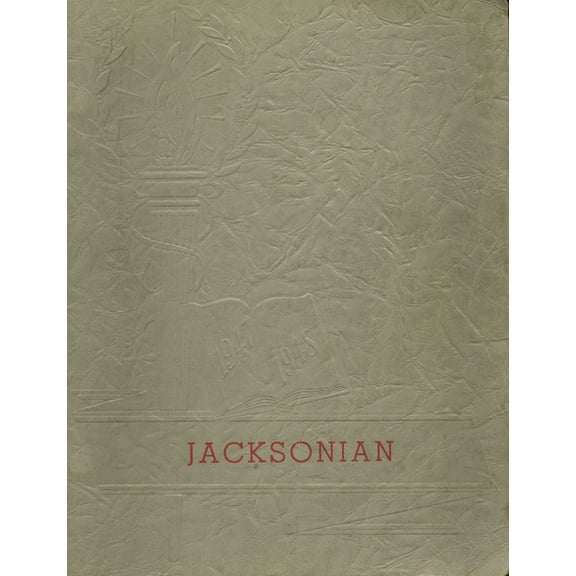
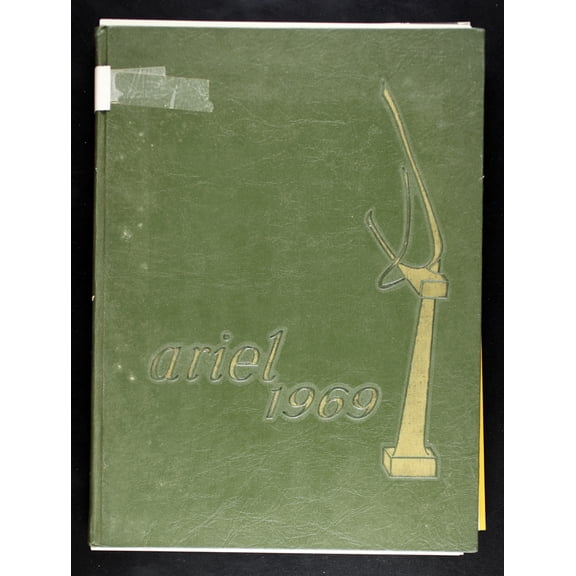


About Photo Books in Photo Center - Walmart.com
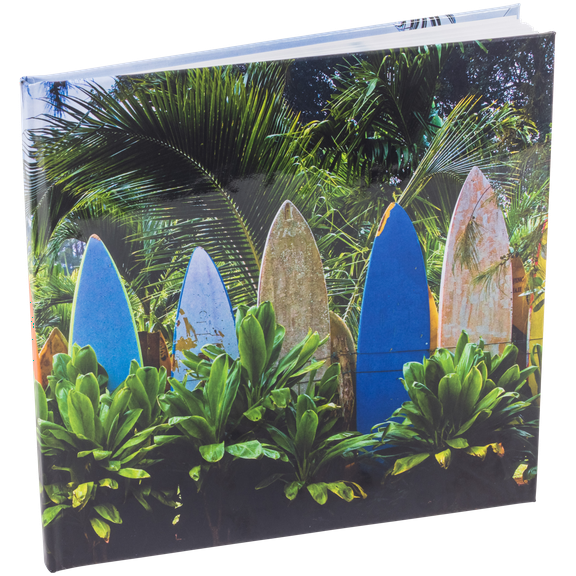
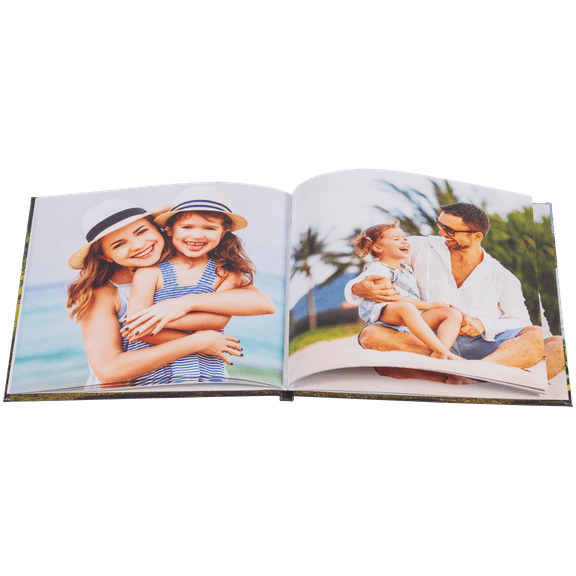
Photo books help you turn favorite moments into keepsakes you can revisit for years. You can organize weddings, baby milestones, travel highlights, and family memories in a format that feels personal.
How to choose photo books for your project
When you compare photo books, you should start with the story you want your pages to tell. You can match size, cover type, and paper finish to the photos you plan to feature.
If you want a clean bookshelf look, you may prefer hardcover photo books with a sturdy feel. If you want something lighter, you may choose softcover styles for casual memory collections.
You can also consider layflat designs when your photos spread across two pages. You may prefer leather-inspired covers when your album needs a classic presentation.
Choosing the right size and layout
Your layout should guide your size choice before you upload a single image. You can use an 8x8 format for simple snapshots, while 12x12 pages suit large scenic shots.
If your photos mix portraits and landscapes, you may find 8x11 photo book formats easier to arrange. You can use 5x7 books for compact gifts, event favors, or smaller collections.
You should also check orientation before you design your pages. You can place vertical portraits more naturally in taller layouts, while wide travel views fit square or landscape pages.
- You can choose square pages when your album mixes portraits and scenery.
- You can choose larger formats when your photos include group shots or panoramic views.
- You can choose compact books when your project focuses on short events or gift giving.
- You can check page count limits before you finalize a family yearbook or long vacation recap.
Comparing cover type and paper finish
Your cover sets the tone before anyone turns the first page. You can choose hardcover options for a polished display, or you can choose softcover options for flexible handling.
If your album includes a wedding photo album theme, you may want a refined cover with a formal look. If your project is a casual DIY photo album, you may prefer a lighter format.
Your paper finish also affects how your images look on each spread. You can choose matte photo book pages for a softer look, while semi-gloss and lustre finishes add more shine.
When you compare finishes, you should think about color intensity and page feel. You may prefer lustre for vivid vacation photos, while matte works well for muted family portraits.
Understanding page count and expansion options
Your page count matters when you build a photo memory book with many events or milestones. You should check how many pages your design can hold before you place every image.
If your album covers a full year, you may need room for birthdays, holidays, and school moments. If your project captures one weekend trip, you may only need a shorter format.
You can keep your design easy to follow by grouping images into chapters or themes. You may dedicate sections to getting ready photos, ceremony moments, and reception highlights in wedding albums.
When you plan page count early, you can avoid crowded spreads and repeated images. You can give each moment enough space, so your finished picture books feel organized and easy to enjoy.
What to look for in creation tools
Your design process should feel simple from the first upload to the final review. You can create custom photo books through online builders or app-based tools, depending on your routine.
If you organize photos on your phone, you may prefer app uploads for quick access. If you edit folders on a computer, you may prefer online tools with drag-and-drop page layouts.
You should look for options that let you move photos, add captions, and reorder pages easily. You can build personalized photo albums faster when your tools make edits clear and intuitive.
When you create custom picture books for gifts, you may want prebuilt themes for baby, holiday, or travel projects. When you want more control, you may choose simpler templates and adjust every page.
Matching themes to real occasions
Your theme can shape the colors, layouts, and pacing of your entire album. You can create wedding, baby, travel, holiday, or family yearbook photo books that fit the moment.
If you want a wedding keepsake, you may choose elegant layouts with room for full-page portraits. If you want a baby book, you may choose softer designs with space for milestones.
You can use travel themes to group destinations, maps, and scenic images into one story. You may use family yearbook formats to document birthdays, vacations, school events, and seasonal traditions.
For holiday gifting, you can turn favorite shared moments into personalized photo albums that feel thoughtful and lasting. You can create one book for grandparents, another for parents, and another for your home.
With photo books, you can turn digital folders into lasting collections that feel easy to revisit. You can choose the size, cover, finish, and theme that fits your memories and your display space.