

View in your home - Tech in Electronics


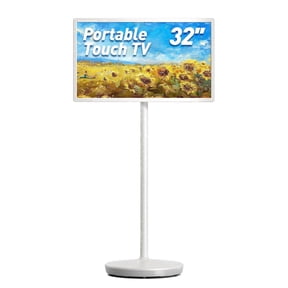


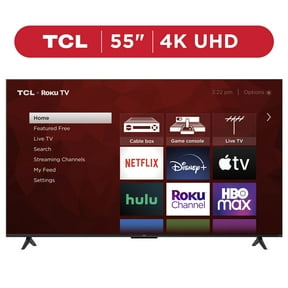

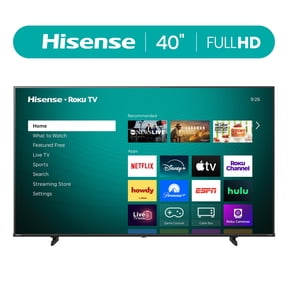



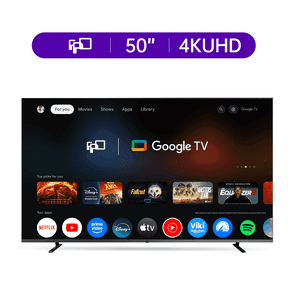

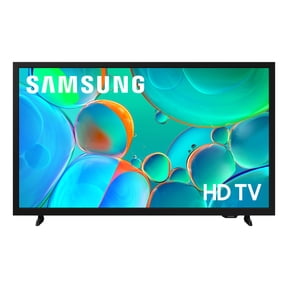



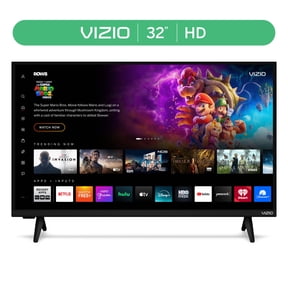









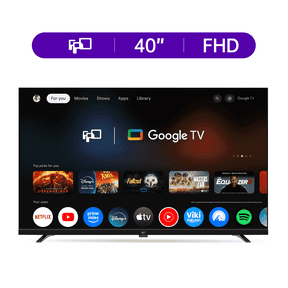

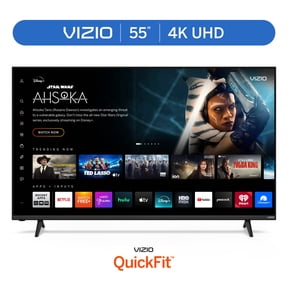
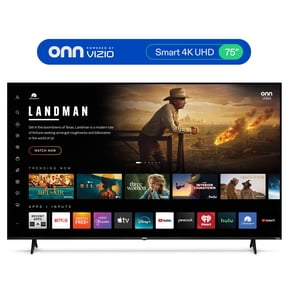



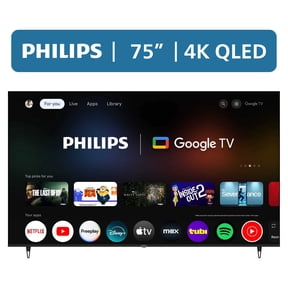
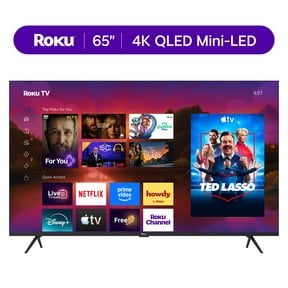

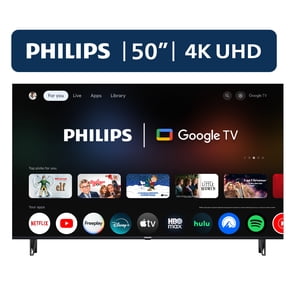

About View in your home - Tech in Electronics - Walmart.com
With view in room tech, you can picture smart home devices in your space before you choose a setup. You get a clearer sense of size, placement, and style for shelves, walls, counters, and entryways.
How to use view in room tech for your setup
You can use your phone to place compatible devices in a live view of your room. You see how a smart display looks on a kitchen counter or how a camera sits above a doorway.
That visual step helps you compare dimensions before installation starts. You can avoid guessing about clearance, cord reach, or whether a device looks too large for a small nook.
When you visualize smart home products first, you can plan around furniture, outlets, and traffic flow. You also get a better read on how several connected devices may work together visually.
- You can preview device size against real walls, tables, and shelves.
- You can compare smart displays, cameras, lighting, and plugs in the same room.
- You can check whether a plug-in or hardwired option suits your layout.
- You can plan your smart home setup around your preferred ecosystem.
Choosing the right device type in 3D view smart home devices
You should start with device type because each option solves a different room-planning need. You may want a smart display for a countertop, security cameras for entry points, or lighting for layered room control.
If you compare smart displays in AR, you can judge screen size against your stand or island. If you compare security cameras, you can check sightline placement above doors, garages, or hall corners.
Smart lighting works well when you need to see fixture scale, bulb placement, or lamp position. Smart plugs help you check outlet access, nearby furniture spacing, and how cords may fit behind cabinets.
You can use virtual room planner electronics tools to narrow choices by room function. You can also compare whether one device fills a single need or supports a broader connected routine.
Checking compatibility for an augmented reality smart home
You should confirm compatibility early so your device fits your current ecosystem. You may already use Google Assistant, Amazon Alexa, or Apple HomeKit, and that affects daily control.
If you compare platforms first, you can keep voice commands and automations more consistent. You can also reduce setup friction when you add new devices to an existing routine.
You may also look for connectivity details like Wi-Fi, Bluetooth, or Zigbee before you decide. Those terms matter because you want the device to communicate the way your home already does.
Wi-Fi often works well when you want direct internet connection and app control. Bluetooth can suit close-range pairing, while Zigbee can support broader smart home setup plans with compatible hubs.
If you see technical terms like Matter or Thread, you should read them as compatibility clues. You can use those clues to compare how easily devices may join your broader connected system.
Comparing power source and installation needs
You should also compare power source because it affects placement flexibility and installation effort. You may prefer battery-powered devices for quick placement or hardwired models for fixed locations.
Battery-powered options can help you test spots without planning around a nearby outlet. Hardwired devices can suit permanent placements where you want a cleaner visible setup.
Plug-in devices can work well when you want a simpler start with easy repositioning. You can check outlet distance in AR, which helps you estimate cord routing before you commit.
When you use view in room tech for installation planning, you can think through wall height, tabletop depth, and access to switches. You can make a more informed choice without relying on rough estimates.
Using virtual placement to plan real rooms
You can use augmented reality smart home tools in rooms where spacing matters most. You may test a bedside smart display, an entry camera angle, or accent lighting near a media console.
In apartments, you can check whether compact devices fit narrow shelves and smaller walls. In larger homes, you can map out how several connected products may look across shared spaces.
You can also plan by routine instead of by room. You might place a smart plug near seasonal lighting, position a camera by the front entry, and test a display in a family hub.
For renters, you can compare battery-powered and plug-in options before making layout changes. For long-term installs, you can preview hardwired placements where clean lines matter more.
If you manage multiple ecosystems at home, you can compare compatible products with your current assistant. You can then choose 3D view smart home devices that match both your space and your control preferences.
With view in room tech, you can move from guesswork to a clearer plan for placement, compatibility, and installation. You end with a smart home setup that fits your room and your routine more naturally.