

Smart Home in Electronics































About Smart Home in Electronics - Walmart.com
Smart home options help you control lights, outlets, cameras, and temperature with less daily effort. You can compare ecosystems, connection types, and setup needs in one place.
If you want a smoother routine, smart home devices can simplify everyday tasks around your space. You can choose connected products that match your assistant, your wiring, and your comfort with setup.
How to choose smart home devices
You should start with the device type that fits your routine. You may want smart plugs for lamps, smart lighting for room control, security cameras for visibility, or smart thermostats for scheduling.
Each device type supports a different goal in your home. You can automate a coffee station, adjust brightness from your phone, check entry points, or manage temperature changes through the day.
You'll also want to think about where each device goes. You can place plug-in options quickly, while hardwired picks may suit permanent spaces and a cleaner installed look.
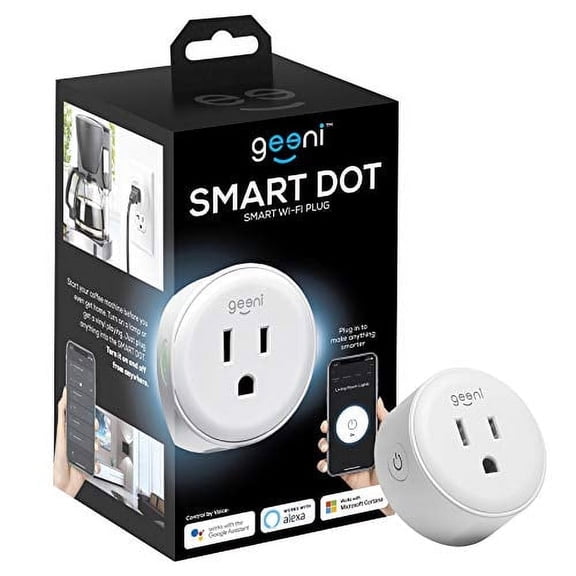
- You can use smart plugs to control small appliances, holiday lights, and table lamps.
- You can use smart lighting to change brightness, schedules, and room ambiance.
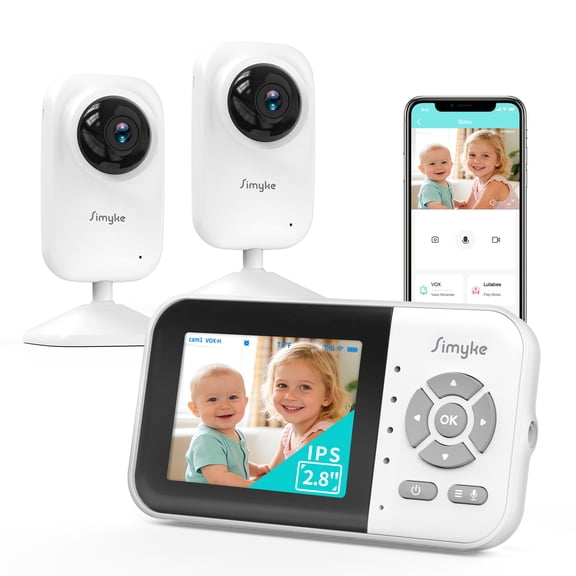
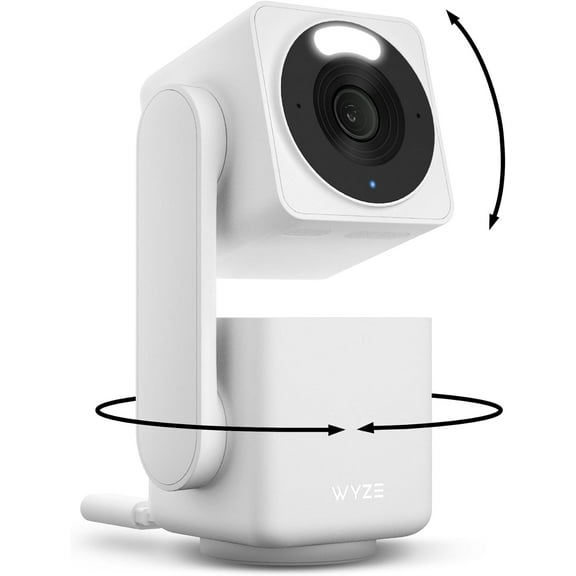
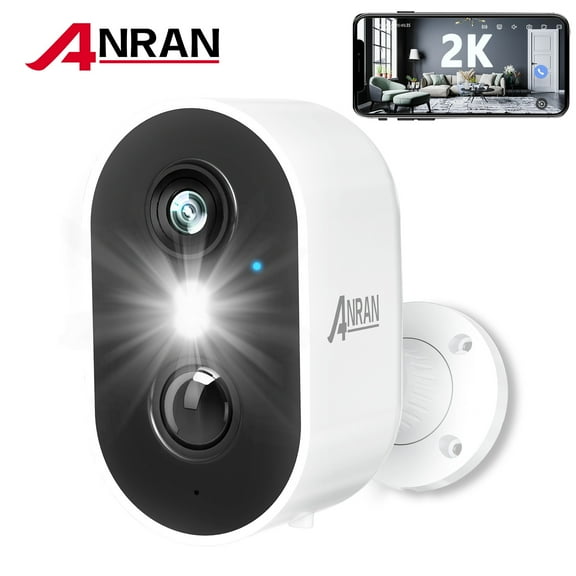
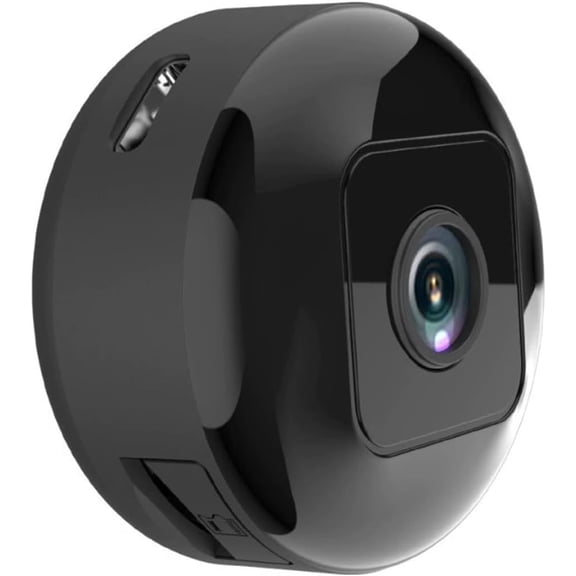
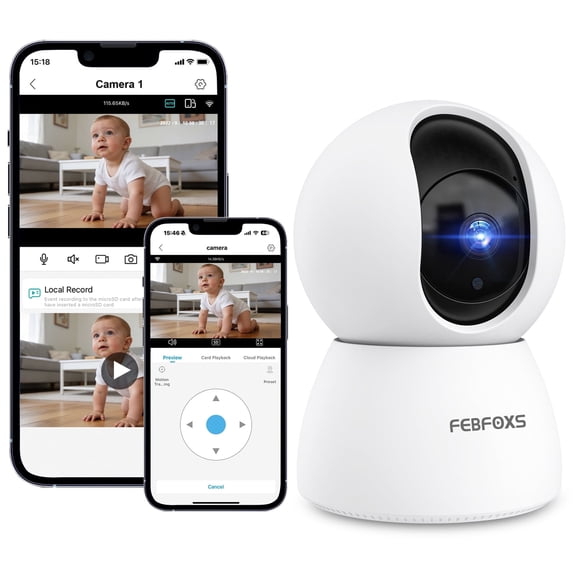
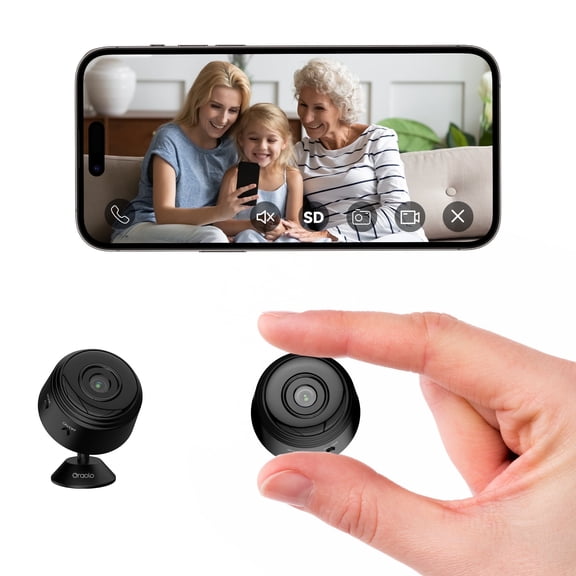
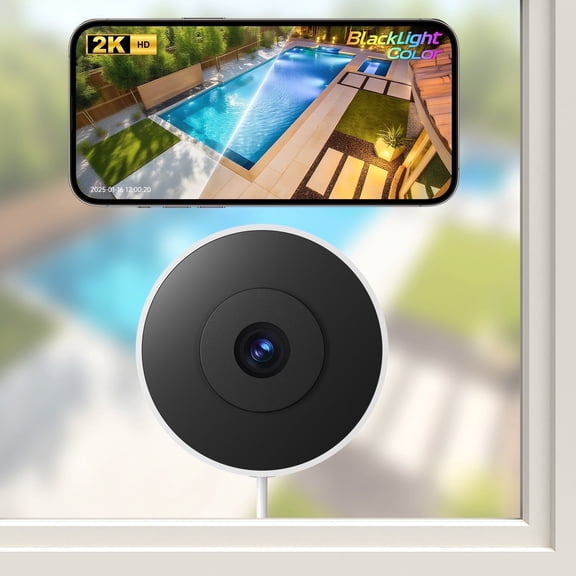
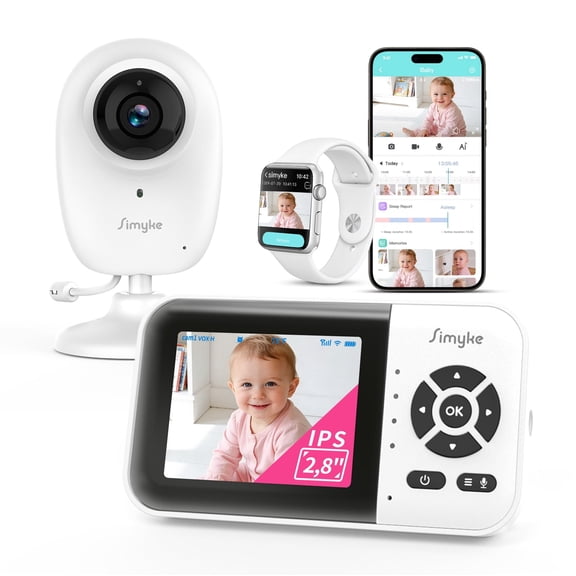
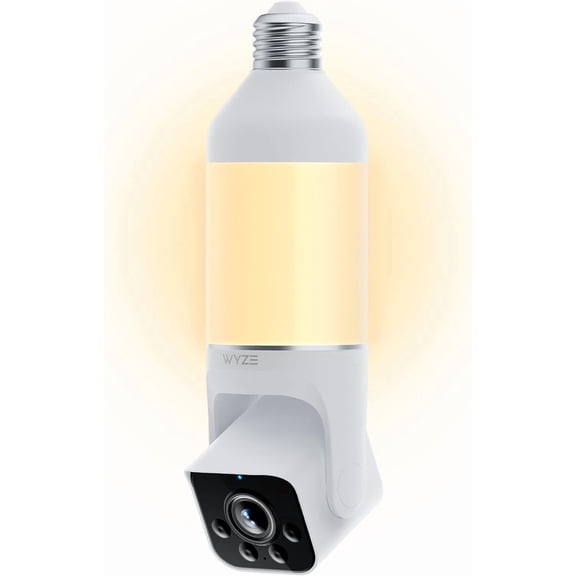
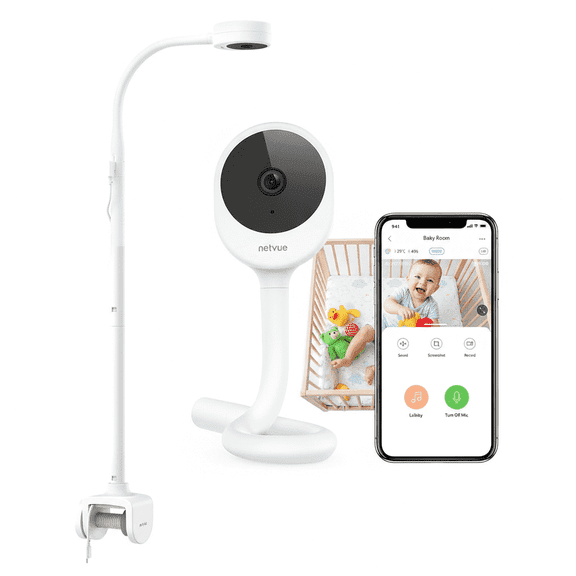
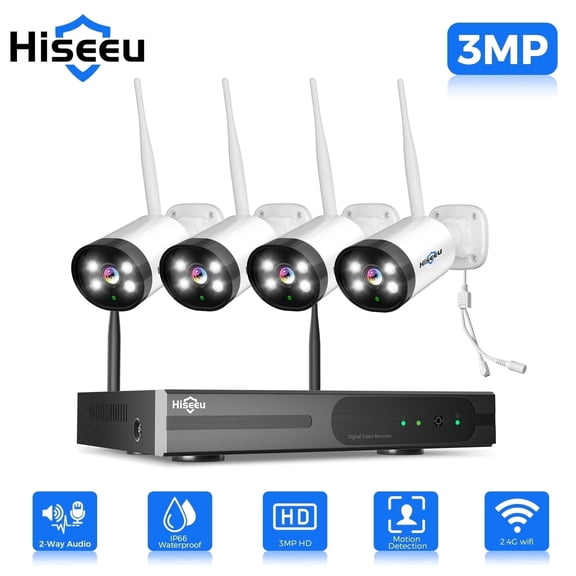
- You can use security cameras to monitor doors, driveways, nurseries, and shared spaces.
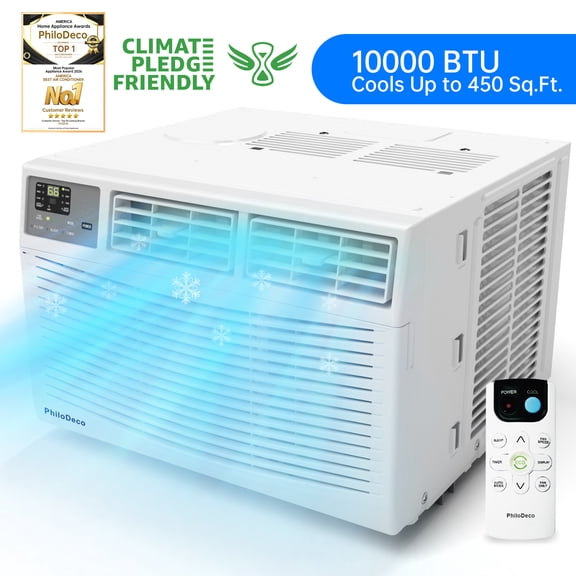
- You can use smart thermostats to create heating and cooling schedules that match your routine.
Choosing compatible smart home devices
You should check ecosystem compatibility before you compare designs or finishes. You can narrow choices faster when you know whether you use Alexa compatible, Google Assistant compatible, or Apple HomeKit products.
That step matters because your voice commands and app controls depend on shared compatibility. You can keep your setup simpler when your devices work within the same ecosystem from the start.
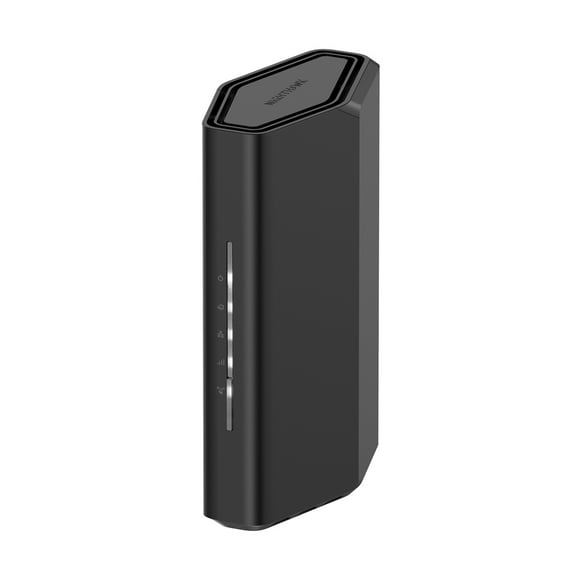
You should also compare hub requirements against direct Wi-Fi connection. You may prefer Wi-Fi devices for a faster start, while Zigbee or Z-Wave options often connect through a dedicated hub.
When you see Bluetooth, you should think about shorter-range control and nearby setup. When you see Zigbee or Z-Wave, you should check whether your current system already includes the right hub.
You can avoid extra steps by confirming app support, voice control options, and automation features together. You should look for compatible smart home devices that match how you already manage your household.
What to look for in smart home automation
You should compare control methods based on how you actually move through your day. You may want voice control in busy moments, app control when you're away, or automated schedules for repeat tasks.
Smart home automation works well when you connect simple actions into a routine. You can set lights to turn on at dusk, schedule temperature changes, or switch outlets off after bedtime.
Installation is another key decision point you shouldn't skip. You can often handle plug-in devices and many battery-powered options yourself, while hardwired items may call for more planning.
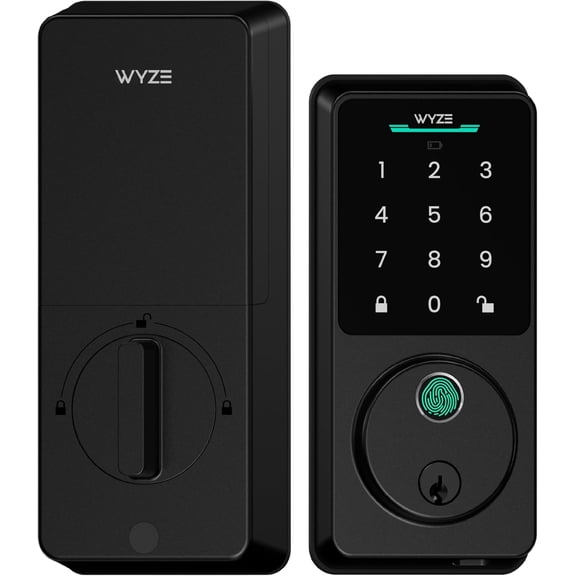
If you rent, you may prefer removable options with a faster setup. If you own your space, you may consider hardwired switches, doorbells, or thermostats for a more integrated setup.
You should also check power source details before you choose. You can pick battery-powered devices for flexible placement, plug-in models for easy access, or hardwired options for fixed locations.
Matching smart home devices to your rooms
You can build a practical setup by matching devices to specific spaces. You may start with smart lighting in living areas, smart plugs in bedrooms, and security cameras around entry points.
For kitchens and family rooms, you may want app control and voice control together. You can dim lights, switch on small appliances, or trigger a scene without walking across the room.
In hallways and exterior areas, you may want automation that supports regular routines. You can schedule lighting for evenings, connect cameras for motion alerts, and keep common paths consistently lit.
Bedrooms and home offices may call for quieter, simpler controls. You can use smart plugs for fans and lamps, then add schedules that match work hours or bedtime habits.
If you manage changing temperatures through the day, smart thermostats can fit busy households well. You can compare scheduling options, app access, and compatibility with your current smart assistant.
You should think about expansion before you buy your first device. You can start with one room, then add smart lighting, smart plugs, cameras, or thermostat controls as your routine evolves.
Why smart home planning matters
You can create a more connected household when you compare device type, compatibility, connectivity, and installation together. You’ll feel more confident when your smart home setup matches your assistant, your space, and your daily habits.