

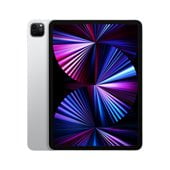
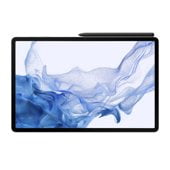
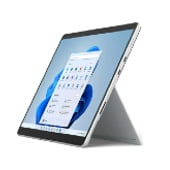
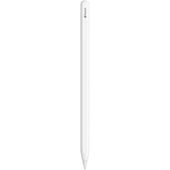


Tablet Accessories










About Tablet Accessories - Walmart.com
Tablet accessories help you protect your screen, improve daily comfort, and match your setup to each task. You can compare cases, screen protectors, stylus pens, stands, and chargers by fit, material, and function.
If you use an iPad for notes, a Samsung Galaxy Tab for streaming, or an Amazon Fire for family use, you need the right match. You can simplify your choice when you focus on model number, screen size, and how you carry your tablet.
How to choose tablet accessories by type
You should start with the accessory type that matches your daily routine. You may want a case for travel, a stylus for drawing, or a stand for hands-free viewing.
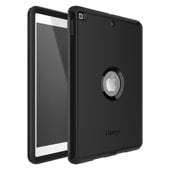
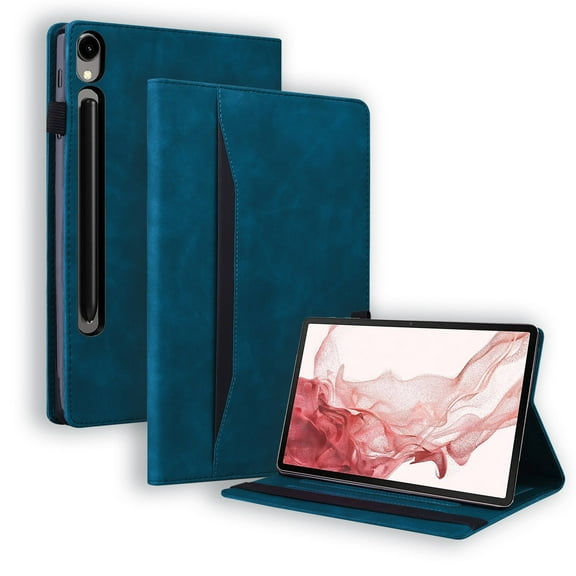
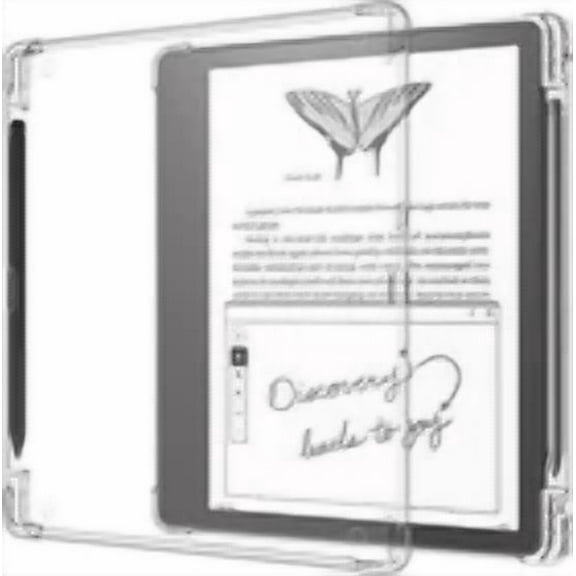
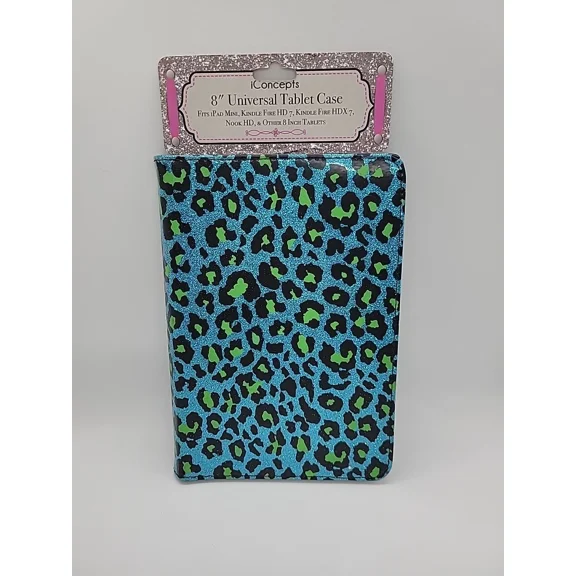
When you compare tablet cases and covers, you should check corner coverage, folio style, and sleep or wake support. If you use your tablet on the go, your case choice affects grip, storage, and screen coverage.
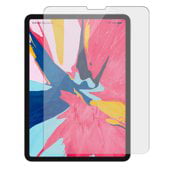
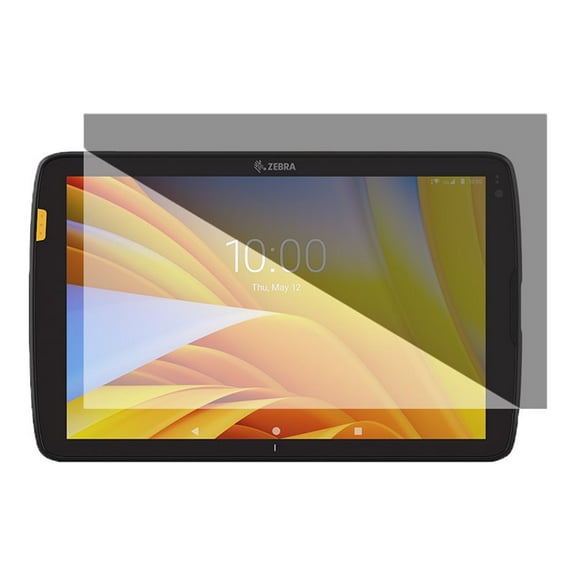
Screen protectors for tablets help you keep your display smooth and clear to view. You should compare tempered glass and film options based on feel, clarity, and the level of screen coverage you want.
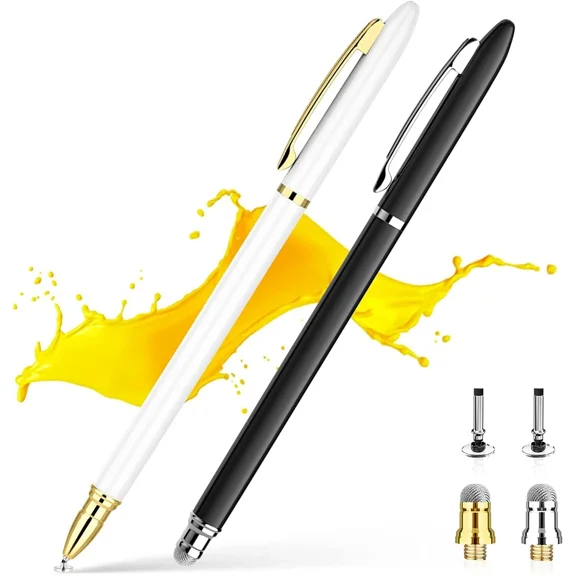
Stylus pens for tablets can support writing, sketching, and quick navigation on supported models. You should check whether your device supports active input, palm rejection, or simple capacitive tips.
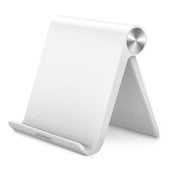
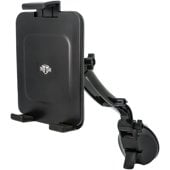
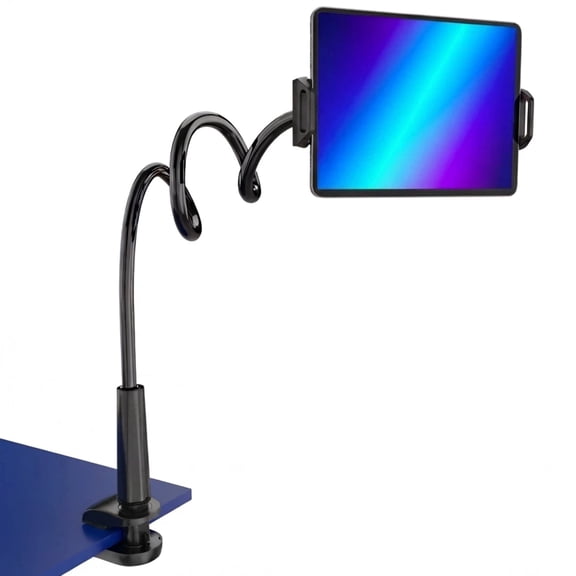
Tablet stands and holders help you position your screen for recipes, video calls, and desk work. You can compare folding stands, adjustable holders, and mount styles based on viewing angle and portability.
- You can use cases to add grip, cover edges, and support everyday carrying.
- You can use screen protectors to keep your display clear during tapping, swiping, and packing.
- You can use stylus pens to write, tap, and sketch with precise control.
- You can use stands to raise your screen and free your hands during tasks.
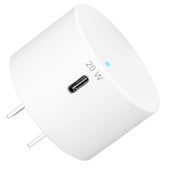
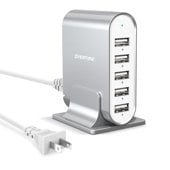
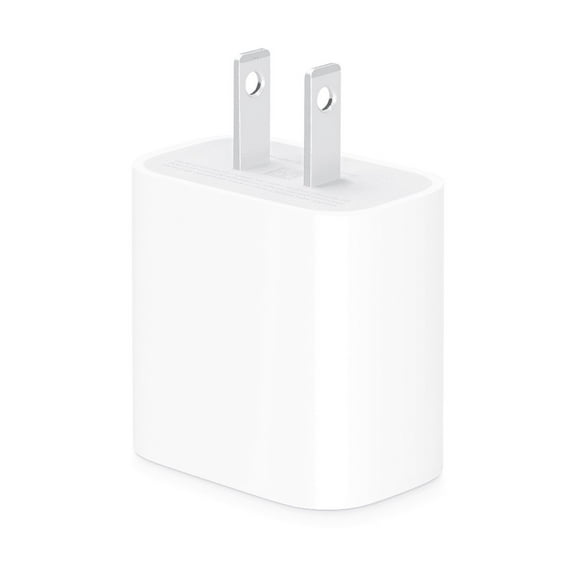
- You can use chargers to keep your tablet powered at home, work, or in transit.
Choosing tablet accessories by compatibility
You should confirm your exact tablet model before you compare any accessory. You can avoid a poor fit by checking the model number and screen size in inches.
If you shop for iPad accessories, you should match the case cutouts and charging port to your generation. If you shop for Samsung tablet accessories, you should compare camera placement and button alignment.
When you need Amazon Fire accessories, you should verify the series and screen size because similar names can fit differently. If you prefer universal tablet accessories, you should measure width, height, and thickness before you choose a stand or holder.
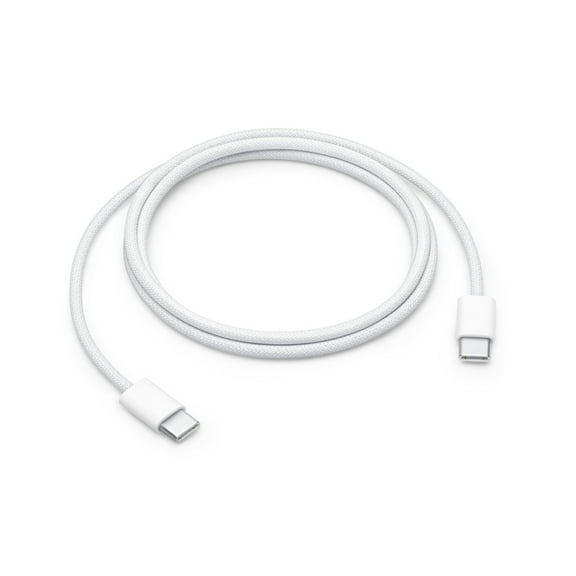
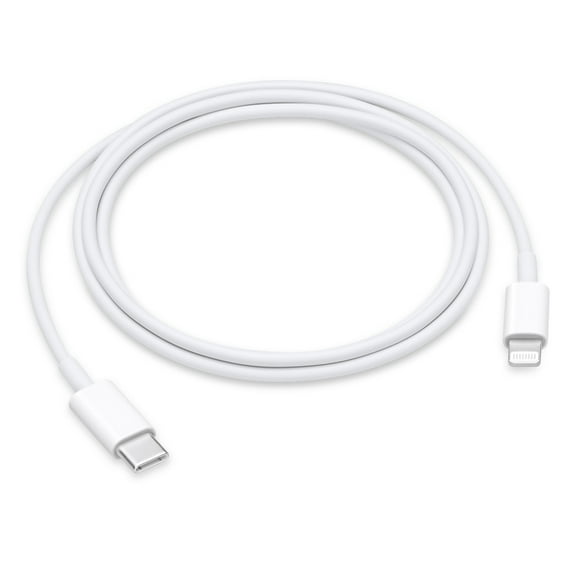
You also need to check charging and connectivity details before you pick cables or power accessories. You should compare USB-C and Lightning connections, plus any wireless charging compatibility your tablet supports.
What to look for in tablet accessories materials and protection
You should choose materials based on where and how you use your tablet. If your tablet travels in bags or backpacks, you may want extra edge coverage and a secure closure.
Silicone can give you a grippy feel that helps your tablet stay steady in your hand. Leather-style covers can give you a polished look and a folio design for meetings or commuting.
Plastic shells can keep the profile light when you want simple everyday coverage. Tempered glass can give you a smooth touch surface that feels like the original screen.
You should compare protection levels in plain terms instead of guessing from appearance alone. If your tablet sees busy family spaces, you may want added drop protection and reinforced corners.
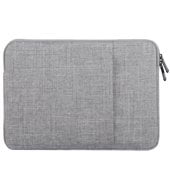
For lighter daily use, you may prefer a slimmer cover that slips into a tote or laptop sleeve. If screen clarity matters for drawing or reading, you should check edge coverage and finish.
Matching tablet accessories to your use case
You can narrow tablet accessories faster when you match them to a specific routine. If your device stays in the kitchen, classroom, office, or car, your needs may change.
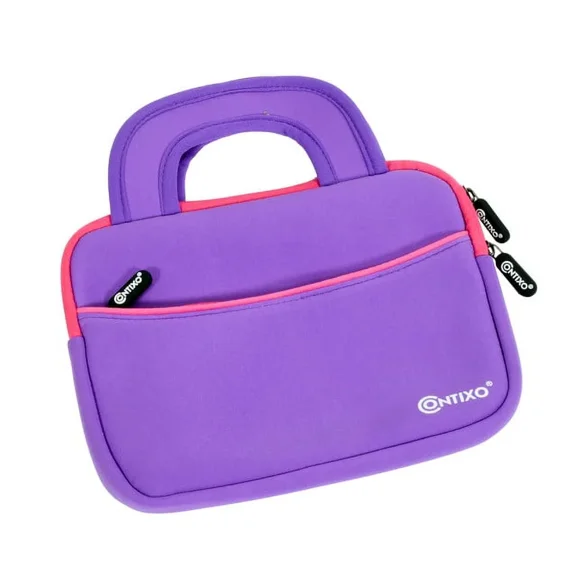
For kids tablet accessories, you may want a thick case with easy-grip sides and a built-in handle. You should also look for a stand position that supports videos, games, or learning apps.
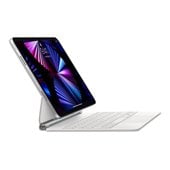
If you use your tablet for business, you may want a folio case, keyboard support, or a stylus holder. You should check whether the stand angle works for typing, presenting, or note-taking.
When you travel often, you may want a compact charger, a folding stand, and a slim cover. You should confirm cable type, charging speed support, and how easily the setup fits in your bag.
If you draw on your tablet, you should check stylus compatibility before anything else. You may also want a screen protector texture and a case shape that keeps your hand position comfortable.
You can also compare functionality details that affect daily convenience. You should look for built-in stands, keyboard support, pencil storage, and clear access to speakers and cameras.
How tablet accessories support everyday use
You want accessories that fit your tablet and your routine without extra guesswork. When you compare fit, protection, materials, and charging details, you can choose setup pieces that work smoothly from day one.
With the right combination of cover, screen layer, stylus, stand, and charger, you can keep your tablet ready for work, travel, play, or drawing. You get a setup that feels organized, comfortable, and easy to use.
Popular in Tablet Accessories - Walmart.com
- Griffin Technology All Tablet Accessories
- Clearance in Tablet Accessories
- Cotytech All Tablet Accessories
- I-blason All Tablet Accessories
- Rollback in All Tablet Accessories
- Rollback in Tablet Accessories
- Urban Tablet
- Tech Armor All Tablet Accessories
- Clearance in All Tablet Accessories
- Fintie Degree Rotating Stand Case Ipad
- Tablet PC Accessories
- Tablet Phone Case