Handpicked TVs



















About
Smart tvs help you turn everyday viewing into a connected home theater experience. You can compare display technology, resolution, screen size, and smart platforms in one place.
If you're replacing an older set, you can focus on picture detail, app access, and ports that fit your devices. You'll also find options that work for movie nights, sports, gaming, and family rooms.
How to choose smart tvs for your space
When you compare smart tvs, you should start with where you'll watch and what you'll watch most. You can narrow choices faster when you match room size, streaming habits, and connected gear.
For a bedroom or smaller den, you may prefer a screen that fits a shorter viewing distance. For open living areas, you may want big screen tvs that keep details clear across the room.
- You can stream movies, shows, and live sports from built-in apps.
- You can pick a screen size that matches your seating distance.
- You can compare picture technologies for contrast, brightness, and color.
- You can check ports for game consoles, soundbars, and media players.
You'll notice that a clear buying plan makes television shopping easier. You can compare meaningful differences instead of guessing from model names alone.
Choosing between OLED TVs, QLED TVs, and LED options
You should compare display technology first because it affects contrast, brightness, and how your content looks at night. You can use this step to narrow your choices quickly.
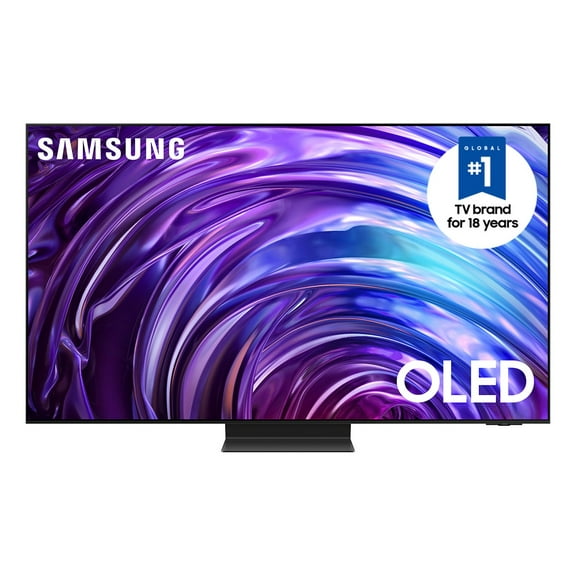
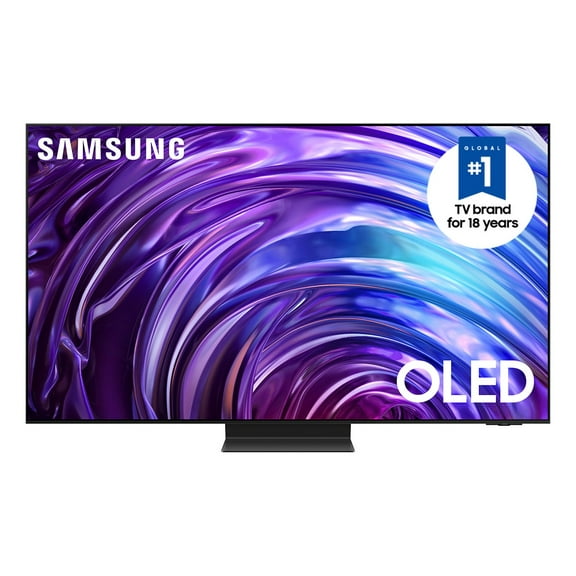
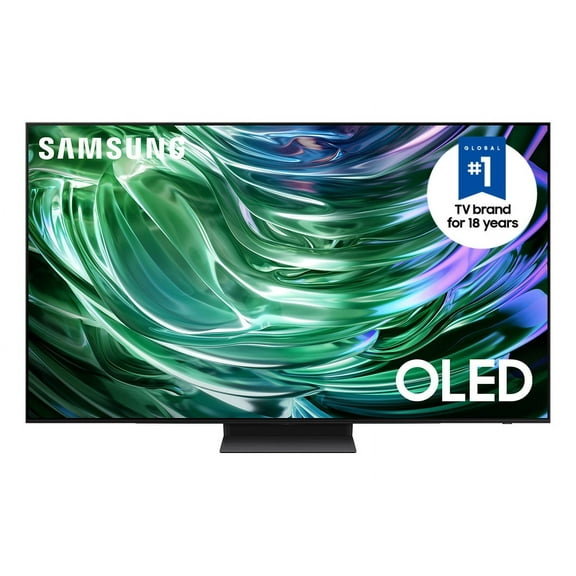
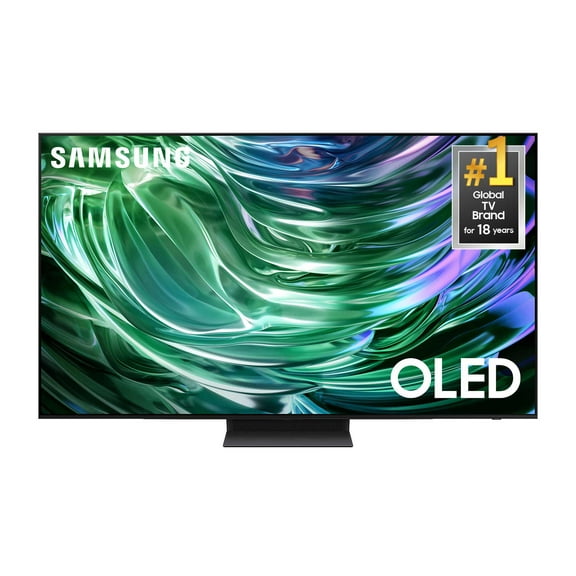
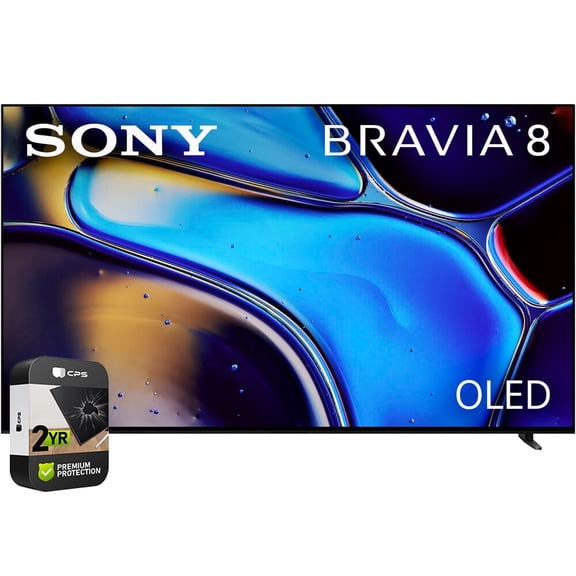
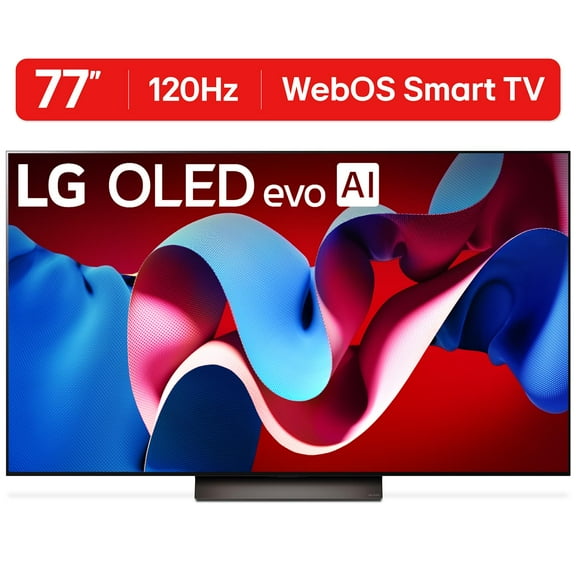
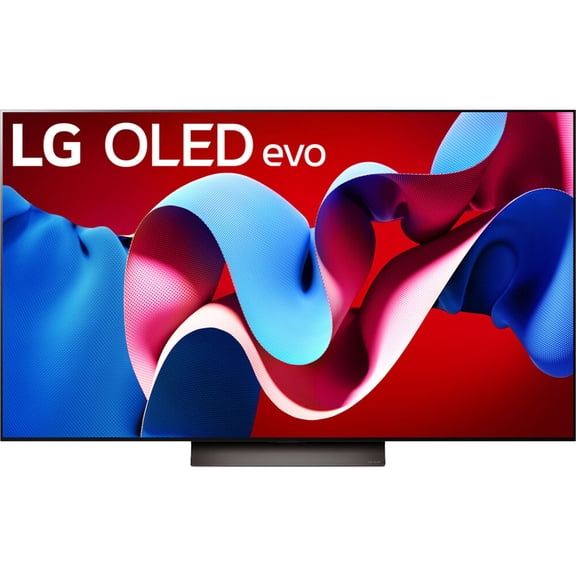
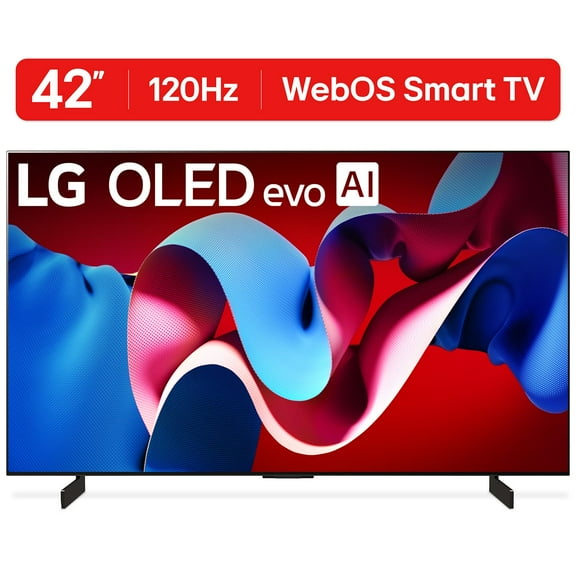
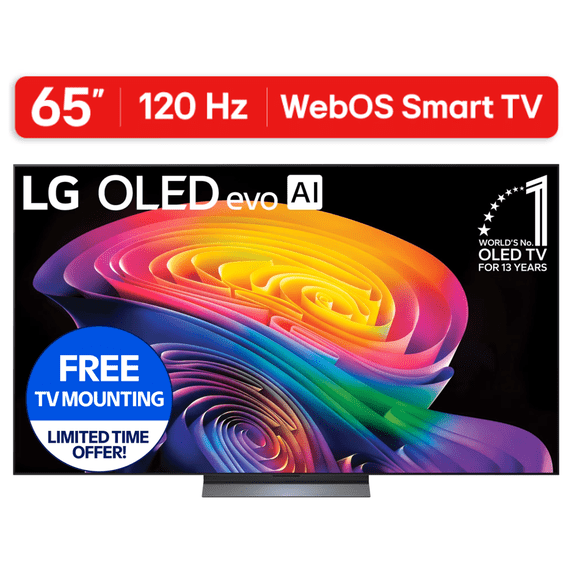
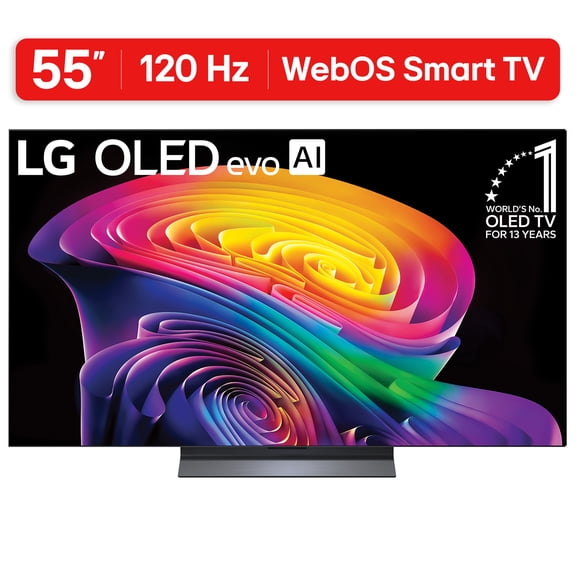
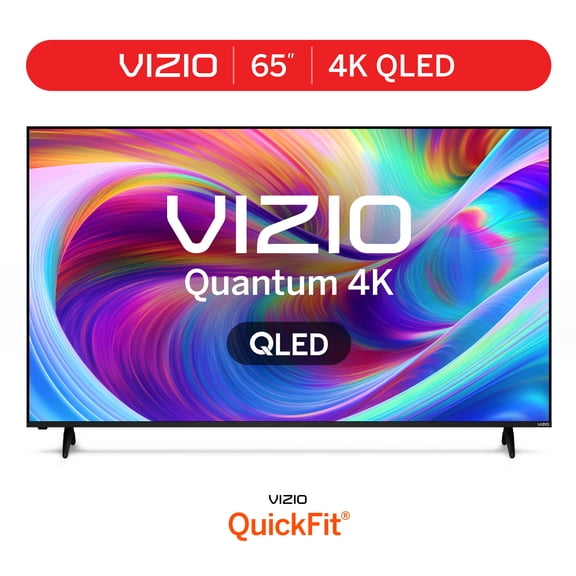
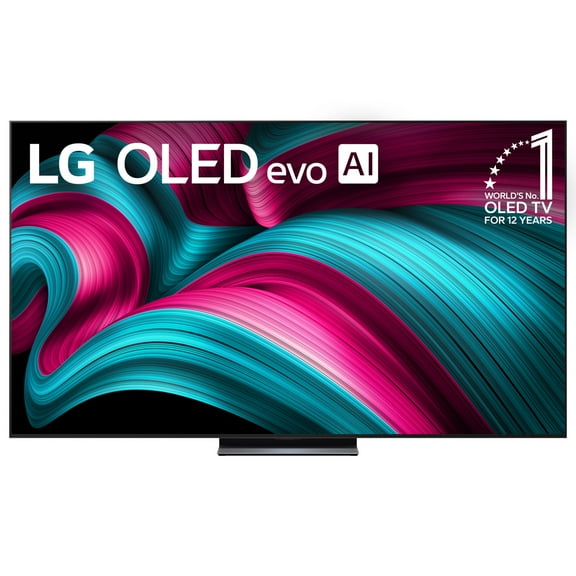
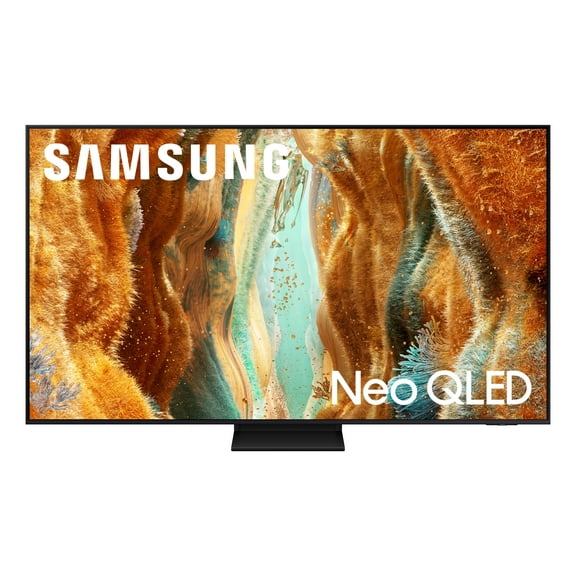
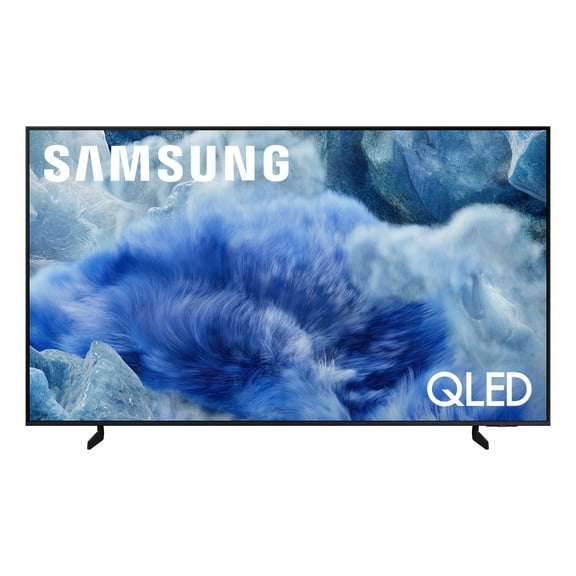
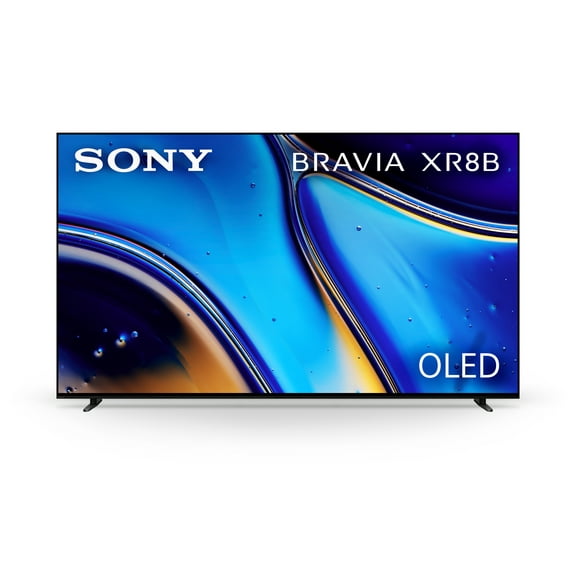
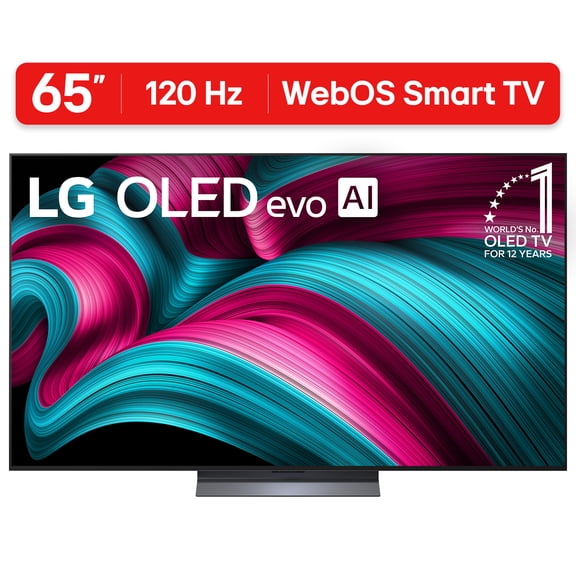
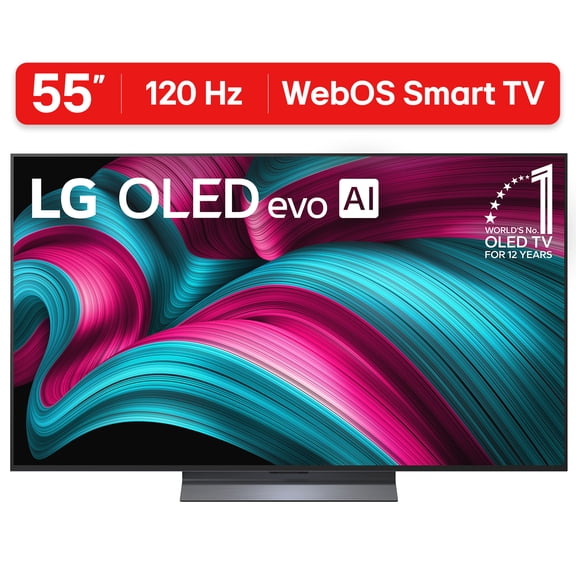
If you watch in a darker room, you may like OLED TVs for deep blacks and precise light control. If you watch in a bright room, you may prefer QLED TVs or Mini-LED screens.
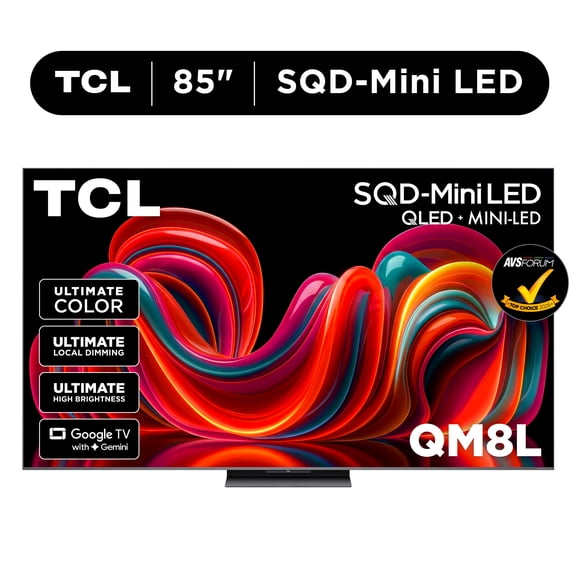
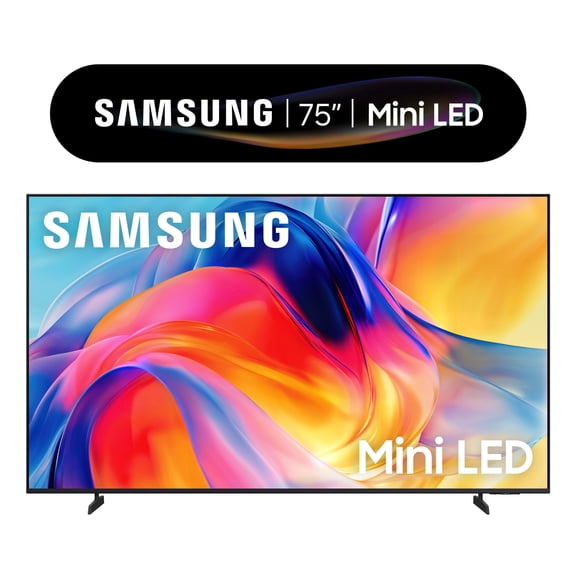
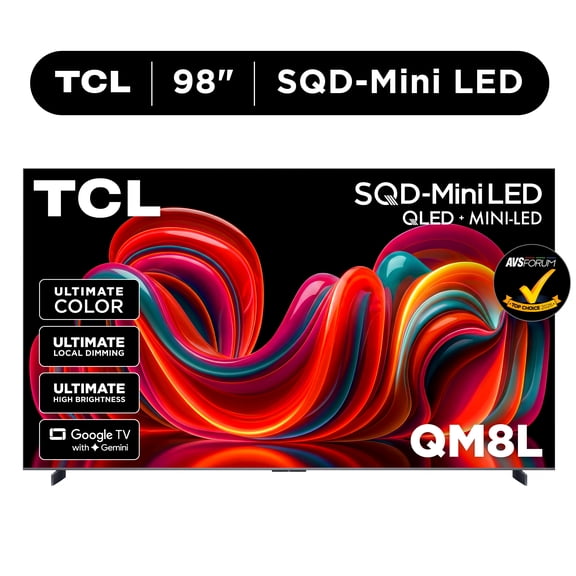
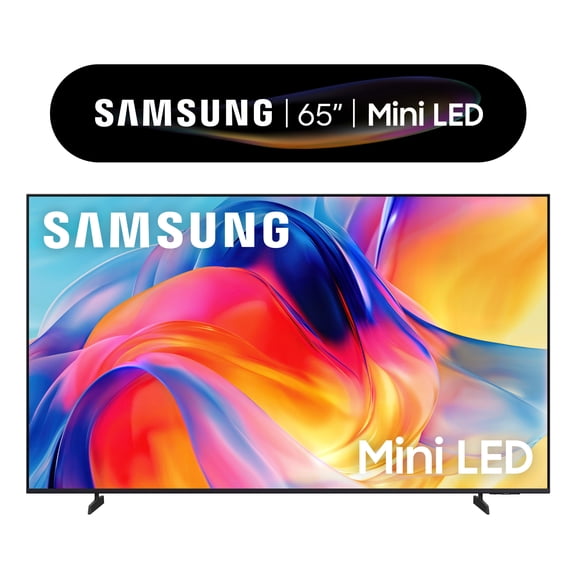
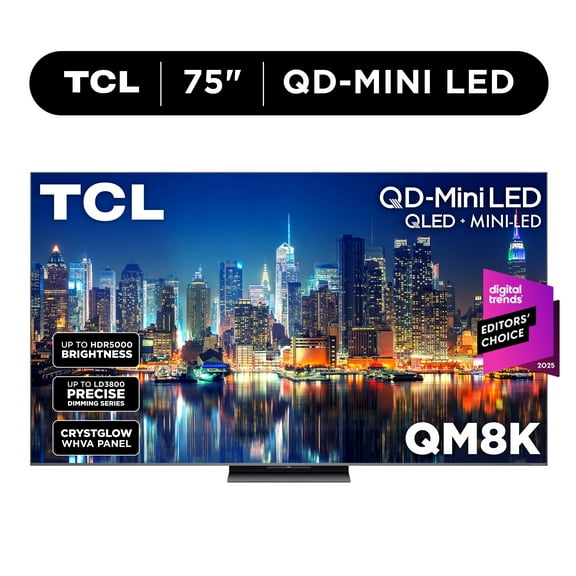
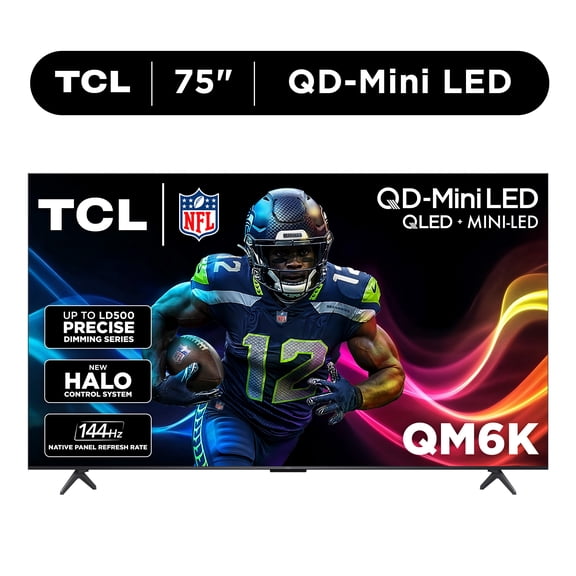
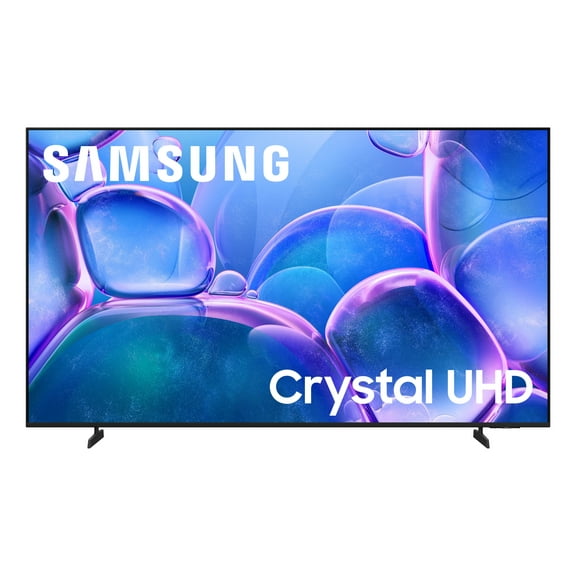
You can think of LED televisions as a practical starting point for everyday viewing. You may find Mini-LED useful when you want stronger brightness control across a larger screen.
When you compare OLED and QLED, you should check how you use your television most often. If you mix daytime sports and evening movies, your viewing habits can guide that choice.
What to look for in 4K smart TVs and resolution
Resolution tells you how much detail you can expect when you stream, game, or watch live events. You should consider 4K smart TVs first because they fit many current shows, apps, and consoles.
If you sit closer to a larger screen, you may notice sharper detail with 4K Ultra HD. If you want a smaller secondary television, you may still consider 1080p FHD for casual viewing.
You can also compare 8K Ultra HD when you want a larger screen with extra detail potential. You should still check what content sources you use most before choosing it.
You'll get the clearest experience when your resolution matches your screen size and room setup. You can avoid overbuying by measuring your space before you choose.
Choosing the right screen size and room fit
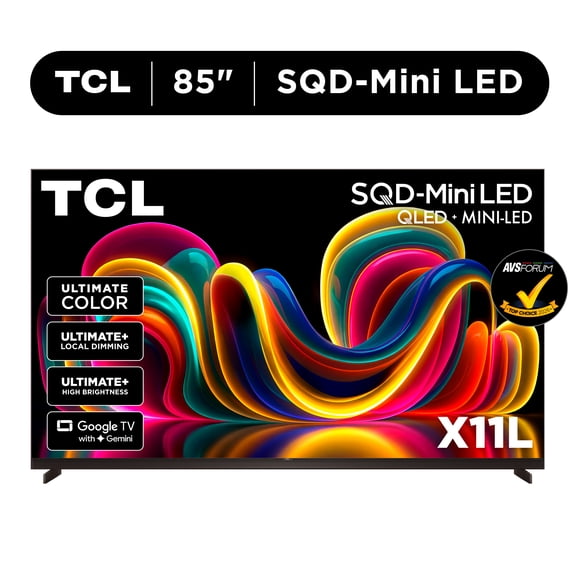
You should measure viewing distance before you choose among 55 inch, 65 inch, 75 inch, or 85 inch televisions. You can make the room feel balanced when the screen suits your seating layout.
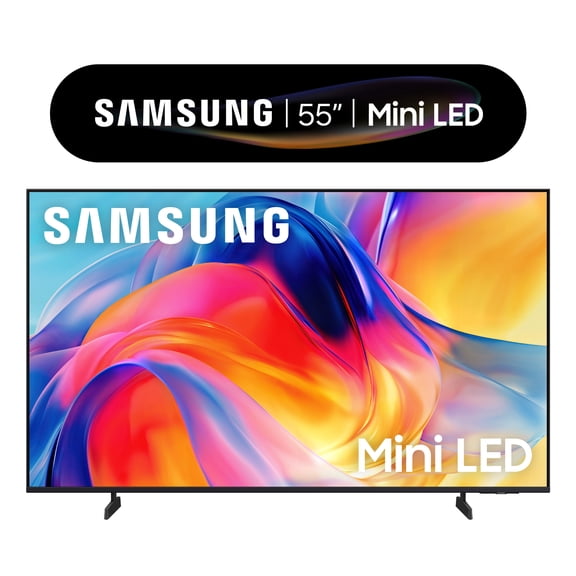
For smaller rooms, you may start with 55 inch screens when your seating is fairly close. For medium living rooms, you may look at 65 inch or 75 inch options.
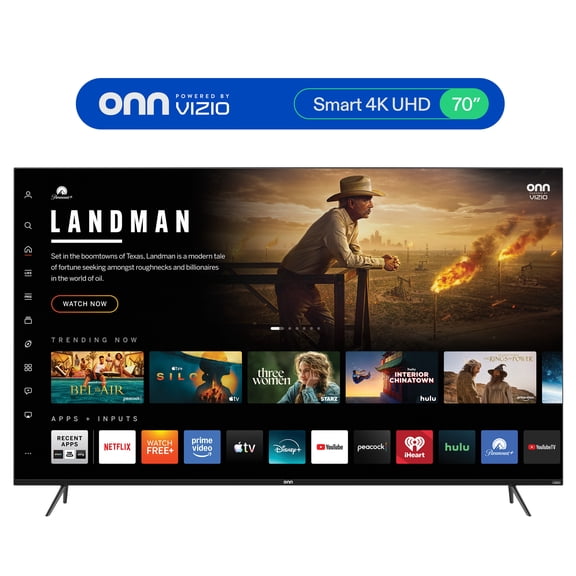
If your room is wide or your seating sits farther back, you may prefer 85 inch big screen tvs. You should also check stand width or wall space before finalizing size.
You can make movie nights feel more immersive when your screen fills more of your view. You can keep everyday watching comfortable by choosing a size that fits naturally.
Comparing smart platforms and smart TV features
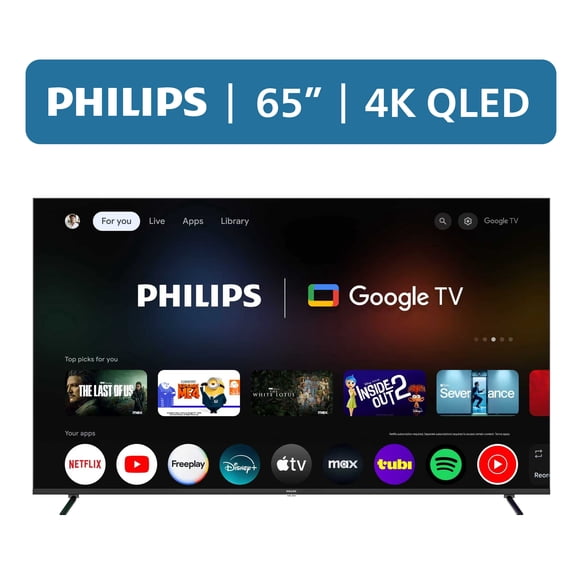
You should check the smart platform because it shapes how you open apps, search content, and switch inputs. You may prefer Roku TV, Google TV, WebOS, or Tizen based on your routine.
If you want a simple home screen, you may lean toward a layout that keeps streaming apps easy to find. If you already use certain devices, you should check platform compatibility first.
You can also compare smart tv features like voice control, personalized recommendations, and casting from mobile devices. You'll appreciate those features when you want quick access without extra boxes.
When several people share one television, you may want a platform with easy navigation and familiar app support. You can reduce setup hassle when your services work smoothly from the start.
Checking HDMI ports for gaming and soundbars
You should look at port selection before you choose a television for consoles, streaming devices, or audio gear. You can avoid adapter clutter when your inputs match your setup.
If you play newer games, you may want HDMI 2.1 for higher refresh rate support and smoother action. If your setup is simpler, HDMI 2.0 may still fit standard streaming and everyday viewing.
You should also count how many HDMI ports you need for a soundbar, console, and media player. You can keep your setup flexible when you leave room for future devices.
For family rooms, you may want one television that handles streaming, gaming, and sound in one hub. You'll get a cleaner entertainment setup when your ports support everything you use.