


Sorry, this item is out of stock
In 200+ people's carts ASUS Chromebook CX1, 15.6" FHD, Intel Celeron N4500, 128GB eMMC, 4GB RAM, ChromeOS, Pure Gray $159.00
 $15900current price $159.00
ASUS Chromebook CX1, 15.6" FHD, Intel Celeron N4500, 128GB eMMC, 4GB RAM, ChromeOS, Pure Gray
60454.2 out of 5 Stars. 6045 reviewsBest seller ASUS Chromebook Plus CX34 14 inch Touch Laptop with Google AI Intel Core i3-1315U 8GB RAM 128GB UFS Gray $379.00
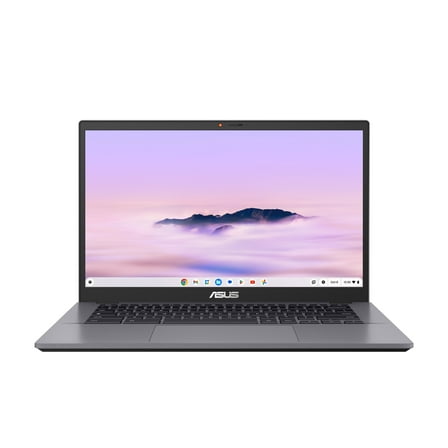 $37900current price $379.00
ASUS Chromebook Plus CX34 14 inch Touch Laptop with Google AI Intel Core i3-1315U 8GB RAM 128GB UFS Gray
1434.4 out of 5 Stars. 143 reviewsIn 100+ people's carts HP Chromebook x360 14 inch FHD IPS Touch 2-in-1 Laptop Intel Processor N100 4GB RAM 64GB eMMC - Sky Blue $279.00
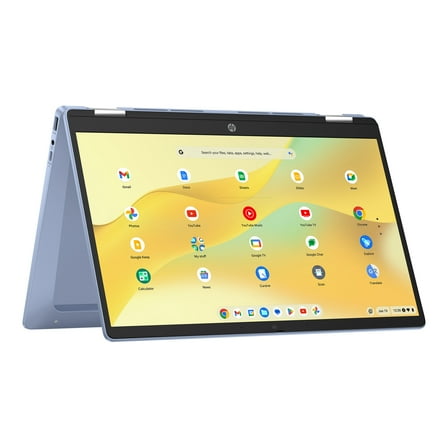 $27900
HP Chromebook x360 14 inch FHD IPS Touch 2-in-1 Laptop Intel Processor N100 4GB RAM 64GB eMMC - Sky Blue
43544.4 out of 5 Stars. 4354 reviewsLenovo IdeaPad 3i Chromebook 15.6” Full HD Laptop, Intel Celeron N4500, 4GB RAM, 64GB eMMC, Chrome OS $165.00
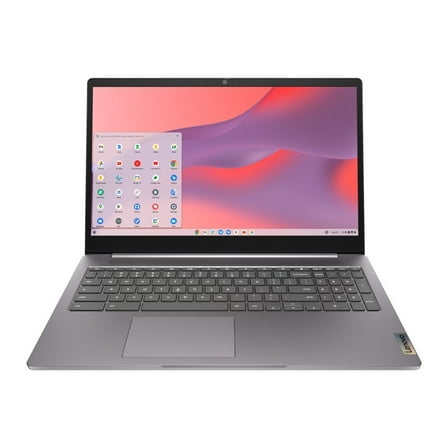 More options from$12900
Lenovo IdeaPad 3i Chromebook 15.6” Full HD Laptop, Intel Celeron N4500, 4GB RAM, 64GB eMMC, Chrome OS
1334.2 out of 5 Stars. 133 reviewsHP Chromebook X360 14" HD Touchscreen 2-in-1 Laptop, Intel Celeron N4020, 4GB RAM, 64GB eMMC, Teal, 14a-ca0130wm $298.00
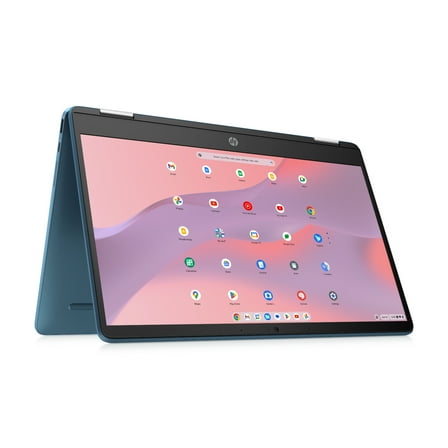 $29800
HP Chromebook X360 14" HD Touchscreen 2-in-1 Laptop, Intel Celeron N4020, 4GB RAM, 64GB eMMC, Teal, 14a-ca0130wm
12424.4 out of 5 Stars. 1242 reviewsLenovo IdeaPad Slim 3 Chromebook Laptop, 14" FHD Touchscreen Laptop, MediaTek Kompanio 520, 4GB RAM, 64GB eMMC, Wi-Fi 6, Chrome OS, Abyss Blue $248.00
 $24800current price $248.00
Lenovo IdeaPad Slim 3 Chromebook Laptop, 14" FHD Touchscreen Laptop, MediaTek Kompanio 520, 4GB RAM, 64GB eMMC, Wi-Fi 6, Chrome OS, Abyss Blue
Lenovo Slim 3 Chromebook Laptop for Business Student, 14'' FHD IPS Touchscreen, 8-Core MediaTek Kompanio 520 Processor, 4GB RAM, 64GB eMMC, 256GB Micro SD Card, Wi-Fi6, Bluetooth, Chrome OS $224.50
 More options from$20315
Lenovo Slim 3 Chromebook Laptop for Business Student, 14'' FHD IPS Touchscreen, 8-Core MediaTek Kompanio 520 Processor, 4GB RAM, 64GB eMMC, 256GB Micro SD Card, Wi-Fi6, Bluetooth, Chrome OS
354 out of 5 Stars. 35 reviewsHP 15.6" HD Chromebook, Intel Quad-Core Processor, 8GB RAM LPDDR5, 64GB eMMc, Numeric Keyboard Home & Student Laptop, Chrome OS $239.00
 $23900current price $239.00
HP 15.6" HD Chromebook, Intel Quad-Core Processor, 8GB RAM LPDDR5, 64GB eMMc, Numeric Keyboard Home & Student Laptop, Chrome OS
74.9 out of 5 Stars. 7 reviewsLenovo - Slim 3 Chromebook 14" FHD Touch-Screen Laptop - MediaTek Kompanio 520 - 4GB Memory - 64GB eMMC - Abyss Blue $209.00
 $20900current price $209.00
Lenovo - Slim 3 Chromebook 14" FHD Touch-Screen Laptop - MediaTek Kompanio 520 - 4GB Memory - 64GB eMMC - Abyss Blue
63.8 out of 5 Stars. 6 reviewsLenovo IdeaPad Slim 3 Chromebook 14" Full HD Laptop, MediaTek Kompanio 520, 4GB RAM, 64GB eMMC, Chrome OS $198.00
 $19800
Lenovo IdeaPad Slim 3 Chromebook 14" Full HD Laptop, MediaTek Kompanio 520, 4GB RAM, 64GB eMMC, Chrome OS
63.8 out of 5 Stars. 6 reviewsHP Chromebook 14 inch Laptop, HD Display, Intel Processor N100, 8 GB RAM, 128 GB UFS, Intel UHD Graphics, Chrome OS, Chalkboard Gray, 14a-nf0099nr $269.00
 $26900current price $269.00
HP Chromebook 14 inch Laptop, HD Display, Intel Processor N100, 8 GB RAM, 128 GB UFS, Intel UHD Graphics, Chrome OS, Chalkboard Gray, 14a-nf0099nr
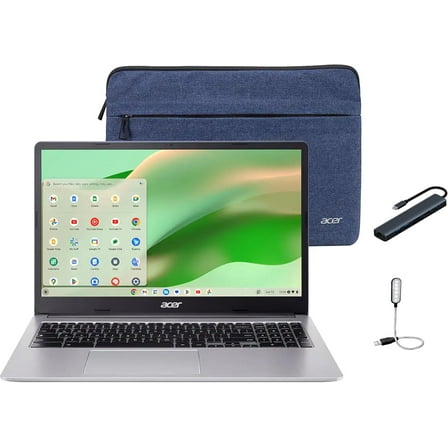
193.8 out of 5 Stars. 19 reviewsAcer Chromebook 315 15.6" FHD Business Laptop, Intel Celeron N4500 1.1GHz, 4GB RAM, 64GB eMMC, SD Card Reader, Protective Sleeve Included, Chrome OS, Silver with Mazepoly Accessories $189.00
 $18900current price $189.00
Acer Chromebook 315 15.6" FHD Business Laptop, Intel Celeron N4500 1.1GHz, 4GB RAM, 64GB eMMC, SD Card Reader, Protective Sleeve Included, Chrome OS, Silver with Mazepoly Accessories
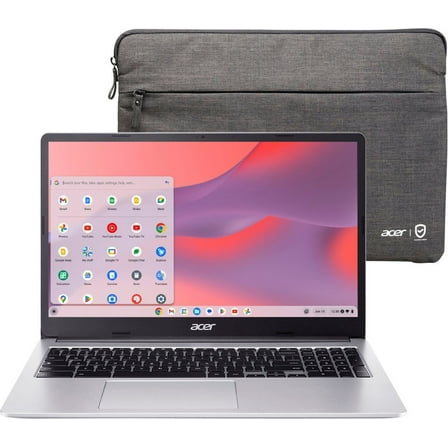
15 out of 5 Stars. 1 reviewsAcer Chromebook 315 CB315-4H - Intel Pentium Silver - N6000 / up to 3.3 GHz - Chrome OS - UHD Graphics - 4 GB RAM - 128 GB eMMC - 15.6" TN 1366 x 768 (HD) - Wi-Fi 6 - pure silver - kbd: US $188.00
 More options from$10551
Acer Chromebook 315 CB315-4H - Intel Pentium Silver - N6000 / up to 3.3 GHz - Chrome OS - UHD Graphics - 4 GB RAM - 128 GB eMMC - 15.6" TN 1366 x 768 (HD) - Wi-Fi 6 - pure silver - kbd: US
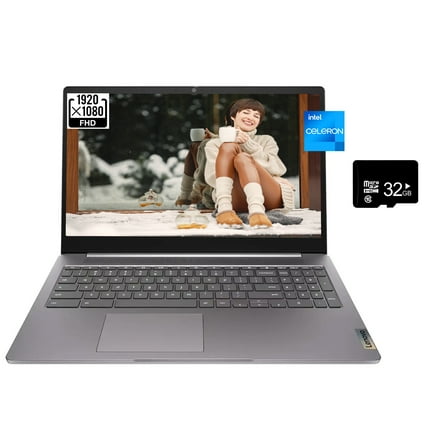
604.6 out of 5 Stars. 60 reviewsLenovo IdeaPad 3i Chromebook, 15.6" FHD Laptop, Intel Celeron N4500, Intel UHD Graphics, 4GB RAM, 64GB eMMC, Bluetooth, HDMI, Chrome OS, Arctic Grey, w/32GB card $179.00
 $17900current price $179.00
Lenovo IdeaPad 3i Chromebook, 15.6" FHD Laptop, Intel Celeron N4500, Intel UHD Graphics, 4GB RAM, 64GB eMMC, Bluetooth, HDMI, Chrome OS, Arctic Grey, w/32GB card
13 out of 5 Stars. 1 reviewsAcer Chromebook 311 CBOA311-1H-C90F 11.6" HD Laptop, Intel Celeron N4500 1.1GHz, 4GB RAM, 64GB eMMC, ChromeOS, Star Black $144.90
 $14490
Acer Chromebook 311 CBOA311-1H-C90F 11.6" HD Laptop, Intel Celeron N4500 1.1GHz, 4GB RAM, 64GB eMMC, ChromeOS, Star Black
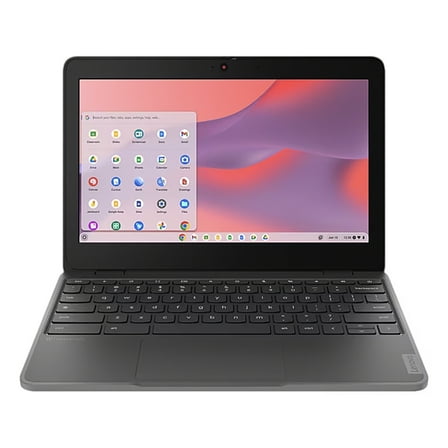
223.9 out of 5 Stars. 22 reviewsLenovo 100e Chromebook Gen 4 11.6" MediaTek Kompanio 520 Mali G52 8GB Memory 64 GB SSD Chrome OS 82W0000PUS $354.99
 $35499current price $354.99
Lenovo 100e Chromebook Gen 4 11.6" MediaTek Kompanio 520 Mali G52 8GB Memory 64 GB SSD Chrome OS 82W0000PUS
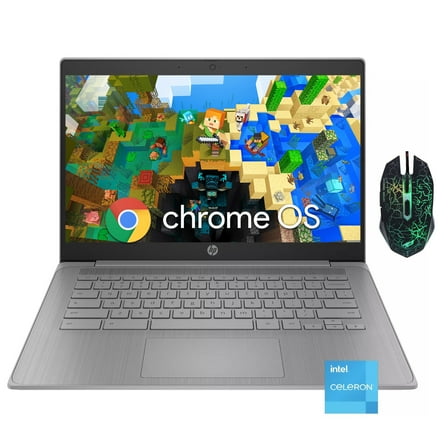
HP Chromebook 14" HD Laptop for Business & Students,Intel Celeron N4120,4GB RAM,192GB Storage(64GB eMMC 128GB Micro SD),Webcam,Long Battery Life,Chrome OS $199.99
 Options from$19999– $25599
HP Chromebook 14" HD Laptop for Business & Students,Intel Celeron N4120,4GB RAM,192GB Storage(64GB eMMC 128GB Micro SD),Webcam,Long Battery Life,Chrome OS
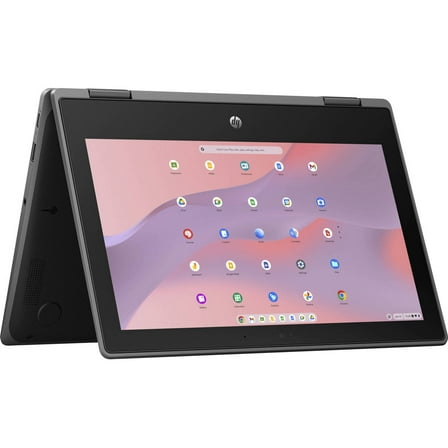
174.5 out of 5 Stars. 17 reviewsHP Fortis x360 G3 J Chromebook 11.6" HD Touchscreen Notebook Computer, Intel Celeron N5100 1.1GHz, 8GB RAM, 64GB eMMC, Chrome OS $410.99
 $41099current price $410.99
HP Fortis x360 G3 J Chromebook 11.6" HD Touchscreen Notebook Computer, Intel Celeron N5100 1.1GHz, 8GB RAM, 64GB eMMC, Chrome OS

Samsung Chromebook Plus 12.3", ARM Processor, 4GB RAM, 32GB eMMC, Platinum Silver - XE513C24-K01US
Key item features
- Operating System: Chrome OS for a secure, fast, and versatile experience.
- Powerful Processor: Dual ARM Cortex A72 Quad Cortex A53 Hexa-Core for efficient performance.
- High-Resolution Display: 12.3" LED Display with 2400 x 1600 resolution for clear visuals.
- Ample Storage: 32GB eMMC storage capacity for essential files and apps.
- Energy Efficient: ENERGY STAR Certified for reduced energy consumption.
- Versatile Design: 360-degree rotating display and built-in pen for flexible use.
- Long Battery Life: Up to 8 hours of battery life for extended use.
- App Availability: Access to thousands of apps via the Google Play store.
Specs
- BrandSamsung
- Proc. brandARM
- OSChrome, Chrome OS
- Ram memory4 GB
- Screen size12.3 in
- HD typeSolid State
Reviews summary
- : Lasts around 8 hours with constant use.
- : Features a premium metal construction.
- : Comes with device for navigation and drawing.
- : Provides capability for mainstream productivity and entertainment activities.
- : Offers full-sized keys, but lacks tactile feedback.
How do you want your item?
About this item
Product details
- Built for speed and simplicity: Starts in seconds and stays fast throughout the day.
- More up-time between charges: With up to 8 hours* of battery life, you can surf, work or play from anywhere.
(*All Chromebooks come with at least 8 hours of battery life.)
- Security from the start: Automatic updates and backups offer protection and peace of mind
- Do more with apps: Entertainment or productivity, all your favorite apps are available in the Google Play store.
- Designed with you in mind: Hardware from premium manufacturers with innovative and sleek designs.
- Set digital ground rules with Family Link: Parents can manage their family's apps and websites, set screen time limits, and even remotely lock devices.
Discover your Chromebook:
here
- Operating System: Chrome OS
- Processor: Dual ARM Cortex A72 Quad Cortex A53 Hexa-Core
- Screen Size: 12.3" LED Display (2400 x 1600)
- Storage Capacity: 32GB
- Certifications: ENERGY STAR® Certified
- 360 degree rotating display
- Built-in Pen
Specifications
Brand
Proc. brand
Processor
OS
Warranty
Warranty information
Please be aware that the warranty terms on items offered for sale by third party Marketplace sellers may differ from those displayed in this section (if any). To confirm warranty terms on an item offered for sale by a third party Marketplace seller, please use the 'Contact seller' feature on the third party Marketplace seller's information page and request the item's warranty terms prior to purchase.
Warnings
Ingestion Hazard
Warning Text
More items to consider
Based on what customers bought
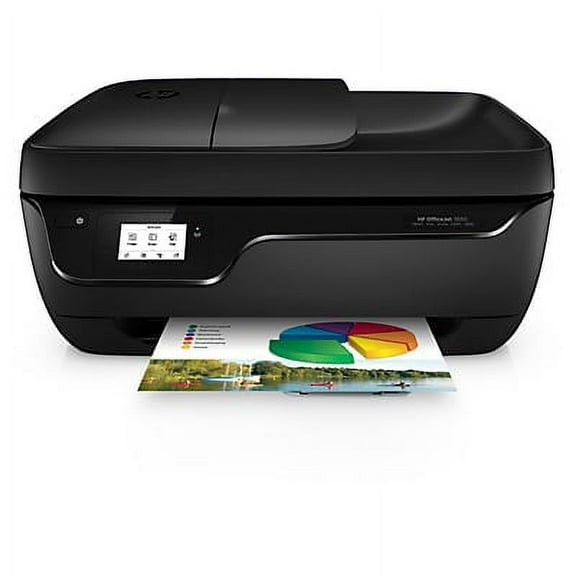
HP OfficeJet 3830 All-in-One Printer $424.95
 $42495current price $424.95
HP OfficeJet 3830 All-in-One Printer
5664.3 out of 5 Stars. 566 reviewsShipping, arrives in 3+ daysReduced price Verdevida Rechargeable Wireless Bluetooth Mouse for Laptop, Wireless Mouse for PC, iPad, Notebook, Chromebook, Apple Mouse Compatible, Portable Silent Click Mouse for Office and Travel $12.59 Was $14.75
Reduced price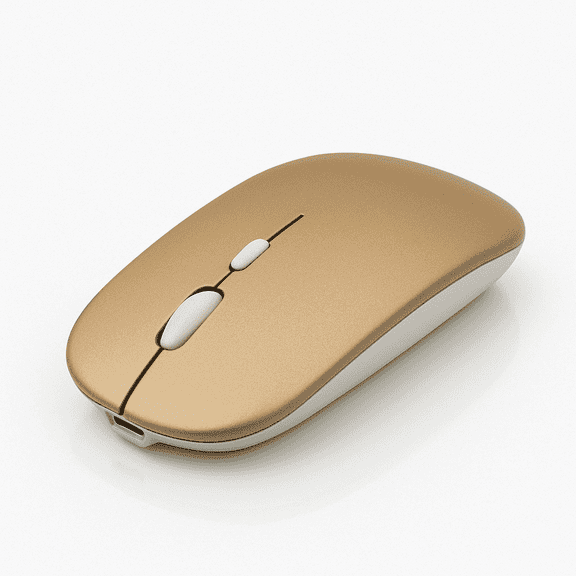 4 optionsAvailable in additional 4 optionsNow$1259current price Now $12.59, Was $14.75$14.75More options from $11.69
Verdevida Rechargeable Wireless Bluetooth Mouse for Laptop, Wireless Mouse for PC, iPad, Notebook, Chromebook, Apple Mouse Compatible, Portable Silent Click Mouse for Office and Travel
484.3 out of 5 Stars. 48 reviewsSave with Shipping, arrives in 2 days
HP Pavilion Power Laptop 15-cb035wm $599.00 Was $849.00
 Now$59900current price Now $599.00, Was $849.00$849.00
HP Pavilion Power Laptop 15-cb035wm
133.2 out of 5 Stars. 13 reviewsShipping, arrives in 3+ daysBest seller Crash N. Sane Trilogy, Activision, Nintendo Switch, 047875881990 $32.99 Was $39.99
Best seller Now$3299current price Now $32.99, Was $39.99$39.99Options from $32.99 – $34.99
Crash N. Sane Trilogy, Activision, Nintendo Switch, 047875881990
4894.6 out of 5 Stars. 489 reviewsSave withShipping, arrives in 2 daysRoku Express HD Streaming Media Player 2019 $44.99
 2 optionsAvailable in additional 2 options$4499current price $44.99
Roku Express HD Streaming Media Player 2019
98454.6 out of 5 Stars. 9845 reviewsShipping, arrives in 3+ daysNBA 2K18, 2K, PlayStation 4, 710425479076 $12.93
 $1293current price $12.93
NBA 2K18, 2K, PlayStation 4, 710425479076
544.2 out of 5 Stars. 54 reviewsShipping, arrives in 3+ daysBest seller Swh Super Mario Odyssey (US Version) $46.95 Was $59.99
Best seller Now$4695current price Now $46.95, Was $59.99$59.99More options from $45.97
Swh Super Mario Odyssey (US Version)
26614.7 out of 5 Stars. 2661 reviewsSave withShipping, arrives in 2 daysMicrosoft Xbox One X 1TB Console, Black, CYV-00001 $699.00
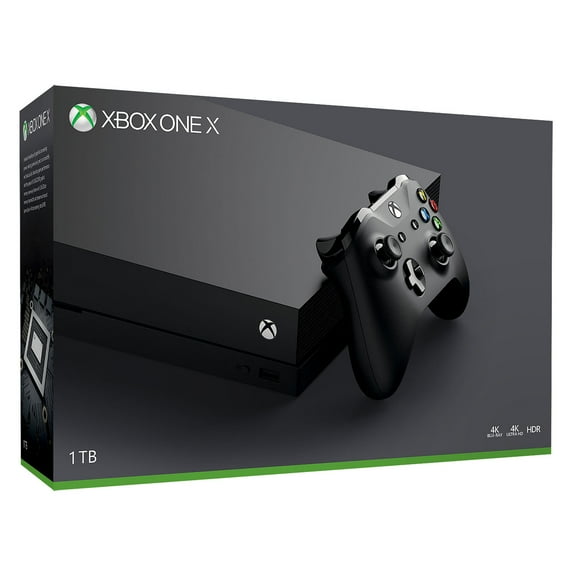 $69900current price $699.00
Microsoft Xbox One X 1TB Console, Black, CYV-00001
2653.9 out of 5 Stars. 265 reviewsShipping, arrives in 3+ daysMicrosoft Xbox One S - Ultimate Halo Bundle - game console - 4K - HDR - 500 GB HDD - white $449.99
 $44999current price $449.99
Microsoft Xbox One S - Ultimate Halo Bundle - game console - 4K - HDR - 500 GB HDD - white
294.5 out of 5 Stars. 29 reviewsShipping, arrives in 3+ days100+ bought since yesterday Dust-Off® Model FLCNRET10522 Compressed Gas Duster, 2 Pack, 10oz, 8.5" H, 3" W $12.68 $6.34/ea
100+ bought since yesterday $1268current price $12.68$6.34/ea
Dust-Off® Model FLCNRET10522 Compressed Gas Duster, 2 Pack, 10oz, 8.5" H, 3" W
19024.3 out of 5 Stars. 1902 reviewsSave withPickup tomorrowDelivery todayShipping, arrives in 2 days100+ bought since yesterday Spray X Duster 10oz, 2 PK $16.88 84.4 ¢/oz
100+ bought since yesterday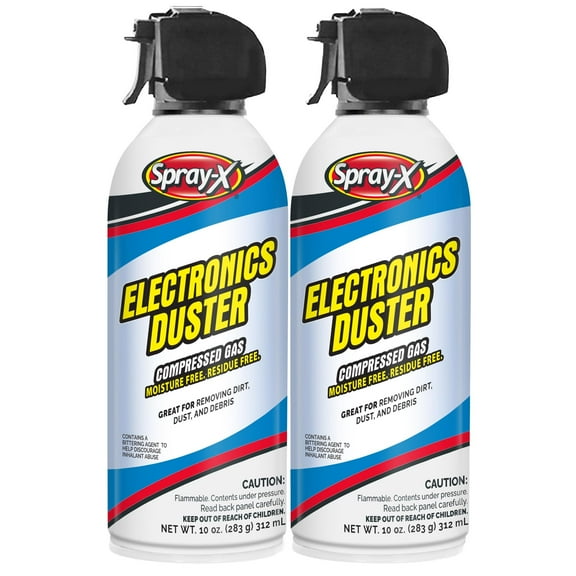 $1688current price $16.8884.4 ¢/oz
Spray X Duster 10oz, 2 PK
5764.4 out of 5 Stars. 576 reviewsSave withPickup tomorrowDelivery todayShipping, arrives tomorrow

Customer ratings & reviews
Reviews summary
- : Lasts around 8 hours with constant use.
- : Features a premium metal construction.
- : Comes with device for navigation and drawing.
- : Provides capability for mainstream productivity and entertainment activities.
- : Offers full-sized keys, but lacks tactile feedback.
Customer images
Showing 1-3 of 92 reviews
Chromebook with 12" Android Tablet all in one!
I traded in my Laptop for credit towards my Samsung Chromebook Plus purchase. I also sold my Tablet after having the Samsung Chromebook Plus for a couple days. A must for me, is it runs Android's Apps as well as my Tablets/Phones. Since Android Apps are optimized for the ARM processors, the Plus runs Android Apps well. I really enjoy my Samsung Chromebook Plus for browsing sites, keeping up to date on social networks, watching and interacting with live streams. I use it as my second screen to interact with TV casts, live during shows. I rarely if ever use my Desktop PC any more. IMHO you'll love it. Forget all this talk about people saying the keyboard and trackpad are subpar or lacking. There is a learning curve on the backspace, only because people are used to typing sloppy because it's usually a double sized key. I've compared the keyboard with other Chromebooks and I prefer it. The backlit is more a gimmick but I see its usefulness late night or early morning typing in bed, dark room. But I prefer the battery life. The trackpad is as good as any albeit smaller. The clicks work fine. Palm rejection sometimes fails, but it happens on every trackpad I've used. I particularly love using mine with my DP alt mode compatible Multiport USB-c hub. Everything, HDMI, USB-C PD pass-through charges and anything I plug into the full size USB just works. Turn off the display or close it, and it switches to "docked" mode. Connected to HDMI it will extend the desktop or you can switch to mirror mode. This is all as a Chromebook without even mentioning it is a fantastic 12" tablet and how useful the pen is for navigating the screen when your fingers are dirty..
Great display and just the right size
After considering a number of other products including windows two-in-ones, I decided on the Samsung Chromebook. It has a great display and all the features I need. The keyboard has been easy to use, although I'd love to have a backlit keyboard. The trackpad and touchscreen are very responsive, although there are a couple issues when using Google maps, which I hope they'll fix in future updates. I've only had it for a few weeks so I haven't used all the apps I have so there could be more issues I come across, but overall I'm very happy with the purchase so far.
Almost there...
In short, the device is really amazing for the price you pay. Metal body, great resolution with the perfect productivity aspect ratio, lightweight and durable. The stylus is an amazing addition too, adding some time-passing doodling and note taking to add more productivity and entertainment to the overall package. A bit more in depth. Screen: Compared to other laptops and Chromebooks, this device is NOT of the 16:9 aspect ratio variety. So instead of a rectangular screen, it will be more Square. When watching media, there will be large black bars on the top and bottom, but since the screen is really good, I can look past it. Just needs some getting used to. (The size is close to 1 inch on top and 1 inch on the bottom.) It is perfect for productivity since you have more screen real-estate, it also has a more tablet feel to it because of this. So tablet form and tent form are really good. It is also a touch screen, ChromeOS isn't doesn't really support it yet, but it works fine. Build/Design: Thanks to it's metal body, this device is durable. Not sure what metal it is, might be Magnesium since it is so light as well. So you can be a bit rough with it. The design is very clean and screams quality, so you don't have to be a shamed to pull this out in front of other people. The hinge is also really well build; nice and tight, so it will be a while before it gives out. Not a lot of screen shaking when speed typing. Because of the way the weight is distributed, when you angle the screen after a certain point, screen wobble be more present. Sound: The speakers are really lacking in this device. The placement of is questionable, since it is covered in tablet form, in presentation form the screen prevents the acoustics from hitting your ears properly and in laptop form it is bottom facing. In Tent form, it good because it faces you; but it is still really weak. Speed: The processor is of the ARM variety, so installing Linux will be a bit of a problem due to compatibility issues. It being an ARM processor, it is not as fast the Intel powered Chrombook Pro; that being the case, this processor was able to keep up with undergraduate computer science work. I've experienced no slow downs whatsoever, and that is with a 4 chrome tab, google docs, google play/spotify load, and Chrome Remote Desktop for remote coding. The processor also handles android apps better than the Intel variant. This is because of how android apps are coded, this difference is being patched up by Google and app makers. But there should still be a difference despite that. Keyboard/Pen: I'll say is straight out. the keyboard completely sucks on this device. It is very shallow and the backspace key is small. It is not back-light as well. The shallowness is understandable because of how thin it is, and the back space because of it's small foot print. But I've seen other thin and light laptops that can make a good keyboard, so I can't look past this. The back-lit feature, might be a turn off for some, but for me it is A-OK. So if you really need this feature, be aware this device DOES NOT have it. But all in all, despite the fact that the keyboard sucks; I look past it because of the price of the thing. The pen also has a place to be stored in, so it wont get lost easily. It also has pressure sensitivity, so drawing is bit more fun. But still, since it is a small pen, if you have big hands, it will cramp up quickly when you use it. WIFI: It can detect dual band routers, so speed is there. But the device was known to have some wifi issues before. Google/Samsung said that it will be patched, so the issues might be gone now. Battery Life: As most people already know, the manufacturer's claim for batter life is never accurate. It last me at most 7 1/2 hours with the way I use it. ( Low - Medium brightness, 4 chrome tabs, google docs, and either YouTube/spotify/google play) Ports: There are only 2 ports, both USB Type-C. So charging using either sides are good. But since there are no Type-A ports, using other peripherals will require a dongle. THERE IS a headphone jack and also expandable storage. Webcam: The webcam is decent. The mic is also decent. But it is usable for conference calls and skype interviews. Just don't keep your expectations to high. All in all, this device is so close to being the perfect Chromebook. If Samsung could fix the keyboard drawbacks and weak speakers, then it will be perfect IMO. Well, also if Google fixed the problems that ChromeOS has.
