

TP-Link Archer BE9300 Router | Tri-Band WiFi 7 Wireless Router | up to 9.2 Gbps Speeds | Easy Setup | Parental Controls
Key item features
- Supercharged with Wi-Fi 7: Wi-Fi 7 has arrived with jaw-dropping performance - offering accelerated throughput, lower latency, stronger anti-jamming and higher efficiency. Join the league of pros and experience the sheer performance of the next generation Wi-Fi.
- 6-Stream Tri-band Wi-Fi up to 9.2Gpbs: Experience the next-gen Wi-Fi 7 speeds up to 5760Mbps on 6GHz Band, 2880 Mbps on 5GHz Band and 574 Mbps on 2.4GHz with 6 streams for a lag-free 8K streaming, AR/VR gaming, and incredible download/upload speeds.†‡△
- Multi-Gigabit Connectivity: A 2.5 Gbps WAN port and a 2.5 Gbps LAN port maximize home network speeds with up to 2.5× the wired speed of a typical Gigabit Ethernet port while the three 1 Gbps LAN ports and one USB 3.0 port provide an ideal solution for future-proofing your home network.
- Maximized Wi-Fi Coverage: Proprietary Wi-Fi optimization and 6 x optimally positioned antennas along with Beamforming deliver more capacity, stronger and more reliable connections, and less interference.
- Multi-Link Operation: Innovative Wi-Fi 7 MLO vastly Increases throughput, reduces latency, and improves reliability for emerging applications.‡
- Effortless Setup & Management: The Tether app allows for not only an effortless network setup featuring clear visual guidance, but also to remain in control of your network even when you're away from home.
- Network Security with HomeShield: TP-Link's premium security service keeps your connection safe with cutting-edge network and IoT protection such as regular network security scans, basic parental controls, QoS settings, weekly/monthly usage reports, and IoT device identification.*
- ISP Compatibility: Works with all internet service providers, such as Comcast, Charter, AT&T, Verizon, Xfinity, Spectrum, RCN, Cox, CenturyLink, Frontier, etc. (a modem is required for most internet service providers)
- EasyMesh Compatibility: Works with EasyMesh routers and range extenders to form seamless whole home Mesh WiFi, preventing drops and lag when moving between signals.**
- VPN Supported: Allow devices in your home network to access remote VPN servers without the need of installing VPN software on every device.
- Compatible with Alexa & Google Assistant: Control your router with voice commands through Alexa or Google Assistant—power on/off Guest Wi-Fi networks, reset the router for troubleshooting, and other convenient commands!
- for more information.
**TP-Link EasyMesh-compatible products can network with other devices that use EasyMesh. Failed connections may be due to firmware conflicts of different vendors. The EasyMesh-compatible function is still being developed on some models and will be supported in subsequent software updates.
Specs
Reviews summary
- Free shipping
 Free 30-day returns

(Only one option can be selected at a time)

How do you want your item?


More seller options (3)

Try 30 days of Walmart+ for just $1!
About this item
Product details
Specifications
Warranty
Warnings
Similar items you might like
50+ bought since yesterday NETGEAR Nighthawk BE3100 WiFi 7 Dual-band Router (RS70) $109.00
50+ bought since yesterday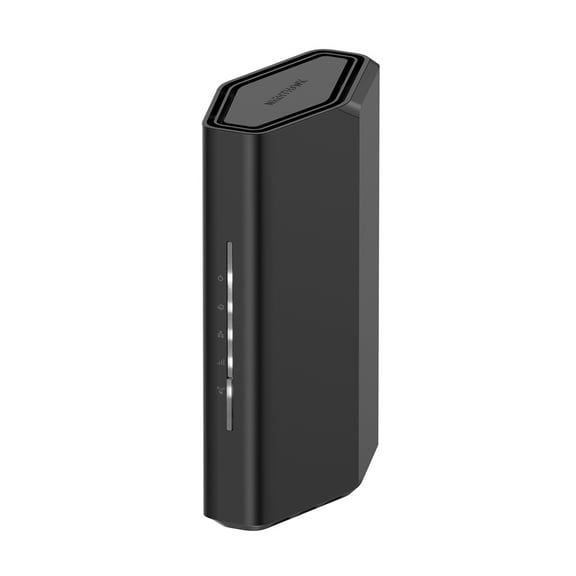 $10900current price $109.00
NETGEAR Nighthawk BE3100 WiFi 7 Dual-band Router (RS70)
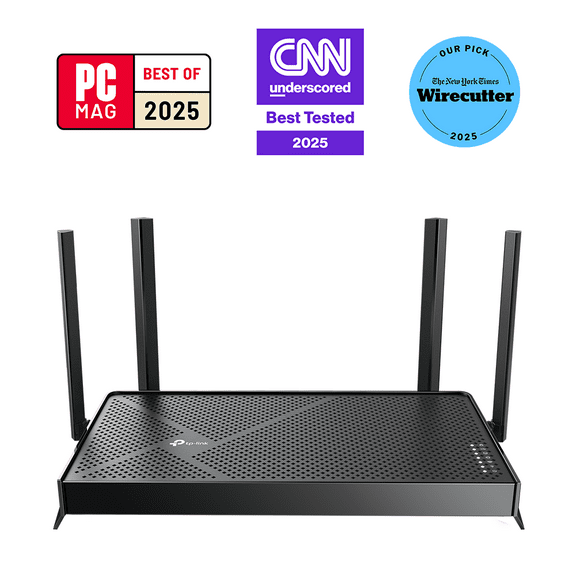
10794.5 out of 5 Stars. 1079 reviewsTP-Link Dual-Band BE3600 WiFi 7 Router with dual 2.5Gbps Ports, USB 3.0, 4x External Antennas, Parental Controls, and HomeShield. Archer BE3600. $79.99 Was $89.00
 $7999current price $79.99, Was $89.00$89.00
TP-Link Dual-Band BE3600 WiFi 7 Router with dual 2.5Gbps Ports, USB 3.0, 4x External Antennas, Parental Controls, and HomeShield. Archer BE3600.
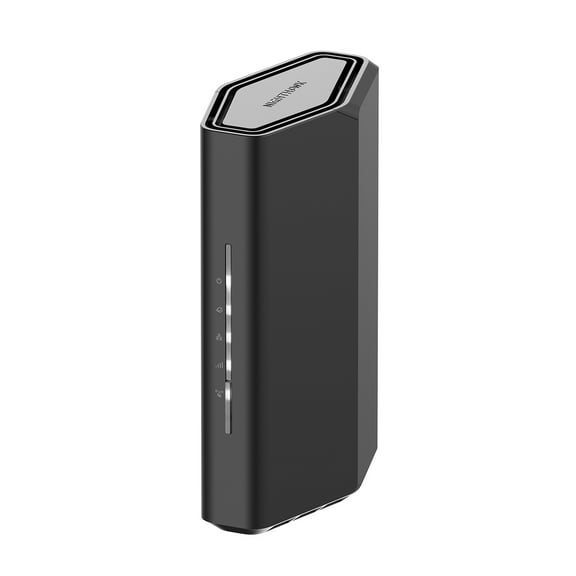
4004.5 out of 5 Stars. 400 reviewsNETGEAR Nighthawk Dual-Band WiFi 7 Router (RS90) – Security Features, BE3600 Wireless Speed (up to 3.6 Gbps) – Covers up to 2,000 sq. ft., 50 Devices - 2.5 Gig Internet Port $129.00
 $12900current price $129.00
NETGEAR Nighthawk Dual-Band WiFi 7 Router (RS90) – Security Features, BE3600 Wireless Speed (up to 3.6 Gbps) – Covers up to 2,000 sq. ft., 50 Devices - 2.5 Gig Internet Port
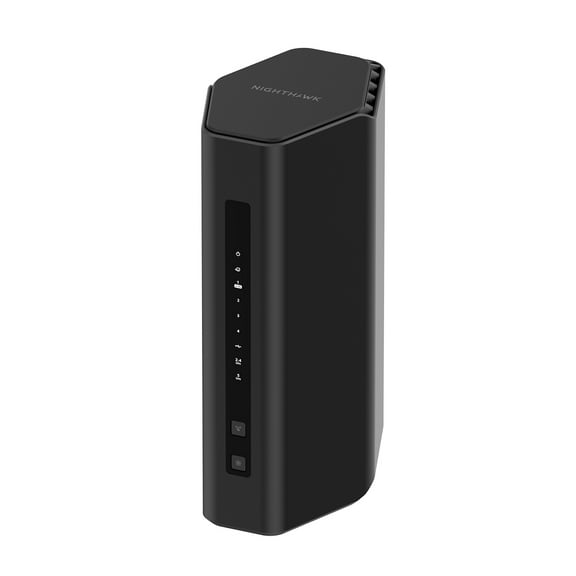
9434.6 out of 5 Stars. 943 reviewsNETGEAR Nighthawk Dual-Band WiFi 7 Router (RS180) – Security Features, BE5500 Wireless Speed (up to 5.5 Gbps) – Covers up to 2,500 sq. ft., 80 Devices - 2.5 Gig Internet Port $199.00
 $19900current price $199.00
NETGEAR Nighthawk Dual-Band WiFi 7 Router (RS180) – Security Features, BE5500 Wireless Speed (up to 5.5 Gbps) – Covers up to 2,500 sq. ft., 80 Devices - 2.5 Gig Internet Port
6684.6 out of 5 Stars. 668 reviews100+ bought since yesterday NETGEAR Nighthawk Cable Modem and WiFi 5 Router Combo (C7000) - Compatible with All Major Cable Providers incl. Xfinity & Cox - Cable Plans up to 800Mbps - AC1900 (Up to 1.9Gbps) - DOCSIS 3.0 $109.00 Was $192.00
100+ bought since yesterday $10900current price $109.00, Was $192.00$192.00
NETGEAR Nighthawk Cable Modem and WiFi 5 Router Combo (C7000) - Compatible with All Major Cable Providers incl. Xfinity & Cox - Cable Plans up to 800Mbps - AC1900 (Up to 1.9Gbps) - DOCSIS 3.0
147114.7 out of 5 Stars. 14711 reviewsBest seller TP-Link Archer AX1300 Dual-Band High-Speed Gigabit Wi-Fi 6 Router, works with all Internet Service Providers, WPA3 Security, Easy Setup via Tether App - Archer AX1300 $28.97
Best seller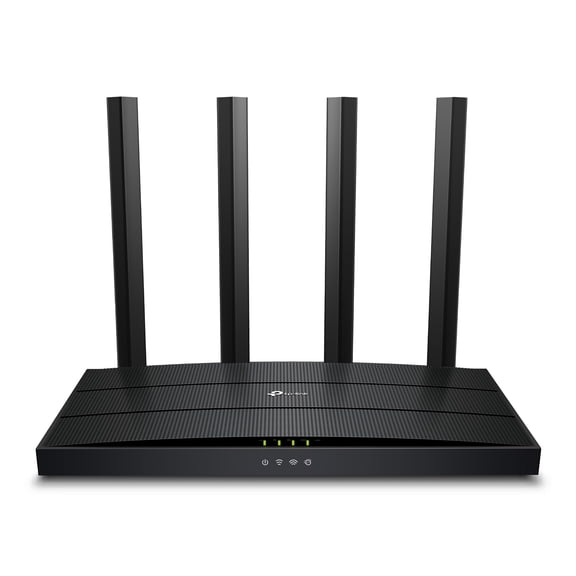 $2897current price $28.97
TP-Link Archer AX1300 Dual-Band High-Speed Gigabit Wi-Fi 6 Router, works with all Internet Service Providers, WPA3 Security, Easy Setup via Tether App - Archer AX1300
1094.2 out of 5 Stars. 109 reviewsBest seller TP-Link Wi-Fi 6 Mesh Router Replacement System | 3- AX1500 Mesh Routers | Coverage up to 5,600 Sq. ft. | Parental Controls | Connect up to 120 Devices | TP-Link Deco W4500 $98.00
Best seller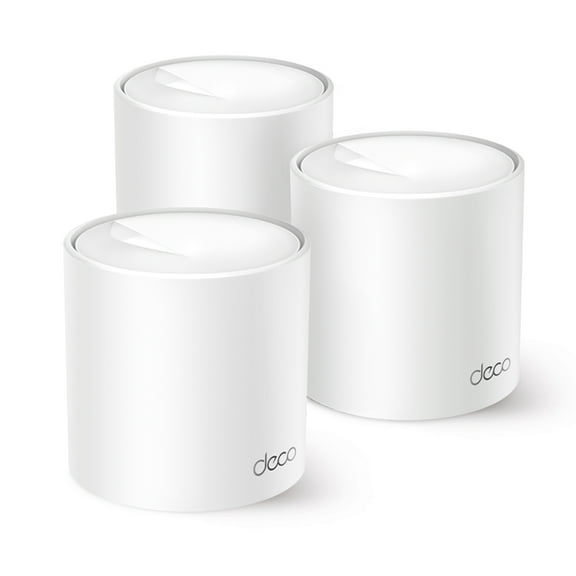 $9800current price $98.00
TP-Link Wi-Fi 6 Mesh Router Replacement System | 3- AX1500 Mesh Routers | Coverage up to 5,600 Sq. ft. | Parental Controls | Connect up to 120 Devices | TP-Link Deco W4500
7044.3 out of 5 Stars. 704 reviewsBest seller TP-Link AX1500 Wi-Fi 6 Dual-Band, Range Extender with Quick 1.5 Gbps Transfer Rate, Smart Roaming for Steady Wireless Coverage and Also Connect a Device Through the Ethernet Port $49.47
Best seller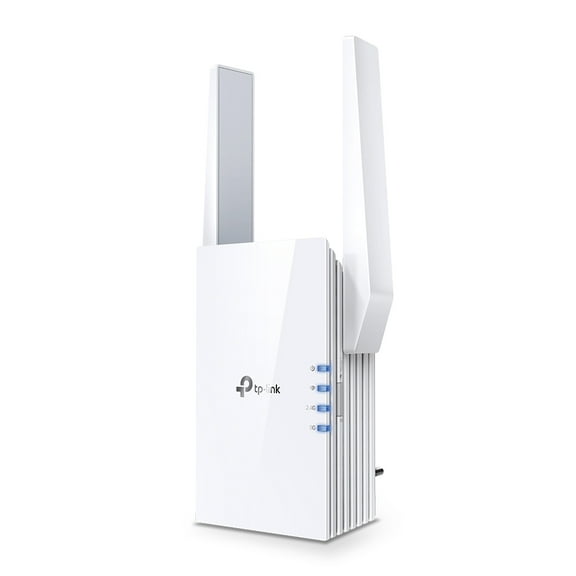 $4947current price $49.47
TP-Link AX1500 Wi-Fi 6 Dual-Band, Range Extender with Quick 1.5 Gbps Transfer Rate, Smart Roaming for Steady Wireless Coverage and Also Connect a Device Through the Ethernet Port
4354.1 out of 5 Stars. 435 reviewsNETGEAR Nighthawk Dual-Band WiFi 7 Router (RS200) – Security Features, BE6500 Wireless Speed (up to 6.5 Gbps) - Covers up to 2,500 sq. ft., 80 Devices – 2.5 Gig Internet Port $229.00
$22900current price $229.00NETGEAR Nighthawk Dual-Band WiFi 7 Router (RS200) – Security Features, BE6500 Wireless Speed (up to 6.5 Gbps) - Covers up to 2,500 sq. ft., 80 Devices – 2.5 Gig Internet Port
7304.4 out of 5 Stars. 730 reviewsTP-Link – Deco 7 BE4800 Dual-Band Wi-Fi 7 Home Mesh System, 3-Pack (Deco WB14400) – Covers up to 6,600 Sq. Ft. $197.00
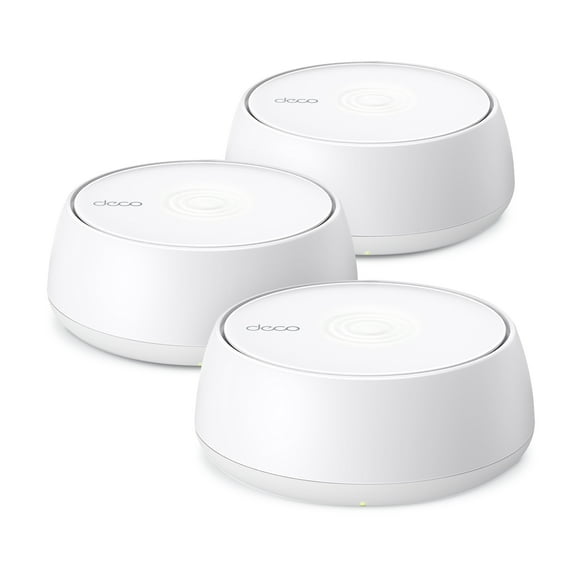 $19700current price $197.00
TP-Link – Deco 7 BE4800 Dual-Band Wi-Fi 7 Home Mesh System, 3-Pack (Deco WB14400) – Covers up to 6,600 Sq. Ft.
584.1 out of 5 Stars. 58 reviewsNETGEAR Nighthawk Dual-Band WiFi 7 Router (RS130) – Security Features, BE4300 Wireless Speed (up to 4.3 Gbps) – Covers up to 2,250 sq. ft., 80 Devices - 2.5 Gig Internet Port $149.00
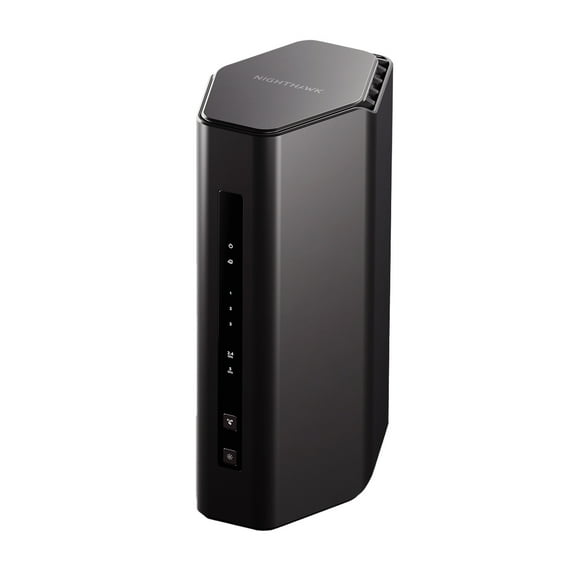 $14900current price $149.00
NETGEAR Nighthawk Dual-Band WiFi 7 Router (RS130) – Security Features, BE4300 Wireless Speed (up to 4.3 Gbps) – Covers up to 2,250 sq. ft., 80 Devices - 2.5 Gig Internet Port
1334.4 out of 5 Stars. 133 reviews50+ bought since yesterday TP-Link Archer AX1500 4 Stream Dual-Band Wi-Fi 6 Wireless Router, Up to 1.5 Gbps Speeds, Upgrade Any Home Internet $59.99 Was $69.00
50+ bought since yesterday 2 optionsAvailable in additional 2 options$5999current price $59.99, Was $69.00$69.00
TP-Link Archer AX1500 4 Stream Dual-Band Wi-Fi 6 Wireless Router, Up to 1.5 Gbps Speeds, Upgrade Any Home Internet
22064.3 out of 5 Stars. 2206 reviewsIn 50+ people's carts Straight Talk Home Internet Router, 5G-LTE, White - Home Internet Prepaid $69.88
In 50+ people's carts $6988current price $69.88
Straight Talk Home Internet Router, 5G-LTE, White - Home Internet Prepaid
25233.8 out of 5 Stars. 2523 reviewsTP-Link Dual-Band BE6100 Wi-Fi 7 Router with dual 2.5Gbps Muti-Gig Connectivity, USB 3.0, 6x External Antennas with Beamforming, Parental Controls, and HomeShield. Archer BE6100. $127.00
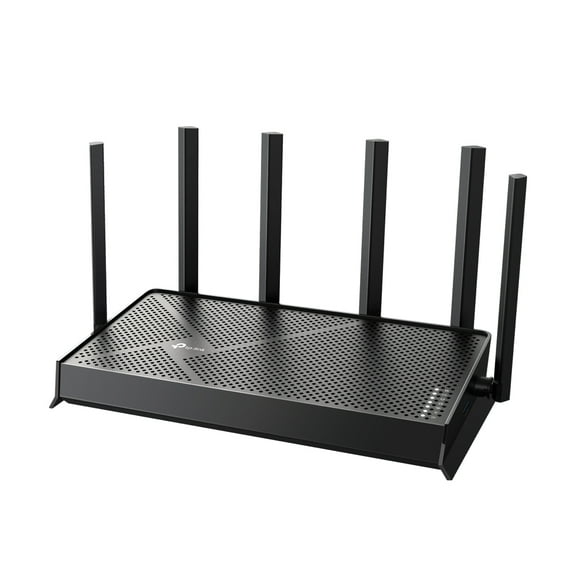 $12700current price $127.00
TP-Link Dual-Band BE6100 Wi-Fi 7 Router with dual 2.5Gbps Muti-Gig Connectivity, USB 3.0, 6x External Antennas with Beamforming, Parental Controls, and HomeShield. Archer BE6100.
534.2 out of 5 Stars. 53 reviewsNETGEAR Orbi 260 Series Dual-band WiFi 7 Mesh Network System for Home (RBE262) – Wireless Router 1 Extender, Security Features, 3.6 Gbps, Covers 3,500 sq. ft., 70 Devices, 2.5GB Internet Port $179.00
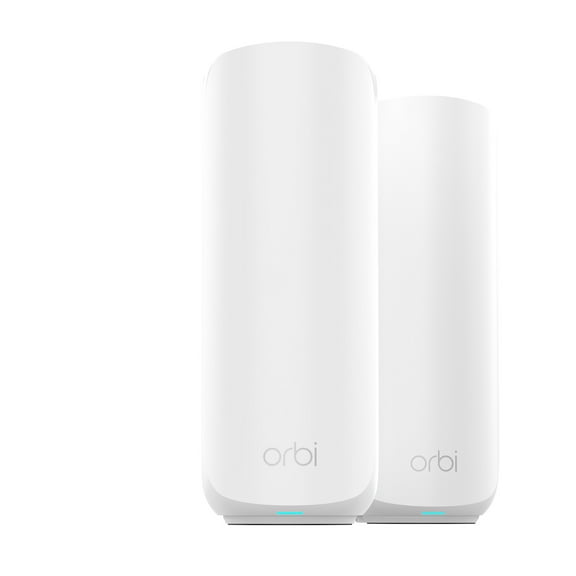 $17900current price $179.00
NETGEAR Orbi 260 Series Dual-band WiFi 7 Mesh Network System for Home (RBE262) – Wireless Router 1 Extender, Security Features, 3.6 Gbps, Covers 3,500 sq. ft., 70 Devices, 2.5GB Internet Port
1314.5 out of 5 Stars. 131 reviewsNETGEAR - Nighthawk WiFi 7 Router, 9.3 Gbps Wireless Speed (BE9300), Security Features, Covers up to 2,500 sq. ft., 100 Devices, 2.5 Gig Internet Port $249.00
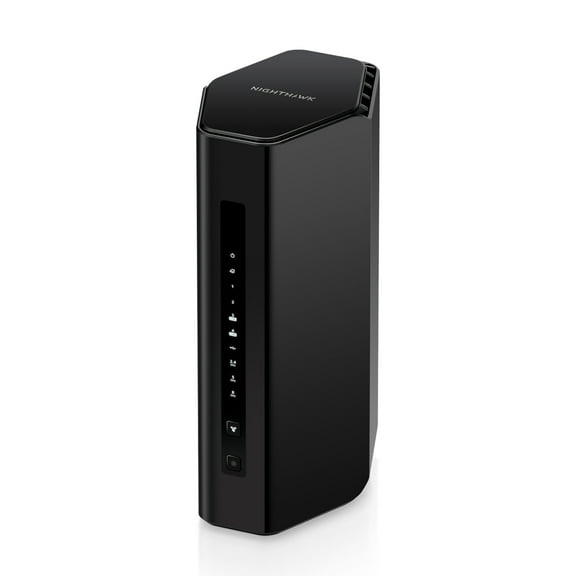 $24900current price $249.00
NETGEAR - Nighthawk WiFi 7 Router, 9.3 Gbps Wireless Speed (BE9300), Security Features, Covers up to 2,500 sq. ft., 100 Devices, 2.5 Gig Internet Port
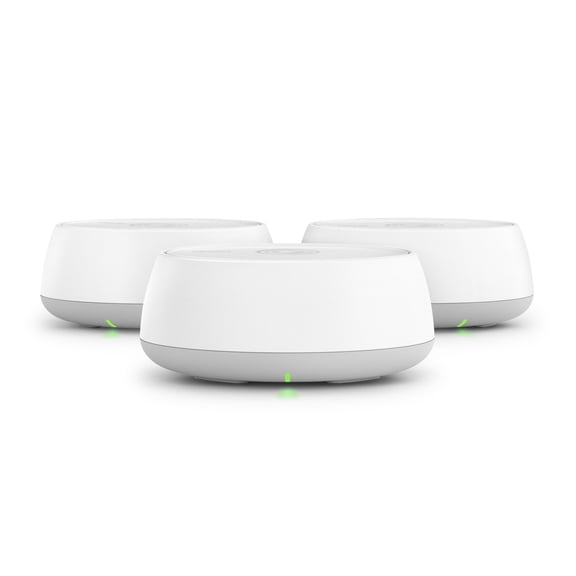
964.1 out of 5 Stars. 96 reviewsTP-Link – Deco 7 BE3600 Dual-Band Wi-Fi 7 Home Mesh System, 3-Pack (Deco WB10800) – Covers up to 6,500 Sq. Ft. $152.99 Was $178.00
 $15299current price $152.99, Was $178.00$178.00
TP-Link – Deco 7 BE3600 Dual-Band Wi-Fi 7 Home Mesh System, 3-Pack (Deco WB10800) – Covers up to 6,500 Sq. Ft.
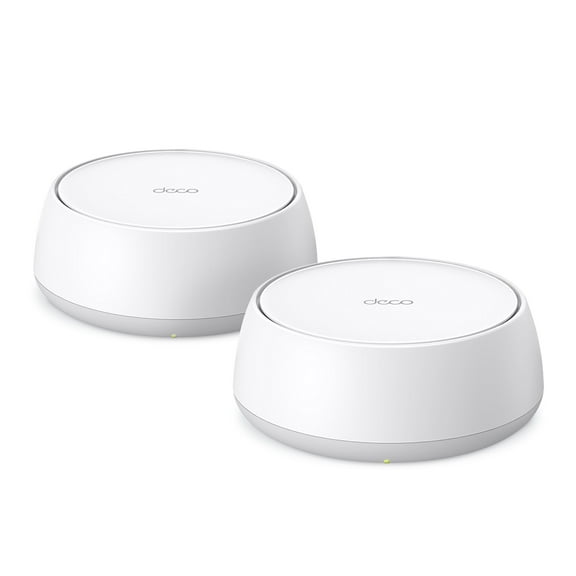
1954.4 out of 5 Stars. 195 reviewsTP-Link Deco BE3600 Next-Generation AI-Driven Dual Band Wi-Fi 7 Home Mesh Router System, 2-Pack - Covers up to 4,500 Sq Ft, Replaces Wi-Fi Router and Extender $128.00
 $12800current price $128.00
TP-Link Deco BE3600 Next-Generation AI-Driven Dual Band Wi-Fi 7 Home Mesh Router System, 2-Pack - Covers up to 4,500 Sq Ft, Replaces Wi-Fi Router and Extender
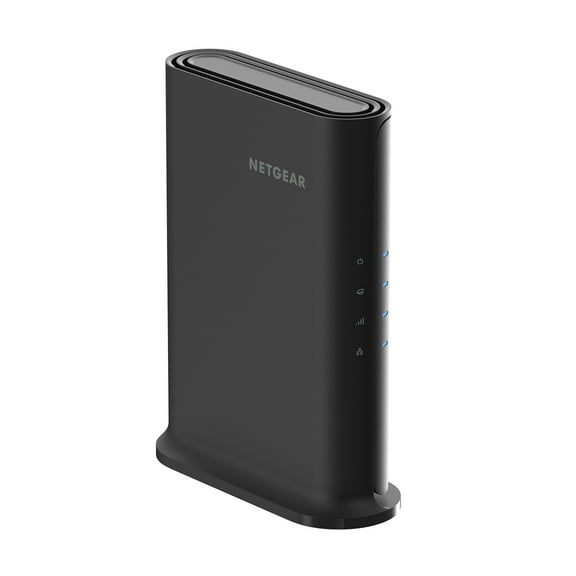
544.1 out of 5 Stars. 54 reviewsNETGEAR WiFi 6 Router (RAX5) – Security Features, AX1600 Wireless Speed (Up to 1.6 Gbps) - Covers up to 1,500 sq. ft., 20 Devices $89.00
 $8900current price $89.00
NETGEAR WiFi 6 Router (RAX5) – Security Features, AX1600 Wireless Speed (Up to 1.6 Gbps) - Covers up to 1,500 sq. ft., 20 Devices
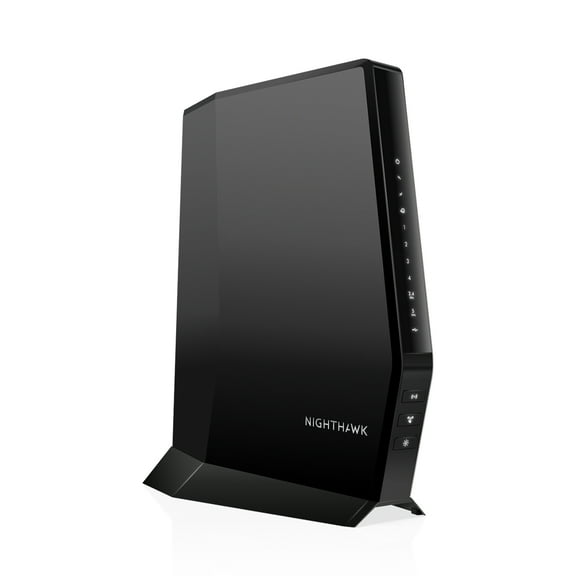
11084 out of 5 Stars. 1108 reviewsNETGEAR – Nighthawk AX2700 DOCSIS 3.1 WiFi 6 Router, 2.7Gbps (CAX30) $297.00
 $29700current price $297.00
NETGEAR – Nighthawk AX2700 DOCSIS 3.1 WiFi 6 Router, 2.7Gbps (CAX30)
1854.4 out of 5 Stars. 185 reviews
Customer ratings & reviews
Reviews summary
Pros
- : Setup process is straightforward with clear instructions.
- : Has a slim and modern appearance.
- : Setup process is straightforward with provided guidance.
- : Offers good quality at a reasonable cost.
- : Provides speeds often exceeding 800mbps.
Neutral
- : Can provide strong connections, but may vary in strength across distances.
Showing 1-3 of 201 reviews
Verified Purchase
By default, OFDMA MU-MIMO is disabled.
Overall, good so far. Dropped 3 times during firmware updates. After that, connected solid. Not a bad router for this price. By default, OFDMA MU-MIMO is disabled. 📡 What “OFDMA MU‑MIMO” Means on a TP‑Link Router TP‑Link combines two Wi‑Fi technologies under one toggle: 1. OFDMA (Orthogonal Frequency Division Multiple Access) • Lets the router split a Wi‑Fi channel into smaller “sub‑channels.” • Multiple devices can send/receive data at the same time. • Great for homes with many devices (phones, tablets, cameras, smart TVs). 2. MU‑MIMO (Multi‑User, Multiple Input Multiple Output) • Allows the router to talk to several devices simultaneously instead of one‑by‑one. • Helps reduce congestion and improves speed consistency. Together, they improve: • Efficiency • Lower latency • Better performance when many devices are active 🟢 Should You Enable or Disable It? ✔ Enable it (recommended for almost everyone) You should keep OFDMA MU‑MIMO ENABLED if: • You have multiple devices (which you do — family, kids, smart home, etc.) • You want smoother streaming, gaming, and browsing • You use Wi‑Fi 6 or Wi‑Fi 7 devices (phones, laptops, tablets) ❌ Disable it only if: • You have very old Wi‑Fi 4 / Wi‑Fi 5 devices that behave weirdly (rare, but sometimes old devices disconnect) • You are troubleshooting a specific compatibility issue. I hope it will help those who are complaining about the speed and connectivity.
Verified Purchase
Get this router !
Life changing. Had no control over any setting with the routine spectrum provided, the HomeKit accessories I have in my home (20 or more) would always have issue or be unresponsive or something. This solved all that as soon as we switched. Streaming and gaming is amazingly smooth, I experienced zero lag! Jitter is 1-2 I. All devices. for people that know that's very good total I have 38 devices that connect to the router and use the 3 bands, and mlo network as well. Amazing. Dint use device priority settings at all as traffic has never been anything but butter smooth. Also have to give mad credit to the app, 2026 and apps are half of how we do things so it's important to back companies that put the right features into the products and control into the consumers hands with useful setting and user interface that's not lacking any settings you need and has streamline user setup perfectly and the app. Is user friendly and I love continuity in brand that take pride in the products they make. Get this router After this router all my devices find the optimum band to use automatically, speed is actually quite astonishing over a WiFi 6e, my MacBooks use the mlo network while connected and it's like being plugged in direct! .
Verified Purchase
best router you can buy
Best router I've ever bought. i had an older tp link router that performed flawless for the past 5 years and upgraded to this one and I'm very satisfied. we have 20 items connected and stream along with video games with no issues in a 350p sqft house
