

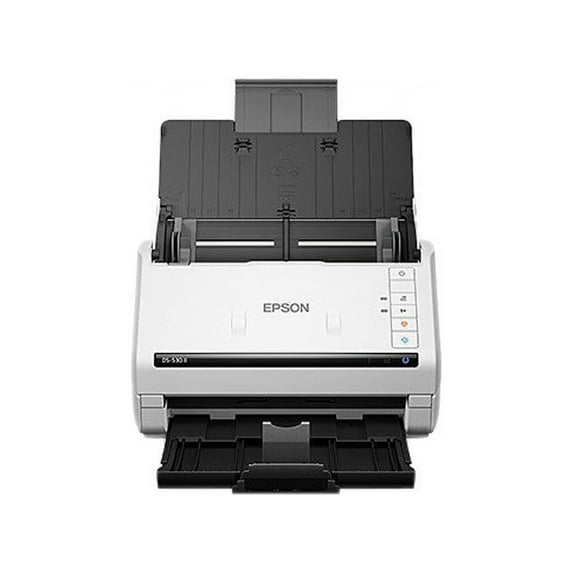
Epson B11B261202 DS-530 II 600 dpi Optical Resolution Color Duplex Document Scanner - 50-Sheet Duplex Auto Document Feeder
Key item features
- Rapid Scanning: Achieves fast scan speeds of up to 35 pages per minute (ppm) and 70 images per minute (ipm) with one-pass duplex scanning.
- Efficient Feeder: Features a 50-page Auto Document Feeder (ADF) for easily scanning stacks of documents.
- Enhanced Productivity: Includes Slow Speed Mode, programmable jobs, and a peak daily duty cycle of up to 4,000 sheets.
- Seamless Integration: Offers compatibility with most document management systems through included TWAIN and ISIS drivers.
- Advanced Processing: Incorporates features like blank page removal, auto-rotation, auto cropping, Dynamic Skew Correction, Dirt Detection, Double-feed Detection, and Paper Protection.
- Intuitive Software: Enables scanning to platforms such as SharePoint, Evernote, and Google Drive using Epson Document Capture software.
Specs
- Computer scanner typeHandheld Document Scanner
- Maximum scan paper size8.5 x 240
- Maximum scanner resolution600 dpi
- Pages per min35 ppm
- Has automatic document feederY
- ColorWhite
Reviews summary
- : Setup is automatic with clear instructions.
- : Scans documents at a rapid pace.
- : Produces fast and accurate scans with features.
- Free shipping
 Free 30-day returns

(Only one option can be selected at a time)

How do you want your item?



About this item
Product details
- Fast scan speeds, up to 35 ppm/70 ipm; one-pass duplex scanning.
- Easily scan stacks of documents with the 50-page Auto Document Feeder (ADF)
- Enhanced features include Slow Speed Mode, programmable jobs and a peak daily duty cycle of up to 4,000 sheets
- Includes Advance Exchange with free Next-Business-Day Replacement to minimize downtime
- Seamless compatibility with most document management systems—includes TWAIN and ISIS drivers for easy integration with existing software
- Features blank page removal, auto-rotation, auto cropping, Dynamic Skew Correction, Dirt Detection, Double-feed Detection and Paper Protection
- Intuitively scan to SharePoint®, Evernote®, Google Drive™ and more with Epson Document Capture software
Specifications
Brand
Computer scanner type
Model name
Maximum scan paper size
Warranty
Warranty information
Please be aware that the warranty terms on items offered for sale by third party Marketplace sellers may differ from those displayed in this section (if any). To confirm warranty terms on an item offered for sale by a third party Marketplace seller, please use the 'Contact seller' feature on the third party Marketplace seller's information page and request the item's warranty terms prior to purchase.
Warnings
State Chemical Disclosure
Popular items in this category
Best selling items that customers love
Epson DS-410 Document Scanner, 600 dpi Optical Resolution, 50-Sheet Duplex Auto Document Feeder -EPSB11B249201 $314.98
 $31498current price $314.98
Epson DS-410 Document Scanner, 600 dpi Optical Resolution, 50-Sheet Duplex Auto Document Feeder -EPSB11B249201
1124.2 out of 5 Stars. 112 reviewsSave with Shipping, arrives in 2 days
Epson DS-70 Sheetfed Scanner $138.08
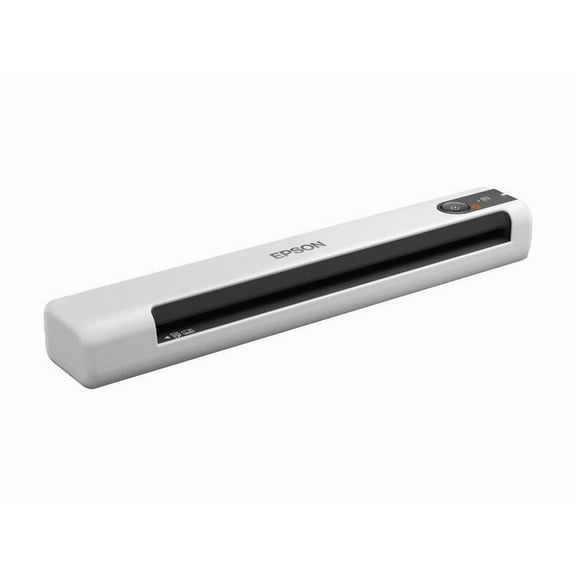 $13808current price $138.08
Epson DS-70 Sheetfed Scanner
183.9 out of 5 Stars. 18 reviewsSave withShipping, arrives in 2 daysEpson WorkForce ES-C220 Compact Document Scanner, Duplex, ADF $249.99 Was $279.99
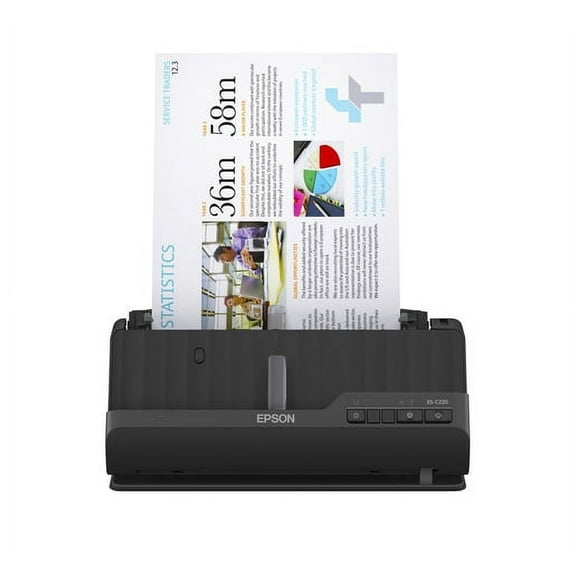 Now$24999current price Now $249.99, Was $279.99$279.99
Epson WorkForce ES-C220 Compact Document Scanner, Duplex, ADF
264.3 out of 5 Stars. 26 reviewsSave withShipping, arrives tomorrowEpson Workforce ES-400 II Color Duplex Desktop Document Scanner $354.95 Was $379.99
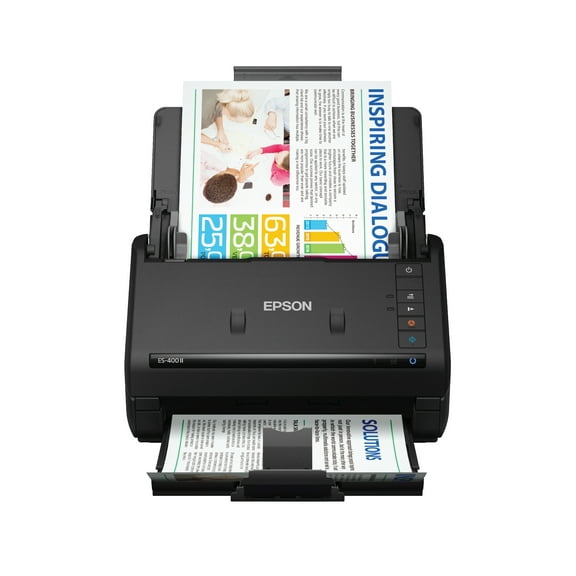 Now$35495current price Now $354.95, Was $379.99$379.99
Epson Workforce ES-400 II Color Duplex Desktop Document Scanner
1334.3 out of 5 Stars. 133 reviewsShipping, arrives in 3+ daysEpson ES-500W II Wireless Duplex Document Scanner $419.99
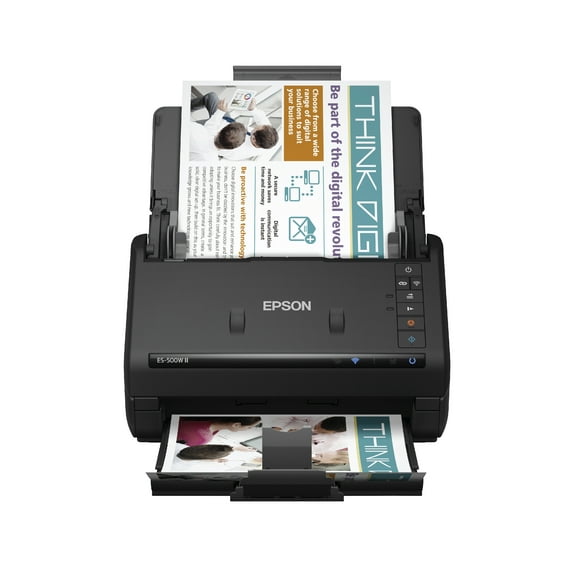 $41999current price $419.99
Epson ES-500W II Wireless Duplex Document Scanner
714.7 out of 5 Stars. 71 reviewsSave withShipping, arrives tomorrowEpson RapidReceipt RR-600W - Document scanner - Contact Image Sensor (CIS) - Duplex - Legal - 600 dpi x 600 dpi - up to 35 ppm (mono) / up to 35 ppm (color) - ADF (100 sheets) - up to 4000 scans per day - USB 3.0, Wi-Fi $429.99 Was $529.99
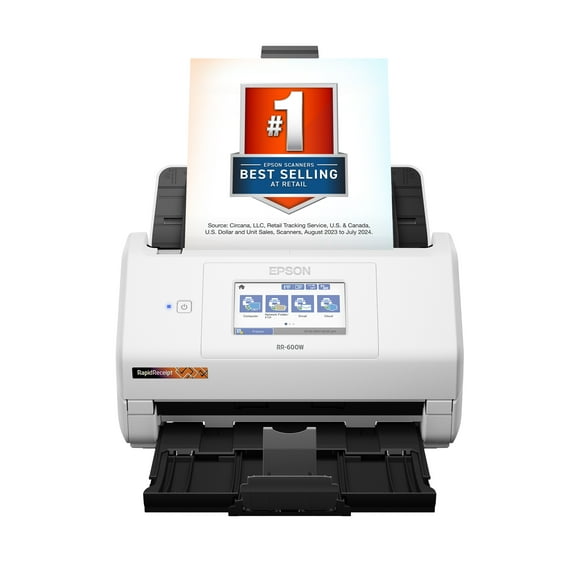 Now$42999current price Now $429.99, Was $529.99$529.99
Epson RapidReceipt RR-600W - Document scanner - Contact Image Sensor (CIS) - Duplex - Legal - 600 dpi x 600 dpi - up to 35 ppm (mono) / up to 35 ppm (color) - ADF (100 sheets) - up to 4000 scans per day - USB 3.0, Wi-Fi
2334 out of 5 Stars. 233 reviewsSave withShipping, arrives tomorrowEpson WorkForce ES-580W Sheetfed Scanner, 1200 dpi Optical $379.99 Was $449.99
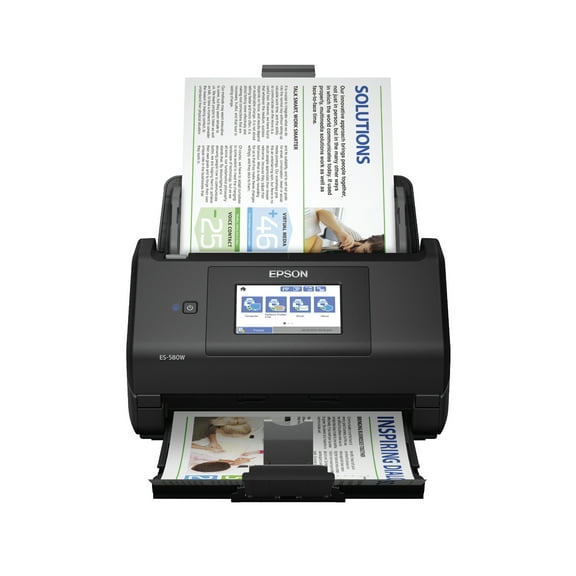 Now$37999current price Now $379.99, Was $449.99$449.99
Epson WorkForce ES-580W Sheetfed Scanner, 1200 dpi Optical
974.7 out of 5 Stars. 97 reviewsSave withShipping, arrives tomorrowFujitsu ScanSnap FI-800R Color Duplex Image Scanner $539.99
 $53999current price $539.99
Fujitsu ScanSnap FI-800R Color Duplex Image Scanner
Shipping, arrives in 3+ daysRicoh fi-8190 Large Format ADF/Manual Feed Scanner 600 dpi Optical $1,059.99 Was $1,150.00
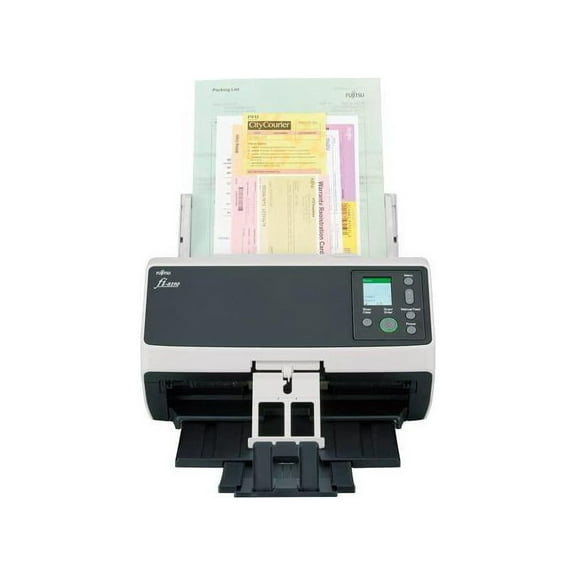 Now$1,05999current price Now $1,059.99, Was $1,150.00$1,150.00
Ricoh fi-8190 Large Format ADF/Manual Feed Scanner 600 dpi Optical
Shipping, arrives in 3+ daysEpson America DS870 Document Scanner - B11B250201 $635.00
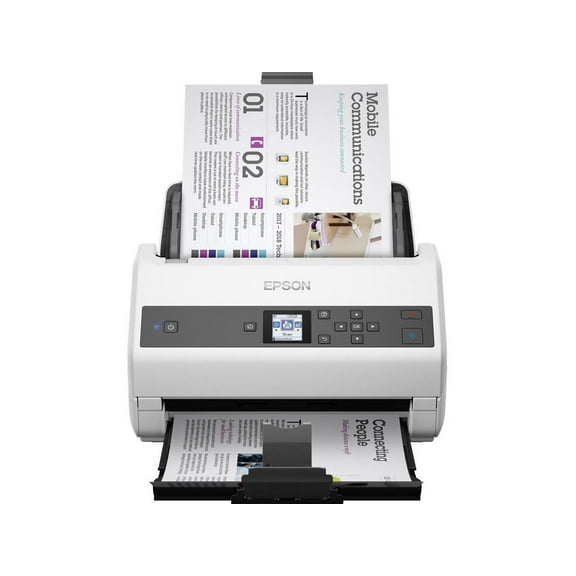 $63500current price $635.00
Epson America DS870 Document Scanner - B11B250201
42.8 out of 5 Stars. 4 reviewsShipping, arrives in 3+ daysRicoh Image Scanner SP-1130N PA03811-B025 ADF (Automatic Document Feeder), Duplex Document Scanner $398.99
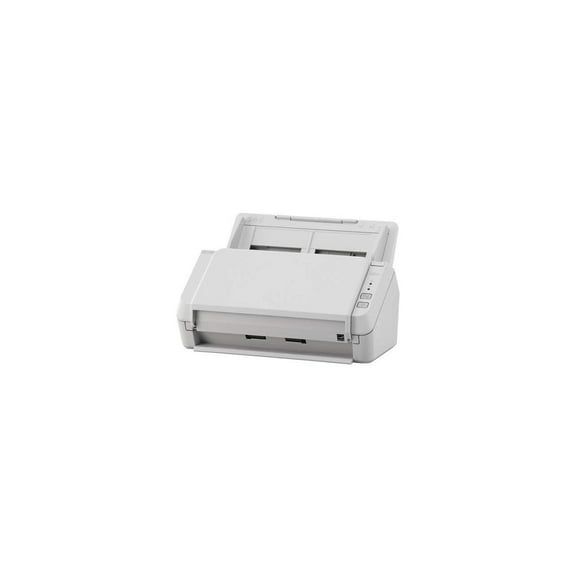 $39899current price $398.99
Ricoh Image Scanner SP-1130N PA03811-B025 ADF (Automatic Document Feeder), Duplex Document Scanner
Shipping, arrives in 3+ daysEpson RapidReceipt RR-60 - Document scanner - Contact Image Sensor (CIS) - Legal - 600 dpi x 600 dpi - up to 10 ppm (mono) / up to 10 ppm (color) - up to 300 scans per day - USB 2.0 $179.99 Was $229.99
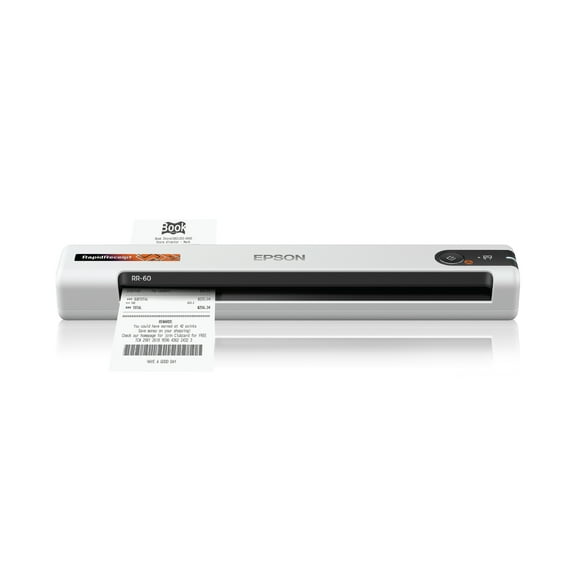 Now$17999current price Now $179.99, Was $229.99$229.99
Epson RapidReceipt RR-60 - Document scanner - Contact Image Sensor (CIS) - Legal - 600 dpi x 600 dpi - up to 10 ppm (mono) / up to 10 ppm (color) - up to 300 scans per day - USB 2.0
894.7 out of 5 Stars. 89 reviewsSave withShipping, arrives tomorrowFujitsu fi-8150 Large Format Flatbed/ADF Scanner 600 dpi Optical $530.00 Was $1,073.00
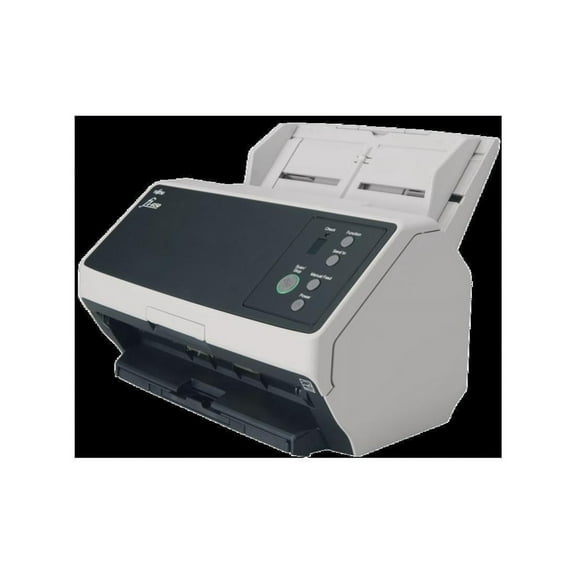 Now$53000current price Now $530.00, Was $1,073.00$1,073.00
Fujitsu fi-8150 Large Format Flatbed/ADF Scanner 600 dpi Optical
25 out of 5 Stars. 2 reviewsShipping, arrives in 3+ daysXerox N60w Pro Network Scanner | USB & WiFi Duplex ADF Scanner $999.00 $999.00/count
 $99900current price $999.00$999.00/count
Xerox N60w Pro Network Scanner | USB & WiFi Duplex ADF Scanner
Shipping, arrives in 3+ daysEpson TM S1000 - Document scanner - Contact Image Sensor (CIS) - Duplex - - 200 dpi x 200 dpi - USB 2.0 $430.00
 $43000current price $430.00
Epson TM S1000 - Document scanner - Contact Image Sensor (CIS) - Duplex - - 200 dpi x 200 dpi - USB 2.0
13 out of 5 Stars. 1 reviewsShipping, arrives in 3+ daysXerox D35 ADF Scanner 600 dpi Optical $319.00
 $31900current price $319.00
Xerox D35 ADF Scanner 600 dpi Optical
25 out of 5 Stars. 2 reviewsShipping, arrives in 3+ daysEpson DS-1630 Flatbed Color Document Scanner $295.00
 $29500current price $295.00
Epson DS-1630 Flatbed Color Document Scanner
254 out of 5 Stars. 25 reviewsShipping, arrives in 3+ daysEpson RapidReceipt RR-400W Wireless Duplex Compact Desktop Receipt and Document Scanner with Included Receipt Management and PDF Software for PC and Mac and Auto Document Feeder (ADF) $399.95
 $39995current price $399.95
Epson RapidReceipt RR-400W Wireless Duplex Compact Desktop Receipt and Document Scanner with Included Receipt Management and PDF Software for PC and Mac and Auto Document Feeder (ADF)
224 out of 5 Stars. 22 reviewsShipping, arrives in 3+ daysRestored Epson Perfection V600 Flatbed Scanner, 6400 dpi High-Resolution, Photo Scanning B11B198011-NR (Refurbished) $650.00
 $65000current price $650.00
Restored Epson Perfection V600 Flatbed Scanner, 6400 dpi High-Resolution, Photo Scanning B11B198011-NR (Refurbished)
Shipping, arrives in 3+ daysDS 770 II Document Scanner $390.00 Was $549.00
 Now$39000current price Now $390.00, Was $549.00$549.00
DS 770 II Document Scanner
204.6 out of 5 Stars. 20 reviewsSave withShipping, arrives in 2 days

Similar items you might like
Based on what customers bought
Kodak Alaris S2070 Scanner 70ppm $745.96
 Sponsored$74596current price $745.96
Kodak Alaris S2070 Scanner 70ppm
11 out of 5 Stars. 1 reviewsShipping, arrives in 3+ daysEpson Perfection V33 Flatbed Photo & Document Scanner – 4800 dpi Color Scanner, USB 2.0 Compact $320.00
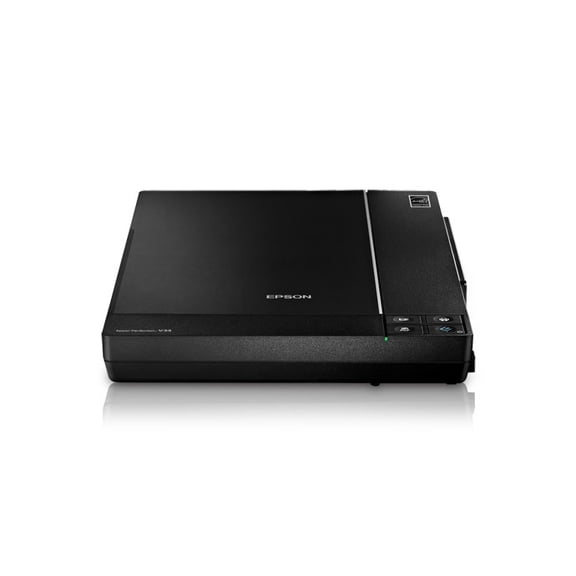 $32000current price $320.00
Epson Perfection V33 Flatbed Photo & Document Scanner – 4800 dpi Color Scanner, USB 2.0 Compact
Shipping, arrives in 3+ daysEpson Perfection V370 Photo Scanner – High-Resolution Flatbed Scanner for Photos, Slides & Film, 4800 dpi Optical Resolution $450.00
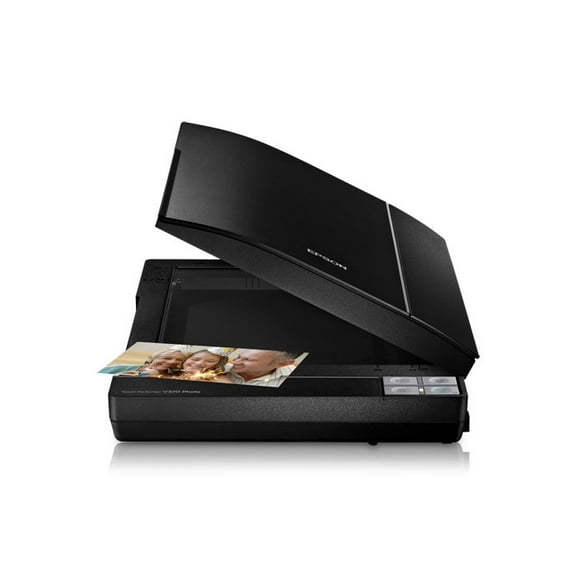 $45000current price $450.00
Epson Perfection V370 Photo Scanner – High-Resolution Flatbed Scanner for Photos, Slides & Film, 4800 dpi Optical Resolution
Shipping, arrives in 3+ daysRestored Epson Perfection V200 Photo Flatbed Scanner – 4800 × 9600 dpi High-Resolution Color & Film Scanner (Refurbished) $320.00
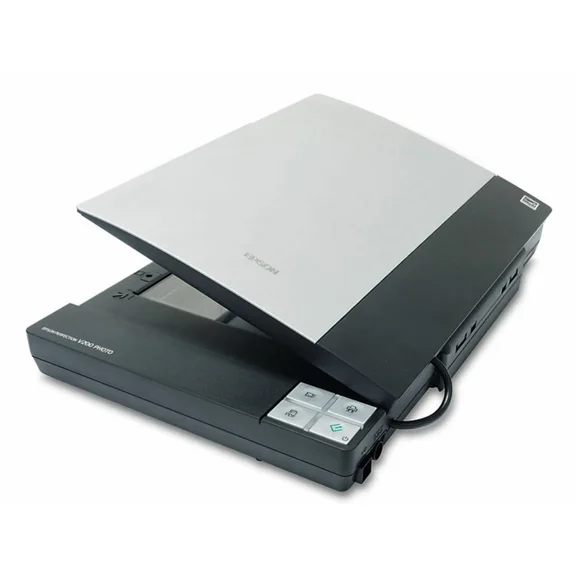 $32000current price $320.00
Restored Epson Perfection V200 Photo Flatbed Scanner – 4800 × 9600 dpi High-Resolution Color & Film Scanner (Refurbished)
Shipping, arrives in 3+ daysEpson Perfection V39 II Color Photo & Document Flatbed Scanner – 4800 dpi High‑Resolution USB Scanner (B11B268201) $260.00
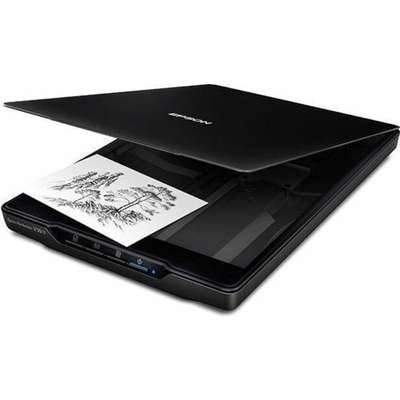 $26000current price $260.00
Epson Perfection V39 II Color Photo & Document Flatbed Scanner – 4800 dpi High‑Resolution USB Scanner (B11B268201)
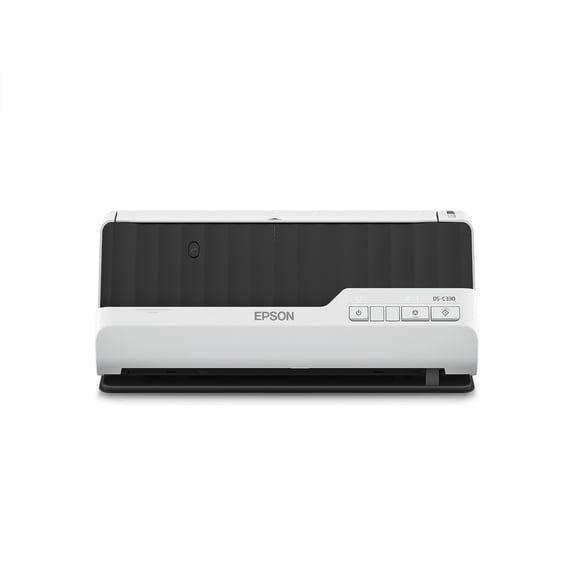
Epson DS-C330 - Sheetfed scanner - 2 x Contact Image Sensor (CIS) - Duplex - 215.9 x 3048 mm - 600 dpi x 600 dpi - ADF (20 sheets) - up to 3500 scans per day - USB 2.0 $329.00
 $32900current price $329.00
Epson DS-C330 - Sheetfed scanner - 2 x Contact Image Sensor (CIS) - Duplex - 215.9 x 3048 mm - 600 dpi x 600 dpi - ADF (20 sheets) - up to 3500 scans per day - USB 2.0
Shipping, arrives in 3+ daysBest seller Fujitsu Ricoh fi-8170 Large Format ADF/Manual Feed Scanner $627.00 Was $999.00
Best seller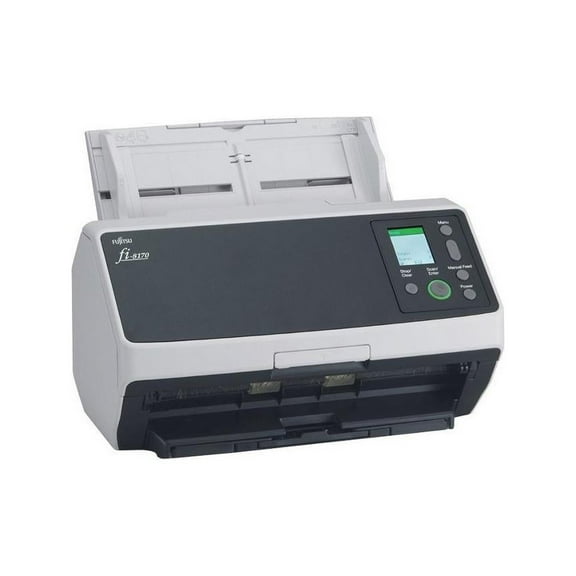 Now$62700current price Now $627.00, Was $999.00$999.00
Fujitsu Ricoh fi-8170 Large Format ADF/Manual Feed Scanner
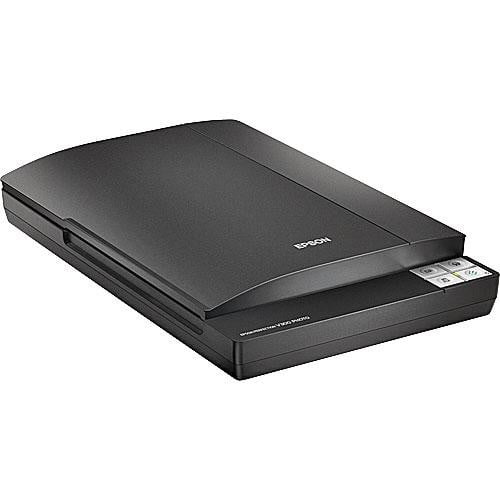
174.4 out of 5 Stars. 17 reviewsShipping, arrives in 3+ daysEpson Perfection V300 Photo Color Scanner – 4800 dpi Flatbed Scanner for Photos, Documents & Film $300.00
 $30000current price $300.00
Epson Perfection V300 Photo Color Scanner – 4800 dpi Flatbed Scanner for Photos, Documents & Film
Shipping, arrives in 3+ daysRestored Epson Perfection V500 Photo Scanner – High-Resolution Film & Photo Scanning, USB Connectivity (P/N: B11B189011) (Refurbished) $435.00
 $43500current price $435.00
Restored Epson Perfection V500 Photo Scanner – High-Resolution Film & Photo Scanning, USB Connectivity (P/N: B11B189011) (Refurbished)
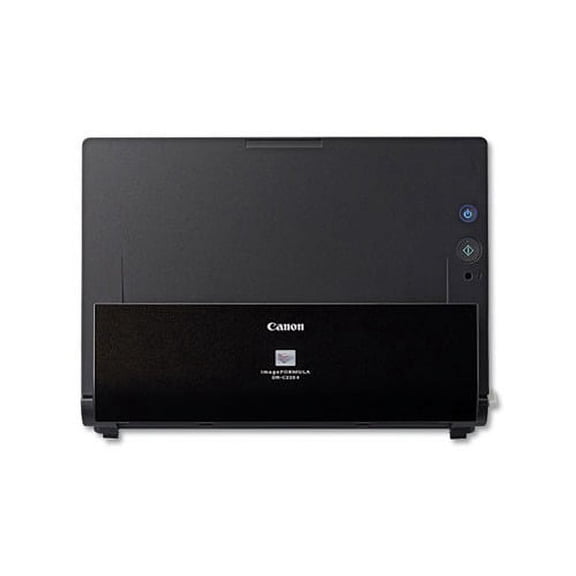
Shipping, arrives in 3+ daysimageFORMULA DR-C225 II Office Document Scanner 600 dpi Optical Resolution, 30-Sheet Duplex Auto Document Feeder $389.99
 $38999current price $389.99
imageFORMULA DR-C225 II Office Document Scanner 600 dpi Optical Resolution, 30-Sheet Duplex Auto Document Feeder
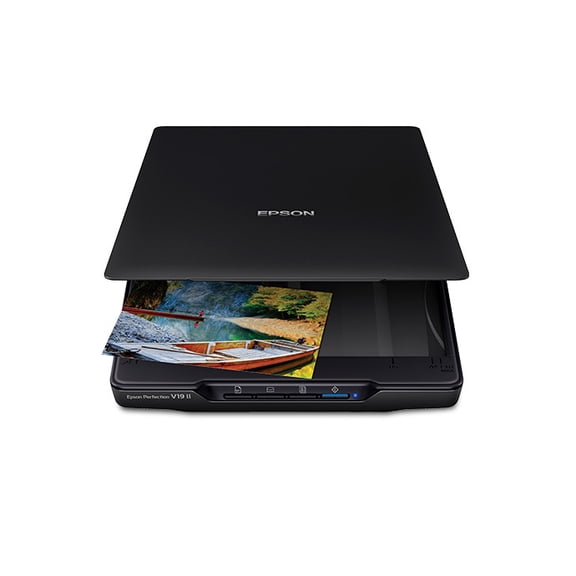
Shipping, arrives in 3+ daysRestored Epson Perfection V19 II Color Photo & Document Flatbed Scanner – 4800 dpi USB-Powered Compact Scanner (Refurbished) $250.00
 $25000current price $250.00
Restored Epson Perfection V19 II Color Photo & Document Flatbed Scanner – 4800 dpi USB-Powered Compact Scanner (Refurbished)
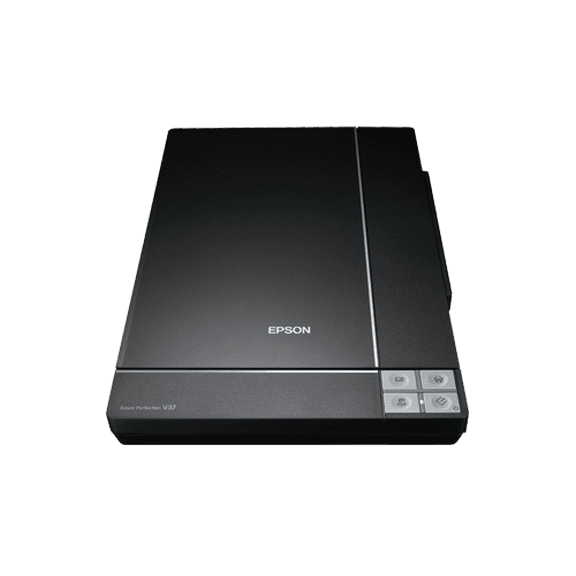
Shipping, arrives in 3+ daysEpson Perfection V37 Flatbed Photo & Document Scanner – 4800 dpi Color Scanner with USB $260.00
 $26000current price $260.00
Epson Perfection V37 Flatbed Photo & Document Scanner – 4800 dpi Color Scanner with USB
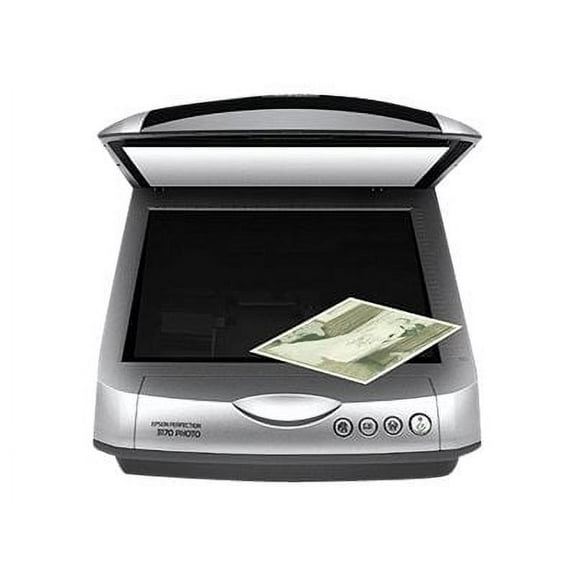
Shipping, arrives in 3+ daysEpson Perfection 3170 Photo - Flatbed scanner - CCD - A4/Letter - 3200 dpi x 6400 dpi - USB 2.0 $459.99 Was $499.95
 Now$45999current price Now $459.99, Was $499.95$499.95
Epson Perfection 3170 Photo - Flatbed scanner - CCD - A4/Letter - 3200 dpi x 6400 dpi - USB 2.0
Shipping, arrives in 3+ daysRestored Fujitsu Ricoh ScanSnap S1500M Color Duplex Sheet-Fed Document Scanner – 20 PPM, 600 DPI, Desktop Office Scanner with ADF - PA03586-B105 (Refurbished) $314.10
 $31410current price $314.10
Restored Fujitsu Ricoh ScanSnap S1500M Color Duplex Sheet-Fed Document Scanner – 20 PPM, 600 DPI, Desktop Office Scanner with ADF - PA03586-B105 (Refurbished)
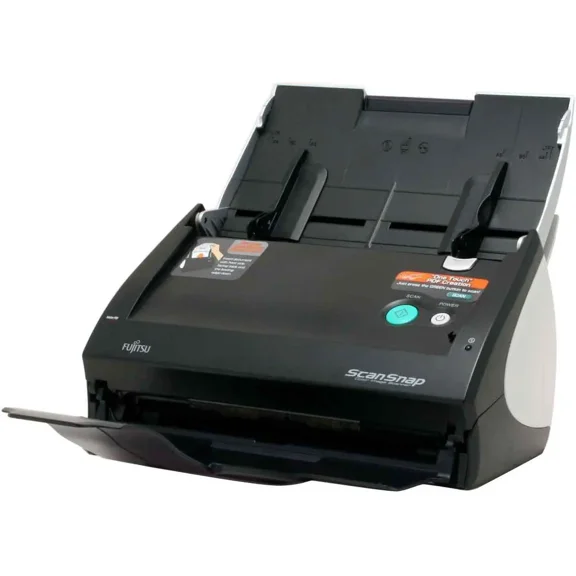
Shipping, arrives in 3+ daysRestored Fujitsu ScanSnap S500 Color Duplex Document Scanner – 18 PPM, 36 IPM, 600 DPI, Sheet-Fed Desktop Office Scanner with ADF (Refurbished) $295.00
 $29500current price $295.00
Restored Fujitsu ScanSnap S500 Color Duplex Document Scanner – 18 PPM, 36 IPM, 600 DPI, Sheet-Fed Desktop Office Scanner with ADF (Refurbished)
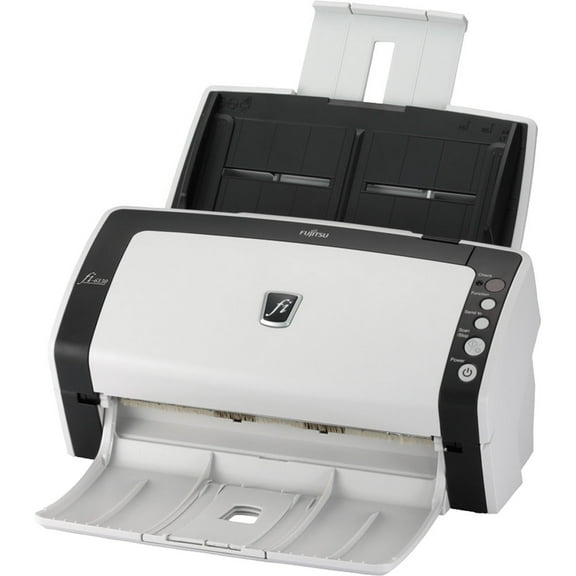
Shipping, arrives in 3+ daysRestored Fujitsu fi-6130 High-Speed Color Duplex Document Scanner – 40 PPM, 80 IPM, 600 DPI, Sheet-Fed Office Scanner with ADF - PA03540-B055 (Refurbished) $290.00
 $29000current price $290.00
Restored Fujitsu fi-6130 High-Speed Color Duplex Document Scanner – 40 PPM, 80 IPM, 600 DPI, Sheet-Fed Office Scanner with ADF - PA03540-B055 (Refurbished)
Shipping, arrives in 3+ days
Customer ratings & reviews
Reviews summary
- : Setup is automatic with clear instructions.
- : Scans documents at a rapid pace.
- : Produces fast and accurate scans with features.
Customer images




 +13 images
Showing 1-3 of 19 reviews
Outstanding Scanner
This is a review for the Epson DS-530 II Color Document Scanner that I received free of charge to do a beta test and review. I've been using this scanner for a little over a week. I've scanned maybe about over 100 documents and 100 photos. I have no complaints. It works as expected. With this particular scanner, I can place two photographs of 5 x7 on the glass plate at a time. The built-in software will give you two separate photo files and will self-adjust the photos for alignment if they are not placed on the glass platen exactly straight. This feature is a real time saver. I continue to use the scanner as a document scanner because it's a little quicker than my all-in-one printers can scan and it gives me a good quality scan. The digital software, built into the unit, automatically performs some color correction to each photo and does that fairly well. This scanner also scans negatives, slides and does a wonderful job doing it. It has TWAIN and ISIS® drivers for seamless integration. I had many documents scanned and they look fabulous. There is a brief learning curve and you need to experiment with all the settings and how to use the included holders. It has fast speeds up to 35 ppm/70 ipm1. It has auto rotation if the document is not lined hp properly it also has auto cropping, dirt fetection and paper protection.
Great Scanner, Super fast!
I am very, very happy with this Epson Duplex Document Scanner. I've used different brand scanners over the years, from flatbed, to handheld to desktop but they always end up disappointing me. this one surprised me a lot, no problems with jams, connection issues, etc. It was easy to set up and does a great job! definitely the technology every day advances more and more. In our office we digitize all of our paperwork from receipts and accounting policies and their safeguarding in our system is quickly, It has a good speed, and produces nice PDFs. we prefer to keep digital copies of most documents and recycle the paper. I just want to easily scan and this works really awesome. This Duplex Document Scanner has out-performed my expectations at this point, it is so fast, and the scans are perfectly aligned. it feeds flawlessly with a great image. even with the long skinny receipts with no issues at all. The actual scanning process is a sight to behold speedwise, even scanning double sidded doesn't slow down the unit. The program supplied is powerful and I like that I can make profiles for different types of scans. I highly recommend this scanner for heavy volume use. This is a review for the Epson DS-530 II Color Document Scanner that I received free of charge to do a beta test and review.
Awesome Scanner for the Intended Purpose
First impressions: The unboxing of the scanner was straightforward and simple. The package arrived to my doorstep relatively undamaged. The product along with accessories were easy to remove from the box, and everything was connected to my computer within 10 minutes. The scanner is a nice modern, white color design that does not take up much footprint when closed up. Even with the rear feed tray and front trays extended, it does not take up an absurdly large amount of space. Setup & Usage: The device is standard USB 3.0 Type B, WITHOUT WiFi capabilities. The Epson Scan & Document Capture software installation process was a relative breeze. The latest version of the software, the “Drivers and Utilities Combo Package Installer”, can be found under the product support page on the Epson website. My setup process was performed on Windows 10, so I am not able to comment on the software installation for MacOS users. Scanning documents itself is fast and straightforward - just make sure you orient your documents correctly in the rear feed tray; documents go in with the front side and top being facing down. The scanner processes multi-page documents very quickly, with double sided capture working like a charm. Document Capture Pro was able to sense the sizes of my documents and receipts with ease, ranging from standard 8.5 x 11 letter size paper to long store receipts resembling the ones you get at CVS. The scanning software also allows you to choose a variety of document format outputs other than PDF, which is very convenient if you are scanning a picture vs. scanning text only documents. These settings can also be customized and saved as presets, for fast access and reuse in the future. I would like to highlight the duplex functionality of the printer, which saves so much time compared to non-duplex scanners. The speed at which the scanner processes double sided documents is quite quick, with the limitation being how fast your computer and the Epson software can process the scans. As mentioned previously, make sure you insert the front side of your double sided page face down, otherwise, the page order will be scanned and processed in reverse. This is not an issue for a single page of double sided content as it can be easily corrected in Adobe Acrobat, but if you are scanning stack of documents, it is less than ideal to have everything the wrong direction. Scan Quality: Being primarily a document scanner, the quality has been flawless on all my receipts and standard documents, with clear text that was easily processed by OCR and made editable in Adobe Acrobat. For color image scans, the color resolution and tones are slightly lacking, but for the most part, get the job done. Granted, this was not designed for scanning and digitizing photographs and artwork so if you are looking for a scanner that preserves image coloring with minimal tweaks to the software, I suggest looking elsewhere for something better suited for the job. See pictures for examples of quality. For the time that I have used the machine for its intended designed purpose, it has outperformed the previous scanners that I have owned. I hope that the device continues to perform well into its service life, producing speedy, quality scans. I have not needed to contact customer service for any reason, and hope it stays that way. I give this product an unbiased, 5/5 stars so far. My background is in Information Technology and Computer Engineering, so your experience with ease-of-setup may vary. The only really difficult part, is finding the download link to the software package, which can be easily accomplished if you know how to use Google. If not, then buying a scanner, quite frankly, may not have been the best move for you – may I suggest the local library with scanning capabilities on a computer and live support from the staff? This is a review for the Epson DS-530 II Color Document Scanner that I received free of charge to do a beta test and review.
