


Brother Compact Monochrome Laser Printer, HL-L2315DW, Wireless Printing, Duplex Two-Sided Printing
Key item features
- Efficient Performance: This compact monochrome laser printer delivers print speeds of up to 24 pages per minute, ideal for home or small office environments.
- Versatile Paper Handling: Features a 250-sheet paper capacity for letter or legal-sized paper, and a manual feed slot for various media like card stock and envelopes.
- Space-Saving Design: Its small footprint helps conserve valuable workspace, making it a desktop-friendly option.
- Cost-Saving Features: Includes automatic duplex (2-sided) printing to save paper and a Toner Save mode to reduce toner consumption.
- Flexible Connectivity: Offers built-in wireless 802.11b/g/n, Wi-Fi Direct, and a Hi-Speed USB 2.0 interface for convenient local or network printing.
- Mobile Printing: Supports printing from mobile devices via AirPrint, Brother iPrint&Scan, Cortado Workplace, and Wi-Fi Direct.
Specs
- BrandBrother
- Printing techLaser
- Printer functionsPrint
- Pages per min.24 ppm
- Mono colorMonochrome
- Paper sizeA4, A5, Legal, Letter
Reviews summary
- : Offers low cost per page.
- : Produces high-contrast black and white output.
- : Ideal for small spaces, perfect for home or office use.
- : Produces up to 24 pages per minute.
- : Setup takes around 15-20 minutes with minimal assistance.
- : Can be seamless, but may require multiple attempts.
How do you want your item?
About this item
Product details
- Engineered for increased efficiency with print speeds of up to 24 pages per minute.
- The 250-sheet paper capacity helps improve efficiency with less refills and handles letter- or legal-sized paper.
- The manual feed slot offers flexible paper handling for a variety of papers and sizes such as card stock, envelopes, etc. to help you create professional looking documents.
- Compact size. The small footprint will help conserve valuable workspace.
- Duplex (2-sided) printing. Helps save paper with automatic duplex printing.
- Straight-through paper path. A manual feed slot and rear paper exit provide a straight-through paper path to ensure that all your printed materials always look their best.
- Convenient mobile device printing & scanning: Print from your mobile device via AirPrint, Brother iPrint&Scan, Cortado Workplace and Wi-Fi Direct(1). Plus, wirelessly scan to your mobile device with the Brother iPrint&Scan app.
- Flexible connectivity: Provides built-in wireless 802.11b/g/n, and Wi Fi Direct to share with others on your network. Eliminate extra cables and conveniently place your printer with wireless networking or connect locally to a single user via its Hi-Speed USB 2.0 interface.
- Toner Save mode helps use less toner and save on toner costs.
- Disclaimers: (1) Requires connection to a wireless network.
Specifications
Brand
Printing tech
Printer functions
Pages per min.
Warranty
Warranty information
Similar items you might like
Based on what customers bought
Best seller Brother HL-L2420DW Wireless Compact Monochrome Laser Printer with Duplex, Mobile Printing $124.99
Best seller 2 optionsAvailable in additional 2 options$12499current price $124.99
Brother HL-L2420DW Wireless Compact Monochrome Laser Printer with Duplex, Mobile Printing
15004.3 out of 5 Stars. 1500 reviewsBrother Wireless Compact Monochrome Laser Printer – 30 ppm, Automatic Duplex, Dual-Band Wi-Fi, P/N: HL-L2420DW $200.00
 $20000current price $200.00
Brother Wireless Compact Monochrome Laser Printer – 30 ppm, Automatic Duplex, Dual-Band Wi-Fi, P/N: HL-L2420DW
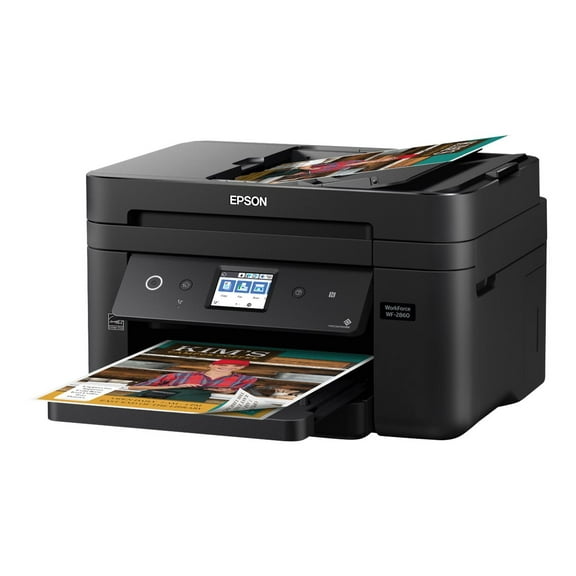
Epson WorkForce WF-2860 - Multifunction printer - color - ink-jet - Legal (8.5 in x 14 in) (original) - A4/Legal (media) - up to 11 ppm (copying) - up to 14 ppm (printing) - 150 sheets - 33.6 Kbps - USB 2.0, LAN, Wi-Fi(n), NFC $179.00
 $17900current price $179.00
Epson WorkForce WF-2860 - Multifunction printer - color - ink-jet - Legal (8.5 in x 14 in) (original) - A4/Legal (media) - up to 11 ppm (copying) - up to 14 ppm (printing) - 150 sheets - 33.6 Kbps - USB 2.0, LAN, Wi-Fi(n), NFC
10544 out of 5 Stars. 1054 reviewsBrother HL-L2325DW Monochrome Laser Printer, Wireless Networking, Duplex Printing $328.00
 $32800current price $328.00
Brother HL-L2325DW Monochrome Laser Printer, Wireless Networking, Duplex Printing
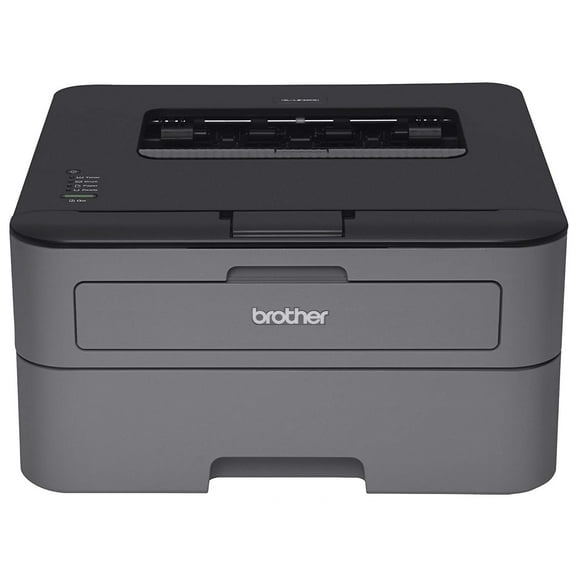
11524.4 out of 5 Stars. 1152 reviewsBrother HL-L2300d Compact, Personal, Monochrome Laser Printer, Duplex Printing $340.00
 $34000current price $340.00
Brother HL-L2300d Compact, Personal, Monochrome Laser Printer, Duplex Printing
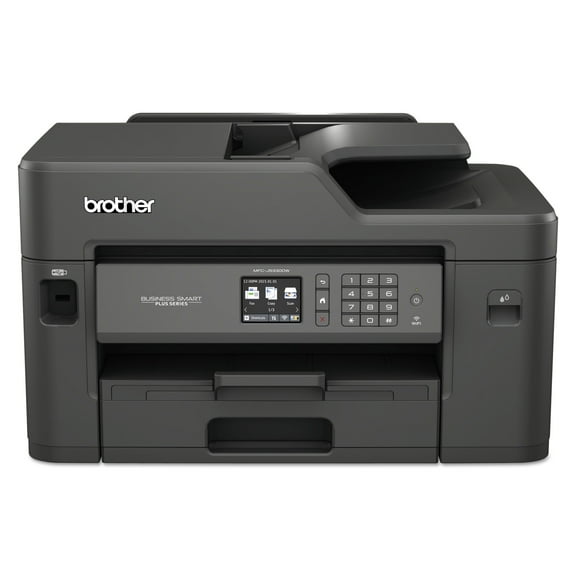
6584.3 out of 5 Stars. 658 reviewsBrother MFC-J5330DW All-in-One Color Inkjet Printer, Wireless Connectivity and Automatic Duplex Printing $659.99
 $65999current price $659.99
Brother MFC-J5330DW All-in-One Color Inkjet Printer, Wireless Connectivity and Automatic Duplex Printing
2594.3 out of 5 Stars. 259 reviewsBrother MFC-L2685DW All-in-One Monochrome Laser Printer $599.99

 $59999current price $599.99
Brother MFC-L2685DW All-in-One Monochrome Laser Printer
1504.3 out of 5 Stars. 150 reviewsBrother HL-L5000D -Business Monochrome Laser Printer with Duplex Printing and Parallel Interface $349.98
 $34998current price $349.98
Brother HL-L5000D -Business Monochrome Laser Printer with Duplex Printing and Parallel Interface
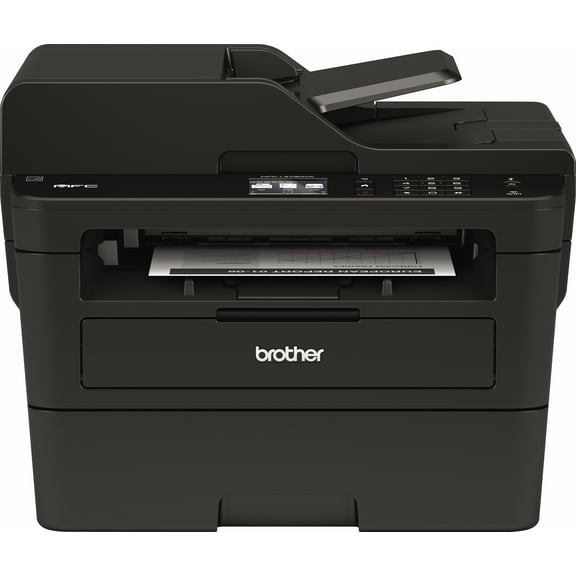
213.4 out of 5 Stars. 21 reviewsBrother MFC-L2730DW Monochrome Laser All-in-One Wireless Printer with 2.7” Color Touchscreen $438.88
 $43888current price $438.88
Brother MFC-L2730DW Monochrome Laser All-in-One Wireless Printer with 2.7” Color Touchscreen
2114.2 out of 5 Stars. 211 reviewsBrother MFC-J690DW Wireless Color Inkjet All-in-One Printer $299.99
 $29999current price $299.99
Brother MFC-J690DW Wireless Color Inkjet All-in-One Printer
1164.4 out of 5 Stars. 116 reviewsBrother HL-L2320D Compact, Personal Mono Laser Printer with Duplex $332.86
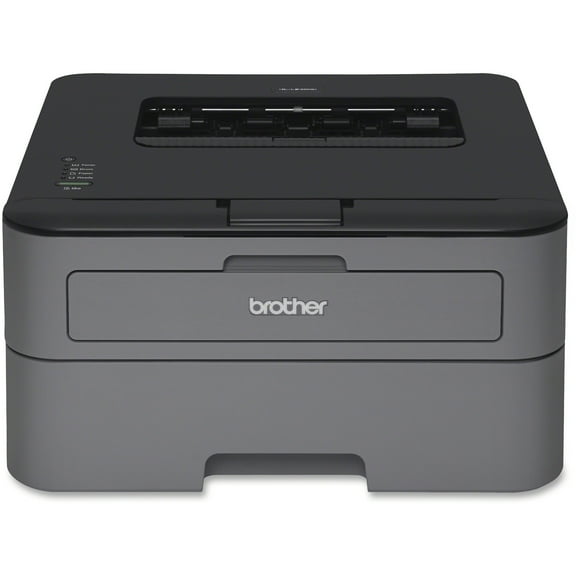 $33286current price $332.86
Brother HL-L2320D Compact, Personal Mono Laser Printer with Duplex
9944.4 out of 5 Stars. 994 reviewsBrother HL-L2300D Laser Printer $249.00
 $24900current price $249.00
Brother HL-L2300D Laser Printer
Brother INKvestment 4355 MFC-J4355DW Wireless Color Inkjet All-in-One Printer with 1.8” Color Display and Manual Feed Slot $179.99 Was $209.99
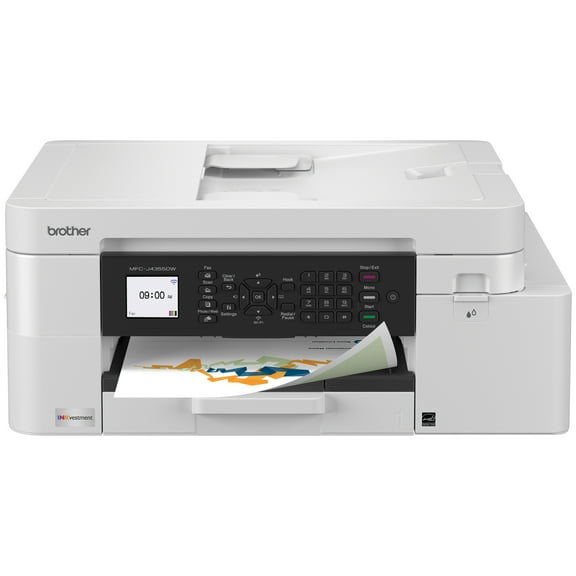 $17999current price $179.99, Was $209.99$209.99
Brother INKvestment 4355 MFC-J4355DW Wireless Color Inkjet All-in-One Printer with 1.8” Color Display and Manual Feed Slot
174.5 out of 5 Stars. 17 reviewsBrother Compact Monochrome Laser Printer HL-L2370DW Up to 36ppm Wireless 802.1 2370dw $597.00
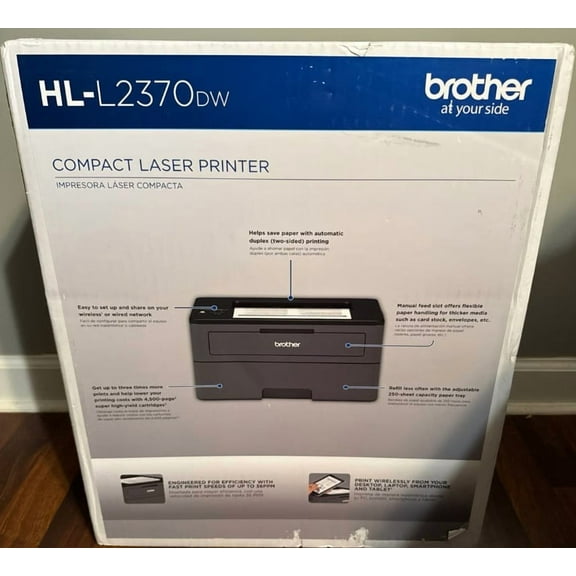 $59700current price $597.00
Brother Compact Monochrome Laser Printer HL-L2370DW Up to 36ppm Wireless 802.1 2370dw
Brother INKvestment 1365 MFC-J1365DW Wireless Color Inkjet All-in-One Printer with Automatic Duplex Printing and 1.8” Color Display $159.99
 $15999current price $159.99
Brother INKvestment 1365 MFC-J1365DW Wireless Color Inkjet All-in-One Printer with Automatic Duplex Printing and 1.8” Color Display
233.9 out of 5 Stars. 23 reviewsHP LaserJet Pro M15a Monochrome Compact Laser Printer $269.98 Was $299.95
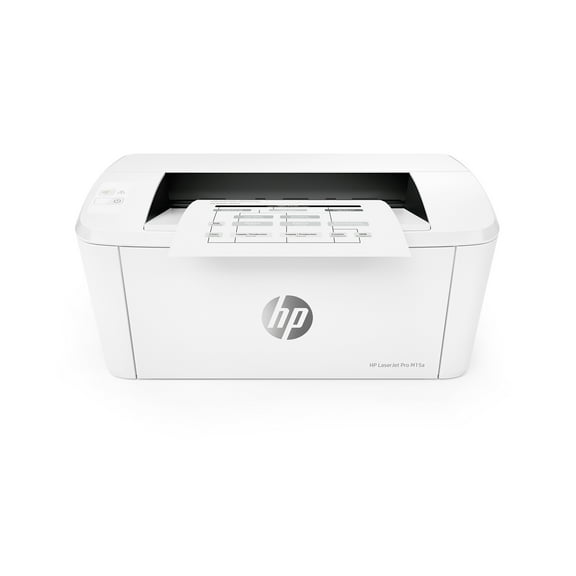 $26998current price $269.98, Was $299.95$299.95
HP LaserJet Pro M15a Monochrome Compact Laser Printer
1294.3 out of 5 Stars. 129 reviewsCanon PIXMA TR160 Wireless Inkjet Printer 7069C002 $193.91 Was $219.99
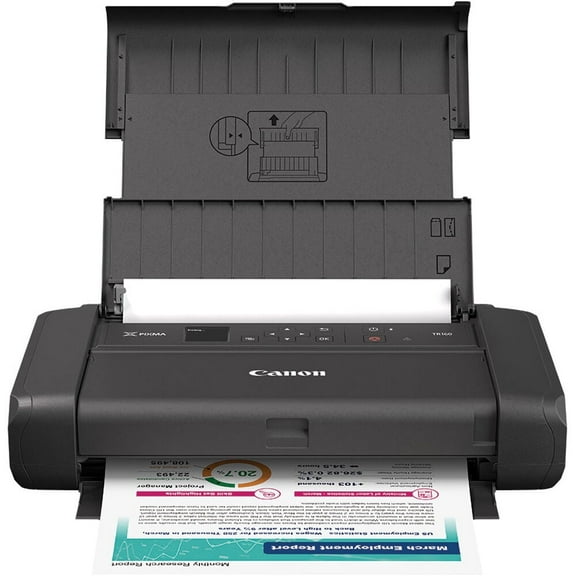 $19391current price $193.91, Was $219.99$219.99
Canon PIXMA TR160 Wireless Inkjet Printer 7069C002
284.2 out of 5 Stars. 28 reviewsBrother MFC-J491DW Multi-Function Wireless All-in-One Inkjet Printer $399.00
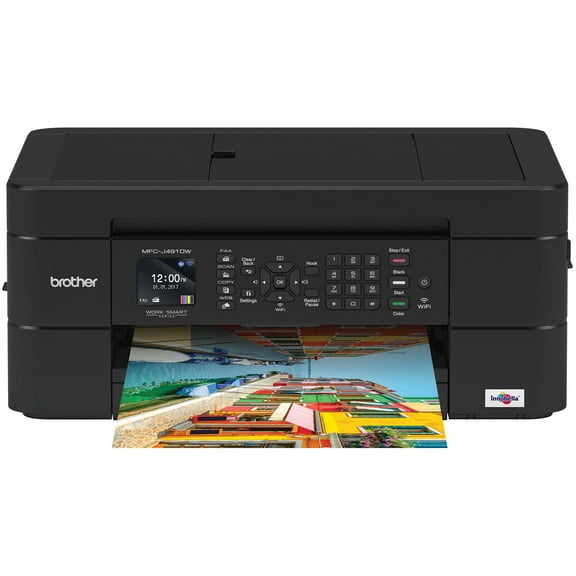 $39900current price $399.00
Brother MFC-J491DW Multi-Function Wireless All-in-One Inkjet Printer
5784.4 out of 5 Stars. 578 reviewsEpson WorkForce WF-2850 Wireless All-in-One Color Inkjet Printer $190.97
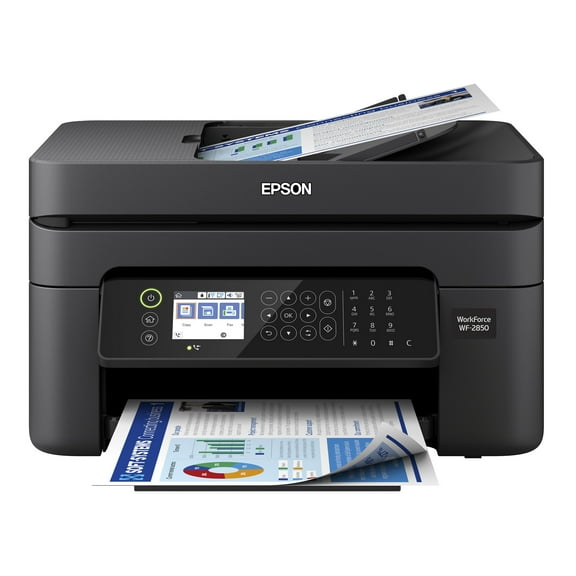 $19097current price $190.97
Epson WorkForce WF-2850 Wireless All-in-One Color Inkjet Printer
8953.2 out of 5 Stars. 895 reviewsBrother HL HL-L2865DW Plain Paper Print Laser Printer - Laser Printers $198.60
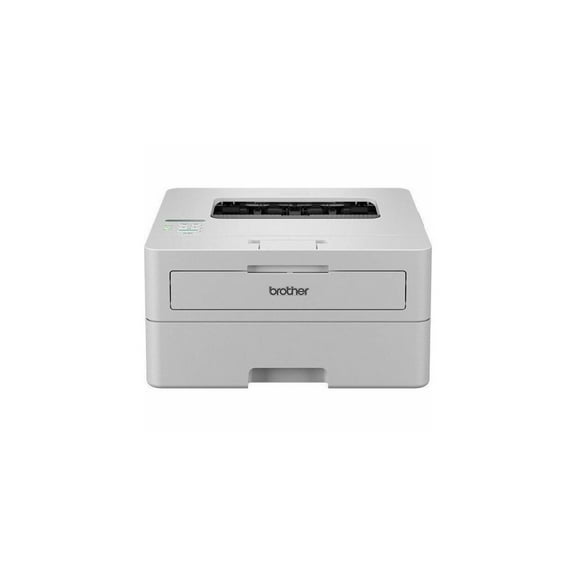 $19860current price $198.60
Brother HL HL-L2865DW Plain Paper Print Laser Printer - Laser Printers
53.8 out of 5 Stars. 5 reviews
Customer ratings & reviews
Reviews summary
- : Offers low cost per page.
- : Produces high-contrast black and white output.
- : Ideal for small spaces, perfect for home or office use.
- : Produces up to 24 pages per minute.
- : Setup takes around 15-20 minutes with minimal assistance.
- : Can be seamless, but may require multiple attempts.
Customer images




 +19 images
Showing 1-3 of 184 reviews
Works FANTASTIC and so EASY to set up!
When I got this printer, I was thrilled at the thought of owning a brother Compact Laser Printer to use at home. My deceased Husband had used laser printers for his business and at one time owned 20 or more printers. So I am slightly familiar with laser printers, but to be honest, I have never set one up by myself. My husband was the person in charge of tech, so I was a little concerned that I could handle this myself. So I unpacked everything, but the first problem arose because my laptop doesn't have a CD-Rom player. Thankfully, my daughter installed the program on her laptop. Also, be aware that it doesn't come with a USB cord, but we found that we didn't need it at all. Now, if you happen to have this same problem of not being able to play the CD-ROM, you can download the full driver and software package from the Brother Solutions Center. You won't need the CD-ROM if you do this and there is a driver for Windows and a driver for Mac. I was concerned about maybe needing to know things like the local IP address or remembering a password that I had written down somewhere. But it configured the printer port just fine after telling it to change things as needed . This was the recommended option anyway. After that, the WLAN report printed a test paper that said "connection : ok" along with some other stuff. My daughter then installed the driver and it was really super easy! There are easy to understand prompts along the way and if you do have a problem, you can always get help from the Brother website. You can also go there to register your printer. If you follow the 'Quick Setup Guide', you shouldn't have any problems getting the printer up and running pretty fast. It took maybe 20 minutes before we were able to print the first test paper. After we got the printer working on my daughter's laptop, I decided to see how difficult it would be to add my laptop on the wireless network so that I could print something without bothering her. So I opened the 'windows settings' and clicked on 'Devices'. Over on the left, I clicked on 'Printers & Scanners' and the 'Add a printer or scanner' was at the top of the page. I click on that and the computer automatically found the printer on the network. It added it to the list of printers and was ready to go just like that! The first thing I printed was a recipe with no problem. I wanted to see how well this printer handled graphics, so I found a picture on my laptop of a dragon (it just happened to be in black and white) that was pretty detailed. I was amazed at how fast this little printer whipped through the job and printed the graphics in perfect black and white detail! Beautiful!! I just tried out the 'print on both sides of the paper' option. I have worried about this for a couple of days now because I used to have to either put the paper back into the paper drawer after the first side printed or use the manual print option. Either way I usually messed up the first few papers because I could never remember which way the paper went into the printer. But this little printer takes care of that for me! I watched it print the first side of the paper and before I could blink, the paper was being drawn back into the printer and POW! the second side was printed! Woohoo!!! lol So my next thought was what would happen if I needed more than one copy of something that had printing on both sides. I found the email from Brother thanking me for registering my printer. The email had 2 pages to it, so I set up the print option for 2 copies and for it to print the 2 pages onto 1 paper. Clicked print and ran over to eagerly watch my little printer do its job. Again, it worked quickly with no problems what so ever! The first paper popped out with the first page printed, then it went back into the printer to print the opposite side and finally popped out of the printer to rest on top. Then this beautiful Brother printer quickly went to work on the second page. First side printed, popped out, went back in, second side printed and BAM! ALL DONE! This Brother printer can also collate the papers for you. At first I didn't think it could, but that was user error. Meaning that I didn't actually TELL the printer to collate. Somehow I missed that in the advanced settings after telling the printer how many copies and so forth. So I found a recipe with 4 pages to it and told the printer that I wanted 3 copies, using both sides of the paper and I also wanted to collate the pages. The collation of these papers worked great! I can see how this machine would make quick work of either a home or small business project. This would also be a wonderful printer to buy for a teenager, as long as they don't need color prints. That's the only "drawback", it can only print in black and white. But for what I need it to do, it's a perfect printer and having the Brother name to back it up is just icing on the cake!! By the way, if you are like me and want to learn more about the printer, you can go to the Brother website to find the manual. There is a pop-up you can use to learn where your model number is located on your printer, if you need it. I found their website to be very user friendly.
Brother Printer - A great wi fi printer
This Brother printer is great. Setup was very simple. Remove protective items, play the CD for instructions on installation and use. If you have no CD rom, read the alternate instructions. The printer is a full sized desktop laserjet printer. The printer comes with a short use toner cartridge. The owner needs to plan on purchasing a full use cartridge. The instructions are shown on the PC screen. You will need to download the driver and software from Brother. If you own a wireless router, the printer can be used without a PC. Activate the WPS or AOSS button on the router, press wi-fi button on the Brother printer, wireless printing is now ready. This printer does an excellent printing job. (Black and white only). I recommend this to anyone who can use a wireless printer with an iPhone, Ipad, or other tablet.
Great black and white printer.
Wow! This Brother HL-L2315DW Compact Laser Printer is pretty amazing. Everything I have printed is so much cleaner and clearer than what I have been printing on my ink jet printer. I like that the wireless networking makes printing from anything in network so easy from anywhere within wi-fi range. I turned on duplex printing and it is great. I definitely plan to use this two-sided printing feature since saving paper is good for the environment as well as my wallet. It was a pleasant surprise how much faster twenty-four pages per minute printing is compared to twelve pages per minute. I really like the speed. The tray holds two hundred and fifty pages of paper. That also is a lot compared to fifty that my inkjet printer holds. I'm very pleased with this printer for the quality, speed and overall cost of printing all my black print needs. I can purchase standard toner cartridges for 1200 copies or a high yield cartridge which will make a whopping 2600 copies each. I haven't researched the cost of the cartridges yet but I know it will be considerably less than inkjet cartridges that have become ridiculous to buy. So far, the only negative was using the quick start guide. During actual set-up it asked some questions that are not in the guide. It took awhile to figure it out, but when done, it was certainly worth it. Overall, it's a good buy for home or home office needs.
