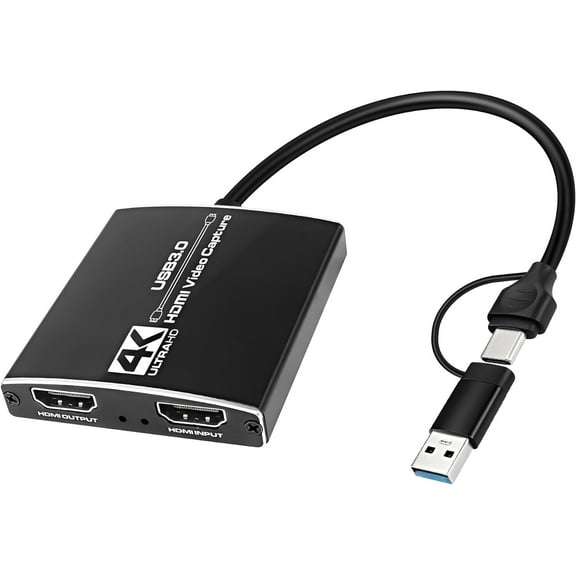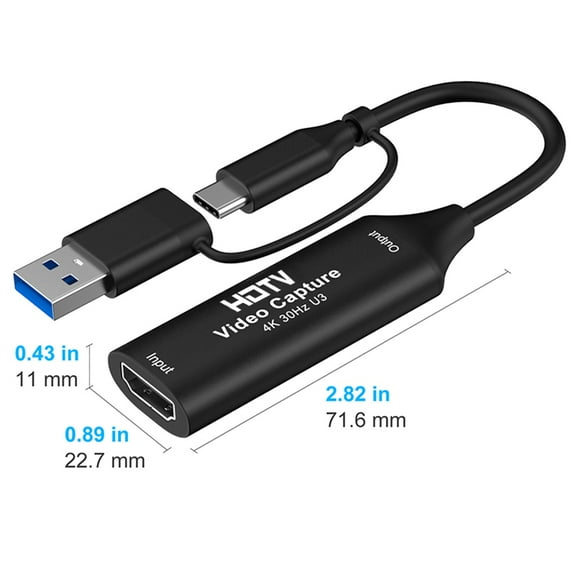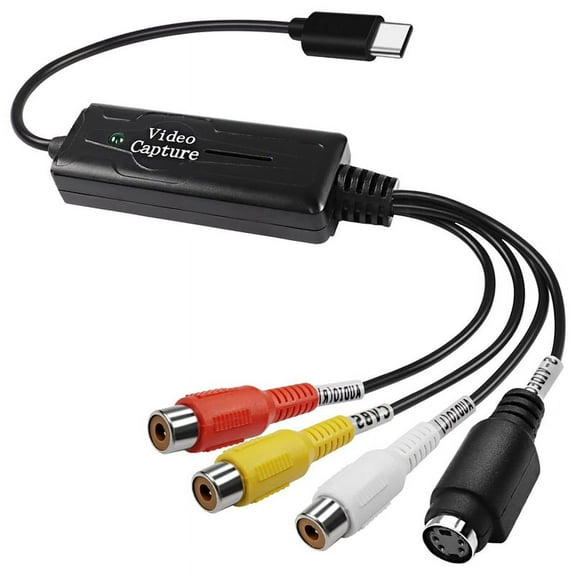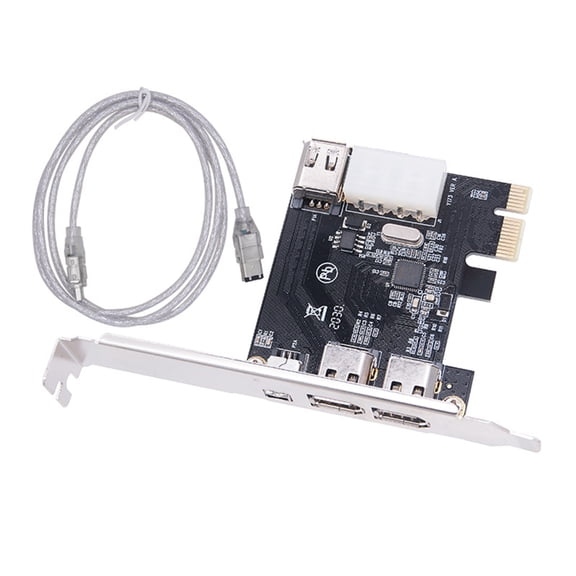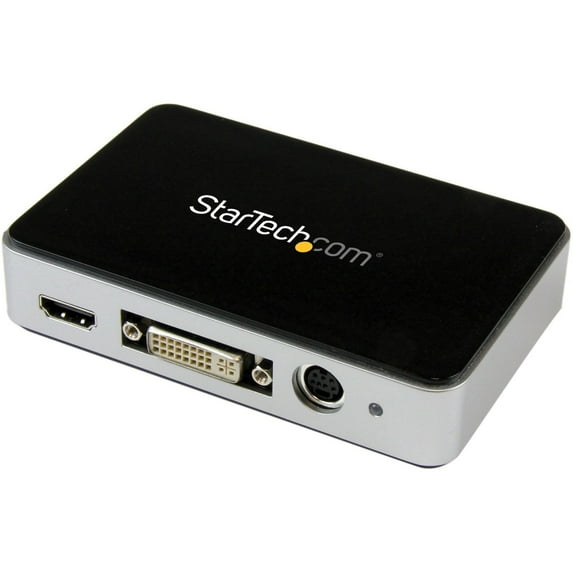
StarTech USB 3.0 Video Capture Device
Hero image 0 of StarTech USB 3.0 Video Capture Device, 0 of 4

StarTech USB 3.0 Video Capture Device

Key item features

  • Sold as 1 Each.
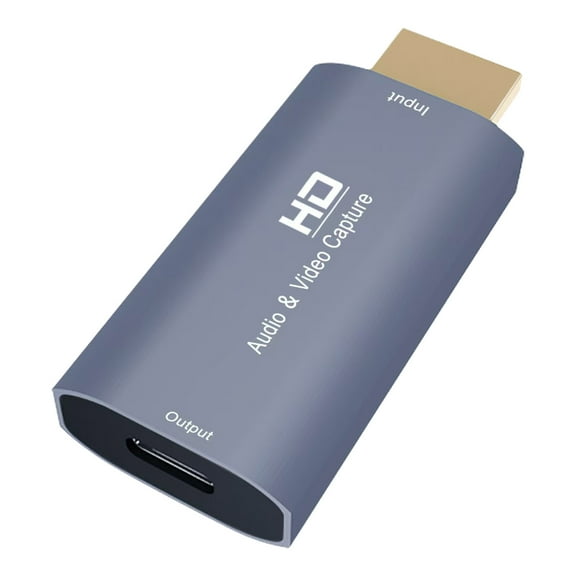
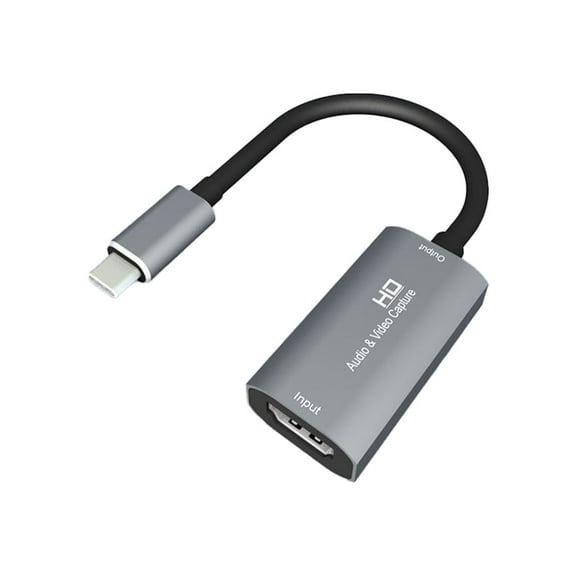
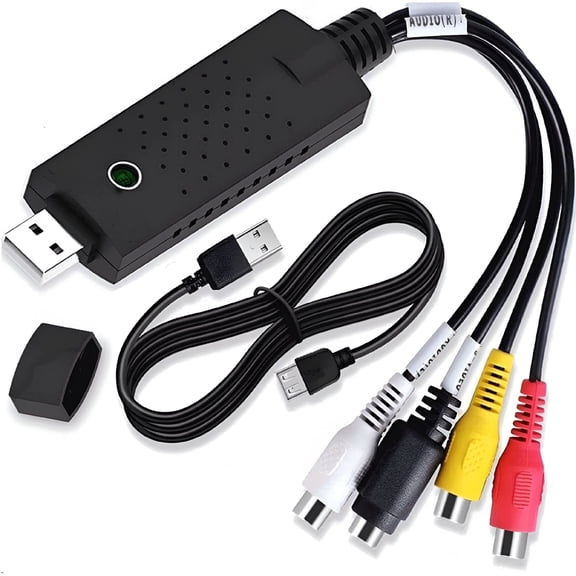
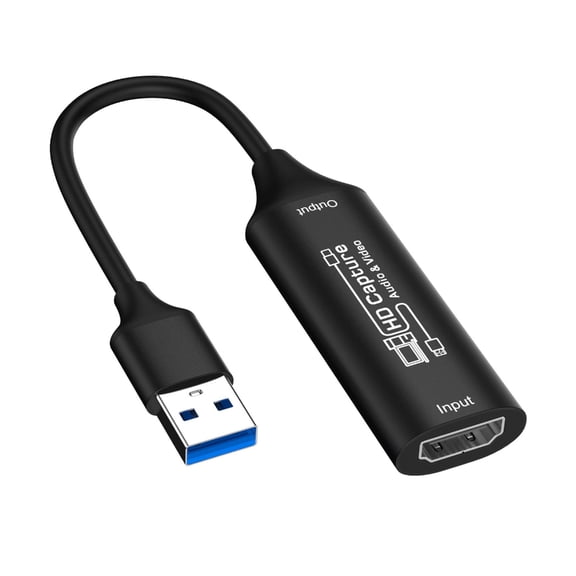
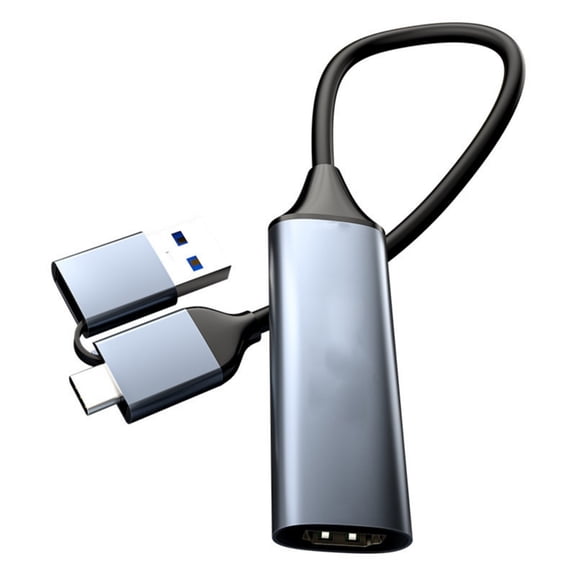
  • Video capture device for better picture quality. With audio hardware and has format converter, i0ndustry standards of NTSC, PAL-M, PAL-60, PAL, Video encoding of MPEG4/H.264. With a frame rate of 60 FPS and H.264 encoding for convenience. Weighs 3.7 oz.
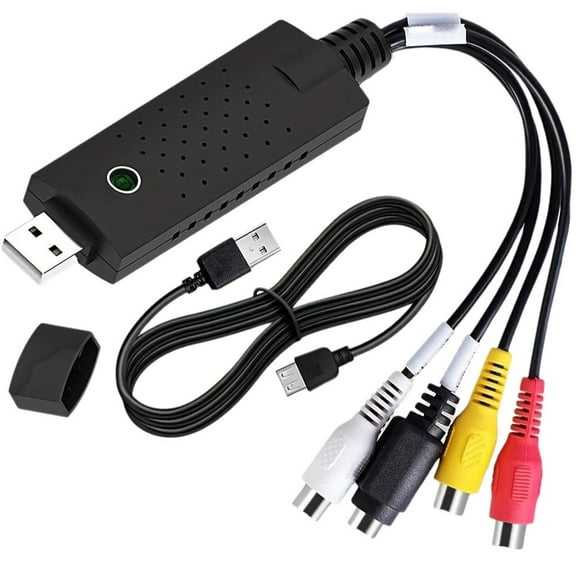
  • Measures 1"H x 3"W x 4 1/2"L. Maximum analog resolutions of 1920x1080 and maximum video input of 1920x1080 to delivers quality images. Contains USB 3.0 HD video capture device, A/V breakout cable, DVI to VGA adapter, USB 3.0 cable, instruction manual. Comes with 2 years warranty.
  • Comes in black color for new look. With HDMI or component RCA stereo audio for better sound quality. Works with PC.
  • Provides USB 3.0 B female output, HDMI female input, DVI-I female input, stereo audio female input connector. With video conversion, video encoding functions for better picture quality. Supports windows 8/8.1 (32/64bit)/Windows 7 (32/64bit)/Vista(32/64)/XP(32/64).
Current price is $175.99
Price when purchased online
Out of stock

How do you want your item?

How do you want your item?
Out of stock

About this item
Product details

Specifications

Warranty

Warnings

Customer ratings & reviews

3.7 out of 5 stars
stars
22 ratings20 reviews
How item rating is calculated
Filtered and sorted results would be available on the new 'Customer ratings & reviews' page.
Sort by |

Showing 1-3 of 20 reviews

Nov 5, 2016
DJ Jeremy
5 out of 5 stars review

I Am So Glad I Bought This!

I bought this from Amazon and it has been amazing! I had a minor issue when I first installed it but tech support helped me through it. What was amazing was I called them on a holiday and not only did they help me through it, the gentleman who helped me was really cool and professional...even though I was bugging him on a holiday! I haven't had a problem with it since! My only complaint is that it's not Mac compatible, but I knew that going in so I don't hold it against them...just maybe a suggestion for the near future considering the most common forms of video editing are done on Mac.

Review from startech.com
Helpful?5RZ6K7CPLV4X43735541
May 28, 2020
Gerry87
5 out of 5 stars review

Excellent Capture Device!!!

I've had this unit for a few months now and I am very happy with the unit overall. The device captures various screen sizes and is perfect for capturing VGA and DVI sources from older computers that do not support the installation of a modern screen recording software. Perfect for creating video tutorials using older computer hardware. There was one issue many users have encountered when using the StreamCatcher software, and that being unable to move the GUI window from one monitor to another when using multiple monitors on a PC. This is actually possible to do, however it requires you to double click on the capture window to cycle through (x3) different GUI window sizes; Full Screen, Normal and Small. You can only move the StreamCatcher GUI window across to other Monitors when the GUI is in the SMALL window size. So you simply have to double click on the GUI capture window when you see your video feed, double click a couple of times...and you can toggle to the proper screen size and then move it across to your other shared PC monitors. :) Hope this information helps future users out there. A Great product! :)D Cheers! -Gerry

Review from startech.com
Helpful?5RZ6K7CPLV4X43735541
Dec 31, 2019
Dmitriy
5 out of 5 stars review

Great for S-VHS & VHS capturing

I was need to capture video from old VHS cassetes 20-25 years old and happy that found this device. It is privide maximum possible quality with S-Video in interface for S-VHS and VHS. StreamCatcher SW is quite simple and stable. Sometimes it is detect CopyRight protection via S-Video cable (is it possible?) and stop recording, but it was one time only. This solution works great! One point for SW update: it is not possible to move StreamCapture SW window from one monitor to another when using multiple monitors with PC. Why? :)

Review from startech.com
Helpful?5RZ6K7CPLV4X43735541