

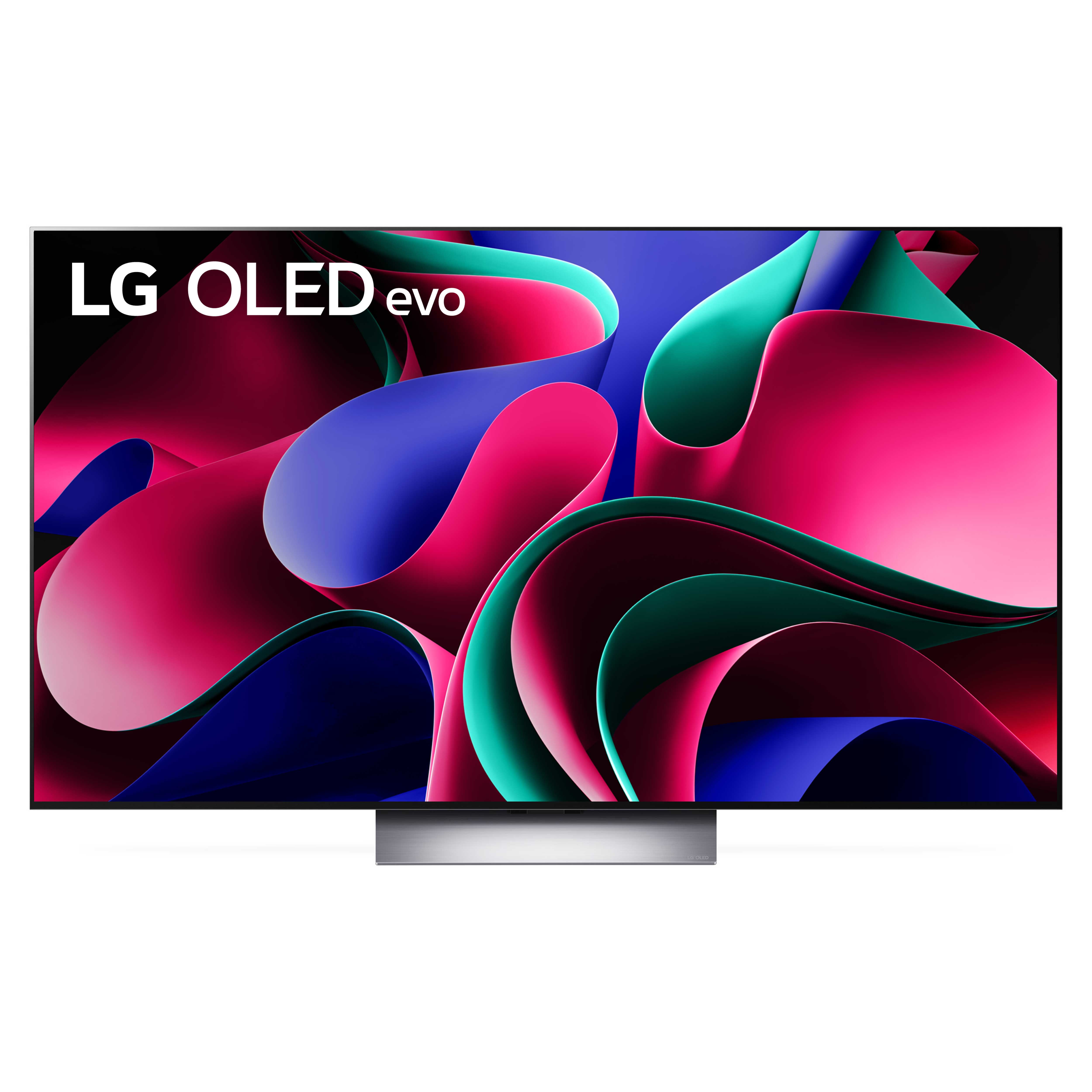
Sorry, this item is out of stock
Hisense 65-Inch Class QD6030G Series Hi-QLED Smart Google TV (65QD6030G, 2025 Model) - Hi-QLED, Dolby Vision, Dolby Atmos, Motion Rate 120, HDR 10 , Game Mode Plus $378.00
 $37800current price $378.00
Hisense 65-Inch Class QD6030G Series Hi-QLED Smart Google TV (65QD6030G, 2025 Model) - Hi-QLED, Dolby Vision, Dolby Atmos, Motion Rate 120, HDR 10 , Game Mode Plus
43624.2 out of 5 Stars. 4362 reviewsLG 65" Class 4K UHD OLED Web OS 24 Smart 120 Hz TV with Dolby Vision - OLED65C4PUA $1,199.00 Was $1,296.99
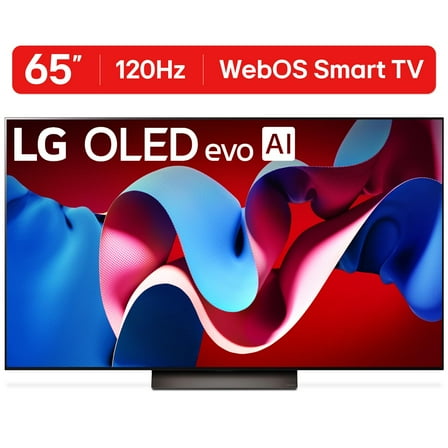 $1,19900current price $1,199.00, Was $1,296.99$1,296.99
LG 65" Class 4K UHD OLED Web OS 24 Smart 120 Hz TV with Dolby Vision - OLED65C4PUA
5564.6 out of 5 Stars. 556 reviewsLG 55 Inch G5 Series OLED evo 4K UHD Smart webOS TV with One Wall Design (2025) $1,796.99 Was $1,896.99
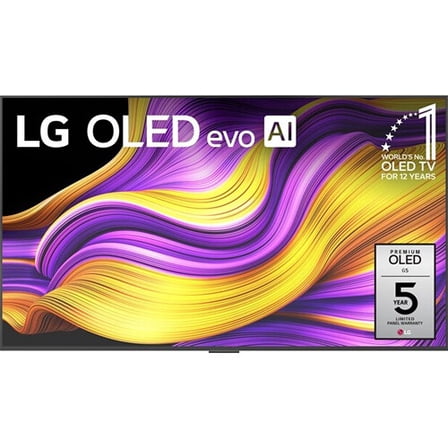 $1,79699current price $1,796.99, Was $1,896.99$1,896.99
LG 55 Inch G5 Series OLED evo 4K UHD Smart webOS TV with One Wall Design (2025)
2314.6 out of 5 Stars. 231 reviewsLG 77" Class 4K UHD OLED C4 Series 120 Hz Web OS 24 Smart TV with Dolby Vision - OLED77C4PUA $1,549.00 Was $1,649.00
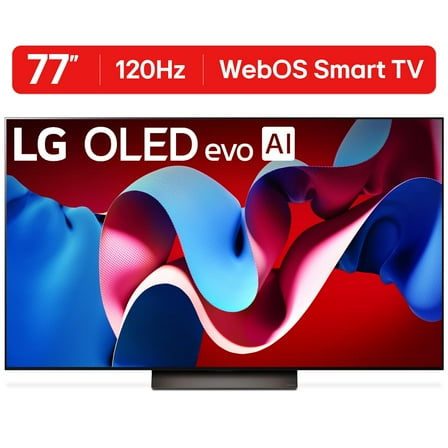 $1,54900current price $1,549.00, Was $1,649.00$1,649.00
LG 77" Class 4K UHD OLED C4 Series 120 Hz Web OS 24 Smart TV with Dolby Vision - OLED77C4PUA
4254.7 out of 5 Stars. 425 reviewsLG OLED55G5WUA 55 Inch OLED 4K Ultra HD Smart TV with 2 Year Amber Protection Plan (2025) $1,796.99
 Options from$1,79699– $5,29699
LG OLED55G5WUA 55 Inch OLED 4K Ultra HD Smart TV with 2 Year Amber Protection Plan (2025)
13 out of 5 Stars. 1 reviewsLG 55 Inch G5 Series OLED evo 4K UHD Smart webOS TV with One Wall Design (2025) $1,796.99
 $1,79699current price $1,796.99
LG 55 Inch G5 Series OLED evo 4K UHD Smart webOS TV with One Wall Design (2025)
LG 77" Class 4K UHD OLED Web OS Smart TV with Dolby Vision C3 Series $1,849.00 Was $1,997.00
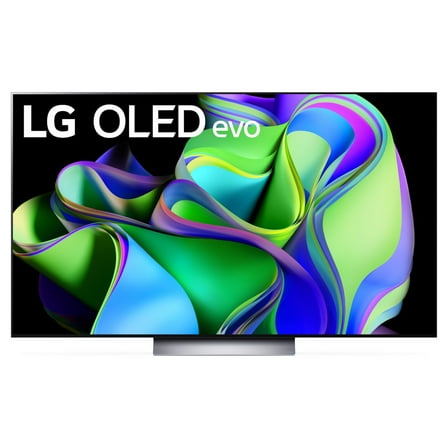 $1,84900current price $1,849.00, Was $1,997.00$1,997.00
LG 77" Class 4K UHD OLED Web OS Smart TV with Dolby Vision C3 Series
10954.6 out of 5 Stars. 1095 reviewsLG 77" Class 4K UHD OLED Web OS Smart TV with Dolby Vision C2 Series OLED77C2PUA $1,879.00
 $1,87900current price $1,879.00
LG 77" Class 4K UHD OLED Web OS Smart TV with Dolby Vision C2 Series OLED77C2PUA
31974.7 out of 5 Stars. 3197 reviewsLG OLED77C4PUA 77 Inch Class OLED evo C4 Series Smart TV 4K Processor (2024) Bundle with 2 Year Extended Warranty $1,846.99
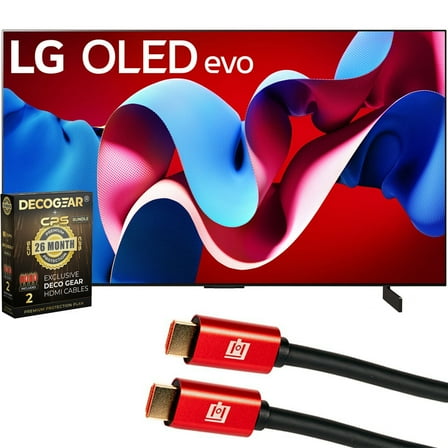 $1,84699current price $1,846.99
LG OLED77C4PUA 77 Inch Class OLED evo C4 Series Smart TV 4K Processor (2024) Bundle with 2 Year Extended Warranty
614.2 out of 5 Stars. 61 reviewsIn 200+ people's carts TCL 43" Class 4-Series 4K UHD HDR Smart Roku TV - 43S451 $138.00 Was $278.00
 Options from$13800– $15000$278.00
TCL 43" Class 4-Series 4K UHD HDR Smart Roku TV - 43S451
456184.4 out of 5 Stars. 45618 reviewsSamsung QN77S90CAF - 77" Diagonal Class (76.8" viewable) - S90C Series OLED TV - Smart TV - Tizen OS - 4K UHD (2160p) 3840 x 2160 - HDR - Quantum Dot - titan black $1,799.00 Was $3,599.00
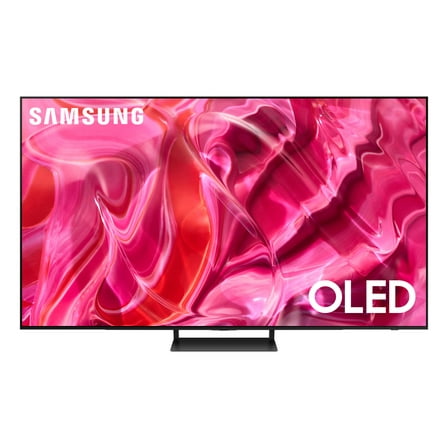 $1,79900current price $1,799.00, Was $3,599.00$3,599.00
Samsung QN77S90CAF - 77" Diagonal Class (76.8" viewable) - S90C Series OLED TV - Smart TV - Tizen OS - 4K UHD (2160p) 3840 x 2160 - HDR - Quantum Dot - titan black
6024.6 out of 5 Stars. 602 reviewsLG 65" C5 Series 4K UHD OLED evo AI Smart webOS 25 TV, OLED65C5PUA $1,396.99
 $1,39699current price $1,396.99
LG 65" C5 Series 4K UHD OLED evo AI Smart webOS 25 TV, OLED65C5PUA
1794.3 out of 5 Stars. 179 reviewsIn 200+ people's carts LG 86" 4K UHD UA75 AI Smart TV, 86UA7500 $748.00 Was $798.00
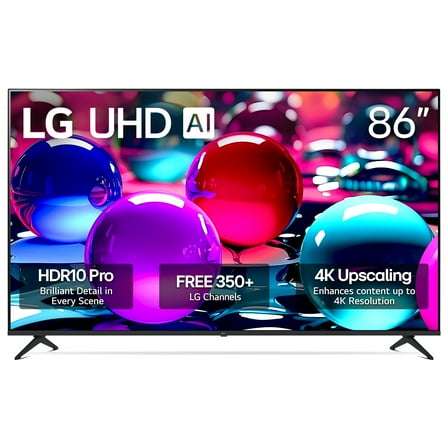 $74800current price $748.00, Was $798.00$798.00
LG 86" 4K UHD UA75 AI Smart TV, 86UA7500
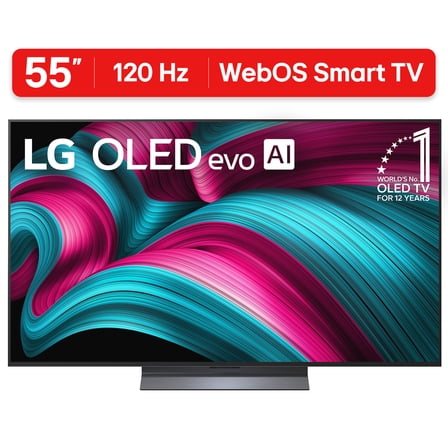
6314.3 out of 5 Stars. 631 reviewsLG 55" C5 Series 4K UHD OLED evo AI Smart webOS 25 TV, OLED55C5PUA $1,196.99
 $1,19699
LG 55" C5 Series 4K UHD OLED evo AI Smart webOS 25 TV, OLED55C5PUA
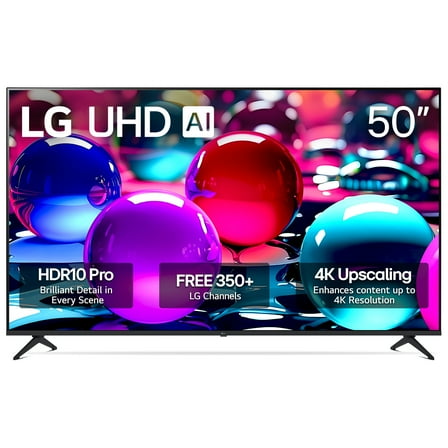
7114.8 out of 5 Stars. 711 reviews100+ bought since yesterday LG 50" 4K UHD UA75 AI Smart TV, 50UA7500 $248.00 $4.96/in
 $24800current price $248.00$4.96/in
LG 50" 4K UHD UA75 AI Smart TV, 50UA7500
5974.4 out of 5 Stars. 597 reviews
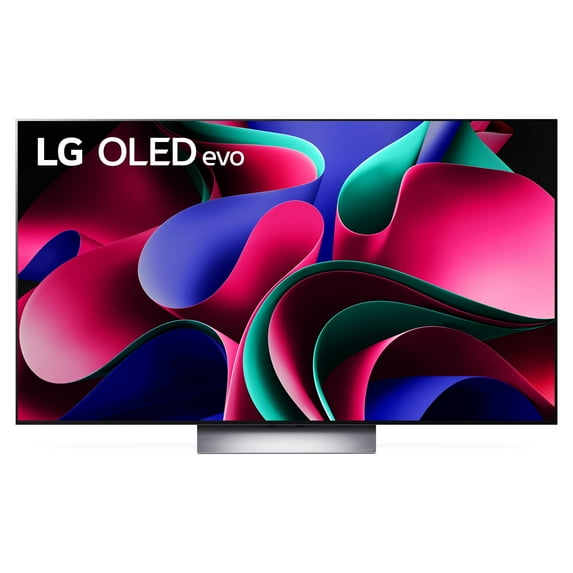
LG 65" Class 4K UHD OLED Web OS Smart TV with Dolby Vision G3 Series - OLED65G3PUA
Key item features
- Advanced Processor: The LG OLED evo G-Series features the a9 AI Processor Gen6 for enhanced picture and performance.
- Brightness Booster: Brightness Booster Max adjusts the picture for up to 70% brighter images, providing vibrant colors and incredible contrast.
- Seamless Design: The included wall bracket allows for a virtually gapless installation, blending the TV into your surroundings.
- AI Technology: WebOS23 with AI technology offers less searching and more streaming, grouping favorite apps into categories for easy access.
- Dolby Vision: Experience extraordinary color, contrast, and brightness with Dolby Vision, plus wrap-around sound with Dolby Atmos.
- Home Theater Mode: FILMMAKER MODE lets you see films just as the director intended, enhancing your home theater experience.
- Always Ready: When not in use, display paintings, photos, and other content to integrate the TV into your home decor.
Specs
- DisplayOLED
- Screen size65 in
- Resolution4K (2160P)
- PlatformWebOS
- Sound technologyDolby Atmos
- Refresh rate120 Hz
Reviews summary
- : Displays lifelike images with vivid colors and deep blacks.
- : Colors are bright and rich with deep blacks.
- : Has a slim profile.
- : Mounts flush against the wall with included hardware.
- : Provides exceptional clarity with vibrant colors.
- : Can be intuitive, but also finicky and dated.
How do you want your item?
Continue your search on Walmart
About this item
Product details
- Visit Walmart's LG Brand Showcase to learn more about LG's full list of products at Walmart https://www.walmart.com/cp/lg/1589293
- LG OLED evo - The LG OLED evo G-series comes loaded with the a9 AI Processor Gen6—made exclusively for LG OLED—for even better picture and performance. Brightness Booster Max adjusts the picture for up to 70% brighter images* so you can see rich, vibrant colors and incredible contrast, even in well-lit rooms. AI tech and deep learning sense what you're watching and select the best picture and sound settings for an immersive viewing experience.
*Brightness Booster Max is only available on G3 models. Based on LG internal testing: 55/65/77" LG OLED evo G3 models are 70% brighter than non-OLED evo B3 models. The 83" LG OLED evo G3 model is 30% brighter than non-OLED evo B3 models. - One Wall Design + Always Ready - An included wall bracket leaves virtually no space between the wall and TV when hung.* When you're not watching, display paintings, photos and other content to blend the LG OLED evo G3 into your surroundings.
*Depending on installation environment, there may be a slight gap between the TV and the wall. Installation requirements vary. See installation guide for details. - WebOS23 & LG Channels - Less searching, more streaming, thanks to the next generation of AI technology. Enjoy your favorite content including fitness, sports, entertainment and more. With Quick Cards, group your favorite apps into categories and use the Magic Remote to easily find what you're looking for. Get instant access to over 300 free channels with LG Channels.*
*Internet connection and subscriptions to streaming services are required; number of LG Channels subject to change. - Dolby Vision + Home Theater - Experience the magic of the big screen right from your couch. Every LG OLED comes loaded with Dolby Vision™ for extraordinary color, contrast and brightness, plus Dolby Atmos®* for wrap-around sound. Land in the center of the action with LG's FILMMAKER MODE™, allowing you to see films just as the director intended.
*Dolby, Dolby Atmos and the double-D symbol are registered trademarks of Dolby Laboratories. - 5-Year Panel Warranty - With a 5-year panel warranty*—and industry-leading tech perfected over a decade—you can watch on and on with confidence and peace of mind that we stand behind our premium LG OLED evo TVs.
*In the 1st year of the warranty, panel, parts and labor costs are covered. In the 2nd-5th year of the warranty, only panels are covered, and labor will be charged. The 5-year limited panel warranty is available for the G3, 83" G2, 77" G2, 65" G2, 55" G2, 77" Z2 and 88" Z2 TVs. Please see https://www.lg.com/us/PDF/warranty/ha/Warranty_Card_77Z2_G2.pdf for full terms and conditions.
Specifications
Display
Screen size
Resolution
Platform
Warranty
Warranty information
Please be aware that the warranty terms on items offered for sale by third party Marketplace sellers may differ from those displayed in this section (if any). To confirm warranty terms on an item offered for sale by a third party Marketplace seller, please use the 'Contact seller' feature on the third party Marketplace seller's information page and request the item's warranty terms prior to purchase.
Warranty url
Popular items in this category
Best selling items that customers love
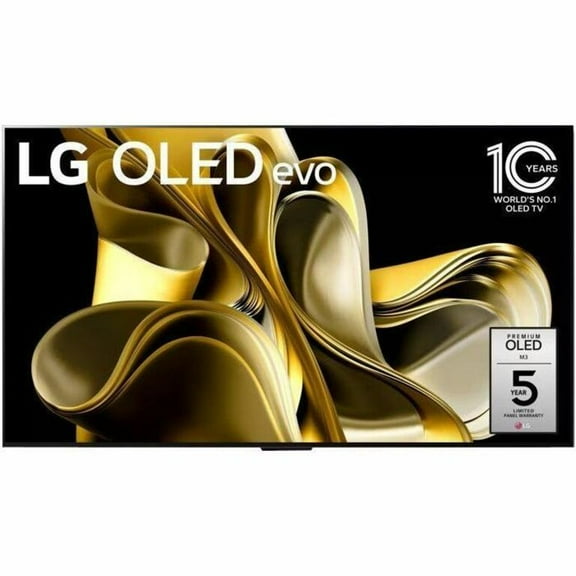
LG 77" Class 4K UHDTV (2160p) HDR Smart OLED TV (OLED77M3PUA) $2,497.95 Was $3,496.99
 SponsoredNow$2,49795current price Now $2,497.95, Was $3,496.99$3,496.99You save $999.04You save$999.04
LG 77" Class 4K UHDTV (2160p) HDR Smart OLED TV (OLED77M3PUA)
114.5 out of 5 Stars. 11 reviewsShipping, arrives in 3+ daysLG OLED97G5WUA 97" 4K UHD OLED evo G5 Smart TV $24,996.99
 Sponsored$24,99699current price $24,996.99
LG OLED97G5WUA 97" 4K UHD OLED evo G5 Smart TV
2544.8 out of 5 Stars. 254 reviewsShipping, arrives in 3+ daysLG 83" Class 4K UHD OLED Web OS Smart TV with Dolby Vision G3 Series - OLED83G3PUA $3,996.99
 $3,99699current price $3,996.99
LG 83" Class 4K UHD OLED Web OS Smart TV with Dolby Vision G3 Series - OLED83G3PUA
3864.6 out of 5 Stars. 386 reviewsShipping, arrives in 3+ daysLG 48" Class 4K UHD OLED Web OS Smart TV with Dolby Vision C4 Series - OLED48C4PUA $949.00
 $94900current price $949.00
LG 48" Class 4K UHD OLED Web OS Smart TV with Dolby Vision C4 Series - OLED48C4PUA
3764.7 out of 5 Stars. 376 reviewsSave with Shipping, arrives tomorrow
LG 83" Class 4K UHD OLED C4 Series 120 Hz Web OS 24 Smart TV with Dolby Vision - OLED83C4PUA $2,734.62 Was $3,296.99
 Now$2,73462current price Now $2,734.62, Was $3,296.99$3,296.99You save $562.37You save$562.37
LG 83" Class 4K UHD OLED C4 Series 120 Hz Web OS 24 Smart TV with Dolby Vision - OLED83C4PUA
3404.7 out of 5 Stars. 340 reviewsShipping, arrives in 3+ daysLG 55" Class 4K UHD OLED Web OS Smart TV with Dolby Vision C4 Series - OLED55C4PUA $1,089.00
 $1,08900current price $1,089.00
LG 55" Class 4K UHD OLED Web OS Smart TV with Dolby Vision C4 Series - OLED55C4PUA
4704.7 out of 5 Stars. 470 reviewsSave withShipping, arrives tomorrowLG 48" C5 Series 4K UHD OLED evo AI Smart webOS 25 TV, OLED48C5PUA $997.99
 $99799current price $997.99
LG 48" C5 Series 4K UHD OLED evo AI Smart webOS 25 TV, OLED48C5PUA
3074.6 out of 5 Stars. 307 reviewsShipping, arrives in 3+ daysLG 83" OLED B5 Series 4K UHD OLED AI Smart webOS 25 TV, OLED83B5PUA $2,696.99
 $2,69699current price $2,696.99
LG 83" OLED B5 Series 4K UHD OLED AI Smart webOS 25 TV, OLED83B5PUA
474.6 out of 5 Stars. 47 reviewsShipping, arrives in 3+ daysLG 42" C5 Series 4K UHD OLED evo AI Smart webOS 25 TV, OLED42C5PUA $896.99
 $89699current price $896.99
LG 42" C5 Series 4K UHD OLED evo AI Smart webOS 25 TV, OLED42C5PUA
214.5 out of 5 Stars. 21 reviewsSave withShipping, arrives tomorrowLG 83" Class 4K UHD OLED Web OS Smart TV with Dolby Vision C2 Series OLED83C2PUA $2,999.00
 $2,99900current price $2,999.00
LG 83" Class 4K UHD OLED Web OS Smart TV with Dolby Vision C2 Series OLED83C2PUA
31454.7 out of 5 Stars. 3145 reviewsShipping, arrives in 3+ daysLG 65" OLED B5 Series 4K UHD OLED AI Smart webOS 25 TV, OLED65B5PUA $996.99
 $99699current price $996.99Options from $996.99 – $1,960.00
LG 65" OLED B5 Series 4K UHD OLED AI Smart webOS 25 TV, OLED65B5PUA
1154.6 out of 5 Stars. 115 reviewsSave withShipping, arrives tomorrowLG 55" OLED B5 Series 4K UHD OLED AI Smart webOS 25 TV, OLED55B5PUA $896.99
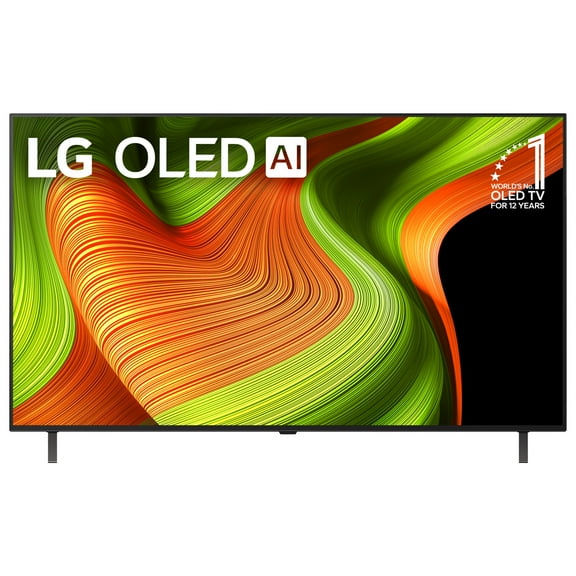 $89699current price $896.99
LG 55" OLED B5 Series 4K UHD OLED AI Smart webOS 25 TV, OLED55B5PUA
744.7 out of 5 Stars. 74 reviewsShipping, arrives in 3+ days

More items to consider
Based on what customers bought
500+ bought since yesterday USX MOUNT Full Motion TV Wall Mount for 47-90 inch TVs Swivels Tilts Extension Rotation Holds up to 132lbs Max VESA 600x400mm, Fit 16" Wood Stud $37.19 Was $81.99
500+ bought since yesterday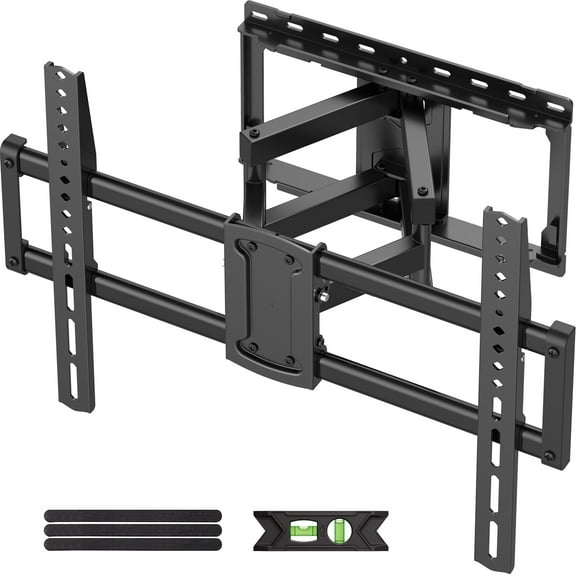 SponsoredNow$3719current price Now $37.19, Was $81.99$81.99You save $44.80You save$44.80
USX MOUNT Full Motion TV Wall Mount for 47-90 inch TVs Swivels Tilts Extension Rotation Holds up to 132lbs Max VESA 600x400mm, Fit 16" Wood Stud
73924.5 out of 5 Stars. 7392 reviewsSave withShipping, arrives tomorrowPERLESMITH Full Motion TV Wall Mount for 42"-90" TVs, 150 lbs Max Weight Capacity, UL Listed, Supports Max VESA 600x400mm, PSXF19B $49.00
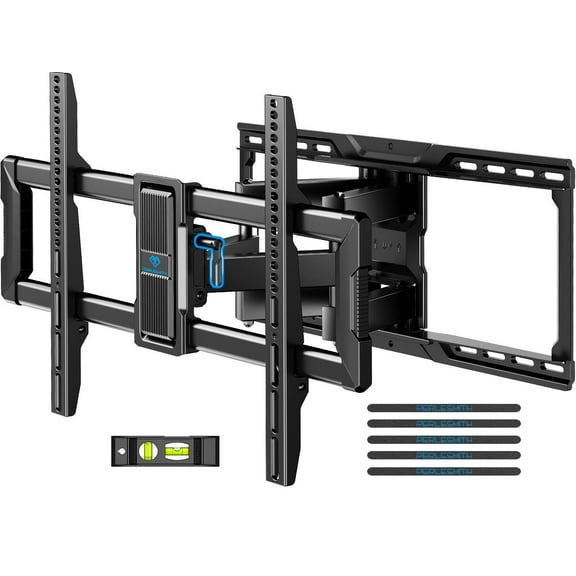 Sponsored$4900current price $49.00
PERLESMITH Full Motion TV Wall Mount for 42"-90" TVs, 150 lbs Max Weight Capacity, UL Listed, Supports Max VESA 600x400mm, PSXF19B
5614.5 out of 5 Stars. 561 reviewsSave withShipping, arrives tomorrowSamsung HW-C43C/ZA 2.1 ch DTS Virtual:X Soundbar 270-Watts w/Subwoofer $159.99
 $15999current price $159.99
Samsung HW-C43C/ZA 2.1 ch DTS Virtual:X Soundbar 270-Watts w/Subwoofer
6444.4 out of 5 Stars. 644 reviewsShipping, arrives in 3+ daysLG SRG3WU65 Gray Stand & Back Cover for 65 inch G2/G3 OLED TVs (2022/2023) $93.00 Was $146.99
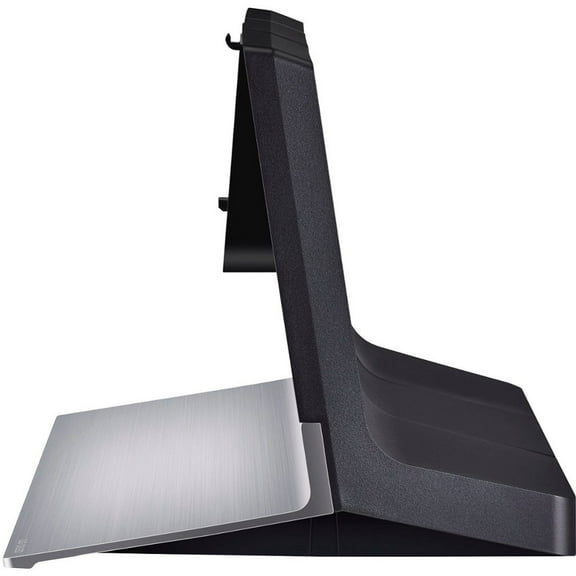 Now$9300current price Now $93.00, Was $146.99$146.99You save $53.99You save$53.99
LG SRG3WU65 Gray Stand & Back Cover for 65 inch G2/G3 OLED TVs (2022/2023)
183.5 out of 5 Stars. 18 reviewsShipping, arrives in 3+ daysBest seller VIZIO All-in-One 2.1 Soundbar SE With Dolby Atmos, DTS:X, Bluetooth SV210Y-0808 $128.00
Best seller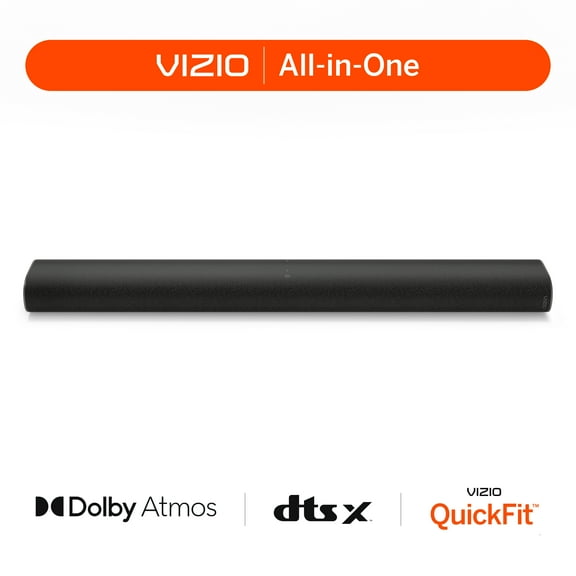 $12800current price $128.00
VIZIO All-in-One 2.1 Soundbar SE With Dolby Atmos, DTS:X, Bluetooth SV210Y-0808
8734.1 out of 5 Stars. 873 reviewsSave withPickup todayDelivery todayShipping, arrives todayJBL CINEMA SB550 - 3.1 Channel Soundbar with Wireless Subwoofer $229.00
 $22900current price $229.00
JBL CINEMA SB550 - 3.1 Channel Soundbar with Wireless Subwoofer
6634.3 out of 5 Stars. 663 reviewsSave withPickup todayDelivery todayShipping, arrives todayNinja CFP301 Dual Brew Pro Specialty Coffee System, Black $199.99
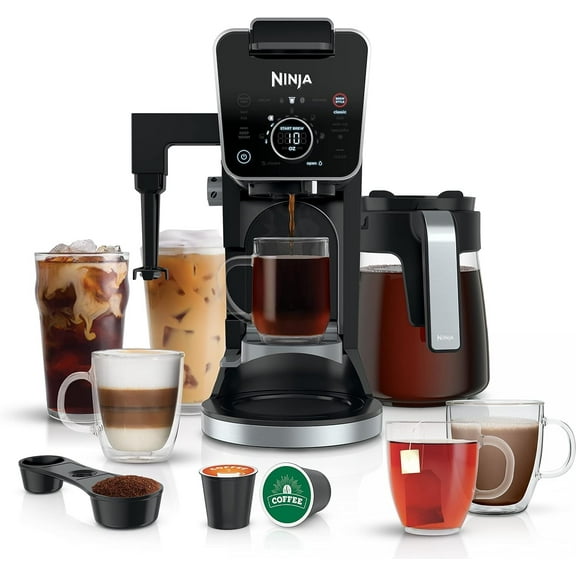 $19999current price $199.99
Ninja CFP301 Dual Brew Pro Specialty Coffee System, Black
1283.6 out of 5 Stars. 128 reviewsSave withShipping, arrives in 3+ daysBest seller TV Wall Mounting (mount not included) $79.00
Best seller $7900current price $79.00
TV Wall Mounting (mount not included)
155614.5 out of 5 Stars. 15561 reviewsSave withEmail deliveryApple Magic Keyboard: iPad Keyboard and Case for iPad Pro 12.9 inch (3rd, 4th, 5th and 6th gen) and iPad Air (M2 and M3), Great Typing Experience, Built-in Trackpad, US English - White $349.00
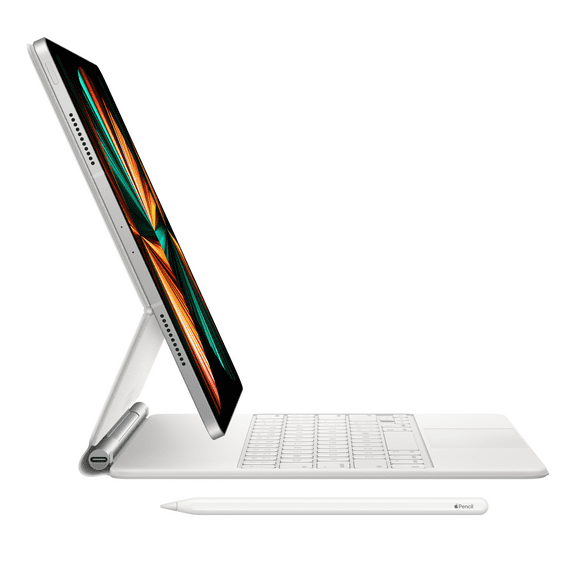

 $34900current price $349.00
Apple Magic Keyboard: iPad Keyboard and Case for iPad Pro 12.9 inch (3rd, 4th, 5th and 6th gen) and iPad Air (M2 and M3), Great Typing Experience, Built-in Trackpad, US English - White
6944.6 out of 5 Stars. 694 reviewsSave withShipping, arrives tomorrowXbox Series X – Diablo® IV Bundle $699.00 $349.50/ea
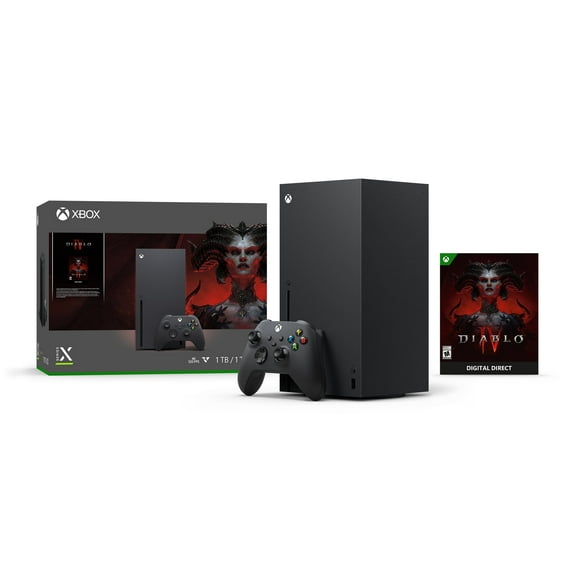 $69900current price $699.00$349.50/ea
Xbox Series X – Diablo® IV Bundle
25384.6 out of 5 Stars. 2538 reviewsShipping, arrives in 3+ days
Customer ratings & reviews
Reviews summary
- : Displays lifelike images with vivid colors and deep blacks.
- : Colors are bright and rich with deep blacks.
- : Has a slim profile.
- : Mounts flush against the wall with included hardware.
- : Provides exceptional clarity with vibrant colors.
- : Can be intuitive, but also finicky and dated.
Customer images
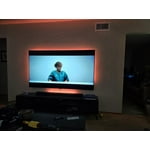
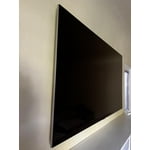


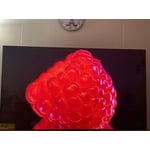
 +157 images
Showing 1-3 of 379 reviews
Fantastic, Stunning, Picture
The brightest brights and darkest darks. Seriously, it takes about 6 months to get used to the realistic lighting. Visually stunning movies like Rebel Moon, it's like seeing it for the first time. I watched Chapelwaite and could not get over the dark gloomy feel along with the bright candle lighting and moody skies look fantastic. There is just not enough content to satisfy all craving for this eye candy.
Hey Frederick. Thank you for sharing your feedback on your LG TV. It’s amazing to hear how much you love the vivid contrast and lifelike lighting have elevated your viewing experience. When a screen brings out every shadow and highlight with such precision, it turns familiar scenes into something extraordinary. We love that titles like Rebel Moon and Chapelwaite feel brand new through your eyes. With stunning visuals, it’s easy to crave even more content that matches the brilliance. For more feedback or questions, private message us on social media @LGUSSupport. Thanks for choosing LG to be part of your home! 🙂 ^David
Seller Verified Purchase
Lg g3 tv
[This review was collected as part of a promotion.] I received the tv a month ago and only have positive feelings. Great picture, good sound and easy to hang on wall with 2 people. This is a buy
Seller Verified Purchase
A real pleasure to view and navigate
I've had the TV for a week, after purchasing the 55" version a couple of weeks earlier. The 65" version also lives up to my expectations. I used an existing wall mount which worked well (not all do). If I move the TV to another location, I'll use the included wall mount, which is necessary to achieve that super-flush-to-the-wall look. The self-help videos provided by LG are workable, but I suggest searching YouTube videos for greater detail if needed. The routing of cables could use channels that exit the TV in other places, perhaps via the sides or even the top. It seems that the only way to use the otherwise excellent routing system is to create a visibility issue when cables leave the bottom of the TV. That of course can be avoided by cutting into a wall near the existing LG cable routing, though cable routing there requires taking care to be precise in order to meet the channeling on the back of the TV. Related to this: I would have preferred the option to use a shorter, detachable power cable instead of being forced to stick to the longer and fixed power cable, but I understand that most users probably find the length useful whether using external cable management or in-wall concealment. I didn't have that option because I installed the TV up against a brick wall that's behind plaster—that would have been a messy effort to create something approaching an in-wall cabling solution. I was therefore forced to route cables more than once using LG's cabling locks. One of the third-party YouTube videos suggested using Cinema mode instead of filmmaker mode for the screen. I've tried both and the difference is not dramatic, but a bit brighter look on darker images does happen in cinema mode. I like how easy it is to change this setting at any time. And that leads to a more general point about the relative ease of changing settings. In general, making changes to the system is easier than I've found on other TVs that I have owned. Still, there is a learning curve, and I continue to discover more features I can manipulate if I'd like. As I said at the beginning, I'm still quite new to the TV. WebOS is one of the better interfaces out there. I found that I needed to edit LG channels and live TV channels to reduce the amount of scrolling. What really helps is the ability to screen out genres when adding channels or afterward. The only interface that beats WebOS in my experience is the Apple TV box. I move back and forth between both interfaces. It is here that the LG shines: it is a seamless transition from within LG's WebOS interface. If I prefer to use the Apple TV when firing up the TV, eArc works well for that; but even then, it's easy, using the LG remote home button, to immediately be presented with the WebOS. No glitches so far, unlike other brands that are relatively clunky, requiring reboots at times. Native sound is fine for me. However, I use my receiver eArc-ed, which works well. Overall, I expect to stay satisfied with LG's G3 series.
Hi, there. Thanks for sharing your thoughts on the LG TV (OLED65G3PUA) model! It's great to hear how well the TV performs. The G3’s MLA panel boosts brightness and clarity, and it’s impressive that the picture modes, WebOS interface, and usability work well in your setup. Your advice on mounting, cable routing, and power-cord placement is valuable, especially with a brick-and-plaster wall. It's good that your existing mount worked well and the installation was tidy. The flexibility in picture settings and smooth switching between WebOS and Apple TV reflect what this model offers, and it’s nice to know your experience has been intuitive. For more guidance, visit https://www.lg.com/us/support/product/lg-OLED65G3PUA.AUS. Using eARC with your receiver is a solid choice, and it’s awesome that everything functions reliably. It seems you've created an excellent viewing environment and are fully utilizing the G3’s capabilities. If you ever want help exploring picture modes or fine‑tuning features, feel free to email lgdigitalcare@lg.sprinklrsupport.com anytime. ^Juvy #LifesGood ❤️
