

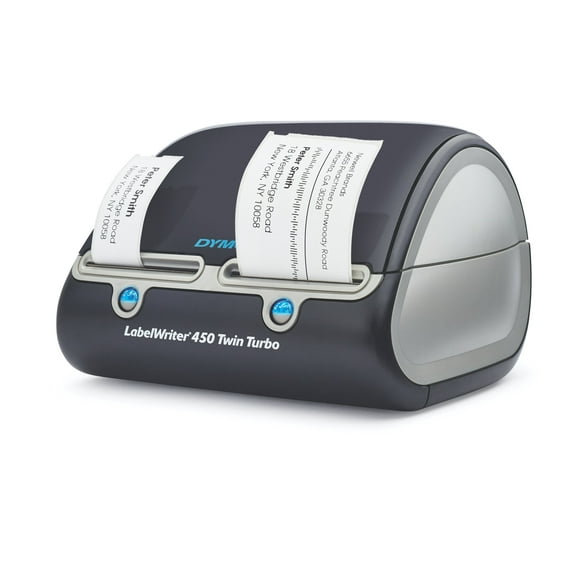
DYMO Label Writer 450 Twin Turbo Direct Thermal Label Printer, 1 Count
Key item features
- Dual Roll Efficiency: Quickly switch between two rolls of labels to enhance efficiency and print two different label types without swapping rolls.
- Precise Printing: Eliminate waste and hassle with the ability to print precise quantities of labels without difficulty.
- Ink-Free Technology: Direct Thermal printing technology eliminates the need for ink and toner, reducing costs.
- Customizable Labels: Easily create and print labels directly from text in Microsoft Word, Excel, Outlook, and Google Contacts.
- Optimal Performance: For best results, use authentic DYMO LabelWriter Labels available in various sizes.
- High Productivity: Print up to 71 four-line standard address labels per minute, maximizing productivity.
- Versatile Labeling: Create and print address, shipping, file folder, barcode labels, name badges, and more without the hassle of sheet labels.
- System Compatibility: Compatible with Windows 7 or later and Mac OS X v10.8 or later.
Specs
- Interface typeUSB
- Maximum label width2.20"
- Maximum print resolution300 dpi
- Compatible OSMac
- ManufacturerNewell Rubbermaid, Inc
- Power typeCorded Electric
- Free shipping
 Free 30-day returns

How do you want your item?


Continue your search on Walmart
Similar items you might like
Based on what customers bought
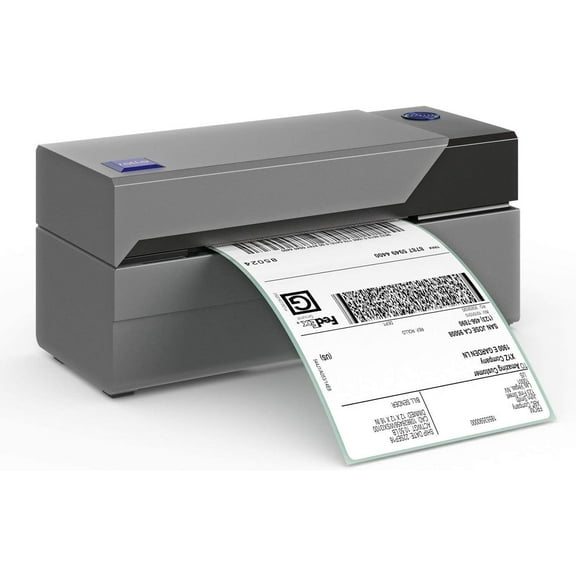
Rollo USB Shipping Label Printer - Commercial Grade Thermal Label Printer for Shipping Packages - High Speed Direct Thermal 4x6 Label Printer & Custom Sticker Label Maker - Supports Windows & Mac $199.99
 Sponsored$19999current price $199.99
Rollo USB Shipping Label Printer - Commercial Grade Thermal Label Printer for Shipping Packages - High Speed Direct Thermal 4x6 Label Printer & Custom Sticker Label Maker - Supports Windows & Mac
1014.7 out of 5 Stars. 101 reviewsShipping, arrives in 3+ daysDymo LabelWriter 550 Direct Thermal Printer, Monochrome, Label Print, Ethernet, USB, USB Host, Black $146.80
 $14680current price $146.80
Dymo LabelWriter 550 Direct Thermal Printer, Monochrome, Label Print, Ethernet, USB, USB Host, Black
2833.7 out of 5 Stars. 283 reviewsSave with Shipping, arrives in 2 days
Clearance LotFancy Thermal Label Printer, 4x6 Shipping Label Printer, High Speed $65.99 Was $144.99
Clearance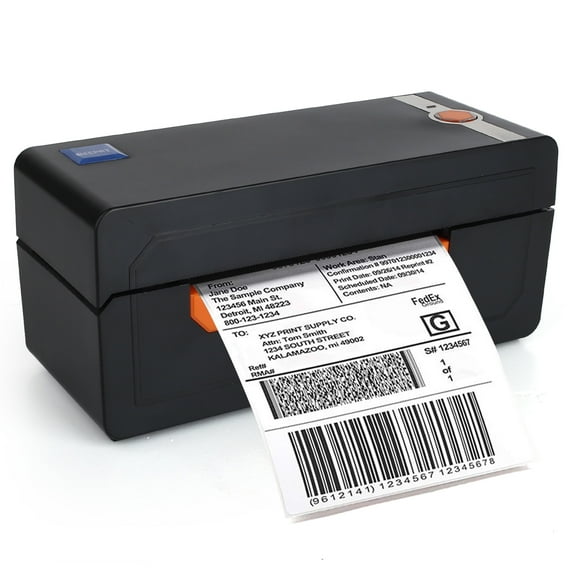 SponsoredNow$6599current price Now $65.99, Was $144.99$144.99
LotFancy Thermal Label Printer, 4x6 Shipping Label Printer, High Speed
233.5 out of 5 Stars. 23 reviewsSave withShipping, arrives tomorrowNelko Label Maker Machine, PM220 Bluethooth Label Printer, 2 Inch Portable Thermal Printer for Small Business, Address, Logo, Clothing, Sticker Printer for Phones & PC, White $34.99
 2 optionsAvailable in additional 2 options$3499current price $34.99
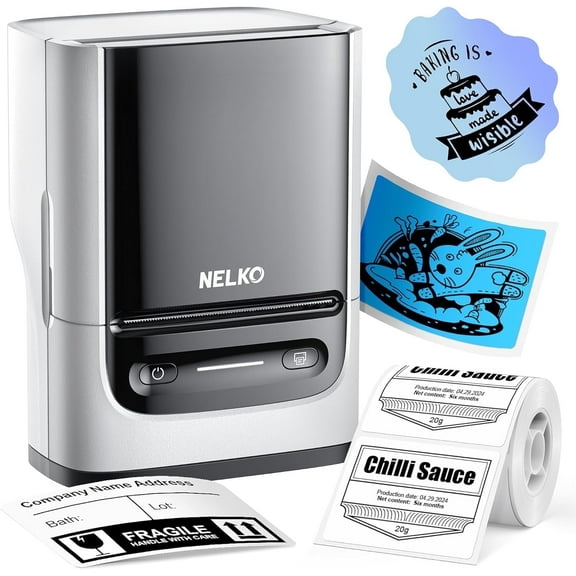
Nelko Label Maker Machine, PM220 Bluethooth Label Printer, 2 Inch Portable Thermal Printer for Small Business, Address, Logo, Clothing, Sticker Printer for Phones & PC, White
454.6 out of 5 Stars. 45 reviewsSave withShipping, arrives tomorrowRestored DYMO LabelWriter 330 Turbo Direct Thermal Label Printer – High-Speed Desktop Label Maker for Shipping, Barcode, and File Labels (Refurbished) $160.00
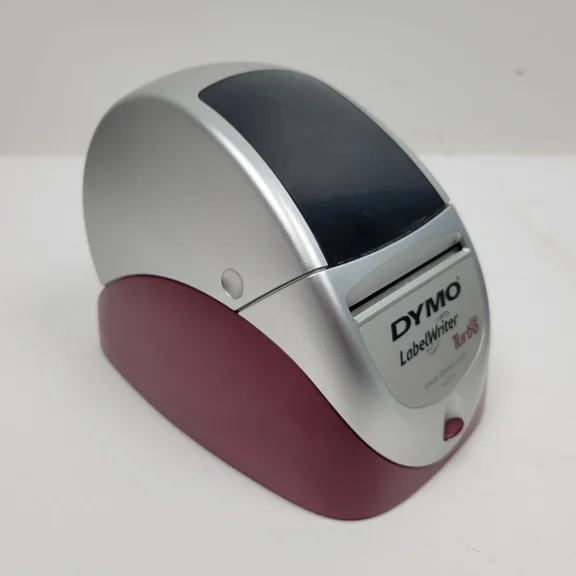 $16000current price $160.00
Restored DYMO LabelWriter 330 Turbo Direct Thermal Label Printer – High-Speed Desktop Label Maker for Shipping, Barcode, and File Labels (Refurbished)
Shipping, arrives in 3+ daysSeiko SLP650 Versatile Direct Thermal Desktop Label Printer w/ USB Interface $132.99
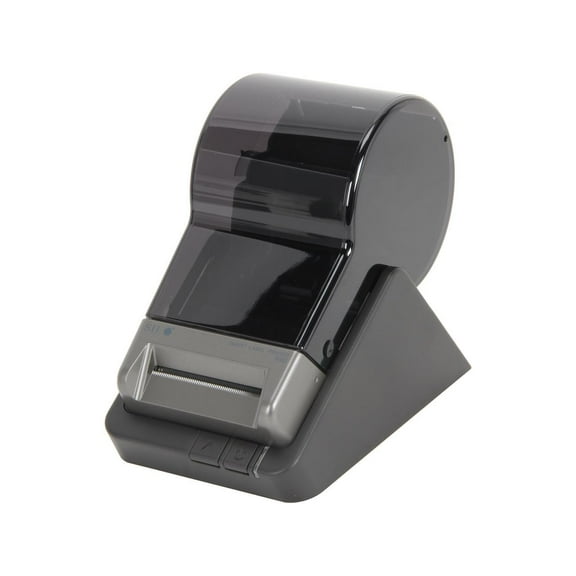 $13299current price $132.99
Seiko SLP650 Versatile Direct Thermal Desktop Label Printer w/ USB Interface
Shipping, arrives in 3+ daysVretti Label Printer with Power Cord USB Flash Drive, Black $88.99
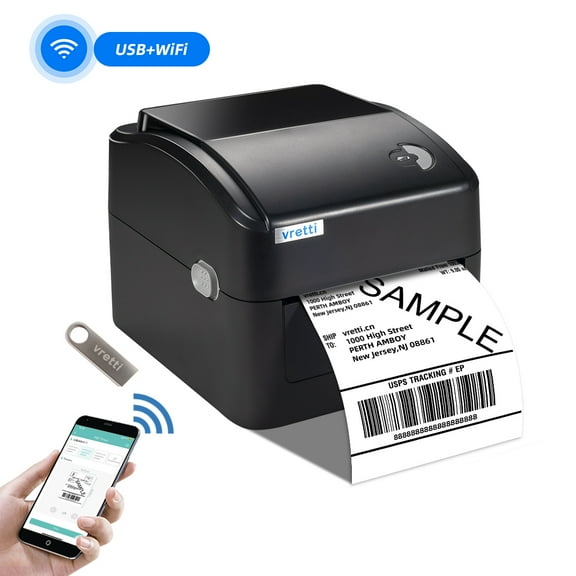 3 optionsAvailable in additional 3 options$8899current price $88.99
Vretti Label Printer with Power Cord USB Flash Drive, Black
1363.9 out of 5 Stars. 136 reviewsSave withShipping, arrives tomorrowRestored DYMO LabelWriter 550 Direct Thermal Label Printer – High-Speed Desktop Label Maker for Shipping, Barcode, and Office Labels (Refurbished) $180.00
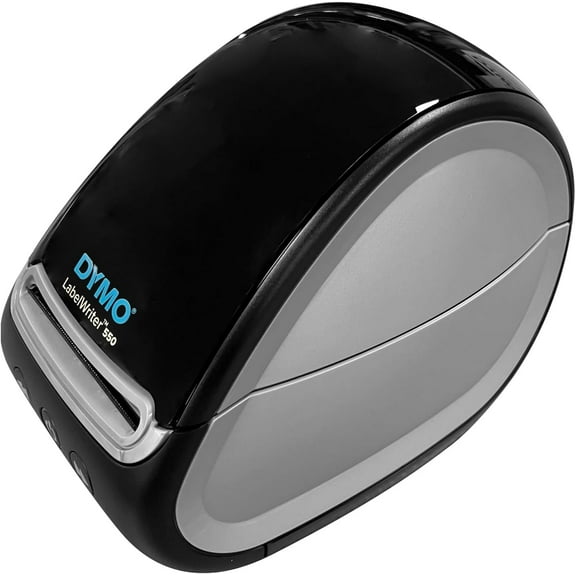 $18000current price $180.00
Restored DYMO LabelWriter 550 Direct Thermal Label Printer – High-Speed Desktop Label Maker for Shipping, Barcode, and Office Labels (Refurbished)
Shipping, arrives in 3+ daysRestored DYMO LabelWriter Duo 93105 Direct Thermal Label Maker and Printer – Dual Roll Desktop Label Printer for Office, Shipping, and Barcode Labels (Refurbished) $190.00
 $19000current price $190.00
Restored DYMO LabelWriter Duo 93105 Direct Thermal Label Maker and Printer – Dual Roll Desktop Label Printer for Office, Shipping, and Barcode Labels (Refurbished)
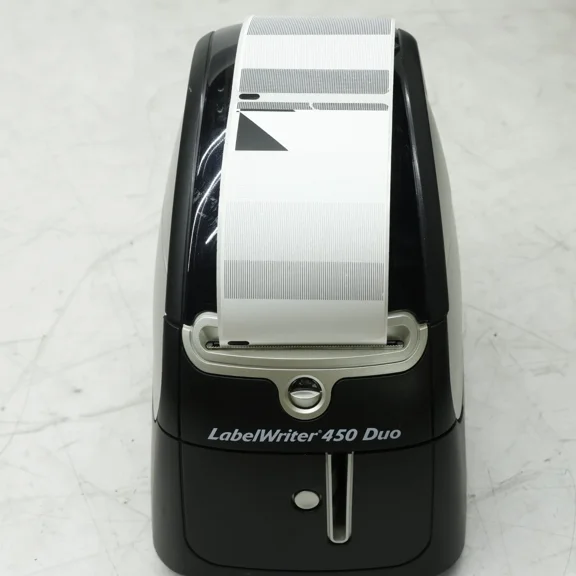
Shipping, arrives in 3+ daysRestored DYMO LabelWriter 450 Duo 1750112 Direct Thermal Label Printer – Dual-Function Printer for Labels and Postage Printing (Refurbished) $190.00
 $19000current price $190.00
Restored DYMO LabelWriter 450 Duo 1750112 Direct Thermal Label Printer – Dual-Function Printer for Labels and Postage Printing (Refurbished)
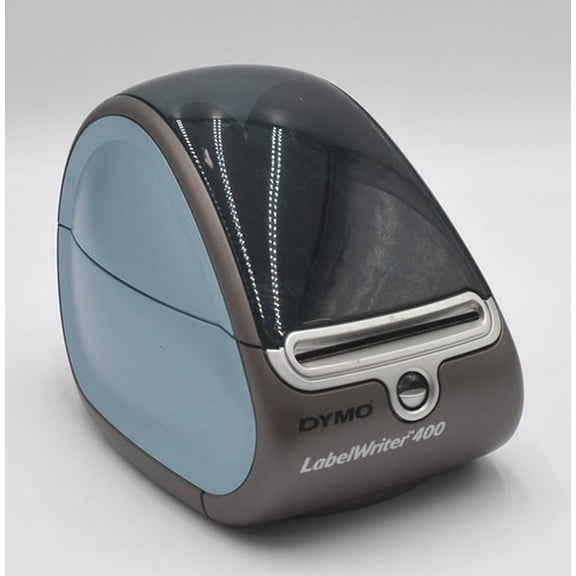
Shipping, arrives in 3+ daysRestored DYMO 93089 LabelWriter 400 Direct Thermal Label Printer with AC Adapter and USB Cable – High-Speed Desktop Label Maker for Shipping, Address & Barcode Labels (Refurbished) $190.00
 $19000current price $190.00
Restored DYMO 93089 LabelWriter 400 Direct Thermal Label Printer with AC Adapter and USB Cable – High-Speed Desktop Label Maker for Shipping, Address & Barcode Labels (Refurbished)
Shipping, arrives in 3+ daysBrother QL-800 High-Speed Professional Label Printer, Black & Red Printing $124.99
 $12499current price $124.99
Brother QL-800 High-Speed Professional Label Printer, Black & Red Printing
1834.1 out of 5 Stars. 183 reviewsShipping, arrives in 3+ daysLabel Maker Tag Price Portable Thermal Label Printer with White/Transparent/Color/Round Labels $105.51
 4 optionsAvailable in additional 4 options$10551current price $105.51
Label Maker Tag Price Portable Thermal Label Printer with White/Transparent/Color/Round Labels
Shipping, arrives in 3+ daysBest seller Core Innovations Bluetooth Thermal 4x6 Shipping Label Printer Bundle for Packages & Small Business - Android, iOS & Windows Compatible $84.96
Best seller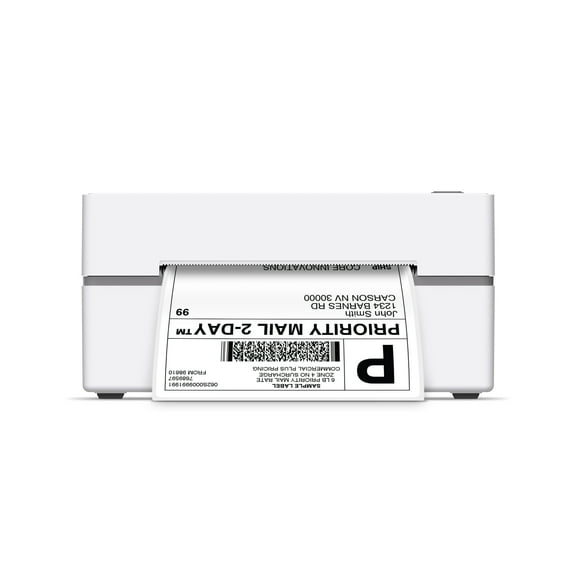 $8496current price $84.96
Core Innovations Bluetooth Thermal 4x6 Shipping Label Printer Bundle for Packages & Small Business - Android, iOS & Windows Compatible
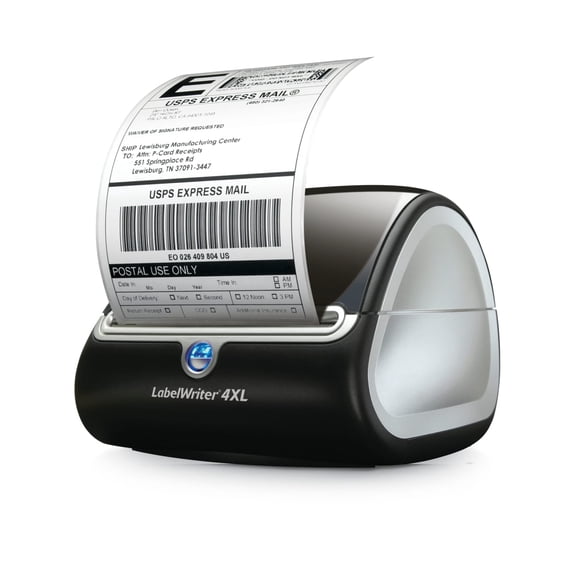
3264.2 out of 5 Stars. 326 reviewsSave withShipping, arrives todayDYMOLabelWriter 4XL Shipping Label Printer, Prints 4x6 Extra Large Shipping Labels $497.90 Was $554.39
 Now$49790current price Now $497.90, Was $554.39$554.39
DYMOLabelWriter 4XL Shipping Label Printer, Prints 4x6 Extra Large Shipping Labels
1882.6 out of 5 Stars. 188 reviewsShipping, arrives in 3+ daysPrinthead for GODEX EZ-1300Plus Thermal Label Printer 305dpi 021-130001-000 $107.55
 $10755current price $107.55
Printhead for GODEX EZ-1300Plus Thermal Label Printer 305dpi 021-130001-000
Shipping, arrives in 3+ daysNIIMBOT B4 Large size 4" Label Printer, Receipt Printer, Box Label, Logistics Label, Bluetooth Label Machine $84.99
 $8499current price $84.99
NIIMBOT B4 Large size 4" Label Printer, Receipt Printer, Box Label, Logistics Label, Bluetooth Label Machine
15 out of 5 Stars. 1 reviewsSave with

About this item
Product details
- QUICKLY SWITCH BETWEEN 2 ROLLS OF LABELS: Ideal for enhancing efficiency and print two different label types without swapping label rolls
- ELIMINATE THE WASTE AND HASSLE OF SHEET LABELS: The DYMO® LabelWriter 450 Twin Turbo prints precise quantities without difficulty
- NEVER BUY INK AGAIN: Direct Thermal printing technology eliminates the cost of ink and toner
- EASILY CUSTOMIZE AND PRINT LABELS: Create labels directly from text in Microsoft Word, Excel, Outlook, and Google Contacts
- USE WITH AUTHENTIC DYMO LABELS: For best performance, use DYMO LabelWriter® Labels in a variety of sizes
Specifications
Interface type
Maximum label width
Maximum print width
Maximum print resolution
Warranty
Warranty information
Please be aware that the warranty terms on items offered for sale by third party Marketplace sellers may differ from those displayed in this section (if any). To confirm warranty terms on an item offered for sale by a third party Marketplace seller, please use the 'Contact seller' feature on the third party Marketplace seller's information page and request the item's warranty terms prior to purchase.
Warnings
Warning Text
Popular items in this category
Best selling items that customers love
DYMO LabelWriter 450 Turbo Direct Thermal Label Printer – High‑Speed Desktop Label/Barcode/Shipping Printer USB, P/N; 1752265 $420.00 Was $600.00
 Now$42000current price Now $420.00, Was $600.00$600.00
DYMO LabelWriter 450 Turbo Direct Thermal Label Printer – High‑Speed Desktop Label/Barcode/Shipping Printer USB, P/N; 1752265
Shipping, arrives in 3+ daysDYMO 1755120 LabelWriter 4XL Thermal Label Printer $565.00
 $56500current price $565.00
DYMO 1755120 LabelWriter 4XL Thermal Label Printer
722.3 out of 5 Stars. 72 reviewsShipping, arrives in 3+ daysDYMO Label Printer | LabelWriter 450 Turbo Direct Thermal Label Printer, Fast Printing, Great for Labeling, Filing, Mailing, Barcodes and More, Home & Office Organization $429.99
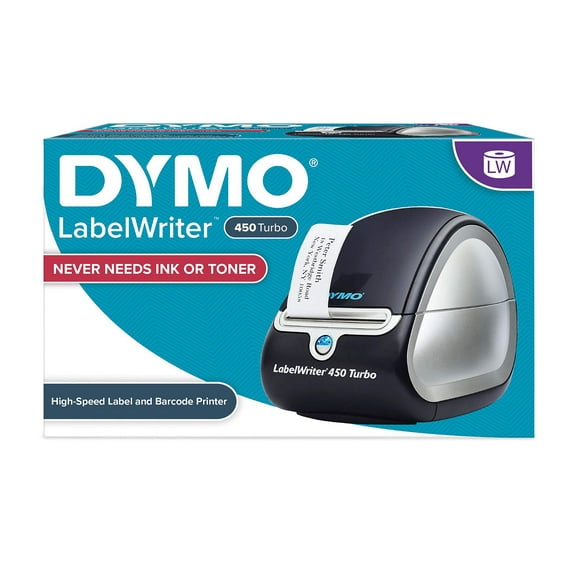 $42999current price $429.99
DYMO Label Printer | LabelWriter 450 Turbo Direct Thermal Label Printer, Fast Printing, Great for Labeling, Filing, Mailing, Barcodes and More, Home & Office Organization
Shipping, arrives in 3+ daysRestored Dymo Thermal Printer Label Writer 400 Turbo Model 93176 (Refurbished) $220.13
 $22013current price $220.13
Restored Dymo Thermal Printer Label Writer 400 Turbo Model 93176 (Refurbished)
Shipping, arrives in 3+ daysRestored DYMO LabelWriter 450 Turbo 1752265 High-Speed Direct Thermal Label Printer – Professional Desktop Printer for Shipping, Barcode, and File Labels (Refurbished) $310.00
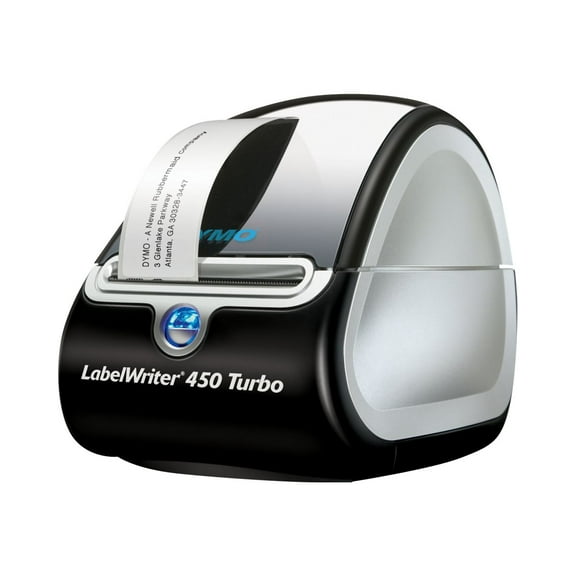 $31000current price $310.00
Restored DYMO LabelWriter 450 Turbo 1752265 High-Speed Direct Thermal Label Printer – Professional Desktop Printer for Shipping, Barcode, and File Labels (Refurbished)
Shipping, arrives in 3+ daysDYMO Monochrome USB 550 Direct Thermal Printer for PC, Black $158.99
 $15899current price $158.99
DYMO Monochrome USB 550 Direct Thermal Printer for PC, Black
25 out of 5 Stars. 2 reviewsShipping, arrives in 3+ daysRestored DYMO LabelWriter 450 1750110 Direct Thermal Label Printer – High-Speed Desktop Label Maker for Shipping, Barcode, and File Labels (Refurbished) $240.00
 $24000current price $240.00
Restored DYMO LabelWriter 450 1750110 Direct Thermal Label Printer – High-Speed Desktop Label Maker for Shipping, Barcode, and File Labels (Refurbished)
Shipping, arrives in 3+ daysLabelWriter 550 Turbo Series Label Printer 90 Labels/min Print Speed, 5.34 x 7.38 x 8.5 $189.89
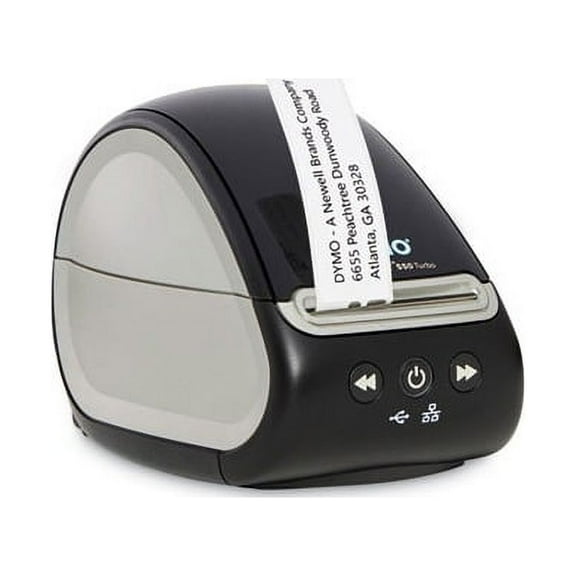 $18989current price $189.89
LabelWriter 550 Turbo Series Label Printer 90 Labels/min Print Speed, 5.34 x 7.38 x 8.5
25 out of 5 Stars. 2 reviewsShipping, arrives in 3+ daysDYMO 30323 Labels for Label/Writer Label Printers, 220 labels/Roll (Pack of 5) $109.99
 $10999current price $109.99
DYMO 30323 Labels for Label/Writer Label Printers, 220 labels/Roll (Pack of 5)
Shipping, arrives in 3+ days
Customer ratings & reviews
Customer images
Showing 1-3 of 165 reviews
Verified Purchase
Good product, love the postage
This is a very good product. Prints fast and almost the instant you push the print button. Even though I was only looking for a single printer for printing postage, I opted for the twin as I figured I would find many more uses of this product after owning it for a while since there are so many label choices available and didn't want to be bothered changing label rolls all the time. It didn't take long to realize I made the right choice. I've already found many more uses than I anticipated and the list is growing. Having the second side makes it easier since I can leave the stamps in one side and other labels in the other side. I've read the complaints from others about the dymo stamps postage options for this printer so I will shed some light on it. Dymo stamps offer a free account with no monthly service charge that allows you to print stamps and postage for flat rate boxes, packages up to 13oz, large envelopes, letters and postcards. It works very well, the free account just doesn't allow you to print specific amounts for packages weighing over 13oz unless you are using flat rate boxes. So it's a basic postage service. If you upgrade to the Standard account, which carries a monthly charge, you may print variable amounts and also add tracking information plus some other features. Personally, the free account works perfect for me. For the basic dymo stamps account you may only print postage on the smaller stamps labels and the paid accounts allow you to print postage on any shipping label as well. When purchasing stamp labels for the free account, only purchase dymo brand as they now require you to register each roll of stamp labels with your account and the dymo brand have the registration number printed on the backing paper from the roll. So stay away from the cheaper replacements. Plus, if you misprint a stamp, dymo will refund your account for the postage used and they only do this with authentic dymo stamp labels. The printer comes with a stamp starter roll of 50 and address labels. The roll that came with my machine didn't have a registration number on the back even though they are dymo, but a quick call to dymo stamps and they took care of it by allowing me to print 50 before being prompted for a registration number. I purchased a new roll that has it on there so when I run out of the starters, I'll be good to go. Be aware that some of the previous model printers such as the labelwriter 400 can be found at a decent price but require a software upgrade costing $50 to print postage. So I recommend sticking with the newer models like this one. There is no off button on the printer, so be aware that there are blue lights on the front that illuminate all the time, which I find annoying but not a big deal unless the printer is in your bedroom. I love the fact that it doesn't use any ink, which is a big plus. The software for the printer is very simple and easy to learn in just a few minutes but also has many features, allowing you to even customize your labels with pictures or logos and different fonts. It even has an option to click on that will check to make sure the address you typed in is accurate and will correct it for you. It will add that funny postal barcode to the label so that it goes through the mail system more accurately. When you use a roll of labels for the first time, make sure you pull off and discard the first few labels that have adhesive from the tape on them to avoid gumming up the printer. All in all, I am very impressed with this product and hope it continues to serve us well.
Verified Purchase
Bought as a Replacement
I already had one of these for about 10 years and it just recently stopped working. It has the same features as my old one, which I already loved. The Dymo label site is the software used to make address labels, and you can also make shipping labels with Dazzle software included. To make stamps you need to use Endicia. It's all very easy and self-explanatory. I love my labeler and highly recommend it for anyone who needs it for personal or small business.
Seller Verified Purchase
Wonderful machine!
We bought this to replace the previous LabelWriter Twin Turbo, which we had for about 11 years. The 450 Twin Turbo prints address labels about twice as fast as the previous model. Stamps print at about the same speed as previous model.

More items to consider
Based on what customers bought
DYMO Authentic LW Shipping Labels, DYMO Labels for LabelWriter Label Printers, 2-1/8" x 4", 1 Roll of 220 $15.88
 2 optionsAvailable in additional 2 options$1588current price $15.88Options from $15.88 – $21.76
DYMO Authentic LW Shipping Labels, DYMO Labels for LabelWriter Label Printers, 2-1/8" x 4", 1 Roll of 220
534.6 out of 5 Stars. 53 reviewsSave withShipping, arrives tomorrowDYMO Authentic LW Extra-Large Shipping Labels, DYMO Labels for LabelWriter 5XL and 4XL Label Printers Only, White, 4" x 6", 1 Roll of 220 $22.61 $22.61/count
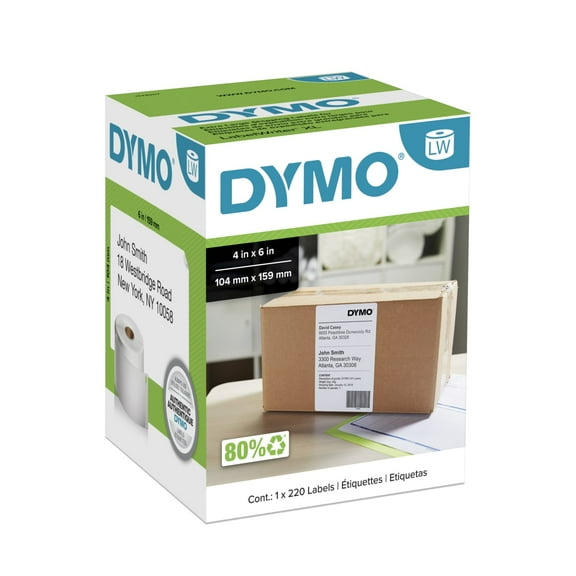 $2261current price $22.61$22.61/count
DYMO Authentic LW Extra-Large Shipping Labels, DYMO Labels for LabelWriter 5XL and 4XL Label Printers Only, White, 4" x 6", 1 Roll of 220
234.1 out of 5 Stars. 23 reviewsSave withShipping, arrives in 2 daysDymo 30334 LW Multi-Purpose Labels, Medium 2 1/4" x 1 1/4" - 1000 Labels/Roll $33.30
 2 optionsAvailable in additional 2 options$3330current price $33.30
Dymo 30334 LW Multi-Purpose Labels, Medium 2 1/4" x 1 1/4" - 1000 Labels/Roll
294.6 out of 5 Stars. 29 reviewsShipping, arrives in 2 daysDYMO Authentic LW White Mailing Address Labels, DYMO Labels for LabelWriter Label Printers, 1-1/8" x 3-1/2", 2 Rolls of 350 (700 Total) $19.95
 $1995current price $19.95
DYMO Authentic LW White Mailing Address Labels, DYMO Labels for LabelWriter Label Printers, 1-1/8" x 3-1/2", 2 Rolls of 350 (700 Total)
1163.1 out of 5 Stars. 116 reviewsShipping, arrives in 3+ daysDYMO M25 Digital Postal Scale, 25-Pound Capacity $78.69
 2 optionsAvailable in additional 2 options$7869current price $78.69
DYMO M25 Digital Postal Scale, 25-Pound Capacity
382.5 out of 5 Stars. 38 reviewsSave withShipping, arrives in 3+ daysDYMO Authentic LW Multi-Purpose Labels for LabelWriter Printers, White, 1" x 2-1/8", 1 Roll of 500 $17.26
 $1726current price $17.26
DYMO Authentic LW Multi-Purpose Labels for LabelWriter Printers, White, 1" x 2-1/8", 1 Roll of 500
214.9 out of 5 Stars. 21 reviewsSave withShipping, arrives in 2 daysDYMO Authentic LabelWriter White Mailing Address Labels, 1-1/8" x 3-1/2", 2 Rolls of 260 $17.43 Was $26.19
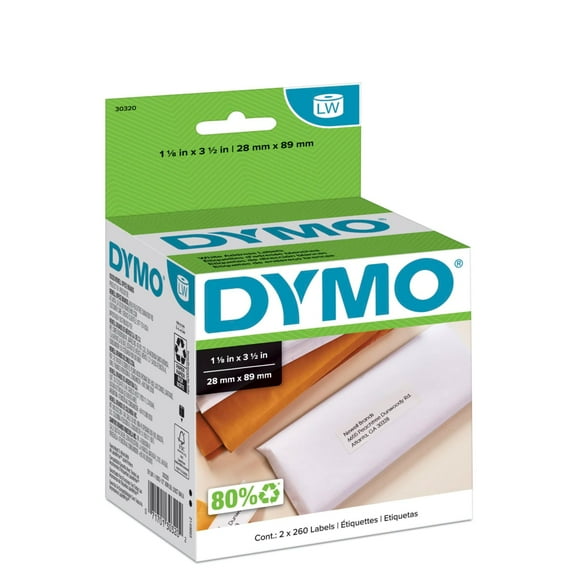 2 optionsAvailable in additional 2 optionsNow$1743current price Now $17.43, Was $26.19$26.19
DYMO Authentic LabelWriter White Mailing Address Labels, 1-1/8" x 3-1/2", 2 Rolls of 260
1063 out of 5 Stars. 106 reviewsSave withShipping, arrives tomorrowDymo lw labels white 250 shipping 2.3" x 4" $27.80
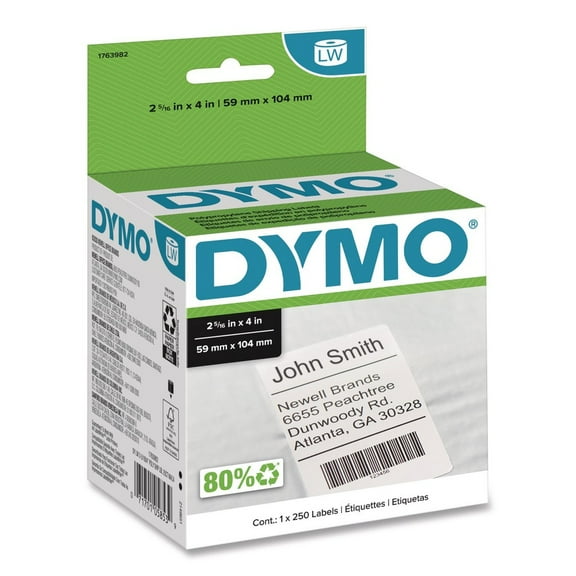 $2780current price $27.80
Dymo lw labels white 250 shipping 2.3" x 4"
254.1 out of 5 Stars. 25 reviewsSave withShipping, arrives in 2 daysDYMO LabelWriter Bar Code Labels, 3/4 x 2 1/2, White, 450 Labels/Roll $26.24 $26.24/count
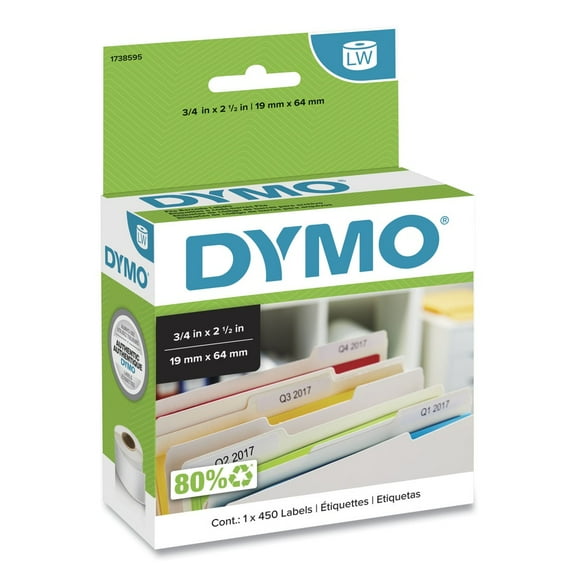 $2624current price $26.24$26.24/count
DYMO LabelWriter Bar Code Labels, 3/4 x 2 1/2, White, 450 Labels/Roll
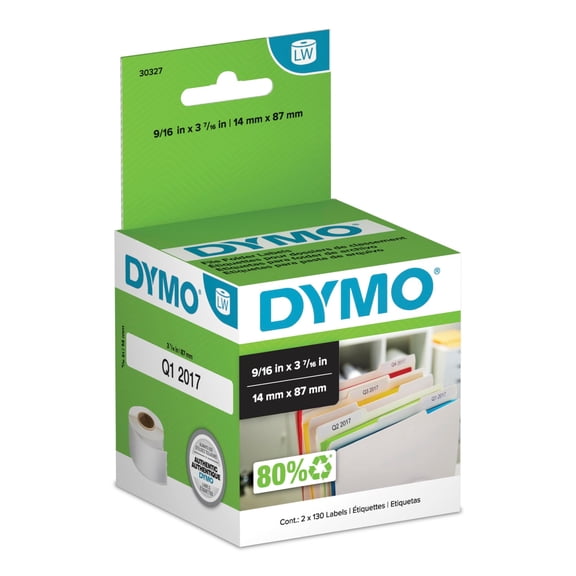
33.7 out of 5 Stars. 3 reviewsSave withShipping, arrives in 3+ daysDYMO Authentic LW 1-Up File Folder Labels, DYMO Labels for LabelWriter Label Printers, White, 9/16" x 3-7/16", 2 Rolls of 130 (260 Total) $9.58 Was $12.97
 2 optionsAvailable in additional 2 optionsNow$958current price Now $9.58, Was $12.97$12.97
DYMO Authentic LW 1-Up File Folder Labels, DYMO Labels for LabelWriter Label Printers, White, 9/16" x 3-7/16", 2 Rolls of 130 (260 Total)
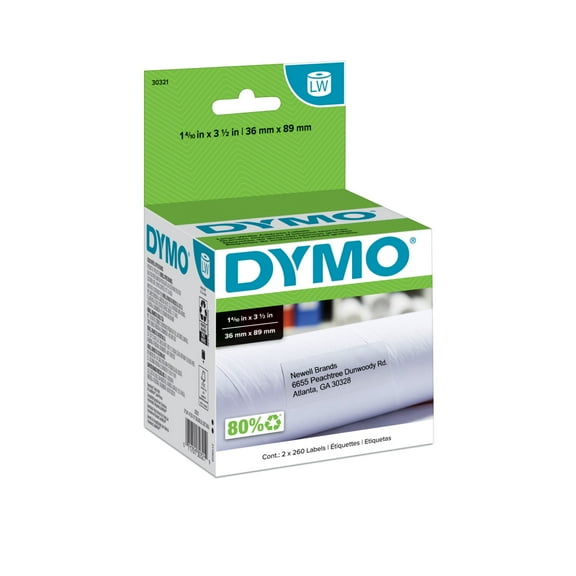
64.8 out of 5 Stars. 6 reviewsSave withShipping, arrives in 2 daysDYMO Authentic LW Large Mailing Address Labels, DYMO Labels for LabelWriter Label Printers, 1-4/10" x 3-1/2", 2 Rolls of 260 (520 Total) $22.33
 $2233current price $22.33
DYMO Authentic LW Large Mailing Address Labels, DYMO Labels for LabelWriter Label Printers, 1-4/10" x 3-1/2", 2 Rolls of 260 (520 Total)
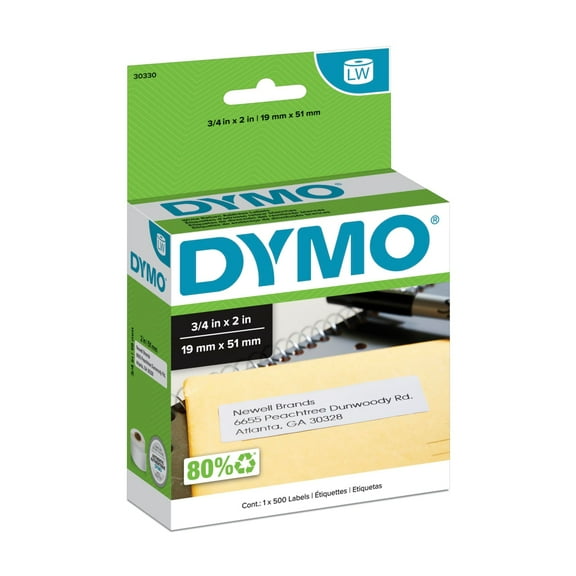
84.8 out of 5 Stars. 8 reviewsShipping, arrives in 2 daysDYMO LabelWriter Return Address Labels, 3/4 x 2, White, 500 Labels/Roll $14.91 Was $17.99 3.0 ¢/count
 Now$1491current price Now $14.91, Was $17.99$17.993.0 ¢/count
DYMO LabelWriter Return Address Labels, 3/4 x 2, White, 500 Labels/Roll
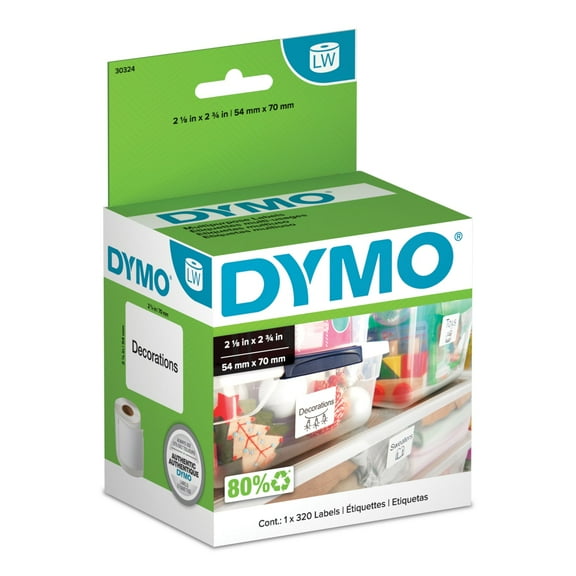
274.2 out of 5 Stars. 27 reviewsShipping, arrives in 3+ daysDYMO Authentic LW Large Multi-Purpose Labels, DYMO Labels for LabelWriter Label Printers, 2-1/8" x 2-3/4", 1 Roll of 320 $15.57 Was $22.75
 Now$1557current price Now $15.57, Was $22.75$22.75
DYMO Authentic LW Large Multi-Purpose Labels, DYMO Labels for LabelWriter Label Printers, 2-1/8" x 2-3/4", 1 Roll of 320
53.8 out of 5 Stars. 5 reviewsShipping, arrives in 2 daysDYMO M5 M5 5.00 lbs. Digital Postal Scale $62.98 $62.98/count
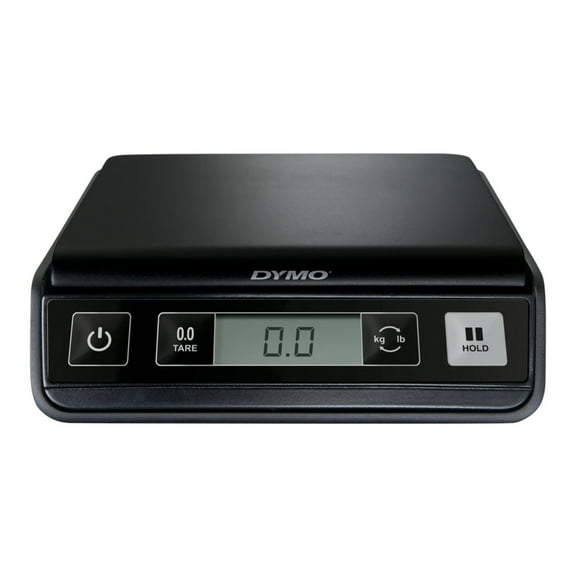 $6298current price $62.98$62.98/count
DYMO M5 M5 5.00 lbs. Digital Postal Scale
714.6 out of 5 Stars. 71 reviewsShipping, arrives in 3+ days