

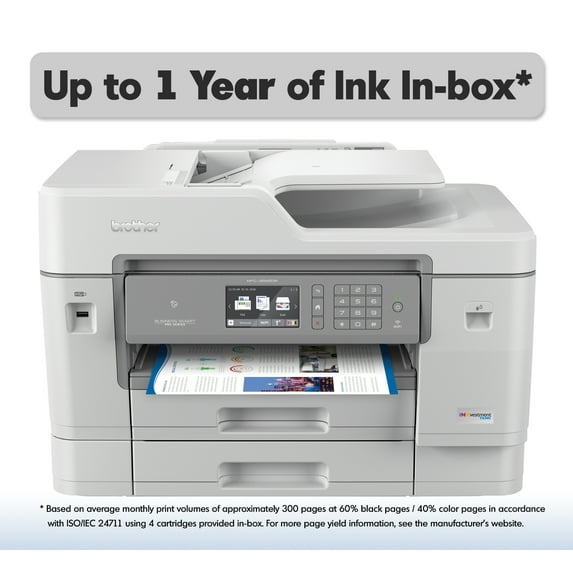
Brother MFC-J6945DW INKvestment Tank Color Inkjet All-in-One Wireless Printer
Key item features
- Breathe easy with up to 1 year of ink in-box. Experience truly uninterrupted printing, exceptional savings and super convenience with up to one year of ink(1), based on printing approximately 300 pages per month, using only the cartridges provided in-box.
- Revolutionary INKvestment Tank Ink System. Brother reengineered its ink cartridges to hold more ink and created an internal ink storage tank delivering more pages of uninterrupted printing.
- Large page yields and low-cost printing. Help extend the savings when it's time to replace your ink supply with Super or Ultra High-Yield replacement INKvestment Tank cartridges. Print for less than $0.01 per page in black and less than $0.05 per page in color with INKvestment Tank Ultra High-Yield replacement cartridges(4).
- Print with confidence using Page Gauge. Help take the guesswork out of when to replace ink by using the unique Brother Page Gauge(5), a visual, numerical way to know the amount of ink you've used and the amount of ink you have remaining.
- Versatile paper handling increases productivity. Print, copy, scan and fax up to 11"x17". Two paper trays with 500-sheet total capacity help minimize refills and accept up to 11"x17" paper, plus a ledger-size scan glass. An up to 100-sheet multi-purpose tray delivers added capacity and lets you print on envelopes, card stock and other media for diverse printing needs.
- Engineered to deliver efficiency. Helps save time with single-pass duplex (2-sided) copying and scanning via up to 50-sheet automatic document feeder, offering multi-page copy, scan and fax. Fast print speeds help get jobs done quickly.
- Printing as mobile as you are. Print wirelessly from your desktop, laptop, smartphone and tablet(2). For added convenience, use NFC "touch to connect" to print and scan without connecting to a network(3).
- Intuitive Cloud connection. Print-from and scan-to popular cloud apps directly from the 3.7" color touchscreen including Dropbox,Google Drive, Evernote, OneNote and more(6). Help save time by creating custom shortcuts right on the touchscreen for your most used features.
- Connect your way. Versatile connection options with built-in wireless, Ethernet and Wi-Fi Direct® or connect locally to a single computer via USB interface.
- At your side support. 2 year Limited Warranty and free online, call, or live chat support for the life of your printer.
- Disclaimers:(1) Based on average monthly print volumes of approximately 300 pages at 60% black pages / 40% color pages in accordance with ISO/IEC 24711 using 4 cartridgesprovided in-box. For more page yield information, see www.brother.com/pageyield.(2) Requires connection to a wireless network.(3) The mobile device must have NFC capability and run Android OS 4.4 or later.(4) Based on MSRP of LC3039 black and color ink cartridges and approximate page yield in accordance with ISO/IEC 24711. For more page yield information, see www.brother.com/pageyield.(5) Page Gauge is an estimate for informational purposes only. For actual cartridge yield information refer to www.brother.com/pageyield.(6) Requires an Internet connection and an account with desired service.
Specs
- BrandBrother
- Printing techInkjet
- Printer functionsPrint, Fax, Scan, Copy
- Pages per min.22 ppm
- Mono colorColor
- Maximum print resolution4800 dpi
Reviews summary
- : Operates efficiently in small spaces.
- : Accommodates large paper sizes and meets business needs.
- : Produces professional-grade prints with excellent detail.
- : Setup takes around 15-30 minutes and is straightforward.
- : Quickly scans documents, including 11x17 formats.
- : Can be smooth and vibrant, but also prone to smudging.
How do you want your item?
About this item
Product details
- Breathe easy with up to 1 year of ink in-box. Experience truly uninterrupted printing, exceptional savings and super convenience with up to one year of ink(1), based on printing approximately 300 pages per month, using only the cartridges provided in-box.
- Revolutionary INKvestment Tank Ink System. Brother reengineered its ink cartridges to hold more ink and created an internal ink storage tank delivering more pages of uninterrupted printing.
- Large page yields and low-cost printing. Help extend the savings when it's time to replace your ink supply with Super or Ultra High-Yield replacement INKvestment Tank cartridges. Print for less than $0.01 per page in black and less than $0.05 per page in color with INKvestment Tank Ultra High-Yield replacement cartridges(4).
- Print with confidence using Page Gauge. Help take the guesswork out of when to replace ink by using the unique Brother Page Gauge(5), a visual, numerical way to know the amount of ink you've used and the amount of ink you have remaining.
- Versatile paper handling increases productivity. Print, copy, scan and fax up to 11"x17". Two paper trays with 500-sheet total capacity help minimize refills and accept up to 11"x17" paper, plus a ledger-size scan glass. An up to 100-sheet multi-purpose tray delivers added capacity and lets you print on envelopes, card stock and other media for diverse printing needs.
- Engineered to deliver efficiency. Helps save time with single-pass duplex (2-sided) copying and scanning via up to 50-sheet automatic document feeder, offering multi-page copy, scan and fax. Fast print speeds help get jobs done quickly.
- Printing as mobile as you are. Print wirelessly from your desktop, laptop, smartphone and tablet(2). For added convenience, use NFC "touch to connect" to print and scan without connecting to a network(3).
- Intuitive Cloud connection. Print-from and scan-to popular cloud apps directly from the 3.7" color touchscreen including Dropbox,Google Drive, Evernote, OneNote and more(6). Help save time by creating custom shortcuts right on the touchscreen for your most used features.
- Connect your way. Versatile connection options with built-in wireless, Ethernet and Wi-Fi Direct® or connect locally to a single computer via USB interface.
- At your side support. 2 year Limited Warranty and free online, call, or live chat support for the life of your printer.
- Disclaimers:(1) Based on average monthly print volumes of approximately 300 pages at 60% black pages / 40% color pages in accordance with ISO/IEC 24711 using 4 cartridgesprovided in-box. For more page yield information, see www.brother.com/pageyield.(2) Requires connection to a wireless network.(3) The mobile device must have NFC capability and run Android OS 4.4 or later.(4) Based on MSRP of LC3039 black and color ink cartridges and approximate page yield in accordance with ISO/IEC 24711. For more page yield information, see www.brother.com/pageyield.(5) Page Gauge is an estimate for informational purposes only. For actual cartridge yield information refer to www.brother.com/pageyield.(6) Requires an Internet connection and an account with desired service.
Specifications
Brand
Printing tech
Printer functions
Pages per min.
Warranty
Warranty information
Warranty url
Warnings
Warning Text
Similar items you might like
Based on what customers bought
Rollback Epson EcoTank ET-2400 Wireless Color All-in-One Cartridge-Free Supertank Printer with Scan and Copy $159.00 Was $179.00
Rollback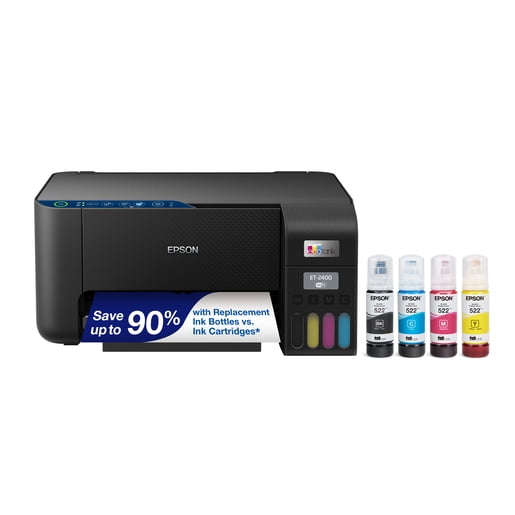 Sponsored$15900current price $159.00, Was $179.00$179.00
Epson EcoTank ET-2400 Wireless Color All-in-One Cartridge-Free Supertank Printer with Scan and Copy
20004 out of 5 Stars. 2000 reviewsBrother Wireless Compact Monochrome Multi-Function Laser Printer $419.95
 $41995current price $419.95
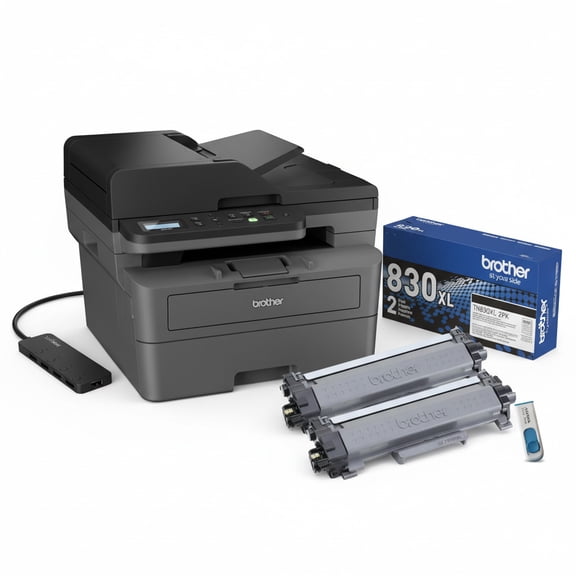
Brother Wireless Compact Monochrome Multi-Function Laser Printer
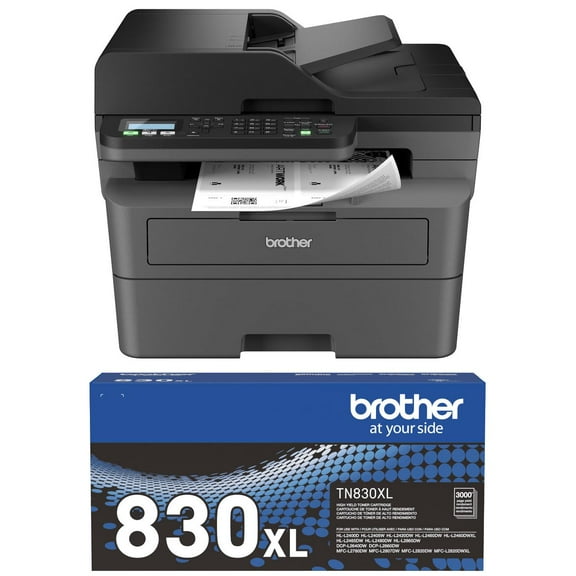
Brother MFC-L2760DW Wireless Compact Monochrome All-in-One Laser Printer Plus Toner (Bundle) $273.48
 $27348current price $273.48
Brother MFC-L2760DW Wireless Compact Monochrome All-in-One Laser Printer Plus Toner (Bundle)
11334.4 out of 5 Stars. 1133 reviewsBrother INKvestment Tank 780 MFC-T780DW Wireless Color Inkjet All-in-One Printer with Duplex Printing and Up to 3 Years of Ink In-Box and a 3-year Limited Warranty $379.99
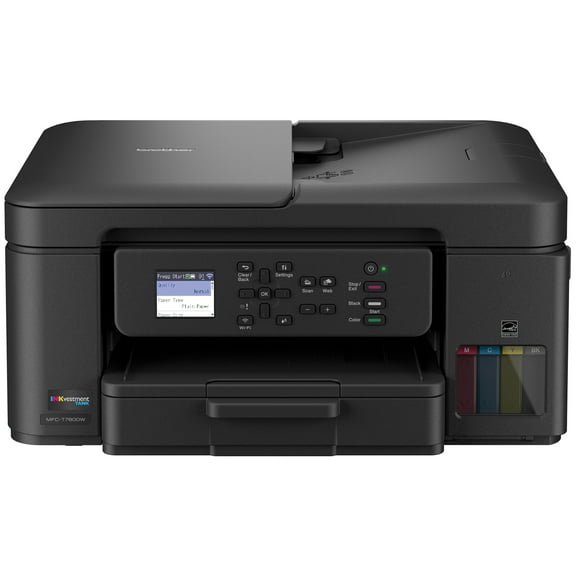 $37999current price $379.99
Brother INKvestment Tank 780 MFC-T780DW Wireless Color Inkjet All-in-One Printer with Duplex Printing and Up to 3 Years of Ink In-Box and a 3-year Limited Warranty
124.8 out of 5 Stars. 12 reviewsBrother Wireless Compact Monochrome Laser Printer, P/N: HL-L2460DW $400.00
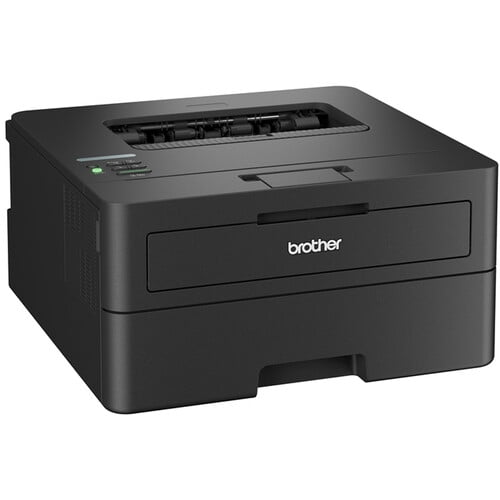 $40000current price $400.00
Brother Wireless Compact Monochrome Laser Printer, P/N: HL-L2460DW
Brother INKvestment Tank 580 MFC-T580DW Wireless Color Inkjet All-in-One Printer with up to 3 Years of Ink In-Box and 3-Year Limited Warranty $299.99
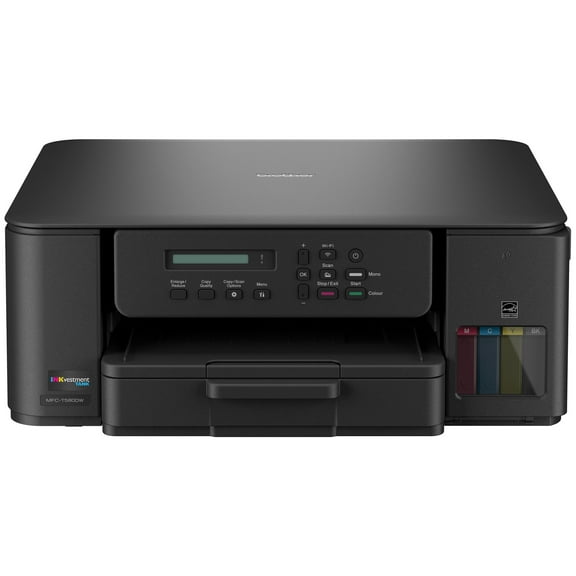 $29999current price $299.99
Brother INKvestment Tank 580 MFC-T580DW Wireless Color Inkjet All-in-One Printer with up to 3 Years of Ink In-Box and 3-Year Limited Warranty
104.2 out of 5 Stars. 10 reviewsBrother INKvestment 4555 MFC-J4555DW Wireless Color Inkjet All-in-One Printer with 2.7” Color Touchscreen and 2 Paper Trays $279.99
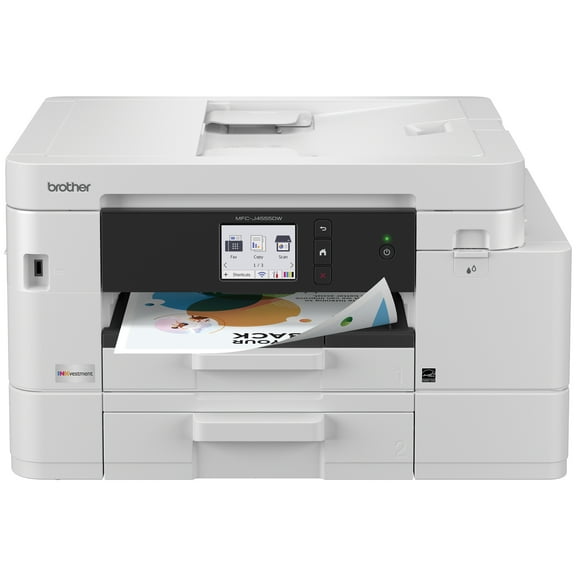 $27999current price $279.99
Brother INKvestment 4555 MFC-J4555DW Wireless Color Inkjet All-in-One Printer with 2.7” Color Touchscreen and 2 Paper Trays
184.4 out of 5 Stars. 18 reviewsRollback Canon PIXMA TS3722 All-In-One, Wireless Inkjet Printer for Home Office $44.00 Was $53.00
Rollback $4400current price $44.00, Was $53.00$53.00
Canon PIXMA TS3722 All-In-One, Wireless Inkjet Printer for Home Office
197644.2 out of 5 Stars. 19764 reviewsBrother HL-L2465DW Monochrome Multi-Function Laser Printer Plus Toner (Bundle) $263.48
 $26348current price $263.48
Brother HL-L2465DW Monochrome Multi-Function Laser Printer Plus Toner (Bundle)
10924.4 out of 5 Stars. 1092 reviewsBrother HL-2270DW Compact Laser Printer with Wireless Networking and Duplex $322.00
 $32200current price $322.00
Brother HL-2270DW Compact Laser Printer with Wireless Networking and Duplex
Epson EcoTank ET-2980 Wireless All-in-One Color Supertank Printer with up to 3 Years of Ink, Refillable Tanks, Perfect for Home, 15 PPM, 1.44" Color Screen, Auto 2-Sided Printing - Black $312.10 Was $329.99
 $31210current price $312.10, Was $329.99$329.99
Epson EcoTank ET-2980 Wireless All-in-One Color Supertank Printer with up to 3 Years of Ink, Refillable Tanks, Perfect for Home, 15 PPM, 1.44" Color Screen, Auto 2-Sided Printing - Black
1194.2 out of 5 Stars. 119 reviewsRollback Canon MegaTank PIXMA G4280 All-In-One, Wireless Color Inkjet Printer for Home Office Use $239.00 Was $269.00
Rollback $23900current price $239.00, Was $269.00$269.00
Canon MegaTank PIXMA G4280 All-In-One, Wireless Color Inkjet Printer for Home Office Use
1084.1 out of 5 Stars. 108 reviewsBrother MFC-J1170DW Inkjet Printer-Wireless, Scanner, Fax, All-in-One Printer $299.99
 $29999current price $299.99
Brother MFC-J1170DW Inkjet Printer-Wireless, Scanner, Fax, All-in-One Printer
6174.2 out of 5 Stars. 617 reviewsEpson EcoTank ET-4950 Wireless All-in-One Color Supertank Printer – Black $379.99
 $37999current price $379.99
Epson EcoTank ET-4950 Wireless All-in-One Color Supertank Printer – Black
814.5 out of 5 Stars. 81 reviewsBrother HL-5240 High-Speed Desktop Office Laser Printer - USB Interface, High-Capacity Paper Tray Holds up to 250-Sheets $399.00
 $39900current price $399.00
Brother HL-5240 High-Speed Desktop Office Laser Printer - USB Interface, High-Capacity Paper Tray Holds up to 250-Sheets
Brother INKvestment 4355 MFC-J4355DW Wireless Color Inkjet All-in-One Printer with 1.8” Color Display and Manual Feed Slot $179.99 Was $209.99
 $17999current price $179.99, Was $209.99$209.99
Brother INKvestment 4355 MFC-J4355DW Wireless Color Inkjet All-in-One Printer with 1.8” Color Display and Manual Feed Slot
174.5 out of 5 Stars. 17 reviewsBrother MFC-J4335DW INKvestment Tank All-in-One Color Inkjet Printer with Duplex & Wireless Printing $349.99
 $34999current price $349.99
Brother MFC-J4335DW INKvestment Tank All-in-One Color Inkjet Printer with Duplex & Wireless Printing
23624.2 out of 5 Stars. 2362 reviewsEpson EcoTank ET-2980 Wireless All-in-One Color Supertank Printer with up to 3 Years of Ink, Refillable Tanks, Perfect for Home, 15 PPM, 1.44" Color Screen, Auto 2-Sided Printing - White $309.00 Was $329.99
 $30900current price $309.00, Was $329.99$329.99
Epson EcoTank ET-2980 Wireless All-in-One Color Supertank Printer with up to 3 Years of Ink, Refillable Tanks, Perfect for Home, 15 PPM, 1.44" Color Screen, Auto 2-Sided Printing - White
1124.3 out of 5 Stars. 112 reviewsBrother INKvestment 1365 MFC-J1365DW Wireless Color Inkjet All-in-One Printer with Automatic Duplex Printing and 1.8” Color Display $159.99
 $15999current price $159.99
Brother INKvestment 1365 MFC-J1365DW Wireless Color Inkjet All-in-One Printer with Automatic Duplex Printing and 1.8” Color Display
233.9 out of 5 Stars. 23 reviews

Customer ratings & reviews
Reviews summary
- : Operates efficiently in small spaces.
- : Accommodates large paper sizes and meets business needs.
- : Produces professional-grade prints with excellent detail.
- : Setup takes around 15-30 minutes and is straightforward.
- : Quickly scans documents, including 11x17 formats.
- : Can be smooth and vibrant, but also prone to smudging.
Customer images


Showing 1-3 of 263 reviews
Saved money vs. using a commercial printer
Looked at having 1000 pages of colour promotional materials for a trade show I was attending. To printed at local Copy and Print Centre was going to be a minimum of $519.75 for printing and folding of these 1000 pages (2 double-sided documents of 250 copies each). I printed approximately 1500 pages using my new printer within the first 24 hours. Factoring in the cost of the printer, 2 packages of 32lb specialty paper, label paper, and some promo display materials - I still saved between $50-100 by purchasing this printer. Paid for itself my first use!! Takes up quite a bit more space than my last printer (MFC-J6510), but very impressed with the speed, print quality, and quietness of machine thus far!
Brilliant printer
First time I have purchased a Brother printer and I am certainly not disappointed. Very easy to set up and to use. Even though it is not a photo printer (only has 4 cartridges) the quality of the photo's is very good. Double scanning and printing. Superb
Minor installation hiccups, majorly impressive printer
Pros: (Almost too many to list). - Features of a professional print/copier station. - Almost every kind of connectivity you can imagine - Cables very accessible - Borderless print up to full 11x17 tabloid size on ALL paper types (including plain) - Scans up to 11.7" wide for true A3. - Great output - good graphics and text, and won't find better photo output outside a dedicated 8-colour photo printer. Copies are great, even on plain paper. - Flawless paper handling. - Will print photos AND PDFs from USB. Cons: - Included CD hung PC - Output tray could be bigger - Can be set up with its own email account and it will send faxes and scans by email or print faxes received by email but won't print PDFs received by e-mail like earlier models used to. - Verifying TLS certificates doesn't seem to work with modern certificates and SFTP doesn't support ED25512 or large RSA server keys - Borderless has a few odd limitations: it only works well for actual photographs and for some reason borderless printing is not supported for legal paper, also the copier will not quite copy borderless (3mm photocopy margin), Do not use the included driver installation CD - download the newest ones. They really need to update their CD with an installer that has a central "uninstall everything" option. That said, I almost can't gush enough about this device. The tray selection and paper handling is flawless. Not a single paper jam in several thousand pages so far, and that is with some very complex prints with multiple print jobs staged from multiple trays all back-to-back. The output tray is a touch small - It will handle any single job, but the printer just begs to be used in an office and if you send anything large to the printer, you will have to make sure no one else left anything on it. Output was better than I expected, and I was already inclined to expect good things from the PC mag review. Great photos. I'm a ham operator and print schematics & manuals too, A+!
