

Sorry, this item is out of stock
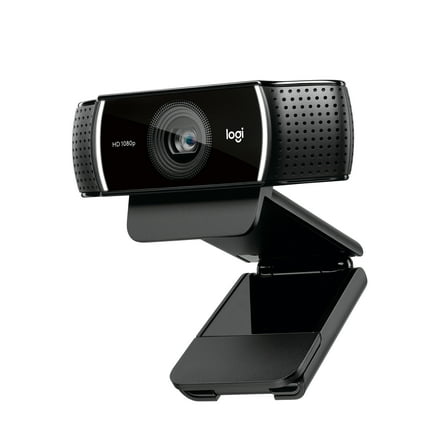
Best seller Logitech Pro Stream WebCam, 30 fps at 1080p, Autofocus, Omni-directional microphones, Black $54.60 Was $79.99
 $5460current price $54.60, Was $79.99$79.99
Logitech Pro Stream WebCam, 30 fps at 1080p, Autofocus, Omni-directional microphones, Black
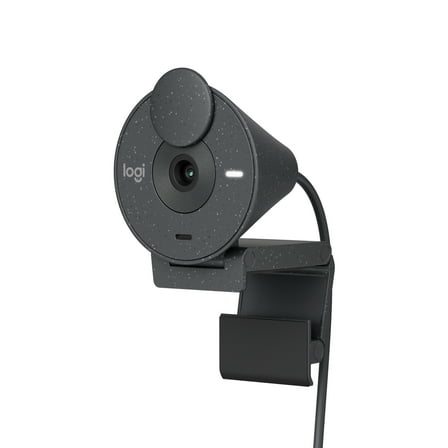
6324.3 out of 5 Stars. 632 reviewsBest seller Logitech Brio 1080p Webcam, Auto Light Correction, Privacy Shutter, USB-C, Graphite $31.99 Was $54.00
 $3199current price $31.99, Was $54.00$54.00
Logitech Brio 1080p Webcam, Auto Light Correction, Privacy Shutter, USB-C, Graphite
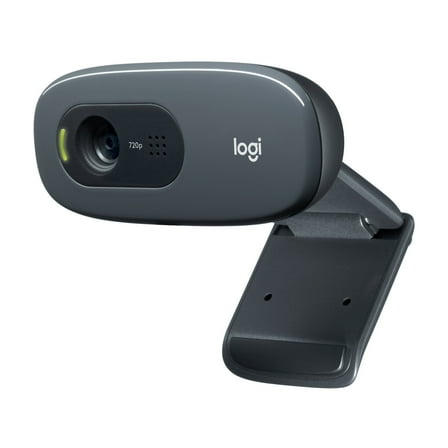
2074.2 out of 5 Stars. 207 reviewsLogitech C270 HD Webcam with Noise-Reducing Mics for Video Calls $19.06 Was $29.00
 $1906current price $19.06, Was $29.00$29.00
Logitech C270 HD Webcam with Noise-Reducing Mics for Video Calls
6454.4 out of 5 Stars. 645 reviewsBest seller onn 4K Webcam with Autofocus and Swivel Head, Built-in Dual Mics, Privacy Cover, Greystone $34.86
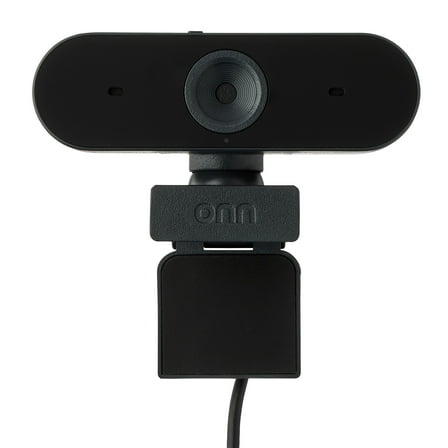 $3486current price $34.86
onn 4K Webcam with Autofocus and Swivel Head, Built-in Dual Mics, Privacy Cover, Greystone
1363.9 out of 5 Stars. 136 reviewsBest seller onn 1440P Webcam with Autofocus and Built-in Microphone, Adjustable,Black $31.43
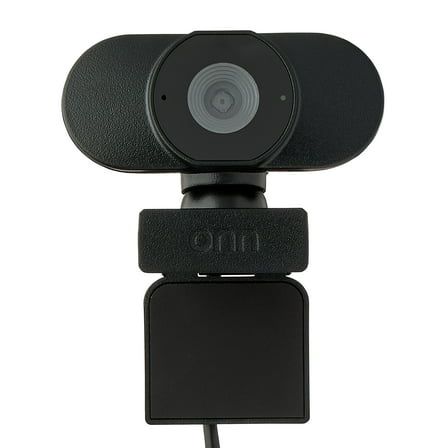 $3143current price $31.43
onn 1440P Webcam with Autofocus and Built-in Microphone, Adjustable,Black
11344 out of 5 Stars. 1134 reviewsAnker PowerConf C200 2K Webcam for PC/Laptop/Mac, Computer Camera, Low-Light Correction, AI-Noise Canceling Mics, Adjustable Field of View, Built-in Privacy Cover, Stereo Mics, for Meeting $59.99
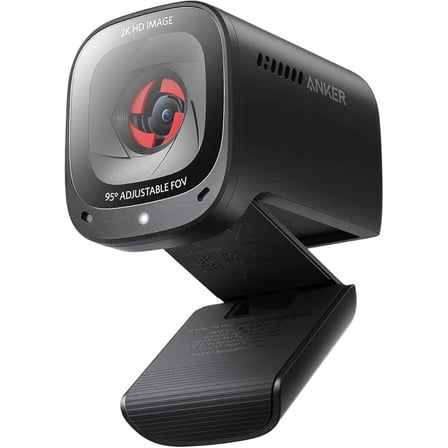 $5999current price $59.99
Anker PowerConf C200 2K Webcam for PC/Laptop/Mac, Computer Camera, Low-Light Correction, AI-Noise Canceling Mics, Adjustable Field of View, Built-in Privacy Cover, Stereo Mics, for Meeting
284.8 out of 5 Stars. 28 reviewsWebcam for PC, Streaming Webcam with Microphone 1080P Adjustable 3 Light Modes,Pro Web Camera Advanced Auto-Focus with Tripod Zoom Camera,Gaming Webcam for Xbox Facebook YouTube Streamer Conferencing $19.99
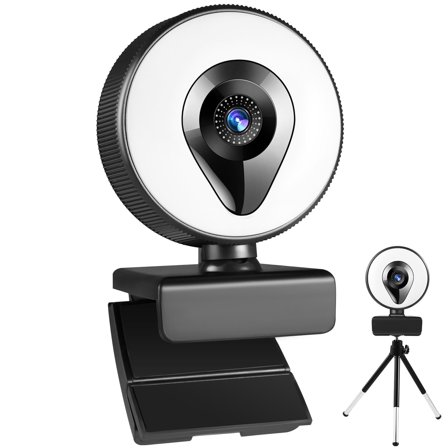 $1999current price $19.99
Webcam for PC, Streaming Webcam with Microphone 1080P Adjustable 3 Light Modes,Pro Web Camera Advanced Auto-Focus with Tripod Zoom Camera,Gaming Webcam for Xbox Facebook YouTube Streamer Conferencing
74.1 out of 5 Stars. 7 reviewsBest seller Logitech Brio Full HD Webcam for Meetings and Streaming, Auto-Light Balance, Privacy Shutter, Graphite $29.99 Was $34.88
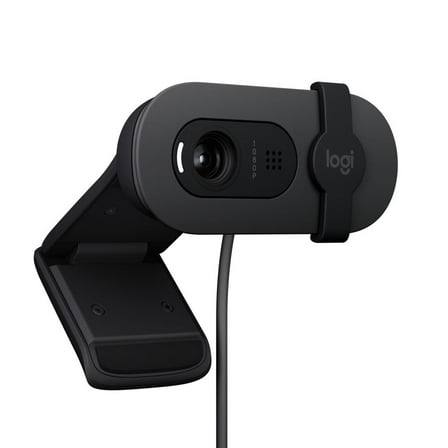 $2999current price $29.99, Was $34.88$34.88
Logitech Brio Full HD Webcam for Meetings and Streaming, Auto-Light Balance, Privacy Shutter, Graphite
2244.3 out of 5 Stars. 224 reviewsLvelia Webcam with Microphone, Full HD 1080P Web Cameras for Desktop & Laptop Conference, Meeting, Zoom, Skype, Facetime, Windows, Linux and Mac OS $12.79 Was $19.45
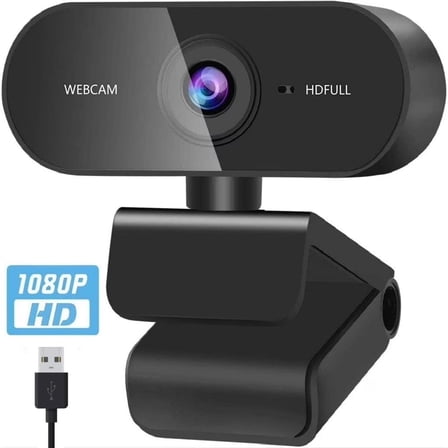 $1279current price $12.79, Was $19.45$19.45
Lvelia Webcam with Microphone, Full HD 1080P Web Cameras for Desktop & Laptop Conference, Meeting, Zoom, Skype, Facetime, Windows, Linux and Mac OS
873.6 out of 5 Stars. 87 reviewsWebcam HD 1080p Web Camera, USB PC Computer Webcam with Microphone, Laptop Desktop Full HD Camera Video Webcam 360 Degree Widescreen, Pro Streaming Webcam for Recording, Calling, Conferencing, Gaming $21.99
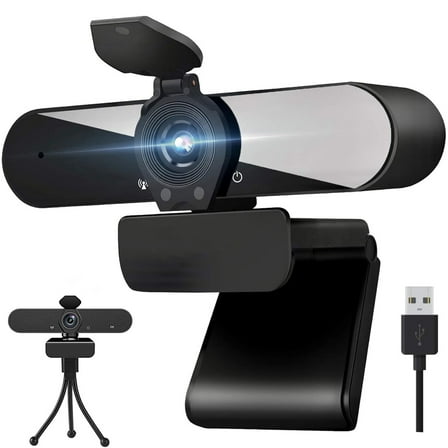 $2199current price $21.99
Webcam HD 1080p Web Camera, USB PC Computer Webcam with Microphone, Laptop Desktop Full HD Camera Video Webcam 360 Degree Widescreen, Pro Streaming Webcam for Recording, Calling, Conferencing, Gaming
2984 out of 5 Stars. 298 reviewsAdesso Motion Tracking 1080P HD H.264 Fixed Focus USB Webcam, Built-in Microphone, and Tripod Mount CyberTrack M1 $39.99 Was $49.99
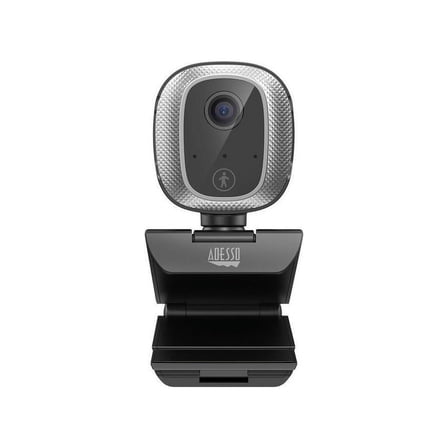 $3999current price $39.99, Was $49.99$49.99
Adesso Motion Tracking 1080P HD H.264 Fixed Focus USB Webcam, Built-in Microphone, and Tripod Mount CyberTrack M1
Webcam with Microphone, MONODEAL USB HD Streaming 1080p Web Camera for Computer/PC/Desktop, for Video Calling, Studying, Conference, Recording, Gaming (Black) $15.00
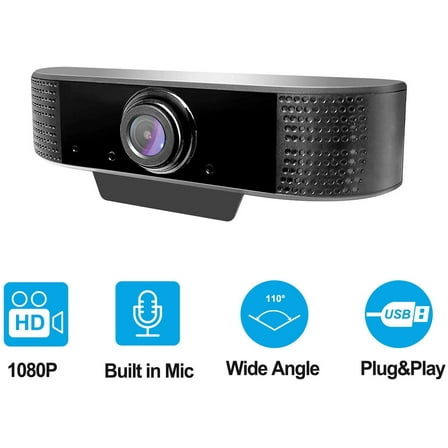 $1500current price $15.00
Webcam with Microphone, MONODEAL USB HD Streaming 1080p Web Camera for Computer/PC/Desktop, for Video Calling, Studying, Conference, Recording, Gaming (Black)
543.2 out of 5 Stars. 54 reviewsRONY 2K HD Web Camera with Fast Auto Focus, Streaming Webcam with Tripod Stand Privacy Cover, Dual Noise-Canceling PC Camera for Video Calling Zoom Meeting $21.99
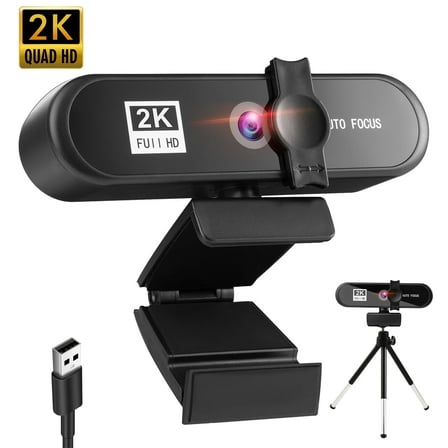 $2199current price $21.99
RONY 2K HD Web Camera with Fast Auto Focus, Streaming Webcam with Tripod Stand Privacy Cover, Dual Noise-Canceling PC Camera for Video Calling Zoom Meeting
53.4 out of 5 Stars. 5 reviewsLogitech HD Webcam C310 $53.40
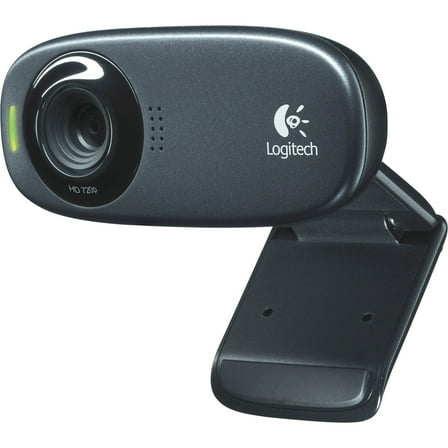 $5340current price $53.40
Logitech HD Webcam C310
33 out of 5 Stars. 3 reviewsMEE audio CL8A 1080P LIVE WEBCAM WITH LED RING LIGHT $99.99
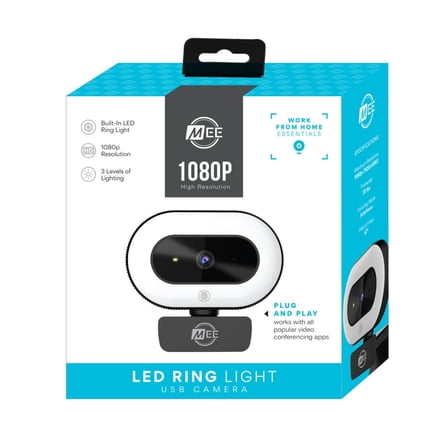 $9999current price $99.99
MEE audio CL8A 1080P LIVE WEBCAM WITH LED RING LIGHT
44.8 out of 5 Stars. 4 reviewsWebcam with Microphone, TSV 480P USB 2.0 PC Web Camera for Laptop, Computer, Desktop, Plug and Play, for Live Streaming, Video Chat, Conference, Recording, Online Classes, Game $43.99
 $4399current price $43.99
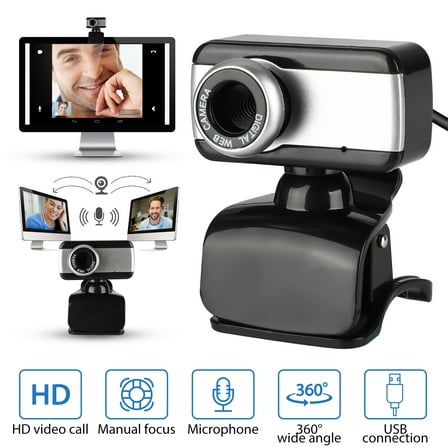
Webcam with Microphone, TSV 480P USB 2.0 PC Web Camera for Laptop, Computer, Desktop, Plug and Play, for Live Streaming, Video Chat, Conference, Recording, Online Classes, Game
131.9 out of 5 Stars. 13 reviewsReduced price 4K Webcam for PC, Auto-zoom,with remote control,Privacy Cover, White Balance, Webcam with Microphone, Plug & Play, 4K Web Camera for Laptop/Desktop, Video Calling,Conferencing $33.99 Was $39.99
 $3399current price $33.99, Was $39.99$39.99
4K Webcam for PC, Auto-zoom,with remote control,Privacy Cover, White Balance, Webcam with Microphone, Plug & Play, 4K Web Camera for Laptop/Desktop, Video Calling,Conferencing
134.5 out of 5 Stars. 13 reviewsBest seller Atzeste Webcam 4K HD USB Autofocus PC Webcam with Dual Mics for Xbox Laptop Computer Gaming Webcam $21.18 Was $42.99
 Options from$2118– $2669$42.99
Atzeste Webcam 4K HD USB Autofocus PC Webcam with Dual Mics for Xbox Laptop Computer Gaming Webcam
2284.2 out of 5 Stars. 228 reviews
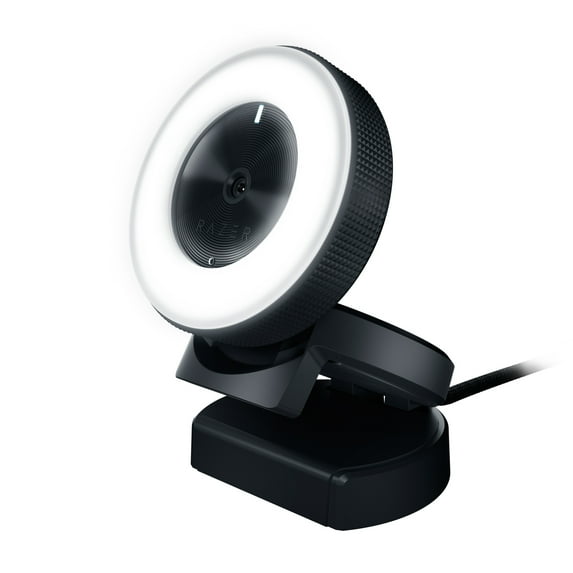
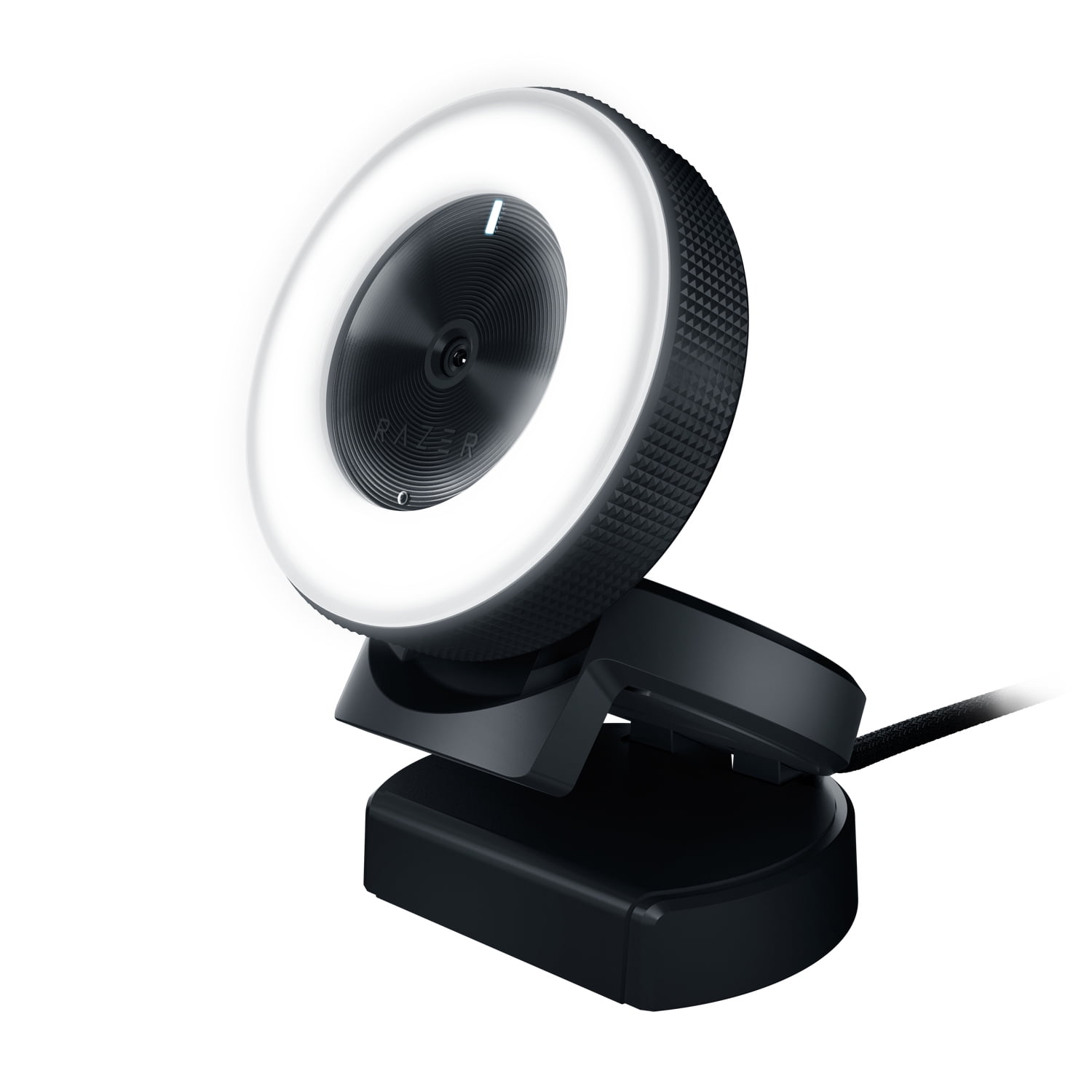
Razer Kiyo Streaming Webcam, Full HD, Auto Focus, Ring Light with Adjustable Brightness, Black
Key item features
- Ring Light: Multi-step ring light provides even and flattering illumination, eliminating harsh shadows with adjustable brightness levels.
- HD Video: Streams in 720p at 60fps for smooth visuals and 1080p at 30fps for Full HD quality.
- Software Compatibility: Compatible with Open Broadcaster Software and Xsplit for seamless streaming on popular platforms.
- Autofocus: Fast and accurate autofocus ensures you stay sharp and focused during your streams.
- Portable Design: Compact and portable, easy to pack and travel with, perfect for gaming conventions.
- Flexible Mounting: Comes with a camera and stand hinge for easy positioning on any monitor or tripod, and foldable for storage.
Specs
- Maximum video resolution1080p
- Frame rate60 FPS
- Focus typeAuto Focus
- Field of view81 º
- BrandRazer
- Electronics featureAdjustable Mount, Ring Light
Reviews summary
- : Offers great quality at a lower cost.
- : Provides sharp and detailed image with good color representation.
- : Provides clear and crisp video and image results.
- : Provides even lighting for image quality.
- : Can be seamless with usb, but may require effort or fail.
- : Overly intrusive with unnecessary features.
How do you want your item?
About this item
Product details
- Multi-Step Ring Light: Forget setting up several lights just to get decent on-camera illumination. The Razer Kiyo maintains even and flattering lighting on you and eliminates harsh shadows. Plus, with adjustable brightness levels, getting the right amount is a breeze.
- 720p 60FPS HD Video: With 720p resolution at 60 fps, the Razer Kiyo maintains visual fidelity when you stream. This means that viewers can be completely immersed the way you are, with footage just the way you see it in-game. Also streams in 1080 resolution at 30fps for Full HD.
- Compatible with Open Broadcaster Software and Xsplit: The Razer Kiyo supports streaming on popular platforms like Open Broadcaster Software and Xsplit, so you can continue using your preferred streaming platform of choice to reach your audiences.
- Fast & Accurate Autofocus: Thanks to fast and accurate autofocus, you don’t have to be conscious of keeping steady in front of the camera all the time. You’ll always look sharp and focused, so just can focus on putting on your best performance ever.
- Compact & Portable: Thanks to its compact and portable size, the Razer Kiyo is easy to pack in your backpack and take along when travelling or heading to a gaming convention.
- Camera & Stand Hinge: With an accompanying camera and stand hinge, you can position the Razer Kiyo on any monitor and tripod. It’s also foldable for unobtrusive storage when not in use.
Specifications
Maximum video resolution
Frame rate
Focus type
Field of view
Directions
Instructions
Warranty
Warranty information
Warranty url
Warnings
Ingestion Hazard
State Chemical Disclosure
Recommended for you
Items that pair well together
Logitech S150 USB Speakers with Digital Sound $17.84
 $1784current price $17.84
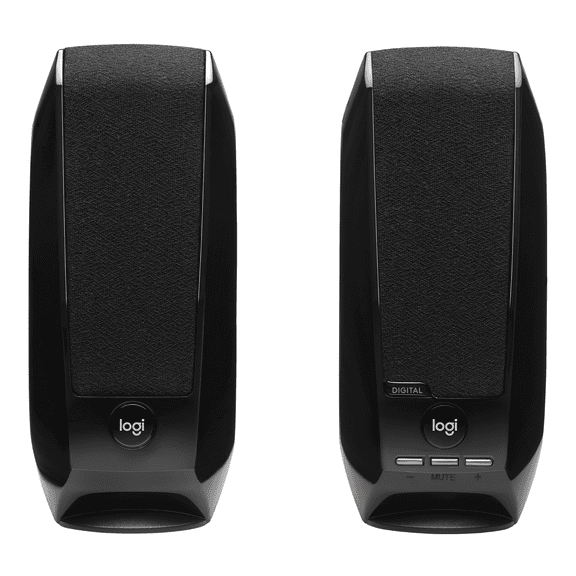
Logitech S150 USB Speakers with Digital Sound
12344.1 out of 5 Stars. 1234 reviewsSave with Shipping, arrives tomorrow
50+ bought since yesterday onn Portable 4-Port USB Hub with USB 2.0 Ports $9.88
50+ bought since yesterday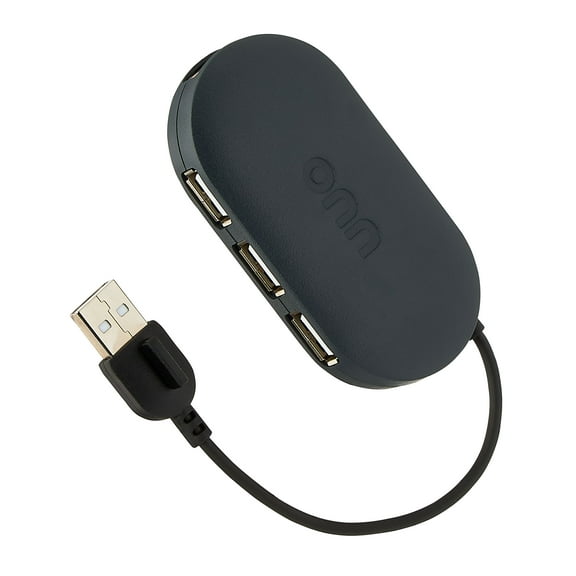 $988current price $9.88
onn Portable 4-Port USB Hub with USB 2.0 Ports
8934.5 out of 5 Stars. 893 reviewsSave withPickup todayDelivery todayShipping, arrives tomorrowSteelSeries Rival 3 Gaming Mouse - 8,500 CPI TrueMove Core Optical Sensor - 6 Programmable Buttons - Split Trigger Buttons - Brilliant Prism RGB Lighting $29.00
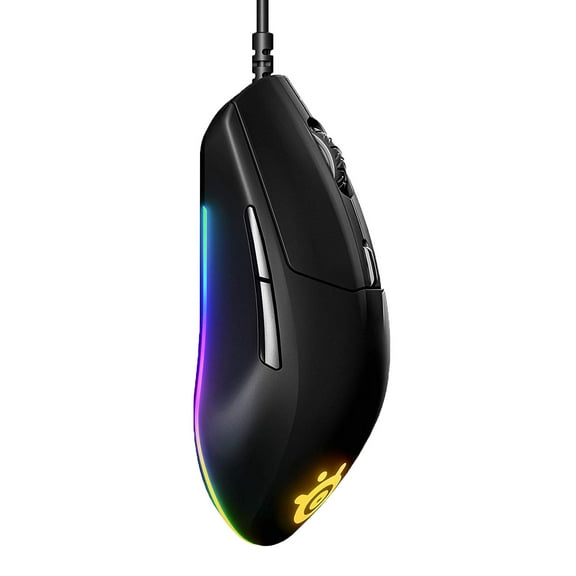 $2900current price $29.00
SteelSeries Rival 3 Gaming Mouse - 8,500 CPI TrueMove Core Optical Sensor - 6 Programmable Buttons - Split Trigger Buttons - Brilliant Prism RGB Lighting
5644.6 out of 5 Stars. 564 reviewsShipping, arrives in 3+ daysLogitech Bluetooth Compact Wireless Mouse, 10 Month Battery Life, Black $25.00
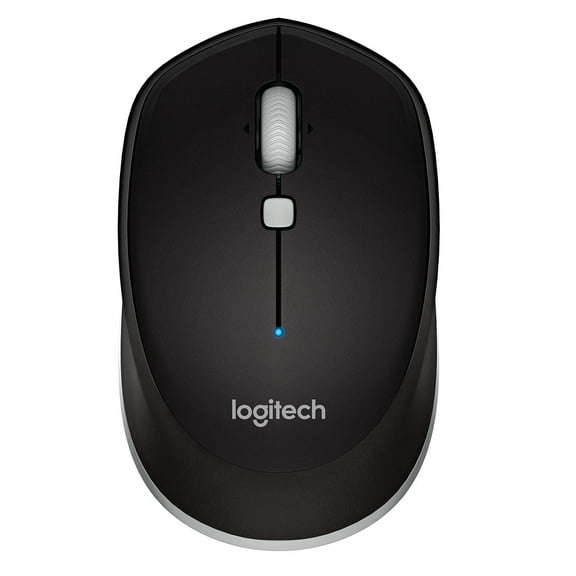 $2500current price $25.00
Logitech Bluetooth Compact Wireless Mouse, 10 Month Battery Life, Black
1154.6 out of 5 Stars. 115 reviewsShipping, arrives in 3+ daysCorsair K55 RGB Pro Gaming Keyboard - Dynamic RGB Backlighting, Six Macro Keys with Elgato Stream Deck Software Integration $48.99 Was $65.99 $48.99/count
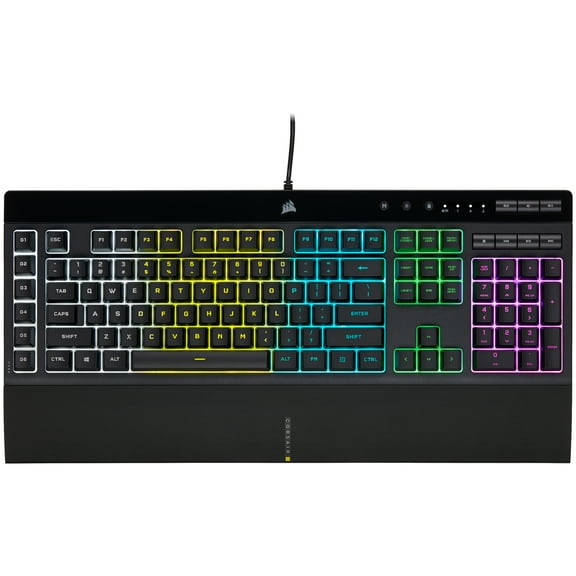 Now$4899current price Now $48.99, Was $65.99$65.99$48.99/count
Corsair K55 RGB Pro Gaming Keyboard - Dynamic RGB Backlighting, Six Macro Keys with Elgato Stream Deck Software Integration
1364.6 out of 5 Stars. 136 reviewsShipping, arrives in 3+ daysBest seller onn Stereo Speaker with Volume Controls, 3.6 ft 3.5mm Aux with USB Power Cable $13.13 $6.57/ea
Best seller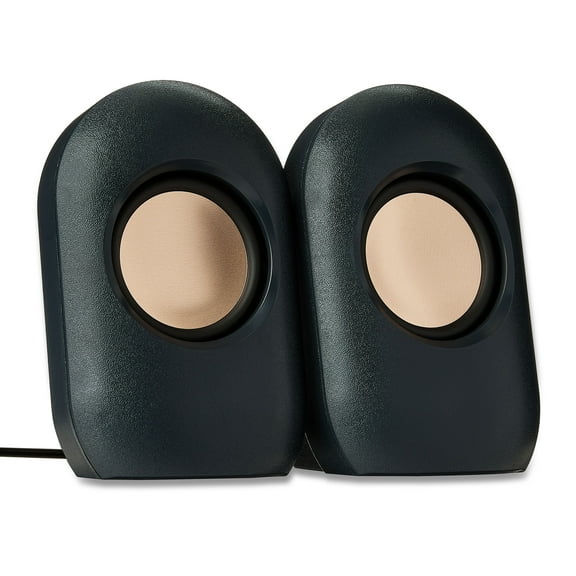 $1313current price $13.13$6.57/ea
onn Stereo Speaker with Volume Controls, 3.6 ft 3.5mm Aux with USB Power Cable
10524.1 out of 5 Stars. 1052 reviewsSave withShipping, arrives in 2 days7 Port USB Hub for Laptop Computer Adapter, Multiport 2.0 Splitter with On Off Switches for Windows PC Smartphone Charging Data Transfer $9.28 Was $14.99
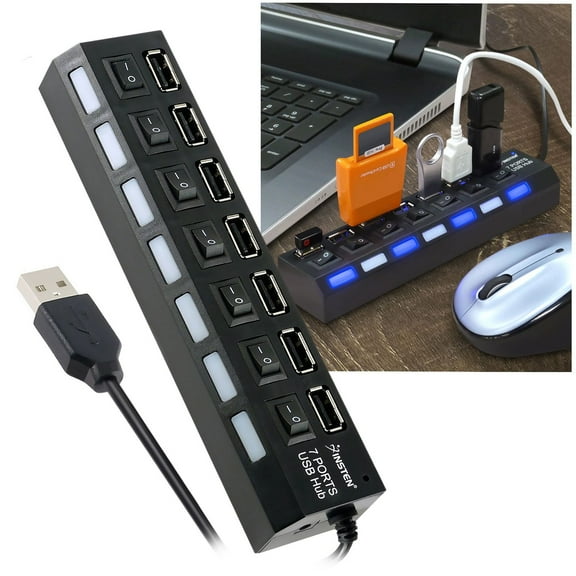 Now$928current price Now $9.28, Was $14.99$14.99
7 Port USB Hub for Laptop Computer Adapter, Multiport 2.0 Splitter with On Off Switches for Windows PC Smartphone Charging Data Transfer
6564.2 out of 5 Stars. 656 reviewsSave withShipping, arrives tomorrow

More items to consider
Based on what customers bought
Best seller FIFINE A6T Gaming Microphone Kit for PC Computer PS5/4, USB Streaming Microphone with 192kHz High-Res, Boom Arm, RGB, Condenser, Mute, Gain Control $39.99 Was $49.99
Best seller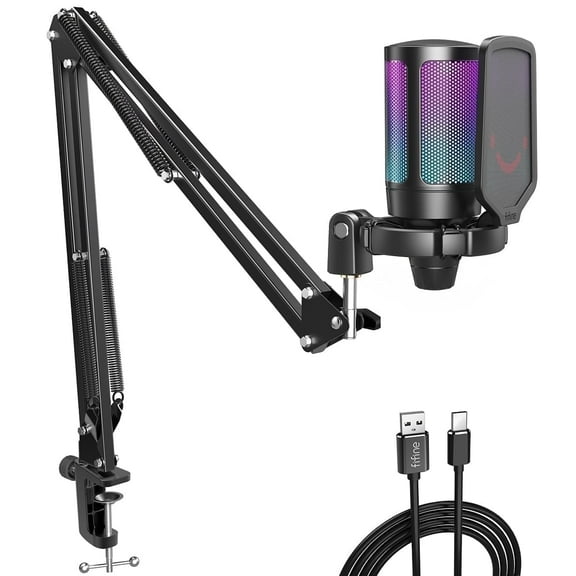


 SponsoredNow$3999current price Now $39.99, Was $49.99$49.99More options from $32.99
FIFINE A6T Gaming Microphone Kit for PC Computer PS5/4, USB Streaming Microphone with 192kHz High-Res, Boom Arm, RGB, Condenser, Mute, Gain Control
3904.6 out of 5 Stars. 390 reviewsSave withShipping, arrives tomorrowonn. USB Optical Ambidextrous Mouse, USB Nano Receiver, Black $7.88

 $788current price $7.88
onn. USB Optical Ambidextrous Mouse, USB Nano Receiver, Black
12814.5 out of 5 Stars. 1281 reviewsSave withPickup todayDelivery today1440P HD Webcam with Microphone, Streaming Computer Web Camera USB PC Desktop Laptop Webcam with Stand/Privacy Cover/Tripod Stand, Autofocus, Noise Reduction for Video Calling/Zoom/Meeting $19.99
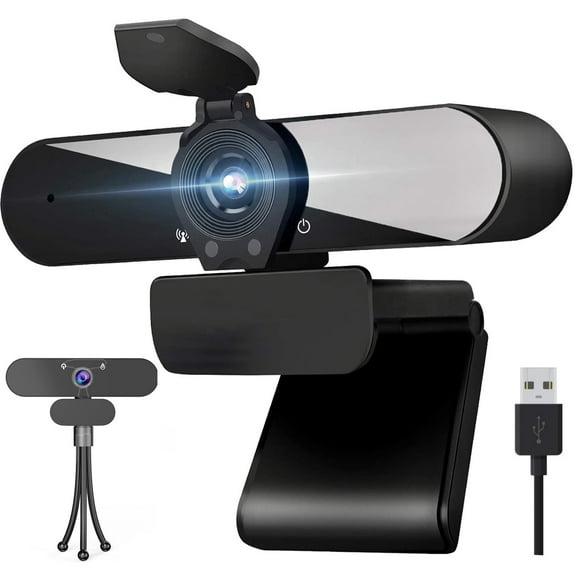


 Sponsored$1999current price $19.99
1440P HD Webcam with Microphone, Streaming Computer Web Camera USB PC Desktop Laptop Webcam with Stand/Privacy Cover/Tripod Stand, Autofocus, Noise Reduction for Video Calling/Zoom/Meeting
4543.8 out of 5 Stars. 454 reviewsSave withShipping, arrives in 2 daysRollback Logitech Wireless Keyboard and Mouse Combo for Windows, 2.4 GHz Wireless, Compact Mouse, Rose, Walmart Exclusive $19.32 Was $21.48
Rollback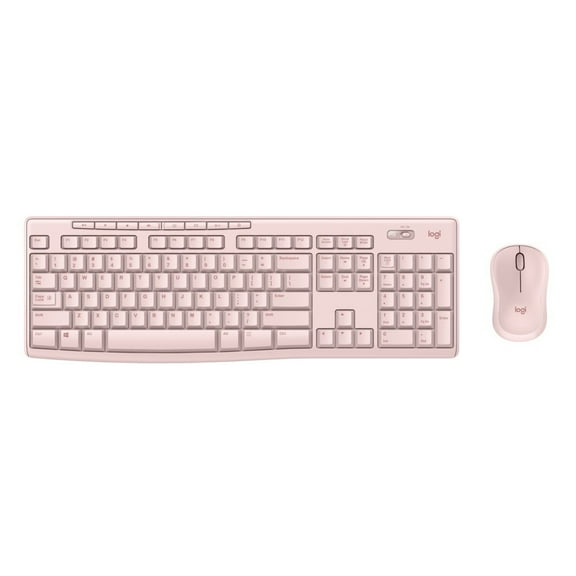
 Now$1932current price Now $19.32, Was $21.48$21.48
Logitech Wireless Keyboard and Mouse Combo for Windows, 2.4 GHz Wireless, Compact Mouse, Rose, Walmart Exclusive
87294.5 out of 5 Stars. 8729 reviewsSave withPickup todayDelivery todayShipping, arrives tomorrowBest seller onn 6' Premium HDMI Cable, Black $12.44
Best seller 7 optionsAvailable in additional 7 options$1244current price $12.44More options from $9.88
onn 6' Premium HDMI Cable, Black
8694.6 out of 5 Stars. 869 reviewsSave withPickup todayDelivery todayShipping, arrives tomorrowBest seller Anker Ultra Slim Profile Bluetooth Keyboard White $22.84
Best seller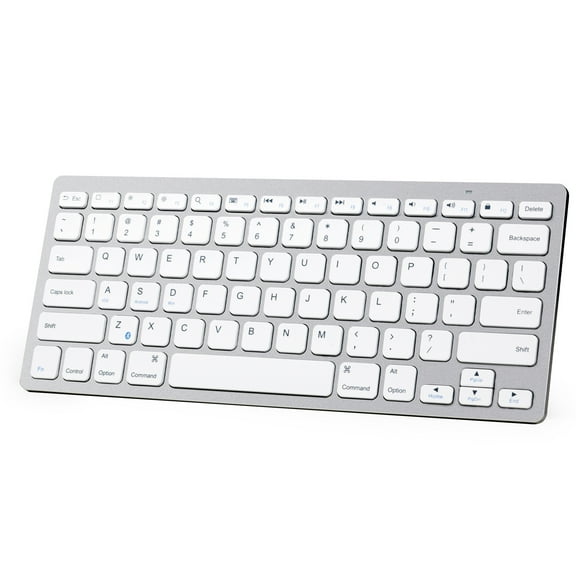 2 optionsAvailable in additional 2 options$2284current price $22.84
Anker Ultra Slim Profile Bluetooth Keyboard White
10044.2 out of 5 Stars. 1004 reviewsSave withPickup todayDelivery todayShipping, arrives tomorrowBest seller SanDisk 128GB ImageMate microSDXC UHS-1 - Up to 140MB/s - SDSQUA4-128G-Aw6ka $15.98
Best seller 8 optionsAvailable in additional 8 options$1598current price $15.98More options from $10.98
SanDisk 128GB ImageMate microSDXC UHS-1 - Up to 140MB/s - SDSQUA4-128G-Aw6ka
51124.6 out of 5 Stars. 5112 reviewsSave withPickup todayDelivery todayShipping, arrives tomorrowBest seller onn Rugged Phone Case with Holster for iPhone 12 / iPhone 12 Pro - Clear $26.88
Best seller 4 optionsAvailable in additional 4 options$2688current price $26.88More options from $22.88
onn Rugged Phone Case with Holster for iPhone 12 / iPhone 12 Pro - Clear
5084.3 out of 5 Stars. 508 reviewsSave withPickup todayDelivery todayShipping, arrives tomorrowBest seller onn Ultra High Speed HDMI Cable, 10' $16.28
Best seller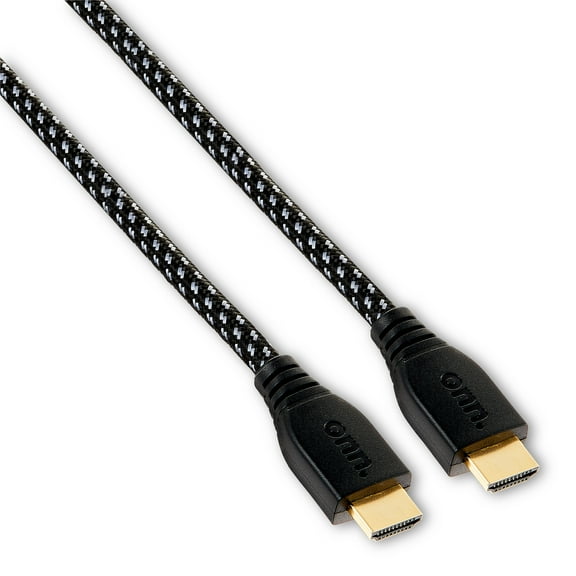 4 optionsAvailable in additional 4 options$1628current price $16.28More options from $14.17
onn Ultra High Speed HDMI Cable, 10'
4904.6 out of 5 Stars. 490 reviewsSave withPickup todayDelivery todayIn 50+ people's carts Turtle Beach Recon 50 Wired Gaming Headset for PlayStation 4/5, Black $27.88
In 50+ people's carts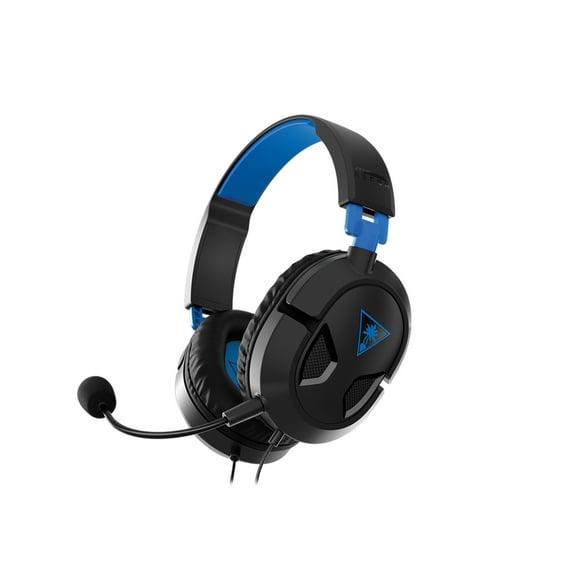
 $2788current price $27.88
Turtle Beach Recon 50 Wired Gaming Headset for PlayStation 4/5, Black
63394.2 out of 5 Stars. 6339 reviewsSave withPickup todayDelivery todayShipping, arrives tomorrowRazer Seiren Mini USB Ultra Compact Condenser Microphone for Streaming and Gaming on PC, Black $34.00 Was $49.99
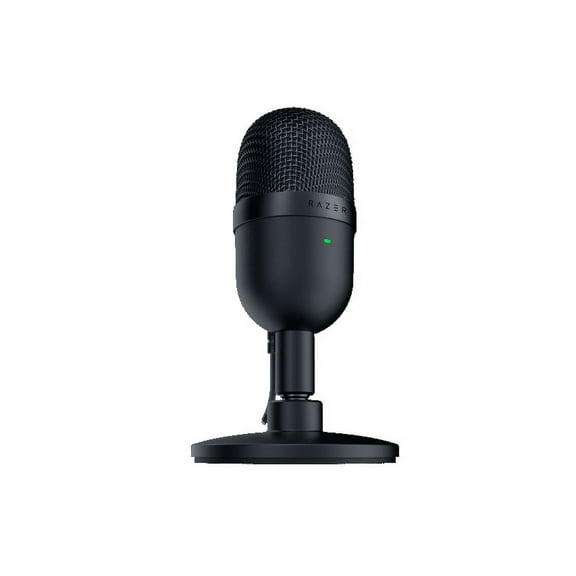 Now$3400current price Now $34.00, Was $49.99$49.99
Razer Seiren Mini USB Ultra Compact Condenser Microphone for Streaming and Gaming on PC, Black
1994.5 out of 5 Stars. 199 reviewsShipping, arrives in 3+ daysQualGear 10' High-Speed HDMI 2.0 Cable with Ethernet $18.99
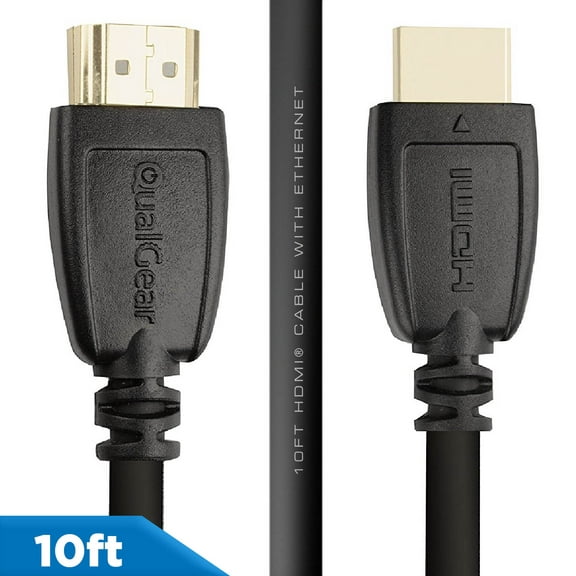 19 optionsAvailable in additional 19 options$1899current price $18.99Options from $18.99 – $89.95
QualGear 10' High-Speed HDMI 2.0 Cable with Ethernet
5014.6 out of 5 Stars. 501 reviewsSave withShipping, arrives tomorrowRollback Big Joe Joey Bean Bag Chair, Plush, Kids/Teens, 2.5ft, Gray $44.86
Rollback


 $4486current price $44.86More options from $29.58
Big Joe Joey Bean Bag Chair, Plush, Kids/Teens, 2.5ft, Gray
60104.3 out of 5 Stars. 6010 reviewsSave withShipping, arrives tomorrowBest seller Mainstays Mid-Back, Vinyl Mesh Task Office Chair, Black and Gray $56.00
Best seller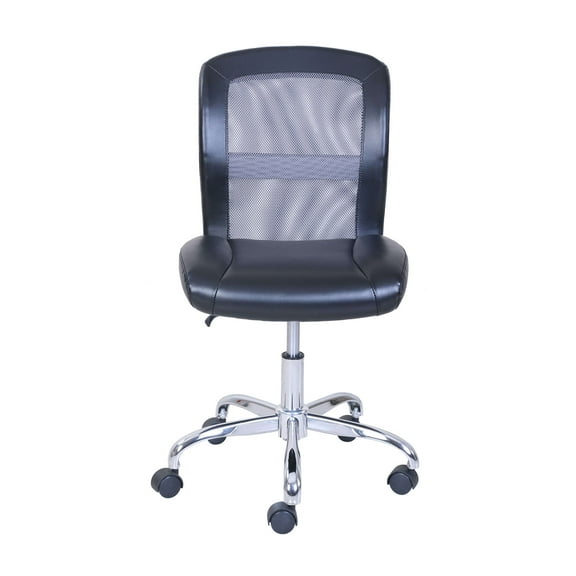


 $5600current price $56.00
Mainstays Mid-Back, Vinyl Mesh Task Office Chair, Black and Gray
59374.5 out of 5 Stars. 5937 reviewsSave withShipping, arrives tomorrowHyperX QuadCast S RGB USB Condenser Microphone - Black $119.00 Was $159.99
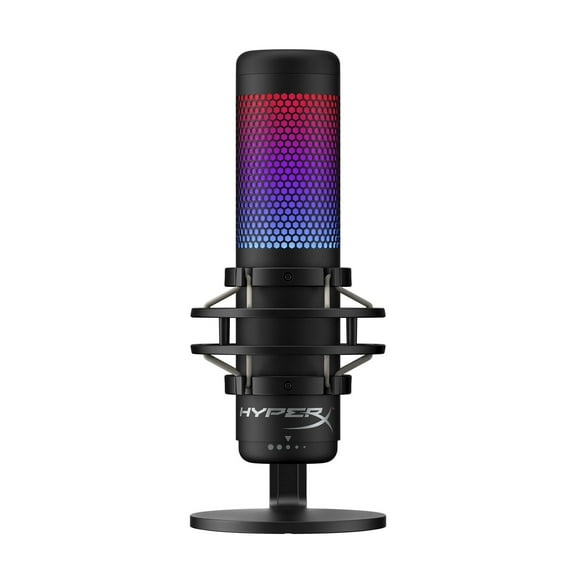 2 optionsAvailable in additional 2 optionsNow$11900current price Now $119.00, Was $159.99$159.99
HyperX QuadCast S RGB USB Condenser Microphone - Black
1094.6 out of 5 Stars. 109 reviewsSave withShipping, arrives in 2 daysBest seller Razer Gigantus V2 Cloth Gaming Mouse Pad (XXL): Thick, High-Density Foam Non-Slip Base, Black $22.99 Was $29.00
Best seller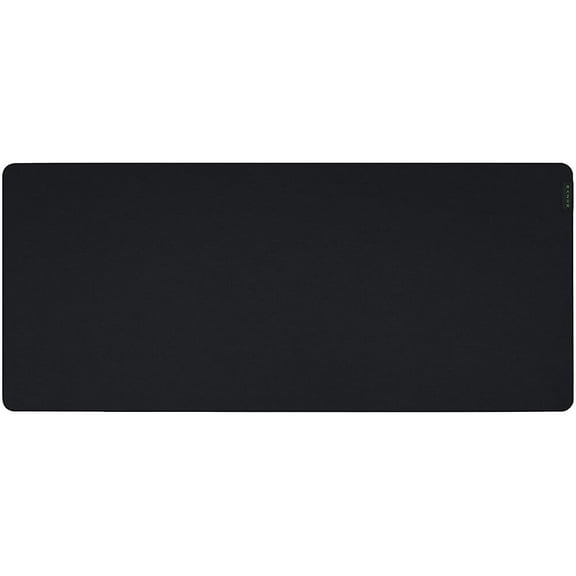 Now$2299current price Now $22.99, Was $29.00$29.00
Razer Gigantus V2 Cloth Gaming Mouse Pad (XXL): Thick, High-Density Foam Non-Slip Base, Black
3514.8 out of 5 Stars. 351 reviewsSave withPickup todayDelivery todayShipping, arrives tomorrowIn 50+ people's carts Super Smash Bros. Ultimate - Nintendo Switch $39.99 Was $59.99
In 50+ people's carts Now$3999current price Now $39.99, Was $59.99$59.99Options from $39.99 – $67.99
Super Smash Bros. Ultimate - Nintendo Switch
21974.7 out of 5 Stars. 2197 reviewsSave withShipping, arrives tomorrowBest seller Razer Seiren V3 Mini Ultra-Compact USB Microphone, Tap to Mute, Black $40.99 Was $59.99
Best seller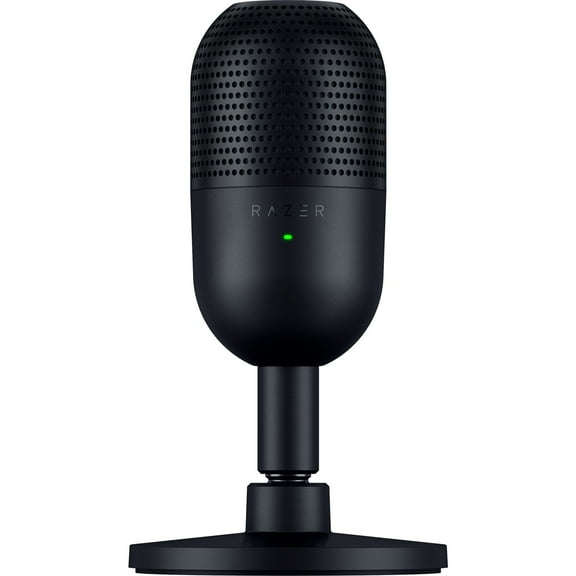 3 optionsAvailable in additional 3 optionsNow$4099current price Now $40.99, Was $59.99$59.99Options from $40.99 – $49.99
Razer Seiren V3 Mini Ultra-Compact USB Microphone, Tap to Mute, Black
1214.5 out of 5 Stars. 121 reviewsSave withPickup todayDelivery todayShipping, arrives tomorrowBest seller Seagate Backup Plus Portable 4TB External USB 3.0 Hard Drive - Black $68.00
Best seller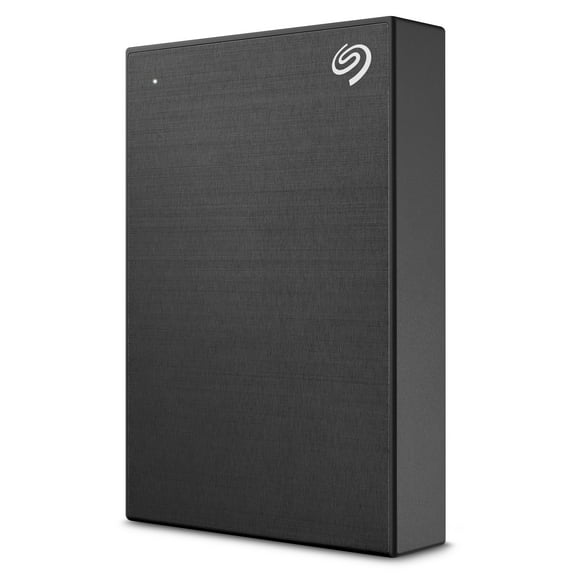 3 optionsAvailable in additional 3 options$6800current price $68.00Options from $68.00 – $119.00
Seagate Backup Plus Portable 4TB External USB 3.0 Hard Drive - Black
37994.4 out of 5 Stars. 3799 reviewsSave withPickup todayDelivery todayBest seller OWNTECH 4 Port USB Hub Splitter 3.0 for Desktop Laptop Computer, USB Extender Hub with Individual Switches $9.99 Was $14.99
Best seller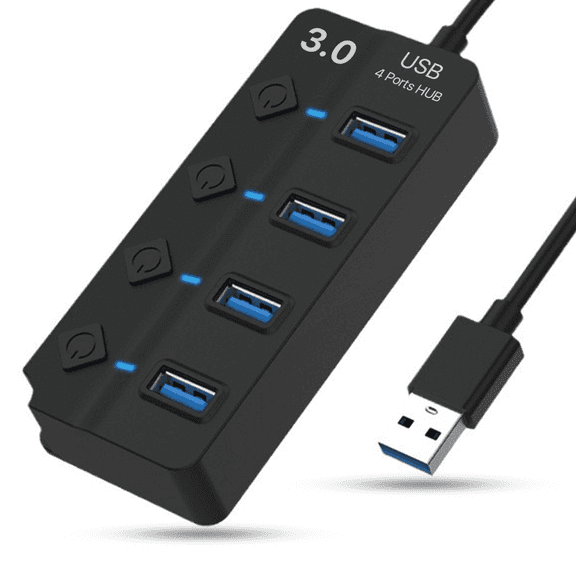 SponsoredNow$999current price Now $9.99, Was $14.99$14.99
OWNTECH 4 Port USB Hub Splitter 3.0 for Desktop Laptop Computer, USB Extender Hub with Individual Switches
1574.5 out of 5 Stars. 157 reviewsSave withShipping, arrives tomorrow
Customer ratings & reviews
Reviews summary
- : Offers great quality at a lower cost.
- : Provides sharp and detailed image with good color representation.
- : Provides clear and crisp video and image results.
- : Provides even lighting for image quality.
- : Can be seamless with usb, but may require effort or fail.
- : Overly intrusive with unnecessary features.
Customer images
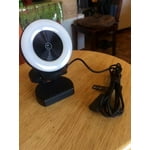
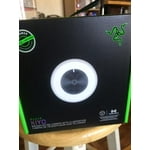
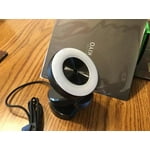
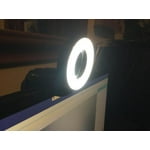

 +21 images
Showing 1-3 of 122 reviews
Real Streaming
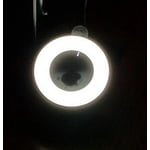
Heard so much about this camera so I decided to try one out. My first time gaming and streaming. Letting my grand kids show granpa how it's done. And it's definitely a better camera than most cameras in all aspects but one. For starters, unlike most cameras it's able to capture 720p footage at 60fps. While both cameras are happy to do 1080p at 30fps, Razer's Kiyo will also double the frames at half the resolution, matching the performance of the upgraded version camera. Given that for most streamers, it means a little picture-in-picture overlay, the resolution hardly matters, but having the 60fps output definitely makes for smoother imaging. And then of course, there's the ring light itself, which worked far better than I imagined it would. It's a manual dial, with each increment increasing the intensity of lighting until you have all 12 LED's illuminated. If you don't have a lighting solution, then it's a revelation. – able to adequately light up a room. While it's good for that, it's best for removing shadows from your face. It's the camera's killer feature, and one that makes it a worthy consideration. For these reasons I recommend buying this camera for serious streaming.
Nice camera, I really like it.
This review is for the RAZER KIYO broadcasting camera with illumination. I found this to be an excellent camera for a great price. The picture and sound quality are very nice. This was really easy to setup, just plug it into your USB and it's ready to go. Then just set the KIYO as your capture device in your programs. This camera works with windows 7 or higher. I'm running win10. This is a nice camera for youtubers and gamers. But if you aren't real heavy into gaming and just want to use it for chat it works great to simply just skype with or chat in messenger. It supports your popular platforms like Open Broadcaster and Xsplit. It will stream at 720 resolution at 60 fps. Or go for full HD streams in 1080 resolution at 30 fps. The ring light (10LUX) is a nice addition for lighting and was also great for taking away shadows. The brightness is adjustable by turning the ring either left or right. I tuned the skin tone using the white balance and ran it at 1080 for a really nice clear picture. My son has been using this for gaming and I've been using it for video chatting. I just got done chatting with my brother who lives by the ocean so I watched him walk the beach while he watched me sitting in my tv room using my new camera. It worked great, he said the picture and sound were both perfect. I'm very glad I have this. I was given this product free from Spark Reviewer Program in return for my honest review.
Awesome! Very clear and responsive!
Received my Razer Kiyo - Full HD 1080P Streaming Camera with World's First In-Built Ring Light a few days ago. Tried setting it up but not sure what was wrong. No lights or anything. I could not get it to work. Back at it yesterday and just plugged it in and it started working. So maybe it was a user issue. This thing is very clear and a vivid camera. Tried it with Skype and it works great! Love how clear it is!!! This will be great with my grandson's XBOX too. This desktop streaming camera has a very powerful, multi-step ring light that you can dim or brighten on command, just turn the ring! Awesome! It's the perfect camera for professional streaming or gaming. It streams in 720p resolution at 60 fps and 1080 resolution at 30fps for Full HD. It is plug-n-play and small enough to throw in a backpack and go! Love that. Since it connects via USB, there is no fuss or need for a power supply. Very easy! It can be mounted on a position on any monitor or tripod. Third party software can also be used such as Skype, Broadcaster Software and Xsplit. It is small and compact but it is a powerful camera. Highly recommend it!

Popular items in this category
Best selling items that customers love
2K Webcam, 1440P HD Webcam with Microphone, USB Camera for Computer/Laptop/Mac Web Cam with Stand/Privacy Cover Auto Focus Streaming Camera for Gaming/Calling $14.38
 Sponsored$1438current price $14.38
2K Webcam, 1440P HD Webcam with Microphone, USB Camera for Computer/Laptop/Mac Web Cam with Stand/Privacy Cover Auto Focus Streaming Camera for Gaming/Calling
44.5 out of 5 Stars. 4 reviewsSave withShipping, arrives in 2 daysReduced price Vizolink 2K/1080P 60fps Gaming Webcam with Autofocus, RGB Fill Light, Dual Microphones for PC, Laptop, Switch, Streaming $25.69 Was $39.99
Reduced price 4 optionsAvailable in additional 4 optionsSponsoredNow$2569current price Now $25.69, Was $39.99$39.99Options from $25.69 – $98.99
Vizolink 2K/1080P 60fps Gaming Webcam with Autofocus, RGB Fill Light, Dual Microphones for PC, Laptop, Switch, Streaming
633.9 out of 5 Stars. 63 reviewsSave withShipping, arrives tomorrowRazer Kiyo Pro Ultra 4K Webcam – Large Sensor, Auto Light Correction, Built-In Mic & Shutter – For Content Creation, Streaming & Video Calls – Works with Obs, Zoom & Teams $399.99
 $39999current price $399.99
Razer Kiyo Pro Ultra 4K Webcam – Large Sensor, Auto Light Correction, Built-In Mic & Shutter – For Content Creation, Streaming & Video Calls – Works with Obs, Zoom & Teams
Shipping, arrives tomorrowLogitech C922 Pro Stream Webcam, 1080P Camera for HD Video Streaming & Recording, Black $97.91 Was $119.99
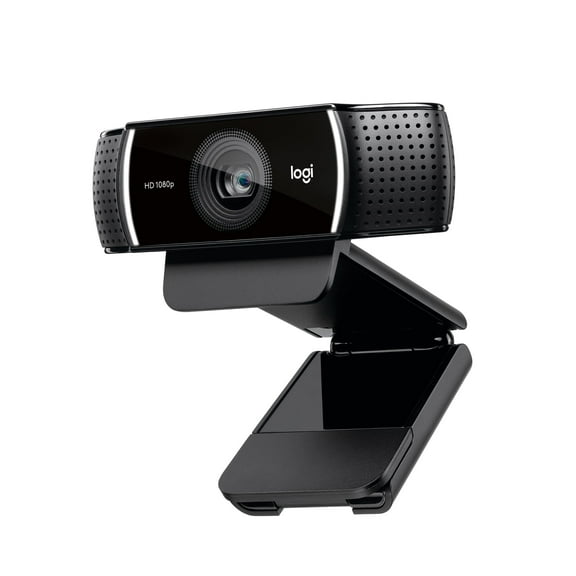 Now$9791current price Now $97.91, Was $119.99$119.99
Logitech C922 Pro Stream Webcam, 1080P Camera for HD Video Streaming & Recording, Black
514.3 out of 5 Stars. 51 reviewsShipping, arrives in 2 daysLogitech HD Pro Webcam C920, Widescreen Video Calling and Recording, 1080p Camera, Desktop or Laptop Webcam $69.99 Was $79.99
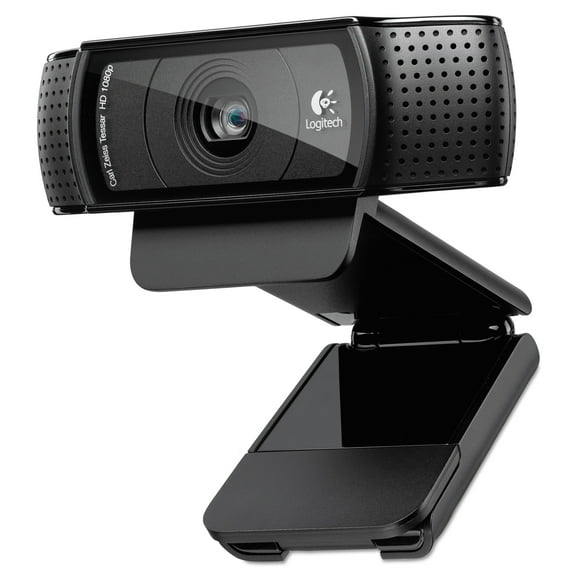 Now$6999current price Now $69.99, Was $79.99$79.99
Logitech HD Pro Webcam C920, Widescreen Video Calling and Recording, 1080p Camera, Desktop or Laptop Webcam
1624.3 out of 5 Stars. 162 reviewsShipping, arrives in 3+ daysLogitech C925e Business Webcam, Black $69.00 Was $119.99
 Now$6900current price Now $69.00, Was $119.99$119.99
Logitech C925e Business Webcam, Black
94.3 out of 5 Stars. 9 reviewsShipping, arrives in 3+ daysBlue Microphones Yeti USB Microphone Plus Logitech C922 Pro Streamer HD Webcam with Mic (Blackout) $129.99 Was $149.99
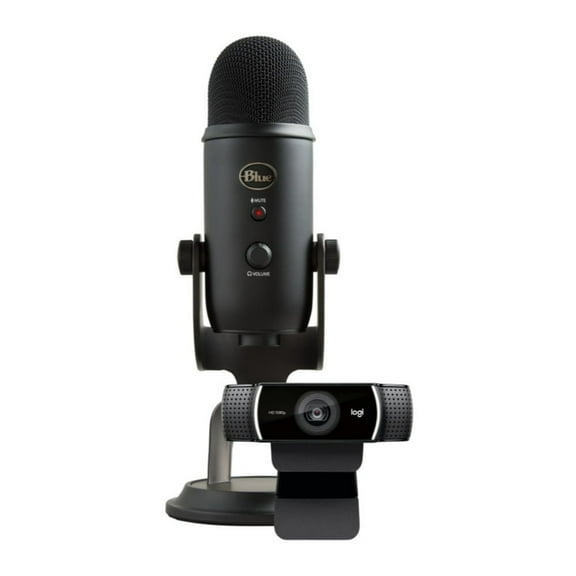 Now$12999current price Now $129.99, Was $149.99$149.99
Blue Microphones Yeti USB Microphone Plus Logitech C922 Pro Streamer HD Webcam with Mic (Blackout)
Shipping, arrives in 3+ daysLogitech 1080p/30fps - 720p/30fps Web Cam, Black $109.99
 $10999current price $109.99
Logitech 1080p/30fps - 720p/30fps Web Cam, Black
15 out of 5 Stars. 1 reviewsShipping, arrives in 2 daysLogitech C270 HD Webcam, 720p, Widescreen HD Video Calling,Light Correction, Noise-Reducing Mic, For Skype, FaceTime, Hangouts, WebEx, PC/Mac/Laptop/Macbook/Tablet - Black $24.99
 $2499current price $24.99
Logitech C270 HD Webcam, 720p, Widescreen HD Video Calling,Light Correction, Noise-Reducing Mic, For Skype, FaceTime, Hangouts, WebEx, PC/Mac/Laptop/Macbook/Tablet - Black
304.2 out of 5 Stars. 30 reviewsShipping, arrives in 3+ daysLogitech Brio 4K Ultra HD Webcam 960-001105, Ultra HD Resolutions Video Calling Webcam $194.53
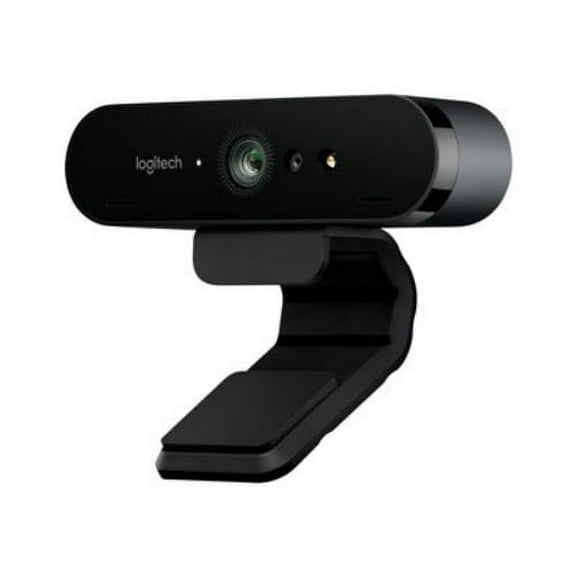 $19453current price $194.53
Logitech Brio 4K Ultra HD Webcam 960-001105, Ultra HD Resolutions Video Calling Webcam
22.5 out of 5 Stars. 2 reviewsShipping, arrives in 3+ daysLNKOO PC Webcam for Streaming HD 1080P, Vitade 960A USB Pro Computer Web Camera Video Cam for Mac Windows Laptop Conferencing Gaming Webcam with Ring Light & Microphone $23.40
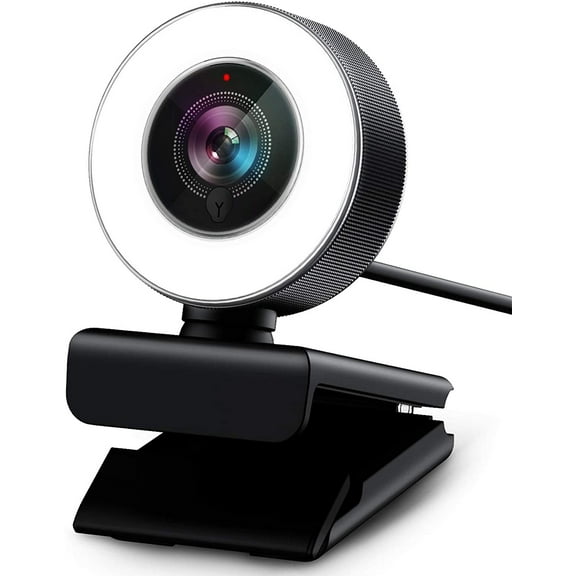 $2340current price $23.40
LNKOO PC Webcam for Streaming HD 1080P, Vitade 960A USB Pro Computer Web Camera Video Cam for Mac Windows Laptop Conferencing Gaming Webcam with Ring Light & Microphone
Shipping, arrives in 3+ daysLogitech for Creators StreamCam - Premium Webcam for Streaming and Video Content Creation, Full HD 1080p 60 fps, Off-white $134.99
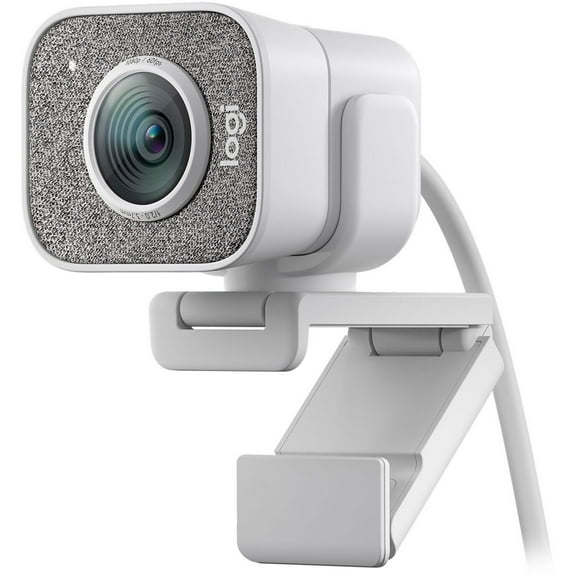

 $13499current price $134.99Options from $134.99 – $154.99
Logitech for Creators StreamCam - Premium Webcam for Streaming and Video Content Creation, Full HD 1080p 60 fps, Off-white
363.3 out of 5 Stars. 36 reviewsShipping, arrives in 3+ daysClearance RONY 4K Autofocus Webcam with Ring Light, Plug & Play Computer Camera with Microphone for PC Laptop Video Streaming $26.99
Clearance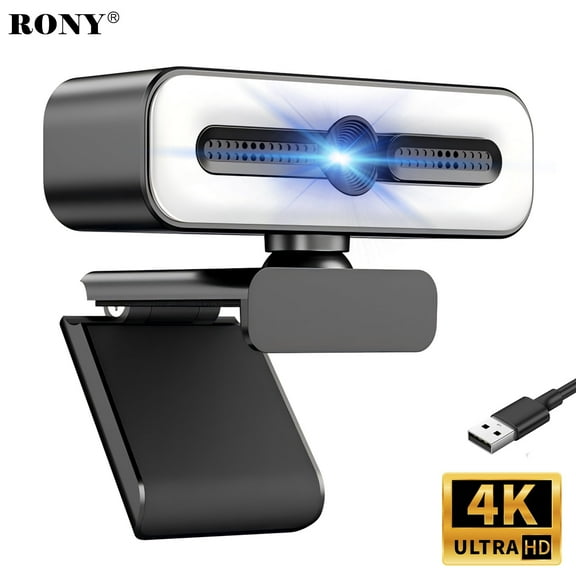

 $2699current price $26.99More options from $17.99
RONY 4K Autofocus Webcam with Ring Light, Plug & Play Computer Camera with Microphone for PC Laptop Video Streaming
15 out of 5 Stars. 1 reviewsSave withShipping, arrives tomorrowLogitech MX Brio Ultra HD 4K Collaboration and Streaming Webcam, 1080p at 60 FPS, Dual Noise Reducing Mics, Show Mode, Pale Gray $199.99
 $19999current price $199.99
Logitech MX Brio Ultra HD 4K Collaboration and Streaming Webcam, 1080p at 60 FPS, Dual Noise Reducing Mics, Show Mode, Pale Gray
174.6 out of 5 Stars. 17 reviewsShipping, arrives in 2 daysClearance JMYHOAM HD 1080P Megapixels USB 2.0 Webcam Camera with MIC for Computer PC Laptops $8.01 Was $12.99
Clearance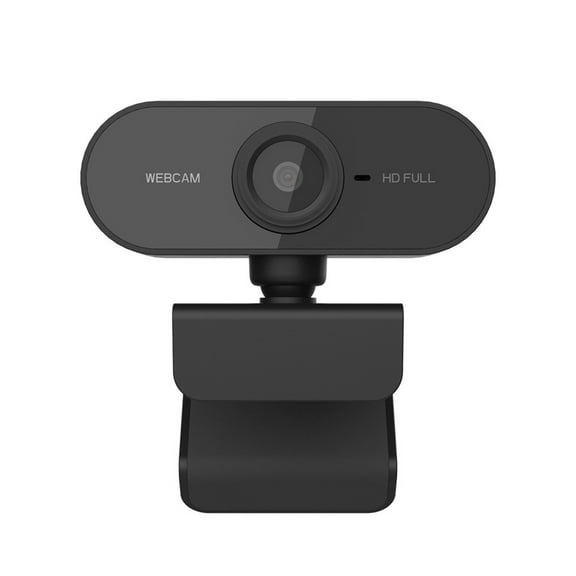 Now$801current price Now $8.01, Was $12.99$12.99+$4.99 shipping
JMYHOAM HD 1080P Megapixels USB 2.0 Webcam Camera with MIC for Computer PC Laptops
35 out of 5 Stars. 3 reviewsShipping, arrives in 3+ daysLogitech Brio 500 Full HD Webcam with Auto Light Correction, Noise Reduction, Privacy Cover, Graphite $103.82 Was $129.99
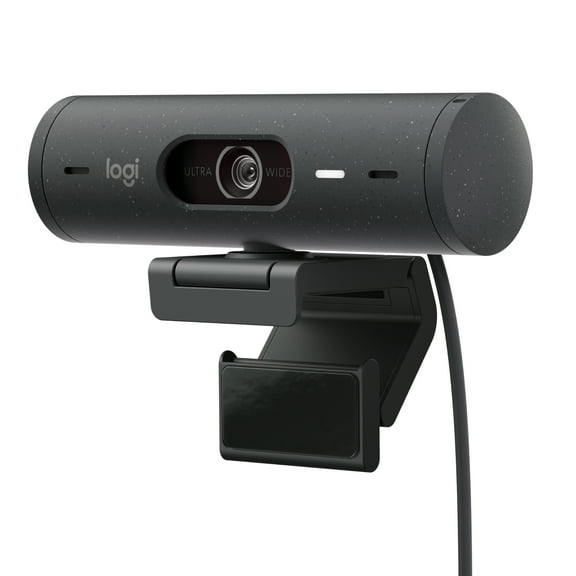 Now$10382current price Now $103.82, Was $129.99$129.99
Logitech Brio 500 Full HD Webcam with Auto Light Correction, Noise Reduction, Privacy Cover, Graphite
1054.5 out of 5 Stars. 105 reviewsShipping, arrives in 2 days1080P HD Webcam with Noise-Cancelling Mic/360° Rotation/180° Adjustable/100° Wide Andsgle/Automatic White Balance and Color Correction/Plug & Play PC Camera for Laptops/Monitors $15.99
 $1599current price $15.99
1080P HD Webcam with Noise-Cancelling Mic/360° Rotation/180° Adjustable/100° Wide Andsgle/Automatic White Balance and Color Correction/Plug & Play PC Camera for Laptops/Monitors
15 out of 5 Stars. 1 reviewsSave withShipping, arrives in 2 daysAdesso Cybertrack H5 1080p HD USB Auto Focus Webcam With Built-In Dual Microphone $27.95 Was $39.99
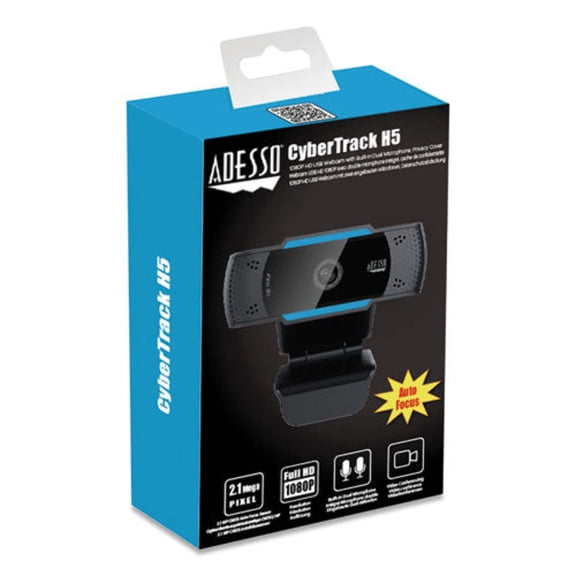 Now$2795current price Now $27.95, Was $39.99$39.99
Adesso Cybertrack H5 1080p HD USB Auto Focus Webcam With Built-In Dual Microphone
14 out of 5 Stars. 1 reviewsShipping, arrives in 3+ days