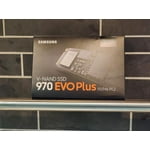
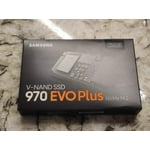
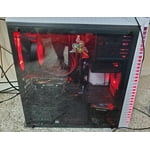
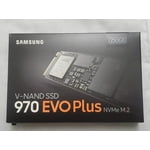
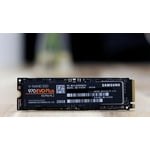
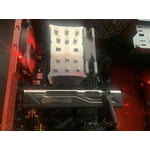
Fantastic device, needs drivers prior to install
Like the other reviews, I'll verify this module is crazy fast.
On install the bios detected it, windows 10 did not have the appropriate temporary drivers though, and kept blue-screening, even in safe mode, initially. After some persistence, Windows conceded and allowed me to log in with an unknown device. After downloading the drivers from samsung and rebooting, all was well.
The samsung cloning tool worked great, though it did not clone the 2nd hidden recovery partition in "automatic" mode.
reply from Supplier Response
Rigger1024:
I'm glad to see you are enjoying the breakthrough speeds of our new 970 EVO Series NVMe M.2 SSD.
Our latest Phoenix controller and Intelligent TurboWrite technology of your 1TB SSD take your high-end gaming to the next level with speeds up to 3,400MB/s Seq. Read and 2,500MB/s Seq. Write.
Plus, rest assured with a 5-year limited warranty and exceptional endurance powered by the latest V-NAND technology and Samsung’s reputation for quality.
Should you ever have questions or need assistance, please contact us at 1-800-SAMSUNG (ask for “Memory”) or at: samsungmemorysupport@sea.samsung.com
Support hours are from 9AM - 12AM EST (Mon-Fri) / 9AM - 9PM EST (Sat).
Direct LiveChat with our Memory Team is available 9am-9pm EST (Mon-Fri) at:
https://www.livehelpnow.net/lhn/lcv.aspx?d=34834&ms=&zzwindow=0&lhnid=29783
The Samsung Memory & Storage Community is also a great resource for getting help from Samsung moderators and customers: https://us.community.samsung.com/t5/Memory-Storage/bd-p/memoryandstorage
Samsung is committed to providing the best possible product experience, quality, and value, and we are always here to help with any of your questions or concerns.
~Samsung Memory