

Sorry, this item is out of stock
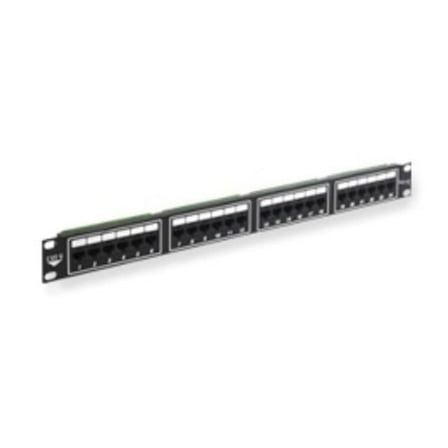
Patch Panel Cat 6 24-Port 1 Rms $127.11
 $12711current price $127.11
Patch Panel Cat 6 24-Port 1 Rms
Panduit CPP48WBLY 48-Port Flat Patch Panel, Black CA2 $101.15
 $10115current price $101.15
Panduit CPP48WBLY 48-Port Flat Patch Panel, Black CA2
TRENDnet 48-Port Cat6 Unshielded Wallmount or Rackmount Patch Panel, TC-P48C6 $104.39
 $10439current price $104.39
TRENDnet 48-Port Cat6 Unshielded Wallmount or Rackmount Patch Panel, TC-P48C6
Rackmount 96 Port Cat5e Patch Panel, Horizontal, 110 Type, 568A & 568B Compatible, 4U $116.54
 $11654current price $116.54
Rackmount 96 Port Cat5e Patch Panel, Horizontal, 110 Type, 568A & 568B Compatible, 4U
4XEM 4XEM's CAT6A 24-Port Patch Panel - 24 Port(s) - 24 x RJ-45 - 1U High - Black - 19" Wide - Rack-mountable $86.41
 $8641current price $86.41
4XEM 4XEM's CAT6A 24-Port Patch Panel - 24 Port(s) - 24 x RJ-45 - 1U High - Black - 19" Wide - Rack-mountable
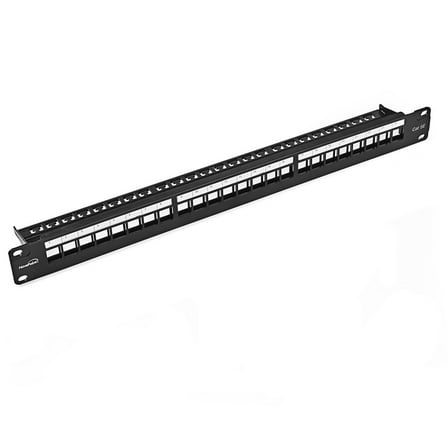
NavePoint 24-Port CAT5e UTP Patch Panel 1U with Keystones, Black $69.99
 $6999current price $69.99
NavePoint 24-Port CAT5e UTP Patch Panel 1U with Keystones, Black
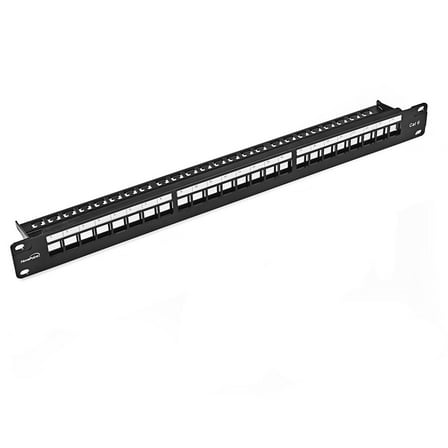
NavePoint 24-Port CAT6 UTP Patch Panel 1U with Keystones, Black $84.99 Was $101.99
 $8499current price $84.99, Was $101.99$101.99
NavePoint 24-Port CAT6 UTP Patch Panel 1U with Keystones, Black
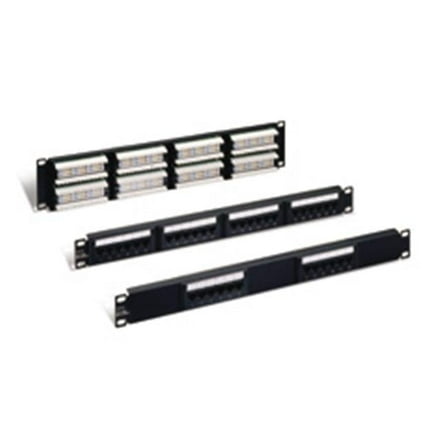
CAT 5E 110-TYPE PATCH PANEL 12-PORT - Black - 1U $51.18
 $5118current price $51.18
CAT 5E 110-TYPE PATCH PANEL 12-PORT - Black - 1U
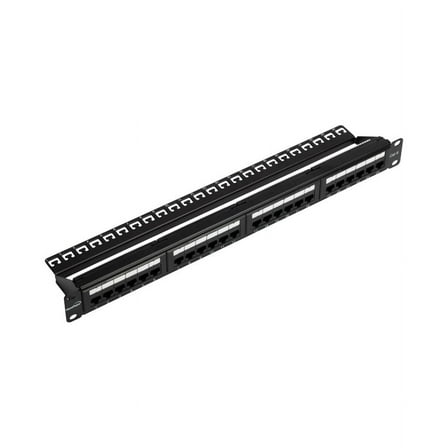
Navepoint Rackmount or Wallmount 24-port Cat6 Patch Panel RJ45 Ethernet 568A/B compatible $61.99
 $6199current price $61.99
Navepoint Rackmount or Wallmount 24-port Cat6 Patch Panel RJ45 Ethernet 568A/B compatible
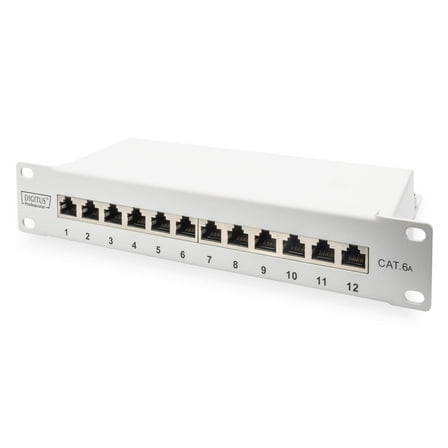
DIGITUS CAT 6A Patch Panel, Shielded, 12-Port Label Field, 1U, 10" Rack Mount, Grey RAL 7035 $49.53
 $4953current price $49.53
DIGITUS CAT 6A Patch Panel, Shielded, 12-Port Label Field, 1U, 10" Rack Mount, Grey RAL 7035
Panduit NKPP24FMY Netkey Flush Mount Modular Patch Panel - Patch Panel - 1U - 24 Ports $49.99
 $4999current price $49.99
Panduit NKPP24FMY Netkey Flush Mount Modular Patch Panel - Patch Panel - 1U - 24 Ports
Tripp Lite by Eaton 12-Port Wall-Mount Patch Panel for UTP Keystone Jacks Rotatable Modules TAA N062012KJWM $23.41 Was $33.17
 $2341current price $23.41, Was $33.17$33.17+$9.98 shipping
Tripp Lite by Eaton 12-Port Wall-Mount Patch Panel for UTP Keystone Jacks Rotatable Modules TAA N062012KJWM
Panduit Mini-com High Density Modular Patch Panel Black 1u 19"/23" 48 Ports $153.45
 $15345current price $153.45
Panduit Mini-com High Density Modular Patch Panel Black 1u 19"/23" 48 Ports
48-Port CAT6 Patch Panel,2U, Black $90.99
 $9099current price $90.99
48-Port CAT6 Patch Panel,2U, Black
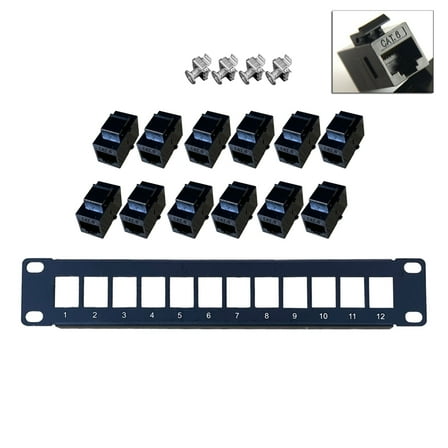
12 Port Straight-through CAT6 Patch Panel RJ45 Cable Adapter Keystone Ethernet Distribution Frame UTP $16.51
 $1651current price $16.51
12 Port Straight-through CAT6 Patch Panel RJ45 Cable Adapter Keystone Ethernet Distribution Frame UTP
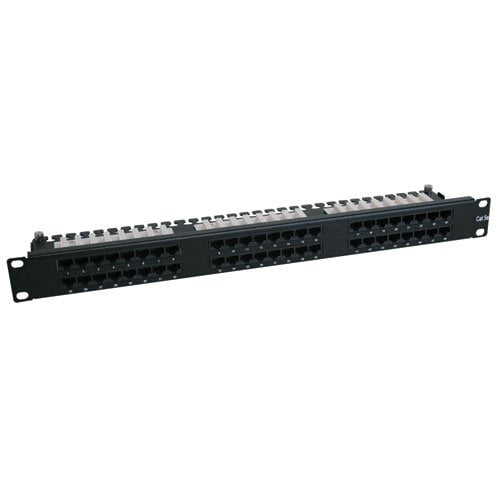
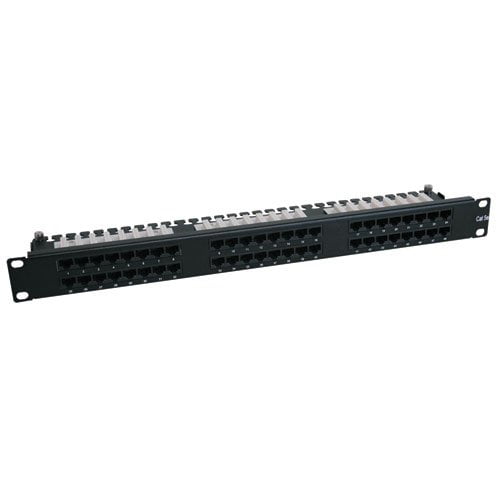
TRIPP LITE 48-Port 1U Rackmount Cat6 110 High Density Patch Panel, 568B, RJ45 Ethernet
Key item features
- Space saving CAT6 Rated 48-port 1U 110 type Patch panel
- Removable "upper-deck" for easy punch down termination
- Built-in wire management loom
Specs
- Number of ports48 ports
- Rack size1U
- Ethernet cable categoryCat 6
- BrandTripp Lite
- Height2 in
- Weight4 lb
How do you want your item?
About this item
Product details
- Space saving CAT6 Rated 48-port 1U 110 type Patch panel
- Removable "upper-deck" for easy punch down termination
- Built-in wire management loom
Specifications
Number of ports
Rack size
Computer patch panel type
Ethernet cable category
Warranty
Warranty information
Warnings
Warning Text
Check out these related products
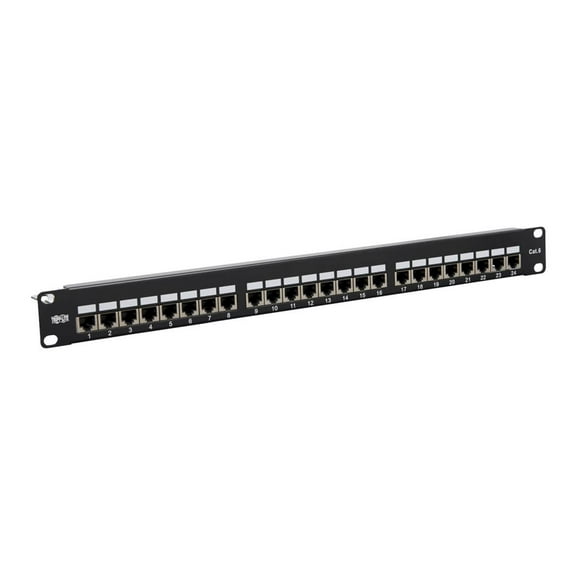
Tripp Lite Cat5e / Cat6 Patch Panel 24-Port Shielded Krone IDC 568B RJ45 $226.43
 $22643current price $226.43
Tripp Lite Cat5e / Cat6 Patch Panel 24-Port Shielded Krone IDC 568B RJ45
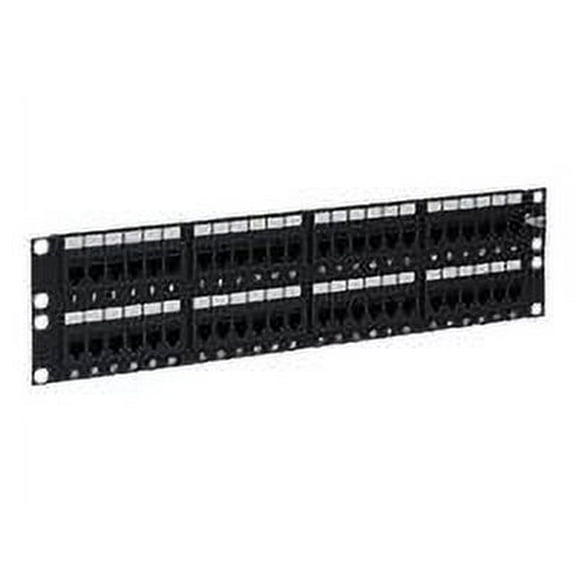
Shipping, arrives in 3+ daysICC ICMPP48CP6 Cat 6 48-Port Feed-Through Patch Panel, 2 RMS $210.58 Was $270.90
 Now$21058current price Now $210.58, Was $270.90$270.90
ICC ICMPP48CP6 Cat 6 48-Port Feed-Through Patch Panel, 2 RMS
Shipping, arrives in 3+ daysCAT6 Feed-Through Patch Panel - Unshielded, 24 Port $306.43
 $30643current price $306.43+$9.98 shipping
CAT6 Feed-Through Patch Panel - Unshielded, 24 Port
Shipping, arrives in 3+ daysICC ICC-ICMPP245EV Patch Panel, Cat 5E, 24-Port, 1Rms, 6 Pk $394.99
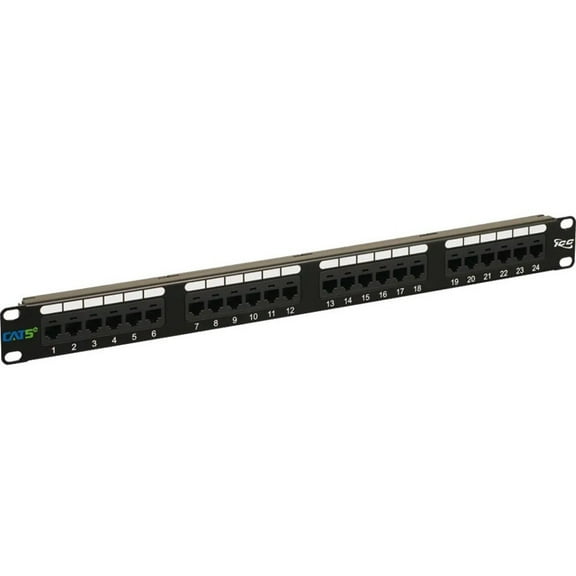 $39499current price $394.99
ICC ICC-ICMPP245EV Patch Panel, Cat 5E, 24-Port, 1Rms, 6 Pk
Shipping, arrives in 3+ daysPanduit Patch Panel,Cat 6,Rack Mt,24 Port DP24688TGY $369.92
 $36992current price $369.92+$9.98 shipping
Panduit Patch Panel,Cat 6,Rack Mt,24 Port DP24688TGY
Shipping, arrives in 3+ days24 Port Shielded CAT5 & RJ45 110 Block Patch Panel $47.95
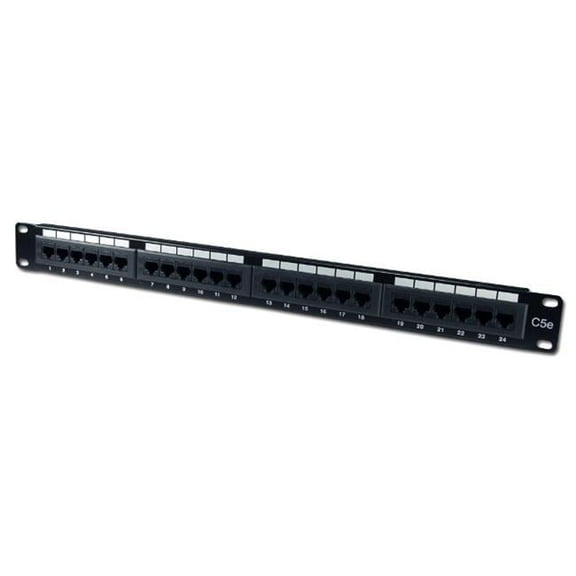 $4795current price $47.95
24 Port Shielded CAT5 & RJ45 110 Block Patch Panel
Shipping, arrives in 3+ daysTRENDnet TC-P16C6AS 16-Port Cat6A Shielded $59.99
 $5999current price $59.99
TRENDnet TC-P16C6AS 16-Port Cat6A Shielded
Shipping, arrives in 3+ daysICC CAT6 Feed-Through Patch Panel with 24 Ports and 1 RMS (icmpp24cp6) $119.22
 $11922current price $119.22
ICC CAT6 Feed-Through Patch Panel with 24 Ports and 1 RMS (icmpp24cp6)
Shipping, arrives in 3+ days
Popular items in this category
Best selling items that customers love
Tripp Lite 48-Port 2U Rackmount Cat6 110 Patch Panel 568B, RJ45 Ethernet (N252-048) $104.00
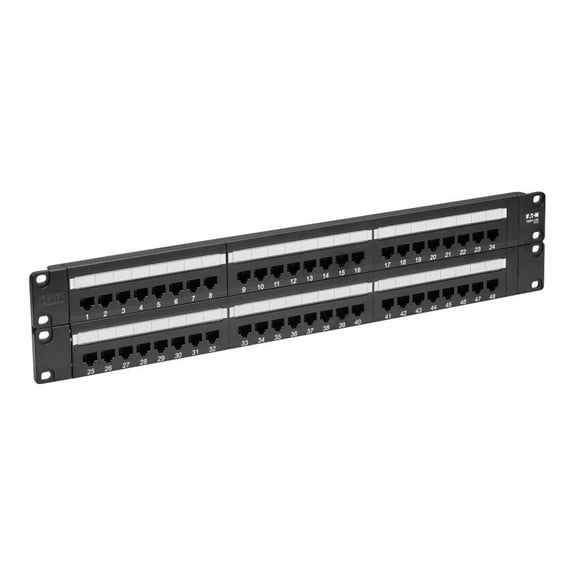 $10400current price $104.00
Tripp Lite 48-Port 2U Rackmount Cat6 110 Patch Panel 568B, RJ45 Ethernet (N252-048)
54.8 out of 5 Stars. 5 reviewsShipping, arrives in 3+ daysTripp Lite Cat6 PoE Patch Panel 24-Port 110/Krone 568A/B RJ45 1URM TAA (N252-P24) $77.73
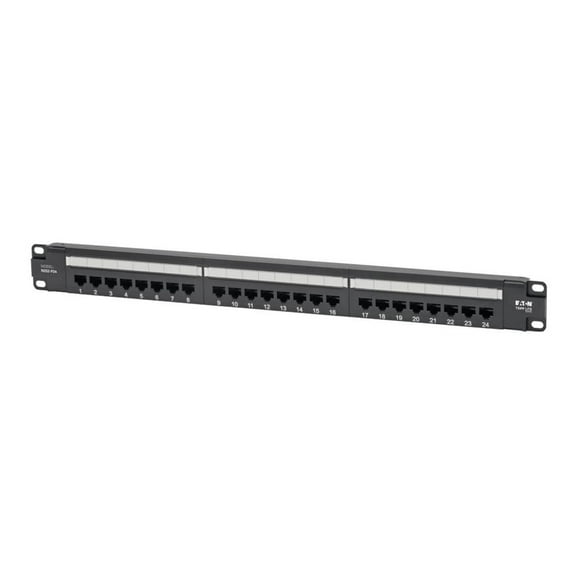 $7773current price $77.73
Tripp Lite Cat6 PoE Patch Panel 24-Port 110/Krone 568A/B RJ45 1URM TAA (N252-P24)
Shipping, arrives in 3+ daysTripp Lite 12-Port 1U Rack-Mount Unshielded Blank Keystone/Multimedia Patch Panel, RJ45 Ethernet, USB, HDMI, Cat5e/6 (N062-012-KJ) $14.15
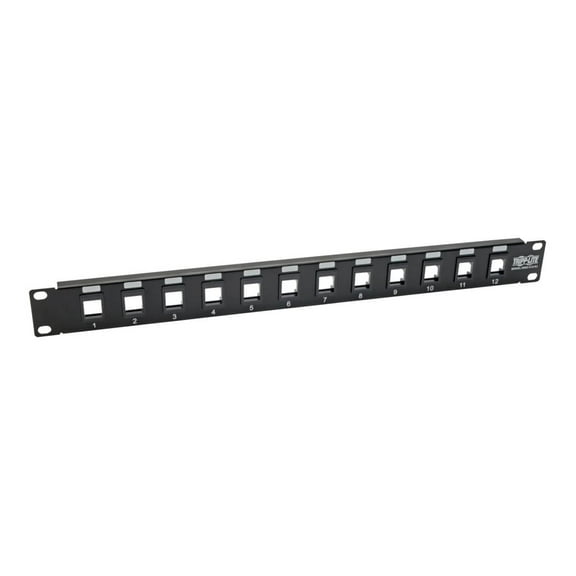 $1415current price $14.15
Tripp Lite 12-Port 1U Rack-Mount Unshielded Blank Keystone/Multimedia Patch Panel, RJ45 Ethernet, USB, HDMI, Cat5e/6 (N062-012-KJ)
Shipping, arrives in 3+ daysTripp Lite 16-Port 1U Rack-Mount Unshielded Blank Keystone/Multimedia Patch Panel, RJ45 Ethernet, USB, HDMI, Cat5e/6 (N062-016-KJ) $13.28 Was $26.00
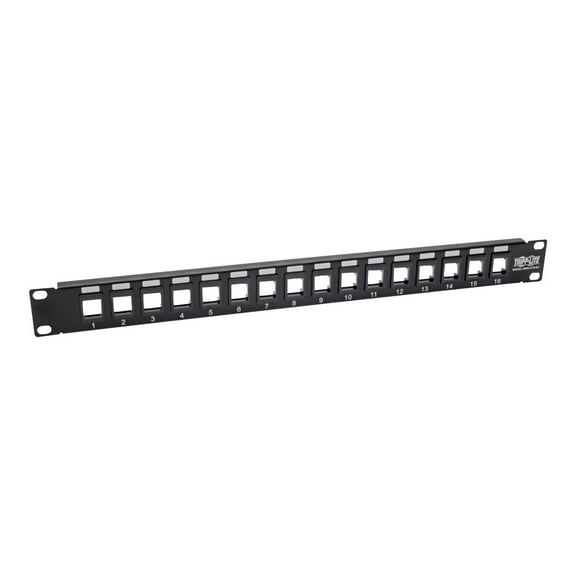 Now$1328current price Now $13.28, Was $26.00$26.00
Tripp Lite 16-Port 1U Rack-Mount Unshielded Blank Keystone/Multimedia Patch Panel, RJ45 Ethernet, USB, HDMI, Cat5e/6 (N062-016-KJ)
25 out of 5 Stars. 2 reviewsShipping, arrives in 3+ daysTripp Lite 1U Patch Panel Rackmount 24-Port Shielded Blank Keystone, Multimedia, RJ45 Ethernet, USB, HDMI Cat5e Cat6 (N062-024-KJ-SH) $40.92
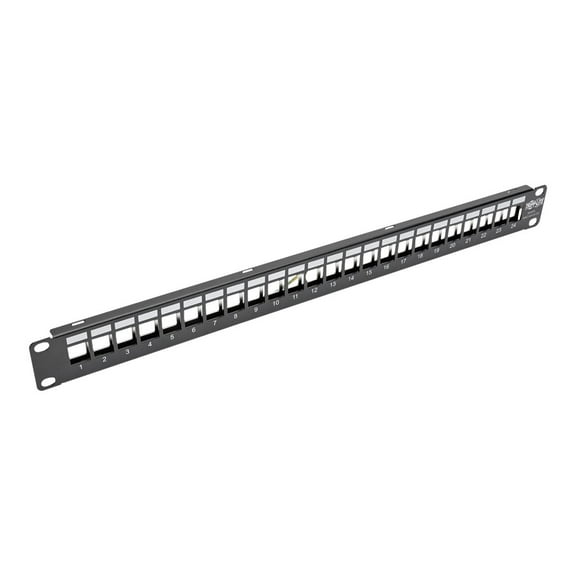 $4092current price $40.92
Tripp Lite 1U Patch Panel Rackmount 24-Port Shielded Blank Keystone, Multimedia, RJ45 Ethernet, USB, HDMI Cat5e Cat6 (N062-024-KJ-SH)
Shipping, arrives in 3+ daysTripp Lite 12-port Cat6 Cat5 Patch Panel Wall Mount Vertical 110 Rj45 Taa - Patch Panel - Wall Mountable - 12 Ports $53.90
 $5390current price $53.90
Tripp Lite 12-port Cat6 Cat5 Patch Panel Wall Mount Vertical 110 Rj45 Taa - Patch Panel - Wall Mountable - 12 Ports
25 out of 5 Stars. 2 reviewsShipping, arrives in 3+ daysTripp Lite N001-010-bl Cat-5e Snagless Molded Patch Cable (10ft) $12.21 $12.21/count
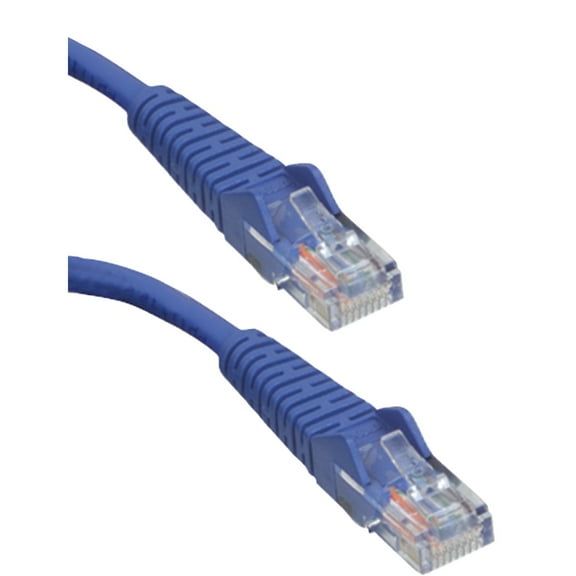 $1221current price $12.21$12.21/count
Tripp Lite N001-010-bl Cat-5e Snagless Molded Patch Cable (10ft)
45 out of 5 Stars. 4 reviewsShipping, arrives in 3+ daysEaton Tripp Lite Series Cat5e 350 MHz Snagless Molded (UTP) Ethernet Cable (RJ45 M/M), PoE - Black, 14 ft. (4.27 m) - Patch cable - RJ-45 (M) to RJ-45 (M) - 14 ft - UTP - CAT 5e - booted, snagless - black $6.43
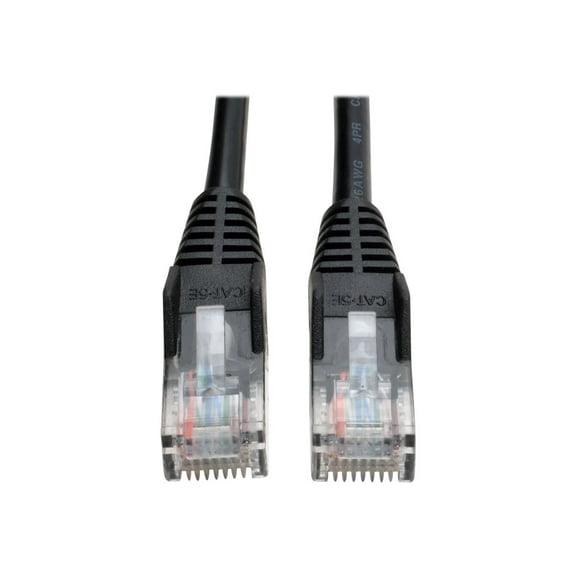 $643current price $6.43
Eaton Tripp Lite Series Cat5e 350 MHz Snagless Molded (UTP) Ethernet Cable (RJ45 M/M), PoE - Black, 14 ft. (4.27 m) - Patch cable - RJ-45 (M) to RJ-45 (M) - 14 ft - UTP - CAT 5e - booted, snagless - black
Shipping, arrives in 3+ daysEaton Tripp Lite Series Cat5e 350 MHz Snagless Molded (UTP) Ethernet Cable (RJ45 M/M), PoE - Black, 100 ft. (30.5 m) - Patch cable - RJ-45 (M) to RJ-45 (M) - 100 ft - UTP - CAT 5e - molded, snagless, stranded - black $30.39
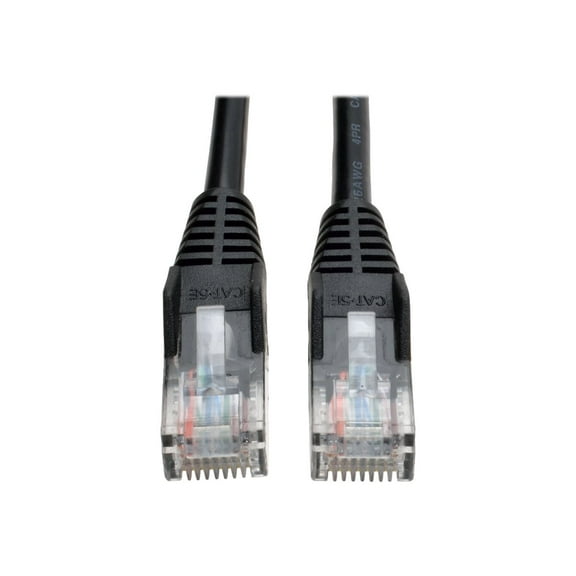 $3039current price $30.39
Eaton Tripp Lite Series Cat5e 350 MHz Snagless Molded (UTP) Ethernet Cable (RJ45 M/M), PoE - Black, 100 ft. (30.5 m) - Patch cable - RJ-45 (M) to RJ-45 (M) - 100 ft - UTP - CAT 5e - molded, snagless, stranded - black
15 out of 5 Stars. 1 reviewsShipping, arrives in 3+ daysEaton Tripp Lite Series Cat5e 350 MHz Snagless Molded (UTP) Ethernet Cable (RJ45 M/M), PoE - Black, 50 ft. (15.24 m) - Patch cable - RJ-45 (M) to RJ-45 (M) - 50 ft - UTP - CAT 5e - booted, snagless - black $21.78
 $2178current price $21.78
Eaton Tripp Lite Series Cat5e 350 MHz Snagless Molded (UTP) Ethernet Cable (RJ45 M/M), PoE - Black, 50 ft. (15.24 m) - Patch cable - RJ-45 (M) to RJ-45 (M) - 50 ft - UTP - CAT 5e - booted, snagless - black
15 out of 5 Stars. 1 reviewsShipping, arrives in 3+ daysTripp Lite Cat5e 350 MHz Snagless Molded Ethernet Cable, PoE, Gray, 150 ft $44.39 96.4 ¢/ea
 $4439current price $44.3996.4 ¢/ea
Tripp Lite Cat5e 350 MHz Snagless Molded Ethernet Cable, PoE, Gray, 150 ft
Shipping, arrives in 3+ daysEaton Tripp Lite Series Cat5e 350 MHz Snagless Molded UTP Ethernet Cable RJ45 M/M PoE Orange 5 ft. 1.52 m $14.64
 $1464current price $14.64
Eaton Tripp Lite Series Cat5e 350 MHz Snagless Molded UTP Ethernet Cable RJ45 M/M PoE Orange 5 ft. 1.52 m
Shipping, arrives in 3+ daysTripp Lite 6ft Cat5e 350MHz Snagless Molded Patch Cable (RJ45 M/M) - Blue $14.74
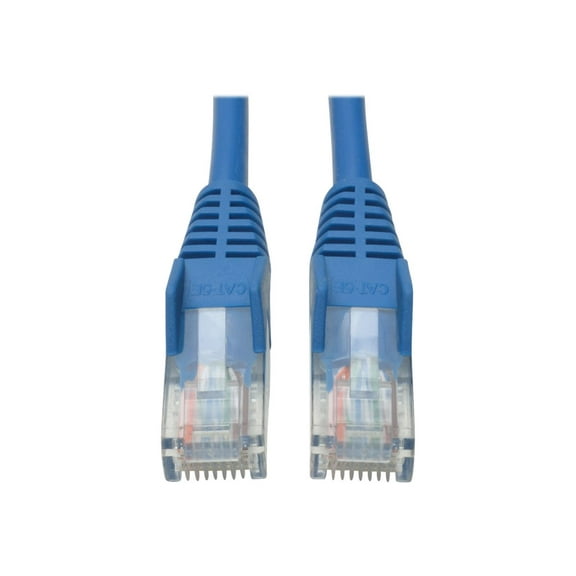 $1474current price $14.74
Tripp Lite 6ft Cat5e 350MHz Snagless Molded Patch Cable (RJ45 M/M) - Blue
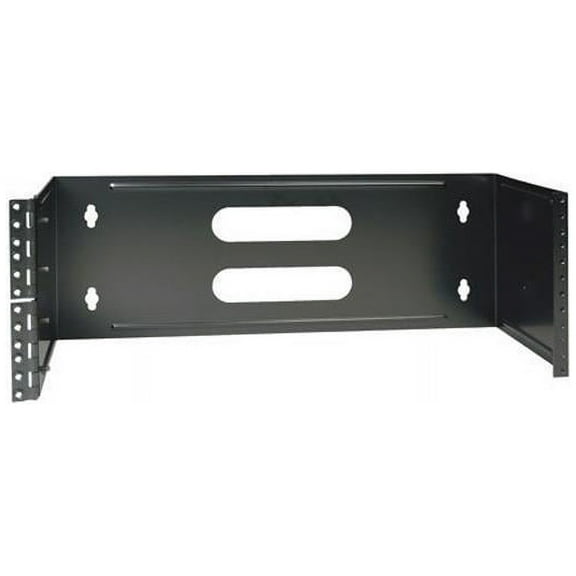
Shipping, arrives in 3+ daysTRIPP LITE N060-004 4U Wall-Mount Hinged Patch Panel Bracket $62.64 Was $71.00
 Now$6264current price Now $62.64, Was $71.00$71.00
TRIPP LITE N060-004 4U Wall-Mount Hinged Patch Panel Bracket
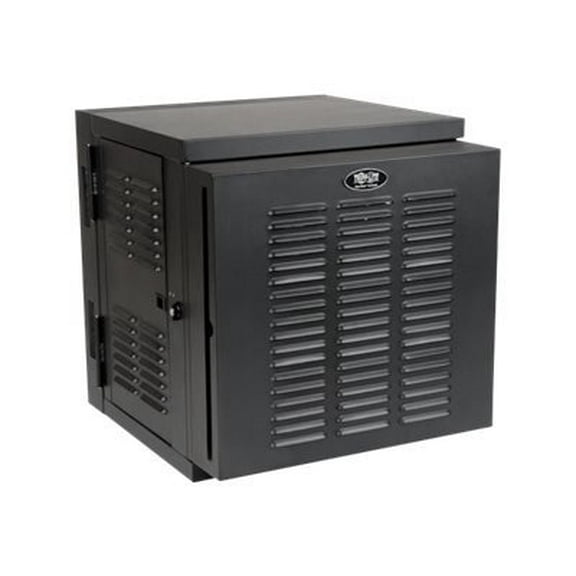
15 out of 5 Stars. 1 reviewsShipping, arrives in 3+ daysTripp Lite 12U Wall Mount Rack Enclosure Hinged Wallmount Industrial NEMA (SRW12USNEMA) $1,161.25
 $1,16125current price $1,161.25
Tripp Lite 12U Wall Mount Rack Enclosure Hinged Wallmount Industrial NEMA (SRW12USNEMA)
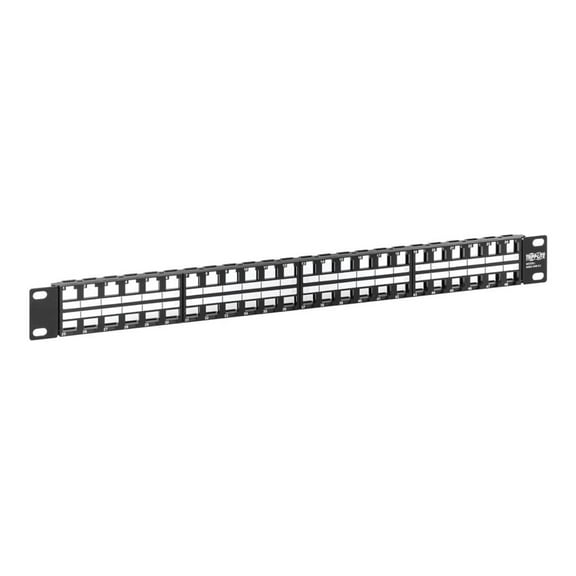
Shipping, arrives in 3+ daysTripp Lite 48-Port 1U Rack-Mount Unshielded Blank Keystone/Multimedia Patch Panel, RJ45 Ethernet, USB, HDMI, Cat5e/6 (n062-048-kj) $34.95
 $3495current price $34.95
Tripp Lite 48-Port 1U Rack-Mount Unshielded Blank Keystone/Multimedia Patch Panel, RJ45 Ethernet, USB, HDMI, Cat5e/6 (n062-048-kj)
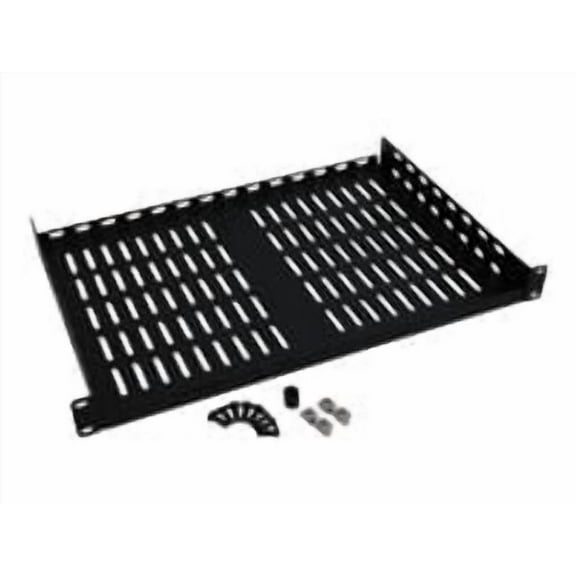
Shipping, arrives in 3+ daysTripp Lite Rack Enclosure Cabinet Cantilever Fixed Shelf 40lb Capacity 1URM Blk $75.48
 $7548current price $75.48
Tripp Lite Rack Enclosure Cabinet Cantilever Fixed Shelf 40lb Capacity 1URM Blk
Shipping, arrives in 3+ daysTripp Lite RJ11/RJ12/RJ45 Crimping Tool with Cable Stripper $44.53
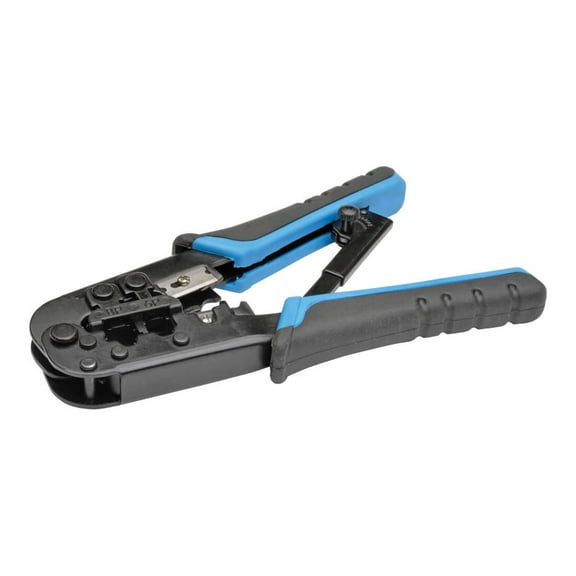 $4453current price $44.53
Tripp Lite RJ11/RJ12/RJ45 Crimping Tool with Cable Stripper
35 out of 5 Stars. 3 reviewsShipping, arrives in 3+ days
Customer ratings & reviews
Filtered and sorted results would be available on the new 'Customer ratings & reviews' page.
Showing 1-2 of 2 reviews
Good when you need high density patch panel
Nice to have this product as an option for when you need the density of 48 ports in a 1U space. I needed one of these for a small wall cabinet where I could only dedicate 1U for the patch panel to go with the other stuff I needed in the limited area. Worked well. Only thing that can be improved is that the plastic of the punch down block is a bit soft so the impact tool leaves a larger that usual dent on the cut side. I would not advise you to ever remove a terminated connection and try to re-terminate the cables. It's a single use only type of thing. (But that's pretty much true for all patch panels) I would like to see a more durable material used on the puch down block. The white soft plastic just seems a little bit too soft. I really liked two things. The notches at the back for lacing a cable tie on each individual cable made sure that all the individual cables have strain relief and you are able to keep things nice and neat back there which can be a hazard when you increase the density like this. The second nice feature is how the top ports lift out in a tray so you can do the terminations on the bottom row. I found it was easiest to plan out the cabling so I could terminate the bottom row of cables first and then move to the top row last. If you use a high density patch panel I advise you stack the network switch right above or below with a cable manager in between so you do not need to cram all the patch cables into a vertical manager. For a larger job you can alternate patch panel, cable manager, and then network switch rather than clustering all the patch panels in one part of the rack and the switching equipment in a separate part of the rack so you can use the shortest patch cables possible to avoid massive quantities of patch cabling running through vertical management which gets very ugly especially over the years of changes that happen. Short cables, with horizontal management is the way to keep things neat over time. I find the longer the patch cables and the worse things get even if you do a neat job initially. I try to avoid putting as much cable as possible into vertical space. When doing a cable management rack I do the following pattern: 48p patch 2u horizontal management 48p switch 48p switch 2u horizontal management 48p patch 48p patch 2u horizontal management 48p switch etc. Keep building groups of patch, management, and switches so that 2ft patch cables with a single loop can be used for all patch ports. It may not fully utilize the switching ports but it's the best way to keep things looking neat over the long term. In general I would stick with the standard density of 24 ports per U of rack space and only use this high density arrangement where required, but it's great that the high density options exist for special circumstances.
Beware MAC Enviromnment
Though decently robust, the layered wafer system requires termination of the bottom row 25-48 before the top row. Used for any situation not filling the whole panel requires planning. Once devices are live on the panel, removing the top wafer is out of the question for adds to the lower. Used in a capacity where the full 48 ports will be used, this is a nice product.
