

Sorry, this item is out of stock
LG 32" 4K UHD IPS Touchscreen Smart Monitor Swing with Rolling Stand, 32U889SA-W $749.99 Was $1,299.99
 $74999current price $749.99, Was $1,299.99$1,299.99
LG 32" 4K UHD IPS Touchscreen Smart Monitor Swing with Rolling Stand, 32U889SA-W
254.5 out of 5 Stars. 25 reviewsIn 100+ people's carts LG 34" Curved UltraWide WQHD HDR 10 100Hz Monitor, Black, 34WR50QK-B $219.00
 $21900current price $219.00
LG 34" Curved UltraWide WQHD HDR 10 100Hz Monitor, Black, 34WR50QK-B
4254.3 out of 5 Stars. 425 reviewsLG 34BA85QEB 34" Curved Monitor 3440x1440 WQHD IPS HDMI DP USB C $678.58 Was $726.31
 $67858current price $678.58, Was $726.31$726.31
LG 34BA85QEB 34" Curved Monitor 3440x1440 WQHD IPS HDMI DP USB C
LG 49'' UV5N-E UHD Digital Signage with BrightSignOS™ $857.72
 $85772current price $857.72
LG 49'' UV5N-E UHD Digital Signage with BrightSignOS™
Samsung ViewFinity S6 S34C654UAN 34" Class UW-QHD Curved Screen LCD Monitor - 21:9 - Black $646.99
 $64699current price $646.99
Samsung ViewFinity S6 S34C654UAN 34" Class UW-QHD Curved Screen LCD Monitor - 21:9 - Black
Restored LG 24MS500-B 24 inch IPS FHD 1920x1080 100Hz 5ms HDMI Borderless Design Monitor (Refurbished) $69.98
 $6998current price $69.98
Restored LG 24MS500-B 24 inch IPS FHD 1920x1080 100Hz 5ms HDMI Borderless Design Monitor (Refurbished)
Rollback Samsung 32-Inch Essential S3 FHD 100Hz Curved Monitor - LS32D39CGANXZA $169.00 Was $199.00
 $16900current price $169.00, Was $199.00$199.00
Samsung 32-Inch Essential S3 FHD 100Hz Curved Monitor - LS32D39CGANXZA
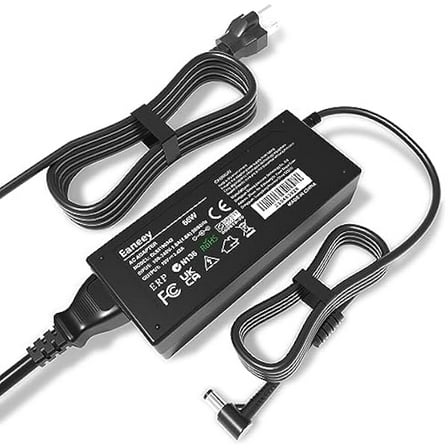
1874.3 out of 5 Stars. 187 reviews19V Adapter Compatible with LG Monitor 34" 32" 29" 27" 24" 23" 22" 20" 19" UltraWide IPS Curved LED 4K UHD LCD Widescreen Monitor LED 34UM69G-B 34UC99-W LG 32UD99 ADS-25FSG-19W $18.99
 $1899current price $18.99
19V Adapter Compatible with LG Monitor 34" 32" 29" 27" 24" 23" 22" 20" 19" UltraWide IPS Curved LED 4K UHD LCD Widescreen Monitor LED 34UM69G-B 34UC99-W LG 32UD99 ADS-25FSG-19W
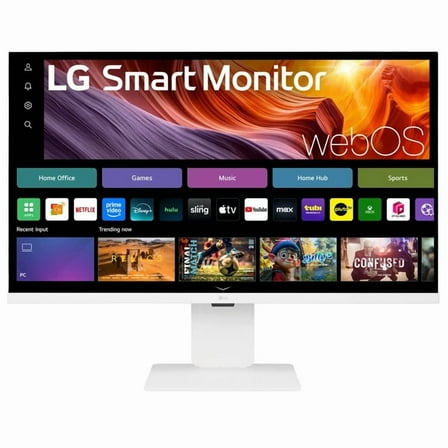
LG 32 Inch 4K UHD IPS Smart Monitor (32U850SA-W) with webOS and USB Type-C PD 90W $679.99
 $67999current price $679.99
LG 32 Inch 4K UHD IPS Smart Monitor (32U850SA-W) with webOS and USB Type-C PD 90W
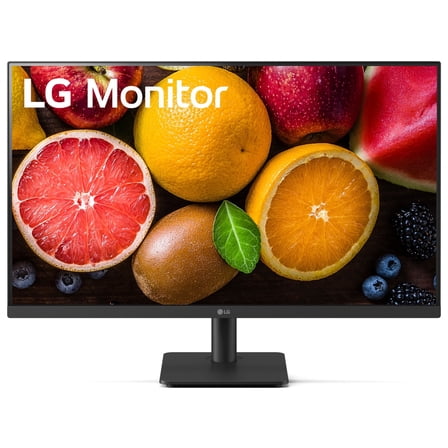
123.2 out of 5 Stars. 12 reviewsOpen Box LG 27MS540W-B.AUS 27" IPS FHD 100 Hz Borderless Design Monitor, Black $62.00
 $6200current price $62.00
Open Box LG 27MS540W-B.AUS 27" IPS FHD 100 Hz Borderless Design Monitor, Black
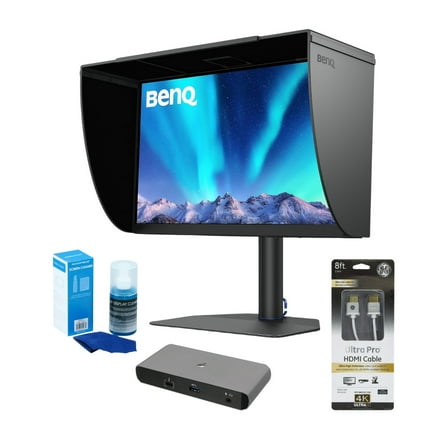
BenQ PhotoVue SW272Q 27-Inch QHD 1440p HDR Monitor (Black) Bundle with Docking Station, HDMI Cable and Screen Cleaner (4 items) $929.99
 $92999current price $929.99
BenQ PhotoVue SW272Q 27-Inch QHD 1440p HDR Monitor (Black) Bundle with Docking Station, HDMI Cable and Screen Cleaner (4 items)
Open Box LG 34" Curved UltraWide WQHD HDR 10 100Hz Monitor, Black, 34WR50QK-B $187.00
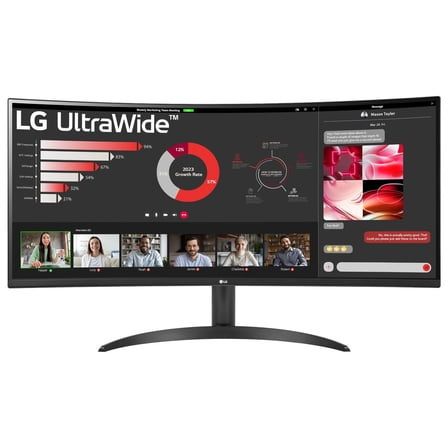 $18700current price $187.00
Open Box LG 34" Curved UltraWide WQHD HDR 10 100Hz Monitor, Black, 34WR50QK-B
21 out of 5 Stars. 2 reviewsViewSonic VG3456CA 34" 21:9 4K Ultra WQHD 100Hz USB-C Docking Curved IPS LED Monitor $549.99 Was $609.99
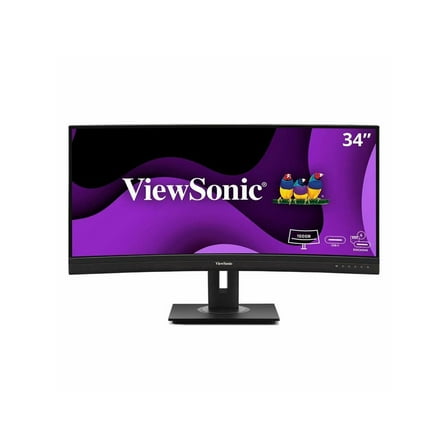 $54999current price $549.99, Was $609.99$609.99
ViewSonic VG3456CA 34" 21:9 4K Ultra WQHD 100Hz USB-C Docking Curved IPS LED Monitor
Deco Gear 49" Curved Ultrawide Monitor, 144Hz, HDR400, USB-C 65W, KVM, HDMI/DP, PBP/PIP $639.99 Was $749.99
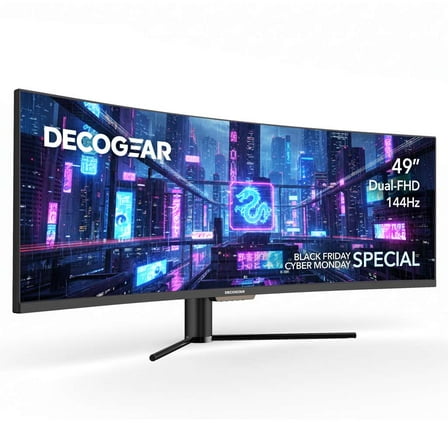 Options from$63999– $64999$749.99
Deco Gear 49" Curved Ultrawide Monitor, 144Hz, HDR400, USB-C 65W, KVM, HDMI/DP, PBP/PIP
1744.3 out of 5 Stars. 174 reviews27" QHD IPS 100Hz Monitor with HDR10 and USB Type-C™ 15W PD - 27U631A-B $169.99
 $16999current price $169.99
27" QHD IPS 100Hz Monitor with HDR10 and USB Type-C™ 15W PD - 27U631A-B
414.5 out of 5 Stars. 41 reviewsLG 34" UltraGear WQHD 1440p 240Hz Curved Gaming Monitor, Black, 34G630A-B $366.99 Was $499.99
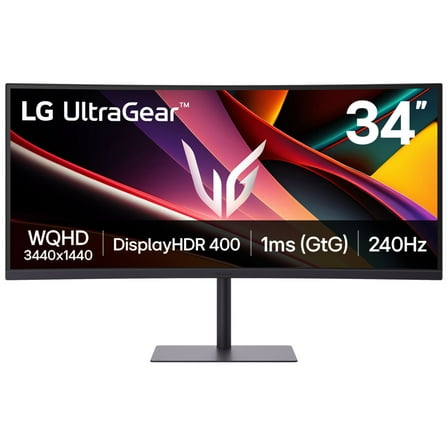 $36699current price $366.99, Was $499.99$499.99
LG 34" UltraGear WQHD 1440p 240Hz Curved Gaming Monitor, Black, 34G630A-B
294.8 out of 5 Stars. 29 reviewsLG 34 Inch Smart Monitor WQHD 1440P Curved Screen 100Hz with Adjustable Stand $376.99
 $37699current price $376.99
LG 34 Inch Smart Monitor WQHD 1440P Curved Screen 100Hz with Adjustable Stand
94.8 out of 5 Stars. 9 reviewsLG UltraWide 34" FHD IPS White Monitor 100Hz USB-C incl Speaker - 34U530A-W $279.99
 $27999current price $279.99
LG UltraWide 34" FHD IPS White Monitor 100Hz USB-C incl Speaker - 34U530A-W
12 out of 5 Stars. 1 reviews
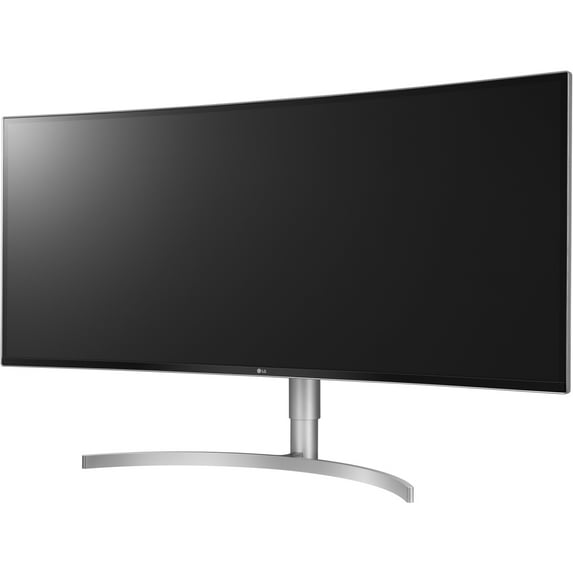
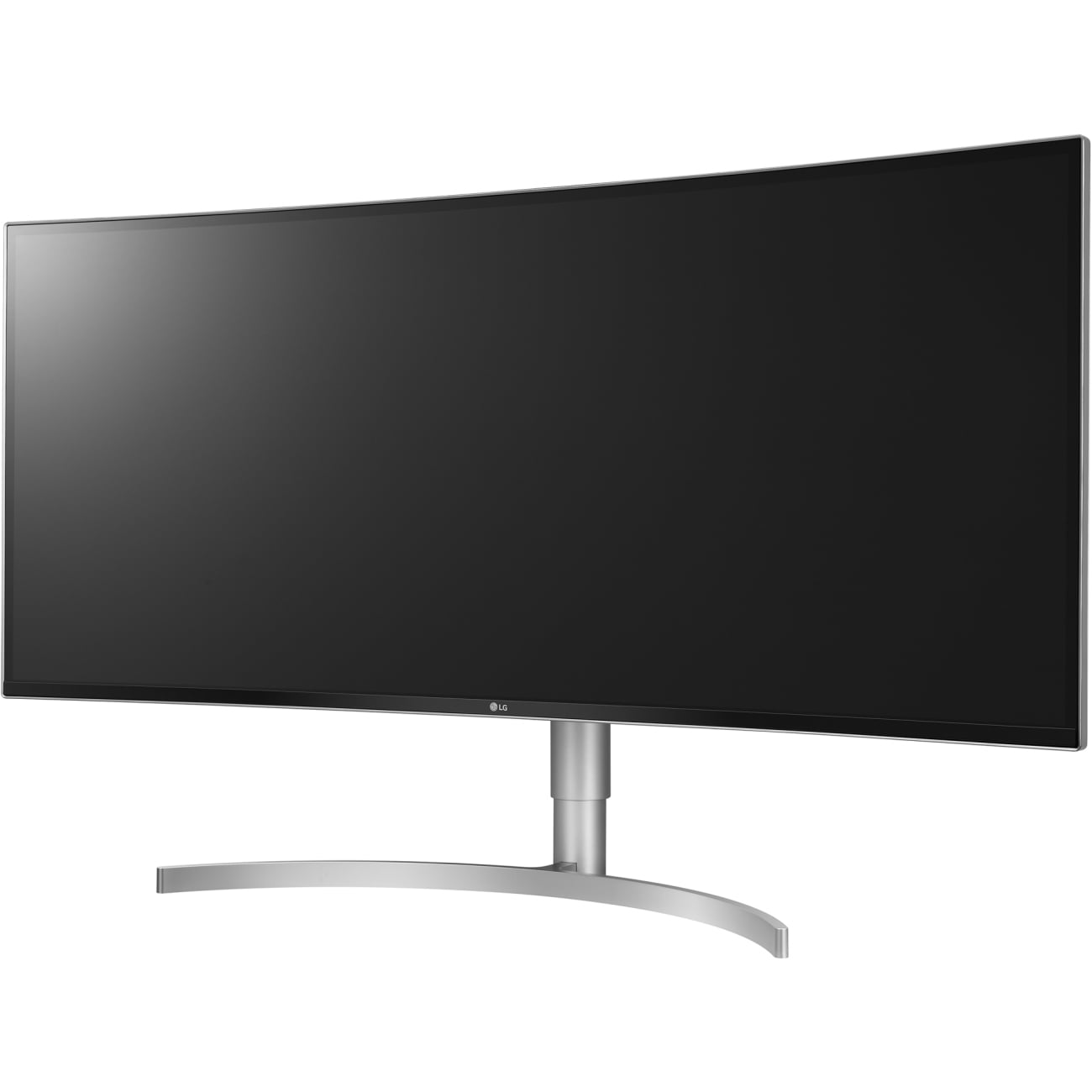
LG 38" 21:9 IPS HDR WQHD+ USB Type-C 3-Side Virtually Borderless Monitor Curved
Key item features
- 38" 21:9 WQHD+ (3840x1600) IPS Display
- HDR 10
- sRGB 99%
- USB Type-C
- 3-Side Virtually Borderless Design
- Tilt / Height Adjustable Stand
Specs
- Screen size38"
- Resolution3840 x 1600
- Refresh rate75 Hz
- DisplayLCD
- Aspect21:9
- Response time5 ms
Reviews summary
- : Monitor features 10wx2 speakers for producing clear sound.
- : Display produces accurate images with vibrant colors.
- : Colors are accurately represented.
How do you want your item?
About this item
Product details
- 38" 21:9 WQHD+ (3840x1600) IPS Display
- HDR 10
- sRGB 99%
- USB Type-C
- 3-Side Virtually Borderless Design
- Tilt / Height Adjustable Stand
Specifications
Screen size
Resolution
Refresh rate
Display
Warranty
Warranty information
Please be aware that the warranty terms on items offered for sale by third party Marketplace sellers may differ from those displayed in this section (if any). To confirm warranty terms on an item offered for sale by a third party Marketplace seller, please use the 'Contact seller' feature on the third party Marketplace seller's information page and request the item's warranty terms prior to purchase.
Warranty url
Warnings
Warning Text
Popular items in this category
Best selling items that customers love
LG 34BR55QC-B 34'' UltraWide QHD Curved Monitor with USB Type-C $387.46
 $38746current price $387.46
LG 34BR55QC-B 34'' UltraWide QHD Curved Monitor with USB Type-C
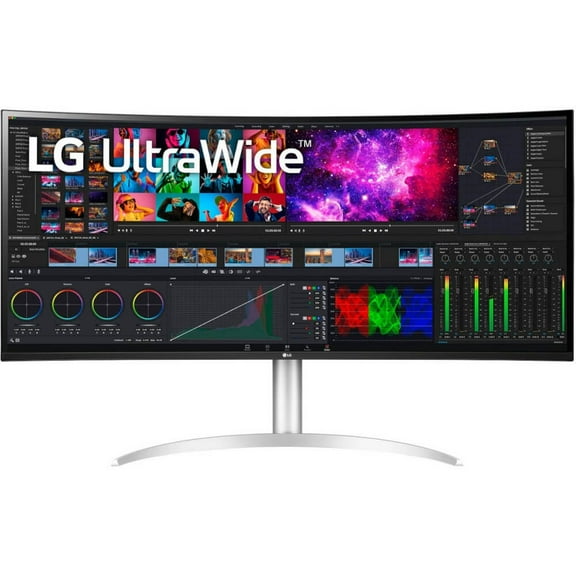
184.2 out of 5 Stars. 18 reviewsShipping, arrives in 3+ daysLG 40WP95C 40 inch IPS HDR Ultrawide Curved Monitor - Silver/White $1,499.95
 $1,49995current price $1,499.95
LG 40WP95C 40 inch IPS HDR Ultrawide Curved Monitor - Silver/White
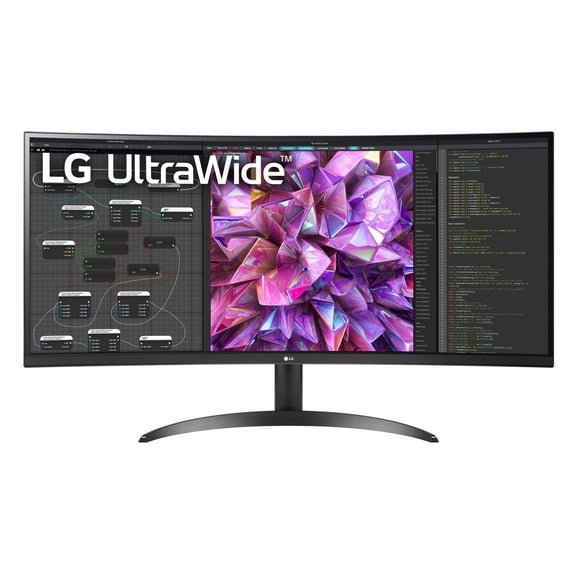
533.6 out of 5 Stars. 53 reviewsShipping, arrives in 3+ daysLG 34WQ60C-B 34" 21:9 UltraWide QHD Curved IPS LCD HDR Monitor $299.99
 $29999current price $299.99
LG 34WQ60C-B 34" 21:9 UltraWide QHD Curved IPS LCD HDR Monitor
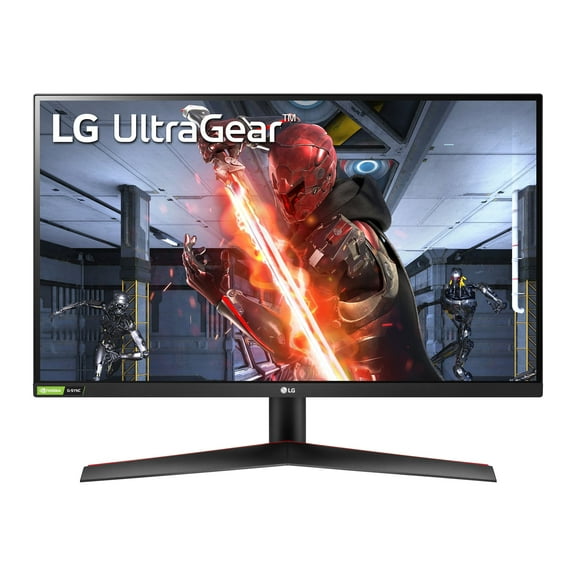
1204.2 out of 5 Stars. 120 reviewsShipping, arrives in 3+ daysLG 27'' UltraGear QHD 2560 x 1440 IPS 1ms 144Hz HDR Monitor with G-SYNC Compatibility $444.96
 $44496current price $444.96
LG 27'' UltraGear QHD 2560 x 1440 IPS 1ms 144Hz HDR Monitor with G-SYNC Compatibility
1894.4 out of 5 Stars. 189 reviewsShipping, arrives in 3+ daysLG 45 Inch UltraGear OLED WQHD 240Hz 0.03ms G-Sync Curved Gaming Monitor $1,249.95
 $1,24995current price $1,249.95
LG 45 Inch UltraGear OLED WQHD 240Hz 0.03ms G-Sync Curved Gaming Monitor
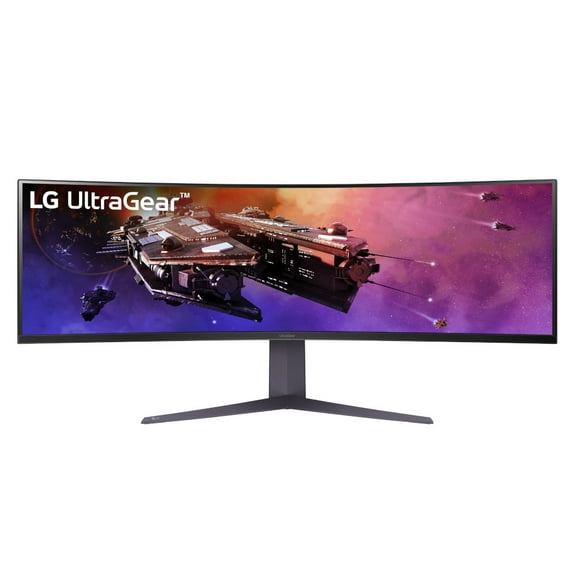
174.8 out of 5 Stars. 17 reviewsShipping, arrives in 2 daysLG 45" UltraGear™ QHD 1ms 200Hz Curved Gaming Monitor with USB Type-C™ - 45GR75DC-B $699.00
 2 optionsAvailable in additional 2 options$69900current price $699.00
LG 45" UltraGear™ QHD 1ms 200Hz Curved Gaming Monitor with USB Type-C™ - 45GR75DC-B
334.5 out of 5 Stars. 33 reviewsSave with Shipping, arrives tomorrow
SAMSUNG 34" ViewFinity S65VC Ultra-WQHD 100Hz AMD FreeSync HDR10 Curved Monitor with USB-C, Speakers and Built-in Camera - LS34C650VANXGO $649.99 Was $699.99
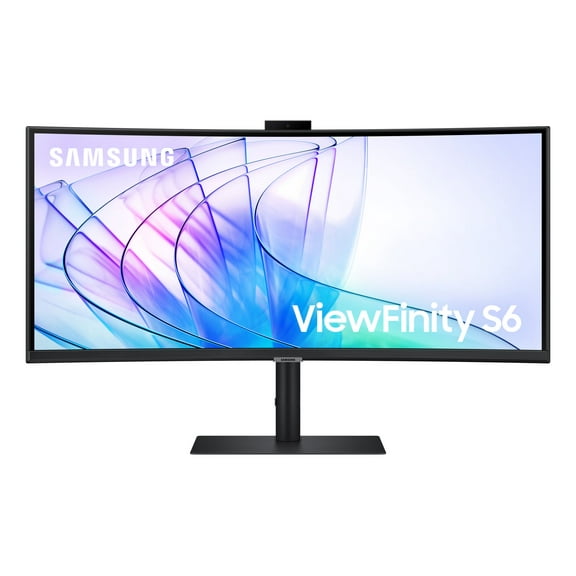 Now$64999current price Now $649.99, Was $699.99$699.99
SAMSUNG 34" ViewFinity S65VC Ultra-WQHD 100Hz AMD FreeSync HDR10 Curved Monitor with USB-C, Speakers and Built-in Camera - LS34C650VANXGO
534.4 out of 5 Stars. 53 reviewsShipping, arrives in 3+ daysLG 39 Inch UltraGear OLED WQHD 240Hz 0.03ms 800R Curved Gaming Monitor $996.99
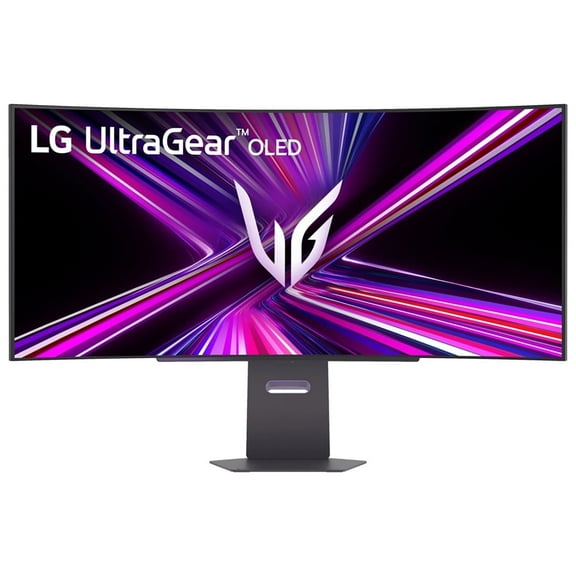 $99699current price $996.99+$21.53 shipping
LG 39 Inch UltraGear OLED WQHD 240Hz 0.03ms 800R Curved Gaming Monitor
154.7 out of 5 Stars. 15 reviewsShipping, arrives in 3+ daysLG UltraGear 34GP63A-B 34" 21:9 UltraWide QHD 160Hz Curved OLED HDR Gaming Monitor, Black $499.00
 $49900current price $499.00
LG UltraGear 34GP63A-B 34" 21:9 UltraWide QHD 160Hz Curved OLED HDR Gaming Monitor, Black
1044.5 out of 5 Stars. 104 reviewsShipping, arrives in 3+ daysLG UltraWide 34BQ77QE-B - LED monitor - curved - 34" - 3440 x 1440 UWQHD @ 60 Hz - IPS - 300 cd/m������ - 1000:1 - HDR10 - 5 ms - 2xHDMI, DisplayPort, USB-C - speakers - black texture $505.41
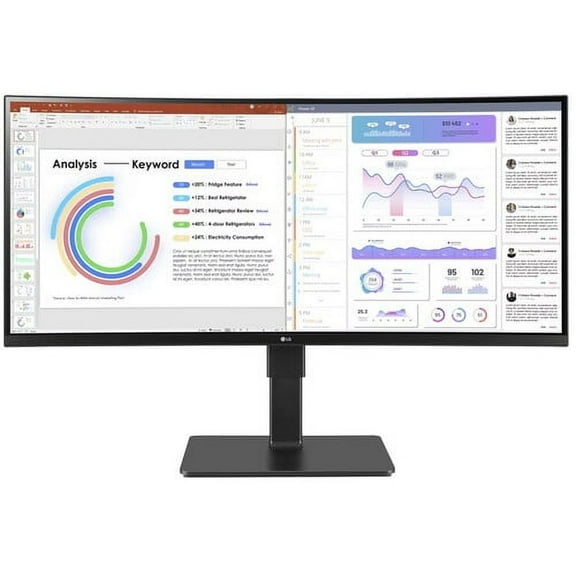 $50541current price $505.41
LG UltraWide 34BQ77QE-B - LED monitor - curved - 34" - 3440 x 1440 UWQHD @ 60 Hz - IPS - 300 cd/m������ - 1000:1 - HDR10 - 5 ms - 2xHDMI, DisplayPort, USB-C - speakers - black texture
23.5 out of 5 Stars. 2 reviewsShipping, arrives in 3+ daysLG 27" FHD 3-Side Borderless IPS 100Hz Monitor with FreeSync $89.99 Was $130.00
 Now$8999current price Now $89.99, Was $130.00$130.00
LG 27" FHD 3-Side Borderless IPS 100Hz Monitor with FreeSync
2674.3 out of 5 Stars. 267 reviewsShipping, arrives in 3+ daysASUS ROG Swift PG32UQXR 32" 16:9 4K UHD 160Hz IPS LED HDR Gaming Monitor $999.00
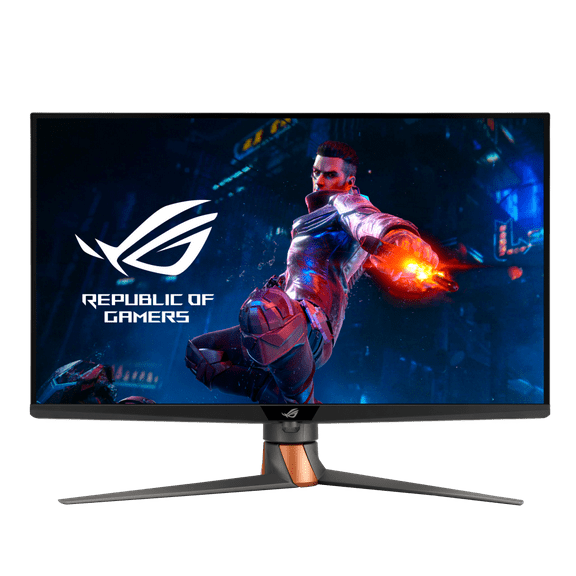 $99900current price $999.00
ASUS ROG Swift PG32UQXR 32" 16:9 4K UHD 160Hz IPS LED HDR Gaming Monitor
32.7 out of 5 Stars. 3 reviewsShipping, arrives in 3+ daysLG UltraFine 27UP850K-W 27" 16:9 4K Ultra HD USB-C IPS LCD HDR Monitor, White $333.99 Was $399.00
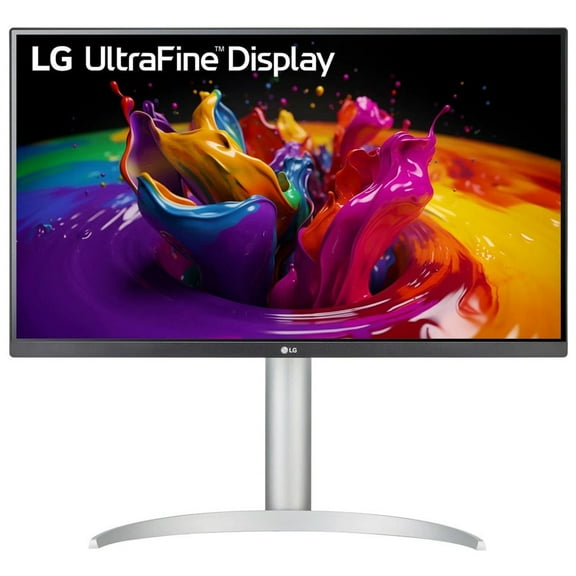 Now$33399current price Now $333.99, Was $399.00$399.00
LG UltraFine 27UP850K-W 27" 16:9 4K Ultra HD USB-C IPS LCD HDR Monitor, White
824.3 out of 5 Stars. 82 reviewsShipping, arrives in 3+ daysViewSonic VP3881a 38" 21:9 WQHD IPS LED Curved Monitor, Built-In Speakers $1,349.99
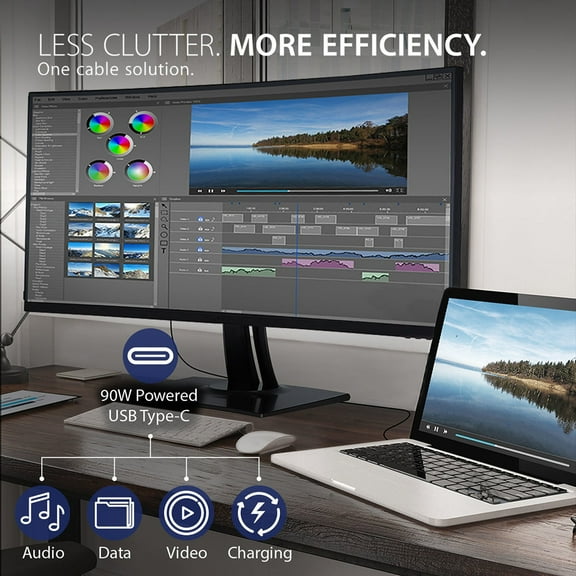 $1,34999current price $1,349.99
ViewSonic VP3881a 38" 21:9 WQHD IPS LED Curved Monitor, Built-In Speakers
Shipping, arrives in 3+ daysMSI 31.5" FHD Curved 250Hz 1ms FreeSync Gaming Monitor, G32C4XS $270.00
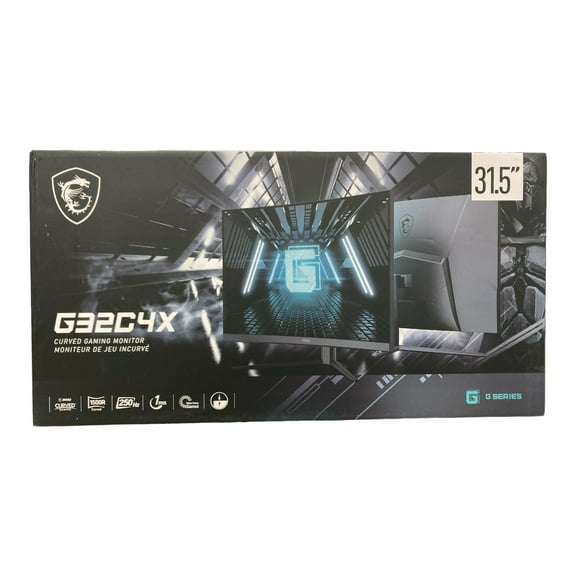 $27000current price $270.00
MSI 31.5" FHD Curved 250Hz 1ms FreeSync Gaming Monitor, G32C4XS
3124.4 out of 5 Stars. 312 reviewsShipping, arrives in 3+ daysLG Ultrawide 38BR85QC-W 38" Class QHD Curved Screen LCD Monitor 21:9 38BR85QCW $1,330.73
 $1,33073current price $1,330.73
LG Ultrawide 38BR85QC-W 38" Class QHD Curved Screen LCD Monitor 21:9 38BR85QCW
34.7 out of 5 Stars. 3 reviewsShipping, arrives in 3+ daysSAMSUNG 34" ViewFinity S65TC Ultra-WQHD 100Hz AMD FreeSync HDR10 Curved Monitor with Thunderbolt 4 and Built-in Speakers LS34C650TANXGO $799.99
 $79999current price $799.99
SAMSUNG 34" ViewFinity S65TC Ultra-WQHD 100Hz AMD FreeSync HDR10 Curved Monitor with Thunderbolt 4 and Built-in Speakers LS34C650TANXGO
3724.8 out of 5 Stars. 372 reviewsShipping, arrives in 3+ daysSAMSUNG 34" Class ViewFinity S65UC Ultra-WQHD 100Hz AMD FreeSync HDR10 Curved Monitor with USB-C and Speakers LS34C650UANXGO $606.92 Was $649.99
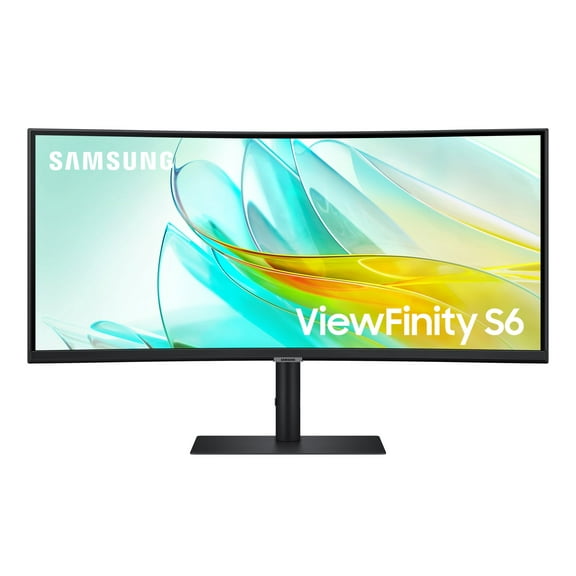 Now$60692current price Now $606.92, Was $649.99$649.99
SAMSUNG 34" Class ViewFinity S65UC Ultra-WQHD 100Hz AMD FreeSync HDR10 Curved Monitor with USB-C and Speakers LS34C650UANXGO
524.8 out of 5 Stars. 52 reviewsSave withShipping, arrives in 3+ daysMSI MAG 242C 23.6" FHD 180Hz Curved VA LCD HDR Gaming Monitor, Black $119.99
 $11999current price $119.99
MSI MAG 242C 23.6" FHD 180Hz Curved VA LCD HDR Gaming Monitor, Black
84.6 out of 5 Stars. 8 reviewsShipping, arrives in 3+ daysASUS ROG Strix XG249CM 23.8" 16:9 Full HD 270Hz HDR10 IPS LED Gaming Monitor $323.54
 $32354current price $323.54
ASUS ROG Strix XG249CM 23.8" 16:9 Full HD 270Hz HDR10 IPS LED Gaming Monitor
74.1 out of 5 Stars. 7 reviewsShipping, arrives in 3+ days

Customer ratings & reviews
Reviews summary
- : Monitor features 10wx2 speakers for producing clear sound.
- : Display produces accurate images with vibrant colors.
- : Colors are accurately represented.
Customer images




Showing 1-3 of 35 reviews
Seller Verified Purchase
Ditch multiple monitors, perfect match to MacBookPro USB - C
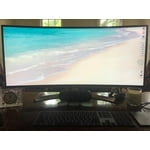
Brilliant monitor for my office thanks to it's OnScreenControl software that lets you split up your large screen in a very intuitive manner. Then the USB type C plug has allowed me to move my mic and camera plugs into the back of the monitor vs into my MacBookPro with a bunch of adaptors. Took me a while to figure out that you have to bluetooth the monitor to your MacBookPro to control volume on your wireless keyboard. The only downside I've found is that I can't figured out how to adjust the brightness via the keyboard. Oh just call BeachCamera, they were great, which is rare anymore.
Seller Verified Purchase
Amazing monitor even at the high-end of the scale...
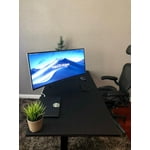
This monitor is by far the best one I ever owned. It replaced an earlier LG model and solved all of my challenges with the previous one. Its 144Hz refresh rate makes a huge difference in smoothness, colors are vibrant and accurate, blacks are deep, image is stable, no bleeding or ghosting. Just amazing. It doesn't come cheap, but it's worth every $... Thank you LG!
Seller Verified Purchase
LG 38WK95C Great screen!
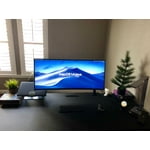
Great having so much desktop space. It's easy to have three big windows for office applications. The screen really comes into its own with video editing and music composition. It's really handy to be able to view long timelines. It's quite good for photography editing but I slightly miss my previous 28 inch 4k screen which meant you could get a bigger photo on screen because of the extra height. The monitor has built in speakers which in handy, though I generally use external speakers. The screen has a wide range of brightness level with all aspects of the display adjustable from the joystick at the bottom of the screen. Power is supplied by quite a big transformer. Would I buy it again? Yes!
