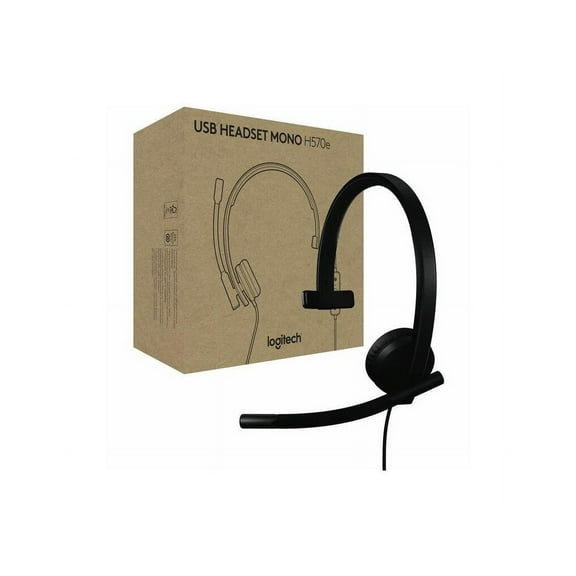
I've wanted a wireless headphone for ages and fortunately came upon one today. Logitech has been making electronics for years, so I have some confidence in them. Also, I read a LOT of reviews on other websites about this brand and model, to make sure it is the right one for me.
Since this was my first wireless headset, there was some learning involved. I watched a few youtube videos about it, also how to link my Apple mac mini to the headset. Unfortunately, it can't link to my iPad.
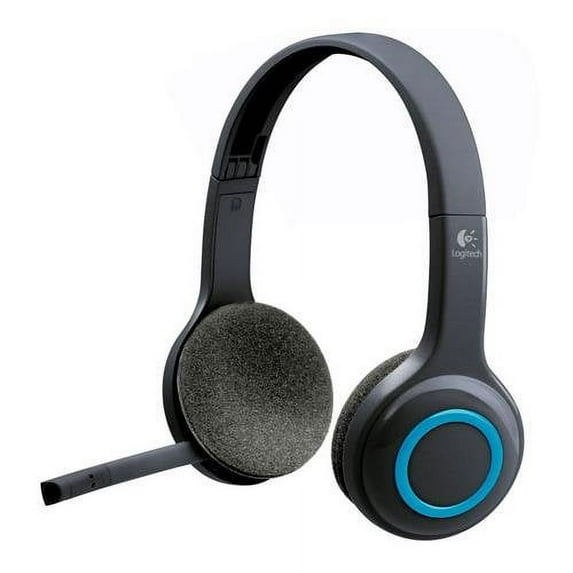
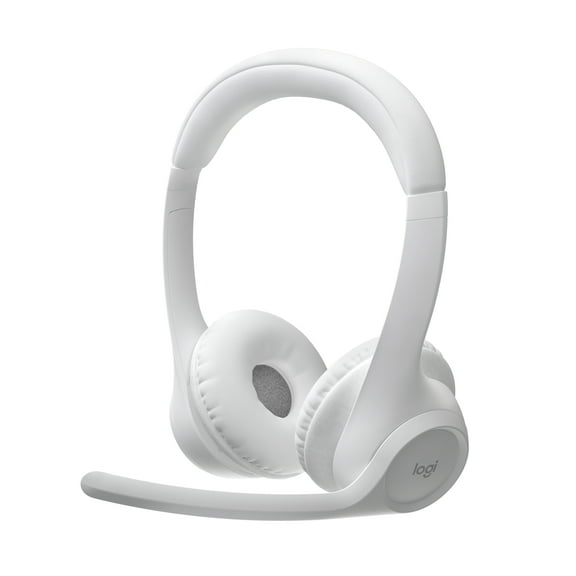
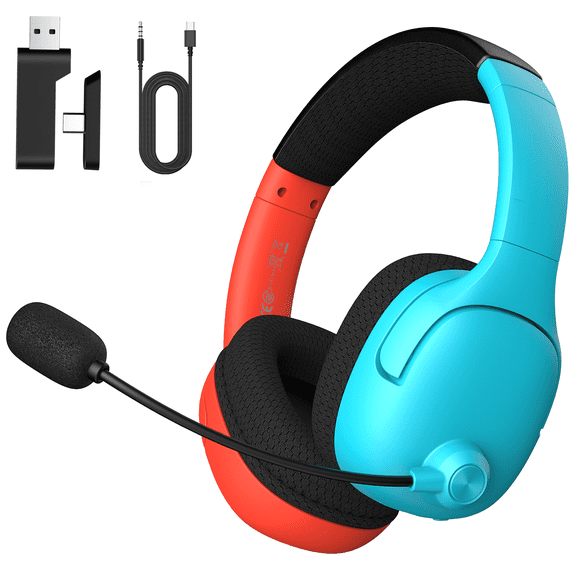
This model, H600, has a small dongle that can be stored in the base of the left speaker when not in use. It has a USB fitment for insertion into your desktop/laptop/playstation, etc. Insert this into an available USB slot.
It also comes with a 27" long charging cable. You will need to charge it a couple hours before using. Pink light flashing=charging. No light=charged.
Once charged, turn the headset On (slide switch). Then hold down the bluetooth pairing button for 5 seconds or so. The small (green?) blue light will stay on. It is now ready to pair.
For Mac, I went to System Preferences>Bluetooth, found the entry "Logitech H600 Headset" and clicked on it. Voila! Connected!
The sound seems fine to me. Not a lot of bass, to be sure, but I wasn't expecting that either. There are no bass/treble adjustments available.
The volume adjustment is a simple round circle with + and - toggle up/down. Some reviews have claimed that the bluetooth pairing button doubles as a mute button for the microphone. I can confirm this is the case.
On my mac, System Preferences>Sound>H600 Logitech Headset>Input>Bluetooth, gave me the visual proof that when speaking, mute is activated when the bluetooth button is pushed. You will get a small two-tone chime telling you as well.
I haven't done any phone calls, voice recording, etc. using the boom mike. I just know it works from the visual display on my computer. It is voice activated and noise canceling.
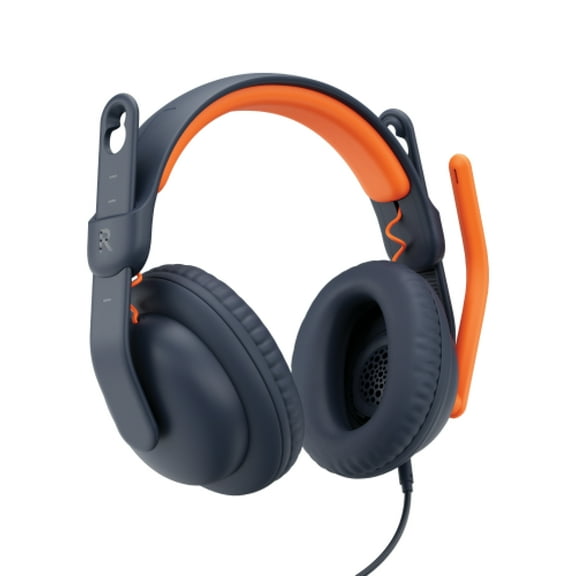
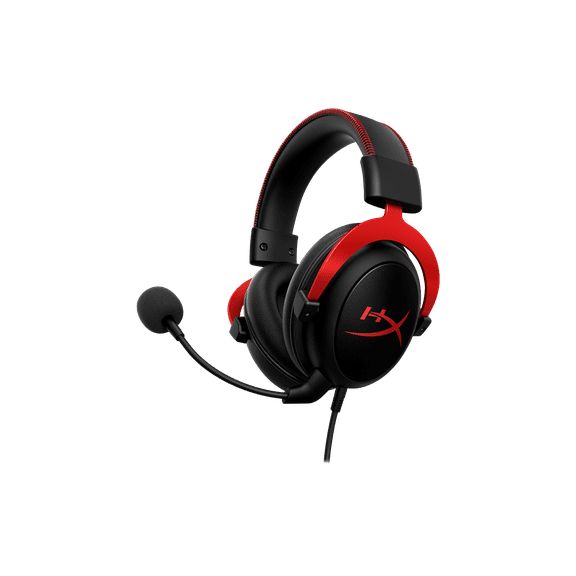
The headset is quite light weight, adjustable for most head sizes and has cushioned ear pads. I wore it for a couple hours yesterday and it was far more comfortable/bearable than other headsets I've had. That said, I would not call these super-comfortable. They are OK. In a professional setting, you could justify a step or two up.
These seem durable, well-made and come with a two year warranty, which is nice. I went to logitech.com>support, and registered with serial number, etc.
The included instructions were minimal. Most of it you can figure out pretty easily, such as the receiver/transmitter dongle, but as mentioned earlier, check out a few youtube videos for more information about the model and how to pair with your computer.
I would recommend this item and would buy it again.