


Lenovo Legion Y27qf-30 27" Class WQHD Gaming LED Monitor, 16:9
Key item features
Key Features and Benefits:
- Fast and smooth gameplay
The Legion Y27qf-30 Monitor's 27-inch QHD (2560 x 1440) resolution helps you see even the finest detail with splendid clarity. Strike fast with a speedy 250 Hz (Overclock from 240 Hz) refresh rate that's great for competitive games. With a 0.5 ms (MPRT) response time, the motion transition is swift, offering you uninterrupted gameplay. The AMD FreeSync Premium technology and Adaptive Sync support removes any screen tearing, ensuring that your gameplay looks completely smooth and fluid. - Colors that channel your focus
The Legion Y27qf-30 Monitor's 3-side NearEdgeless In-Plane Switching display that ensures images are consistent to view across a wide viewing angle. The screen comes with 125% sRGB and 95% DCI-P3 color space, 10-bit color support, and Avg. Delta E<2 true color restoration to make every color on the screen pop. Its HDR technology which has VESA certified DisplayHDR 400 reproduces rich life-like colors and more dynamic contrasts afforded by brighter whites and deeper blacks for rich and vivid graphics. - Customize your battle station
The monitor's Natural Low Blue Light technology reduces eye strain by filtering out harmful blue light without color distortion. The Legion Y27qf-30 Monitor's lift, tilt, pivot, and swivel functions and integrated phone stand help you get the most ergonomic setup. Connect your computer to the display with ease using the 2 x HDMI and 1 x DP 1.4 ports. Built-in USB ports allow you to attach all your preferred gaming peripherals directly to the monitor for a seamless gaming experience. With its Game Assist tools such as virtual crosshair, timer, and FPS counter, the Lenovo Artery Software greatly improves your overall gaming competitiveness.
Specs
- Screen size27"
- Resolution1440p QHD
- Refresh rate250 Hz
- DisplayLCD
- Aspect16:9
- Response time500 ms
How do you want your item?
About this item
Product details
Key Features and Benefits:
- Fast and smooth gameplay
The Legion Y27qf-30 Monitor's 27-inch QHD (2560 x 1440) resolution helps you see even the finest detail with splendid clarity. Strike fast with a speedy 250 Hz (Overclock from 240 Hz) refresh rate that's great for competitive games. With a 0.5 ms (MPRT) response time, the motion transition is swift, offering you uninterrupted gameplay. The AMD FreeSync Premium technology and Adaptive Sync support removes any screen tearing, ensuring that your gameplay looks completely smooth and fluid. - Colors that channel your focus
The Legion Y27qf-30 Monitor's 3-side NearEdgeless In-Plane Switching display that ensures images are consistent to view across a wide viewing angle. The screen comes with 125% sRGB and 95% DCI-P3 color space, 10-bit color support, and Avg. Delta E<2 true color restoration to make every color on the screen pop. Its HDR technology which has VESA certified DisplayHDR 400 reproduces rich life-like colors and more dynamic contrasts afforded by brighter whites and deeper blacks for rich and vivid graphics. - Customize your battle station
The monitor's Natural Low Blue Light technology reduces eye strain by filtering out harmful blue light without color distortion. The Legion Y27qf-30 Monitor's lift, tilt, pivot, and swivel functions and integrated phone stand help you get the most ergonomic setup. Connect your computer to the display with ease using the 2 x HDMI and 1 x DP 1.4 ports. Built-in USB ports allow you to attach all your preferred gaming peripherals directly to the monitor for a seamless gaming experience. With its Game Assist tools such as virtual crosshair, timer, and FPS counter, the Lenovo Artery Software greatly improves your overall gaming competitiveness.
Specifications
Screen size
Resolution
Refresh rate
Display
Warranty
Warranty information
Please be aware that the warranty terms on items offered for sale by third party Marketplace sellers may differ from those displayed in this section (if any). To confirm warranty terms on an item offered for sale by a third party Marketplace seller, please use the 'Contact seller' feature on the third party Marketplace seller's information page and request the item's warranty terms prior to purchase.
Popular items in this category
Best selling items that customers love
MSI MAG 272QPW QD-OLED X28 27" Class WQHD Gaming OLED Monitor, 16:9 $529.99
 Sponsored$52999current price $529.99
MSI MAG 272QPW QD-OLED X28 27" Class WQHD Gaming OLED Monitor, 16:9
25 out of 5 Stars. 2 reviewsShipping, arrives in 3+ daysLenovo ThinkVision T24i-30 23.8" Full HD 60Hz 16:9 4ms Monitor, Raven Black $229.00
 $22900current price $229.00
Lenovo ThinkVision T24i-30 23.8" Full HD 60Hz 16:9 4ms Monitor, Raven Black
15 out of 5 Stars. 1 reviewsShipping, arrives in 3+ daysMSI MAG 274QF X24 27" Class WQHD Gaming LCD Monitor - 16:9 (mag274qfx24) $229.99
 $22999current price $229.99
MSI MAG 274QF X24 27" Class WQHD Gaming LCD Monitor - 16:9 (mag274qfx24)
15 out of 5 Stars. 1 reviewsShipping, arrives in 3+ daysLenovo ThinkVision E22-30 22" Class No Full HD LED Monitor - 16:9 - Raven Black $207.95
 $20795current price $207.95
Lenovo ThinkVision E22-30 22" Class No Full HD LED Monitor - 16:9 - Raven Black
65 out of 5 Stars. 6 reviewsShipping, arrives in 3+ daysMSI MAG 274QRFW X32 27" Class WQHD Gaming LCD Monitor, 16:9 $299.99
 $29999current price $299.99
MSI MAG 274QRFW X32 27" Class WQHD Gaming LCD Monitor, 16:9
15 out of 5 Stars. 1 reviewsSave with Shipping, arrives in 2 days
Asus VY279HGR 27" Class Full HD Gaming LED Monitor, 16:9 $113.17 Was $149.00
 Now$11317current price Now $113.17, Was $149.00$149.00
Asus VY279HGR 27" Class Full HD Gaming LED Monitor, 16:9
74.3 out of 5 Stars. 7 reviewsSave withShipping, arrives in 2 daysDell Plus S3425DW 34" Class UW-QHD Curved Screen LED Monitor, 21:9, Ash White $419.99
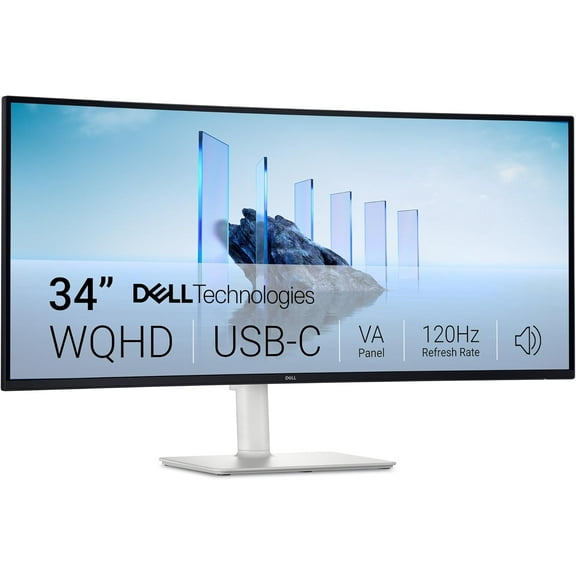 $41999current price $419.99
Dell Plus S3425DW 34" Class UW-QHD Curved Screen LED Monitor, 21:9, Ash White
1314.7 out of 5 Stars. 131 reviewsShipping, arrives in 3+ daysLenovo ThinkVision P27h-30 27" WQHD 2560x1440 60Hz 4ms LCD IPS Monitor $622.30
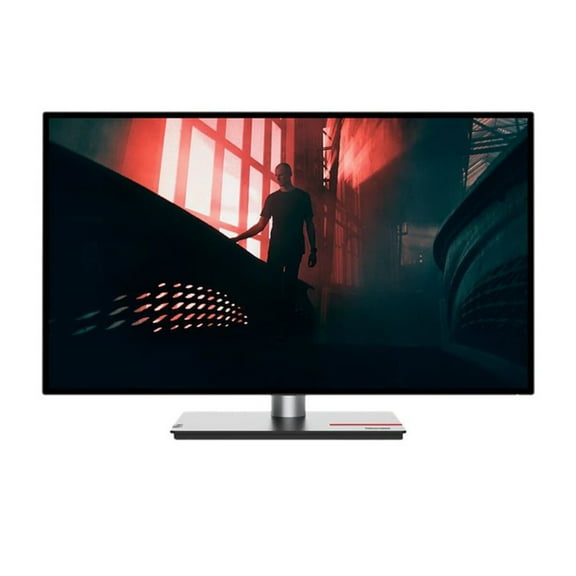 $62230current price $622.30
Lenovo ThinkVision P27h-30 27" WQHD 2560x1440 60Hz 4ms LCD IPS Monitor
364.7 out of 5 Stars. 36 reviewsShipping, arrives in 3+ daysLenovo ThinkVision S22-4e 22" Class Full HD LED Monitor, 16:9, Raven Black $126.00
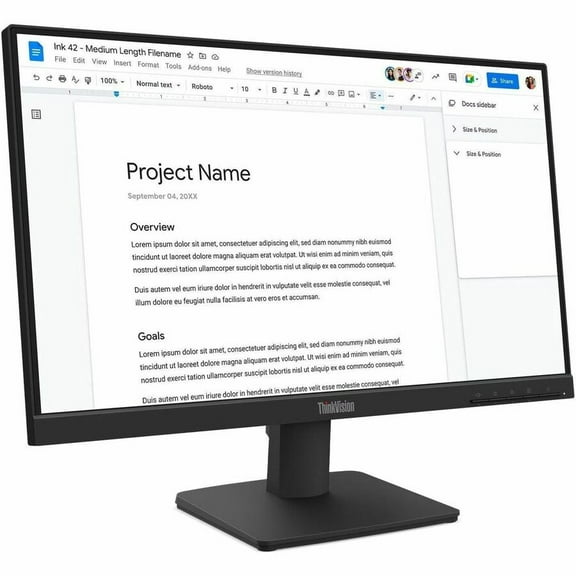 $12600current price $126.00
Lenovo ThinkVision S22-4e 22" Class Full HD LED Monitor, 16:9, Raven Black
Shipping, arrives in 3+ daysAcer UM.HX1AA.301 Mntr Acer 27" Wqhd 2k 180hz Ips Xv271u M3bmiiprx $199.99 Was $247.41
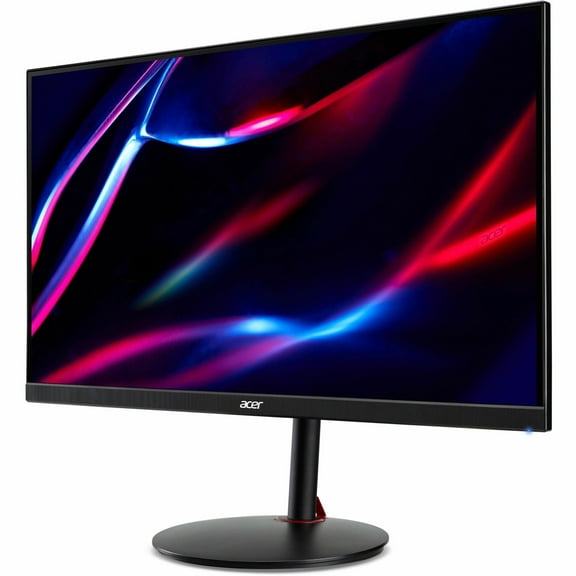 Now$19999current price Now $199.99, Was $247.41$247.41
Acer UM.HX1AA.301 Mntr Acer 27" Wqhd 2k 180hz Ips Xv271u M3bmiiprx
64.5 out of 5 Stars. 6 reviewsShipping, arrives in 3+ daysMSI MAG 272QP QD-OLED X50 27" Class WQHD Gaming OLED Monitor, 16:9 $699.99 Was $749.99
 Now$69999current price Now $699.99, Was $749.99$749.99
MSI MAG 272QP QD-OLED X50 27" Class WQHD Gaming OLED Monitor, 16:9
24 out of 5 Stars. 2 reviewsShipping, arrives in 3+ daysAlienware AW3225DM 32" Class WQHD Gaming LED Monitor, 16:9, Interstellar Indigo $425.00
 $42500current price $425.00
Alienware AW3225DM 32" Class WQHD Gaming LED Monitor, 16:9, Interstellar Indigo
644.8 out of 5 Stars. 64 reviewsShipping, arrives in 3+ daysMSI MPG ARTYMIS 273CQR 27" WQHD Curved Screen Gaming LCD Monitor - 16:9 (mpg273cqr) $299.99 Was $328.84
 Now$29999current price Now $299.99, Was $328.84$328.84
MSI MPG ARTYMIS 273CQR 27" WQHD Curved Screen Gaming LCD Monitor - 16:9 (mpg273cqr)
15 out of 5 Stars. 1 reviewsShipping, arrives in 3+ daysLenovo TS M15 15.6 " Monitor Type C $180.00 Was $252.00
 Now$18000current price Now $180.00, Was $252.00$252.00
Lenovo TS M15 15.6 " Monitor Type C
954.3 out of 5 Stars. 95 reviewsShipping, arrives in 3+ daysAlienware AW2724HF - LED monitor - gaming - 27" (26.96" viewable) - 1920 x 1080 Full HD (1080p) @ 360 Hz - Fast IPS - 400 cd/m�� - 1000:1 - HDR10 - 0.5 ms - HDMI, 2xDisplayPort - Dark Side of the Moon - with 3 years Advanced Exchange Service and Limited Hardware Warranty $300.00
 $30000current price $300.00
Alienware AW2724HF - LED monitor - gaming - 27" (26.96" viewable) - 1920 x 1080 Full HD (1080p) @ 360 Hz - Fast IPS - 400 cd/m�� - 1000:1 - HDR10 - 0.5 ms - HDMI, 2xDisplayPort - Dark Side of the Moon - with 3 years Advanced Exchange Service and Limited Hardware Warranty
164.9 out of 5 Stars. 16 reviewsShipping, arrives in 3+ daysTUF VG27AQL5A 27" Class WQHD Gaming LED Monitor - 16:9 - 27" Viewable - Fast IPS - LED Backlight - 2560 x 1440 - 1073.7 Million Colors (10-bit) - Adaptive Sync/FreeSync Premium/G-sync Compatible - ... $249.99
 $24999current price $249.99
TUF VG27AQL5A 27" Class WQHD Gaming LED Monitor - 16:9 - 27" Viewable - Fast IPS - LED Backlight - 2560 x 1440 - 1073.7 Million Colors (10-bit) - Adaptive Sync/FreeSync Premium/G-sync Compatible - ...
35 out of 5 Stars. 3 reviewsSave withShipping, arrives in 2 daysPre-Owned UsedLenovo ThinkVision L197wA 19" Widescreen 1440x900 16:10 LCD Monitor VGA DVI Grade A $59.99
 $5999current price $59.99
Pre-Owned UsedLenovo ThinkVision L197wA 19" Widescreen 1440x900 16:10 LCD Monitor VGA DVI Grade A
15 out of 5 Stars. 1 reviewsShipping, arrives in 3+ daysAsus VP229QF 22" Class Full HD Gaming LED Monitor - 16:9 $119.99
 $11999current price $119.99
Asus VP229QF 22" Class Full HD Gaming LED Monitor - 16:9
Shipping, arrives in 3+ daysASUS ROG Strix 27" 1440P USB-C HDR Gaming Monitor (XG27ACG-W) - White, QHD, 180Hz, 1ms, Fast IPS, DCI-P3 95%, Extreme Low Motion Blur Sync, G-Sync Compatible, Tripod Socket, AI Gaming $240.00 Was $349.00
 Now$24000current price Now $240.00, Was $349.00$349.00
ASUS ROG Strix 27" 1440P USB-C HDR Gaming Monitor (XG27ACG-W) - White, QHD, 180Hz, 1ms, Fast IPS, DCI-P3 95%, Extreme Low Motion Blur Sync, G-Sync Compatible, Tripod Socket, AI Gaming
53.8 out of 5 Stars. 5 reviewsShipping, arrives in 3+ days

Customer ratings & reviews
Customer images

- +4 images
Showing 1-3 of 28 reviews
Seller Verified Purchase
Great monitor
[This review was collected as part of a promotion.] Great monitor. It's the best I have ever had. Very pleased and excited for HD gaming
Seller Verified Purchase
Dual monitor set up
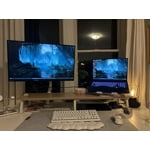
[This review was collected as part of a promotion.] I absolutely love this monitor! It was very easy to set up, the HDR while having 240 hz works great. Additionally the edge less display looks wonderful. I bought the legion laptop (gen8, i9,4080 12gb, with 1tb) and I have been so happy with the legion products. They look wonderful and function beautifully.
Seller Verified Purchase
Really Pleased!
I'm really pleased with my purchase. It works superb with my AMD graphics card and does all that I need as a gamer. I personally don't use HDR mode as I only use the highest FPS mode (for me it's 165 HZ at 2560 x 1440) and then regulate it in game for my chosen gaming experience (EG, Steam - Halo Master Chief Collection, Halo Reach at 120FPS (I can go up to 240 FPS or Unlimited but 120 feels good enough for me when playing this game in particular)). I also use Lenovo Display Control Centre as it makes ajustments between my two Lenovo monitors quick and easy to manage. The only issue that I have is due to my PC being a non-Lenovo brand, my monitor is recognised by W10 as a "Generic PnP Monitor" which has caused AMD Software (Adrenalin Edition) do not correctly set itself up for the monitor but AMD Software does recognise the details and brand of monitor but this has only happened once so far. The driver update on the official Lenovo website for this monitor DOESN'T WORK ON NON LENOVO PC's/LAPTOPS. Lenovo Support have told me "If your non Lenovo PC/Laptop shows this monitor as a "Generic PnP Monitor", don't worry it's 100% normal and will work with no issues."
