

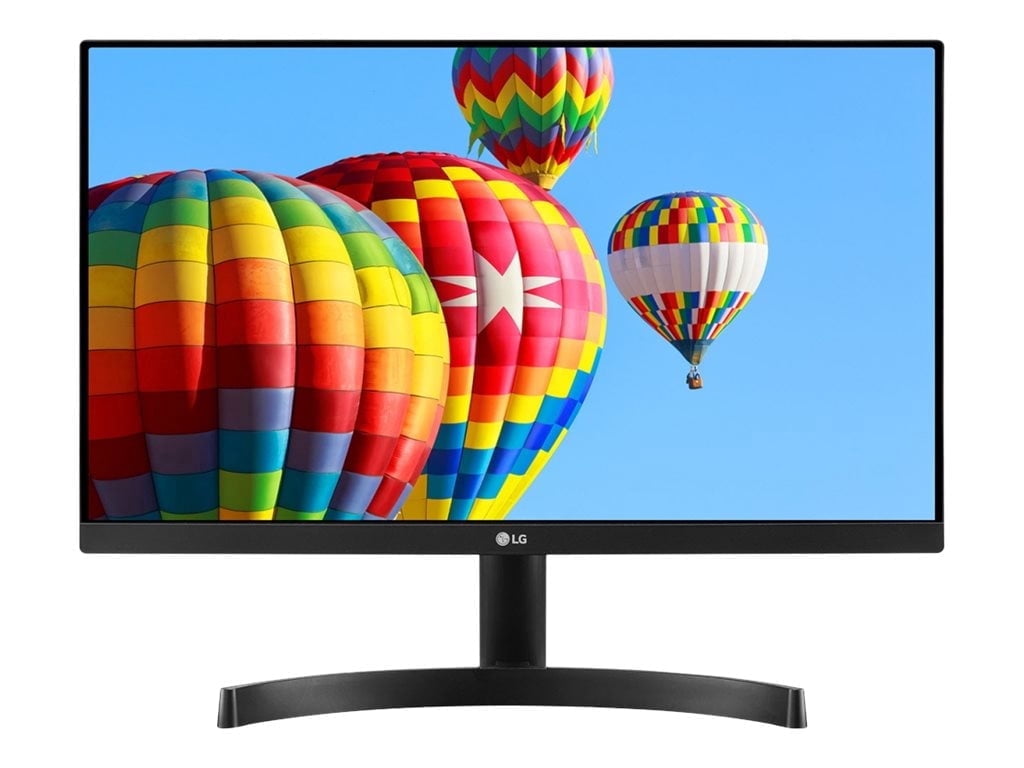
Sorry, this item is out of stock
KOORUI 24" 1440p Gaming Monitor, 180Hz 2K QHD Computer Monitor, New Pc Monitor, G2421V $149.99 Was $289.99
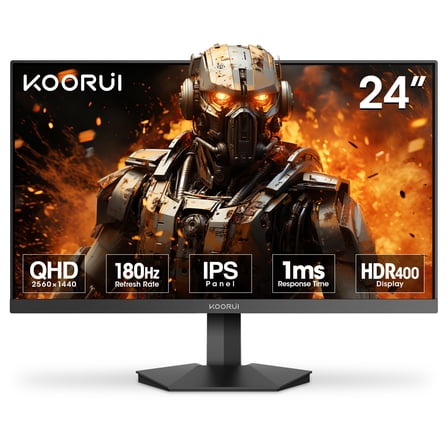 $14999current price $149.99, Was $289.99$289.99
KOORUI 24" 1440p Gaming Monitor, 180Hz 2K QHD Computer Monitor, New Pc Monitor, G2421V
9084.6 out of 5 Stars. 908 reviewsBest seller LG 27" IPS 1080p FHD 100Hz Computer Monitor, 27MS540W-B $119.00
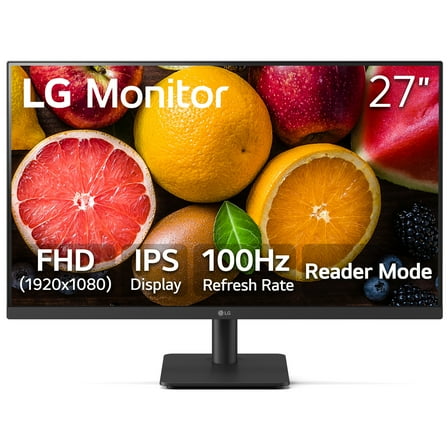 $11900current price $119.00
LG 27" IPS 1080p FHD 100Hz Computer Monitor, 27MS540W-B
4024.3 out of 5 Stars. 402 reviewsLG 34" UltraWide FHD 1080p IPS 100Hz Computer Monitor, Black, 34U511A-B $209.99 Was $299.99
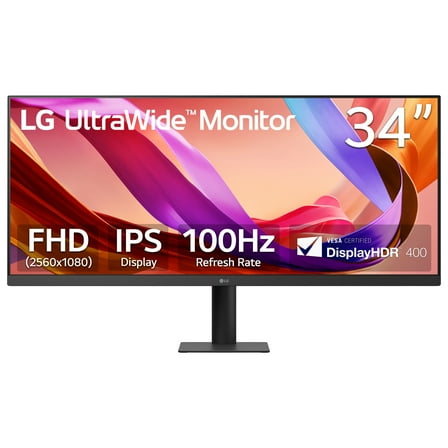 $20999current price $209.99, Was $299.99$299.99
LG 34" UltraWide FHD 1080p IPS 100Hz Computer Monitor, Black, 34U511A-B
74.6 out of 5 Stars. 7 reviewsRollback LG 27" FHD IPS Smart Monitor with webOS 100Hz, White, 27U55WSA-W $165.00 Was $184.00
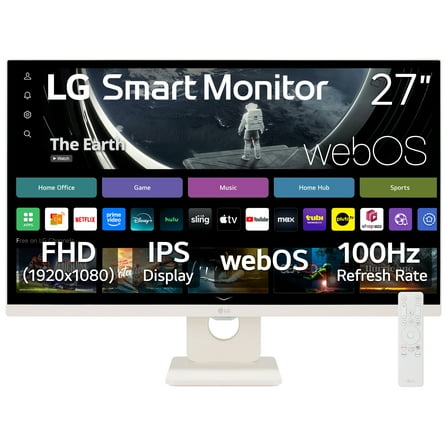 $16500current price $165.00, Was $184.00$184.00
LG 27" FHD IPS Smart Monitor with webOS 100Hz, White, 27U55WSA-W
1474.4 out of 5 Stars. 147 reviews27" QHD IPS 100Hz Monitor with HDR10 and USB Type-C™ 15W PD - 27U631A-B $189.99
 $18999current price $189.99
27" QHD IPS 100Hz Monitor with HDR10 and USB Type-C™ 15W PD - 27U631A-B
424.5 out of 5 Stars. 42 reviewsRollback LG 34" Curved UltraWide WQHD HDR 10 100Hz Monitor, Black, 34WR50QK-B $219.00 Was $279.00
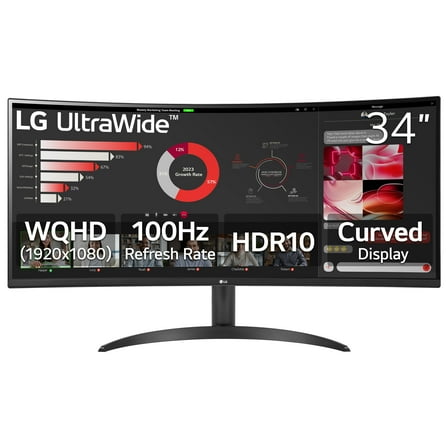 $21900current price $219.00, Was $279.00$279.00
LG 34" Curved UltraWide WQHD HDR 10 100Hz Monitor, Black, 34WR50QK-B
4564.3 out of 5 Stars. 456 reviewsViewSonic VG2441V 23.8" 16:9 Full HD 120Hz Video Conferencing USB-C IPS LED Monitor $244.34
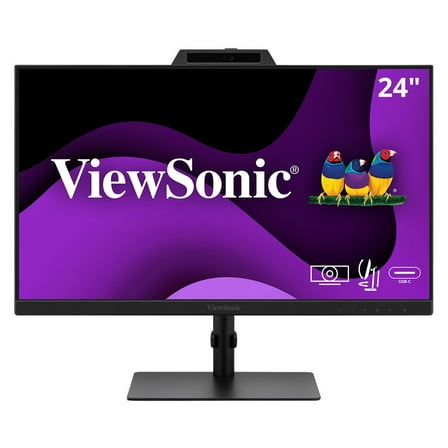 $24434current price $244.34
ViewSonic VG2441V 23.8" 16:9 Full HD 120Hz Video Conferencing USB-C IPS LED Monitor
Dell P2425H 24" Full HD 1080p 16:9 LED Monitor, Black/Silver $158.61 Was $184.00 $158.61/count
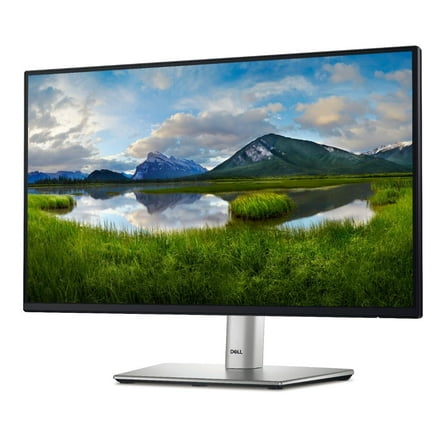 $15861current price $158.61, Was $184.00$184.00$158.61/count
Dell P2425H 24" Full HD 1080p 16:9 LED Monitor, Black/Silver
6264.7 out of 5 Stars. 626 reviewsViewSonic VA2448-MHJ 23.8" 16:9 Full HD 120Hz IPS LED Monitor $175.75
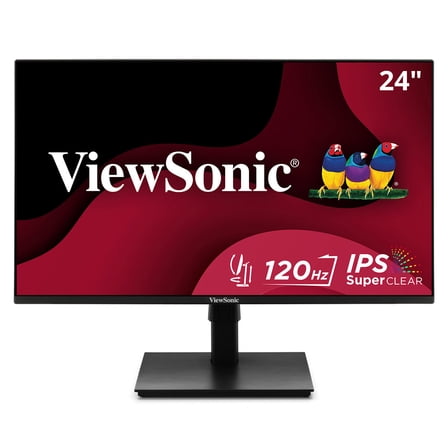 $17575current price $175.75
ViewSonic VA2448-MHJ 23.8" 16:9 Full HD 120Hz IPS LED Monitor
BenQ BL2790T 27" Class Full HD LED Monitor - 16:9 $220.59
 $22059current price $220.59
BenQ BL2790T 27" Class Full HD LED Monitor - 16:9
Rollback onn 15.6" FHD (1920 x 1080p) LCD Portable Office Monitor, with Cable, Black $75.00 Was $84.00
 $7500current price $75.00, Was $84.00$84.00
onn 15.6" FHD (1920 x 1080p) LCD Portable Office Monitor, with Cable, Black
2934.2 out of 5 Stars. 293 reviewsLG UltraWide 34" FHD IPS White Monitor 100Hz USB-C incl Speaker - 34U530A-W $229.99 Was $249.99
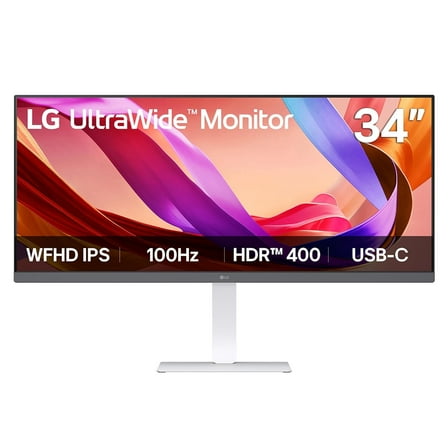 $22999current price $229.99, Was $249.99$249.99
LG UltraWide 34" FHD IPS White Monitor 100Hz USB-C incl Speaker - 34U530A-W
12 out of 5 Stars. 1 reviews16" LG gram view IPS WQXGA (2560 x 1600) Portable Monitor - 16MR70.ASDU1 $198.00
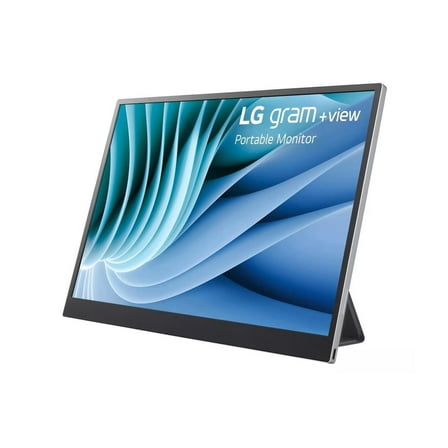 $19800current price $198.00
16" LG gram view IPS WQXGA (2560 x 1600) Portable Monitor - 16MR70.ASDU1
264.4 out of 5 Stars. 26 reviewsLG 24BA450-B 24" Class Full HD LED Monitor 16:9 $149.00
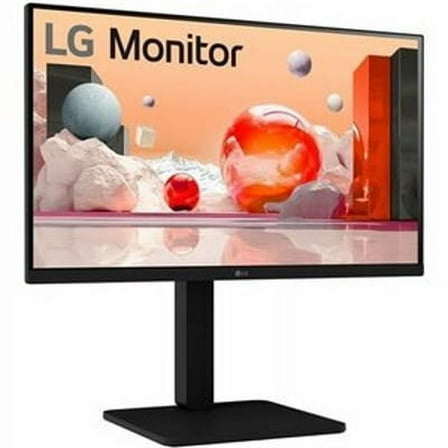 $14900current price $149.00
LG 24BA450-B 24" Class Full HD LED Monitor 16:9
314.3 out of 5 Stars. 31 reviewsLG 24U411A-B 23.8" 16:9 Full HD 120Hz IPS LCD HDR Monitor, Black $92.99
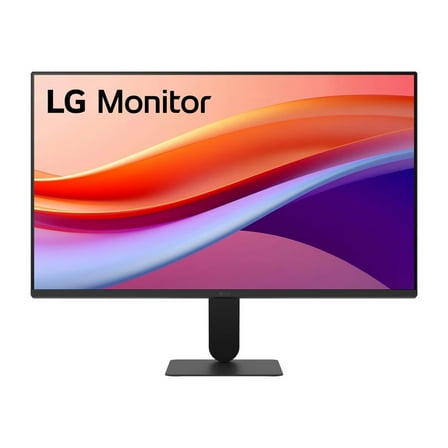 $9299current price $92.99
LG 24U411A-B 23.8" 16:9 Full HD 120Hz IPS LCD HDR Monitor, Black
2454.3 out of 5 Stars. 245 reviewsSceptre C305B-200UN - LED monitor - curved - 30" - 2560 x 1080 UWFHD @ 200 Hz - VA - 270 cd/m - 3000:1 - 5 ms - 3xHDMI, DisplayPort - speakers - black $169.97
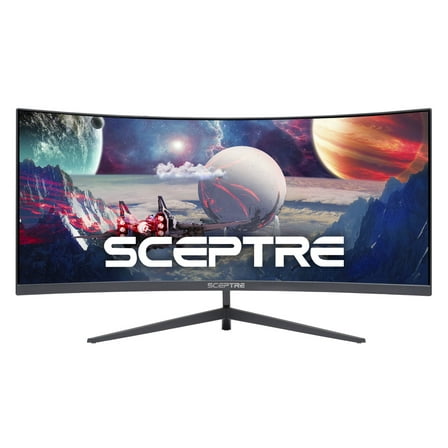 $16997current price $169.97
Sceptre C305B-200UN - LED monitor - curved - 30" - 2560 x 1080 UWFHD @ 200 Hz - VA - 270 cd/m - 3000:1 - 5 ms - 3xHDMI, DisplayPort - speakers - black
1264.3 out of 5 Stars. 126 reviewsN140bga-e54 14.30-Pin HD Display with Touch Screen $178.91
 $17891current price $178.91
N140bga-e54 14.30-Pin HD Display with Touch Screen
ViewSonic VX2470-MHD 23.8" 16:9 Full HD 120Hz IPS LED Monitor, Black $119.99 Was $136.24
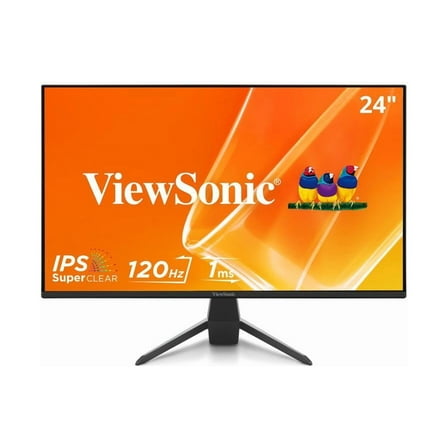 $11999current price $119.99, Was $136.24$136.24
ViewSonic VX2470-MHD 23.8" 16:9 Full HD 120Hz IPS LED Monitor, Black

LG 22MK600M-B - LED monitor - 22" (21.5" viewable) - 1920 x 1080 Full HD (1080p) - IPS - 250 cd/m�� - 1000:1 - 5 ms - 2xHDMI, VGA
Key item features
- IPS technology highlights the performance of liquid crystal displays. Response times are shortened, color reproduction is improved, and users can view the screen at virtually any angle.
- This streamlined display features a slim bezel on three sides for an immersive visual experience and no distraction from the dazzlingly precise, lifelike image.
- With Radeon FreeSync, gamers can experience seamless, fluid movement throughout hi-res, fast-paced games. Radeon FreeSync virtually eliminates screen tearing and stuttering.
- Minimize input lag with Dynamic Action Sync so you can catch every single moment in real-time.
- You can avoid snipers hiding in the darkest places and quickly escape situations when the flash explodes.
- Target point is fixed in the center to enhance shooting accuracy.
- Reducing blue light to help lessen eye fatigue, Reader Mode provides optimal condition for reading. With easy joystick control, you can more comfortably read your monitor screen.
- Reducing the flicker level to almost zero, Flicker-Safe helps you protect your eyes from exhausting flickers.
- OnScreen Control is simple and intuitive. You can customize your display options with a few simple clicks.
- This monitor gives you the freedom to take it off the desk and hang it on the wall. Liberate your viewing options and save desktop space with this wall-mountable LG monitor.
- LG 22MK600M-B
- HDMI cable
Specs
- Screen size27 in
- Resolution1080p
- Refresh rate60 Hz
- DisplayIPS LCD, LED-backlit LCD monitor
- Aspect16:9
- Response time0 ms
Reviews summary
- : Colors appear vivid and bright.
- : Offers great value at this cost.
- : Made with durable materials and solid build.
- : Provides clear graphics and office work display.
- : Offers clear image quality.
- : Offers intuitive toggle control, but can be confusing to set up.
How do you want your item?
About this item
Product details
- IPS technology highlights the performance of liquid crystal displays. Response times are shortened, color reproduction is improved, and users can view the screen at virtually any angle.
- This streamlined display features a slim bezel on three sides for an immersive visual experience and no distraction from the dazzlingly precise, lifelike image.
- With Radeon FreeSync, gamers can experience seamless, fluid movement throughout hi-res, fast-paced games. Radeon FreeSync virtually eliminates screen tearing and stuttering.
- Minimize input lag with Dynamic Action Sync so you can catch every single moment in real-time.
- You can avoid snipers hiding in the darkest places and quickly escape situations when the flash explodes.
- Target point is fixed in the center to enhance shooting accuracy.
- Reducing blue light to help lessen eye fatigue, Reader Mode provides optimal condition for reading. With easy joystick control, you can more comfortably read your monitor screen.
- Reducing the flicker level to almost zero, Flicker-Safe helps you protect your eyes from exhausting flickers.
- OnScreen Control is simple and intuitive. You can customize your display options with a few simple clicks.
- This monitor gives you the freedom to take it off the desk and hang it on the wall. Liberate your viewing options and save desktop space with this wall-mountable LG monitor.
- LG 22MK600M-B
- HDMI cable
Specifications
Screen size
Resolution
Refresh rate
Display
Warranty
Warranty information
Popular items in this category
Best selling items that customers love
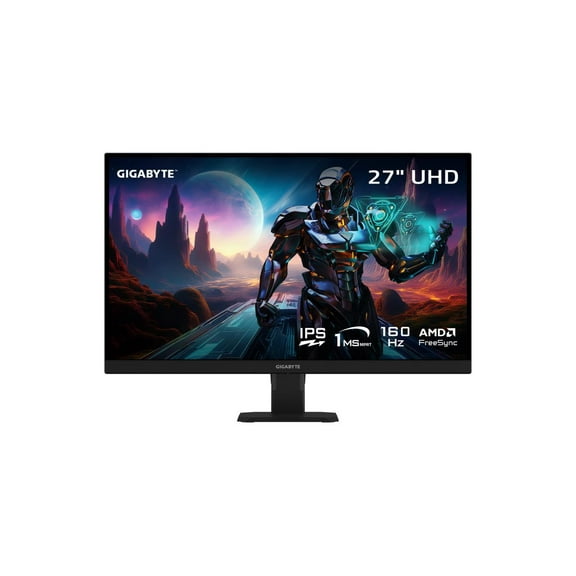
GIGABYTE - GS27U - 27" SS IPS Gaming Monitor - UHD 3840x2160 - 160Hz - 1ms MPRT - AMD FreeSync Premium - HDMI, DP - Black $300.00
 Sponsored$30000current price $300.00
GIGABYTE - GS27U - 27" SS IPS Gaming Monitor - UHD 3840x2160 - 160Hz - 1ms MPRT - AMD FreeSync Premium - HDMI, DP - Black
23 out of 5 Stars. 2 reviewsShipping, arrives in 3+ daysRCA 27" Premium Gaming Monitor | 240Hz, 2560 x 1440p QHD Display, KVM, 1ms Response Time | M27PG135F $165.99
 2 optionsAvailable in additional 2 options$16599current price $165.99More options from $125.99
RCA 27" Premium Gaming Monitor | 240Hz, 2560 x 1440p QHD Display, KVM, 1ms Response Time | M27PG135F
55 out of 5 Stars. 5 reviewsSave with Shipping, arrives tomorrow
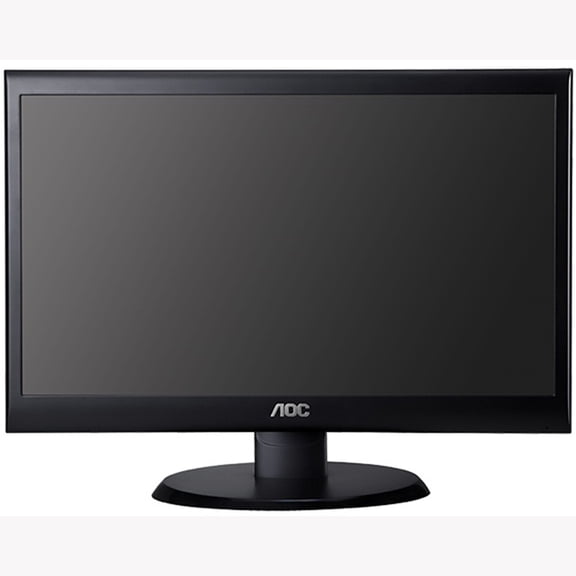
AOC Monitor 20" Class 1600x900 Res VGA DVI-D E2050SWD $97.00
 $9700current price $97.00
AOC Monitor 20" Class 1600x900 Res VGA DVI-D E2050SWD
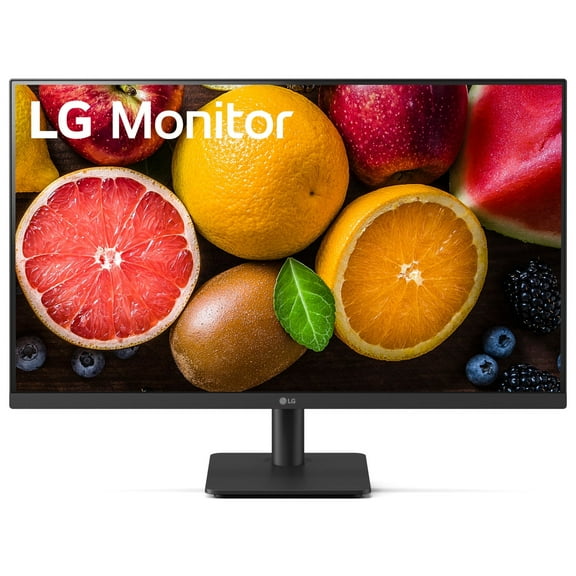
83.9 out of 5 Stars. 8 reviewsShipping, arrives in 3+ daysOpen Box LG 27MS540W-B.AUS 27" IPS FHD 100 Hz Borderless Design Monitor, Black $50.00 Was $62.00
 Now$5000current price Now $50.00, Was $62.00$62.00
Open Box LG 27MS540W-B.AUS 27" IPS FHD 100 Hz Borderless Design Monitor, Black
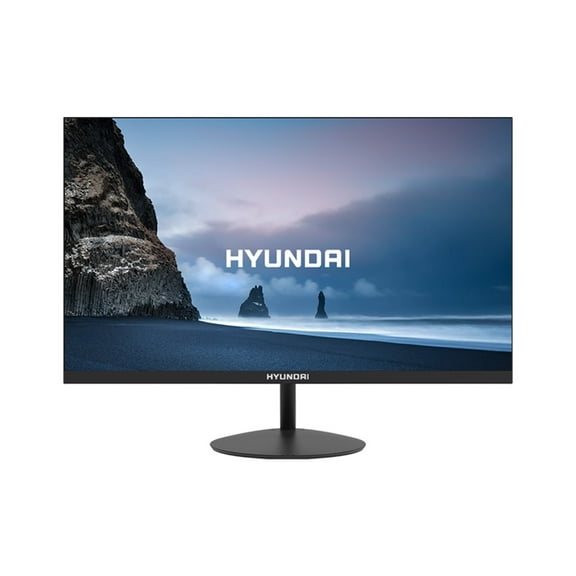
21 out of 5 Stars. 2 reviewsShipping, arrives in 3+ daysHY View 22” Office Monitor, VA Panel, Full HD 1920x1080p, 60Hz, 5ms GTG $94.72
 $9472current price $94.72
HY View 22” Office Monitor, VA Panel, Full HD 1920x1080p, 60Hz, 5ms GTG
15 out of 5 Stars. 1 reviewsShipping, arrives in 3+ daysLG UltraGear 32" 16:9 QHD 180Hz Gaming Monitor $399.99
 $39999current price $399.99
LG UltraGear 32" 16:9 QHD 180Hz Gaming Monitor
894.5 out of 5 Stars. 89 reviewsShipping, arrives in 3+ daysSceptre 22" 1080p HDMI VGA 75Hz 5ms HD LED Monitor - E225W-1920 $67.97 Was $80.99
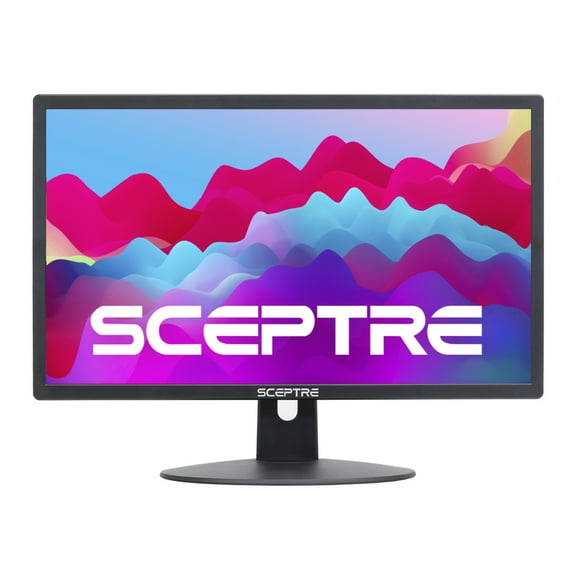 Now$6797current price Now $67.97, Was $80.99$80.99
Sceptre 22" 1080p HDMI VGA 75Hz 5ms HD LED Monitor - E225W-1920
5614.3 out of 5 Stars. 561 reviewsShipping, arrives in 3+ daysPre-Owned Used Dell Professional P2217 22" Widescreen 1680x1050 16:10 TN LED Backlit LCD Monitor VGA DP HDMI USB - Grade B $59.99
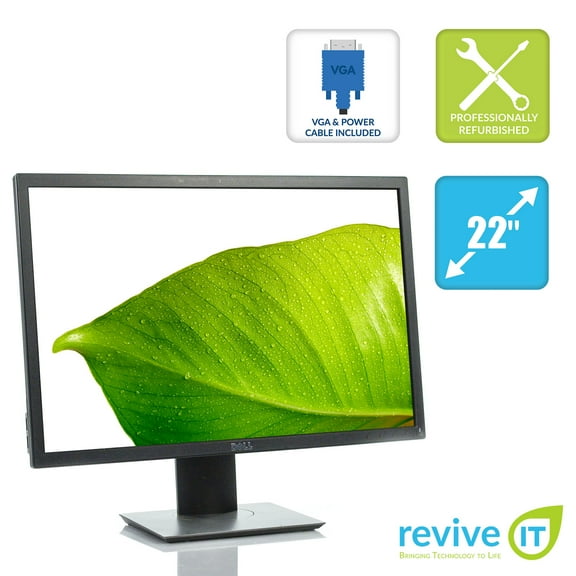 $5999current price $59.99
Pre-Owned Used Dell Professional P2217 22" Widescreen 1680x1050 16:10 TN LED Backlit LCD Monitor VGA DP HDMI USB - Grade B
Shipping, arrives in 3+ daysSceptre E248W-19203R 24" Ultra Thin 75Hz 1080p LED Monitor 2x HDMI VGA Build-in Speakers, Metallic Black 2018 $85.00
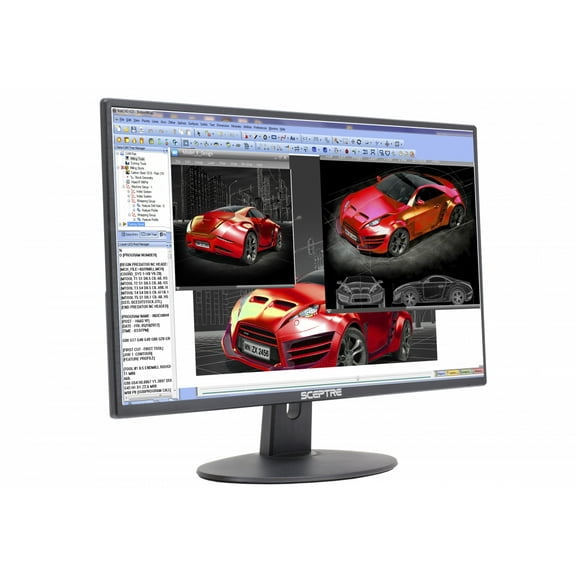 $8500current price $85.00
Sceptre E248W-19203R 24" Ultra Thin 75Hz 1080p LED Monitor 2x HDMI VGA Build-in Speakers, Metallic Black 2018
494.3 out of 5 Stars. 49 reviewsShipping, arrives in 3+ daysSceptre E225W-19203R 22" Ultra Thin 75Hz 1080p LED Monitor 2x HDMI VGA Build-in Speakers, Metallic Black 2018 $72.97
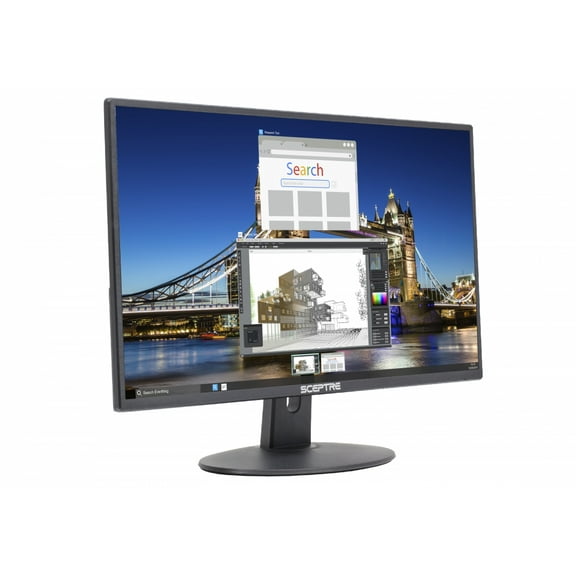 $7297current price $72.97
Sceptre E225W-19203R 22" Ultra Thin 75Hz 1080p LED Monitor 2x HDMI VGA Build-in Speakers, Metallic Black 2018
284.3 out of 5 Stars. 28 reviewsShipping, arrives in 3+ daysSceptre 22" FHD LED Monitor 75Hz 2X HDMI VGA with Speakers E229W-19203RT $67.97 Was $79.97
 Now$6797current price Now $67.97, Was $79.97$79.97
Sceptre 22" FHD LED Monitor 75Hz 2X HDMI VGA with Speakers E229W-19203RT
374.3 out of 5 Stars. 37 reviewsShipping, arrives in 3+ daysLG 27BP55U-B 27" 4K UHD IPS 60Hz 5ms Desktop Monitor Black/Silver $384.98
 $38498current price $384.98
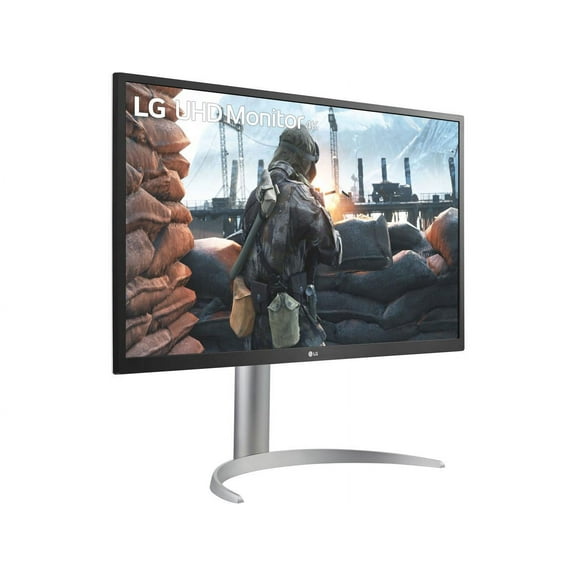
LG 27BP55U-B 27" 4K UHD IPS 60Hz 5ms Desktop Monitor Black/Silver
254.3 out of 5 Stars. 25 reviewsShipping, arrives in 3+ daysLG UltraGear 27GS95QE-B 27" Class WQHD Gaming OLED Monitor - 16:9 - Black - 26.5" Viewable - OLED - 2560 x 1440 - Adaptive Sync/FreeSync Premium Pro/G-sync Compatible - 275 Nit - 0.03 ms - 240 Hz R... $827.23
 $82723current price $827.23
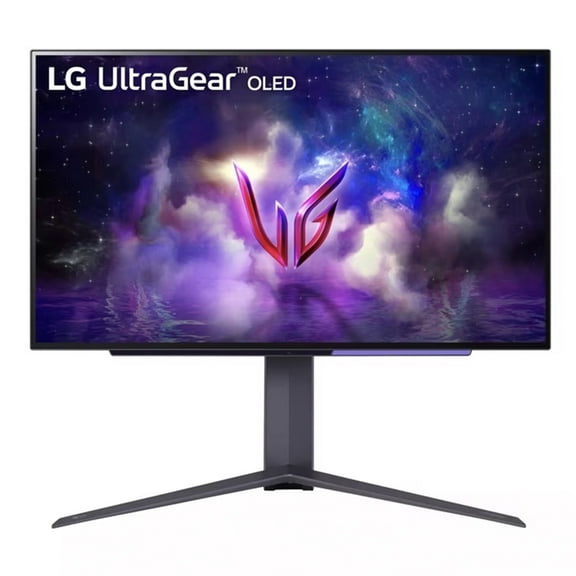
LG UltraGear 27GS95QE-B 27" Class WQHD Gaming OLED Monitor - 16:9 - Black - 26.5" Viewable - OLED - 2560 x 1440 - Adaptive Sync/FreeSync Premium Pro/G-sync Compatible - 275 Nit - 0.03 ms - 240 Hz R...
1134.1 out of 5 Stars. 113 reviewsShipping, arrives in 3+ daysonn. 34" WQHD (3440 x 1440p) 200Hz Bezel-Less Gaming Monitor, Curved 1500R, 1ms, with 1.85m HDMI & DP Cable, SPK, Black $229.00
 $22900current price $229.00
onn. 34" WQHD (3440 x 1440p) 200Hz Bezel-Less Gaming Monitor, Curved 1500R, 1ms, with 1.85m HDMI & DP Cable, SPK, Black
274.7 out of 5 Stars. 27 reviewsSave withShipping, arrives in 2 daysPre-Owned Used HP EliteDisplay E243i 24" Widescreen 1920x1200 16:10 IPS LCD Monitor VGA HDMI DP - Grade B $94.99
 $9499current price $94.99
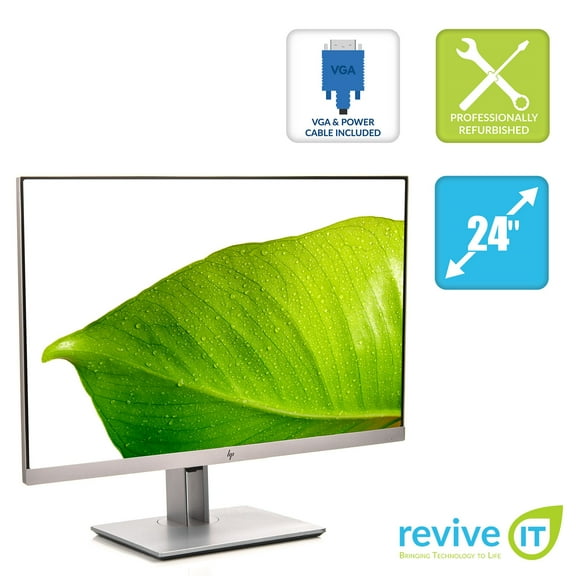
Pre-Owned Used HP EliteDisplay E243i 24" Widescreen 1920x1200 16:10 IPS LCD Monitor VGA HDMI DP - Grade B
Shipping, arrives in 3+ daysSceptre 24" Curved 1920x1080 HDMI VGA 75Hz 8ms HD LED Monitors - C248W-1920RN $79.97 Was $89.97
 Now$7997current price Now $79.97, Was $89.97$89.97
Sceptre 24" Curved 1920x1080 HDMI VGA 75Hz 8ms HD LED Monitors - C248W-1920RN
1144.2 out of 5 Stars. 114 reviewsShipping, arrives in 3+ days

Customer ratings & reviews
Reviews summary
- : Colors appear vivid and bright.
- : Offers great value at this cost.
- : Made with durable materials and solid build.
- : Provides clear graphics and office work display.
- : Offers clear image quality.
- : Offers intuitive toggle control, but can be confusing to set up.
Customer images



- +1 image
Showing 1-3 of 173 reviews
Seller Verified Purchase
Love My LG Monitor
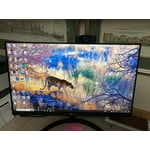
[This review was collected as part of a promotion.] I bought a new LG monitor, to replace an old one the finally died. This new monitor is great! The colors are clear and bright. The contract is perfect. I spend many hours at my computer and it is really nice to have a second monitor. I now use the LG monitor as my primary screen.
Seller Verified Purchase
Recommended.
I love that this monitor uses a decent refresh ratw, that it's an IPS panel, it's white and is easy on the eyes at native 1080p on 27". No need to fuss around with DPI...#sweepstakes
So good I bought 8 of them for my desk.
[This review was collected as part of a promotion.] This is perfect for normal office work. So good in fact that I have 8 of them on my desk. As there is a thin border on 3 sides, I physically turn the top row of 4 monitors upside down and then use windows settings to rotate the image in those monitors. Also having the top row of monitors upside down means I can still access the power and control buttons which are now at the to. You can drag between monitors easily and after a while you even forget those tiny borders.
Hi there. Thank you for sharing your experience with your LG monitor! We're thrilled to hear your LG monitors are enhancing your office setup and that you creatively arranged all eight for maximum productivity. This shows how versatile your monitors can be, and it's great that dragging between screens feels effortless. We love that they're making your workspace both functional and efficient. For more feedback or questions, private message us on social media @LGUSSupport. Thanks for choosing LG to be part of your workspace!🙂 ^David
