


Brother CM350 ScanNCut 2 Electronic Cutting Machine
Key item features
- Advanced Display: Features a new 4.85-inch LCD touch screen for enhanced user interaction and control.
- Wireless Connectivity: Equipped with wireless readiness, requiring an activation card for full functionality.
- Versatile Scanning: Offers scanning color recognition and supports SVG file import for diverse crafting projects.
- Extensive Content: Includes over 600 built-in designs and 7 built-in fonts for creative versatility.
- Included Accessories: Comes with a standard cut blade holder, standard cut blade, spatula, 12x12 inch mat, two-color pen set, pen holder, and touch pen.
- Compact Dimensions: The product package measures 23x10x10 inches, indicating a manageable size for storage and use.
- Essential Components: Requires a USB cable, which is not included in the package, for connectivity.
Specs
- BrandBrother
- ModelCM350
- Paper size12x12 inch
- FeaturesTouchscreen
- Power typeElectric
- Dimensions10.12 x 22.80 x 11.30 Inches
Reviews summary
- : Features a visually appealing design.
- : Can be used for various gifting purposes.
- : Captures detailed images for precise cutting.
- : Enables efficient scanning and cutting.
- : Offers a wide range of projects to complete.
- : Product's cost is a significant limitation.
How do you want your item?
Popular items in this category
Best selling items that customers love
Brother SDX85S ScanNCut DX Electronic Cutting Machine - Sky Blue $393.60
 Sponsored$39360current price $393.60
Brother SDX85S ScanNCut DX Electronic Cutting Machine - Sky Blue
434.2 out of 5 Stars. 43 reviewsShipping, arrives in 3+ daysSizzix Big Shot Multipurpose Die-Cutting & Embossing Machine Only, 6-inch Opening $135.99
 Sponsored$13599current price $135.99
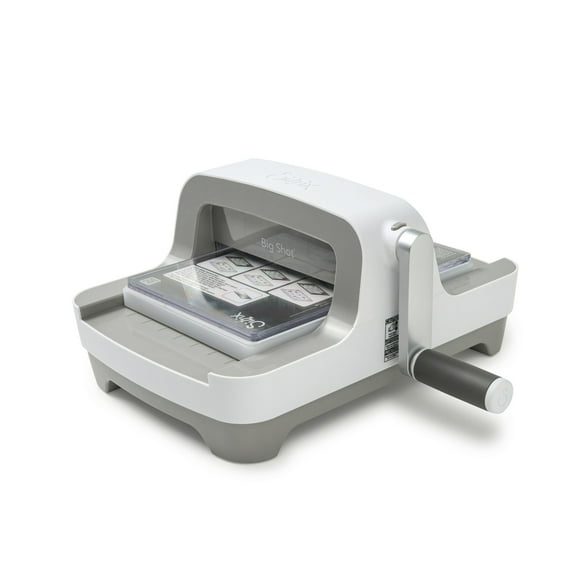
Sizzix Big Shot Multipurpose Die-Cutting & Embossing Machine Only, 6-inch Opening
23.5 out of 5 Stars. 2 reviewsSave with Shipping, arrives in 2 days
Brother ScanNCut SDX125e Wireless Cutting Machine $449.99
 $44999current price $449.99
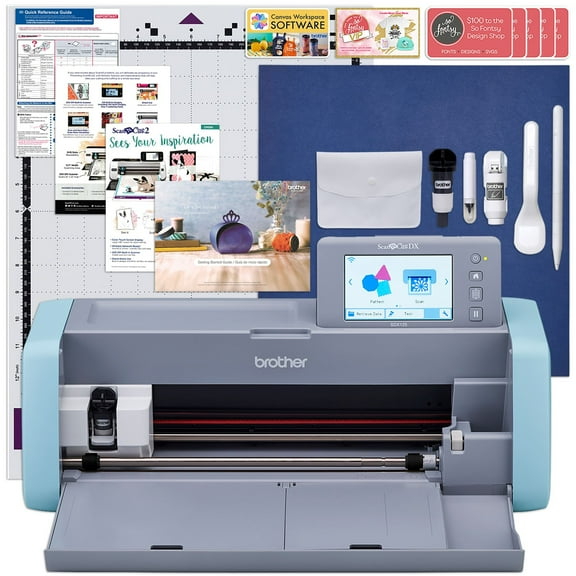
Brother ScanNCut SDX125e Wireless Cutting Machine
Shipping, arrives in 3+ daysBrother SDX325 ScanNCut Innov-is Edition $899.99
 $89999current price $899.99
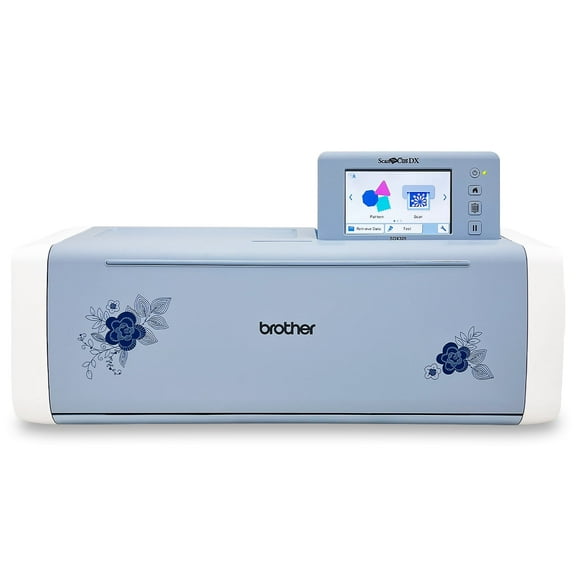
Brother SDX325 ScanNCut Innov-is Edition
14 out of 5 Stars. 1 reviewsShipping, arrives in 3+ daysDesignNCut, Home Electronic Cutting Machine By Brother, DC200 $259.99
 $25999current price $259.99
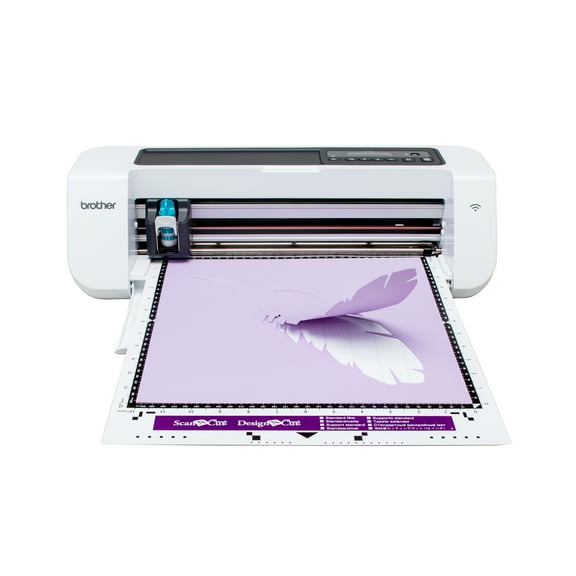
DesignNCut, Home Electronic Cutting Machine By Brother, DC200
1183.7 out of 5 Stars. 118 reviewsShipping, arrives in 3+ daysBrother SDX85C ScanNCut DX Electronic Cutting Machine, Charcoal $393.60
 $39360current price $393.60
Brother SDX85C ScanNCut DX Electronic Cutting Machine, Charcoal
1734.3 out of 5 Stars. 173 reviewsShipping, arrives in 3+ daysBrother ScanNCut DX SDX125E Electronic Cutting Machine with Built-in Scanner $449.99
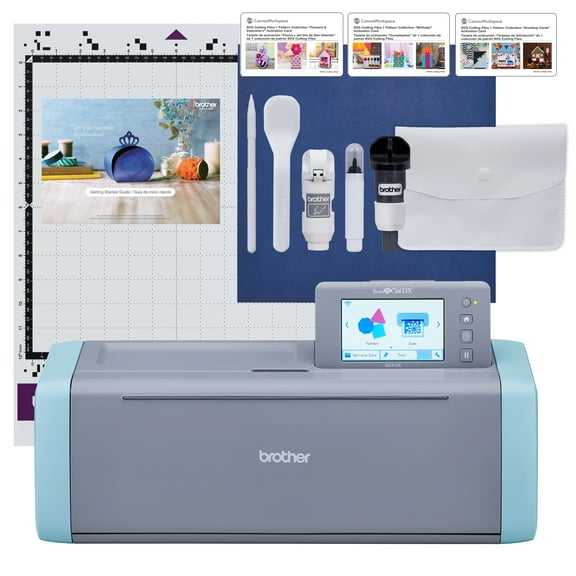 6 optionsAvailable in additional 6 options$44999current price $449.99Options from $449.99 – $492.98
Brother ScanNCut DX SDX125E Electronic Cutting Machine with Built-in Scanner
2174.3 out of 5 Stars. 217 reviewsShipping, arrives in 3+ daysBrother ScanNCut SDX125e DIY Cutting Machine with Scanner and 6 CADXBLD1 Replacement Blades $495.95
 5 optionsAvailable in additional 5 options$49595current price $495.95Options from $495.95 – $679.90
Brother ScanNCut SDX125e DIY Cutting Machine with Scanner and 6 CADXBLD1 Replacement Blades
1844.3 out of 5 Stars. 184 reviewsShipping, arrives in 3+ daysBrother ScanNCut 4-inch Brayer $23.99
 $2399current price $23.99
Brother ScanNCut 4-inch Brayer
34.7 out of 5 Stars. 3 reviewsShipping, arrives in 3+ daysBrother ScanNCut SDX125E Electronic DIY Cutting Machine with Scanner, Plus Rotary Auto Blade Kit and Fabric Mat $495.99
 8 optionsAvailable in additional 8 options$49599current price $495.99More options from $491.97
Brother ScanNCut SDX125E Electronic DIY Cutting Machine with Scanner, Plus Rotary Auto Blade Kit and Fabric Mat
Shipping, arrives in 3+ daysBrother Disney ScanNCut DX $574.56
 $57456current price $574.56
Brother Disney ScanNCut DX
324.4 out of 5 Stars. 32 reviewsShipping, arrives in 3+ daysBrother ScanNCut SDX125e Wireless Machine w/ T-Shirt Vinyl Bundle $519.99
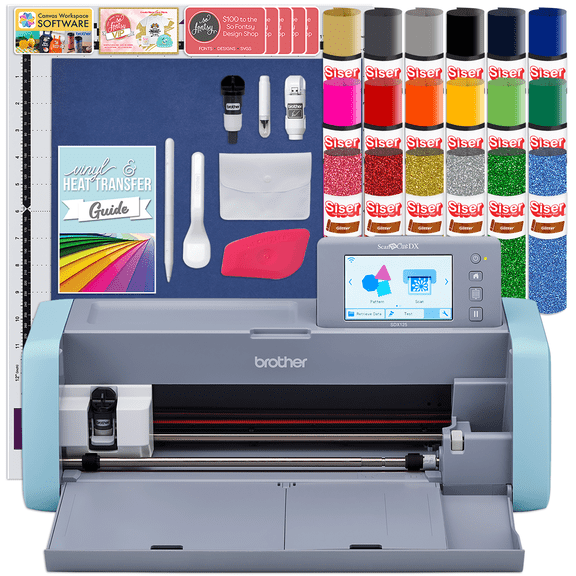 $51999current price $519.99
Brother ScanNCut SDX125e Wireless Machine w/ T-Shirt Vinyl Bundle
Shipping, arrives in 3+ daysBrother ScanNCut SDX125e Wireless Machine Deluxe Vinyl & HTV Bundle $529.99
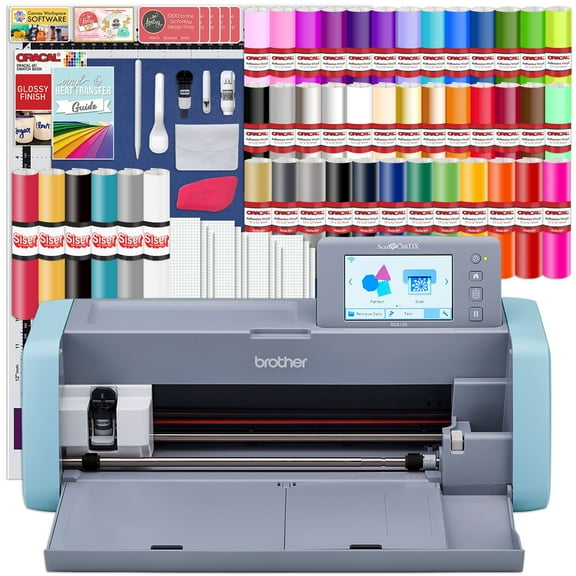 $52999current price $529.99
Brother ScanNCut SDX125e Wireless Machine Deluxe Vinyl & HTV Bundle
Shipping, arrives in 3+ daysBrother CADXBLD1 Auto Blade $20.99
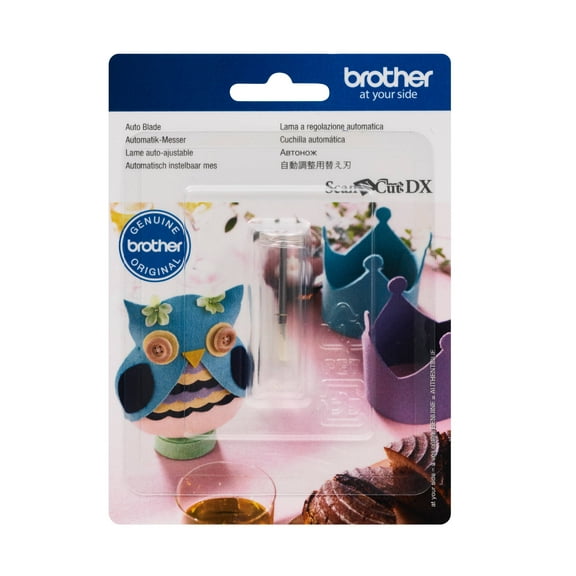 $2099current price $20.99
Brother CADXBLD1 Auto Blade
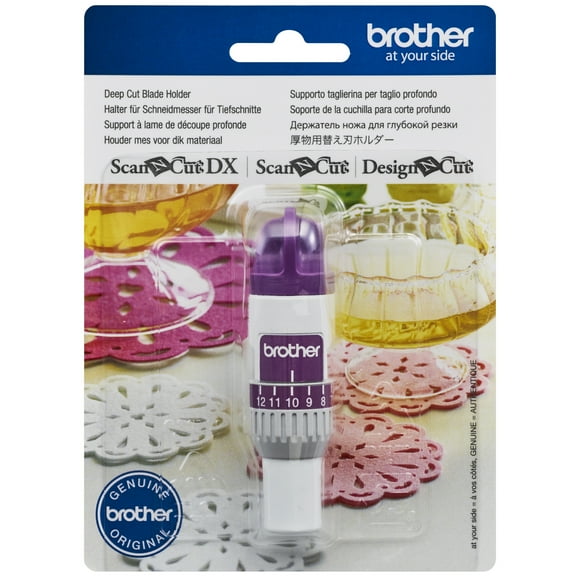
184.4 out of 5 Stars. 18 reviewsShipping, arrives in 3+ daysBrother ScanNCut CAHLF1 Deep Cut Blade Holder for ScanNCut and DesignNCut $32.99
 $3299current price $32.99
Brother ScanNCut CAHLF1 Deep Cut Blade Holder for ScanNCut and DesignNCut
35 out of 5 Stars. 3 reviewsShipping, arrives in 3+ daysBrother CADXHLDQ1 Thin Fabric Auto Blade Holder $32.99
 $3299current price $32.99
Brother CADXHLDQ1 Thin Fabric Auto Blade Holder
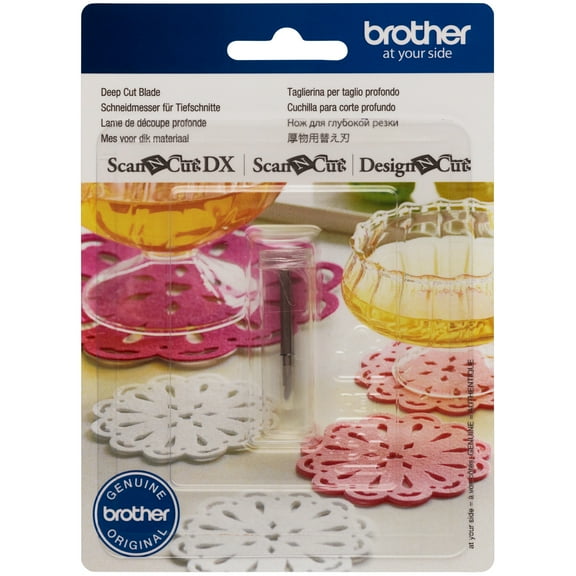
24.5 out of 5 Stars. 2 reviewsShipping, arrives in 3+ daysBrother CABLDF1 ScanNCut Deep Cut Blade for ScanNCut and DesignNCut $22.56
 $2256current price $22.56
Brother CABLDF1 ScanNCut Deep Cut Blade for ScanNCut and DesignNCut
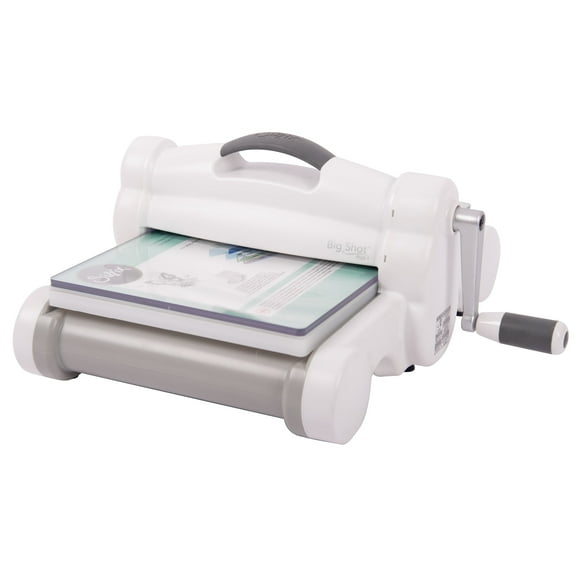
35 out of 5 Stars. 3 reviewsShipping, arrives in 3+ daysSizzix Big Shot Plus 9 Inch Manual Die-Cut Machine for Crafts and Scrapbooking $224.99
 $22499current price $224.99
Sizzix Big Shot Plus 9 Inch Manual Die-Cut Machine for Crafts and Scrapbooking
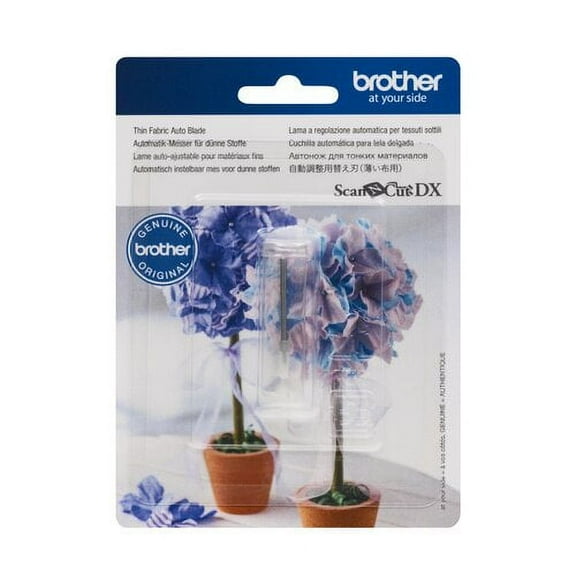
234.6 out of 5 Stars. 23 reviewsShipping, arrives in 3+ daysBrother CADXBLDQ1 Thin Fabric Auto Blade $23.44
 $2344current price $23.44
Brother CADXBLDQ1 Thin Fabric Auto Blade
44 out of 5 Stars. 4 reviewsShipping, arrives in 3+ days

About this item
Product details
Warranty
Warranty information
Please be aware that the warranty terms on items offered for sale by third party Marketplace sellers may differ from those displayed in this section (if any). To confirm warranty terms on an item offered for sale by a third party Marketplace seller, please use the 'Contact seller' feature on the third party Marketplace seller's information page and request the item's warranty terms prior to purchase.
Warnings
Warning Text
Customer ratings & reviews
Reviews summary
- : Features a visually appealing design.
- : Can be used for various gifting purposes.
- : Captures detailed images for precise cutting.
- : Enables efficient scanning and cutting.
- : Offers a wide range of projects to complete.
- : Product's cost is a significant limitation.
Customer images


 +57 images
Showing 1-3 of 560 reviews
Brother ScanNCut2 - So Easy a Caveman Can Do It!
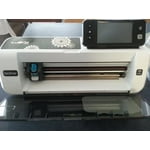
Im not a crafter per se but I sure can see a huge variety of reasons to purchase and use this machine. At first glance, this item may appear expensive. However, if you use address labels, product labels, jar/canister labels, all sorts of cards (birthday, thank you, holiday, etc), decorations, sewing projects, crafting, scrapbooking, etc.....you can save a ton of money and have a ton of fun at the same time. Don't be afraid, I am a complete newbie to this machine and it is so easy to use. Read the enclosed operation booklet first....this information is also on the included dvd (the dvd does in fact run on MAC too). This is my strongest suggestion upon receiving it, read everything first. No, you don't need to memorize everything but by reading through the materials, you'll get the jest of it real quick. On the 'Quick Start Reference' guide, you truly can get started and print out your first item within minutes. As you can see in my video, I cut out several of the included designs and it is loaded with hundreds. All I did was go through a few easy steps: plug it in, set the blade, insert the blade, choose a pattern from the screen, position the pattern for the mat, insert mat, start cut. Thats pretty much it. You can draw your designs, use the scanning function, and even save your designs into the machine. I'm not going to rehash what is already listed in the details of what you get with this machine. Everything is included to get you going. All you need is your paper/card stock/etc to run through the machine for cutting. There are additional accessories you can purchase to use with this machine. For example you can purchase the deep cut, additional mats, and even a carrying case. You can locate lots of ideas and information online and you'll find lots of videos at youtube also. This machine is great for doing projects with your family, children, and friends. I can also see where it would be great for making wedding decor, church projects, school projects, and so much more. So easy a caveman can do it! :)
Awesome Unlimited Creativity!
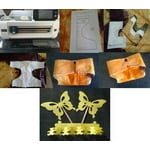
Brother ScanNCut2 Home and Hobby Cutting Machine This machine does not come with an activation card, as per instructions on the quick setup guide which tells you to register your machine with ScanNCutCanvas YOU DO NOT NEED THE ACTIVATION CARD TO USE MACHINE. The best thing about this machine is you can scan your drawing or download clipart etc. from your computer, save it on a pin drive, take your pin drive insert it into the ScanNCut2 machine save the image you want to the machine, when ready to cut your image all you have to do is pull it up on the ScanNCut2 machine, lay your paper on the standard mat which comes with the machine along with the other accessories. I made diapers for my grands baby doll, I search on the intenet for a pattern for baby doll diapers, saved it on pin, then onto the ScanNCut2 machine, placed paper on the machine mat, pulled up image, selected image to print, with my pattern and a little creativity I layered the diapers (material, garbage bag and white piece of material) this diaper was made for a baby alive doll. The diapers came out nice the plastic layer in between to stop leakage work great and diapers can be washed over and over again. I can't tell you how much I love this machine, my son scan and cut images a butter fly, bears, etc. There are other accessories you can purchase such as an additional fabric mat, this machine is awesome and will allow you to be creative in so many ways.
Love This Machine
Once we got the hang of navigating the menu, we had a blast with this machine. The first thing we tried to cut was construction paper. It wasn't the thick kind, so the blade nearly cut thru the mat on our first run. So we had to change to setting to printer paper which was about as think as the medium we were using. It came with a spatula, which you'll definitely need when you try to remove your designs from the mat. It's covered with a tacky type surface to hold your mediums in place while they go in and out of the machine. The construction paper we used left a light 'hairy' residue on the mat, but it still held on to other pieces of paper and fabric that we tried. We really liked the machine. The many different designs you're able to do and different ways you can upload designs to use are also convenient. You can upload images or patterns from your USB drives, or download them via WiFi connection from the internet, or directly from the Brother website. I haven't hooked it up to the internet yet, so we can't wait to try some of the options we'll find there. I would definitely recommend this product to anyone. Especially if you enjoy doing arts and crafts type projects, this could also be an awesome stencil maker too.
